I recently got a Framework 16 laptop and was interested in what sort of integrations I could create having a fully addressable RGB keyboard surrounded by 2 LED matrices.
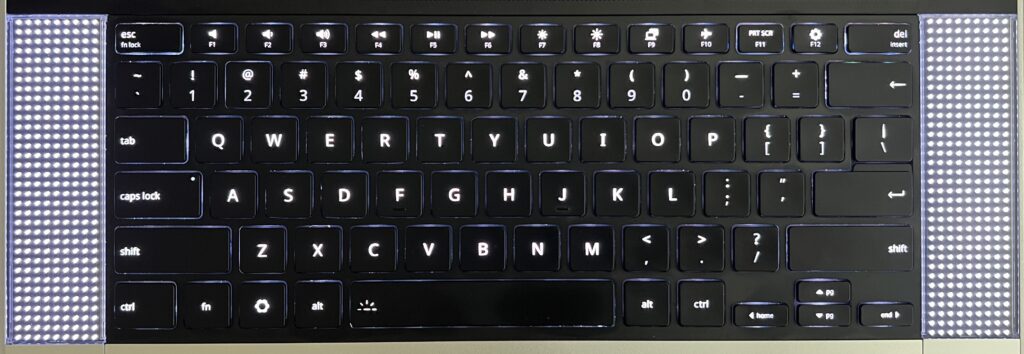
No particular ideas in mind, but the will to want to be able to implement them when they arise. In many ways these are just far worse LEDs than what the screen already has. But I can’t help thinking there are cool opportunities, at worse for fun, at best for function. Maybe an AI agent can be incarnated in some Tamagotchi like capacity there? Maybe it’s a place for some notifications? Maybe one for the things I always keep an eye on?
Not sure, but I know this starts with full LED addressability. And the problem I’ve learned is that the Framework keyboard isn’t fully addressable by default. I had wrongly assumed so given they’re targeted at developers. And so while I rarely put any code in these AI days, I did spend a significant amount of time (with AI) refining a custom firmware for the keyboard that would do just that: make its LEDs fully addressable. There’s some worth there I suppose, you can’t just ask AI to make you one so maybe that’s the new bar for posting anything tech these days?
Without further ado, here is the custom firmware. This is based on https://github.com/FrameworkComputer/qmk_hid with the work done to compile the darn thing, and patch a couple of bugs which were expressed by the “aggressive” setting of LEDs.
Don’t apply it if you don’t have the right keyboard! The one this is deved and tested for is: 32ac:0012 Framework Laptop 16 Keyboard Module - ANSI (verify with lsusb).
The procedure for deploying the new firmware is to slide the touchpad down until it becomes disconnected. Hold both of the keyboards ALT keys, slide the touchpad back up. This puts the keyboard in bootloader mode and adds a volumes called RPI-RP2 to which you can copy the uf2 firmware.
With this custom firmware in place, we can finally run framework_led_matrix_server.py. The purpose of this program is to make the keyboard LEDs and surrounding matrix LEDs accessible with JSON. It likely requires some privileges to send USB commands, on Debian I had to
# this grants access to the matrices
sudo tee /etc/udev/rules.d/50-framework-inputmodule.rules >/dev/null <<'EOF'
SUBSYSTEMS=="usb", ATTRS{idVendor}=="32ac", ATTRS{idProduct}=="0020", MODE="0660", TAG+="uaccess"
EOF

sudo udevadm control --reload-rules
sudo udevadm trigger


# this grants access to the keyboard
sudo groupadd --force framework-input
sudo usermod -aG framework-input "$USER"

sudo tee /etc/udev/rules.d/51-framework-rgb-keyboard.rules >/dev/null <<'EOF'
# Framework Laptop 16 ANSI RGB keyboard
SUBSYSTEM=="hidraw", KERNEL=="hidraw*", \
  ATTRS{idVendor}=="32ac", ATTRS{idProduct}=="0012", \
  GROUP:="framework-input", MODE:="0660", TAG+="uaccess"
EOF

sudo udevadm control --reload-rules
sudo udevadm trigger --action=add --subsystem-match=hidraw
and logout/reboot for the new group membership to kick in.
It’s fairly straightforward to figure out how to use it with --help, it might require you to specify which matrix is on which side of the keyboard if it doesn’t get it right. I added it as a service that starts on boot so it’s always there ready to take JSON commands.
With the firmware and server in place, the fun can begin!
How about undulating waves?
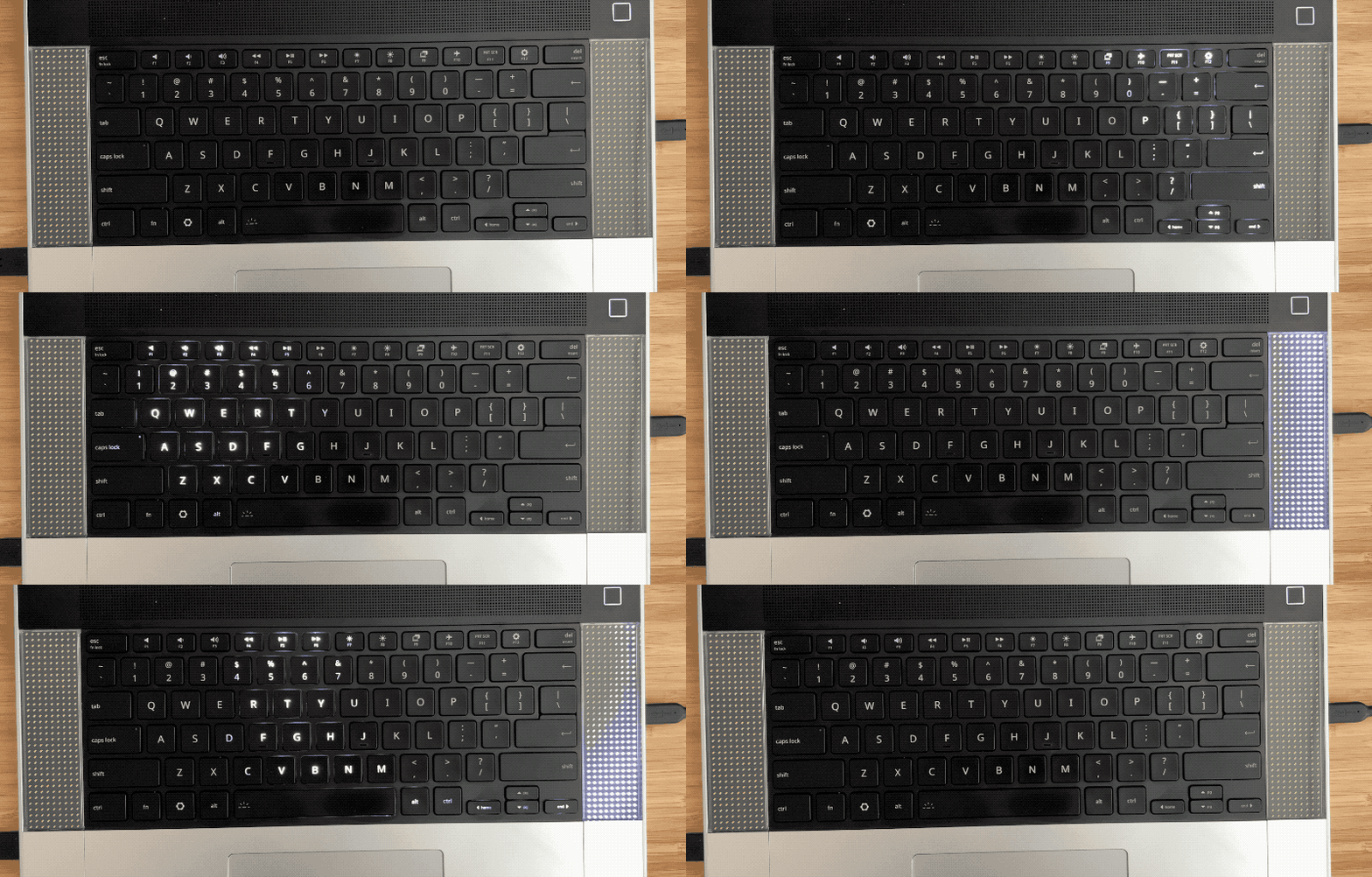
How about an App to control it all?
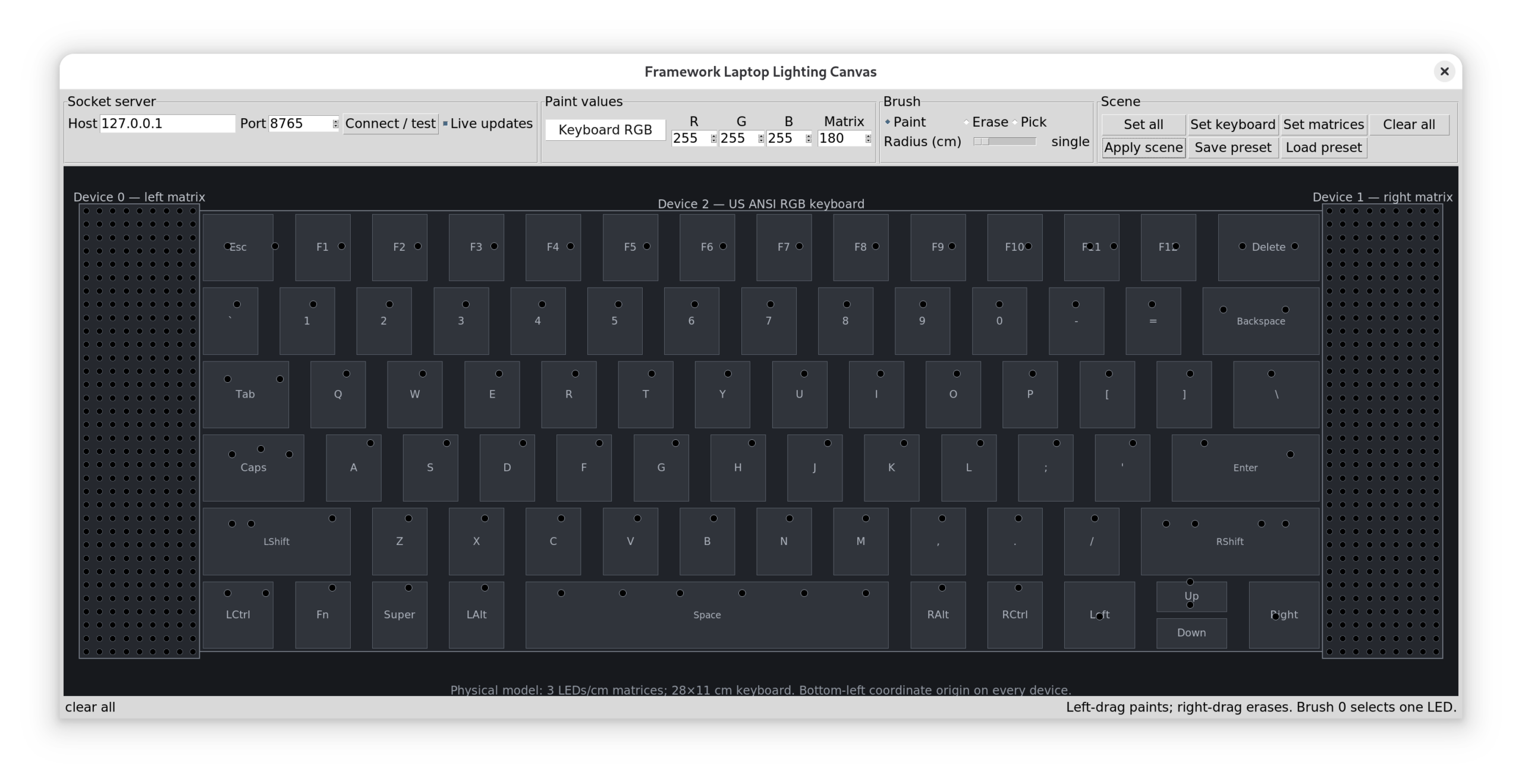
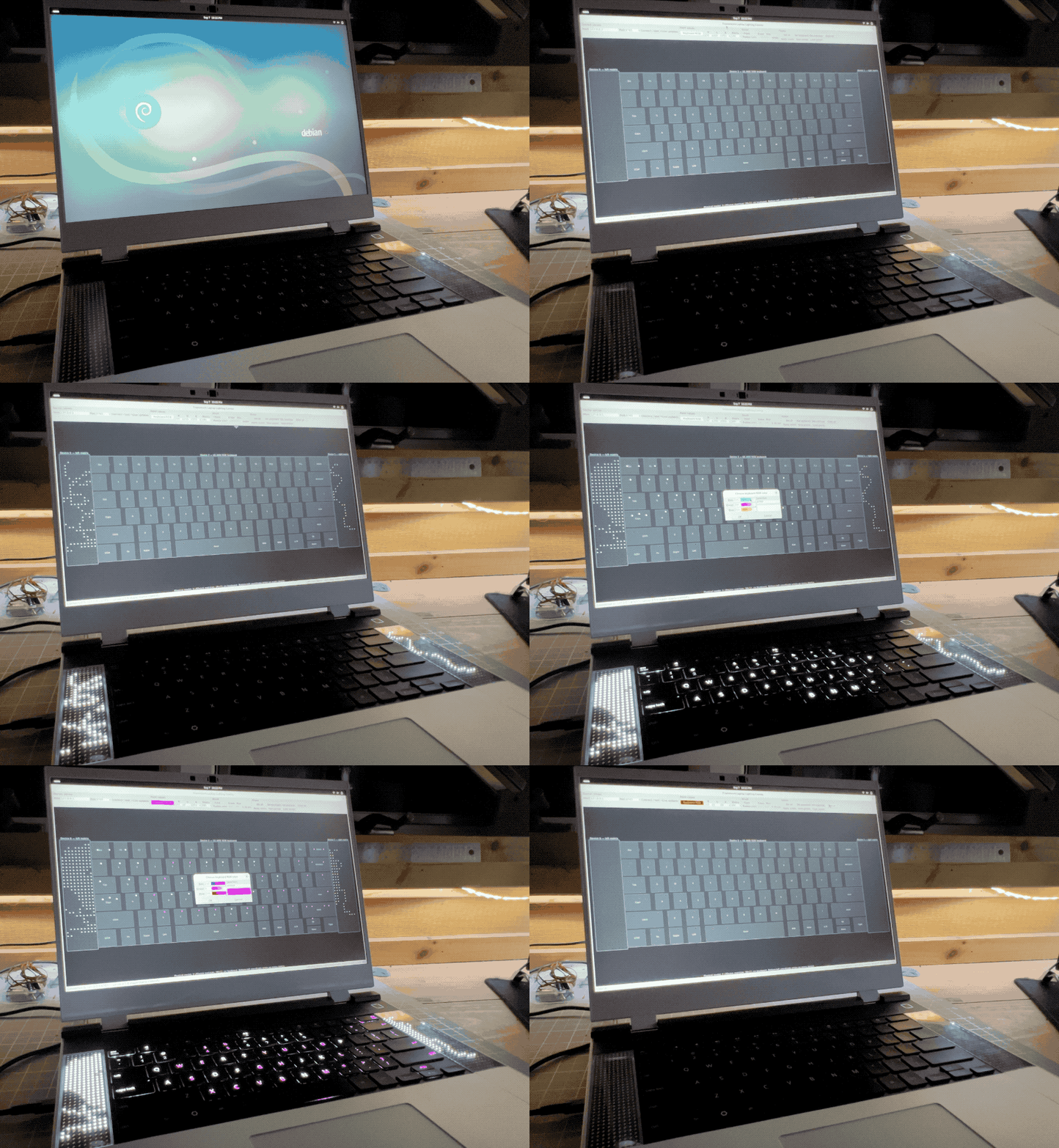
The app supports saving/loading presets, Esther created one for me and loved playing with the lights.
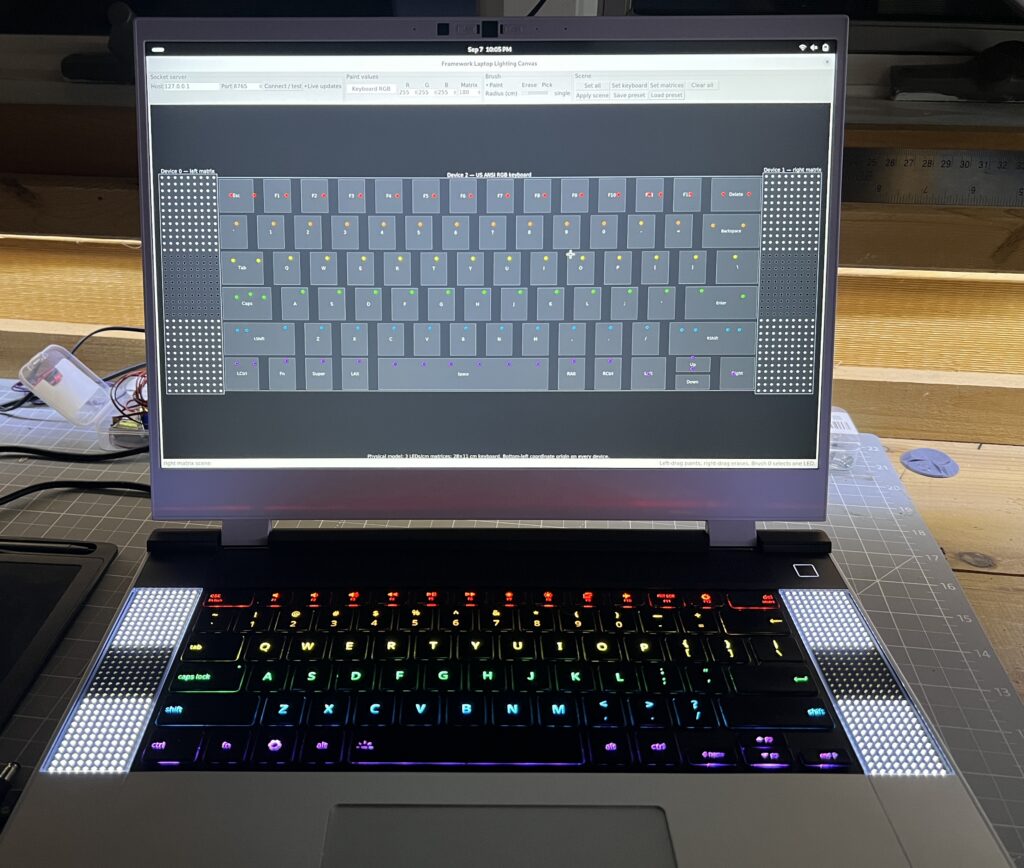
I had AI code a few other effects which are good eye candy but nothing functional, and this is what I’m after really: something fun & functional. I now have the groundwork to try stuff.
Leave a Comment