Classifying Wildlife
We’ve been trying to keep wildlife away from crops and domesticated animals for years. These are several sad truths about the process:
- the philosophy of letting nature take its share doesn’t work, nature will take it all and is indifferent to your survival
- the most cost effective and sleep preserving way of dealing with “pests” it to kill them
- the size of an animal is strongly correlated with the worth we give its life
- if you remove an animal, another will take its place
- nature is diverse and has a strategy to defeat every human counter measure other than gunpowder (high jump, force, stinky spray, needles, tunneling, flight).
And so for years we’ve tried everything, trapping, fencing, double fencing, electric fencing, netting, cattle panels + electric fencing, inviting different paths, hanging old CDroms for random shining, airsoft guns, UV lights, trail cameras, noise, ultrasounds, flashing LEDs. If it was on the internet, it was attempted on this homestead. And the results are mitigated at best.
The reality is that wildlife pushes, and it pushes hard. And if it can’t push when you’re around, it’ll push when you’re not, or when you sleep, or when you look away. I’ve been annoying many creatures to help them understand this wasn’t a welcoming place. They inevitably come right back a few minutes later
Could technology solve this? Could I trigger dynamic counter measures based on detection 24/7? Obviously, detection is the starting point of all this. After the first round of seeing Nicole’s gardening work ravaged by a couple of fat raccoons, I went after it with more gusto.
I figured if I could nail the detection this Summer, I could have it alert me and I’d go after them until next Summer when I could work on the triggered measures. And well, let’s just say the wildlife won this round. After many nightly outings on alert, I’ve at most bothered them into eating slightly less tomatoes.
But at least through many trials and much parameter tuning, I finally did get good detection. This means it’s accurate (no false positives), and timely.
I landed on a 3 filters approach, each less generous than the one before it.
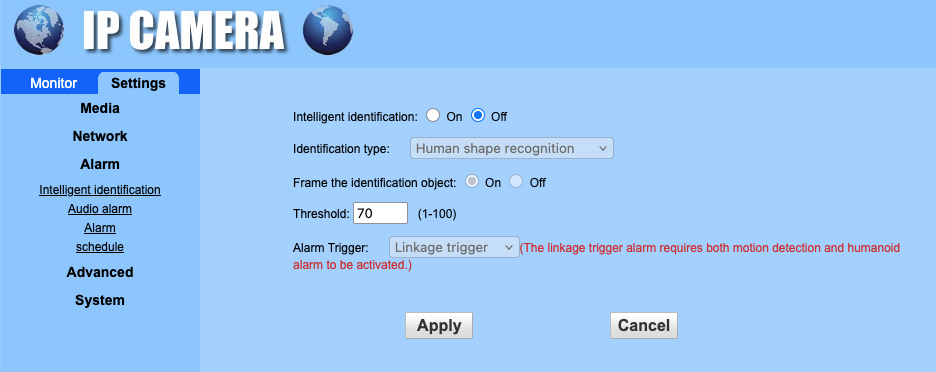
Filter #1 the camera’s own motion trigger
This one is pretty straightforward, it’s generous in triggering, creating many images with nothing of interest.
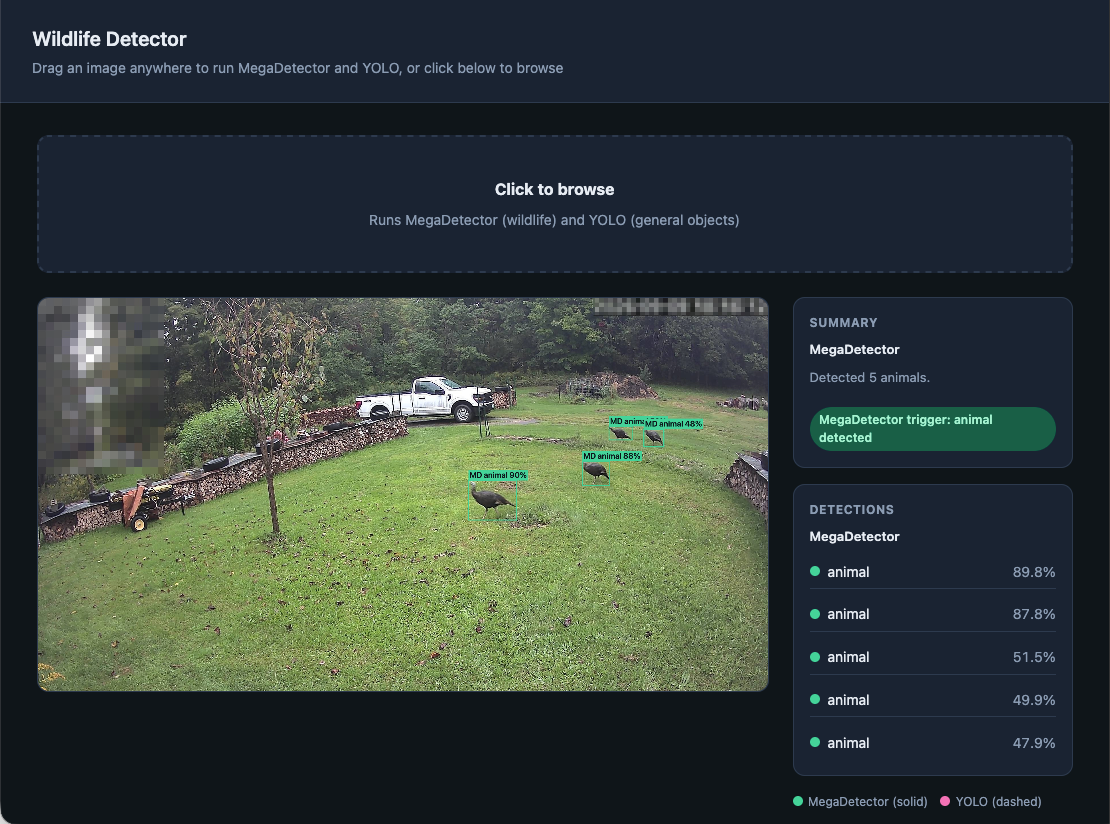
Filter #2 OpenCV classification with MegaDetector
I created a container whose mission it is to receive images and run OpenCV on them. Once again, this would have been a tedious project a short time ago, but AI made this impossibly quick & easy. This is all hosted locally on the very Pi you’re reading these lines from. Most images do not make it through this and are immediately erased. But if an image is found to have animals detected with some confidence, then we run the last filter.
This filter processes ~13,000 images per day, or ~9 a minute. All free, local and sun powered. It is kind of mind twisting to think about extracting “intelligence” from light. Now OpenCV isn’t what we today call AI, but clearly the near future will have LLMs running on premises.
Filter #3 Hosted AI detection
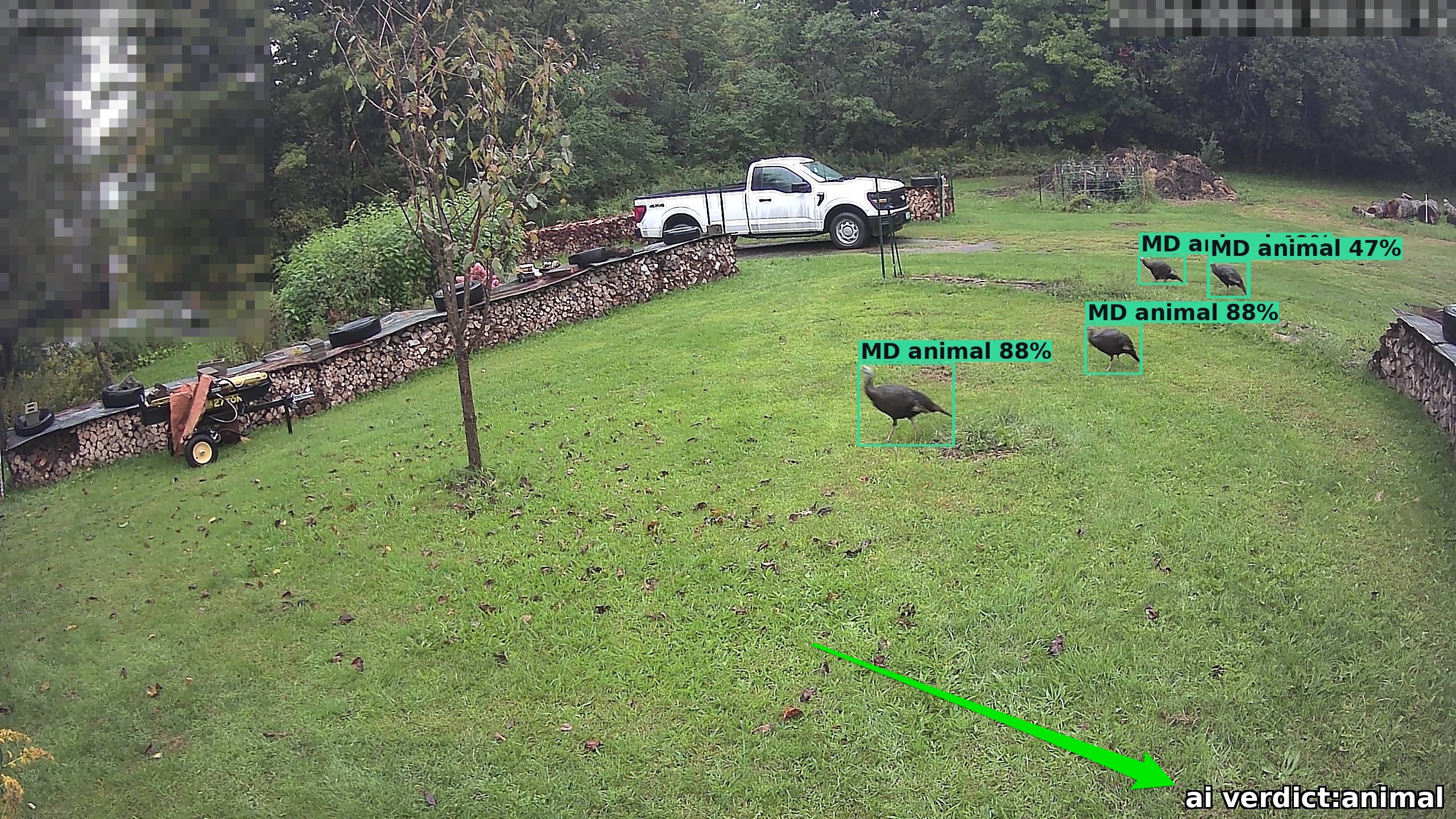
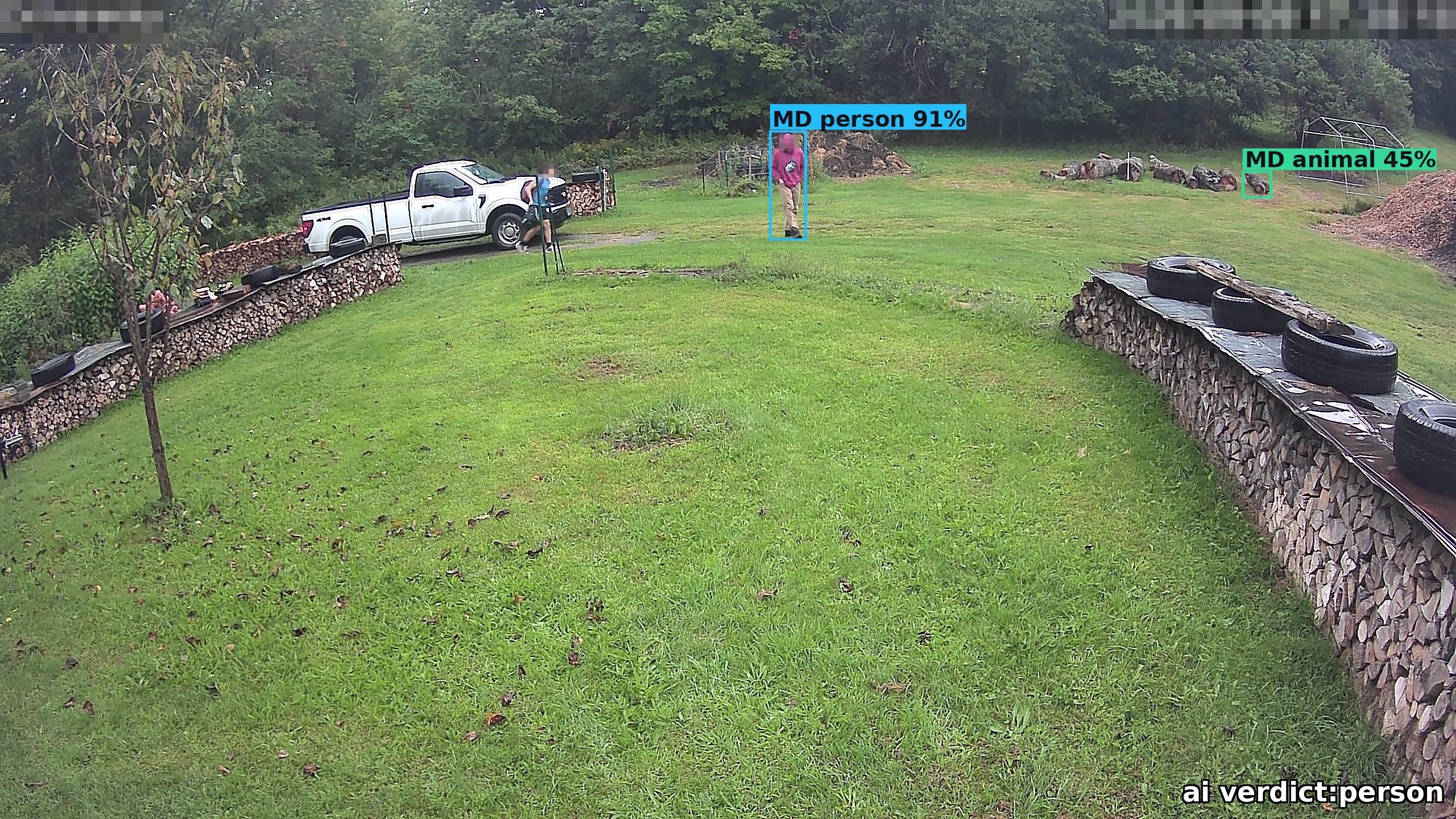
Yes… I tried hard to avoid this one filter. I don’t like adding a cloud dependency with a credit card associated to it at that. But in reality it is so much more accurate than anything I could ever do with OpenCV. I’ve tried many strategies for building confidence with only OpenCV but could never get it right. False positives have a high cost, and so, AI gives the final verdict to the images which made it this far, tens of them in a day for a few pennies, sign me up!
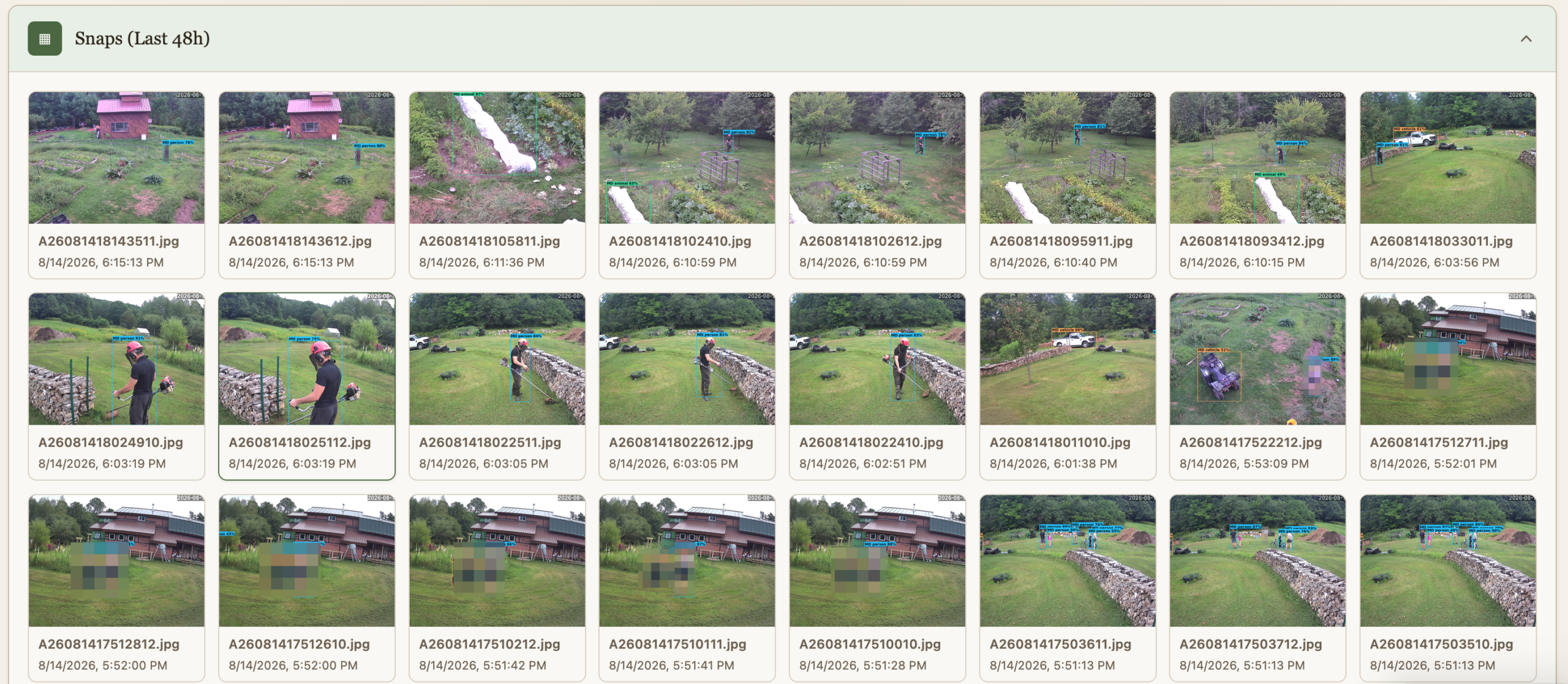
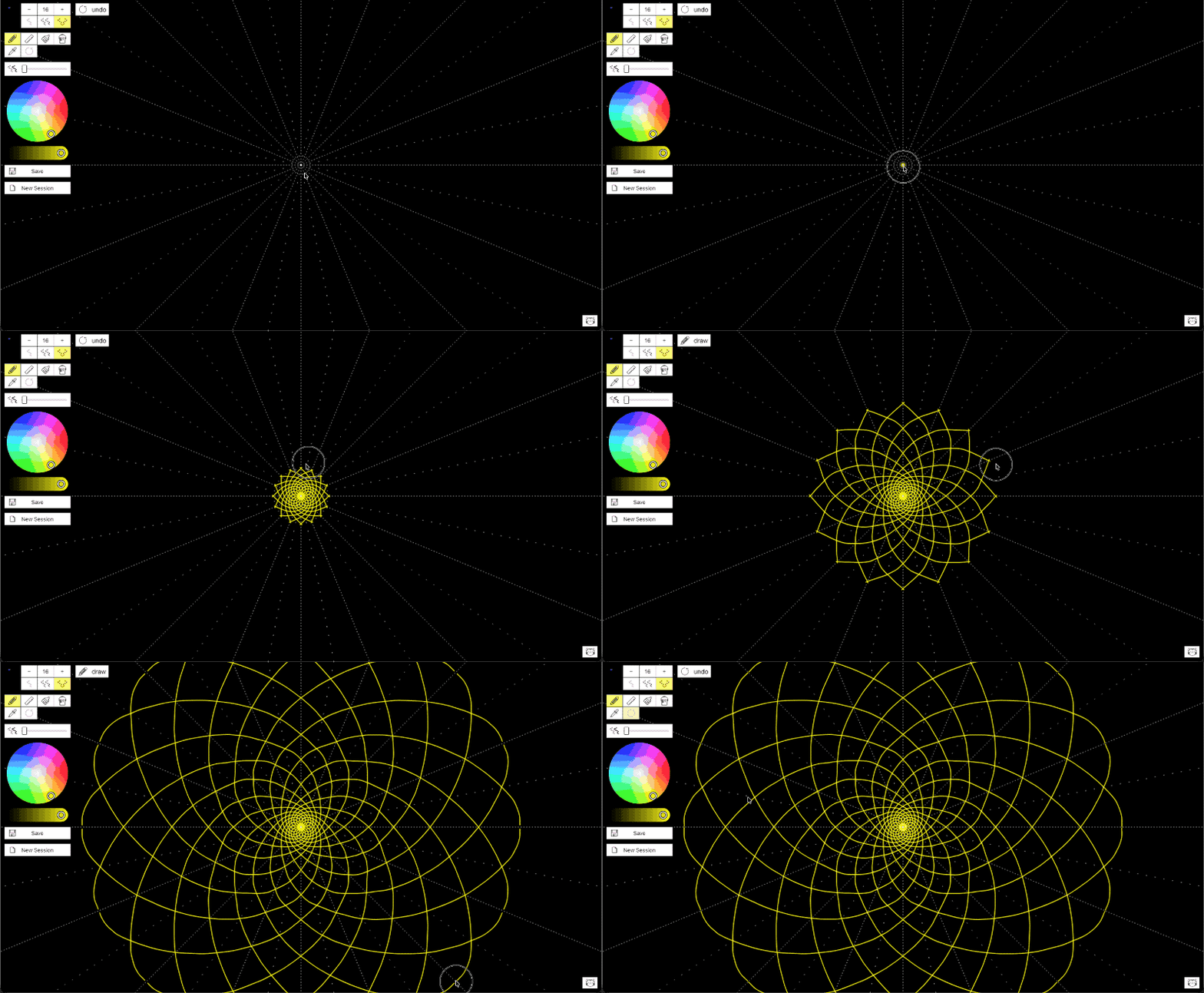
This is essentially a trail camera system on steroids. Based on other state in the Homestead Dashboard, it will also send alerts when people are detected, might as well. Some of the shortcomings of OpenCV are made evident bellow.
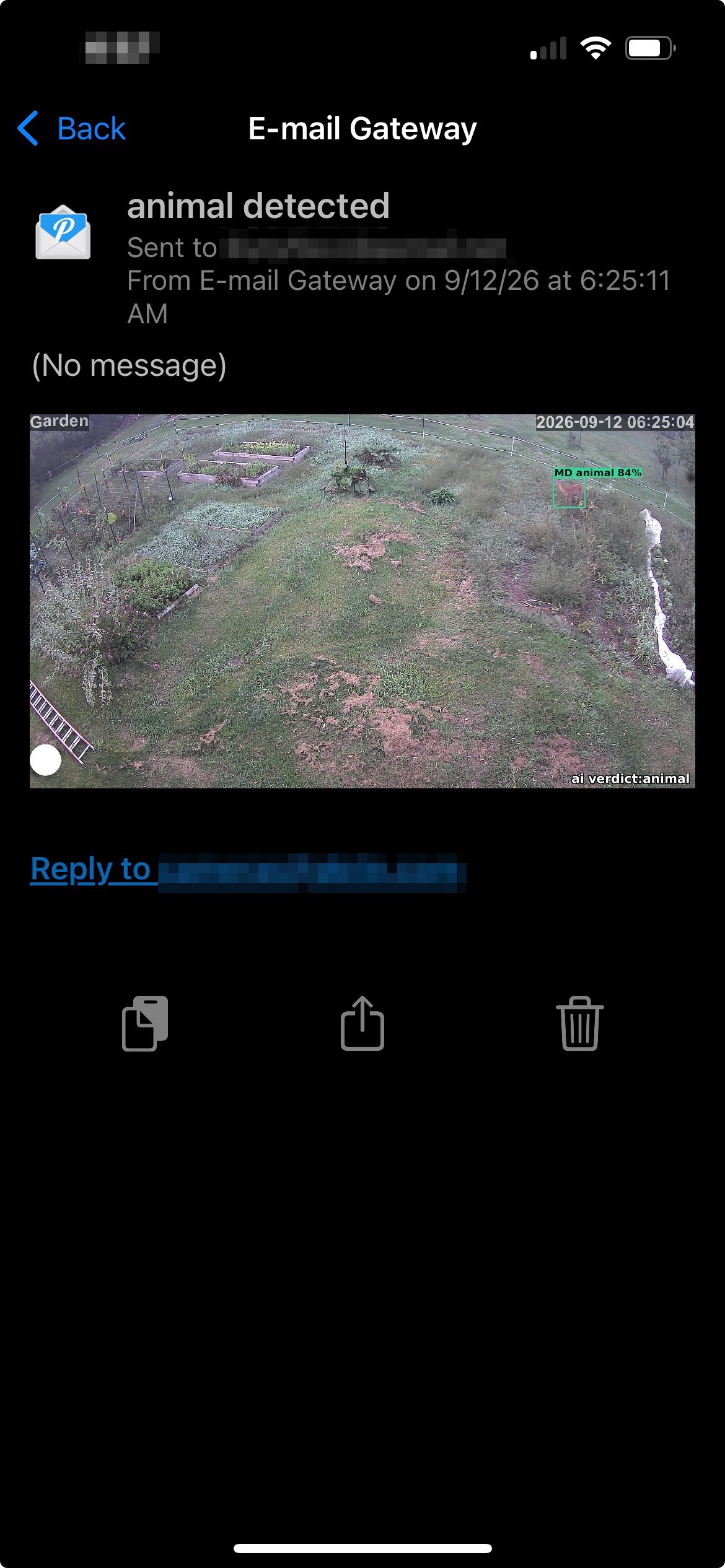
And so without false positives, the trigger this year is human intervention. I guess I’m waking up at 6:25 today.
Please keep in mind there is 0 animal cruelty here, the same deer come back over and over again the same day, taking a nice hop over the electric fence which would give them more of a sting than some airsoft BBs on their thick skin. Oh, and the BBs I got are biodegradable.
I hope next year to be able to trigger something that is automated, and more efficient than anything I can do trying to be non-lethal. I think that the real test of this future solution will have to do with animals getting used to it or not. We shall see.
Framework Laptop Full LED Control Firmware
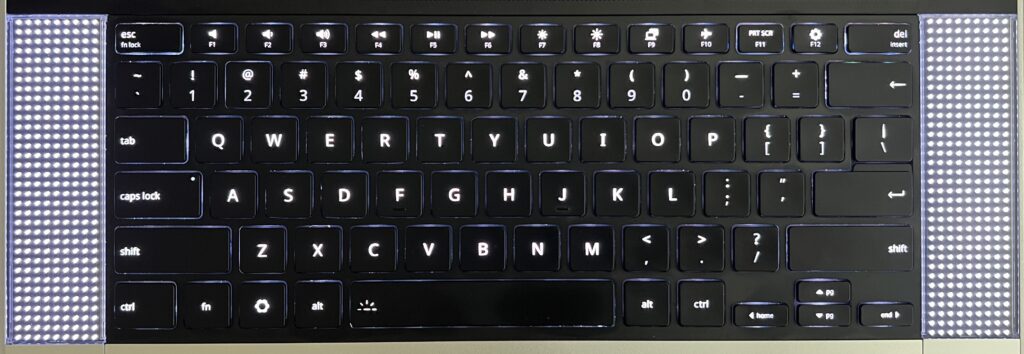
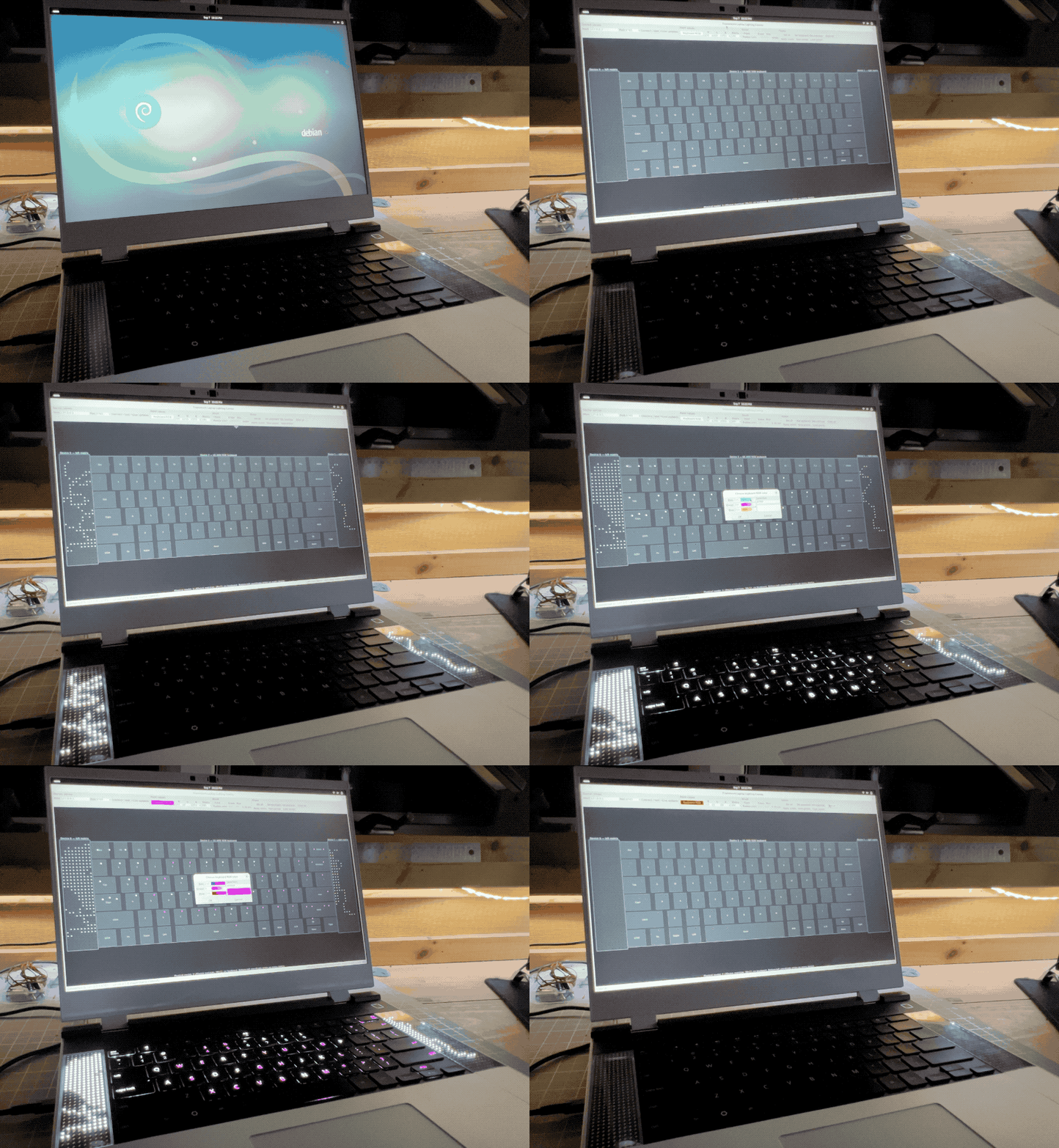
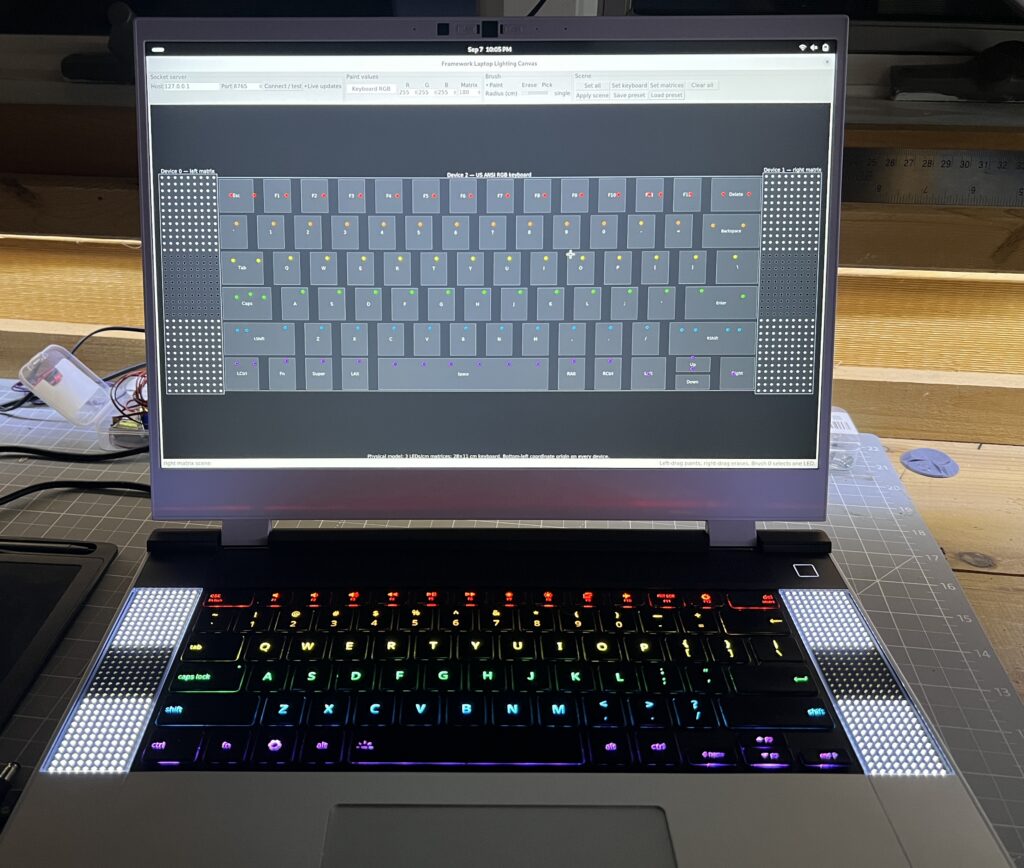
I recently got a Framework 16 laptop and was interested in what sort of integrations I could create having a fully addressable RGB keyboard surrounded by 2 LED matrices.

No particular ideas in mind, but the will to want to be able to implement them when they arise. In many ways these are just far worse LEDs than what the screen already has. But I can’t help thinking there are cool opportunities, at worse for fun, at best for function. Maybe an AI agent can be incarnated in some Tamagotchi like capacity there? Maybe it’s a place for some notifications? Maybe one for the things I always keep an eye on?
Not sure, but I know this starts with full LED addressability. And the problem I’ve learned is that the Framework keyboard isn’t fully addressable by default. I had wrongly assumed so given they’re targeted at developers. And so while I rarely put any code in these AI days, I did spend a significant amount of time (with AI) refining a custom firmware for the keyboard that would do just that: make its LEDs fully addressable. There’s some worth there I suppose, you can’t just ask AI to make you one so maybe that’s the new bar for posting anything tech these days?
Without further ado, here is the custom firmware. This is based on https://github.com/FrameworkComputer/qmk_hid with the work done to compile the darn thing, and patch a couple of bugs which were expressed by the “aggressive” setting of LEDs.
Don’t apply it if you don’t have the right keyboard! The one this is deved and tested for is: 32ac:0012 Framework Laptop 16 Keyboard Module - ANSI (verify with lsusb).
The procedure for deploying the new firmware is to slide the touchpad down until it becomes disconnected. Hold both of the keyboards ALT keys, slide the touchpad back up. This puts the keyboard in bootloader mode and adds a volumes called RPI-RP2 to which you can copy the uf2 firmware.
With this custom firmware in place, we can finally run framework_led_matrix_server.py. The purpose of this program is to make the keyboard LEDs and surrounding matrix LEDs accessible with JSON. It likely requires some privileges to send USB commands, on Debian I had to
# this grants access to the matrices
sudo tee /etc/udev/rules.d/50-framework-inputmodule.rules >/dev/null <<'EOF'
SUBSYSTEMS=="usb", ATTRS{idVendor}=="32ac", ATTRS{idProduct}=="0020", MODE="0660", TAG+="uaccess"
EOF
sudo udevadm control --reload-rules
sudo udevadm trigger
# this grants access to the keyboard
sudo groupadd --force framework-input
sudo usermod -aG framework-input "$USER"
sudo tee /etc/udev/rules.d/51-framework-rgb-keyboard.rules >/dev/null <<'EOF'
# Framework Laptop 16 ANSI RGB keyboard
SUBSYSTEM=="hidraw", KERNEL=="hidraw*", \
ATTRS{idVendor}=="32ac", ATTRS{idProduct}=="0012", \
GROUP:="framework-input", MODE:="0660", TAG+="uaccess"
EOF
sudo udevadm control --reload-rules
sudo udevadm trigger --action=add --subsystem-match=hidraw
and logout/reboot for the new group membership to kick in.
It’s fairly straightforward to figure out how to use it with --help, it might require you to specify which matrix is on which side of the keyboard if it doesn’t get it right. I added it as a service that starts on boot so it’s always there ready to take JSON commands.
With the firmware and server in place, the fun can begin!
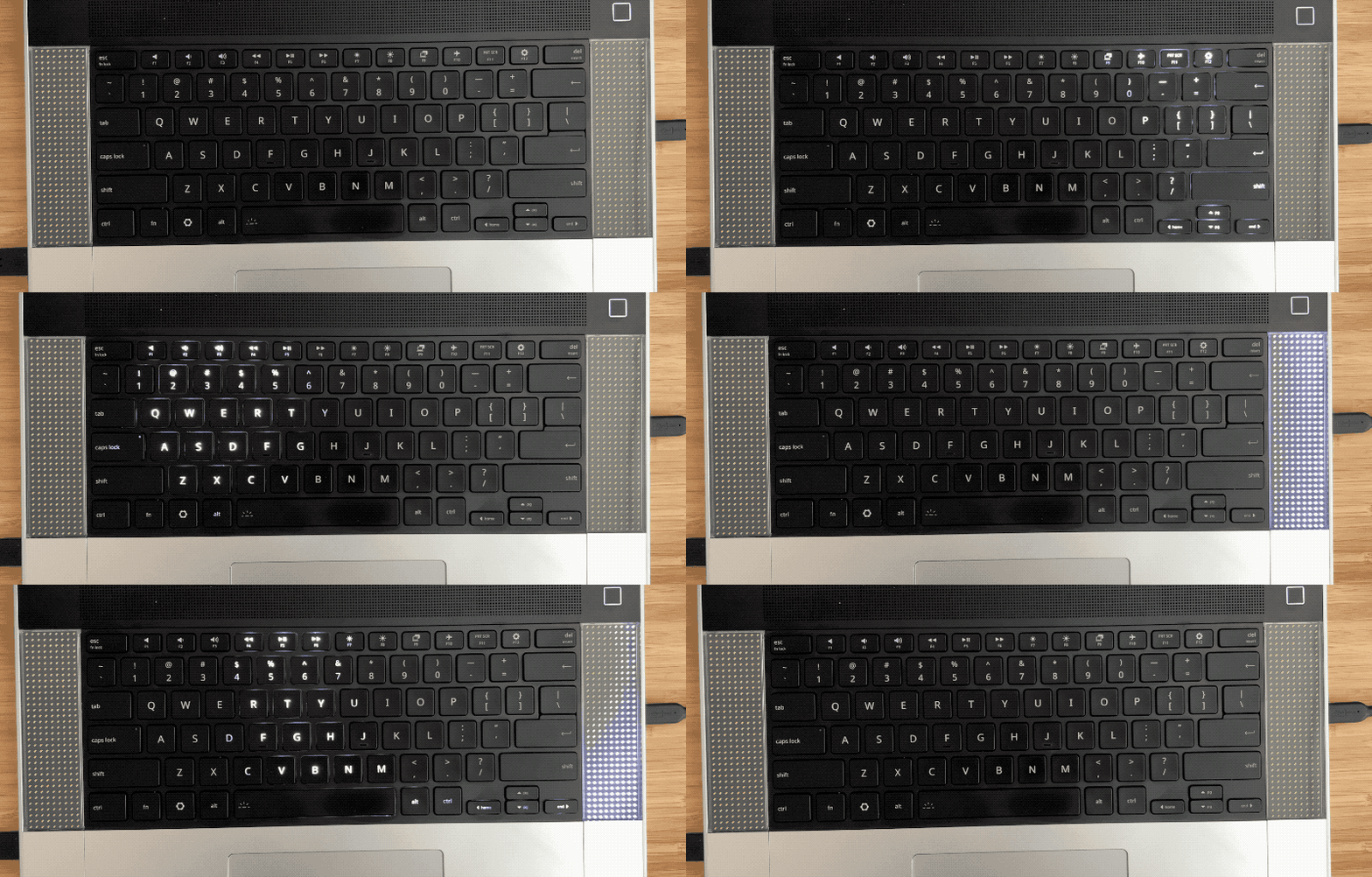
How about undulating waves?
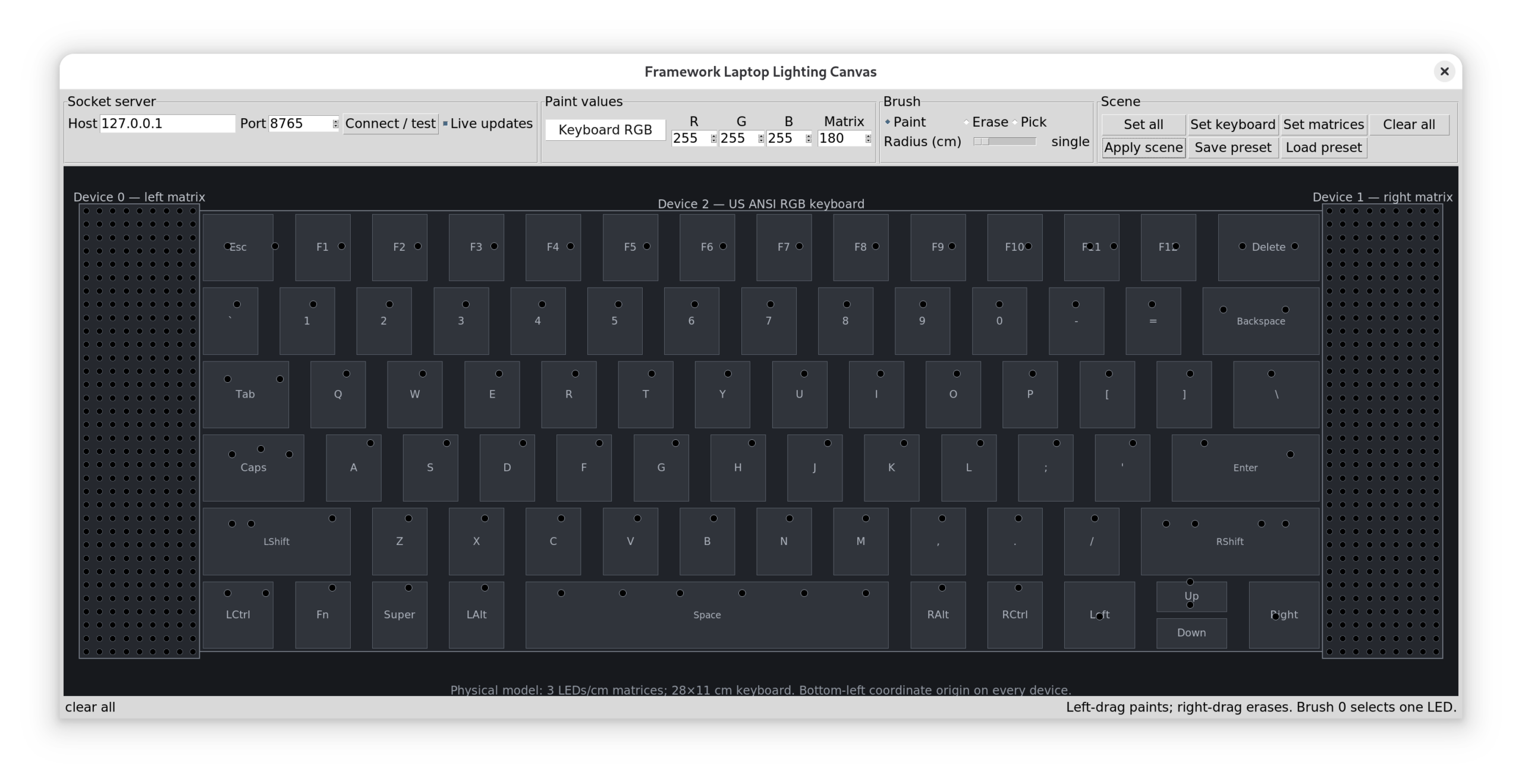
How about an App to control it all?

The app supports saving/loading presets, Esther created one for me and loved playing with the lights.

I had AI code a few other effects which are good eye candy but nothing functional, and this is what I’m after really: something fun & functional. I now have the groundwork to try stuff.
Big Tech Drain
I’m almost done weaning myself from Apple. Now I’m not going to bash on them too much, they make top notch hardware and software. And for years I enjoyed MacOS’ flavor of Unix which was close to the servers I admin’d. But… they’ve been adding things for 20 years now, and it’s gotten to be tiring dealing with the ensuing bloat. What was said about the iPhone originally was that it was so simple babies could use it. Today though I dread using one because I somehow always end up touching it wrong and it does a weird thing. There are just too many swipes, special areas, taps and pressures which were introduced. I can’t doomscroll on the toilet if I keep opening the camera without meaning to.
The “many wrong ways of touching it” problem only applies to iOS. But notifications are broken throughout the ecosystem. Once again, accumulated bloat is the issue. I simply will never be able to find a happy arrangement of permutations between system notification settings, an app’s own settings, Focus, Screen time, Emergency, VIP contacts, Handoff. All of which interact with each other and end up beeping when I don’t want, and remaining silent when I do.
Calling is broken, I can’t seem to talk to people on the phone anymore. Is it wifi calling? Facetime hijack? roaming? Handoff? I flip switches, stuff happens, sometimes it helps, for a time. Talking with anyone inevitably requires an awkward back & forth trying the call with various random apps/buttons until one of them works properly.
A few months ago I replaced the iPad with a reMarkable tablet. It’s comparing apples to oranges really, but with my wanting to adjust habits, it works as a drop-in replacement. It’s amazing the different feeling with which I pick up the reMarkable. I had accustomed to the dread I pick up an Apple device with. I know it’s going to want something from me, that my just wanting to do X will come with a cost. How about an update? How about a review? Explore the new features from the update we annoyed you into installing. Agree to our new 300 page EULA, better have your lawyer present. iCloud is full! full of what I don’t know I never enabled it, but it is! I just wanted to do a quick thing… Tech today really has a way of derailing you from your initial purpose. They know they got you when you engage, and they’re going to milk it. The reMarkable I pick up without this sense of dread, I know the path to my intended activity will be free of obtrusion. It has far less features, and it’s carefully designed to not get in the way. Therein lies the relief.
On the laptop front, I experimented with an old laptop on Ubuntu & Debian for a few months to see if it was even reasonable to use Linux for work. It is, Slack & Zoom have deb packages, VPN worked, all the dev tools are intimate with Linux, it wasn’t going to be a hair pulling experience. So I replaced the Macbook with a Framework Laptop. A few years ago I would have picked Ubuntu without giving it a second thought, but Debian’s just leaner and today that’s what I crave. The hardware is not as polished, I don’t think you can find more polished than Apple anyway. I love the thing regardless. I also pick it up without the apprehension that it’s going to make me pay an attention toll for using it.
Linux is great, I never should have gotten tempted away from it but these early Apple devices were sexy. Both my laptop & tablet now run Linux, I can SSH into them and do custom things. Which with AI is all the more possible, for example I don’t need to spend days figuring out Framework’s keyboard firmware to do the cool thing I’m after (more to come on this).
Again, I don’t mean to disparage Apple too much, a lot of the ills I describe here are present in tech at large. I got tired of all the superfluous things, 20 years of adding features to have something new to sell is a lot. The time is ripe to say sayonara. I’m also disgusted by the way big corporations are bending the knee to authoritarianism. Something broke in me seeing Tim Cook present a golden trophy to the orange president. If organizations with infinite money don’t say “no” to jingoistic demands for fear of making a little less money, they will no doubt sell out on other fronts. I remember a time when Apple took principled stands against previous administrations. Gone are the days, now they’ll gladly rename whatever the senile demagogue sharpies over. All in the name of appeasement for money, as I don’t believe they buy into the ideas. Windows was never an option, I was seeing Robin deal with it on his gaming rig and it’s appalling how much they treat their paying customers like pieces of shit piñatas. Thanks to Steam’s newly created competition, a ton of games now run on Linux, and it’s made easy with https://bazzite.gg/. So he hopped off the Windows shit train thanks to a friend convincing and helping him to. All the kid wants to do is game a little, give him a break from Norton and the latest news outrage for god’s sake. Microsoft when will you stop reaching for our wallets with one hand and forcing our eyeballs to monetized content with the other? I still haven’t swallowed how you got a whole generation of kids used to in-games currencies and purchases when you tainted Minecraft with your filth. You morally compromised greedy goblins. In the end, maybe my exodus has a lot to do with big tech’s propensity for setting aside principles in favor of cupidity.
It remains to be seen what will replace the phone. I’m encouraged to see a resurgence of “dumb” alternatives with many between dumb and smart. I need to think about this one a little harder, I do like having a camera handy, some mapping is useful, tethering too. One thing I know is that it won’t be so obnoxiously big that I fear shattering it in my pocket when I do anything but stand upright.
2 down, 1 to go.
First Fire & Peaches
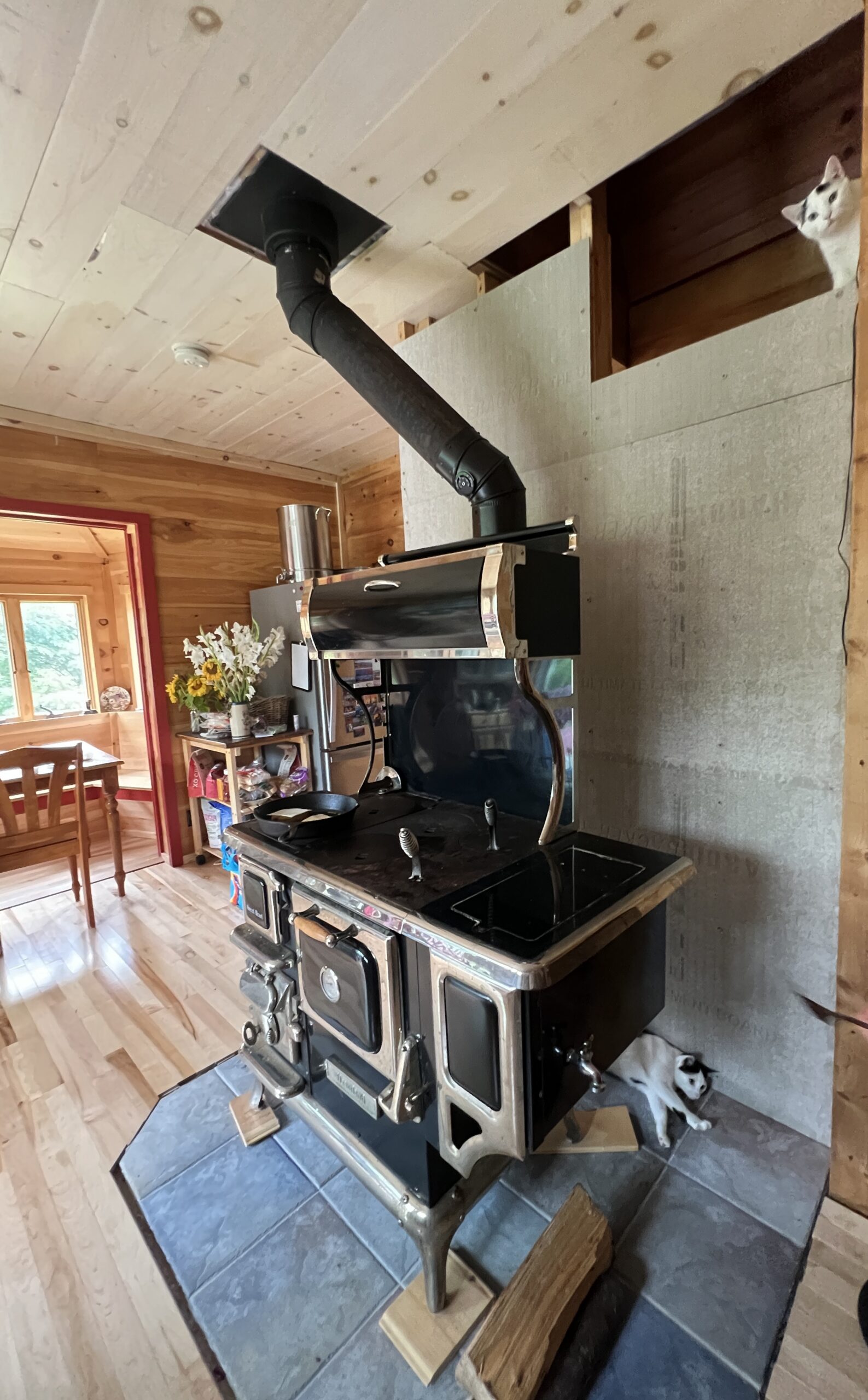
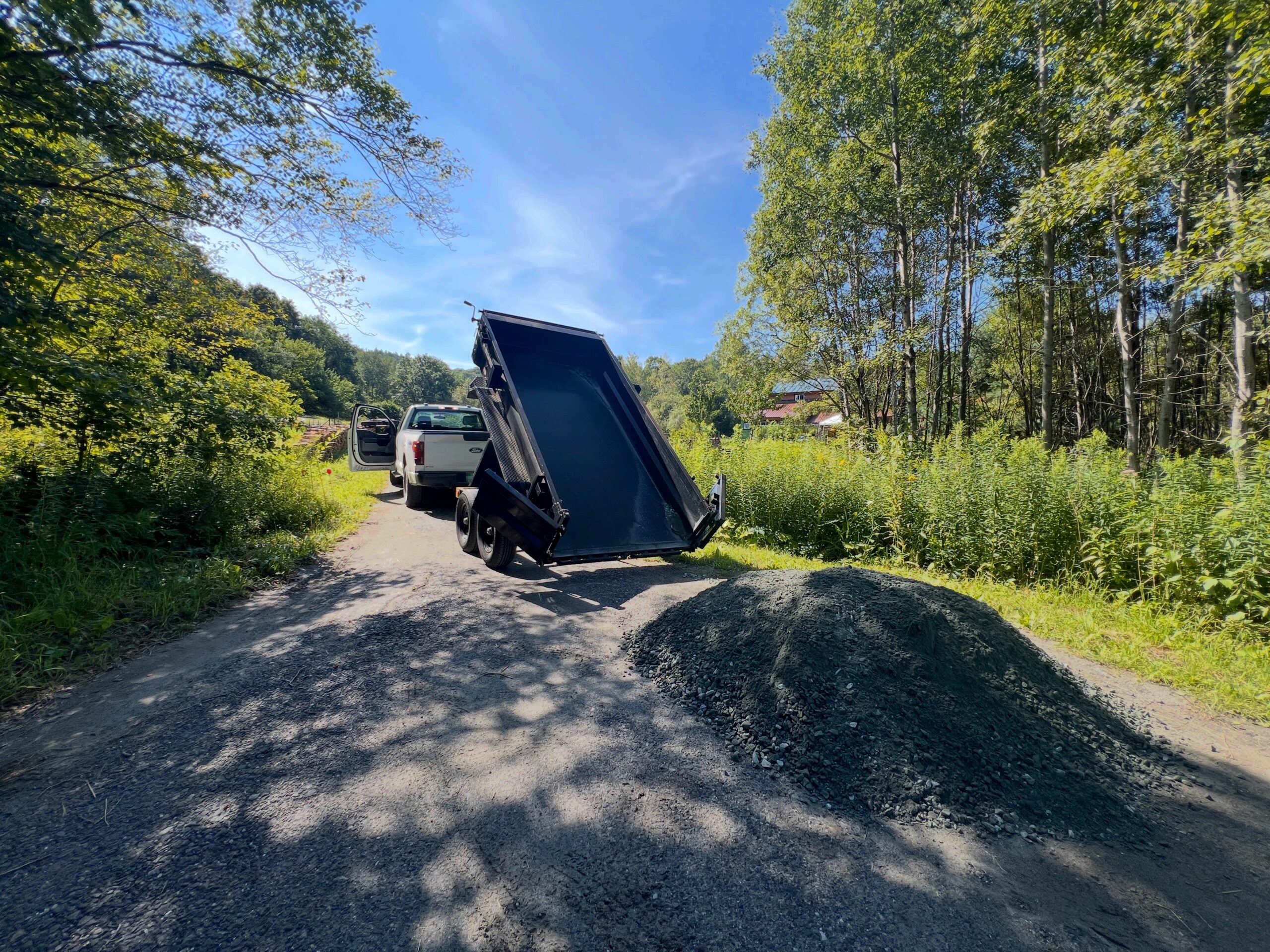
An August rainy day is a usual time for a first fire of the season. July is really the only month without fires although they are few and far between in the surrounding months. This one is more significant in that it the first time we fire the new SweetHeart, in the new almost finished kitchen. I remember clearly the first time we fired the previous cookstove. They are so important to us it’s a big deal to be introduced to a new one.
The cats knew where to be
Since it’s a better/newer version of our previous cookstove, we thought it’d likely behave the same, and reassuringly it did. It’s nice to not start from scratch. Stoves all have their personalities and we’ve learned about our previous one for 11 years. The water tank this one has would have been so nice to have when we were getting all our hot water from the stove. We moved a lot of hot water in pots by hand. It feels like a lifetime ago even though we were still doing so last Winter. It’s incredible how fast one gets used to luxuries. The oven is a bit differently shaped, non-ideally really so we’re going to have to figure something out.
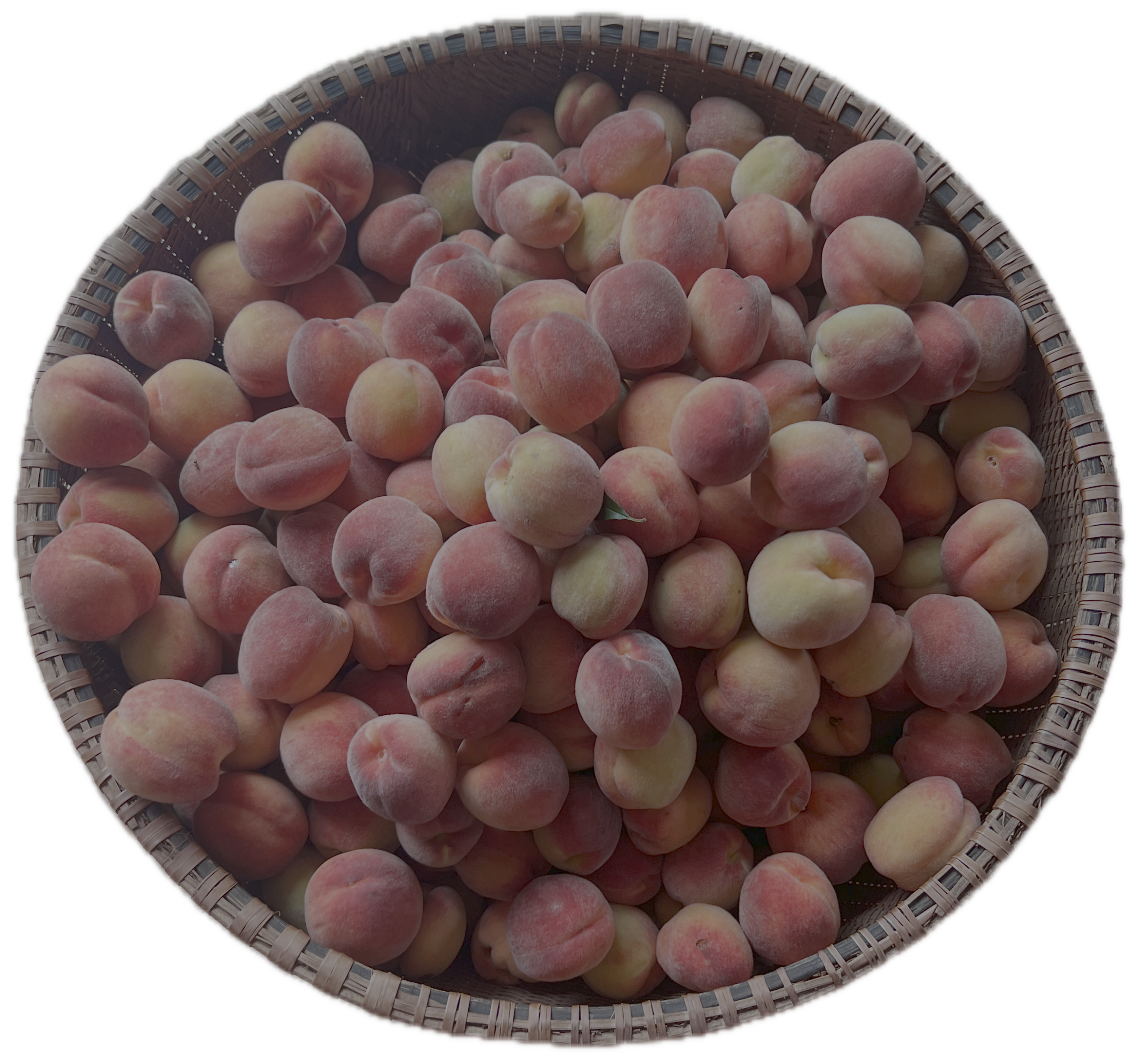
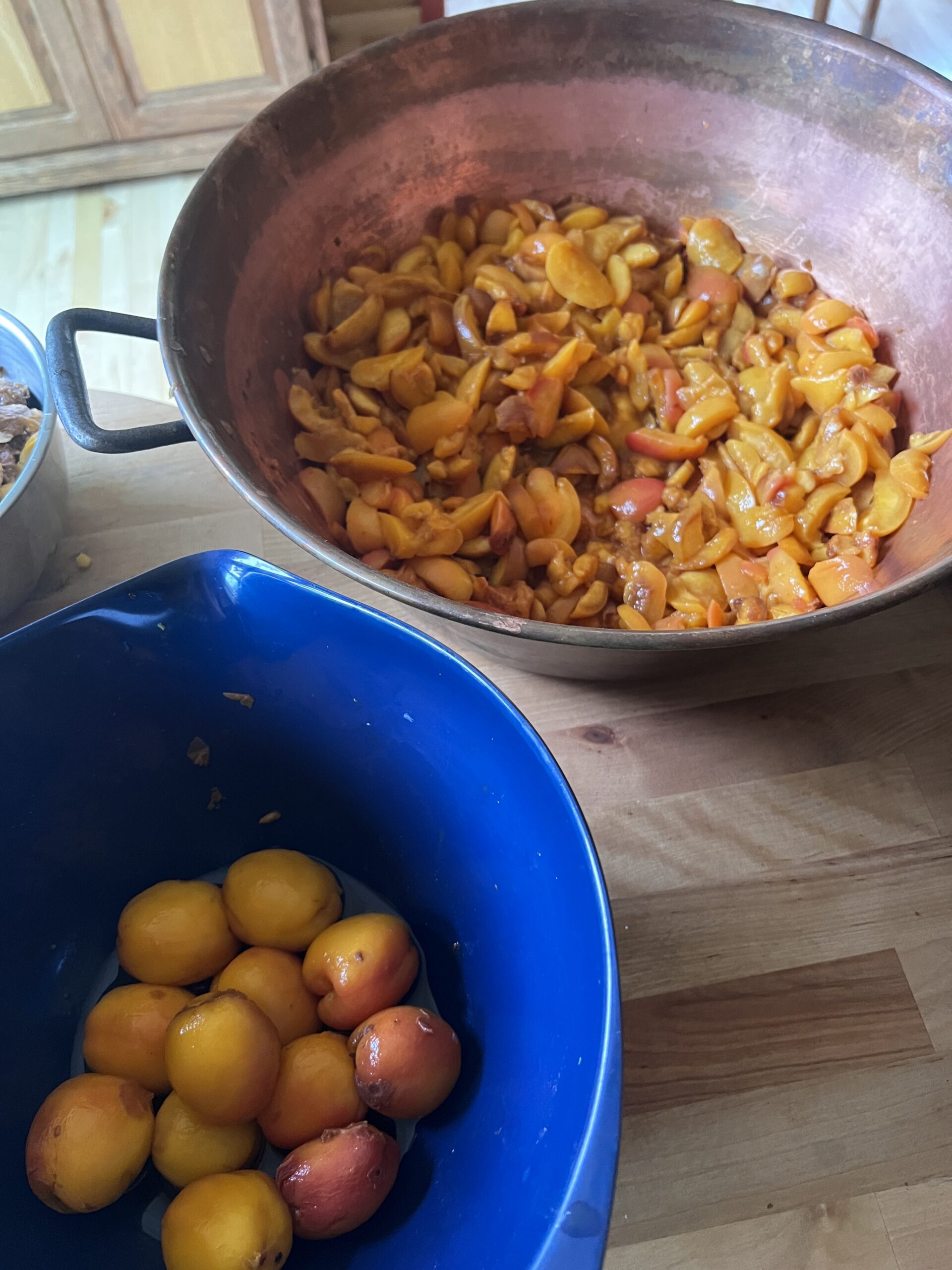
Since the fire was going Nicole cooked everything under the Sun. Starting with preserving a bunch of peaches our tiny trees produced. We actually removed all the buds from them in the Spring so the trees would spend their energy on growing rather than making fruits, but there were so many we missed a lot of them. One day I saw a deer go at the trees which made me realize a lot of good peaches had gone under the radar and were now ready. Thank you I guess?


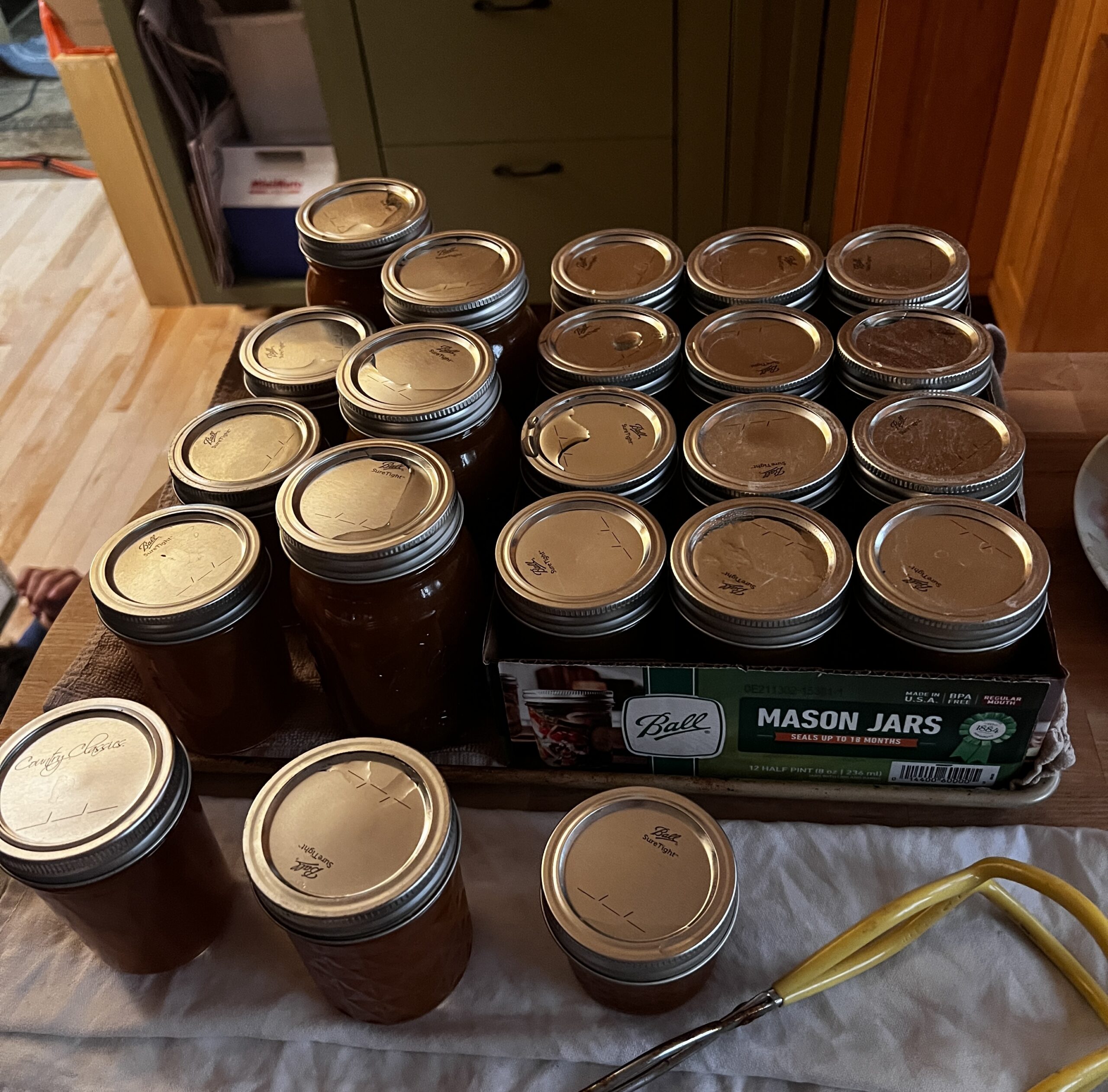
10 frozen bags and 22 preserves, not bad for a couple of tiny trees which weren’t supposed to do anything.
Homestead Dashboard
For years I’ve been inching my way through various home automation projects. Some solar array visibility, some way to turn of inverter should batteries get low, some way to detect wildlife tearing through crops, et cetera. I had a good bulk of life improving features implemented, but nothing very coherent or well polished. Recently I revamped my whole infrastructure at home to standardize all the little tidbits I’ve accumulated over the years. It was a daunting task but it’s done. And so the efficiency of AI programming lets me finally create the Homestead Dashboard I’ve been wishing for for years. Now please note that I’m not an AI evangelist, but I’ve gotten to be discerning of which project I wanted to still be involved with, and at which degree. And for such a project, I don’t particularly care to understand much of how the clock ticks, so I can let AI do its thing much faster than I can. I spent more time on some of the building blocks I still want to own.
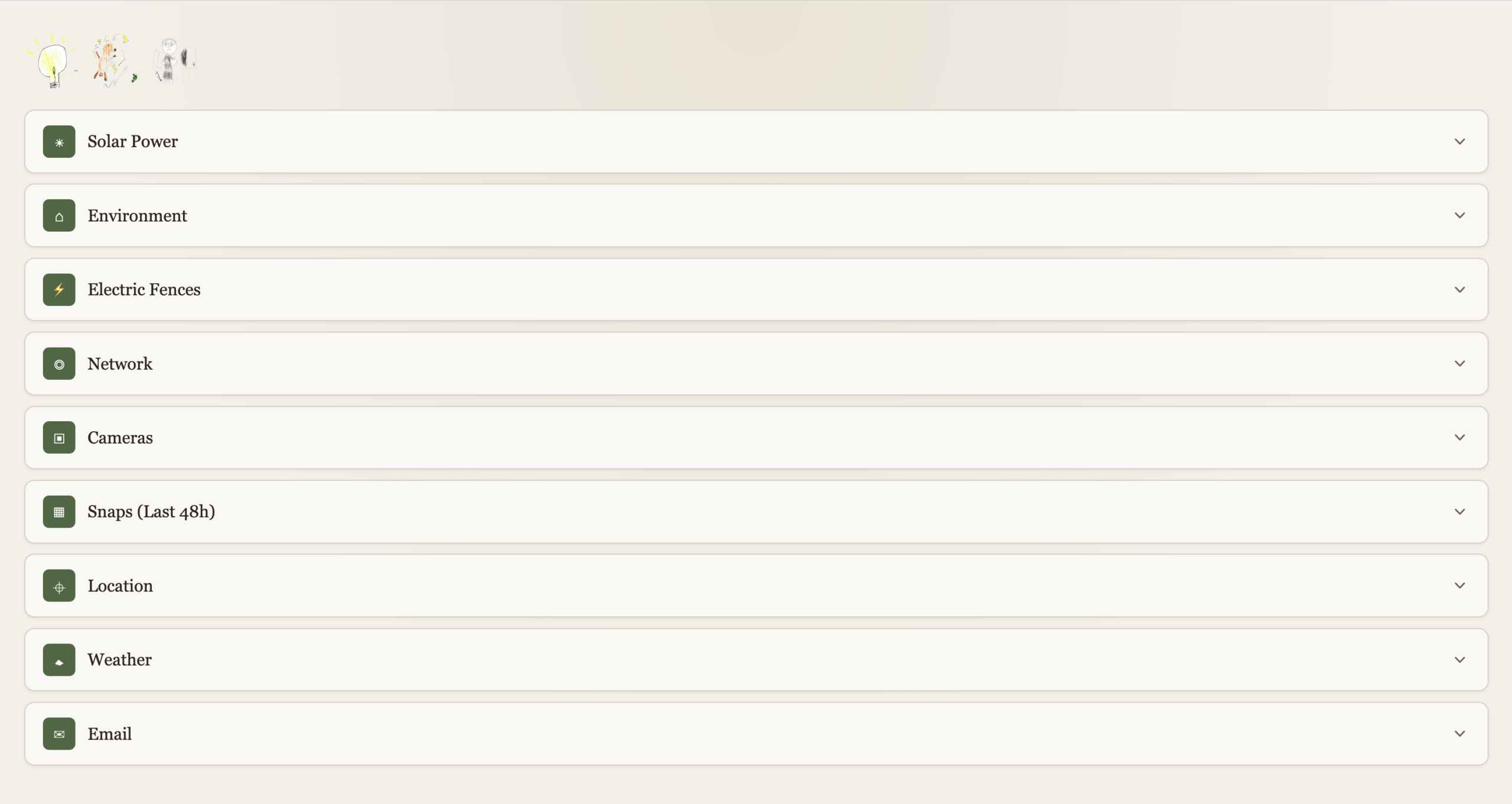
This is obviously private so I can’t link to it, screenshots will have to do.
High Level
Each function is expandable. With a “quick-glance” view of main functions at the top left. Electricity, Electric Fences, Kid’s internet.
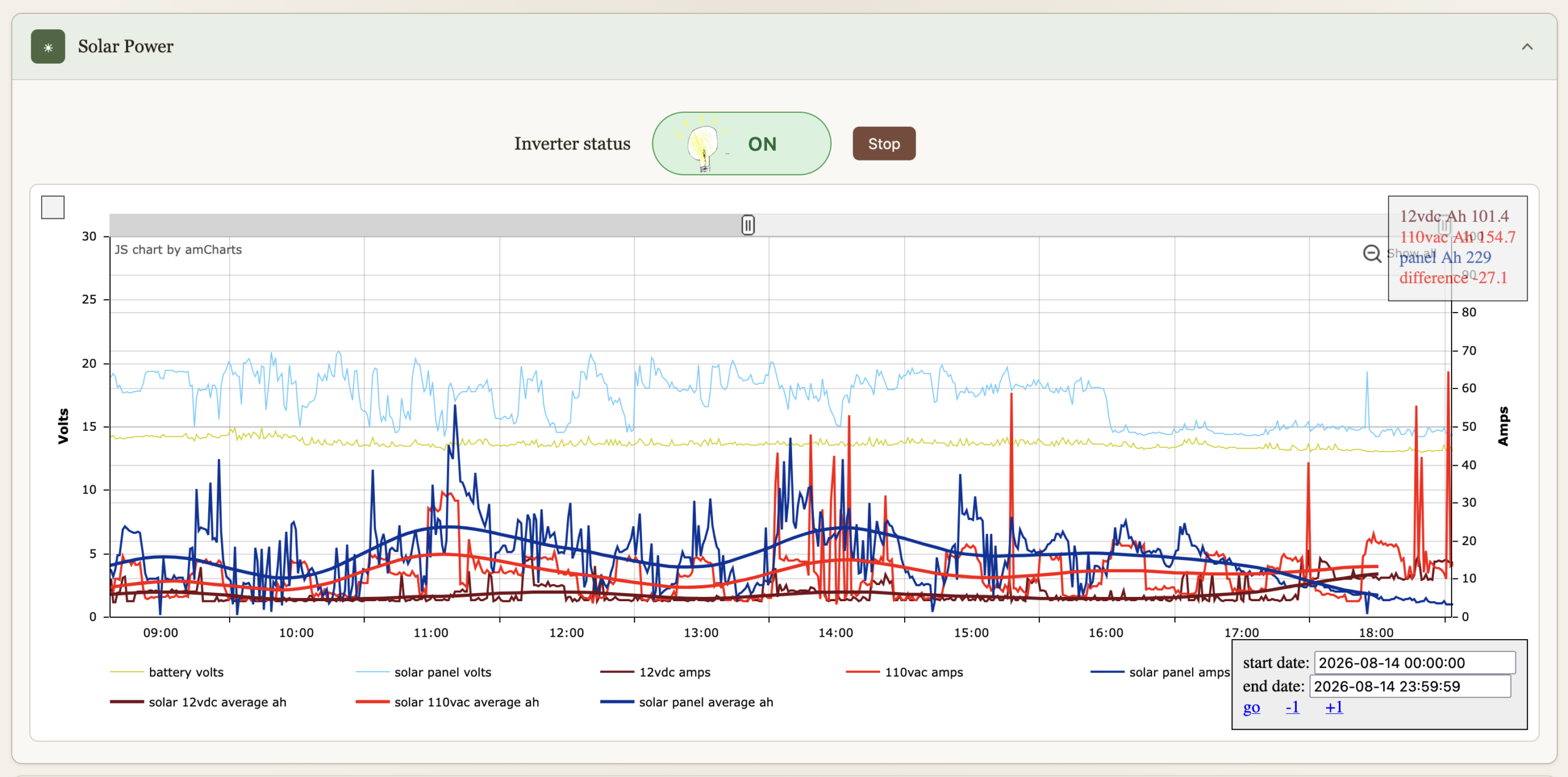
Solar Power
I’ve had these graphs for a while now, they’re just now part of the dashboard. They’re been immensely useful to gain insights on all things solar over the years. The inverter can be turned on or off, automation turns if off if the batteries get bellow 12.8V to preserve them, and back on when above 13.2V. We can override it.
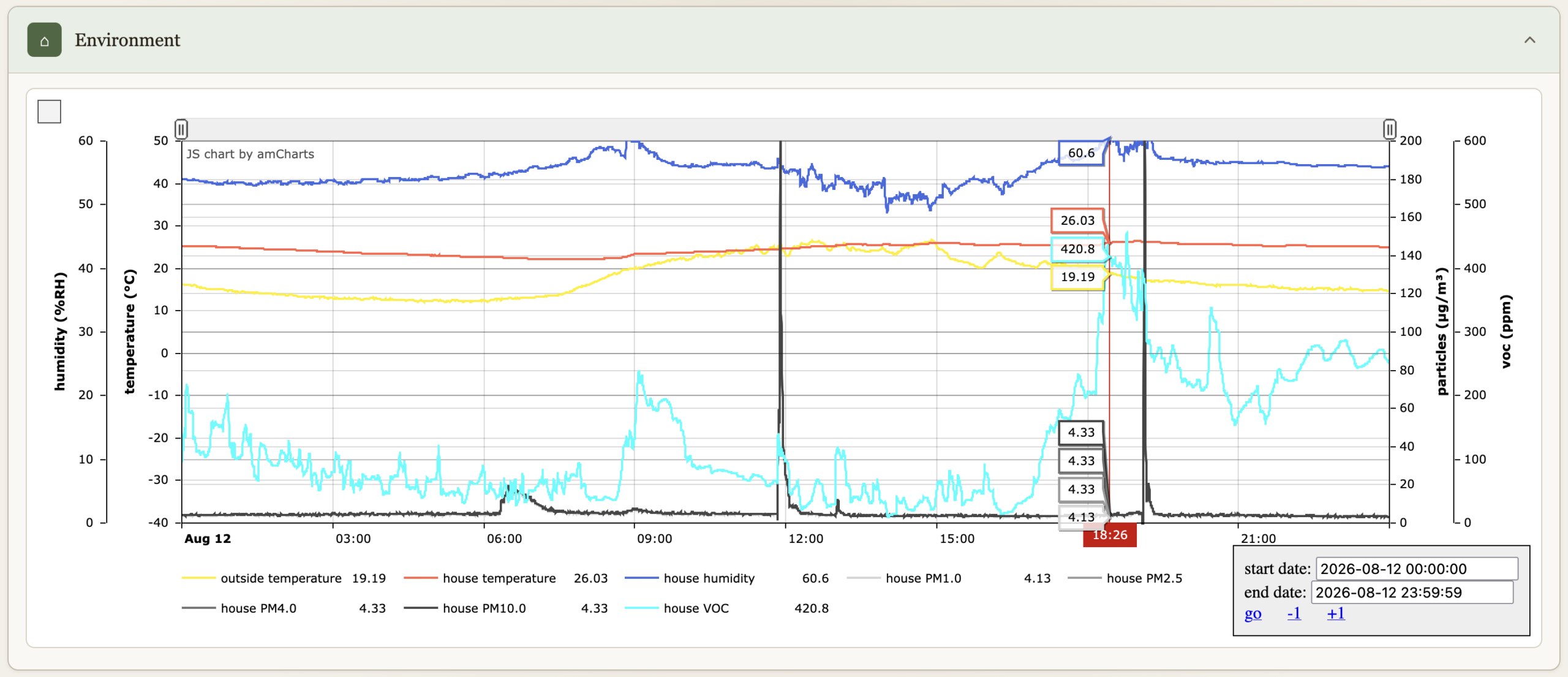
Environment
Temperatures, humidity, particle count & VOC.
Electric Fences
Turn on or off, comes on when we are not home (see Location bellow), and at night between 19:30 and 7:30.

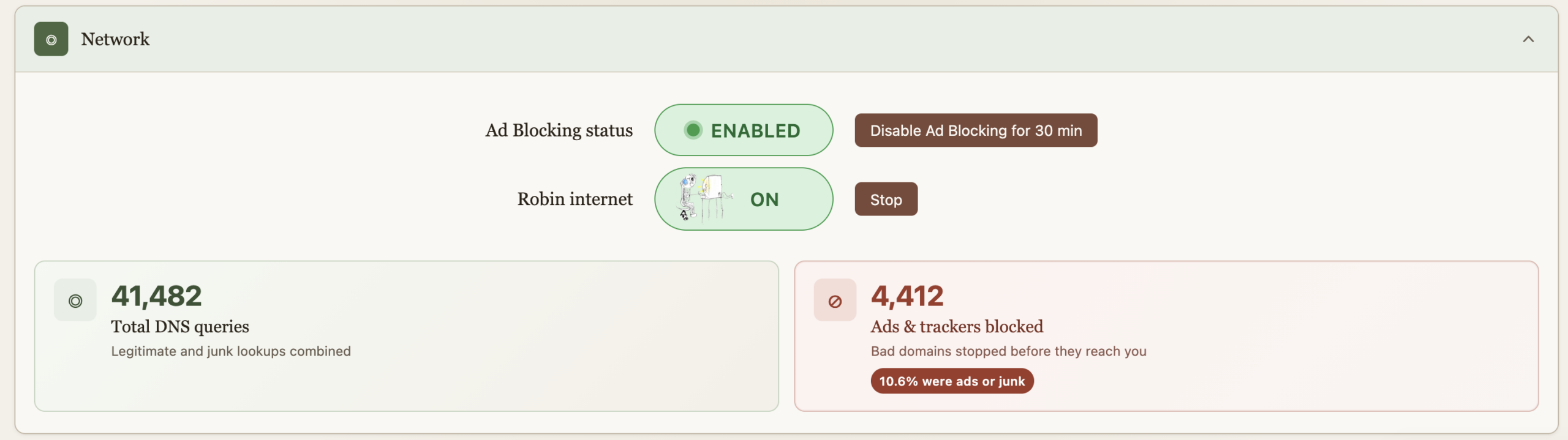
Network
Allows us to turn on the internet for the older kid, it comes back off at midnight every night just in case we forget. This essentially does API calls to PiHole to enable/disable DNS for a group of devices. “Starting” the internet requires a password because some sneaky eyes got a glance of the process and found a way to reproduce it. And then got busted :). The password is client-side on purpose as I wish to continue the educational arms race. And really it’s just a DNS block so fairly easy to override too. He doesn’t read my blog so these secrets are safe, but I do wish that he figures out.
Ad blocking is also provided by PiHole, but sometimes you just got to go on a website where marketers aren’t much different than scammers and the thing’s blocked. For Nicole’s sake, an easy and central button now allows for a temporary override. The ad blocking stats serve no purpose, they’re just here to make us feel good about all the trash we don’t get to see.

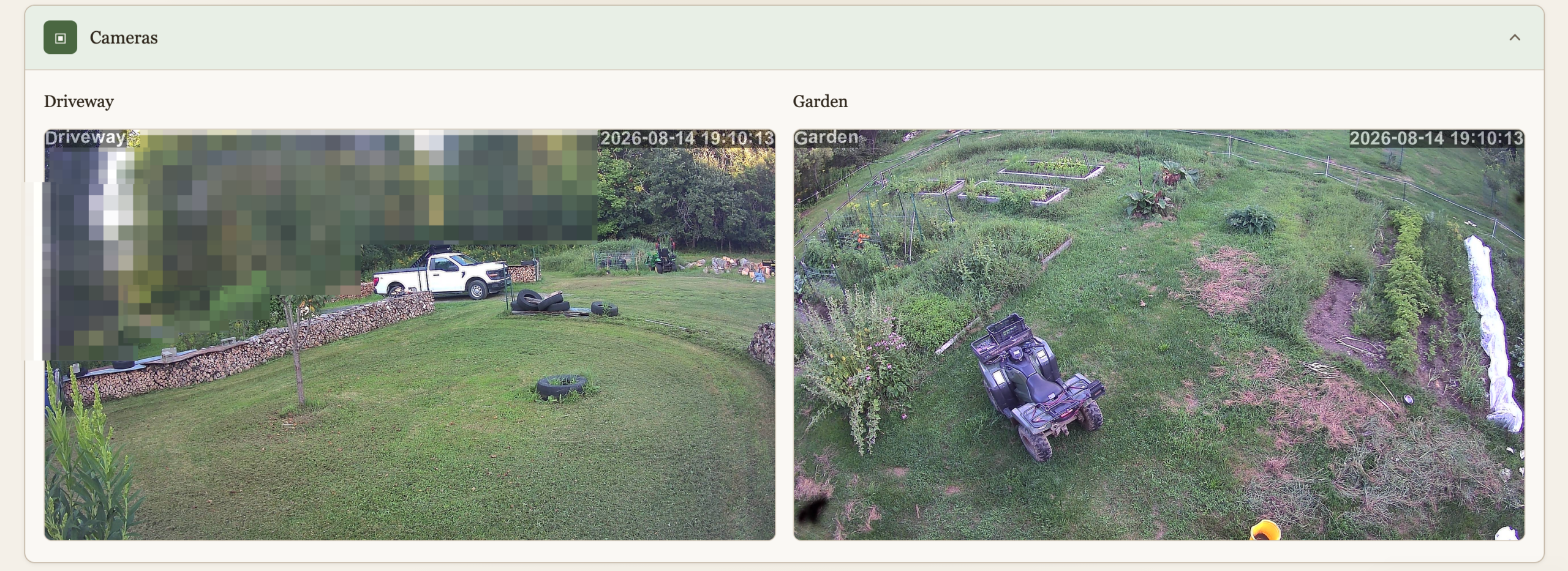
Cameras
We have 2 cameras currently deployed, this is a live view to them. I don’t like cameras everywhere in society but at home, outside, and very much under our control (no cloud) why not? The main goal here isn’t security, although it’s nice to know when someone pulls in when we’re not home. It’s wildlife detection. I spent a lot of time and resources keeping wildlife away, and I’m not done yet, and the cameras are a key ingredient. This will be another post.
Snaps (48h)
The cameras do people and animal detection, and the findings are preserved for quick view for 48h.
Location
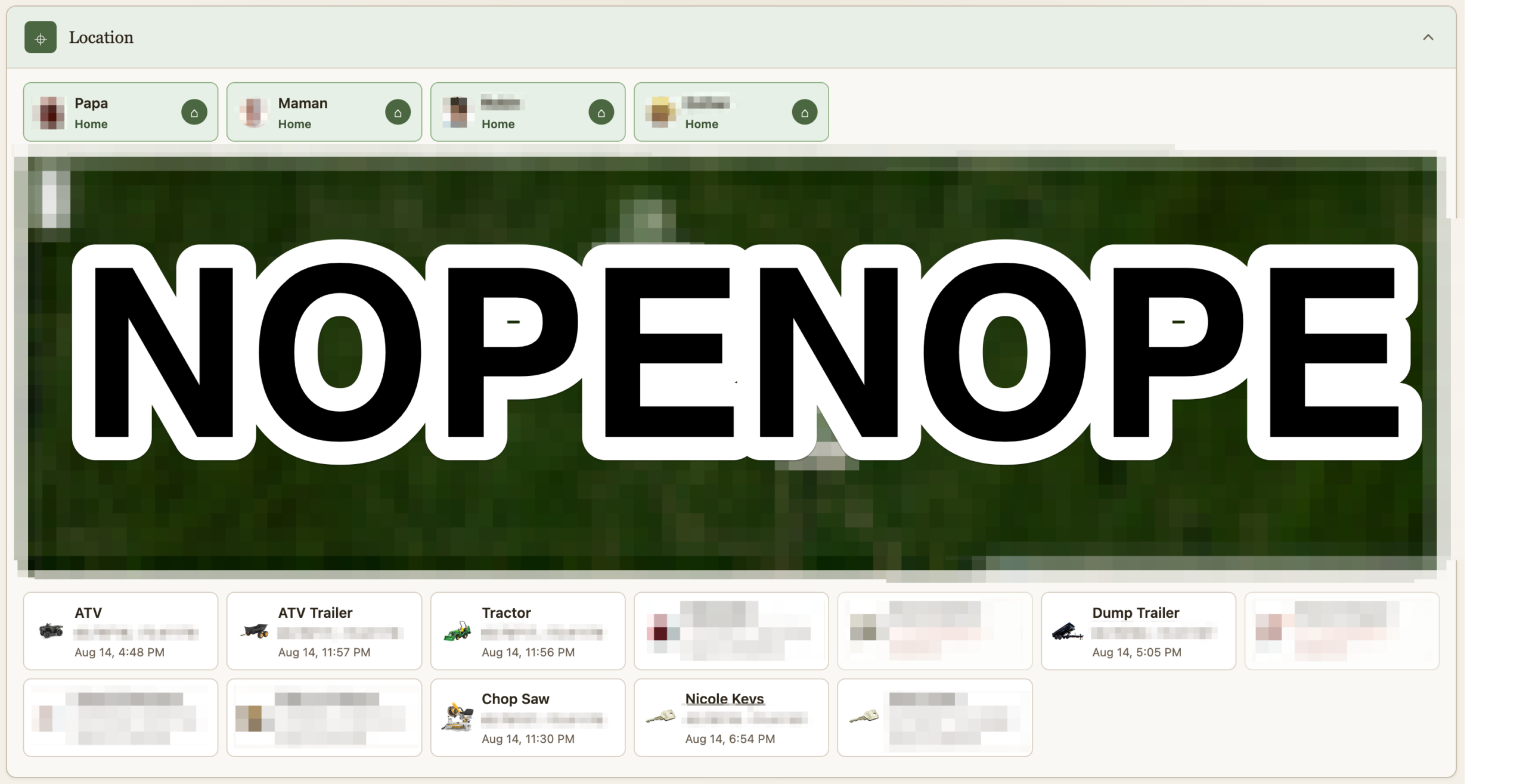
If it costs a little money and it isn’t fastened to the ground, it’s getting an Airtag. I remove their speaker and hide them. A script pulls their location as it updates and logs it. Some of them are geofenced. I suppose this post could be worthy of the “maniacal paranoia” tag I usually reserve for IT security. The Location section shows where all the Airtag currently are. At the top is not where we are, but whether we are home or not as detected via our phones being on wifi or not. This data point is useful for some of the automation. Should we turn on the fence? Should the cameras alert?
Heavily censored obviously
Weather
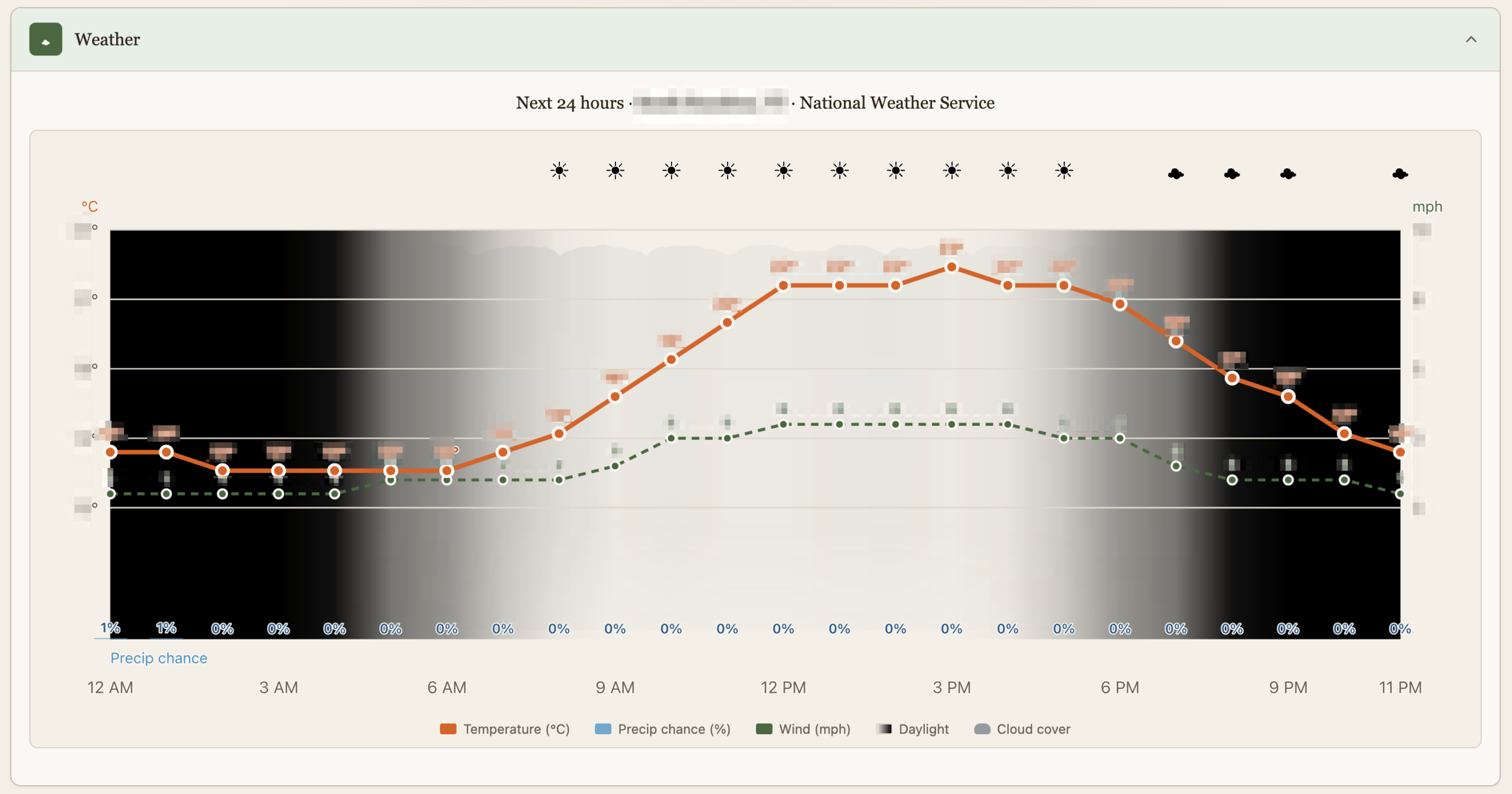
This is just as dumb as it sounds but it’s custom made with just the things we care about, like luminosity which is affected by cloud cover or the Sun going into hiding.
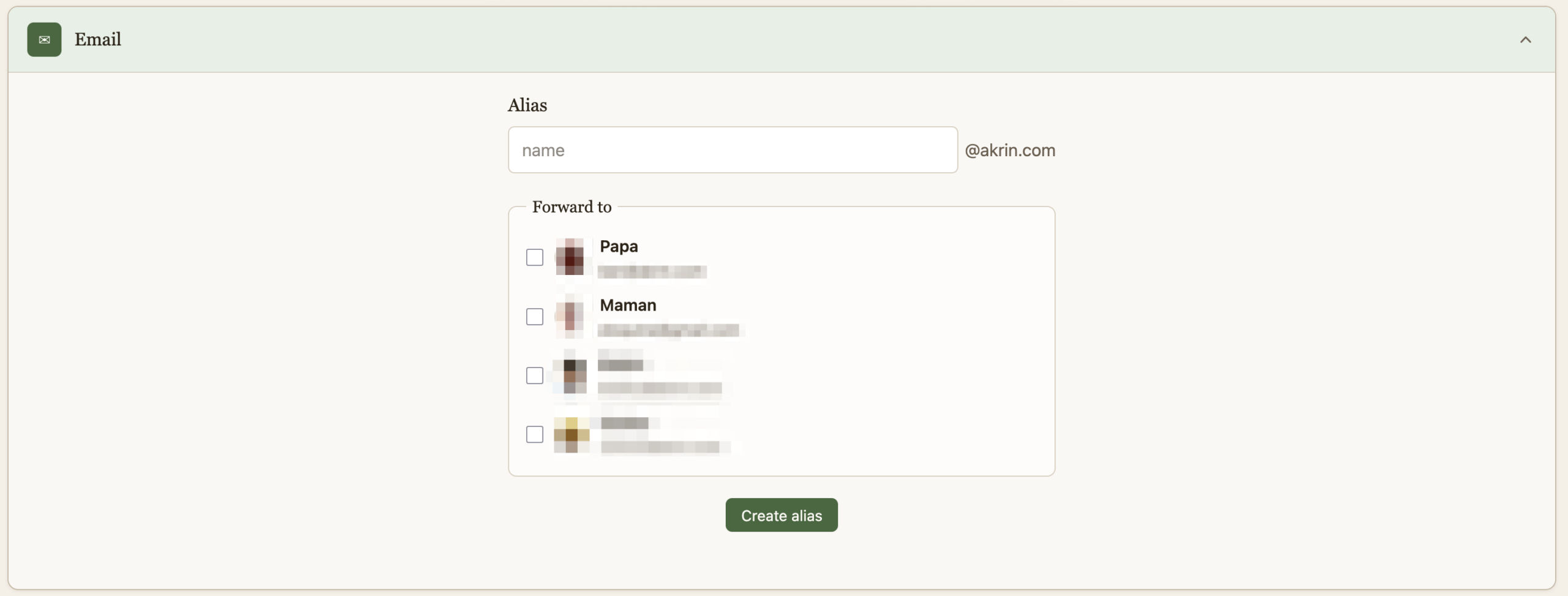
And finally, a quick way to create burner emails for when companies demand that they get to spam you for life before they do business with you once. This is useful in other dimensions, that’s just my pet peeve :).
That is it for now, it’s quite cool to have this all presented thusly after pushing the various building blocks for years.
Pique la Baleine
I done did it, I read another book! I stuck to classics again to better my chances of not hating the experience. But the choice was blinded by the ebook format, which does not give you a chance to weight the amount of paper you’re about to tackle. I read Moby Dick, inspired by a comic I read (Achab by Patrick Mallet, meant as a prequel) which made me curious about the real book. And it’s a big book, the contents of which are very dense. Since I only seem to find time to read at the tail end of a day, my mental energy is usually depleted which makes it hard to go through more than a few pages. But it kept me coming back, which is saying a lot about its quality. Once I got used to the unusual words and turns of phrases it got easier, the same thing happened with the Grapes of Wrath. This is making me realize my English is lacking a certain range, it’s a struggle to grasp older turns of phrases. I wasn’t particularly apt with the seafaring vocabulary either :).
The book is very rich with many references, most of which I didn’t know, which left me wishing for annotations. It describes the world of whaling very, very, VERY, exhaustively. It can sometimes be a little much, some of the encyclopedic indexing of whale types, and bones were very dry. But it has the merit of not making assumptions about what a reader may know about a world which no longer exists. These details give texture and meaning where imagination couldn’t fill the gaps.
I thoroughly enjoyed it, I understand why it’s a classic. I liked understanding how a world once worked, I liked the characters, the metaphors are inspired, and a few sentences are so salient with meaning as to give one pause.
My Mistake, I Updated
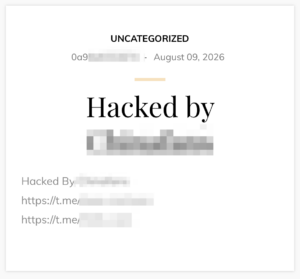
I updated this blog which ran an antiquated version of WordPress from the neolithic era. I used the opportunity to review all the files, all the permissions, everything. It was all squeaky clean. The minute I run a “new and secure” version this happens:

My mistake was updating from a tried and true version which had stood the test of time, to the latest and greatest which happened to be vulnerable to https://github.com/0xsha/wp2shell. Thankfully, the update came with containerization, which isolated it from whatever else my solar Pi is running. Maybe pointing to wordpress:latest wasn’t a good idea, but then again, this vulnerability has been around for a while so I was fucked no matter what. It’s kind of crazy to find something so blatant in WordPress core. WordPress is notorious for having vulnerable plugins, I had gotten to trust WordPress itself. No longer.

I’ve restricted routing rules to the blog, and added monitoring to detect admin users getting added.
Shameless
This will be a whole other post, but I’ve gone through great lengths this year to discourage wildlife from eating our stuff. Of course the clueless fawn to gorges itself in the middle of the day with zero appreciation for the effort.

Berry Loot
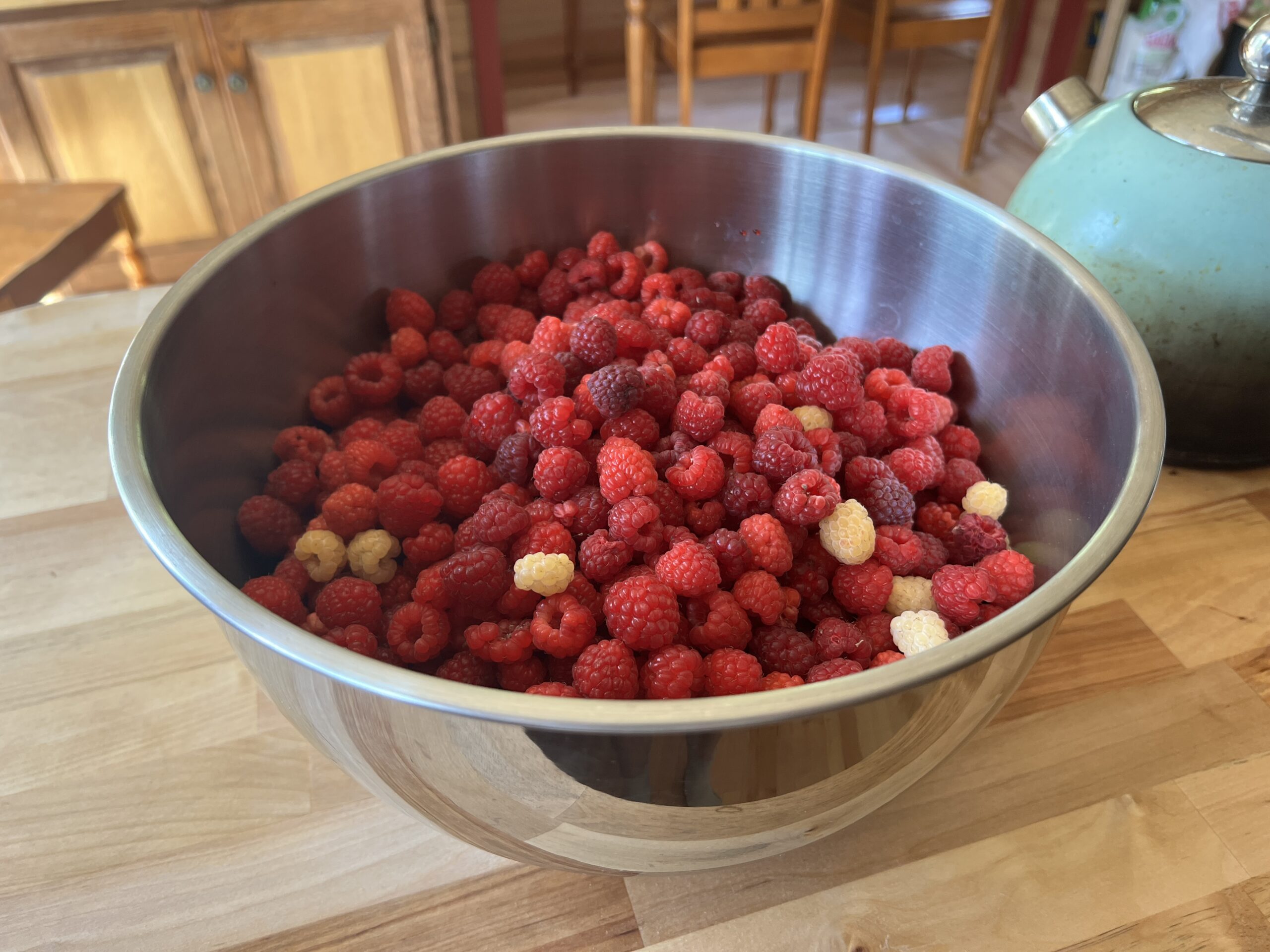
This is shaping up to be a great berry year. We’re often amused that in our work toward greater self sufficiency, we never produced enough of a staple (potatoes, corn) for our family’s consumption in a year. But we’ll wolf down hundreds of dollars of berries in one day. We seem to have succeeded at overproduction only with luxury foods like blueberries, raspberries and maple syrup. It’s nice really but one wonders about priorities.
This season is notable in that we have a great read of what the plants are doing, and have managed to stay on top of them. We’ve been good a picking a little every day, a little before ripe, at good times of the day. The chaos of previous years along with our lesser experience then didn’t allow for the slow and steady approach coupled with good calls. One of the improvements is that we are no longer trying to process the quantities before they rot. Now we simply freeze it all until Fall when a day long fire can be used for 1 big canning session. Making preserves in the Summer in small batches was far from ideal.

We’ve been getting 1 big bowl per day for the past couple of weeks, that’s what’s left for the freezer after we all splurged.
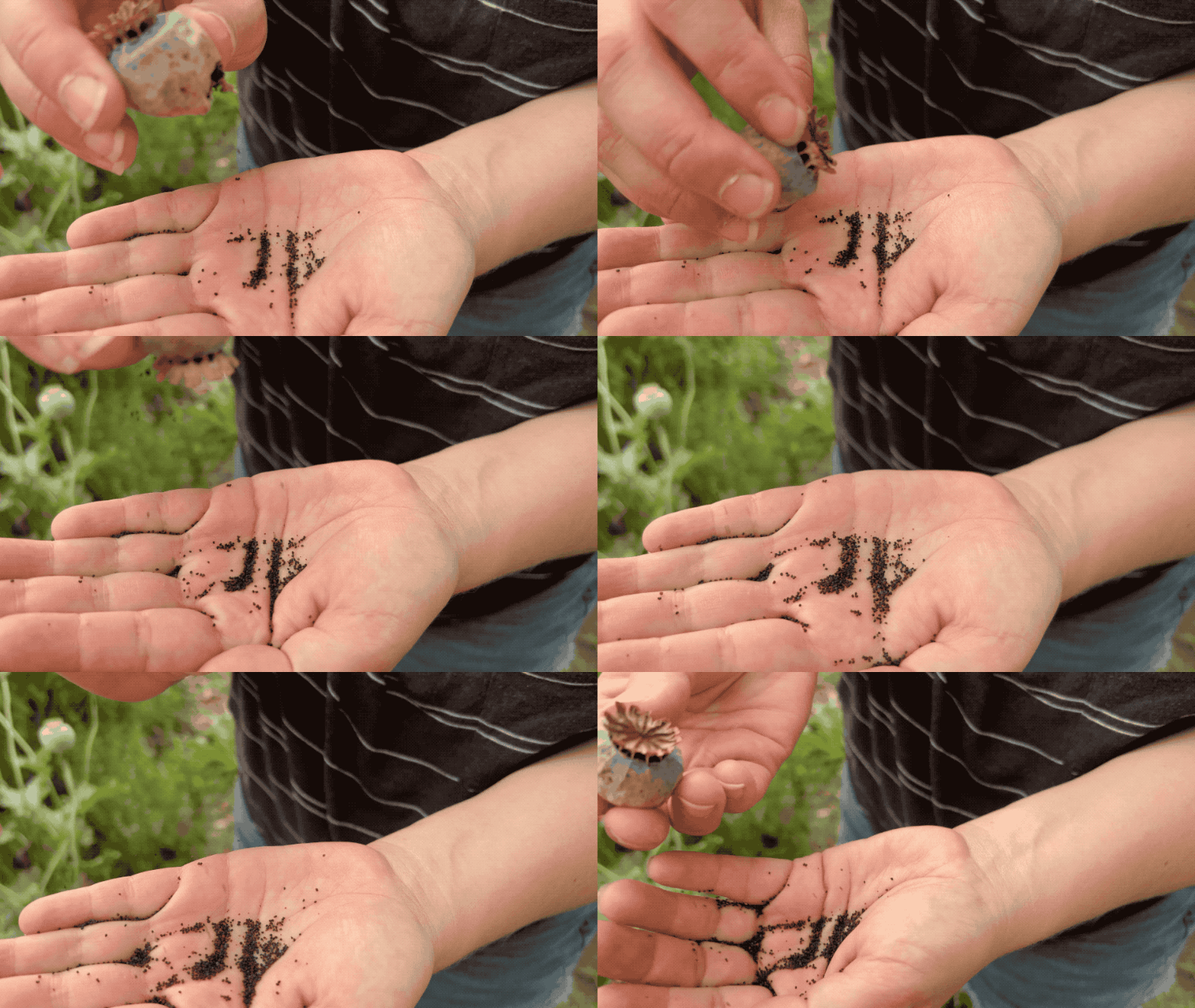
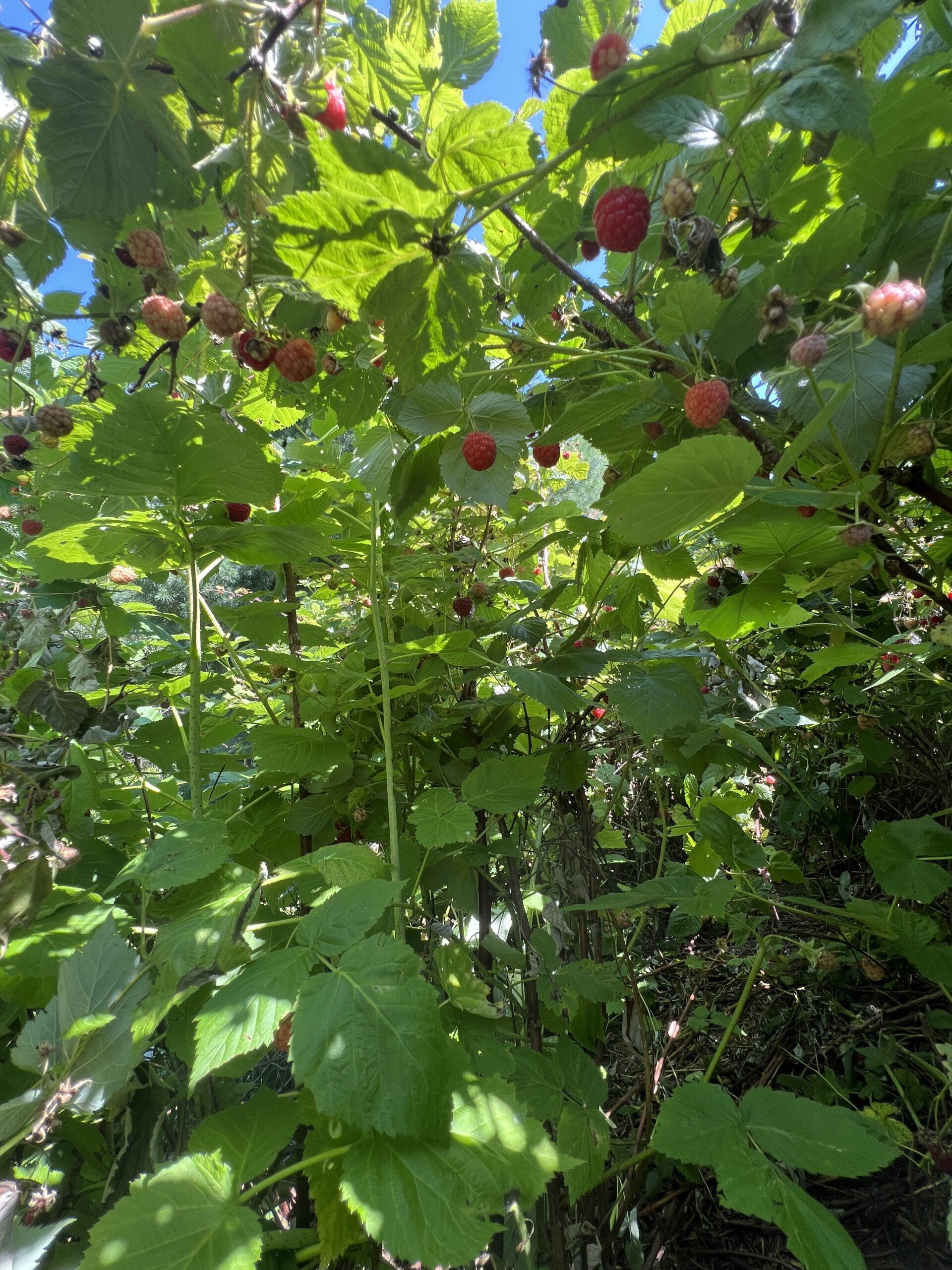
When picking raspberries, it helps to be low to the ground. The best picking is when we crawl through the bushes.
The blueberries are on a whole other level.
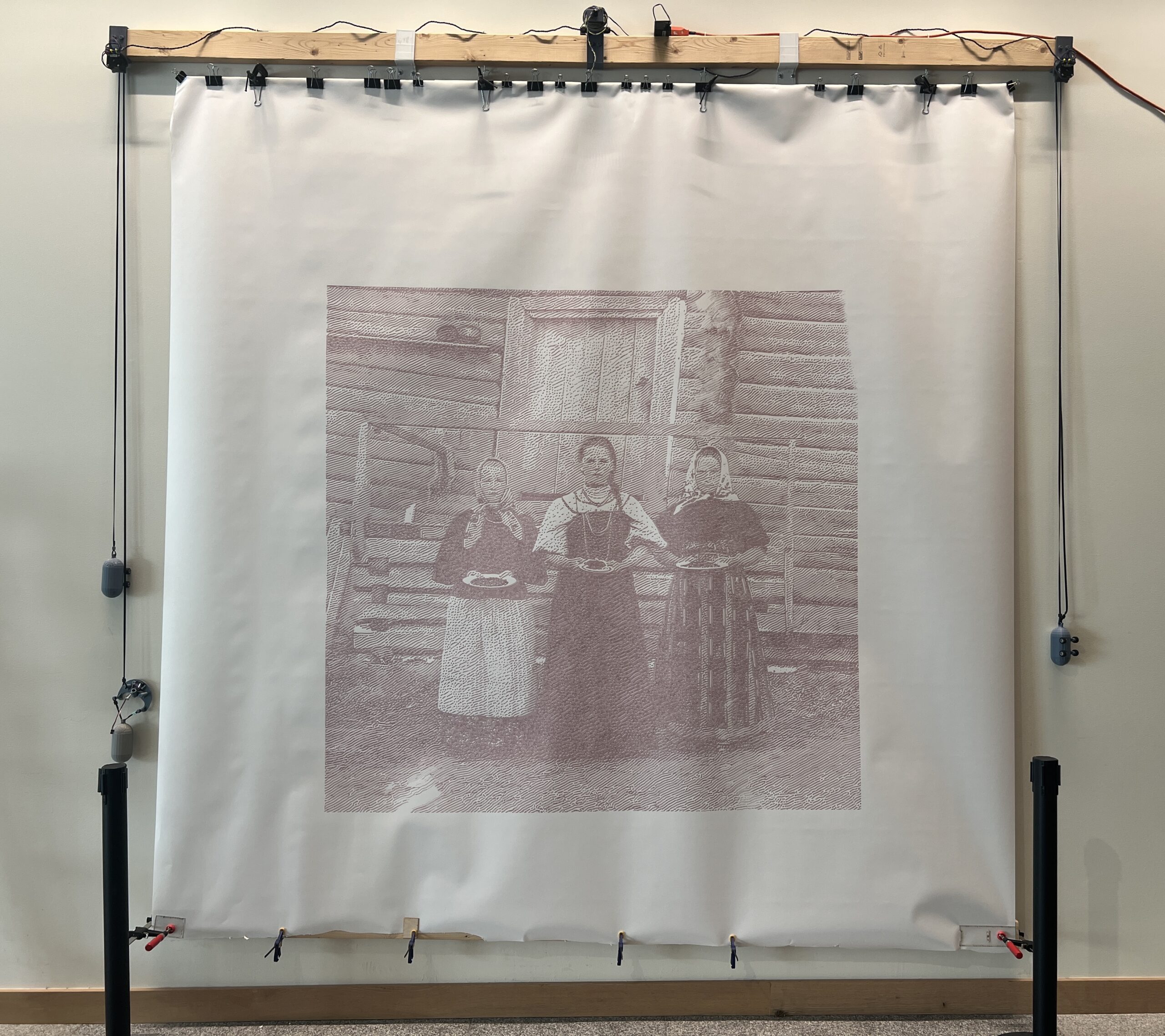
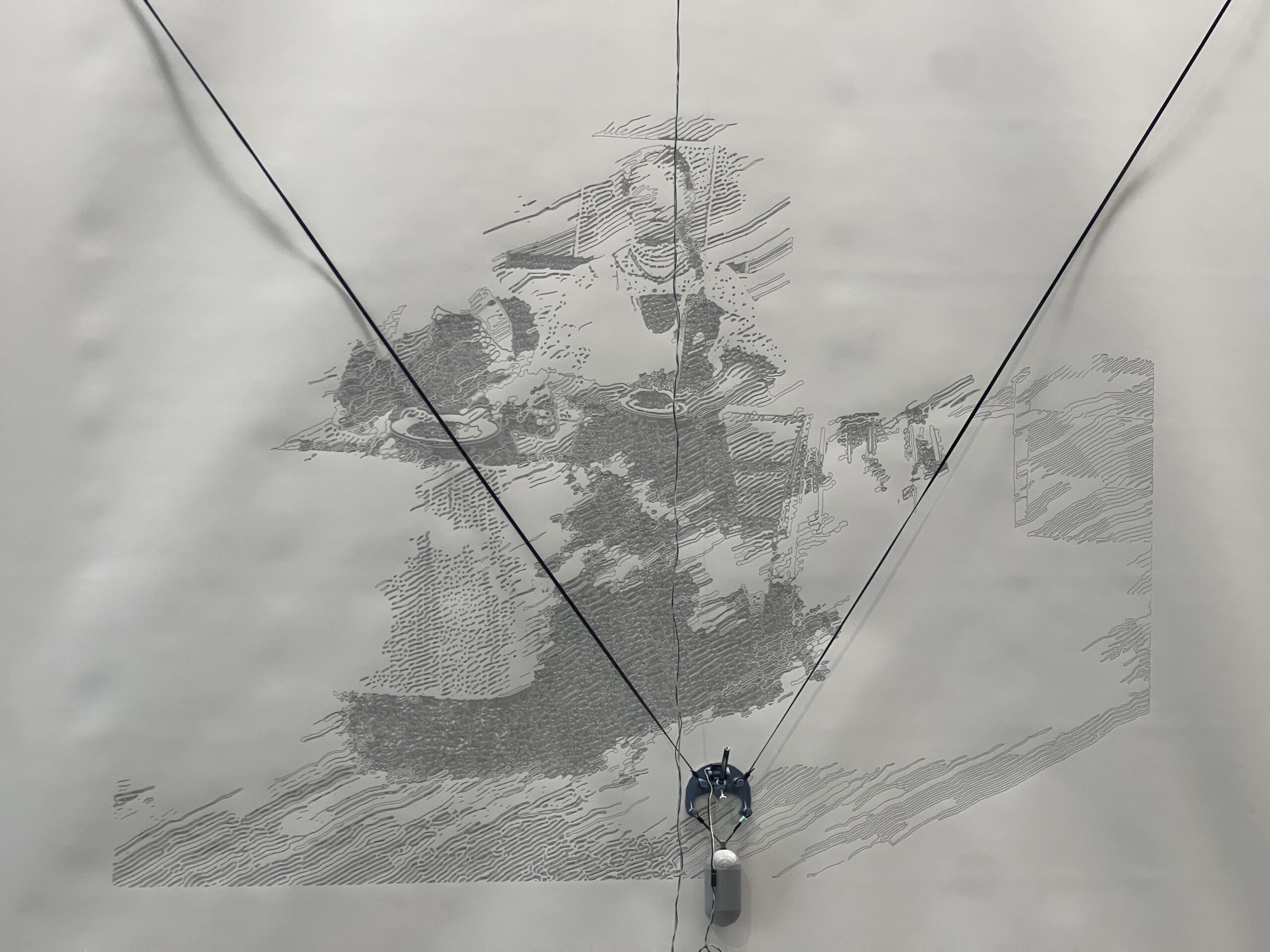
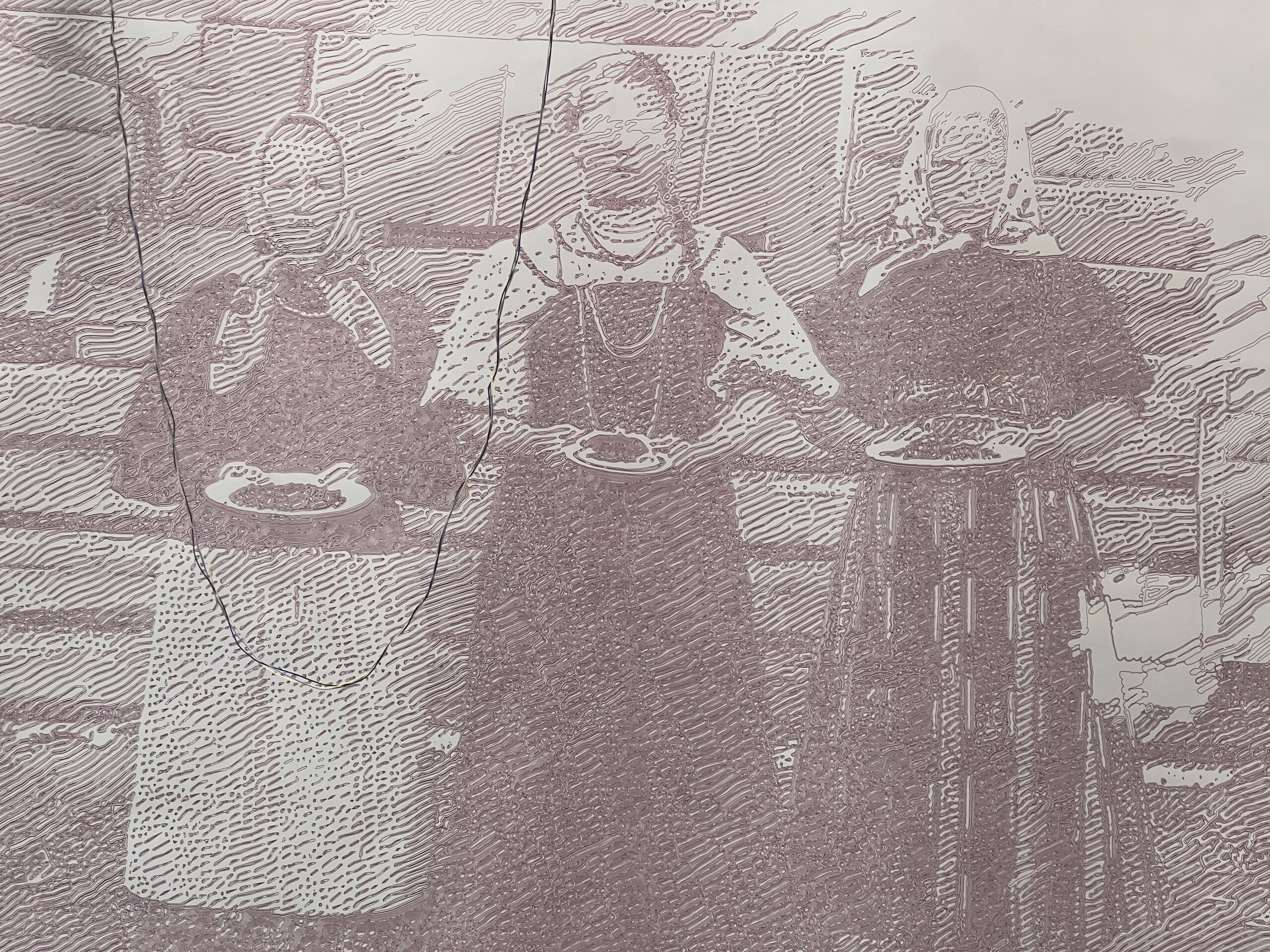
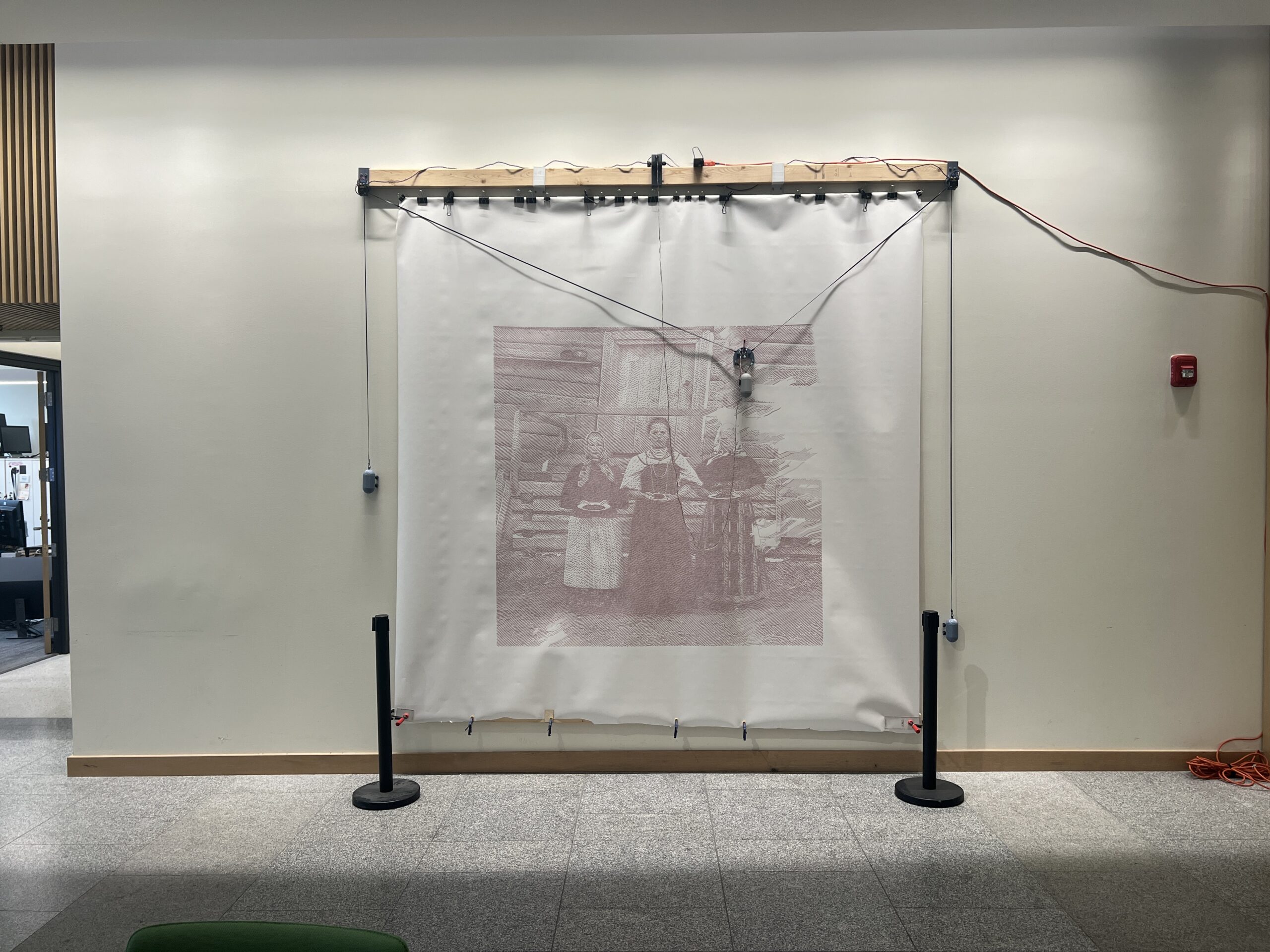
Gondola PlottyBot v2
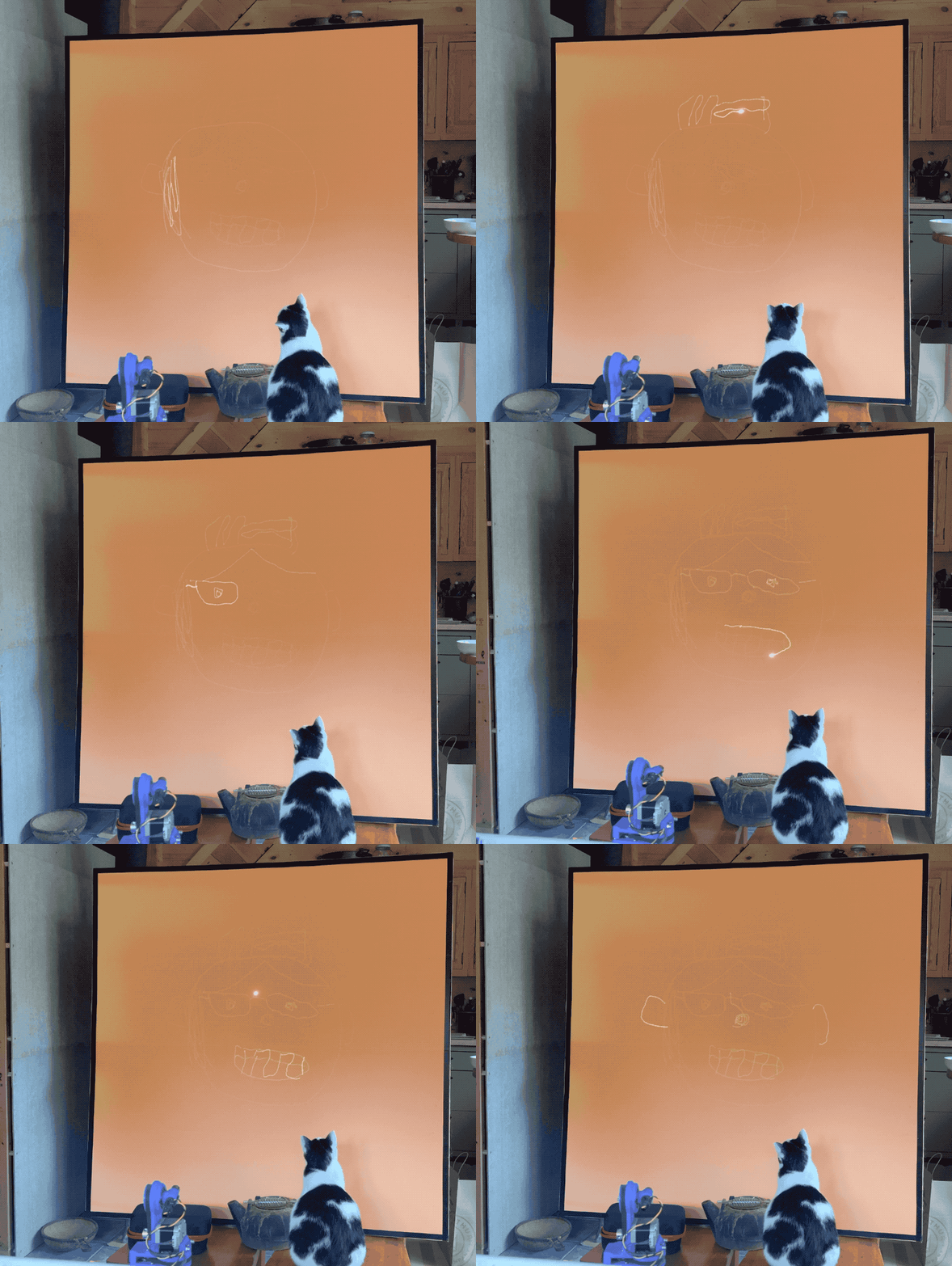
I built it last year and took a bunch of pictures to document the build. Then life happened and I didn’t. Someone noticed I had an undocumented v2 and asked about it, so it was time to fix this.
Corkscrew Sounds a Mystery no Longer
In the Spring and Summer we often hear the sound of one or several corkscrews coming from pine logs. It’s weird in a funny way, and any time we’ve tried to investigate we didn’t find the culprit. Whatever is doing this stops when you move the log.
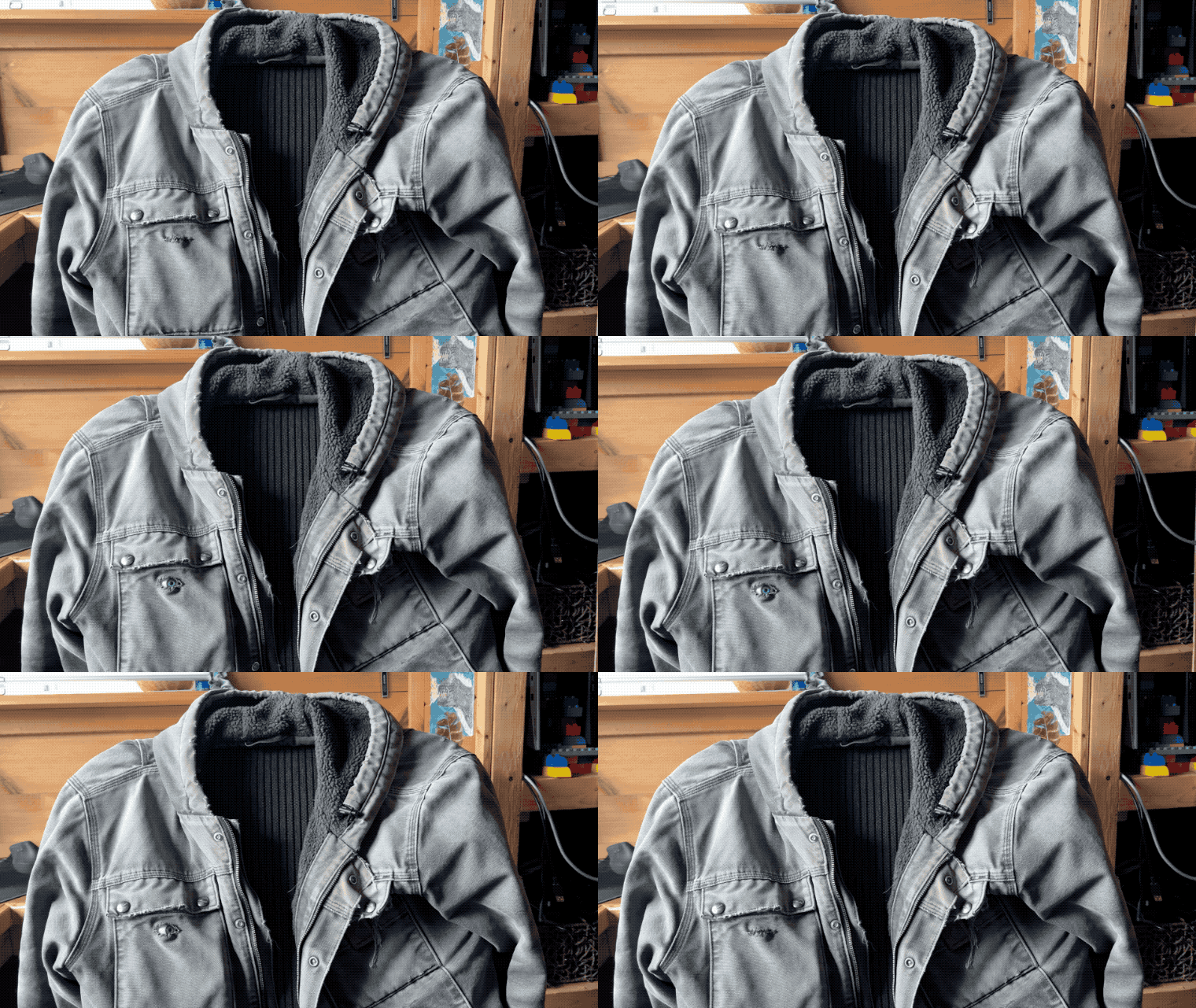
We finally got to the bottom of it, and found the bug responsible. Its mandibles must be quite strong to make such a ruckus. I’m not sure what they’re digging for, food and protection I assume. I had ran into them cutting wood before, they get bigger. You can see the byproduct of all the digging it’s done.
Yuck
I think it’s a Raghium Inquisitor, or ribbed pine borer. Makes sense.
Copper
Robin found some copper flashing at the hardware store. Hell yeah I’ll etch it.
The glint is good, but it comes with a traveling vertical line that reflects the light source. I need to see if I can treat the surface to avoid that before etching. By happenstance I found that a rectilinear light source (office neon) perpendicular to the etching works better than a single light source pointed at it. It covers more vertical angles of viewing while not diffusing the horizontal effect. Running it parallel, much like a diffuse light source, ruins everything. I should draw how this stuff works a bit.