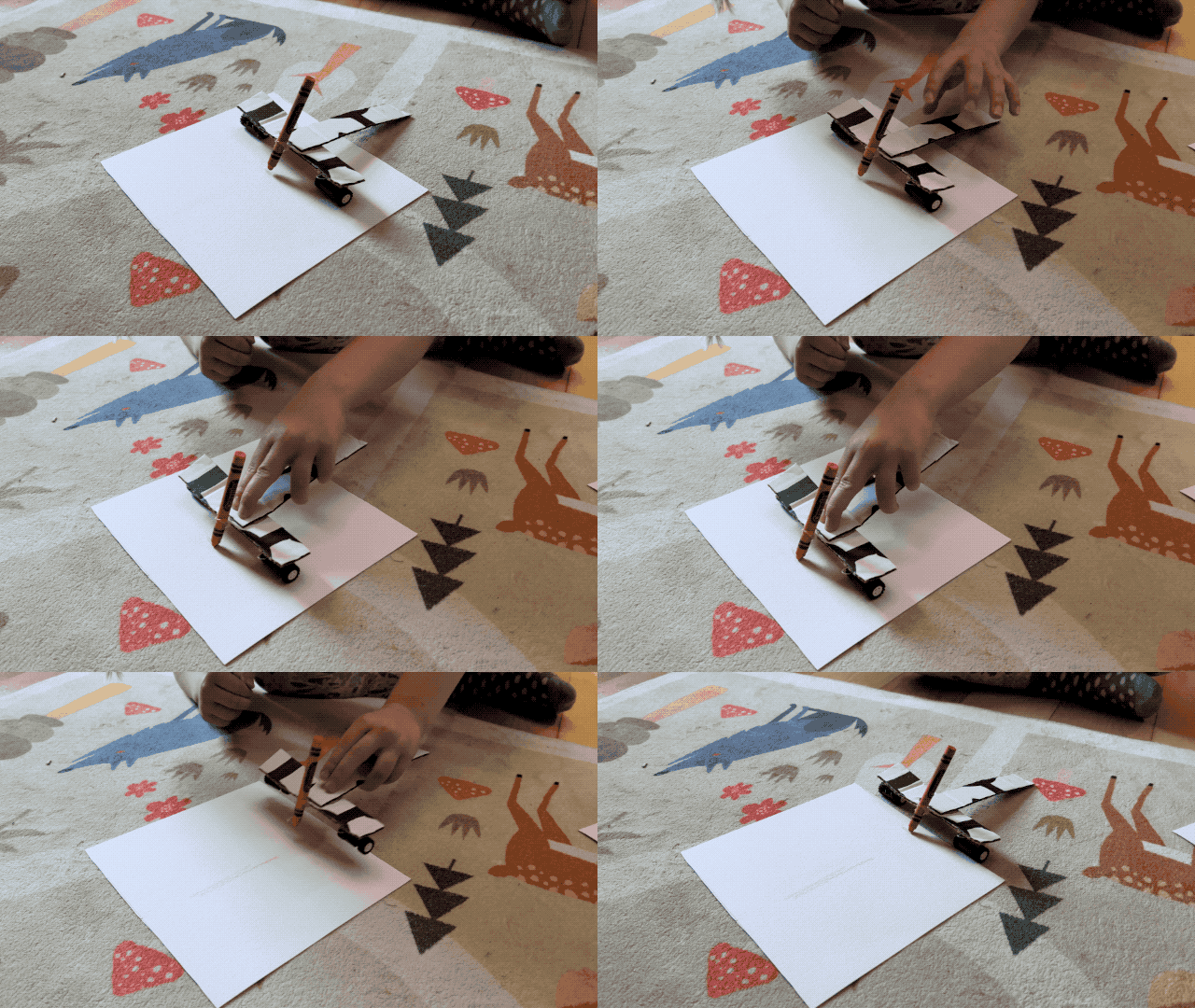
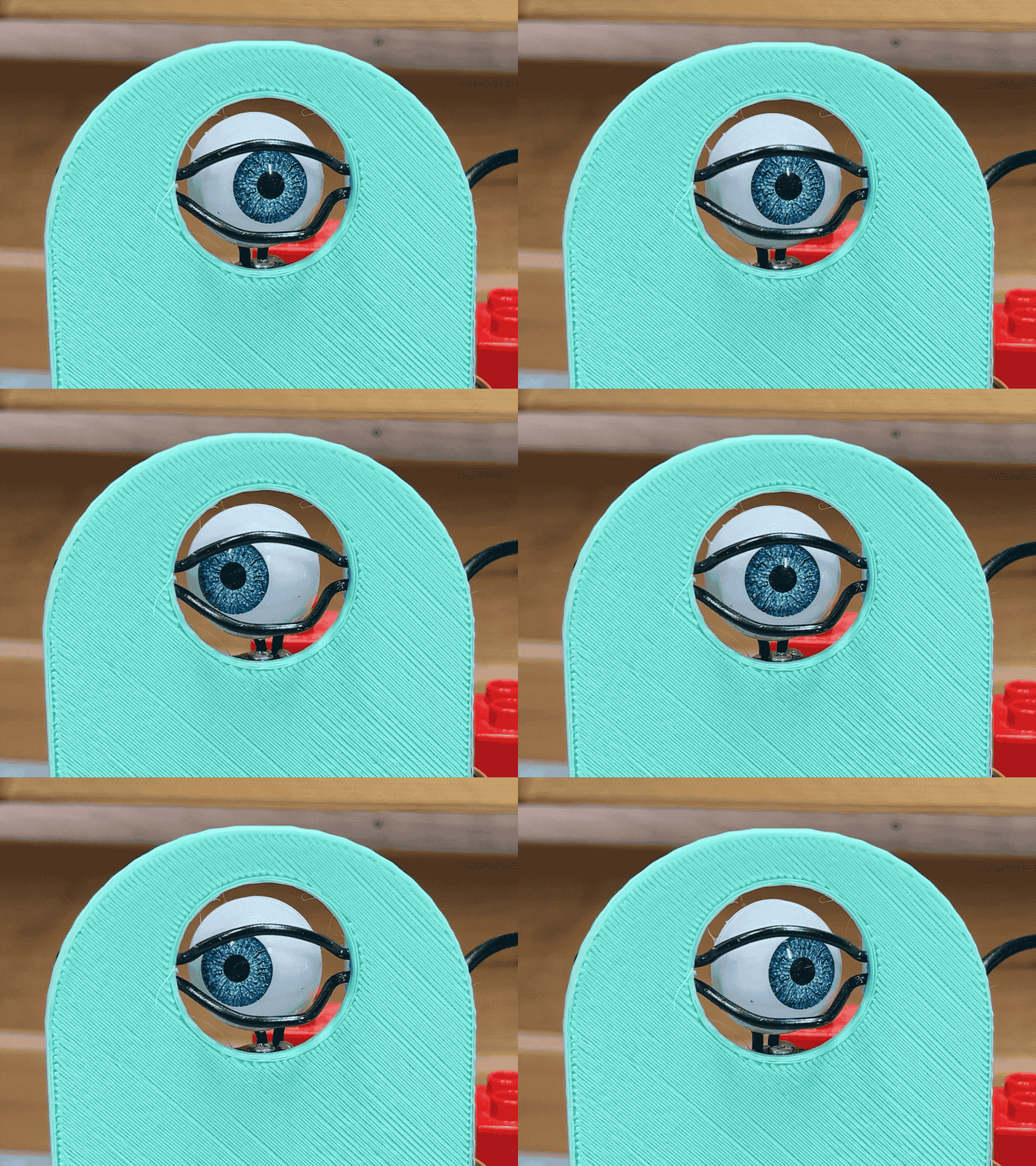
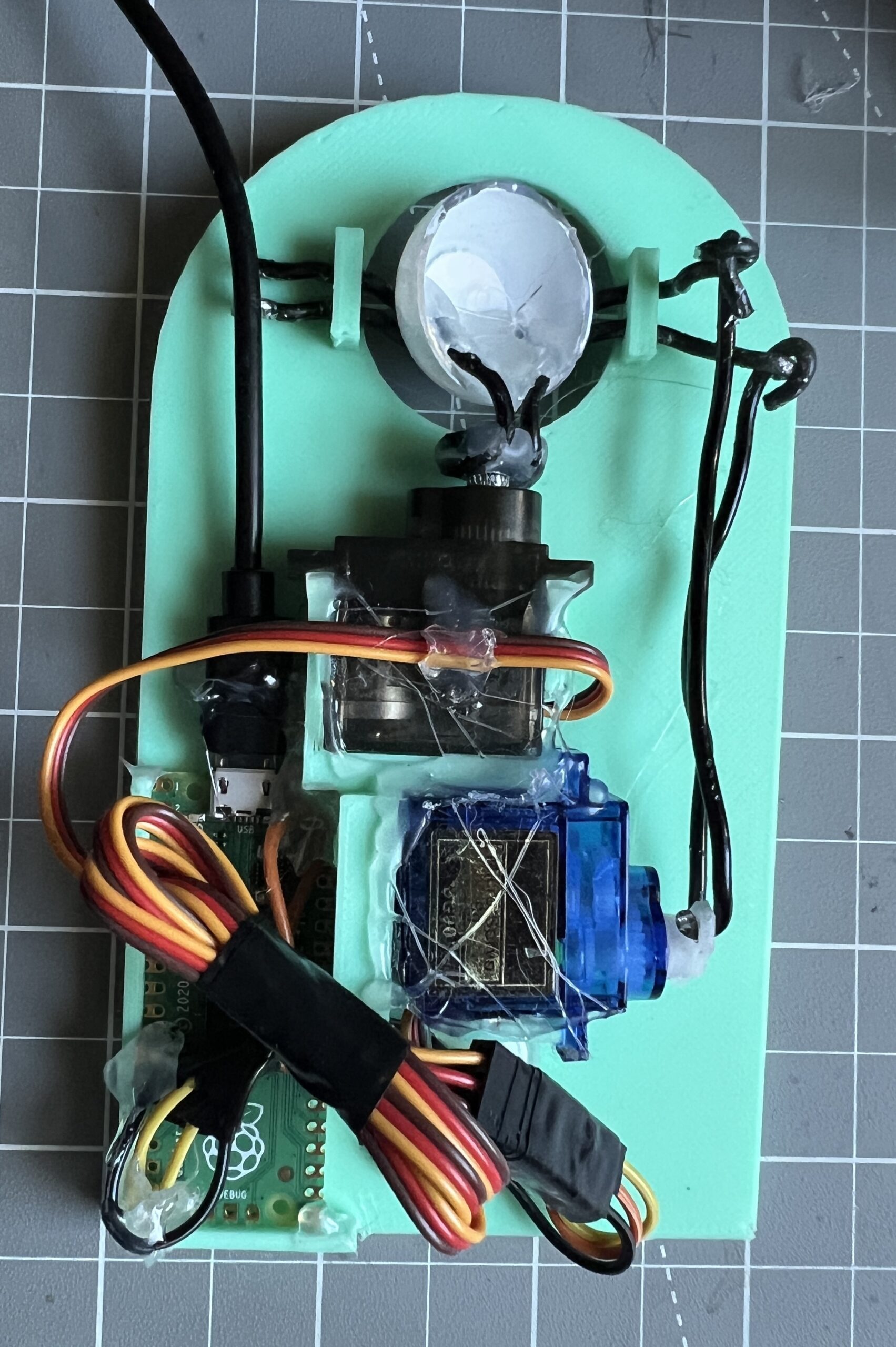
Halloween Eyeball
Not my idea, I saw something like it online and had to make one. This is to be integrated in a piece of clothing.
Framework Laptop Full LED Control Firmware
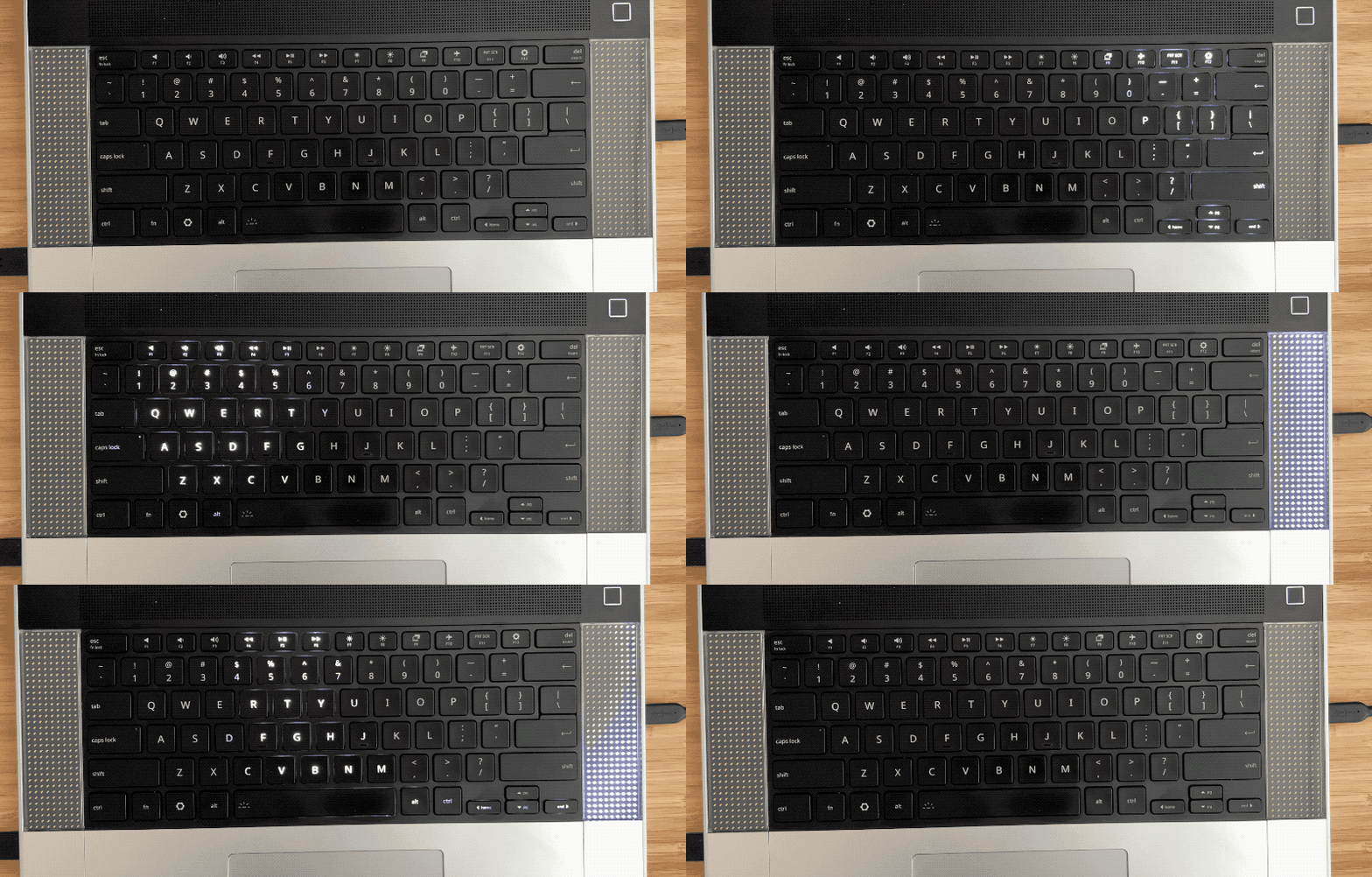
I recently got a Framework 16 laptop and was interested in what sort of integrations I could create having a fully addressable RGB keyboard surrounded by 2 LED matrices.
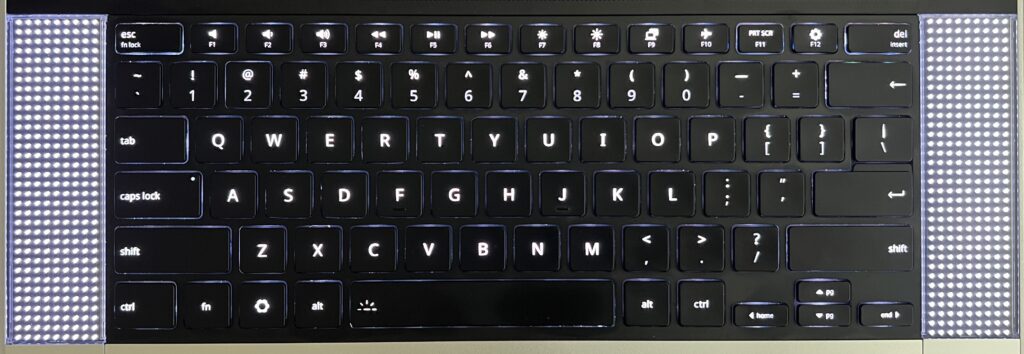
No particular ideas in mind, but the will to want to be able to implement them when they arise. In many ways these are just far worse LEDs than what the screen already has. But I can’t help thinking there are cool opportunities, at worse for fun, at best for function. Maybe an AI agent can be incarnated in some Tamagotchi like capacity there? Maybe it’s a place for some notifications? Maybe one for the things I always keep an eye on?
Not sure, but I know this starts with full LED addressability. And the problem I’ve learned is that the Framework keyboard isn’t fully addressable by default. I had wrongly assumed so given they’re targeted at developers. And so while I rarely put any code in these AI days, I did spend a significant amount of time (with AI) refining a custom firmware for the keyboard that would do just that: make its LEDs fully addressable. There’s some worth there I suppose, you can’t just ask AI to make you one so maybe that’s the new bar for posting anything tech these days?
Without further ado, here is the custom firmware. This is based on https://github.com/FrameworkComputer/qmk_hid with the work done to compile the darn thing, and patch a couple of bugs which were expressed by the “aggressive” setting of LEDs.
Don’t apply it if you don’t have the right keyboard! The one this is deved and tested for is: 32ac:0012 Framework Laptop 16 Keyboard Module - ANSI (verify with lsusb).
The procedure for deploying the new firmware is to slide the touchpad down until it becomes disconnected. Hold both of the keyboards ALT keys, slide the touchpad back up. This puts the keyboard in bootloader mode and adds a volumes called RPI-RP2 to which you can copy the uf2 firmware.
With this custom firmware in place, we can finally run framework_led_matrix_server.py. The purpose of this program is to make the keyboard LEDs and surrounding matrix LEDs accessible with JSON. It likely requires some privileges to send USB commands, on Debian I had to
# this grants access to the matrices
sudo tee /etc/udev/rules.d/50-framework-inputmodule.rules >/dev/null <<'EOF'
SUBSYSTEMS=="usb", ATTRS{idVendor}=="32ac", ATTRS{idProduct}=="0020", MODE="0660", TAG+="uaccess"
EOF

sudo udevadm control --reload-rules
sudo udevadm trigger


# this grants access to the keyboard
sudo groupadd --force framework-input
sudo usermod -aG framework-input "$USER"

sudo tee /etc/udev/rules.d/51-framework-rgb-keyboard.rules >/dev/null <<'EOF'
# Framework Laptop 16 ANSI RGB keyboard
SUBSYSTEM=="hidraw", KERNEL=="hidraw*", \
  ATTRS{idVendor}=="32ac", ATTRS{idProduct}=="0012", \
  GROUP:="framework-input", MODE:="0660", TAG+="uaccess"
EOF

sudo udevadm control --reload-rules
sudo udevadm trigger --action=add --subsystem-match=hidraw
and logout/reboot for the new group membership to kick in.
It’s fairly straightforward to figure out how to use it with --help, it might require you to specify which matrix is on which side of the keyboard if it doesn’t get it right. I added it as a service that starts on boot so it’s always there ready to take JSON commands.
With the firmware and server in place, the fun can begin!
How about undulating waves?
How about an App to control it all?
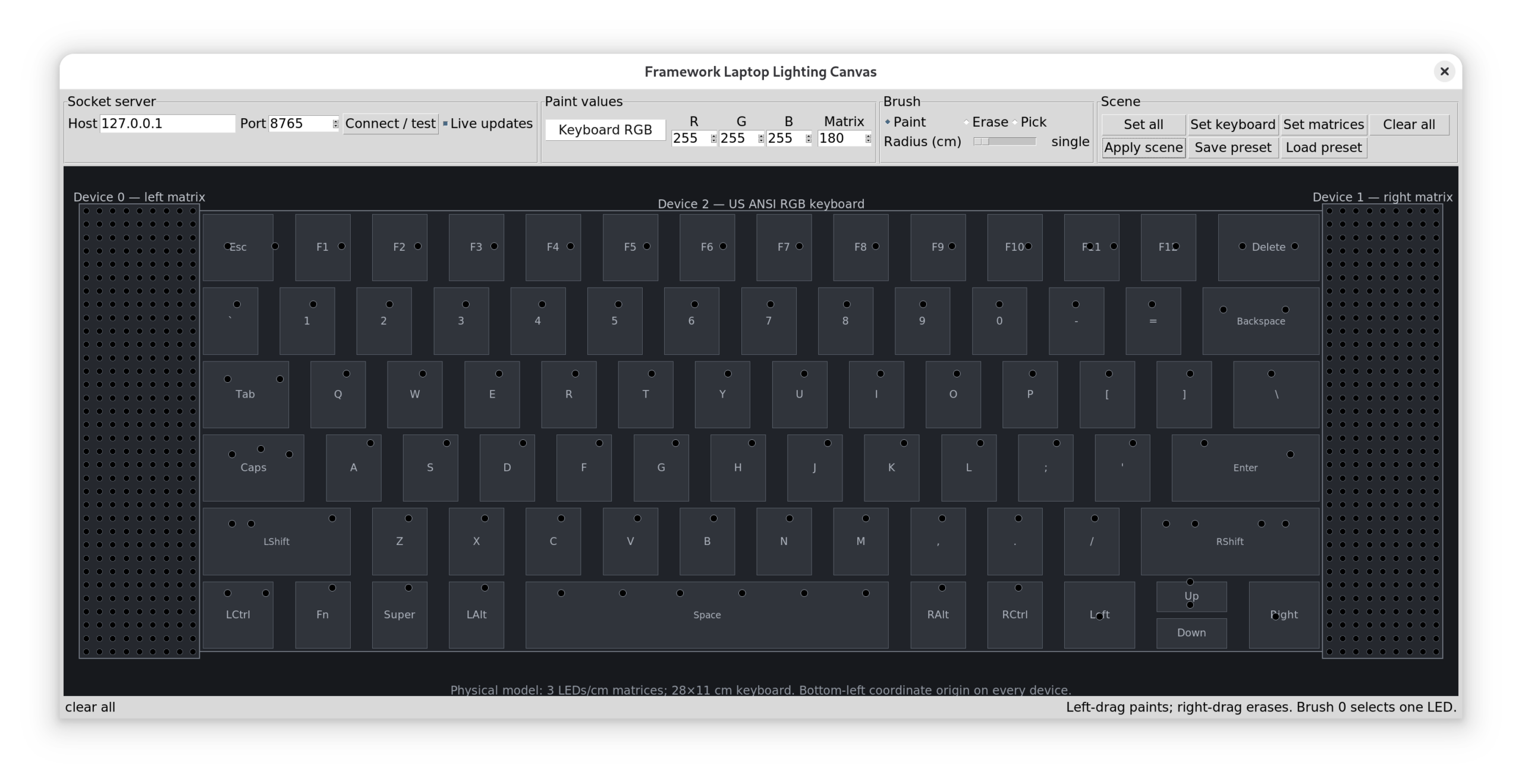
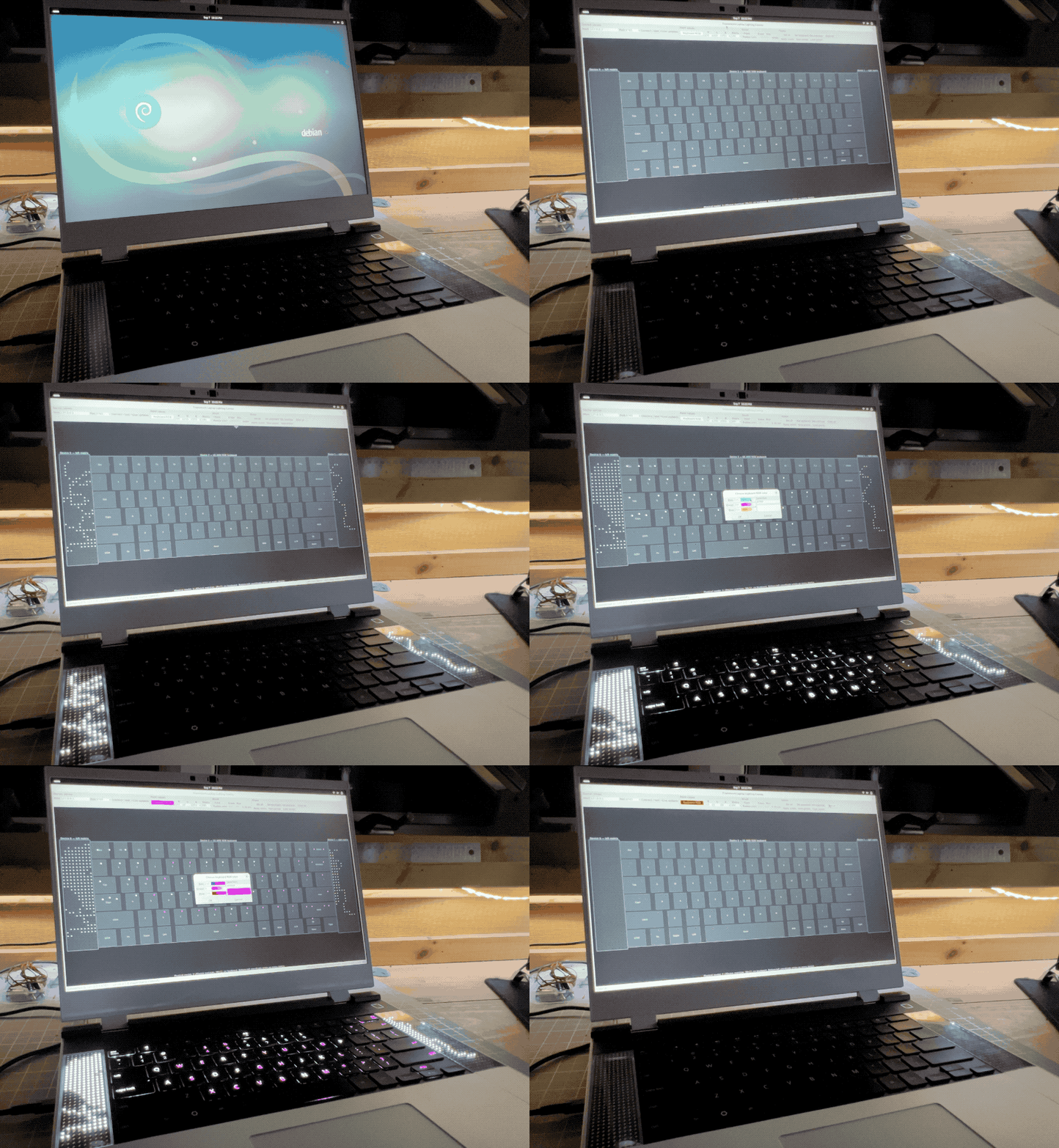
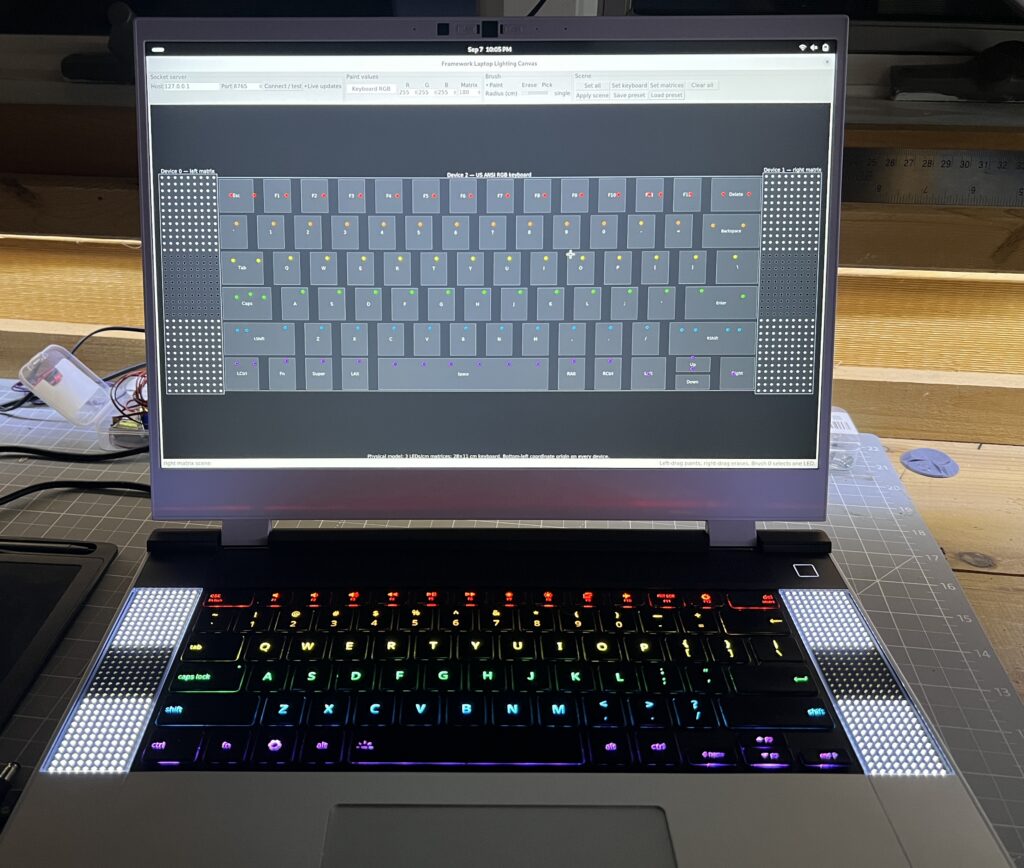
The app supports saving/loading presets, Esther created one for me and loved playing with the lights.
I had AI code a few other effects which are good eye candy but nothing functional, and this is what I’m after really: something fun & functional. I now have the groundwork to try stuff.
Big Tech Drain
I’m almost done weaning myself from Apple. Now I’m not going to bash on them too much, they make top notch hardware and software. And for years I enjoyed MacOS’ flavor of Unix which was close to the servers I admin’d. But… they’ve been adding things for 20 years now, and it’s gotten to be tiring dealing with the ensuing bloat. What was said about the iPhone originally was that it was so simple babies could use it. Today though I dread using one because I somehow always end up touching it wrong and it does a weird thing. There are just too many swipes, special areas, taps and pressures which were introduced. I can’t doomscroll on the toilet if I keep opening the camera without meaning to.
The “many wrong ways of touching it” problem only applies to iOS. But notifications are broken throughout the ecosystem. Once again, accumulated bloat is the issue. I simply will never be able to find a happy arrangement of permutations between system notification settings, an app’s own settings, Focus, Screen time, Emergency, VIP contacts, Handoff. All of which interact with each other and end up beeping when I don’t want, and remaining silent when I do.
Calling is broken, I can’t seem to talk to people on the phone anymore. Is it wifi calling? Facetime hijack? roaming? Handoff? I flip switches, stuff happens, sometimes it helps, for a time. Talking with anyone inevitably requires an awkward back & forth trying the call with various random apps/buttons until one of them works properly.
A few months ago I replaced the iPad with a reMarkable tablet. It’s comparing apples to oranges really, but with my wanting to adjust habits, it works as a drop-in replacement. It’s amazing the different feeling with which I pick up the reMarkable. I had accustomed to the dread I pick up an Apple device with. I know it’s going to want something from me, that my just wanting to do X will come with a cost. How about an update? How about a review? Explore the new features from the update we annoyed you into installing. Agree to our new 300 page EULA, better have your lawyer present. iCloud is full! full of what I don’t know I never enabled it, but it is! I just wanted to do a quick thing… Tech today really has a way of derailing you from your initial purpose. They know they got you when you engage, and they’re going to milk it. The reMarkable I pick up without this sense of dread, I know the path to my intended activity will be free of obtrusion. It has far less features, and it’s carefully designed to not get in the way. Therein lies the relief.
On the laptop front, I experimented with an old laptop on Ubuntu & Debian for a few months to see if it was even reasonable to use Linux for work. It is, Slack & Zoom have deb packages, VPN worked, all the dev tools are intimate with Linux, it wasn’t going to be a hair pulling experience. So I replaced the Macbook with a Framework Laptop. A few years ago I would have picked Ubuntu without giving it a second thought, but Debian’s just leaner and today that’s what I crave. The hardware is not as polished, I don’t think you can find more polished than Apple anyway. I love the thing regardless. I also pick it up without the apprehension that it’s going to make me pay an attention toll for using it.
Linux is great, I never should have gotten tempted away from it but these early Apple devices were sexy. Both my laptop & tablet now run Linux, I can SSH into them and do custom things. Which with AI is all the more possible, for example I don’t need to spend days figuring out Framework’s keyboard firmware to do the cool thing I’m after (more to come on this).
Again, I don’t mean to disparage Apple too much, a lot of the ills I describe here are present in tech at large. I got tired of all the superfluous things, 20 years of adding features to have something new to sell is a lot. The time is ripe to say sayonara. I’m also disgusted by the way big corporations are bending the knee to authoritarianism. Something broke in me seeing Tim Cook present a golden trophy to the orange president. If organizations with infinite money don’t say “no” to jingoistic demands for fear of making a little less money, they will no doubt sell out on other fronts. I remember a time when Apple took principled stands against previous administrations. Gone are the days, now they’ll gladly rename whatever the senile demagogue sharpies over. All in the name of appeasement for money, as I don’t believe they buy into the ideas. Windows was never an option, I was seeing Robin deal with it on his gaming rig and it’s appalling how much they treat their paying customers like pieces of shit piñatas. Thanks to Steam’s newly created competition, a ton of games now run on Linux, and it’s made easy with https://bazzite.gg/. So he hopped off the Windows shit train thanks to a friend convincing and helping him to. All the kid wants to do is game a little, give him a break from Norton and the latest news outrage for god’s sake. Microsoft when will you stop reaching for our wallets with one hand and forcing our eyeballs to monetized content with the other? I still haven’t swallowed how you got a whole generation of kids used to in-games currencies and purchases when you tainted Minecraft with your filth. You morally compromised greedy goblins. In the end, maybe my exodus has a lot to do with big tech’s propensity for setting aside principles in favor of cupidity.
It remains to be seen what will replace the phone. I’m encouraged to see a resurgence of “dumb” alternatives with many between dumb and smart. I need to think about this one a little harder, I do like having a camera handy, some mapping is useful, tethering too. One thing I know is that it won’t be so obnoxiously big that I fear shattering it in my pocket when I do anything but stand upright.
2 down, 1 to go.
Homestead Dashboard
For years I’ve been inching my way through various home automation projects. Some solar array visibility, some way to turn of inverter should batteries get low, some way to detect wildlife tearing through crops, et cetera. I had a good bulk of life improving features implemented, but nothing very coherent or well polished. Recently I revamped my whole infrastructure at home to standardize all the little tidbits I’ve accumulated over the years. It was a daunting task but it’s done. And so the efficiency of AI programming lets me finally create the Homestead Dashboard I’ve been wishing for for years. Now please note that I’m not an AI evangelist, but I’ve gotten to be discerning of which project I wanted to still be involved with, and at which degree. And for such a project, I don’t particularly care to understand much of how the clock ticks, so I can let AI do its thing much faster than I can. I spent more time on some of the building blocks I still want to own.
This is obviously private so I can’t link to it, screenshots will have to do.
High Level
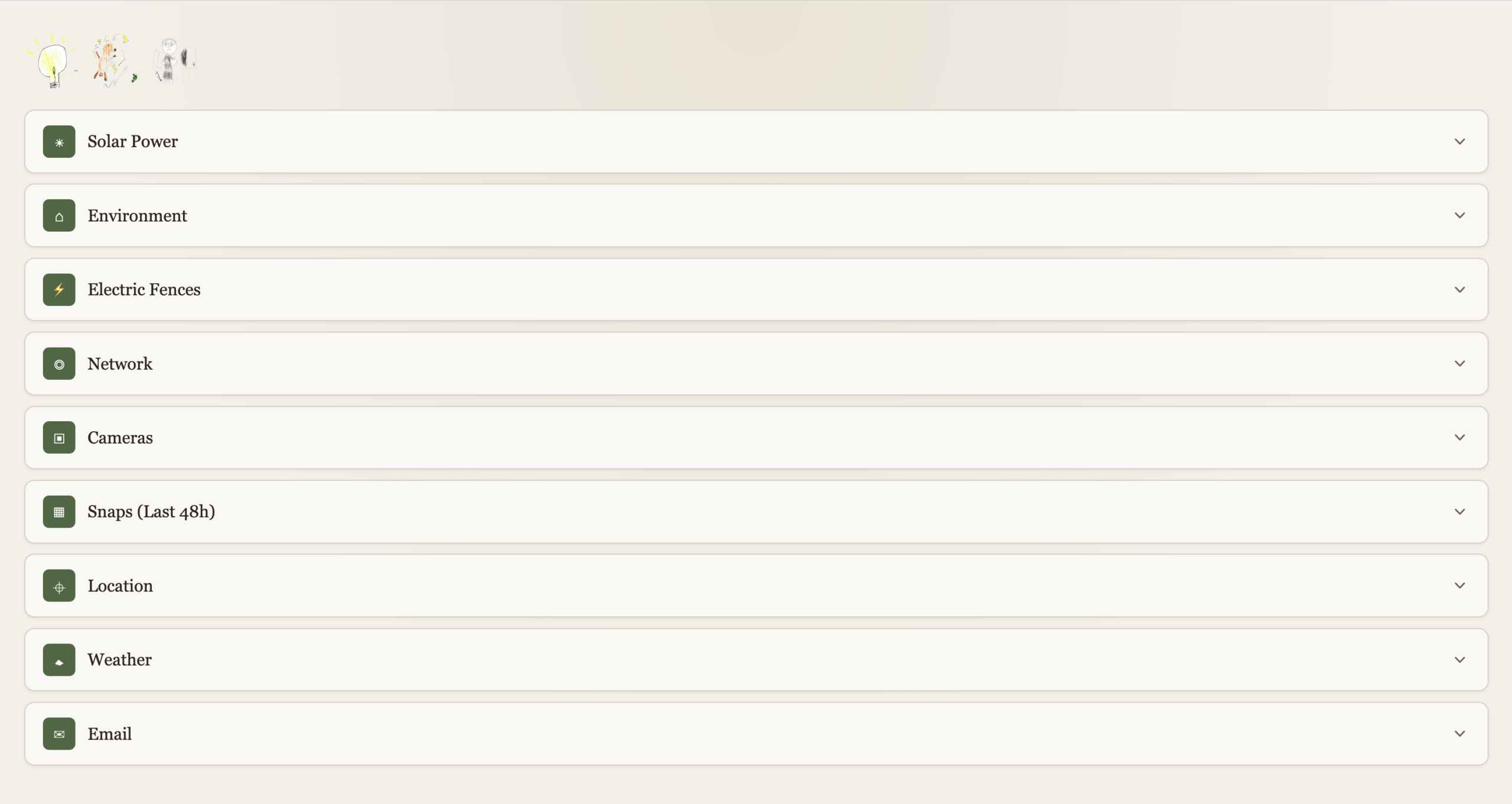
Each function is expandable. With a “quick-glance” view of main functions at the top left. Electricity, Electric Fences, Kid’s internet.
Solar Power
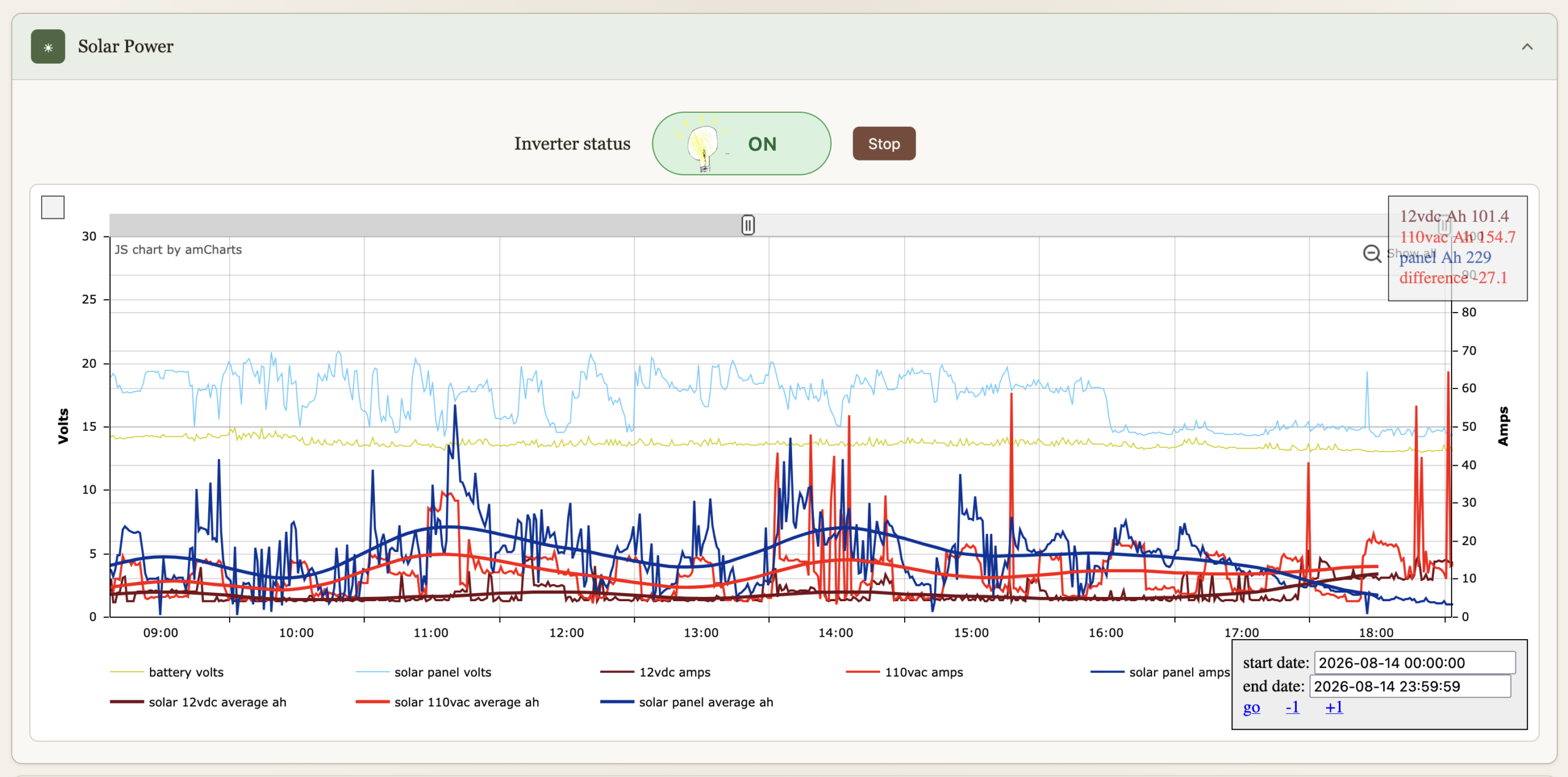
I’ve had these graphs for a while now, they’re just now part of the dashboard. They’re been immensely useful to gain insights on all things solar over the years. The inverter can be turned on or off, automation turns if off if the batteries get bellow 12.8V to preserve them, and back on when above 13.2V. We can override it.
Environment
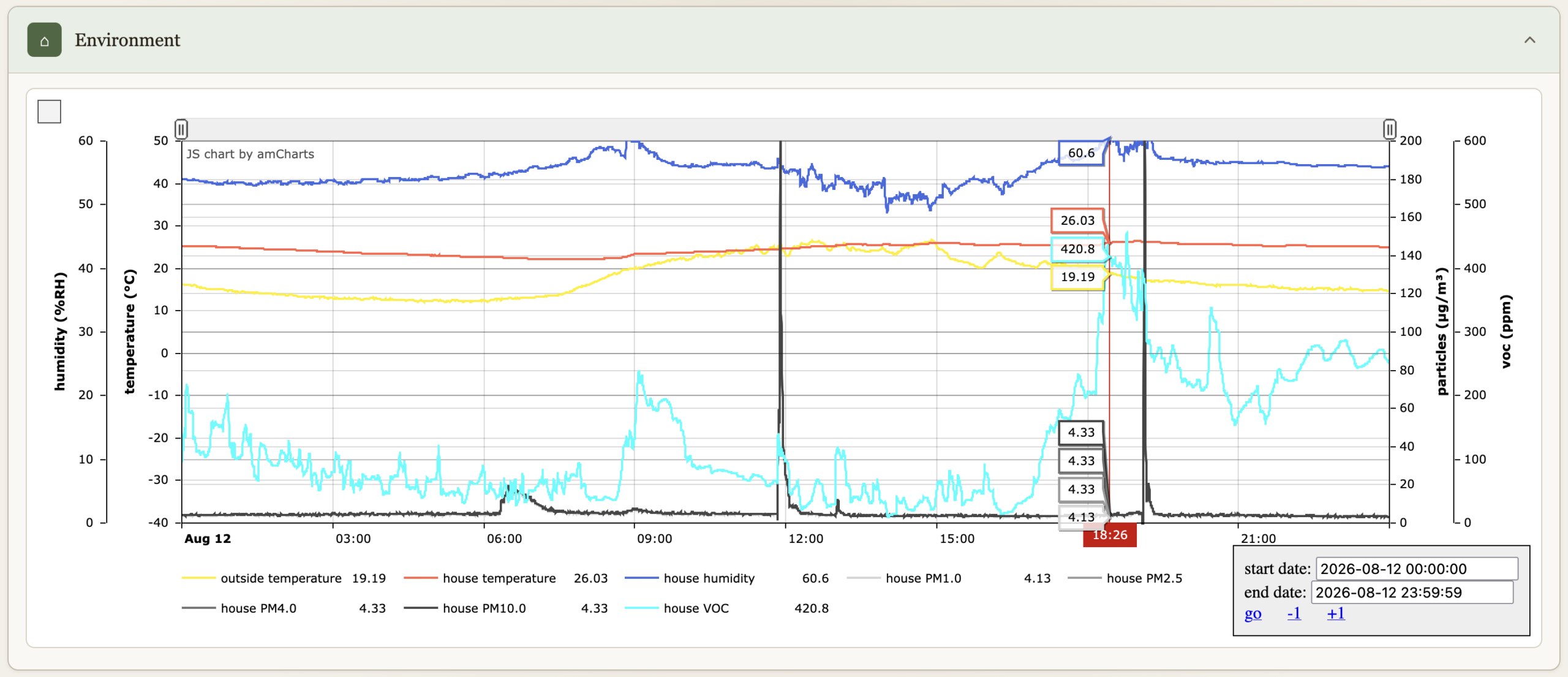
Temperatures, humidity, particle count & VOC.
Electric Fences
Turn on or off, comes on when we are not home (see Location bellow), and at night between 19:30 and 7:30.

Network
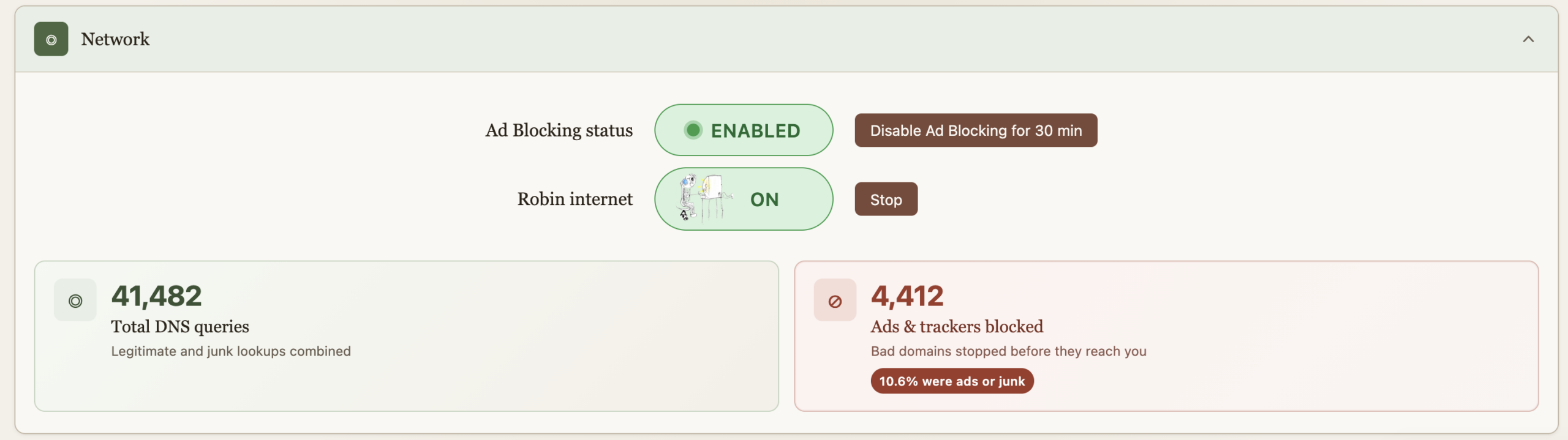
Allows us to turn on the internet for the older kid, it comes back off at midnight every night just in case we forget. This essentially does API calls to PiHole to enable/disable DNS for a group of devices. “Starting” the internet requires a password because some sneaky eyes got a glance of the process and found a way to reproduce it. And then got busted :). The password is client-side on purpose as I wish to continue the educational arms race. And really it’s just a DNS block so fairly easy to override too. He doesn’t read my blog so these secrets are safe, but I do wish that he figures out.
Ad blocking is also provided by PiHole, but sometimes you just got to go on a website where marketers aren’t much different than scammers and the thing’s blocked. For Nicole’s sake, an easy and central button now allows for a temporary override. The ad blocking stats serve no purpose, they’re just here to make us feel good about all the trash we don’t get to see.
Cameras
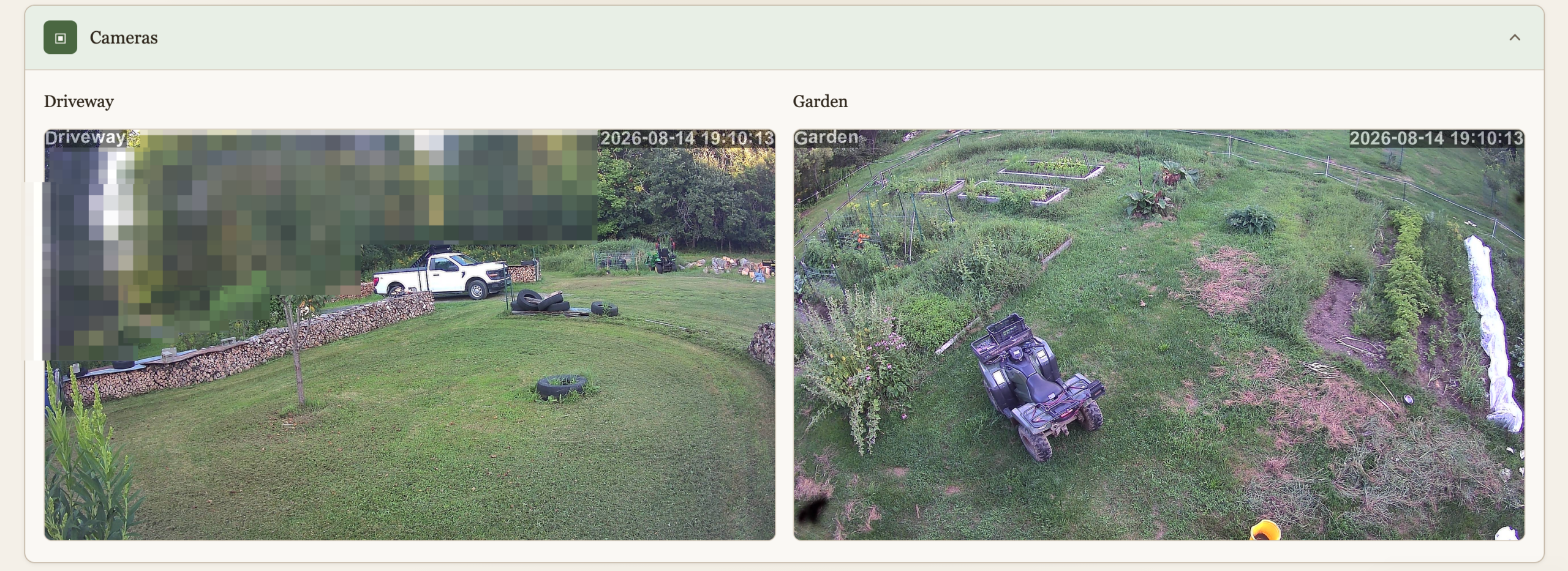
We have 2 cameras currently deployed, this is a live view to them. I don’t like cameras everywhere in society but at home, outside, and very much under our control (no cloud) why not? The main goal here isn’t security, although it’s nice to know when someone pulls in when we’re not home. It’s wildlife detection. I spent a lot of time and resources keeping wildlife away, and I’m not done yet, and the cameras are a key ingredient. This will be another post.
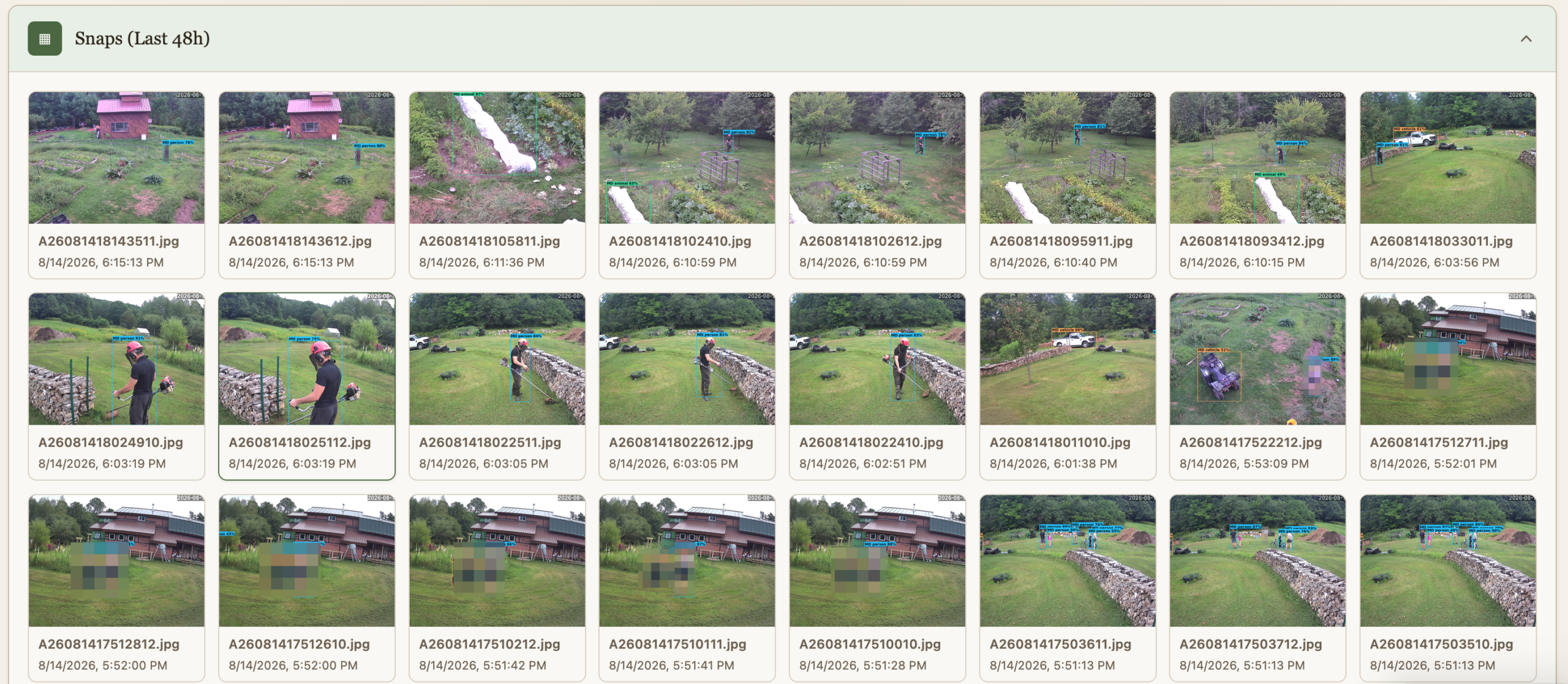
Snaps (48h)
The cameras do people and animal detection, and the findings are preserved for quick view for 48h.
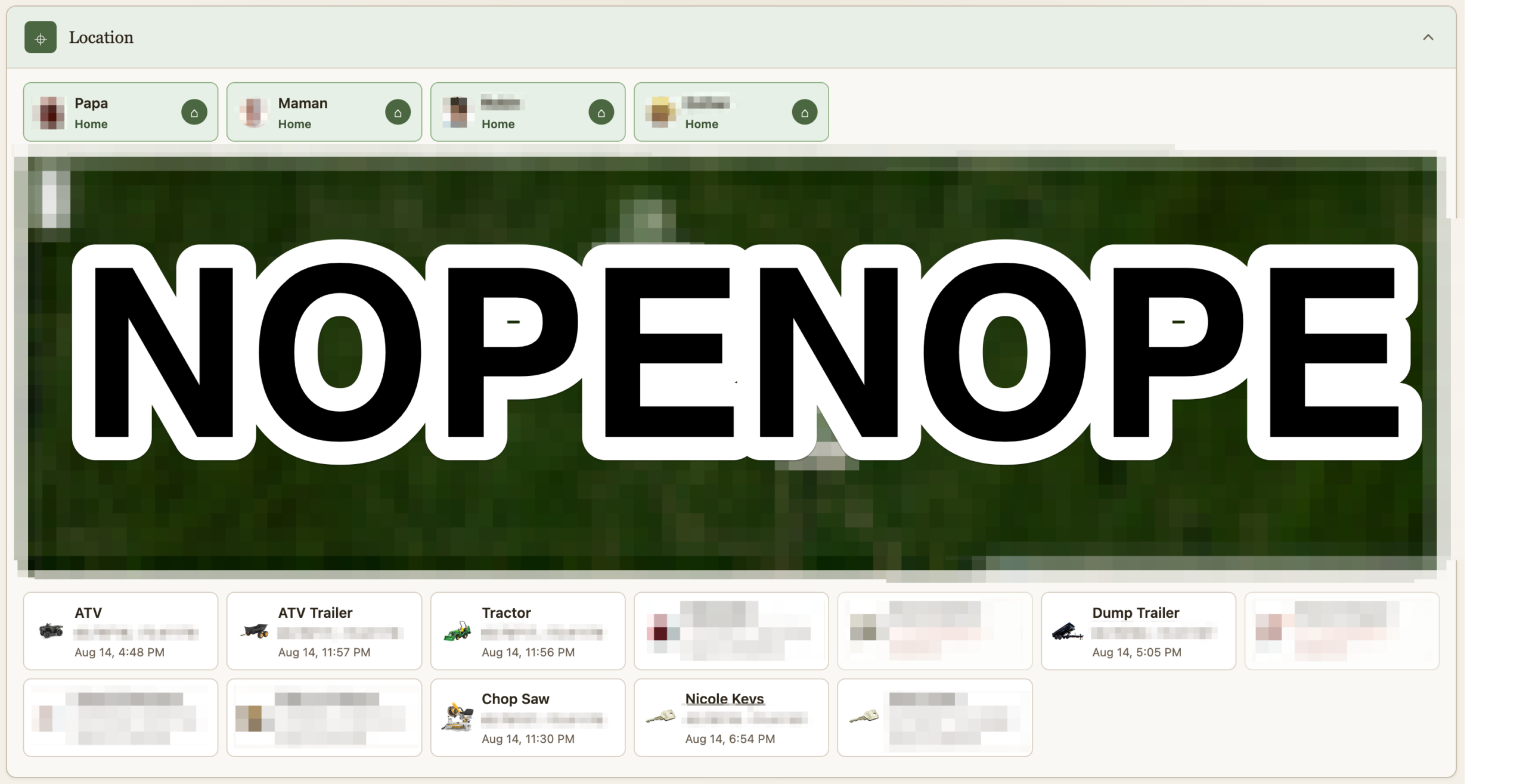
Location
If it costs a little money and it isn’t fastened to the ground, it’s getting an Airtag. I remove their speaker and hide them. A script pulls their location as it updates and logs it. Some of them are geofenced. I suppose this post could be worthy of the “maniacal paranoia” tag I usually reserve for IT security. The Location section shows where all the Airtag currently are. At the top is not where we are, but whether we are home or not as detected via our phones being on wifi or not. This data point is useful for some of the automation. Should we turn on the fence? Should the cameras alert?
Heavily censored obviously
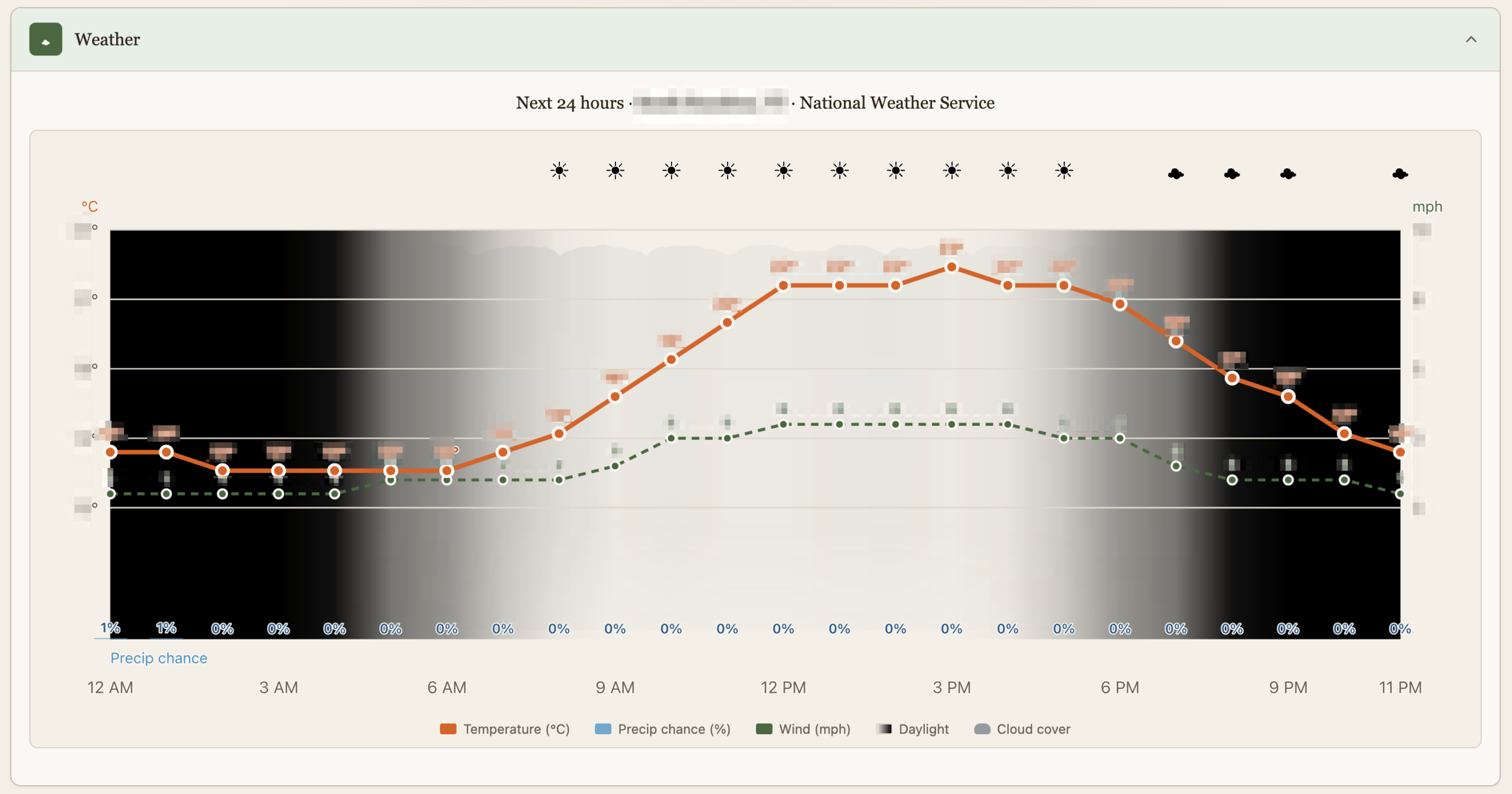
Weather
This is just as dumb as it sounds but it’s custom made with just the things we care about, like luminosity which is affected by cloud cover or the Sun going into hiding.
And finally, a quick way to create burner emails for when companies demand that they get to spam you for life before they do business with you once. This is useful in other dimensions, that’s just my pet peeve :).
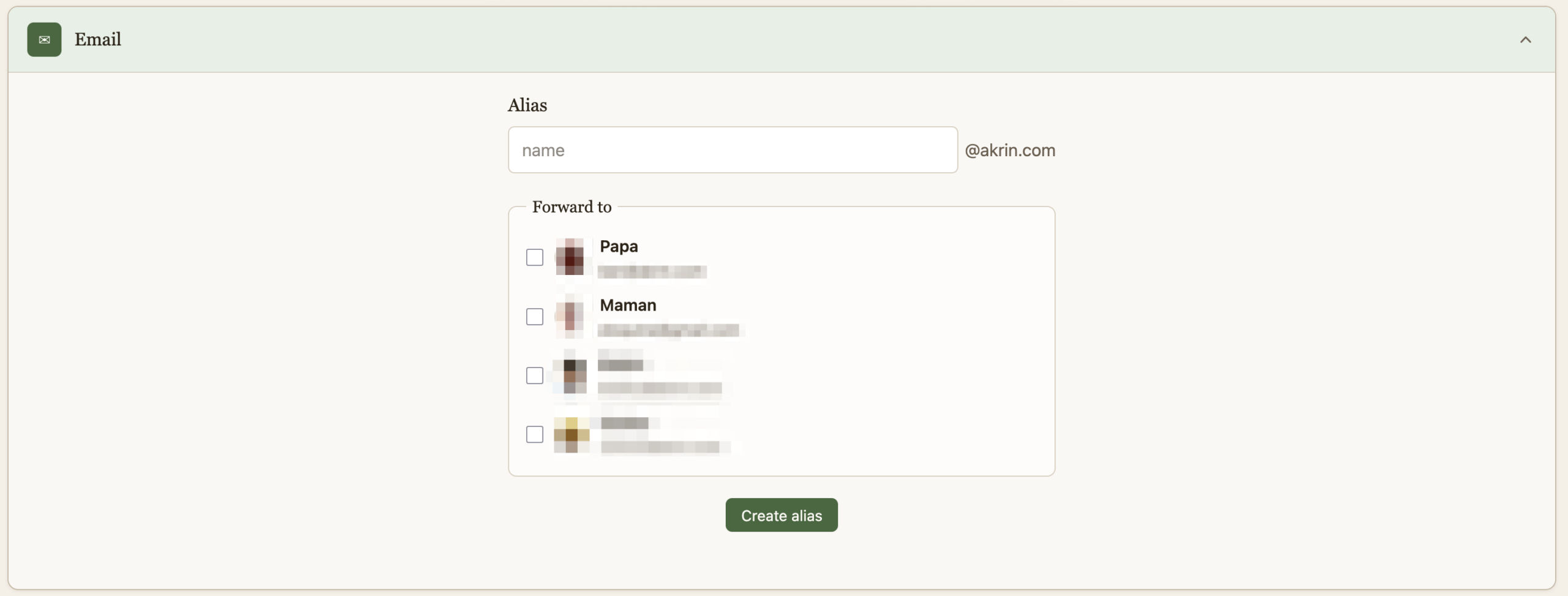
That is it for now, it’s quite cool to have this all presented thusly after pushing the various building blocks for years.
My Mistake, I Updated
I updated this blog which ran an antiquated version of WordPress from the neolithic era. I used the opportunity to review all the files, all the permissions, everything. It was all squeaky clean. The minute I run a “new and secure” version this happens:
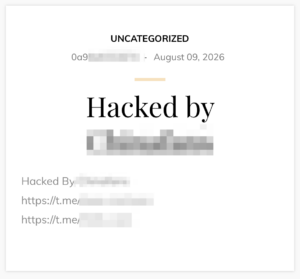
My mistake was updating from a tried and true version which had stood the test of time, to the latest and greatest which happened to be vulnerable to https://github.com/0xsha/wp2shell. Thankfully, the update came with containerization, which isolated it from whatever else my solar Pi is running. Maybe pointing to wordpress:latest wasn’t a good idea, but then again, this vulnerability has been around for a while so I was fucked no matter what. It’s kind of crazy to find something so blatant in WordPress core. WordPress is notorious for having vulnerable plugins, I had gotten to trust WordPress itself. No longer.
I’ve restricted routing rules to the blog, and added monitoring to detect admin users getting added.
Gondola PlottyBot v2
I built it last year and took a bunch of pictures to document the build. Then life happened and I didn’t. Someone noticed I had an undocumented v2 and asked about it, so it was time to fix this.
X,Y Coordinates Tradition
I just did my yearly X,Y Coordinates stint with local 5th graders. It’s the 5th time I do it and this year is notable in that I didn’t write anything I wanted to fix for next year. Every time previous I came out thinking I needed to fix a bug, prevent a confusion, or improve something or other. This time it looks like the formula has been refined to its optimum.

Kids will definitely push the limits, and I love that relentless will to push, it’s identical in nature to IT security curiosity. 1 kid wrote some code and then copy/pasted it a bunch of time, no problem there’s an upper limit on instructions. Another tried to hog all the squares by having them draw just a single dot, no problem there’s a cool-off timer that prevents you from blasting through squares. I haven’t had to use it but I also have a censorship mechanism :), I can scribble over any square and the machines will prioritize it.
So this year went really well, I think I can say with confidence now that the magic operates every time, this isn’t just luck with a good batch of kids or other. Every time we launch into “coding”, there’s a moment of sheer teeth grinding where I think it’s going to be a disaster. And every time they are all extremely motivated by the idea of controlling the machines when they hit “submit”, and so they all pull through and help each other out. Once one of them has gotten the machines moving, there’s a real frenzy to figure things out, and then their next drawings get more and more sophisticated. 5th grade might have a few blasé pre-teens who are hard to motivate, and they will inevitably get sucked in. Now they might “whatever” out of the activity after a bit, but even they will want to have done it at least a couple of times :). I particularly like when kids realize they can coordinate action on neighboring squares to do something greater, I purposefully don’t suggest that to them. I’ve gotten good at fending off “learned-helplessness”, not that I was doing it for them before, I’m just quicker to disengage. “You want to control the laser kid? Well you better figure it out”.
The “coding” interface

One of the snag we always hit is kids not able to discern the difference between typing in a URL or doing a search with Google. And a giant middle finger please for all the corpos purposefully blurring lines so kids form the habit early of running anything they might want to do on a computer through Big Corp Inc.
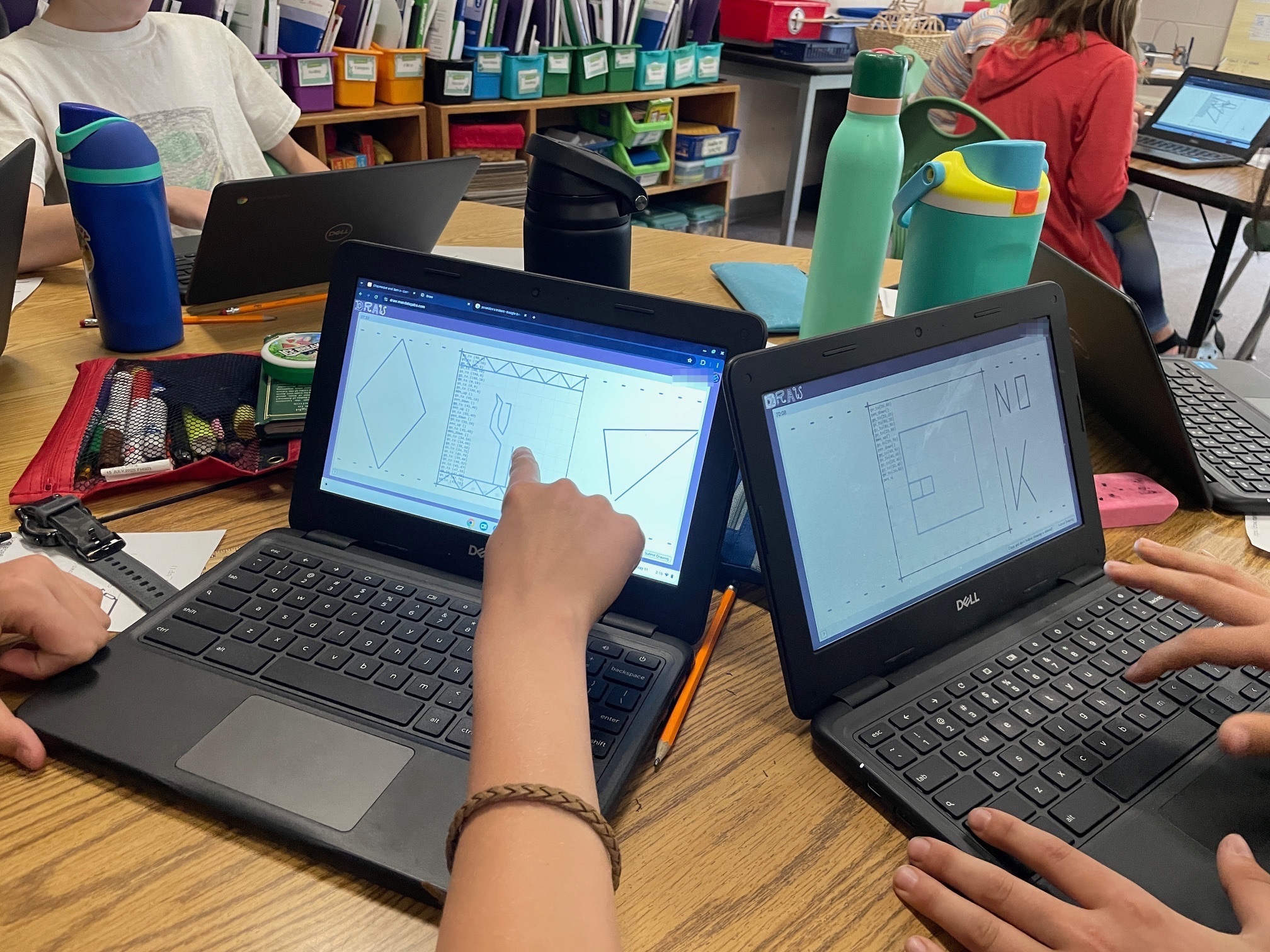
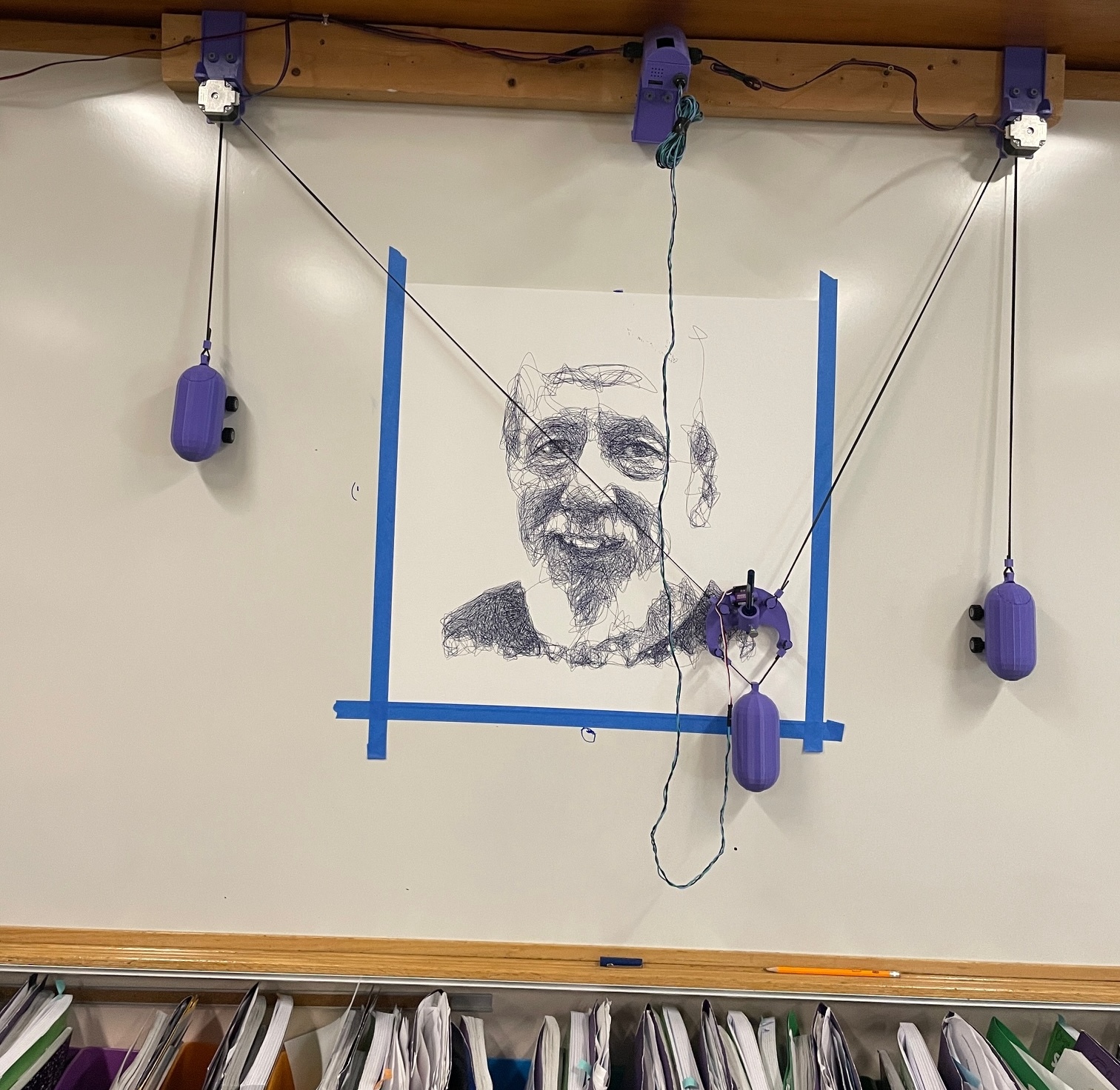
At the end of the day I send the wall plotter on an overnight portrait of a well liked central figure in the school. The next morning when I pick up the machine, the kids get one last wow effect. I’ll make a note of how many “go_to” statements went into the picture, usually several hundred thousands to get them thinking about scale and how curves can really be just a few tiny straight lines. They submit an average of 30 such statements for their cool drawings.
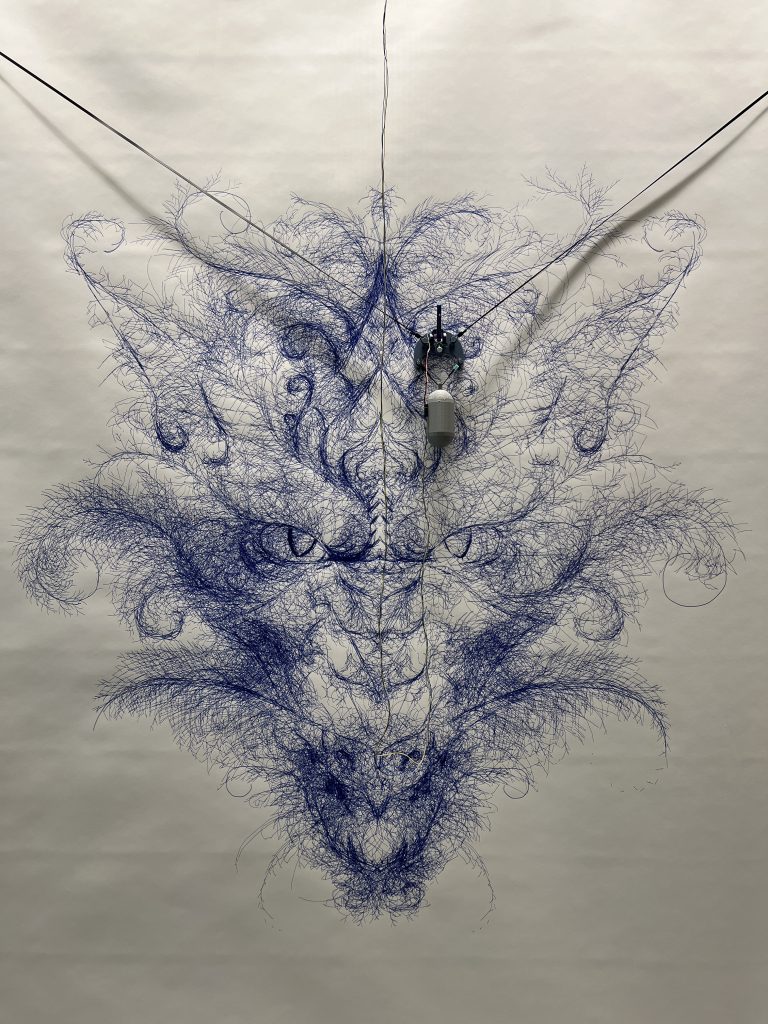
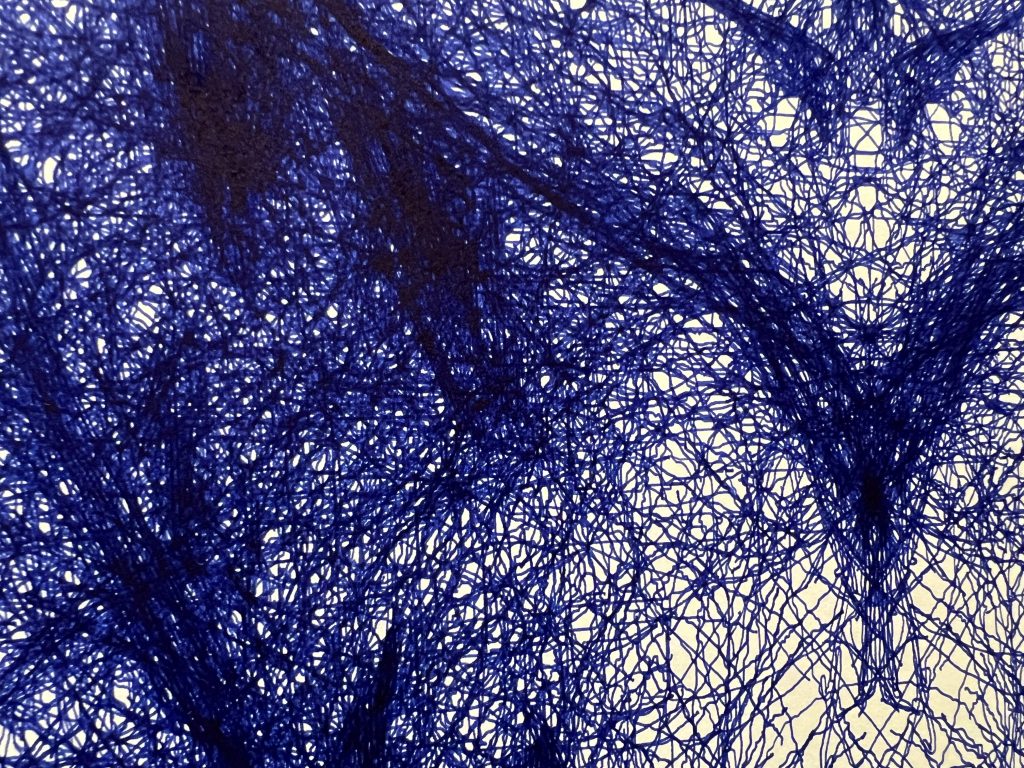
Dragon of Recursion / Light Show / Post-it Portraits
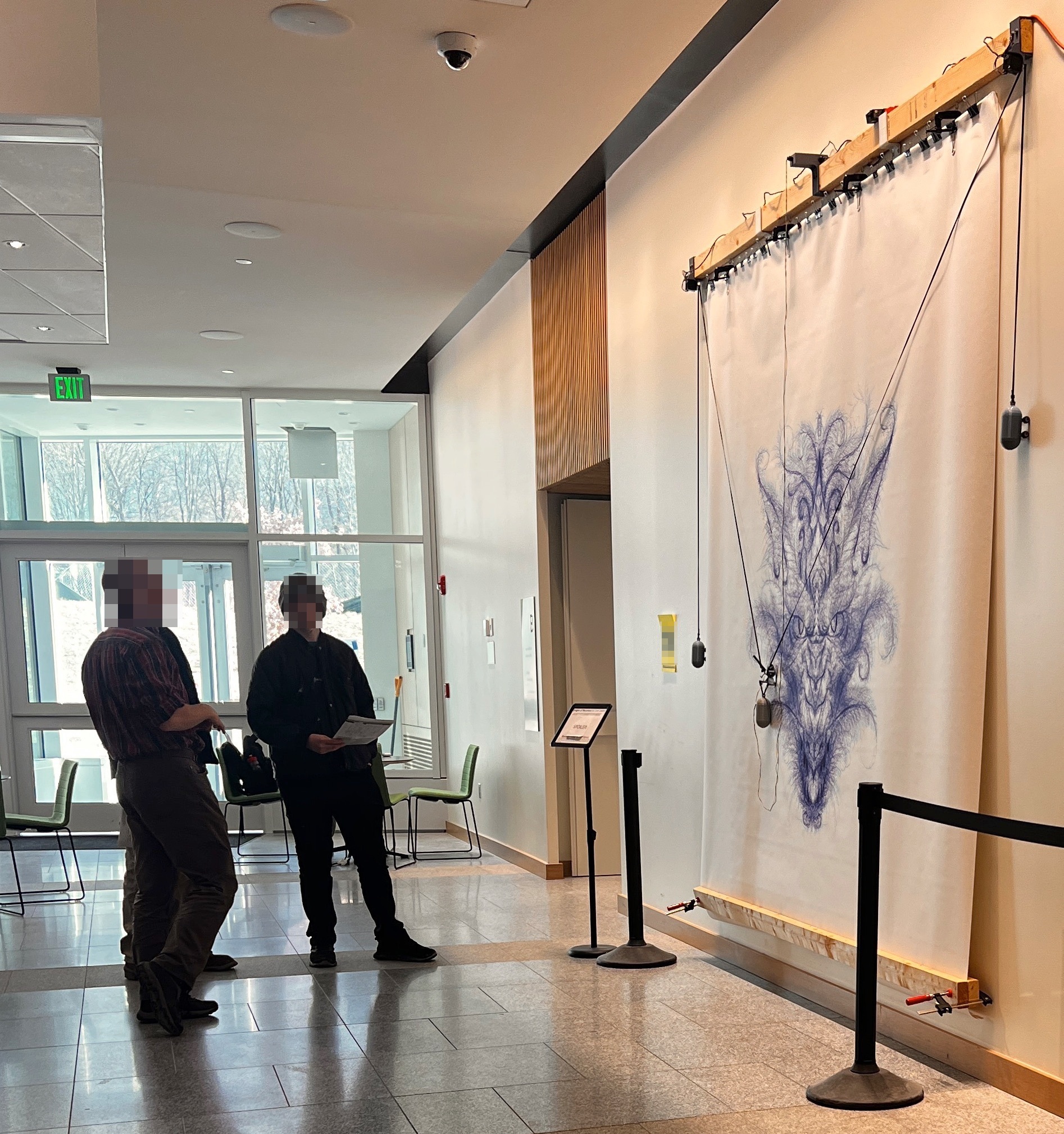
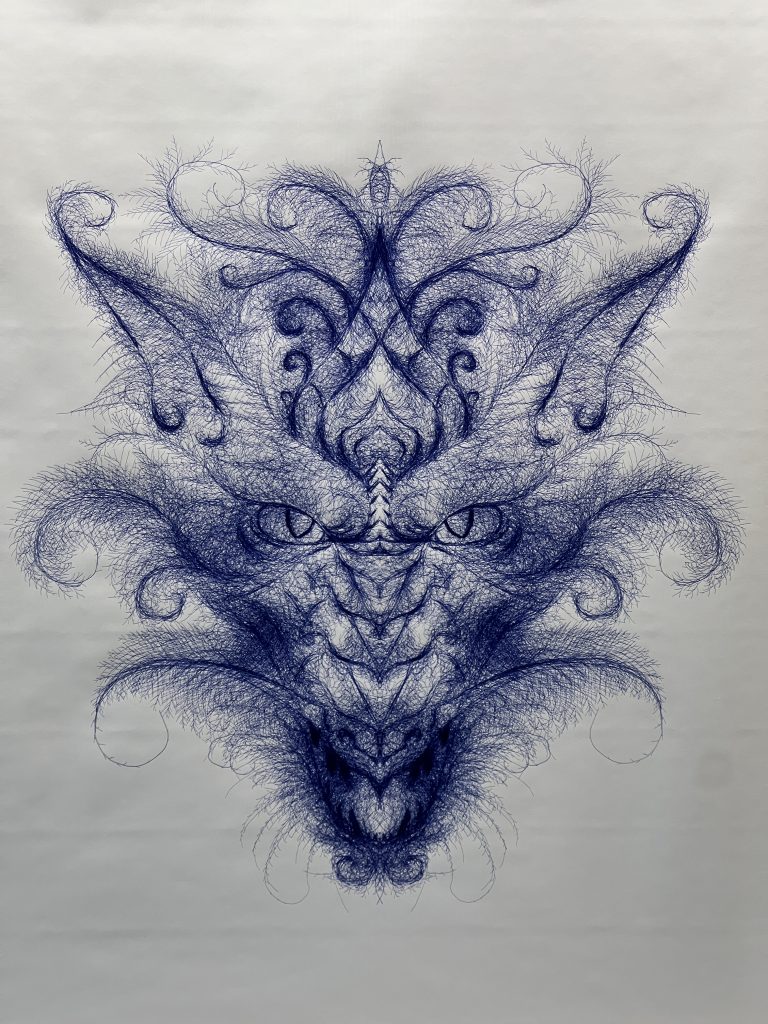
7 days, 47438 pen strokes :\. Lara’s work and a recurring dragon on this blog :). I sped up the machine to make it 7 days instead of 10, so it’s slightly more inaccurate, but more importantly I failed to anticipate that ink would run out faster. I used to have about 1.5 days between pen swaps, here it’s barely above 1 day. No harm done I got there in time, but I should have thought about it when I adjusted speed.
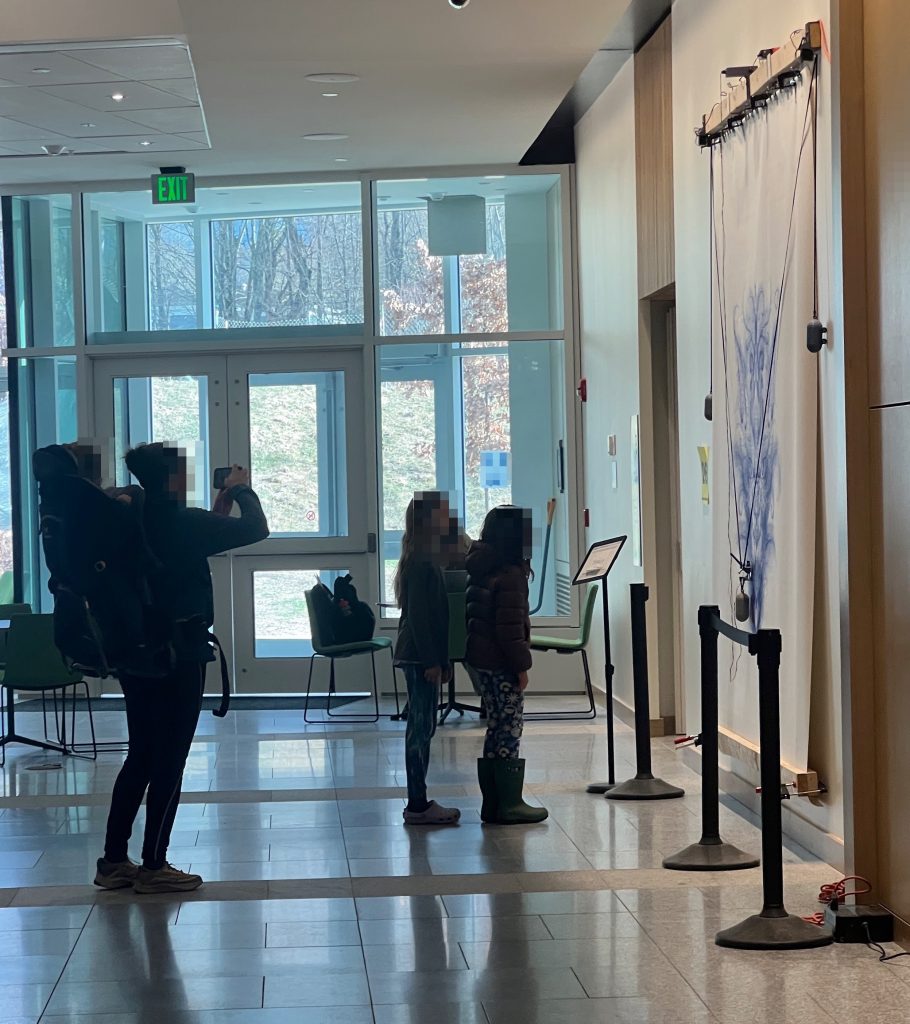
I lined it up with a big public event and tons of people got to see it.

No sure if there’s anything more to say about lasers & post-it portraits, it was the now usual formula. I’ve enhanced the pipeline some to do auto-face-cropping as it is a step we usually waste lots of time on. Esther & I rehearsed over the week end. She runs the operation during the event.
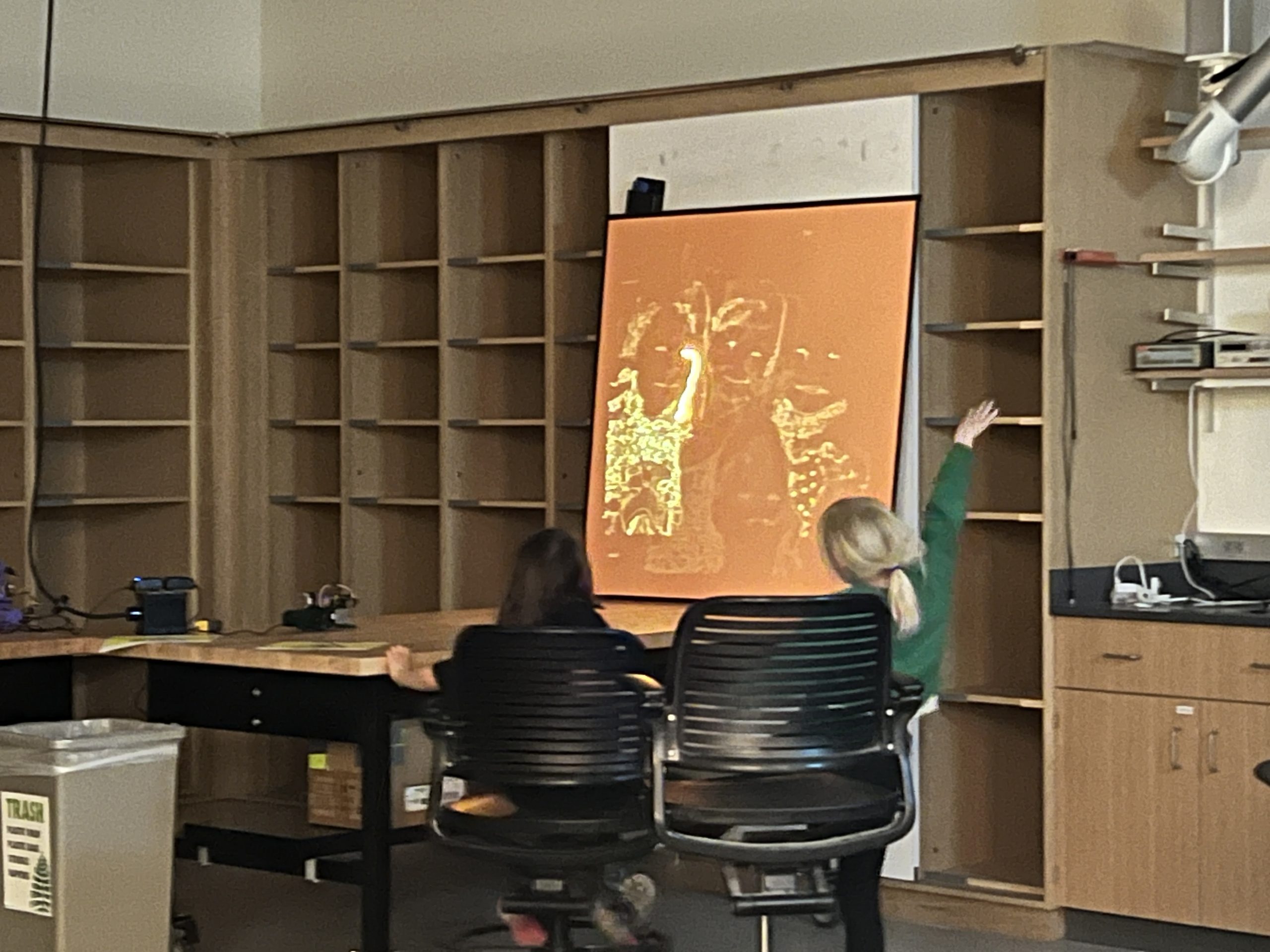

Some recurring questions I get asked at these events:
“What are the machines for normally?” Nothing, their sole purpose is to drag pens and shine cat lasers.
“Is this your job?” Nope, just a side quest.
“So how does this work?” I try to see what part they’re interested in before I launch into a 3 hour tirade :).
“Did you build this?” yes.
It’s very gratifying to see people stare at your work for a while. You can see the gears turning in their heads. I’ll sit by the big machine sometimes to watch people’s reaction to it. When I swap its pen people will come up and tell me how much they like it. I’m just glad for having the opportunity to do something cool in the world.
Refining the Formula
I was invited back to the science museum to do something cool with my machines. Any time I do a public event it’s an opportunity to figure out what’s engaging and do better the next time around.

I was maybe a little too motivated and brought several machines, almost my whole apparatus, and deployed them in various modes. 1 PewtyBot, 1 Mirror PewtyBot, 1 PlottyBot & 1 SkecthyBot doing portraits, and 1 PewtyBot people could control with their phones. The laser portraits worked wonders again, but the original PlottyBot drawing post-it portraits worked even better.
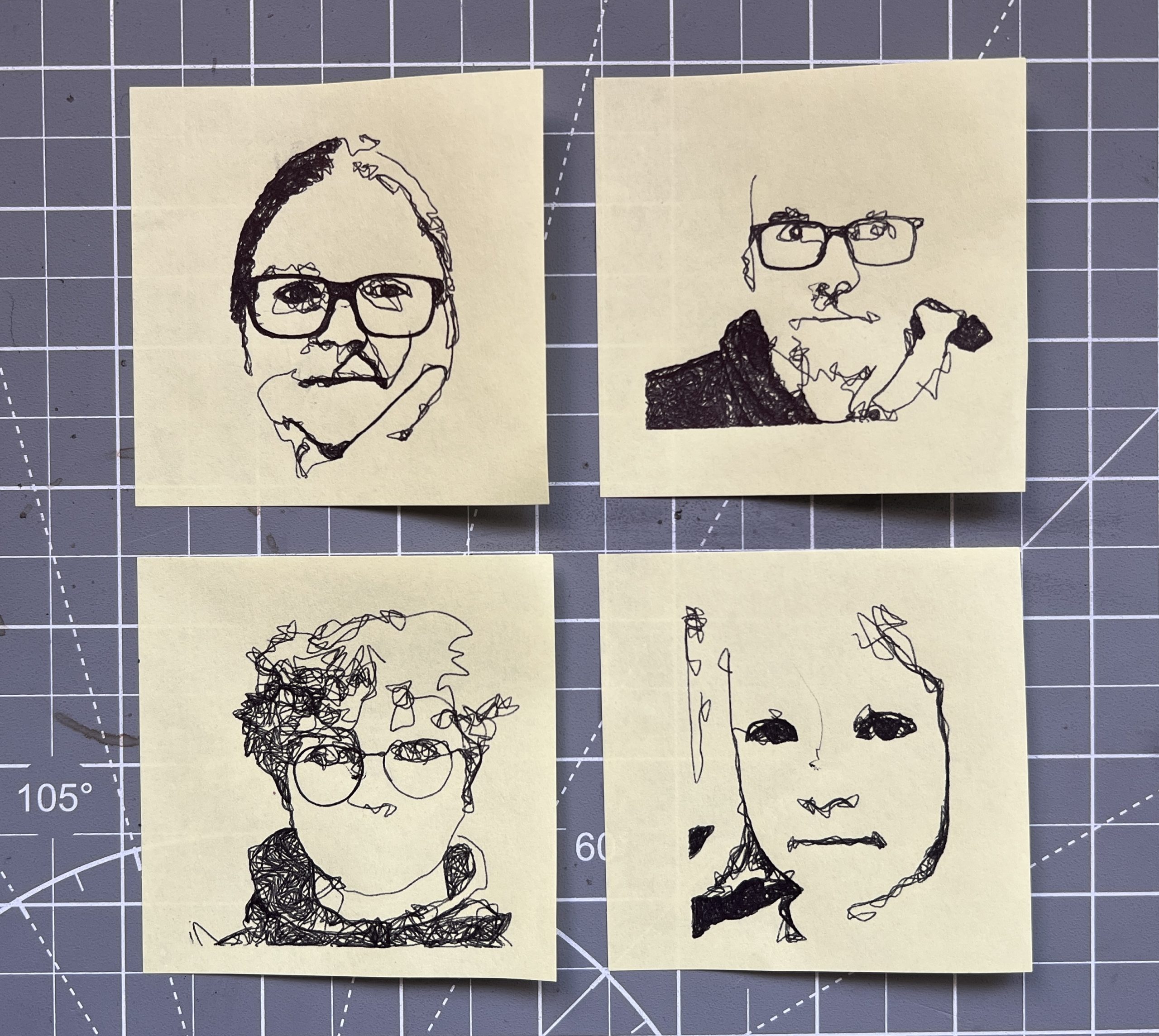
People were clearly keen on getting a tangible souvenir from the evening. Having a robot draw their portraits on a Post-it note struck a chord hard. I think what I’ve learned from this event is that while the lasers throw a lot of pazzazz at you, they are more complex machines that most people don’t try to engage with beyond taking in the light show. While a pen based machine is doing the same thing you’d do with your hand so it’s more approachable to be curious about. As usual a small fraction of them were fixated beyond reason on watching the machine at work. There has to be a “drawing automaton obsession” gene present in ~10% of the population.
Unfortunately, I only had one PlottyBot doing the Post-it portraits, and they take much longer than the lasers so I spent much of the evening trying to keep track of a queue of people who wanted one.
I built 2 4’x4′ photoluminescent paper holders so I could deploy this easier. In the past, finding a decent spot on a wall for the rolls and unrolling them was difficult and time consuming. I also have plans for doing random outside events at dusk in random places this Summer, which is why having something deployable was worth the construction effort. I tried it some already at home last Summer and it’s kind of cool to have the lasers go on a warm Summer night.
I had several people ask me if this was AI :), this seems to have become the go-to explanation for anything tech based that can’t be explained easily. Much like Clarke’s law that “Any sufficiently advanced technology is indistinguishable from magic”, only now it’s AI instead of magic. I’d respond that it was just good old organic grain-raised free-range “I”.
As usual, it was very hard to capture the coolness while manning it so I don’t have much visuals to represent what went on. Ultimately it’s just me running 5 machines, a software stack and talking a lot. Suffice it to say people were into it and I’m emboldened to keep trying public events. Fun times!
Lithophane
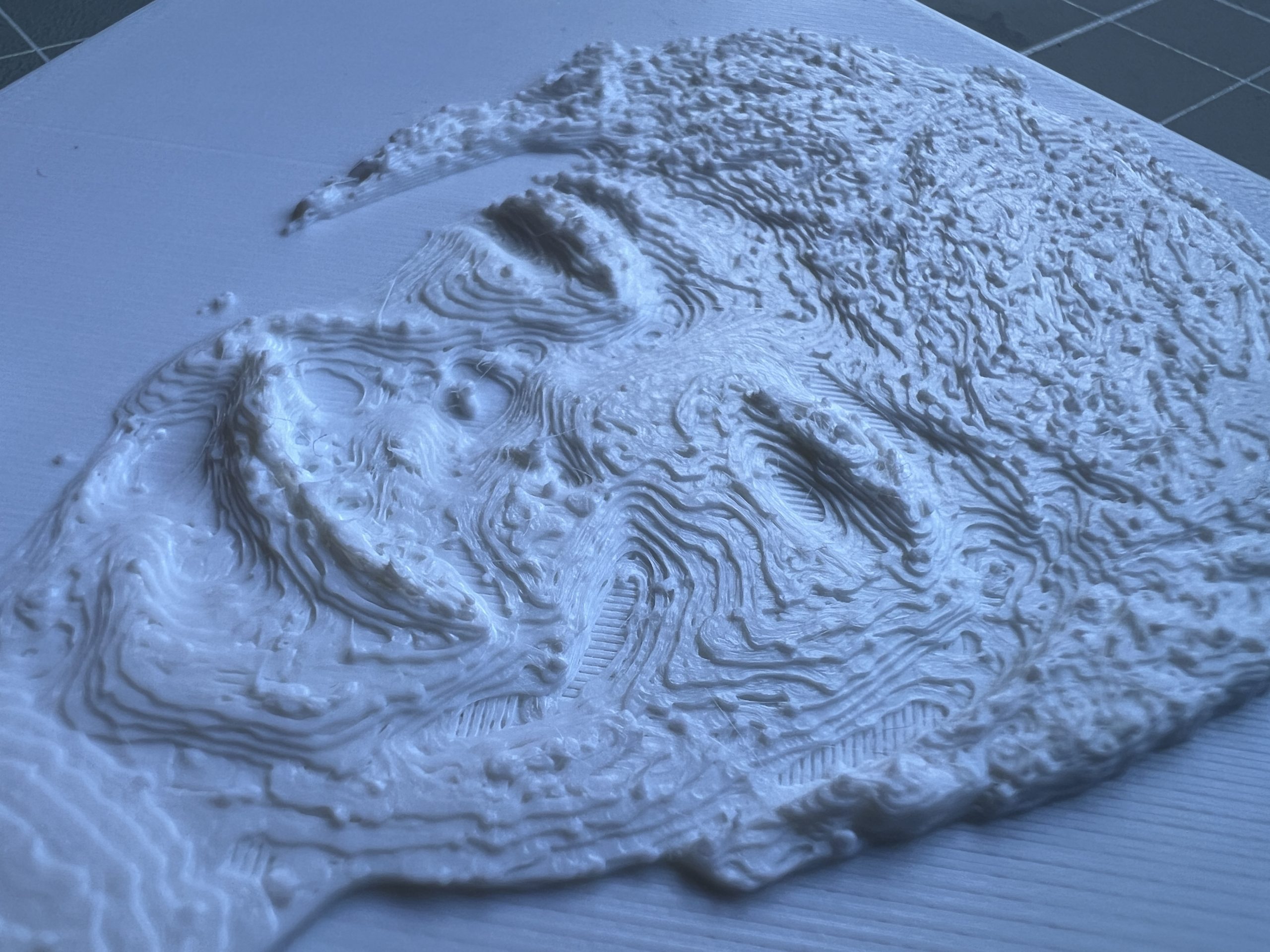
Pretty simple yet cool stuff, I’ve tried both transparent & white filament. And a very well done website helps make the STLs.
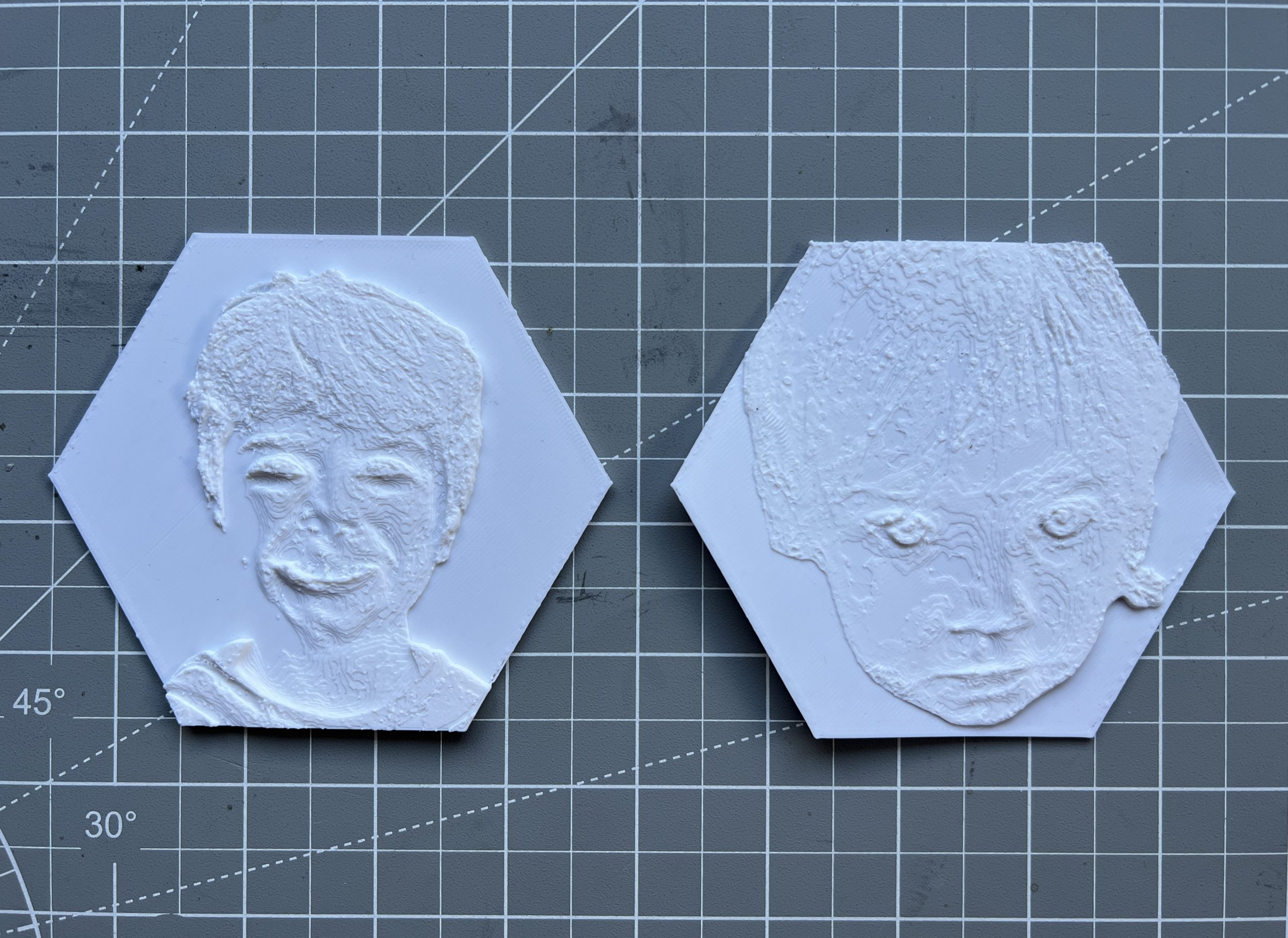
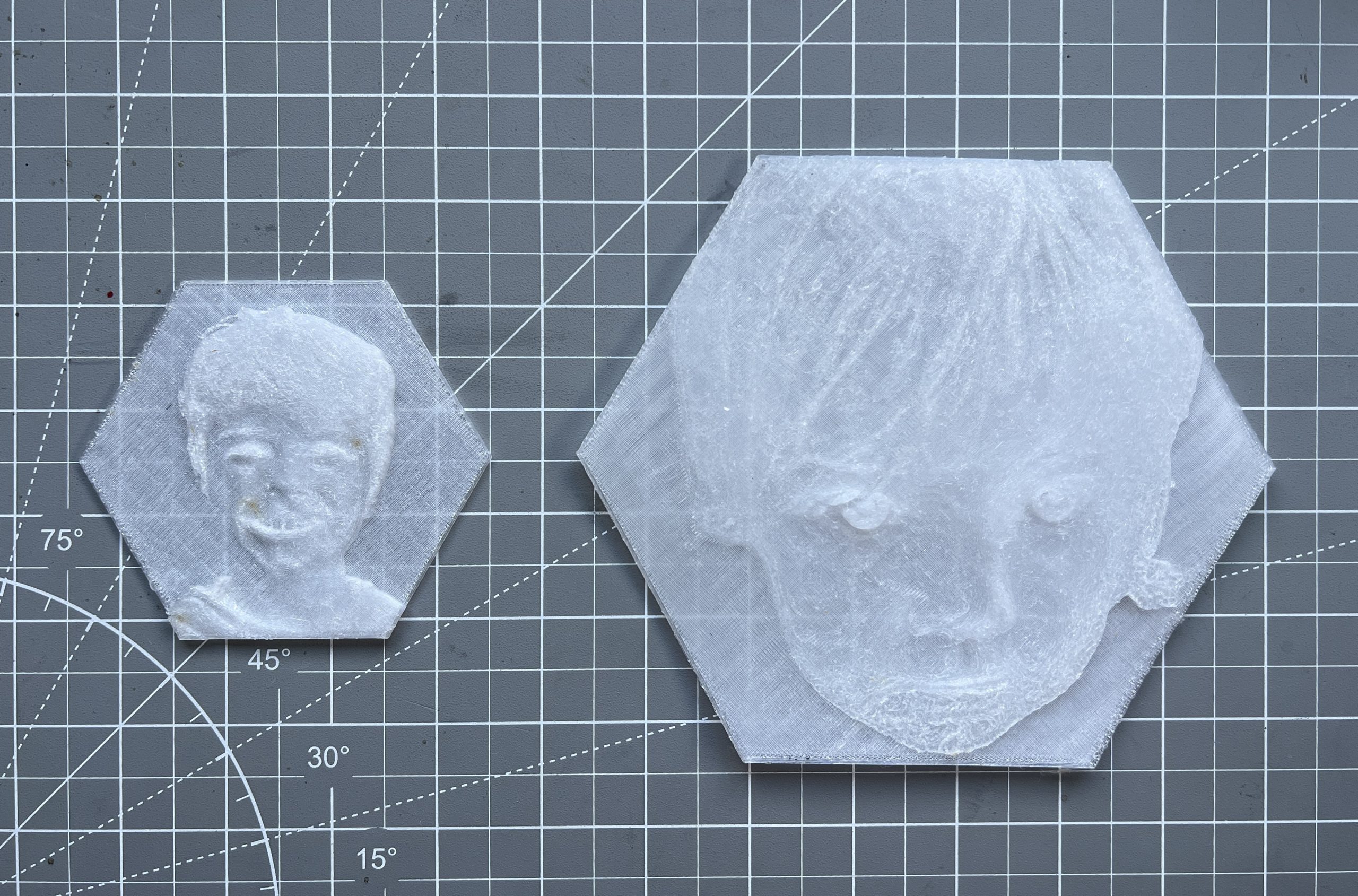
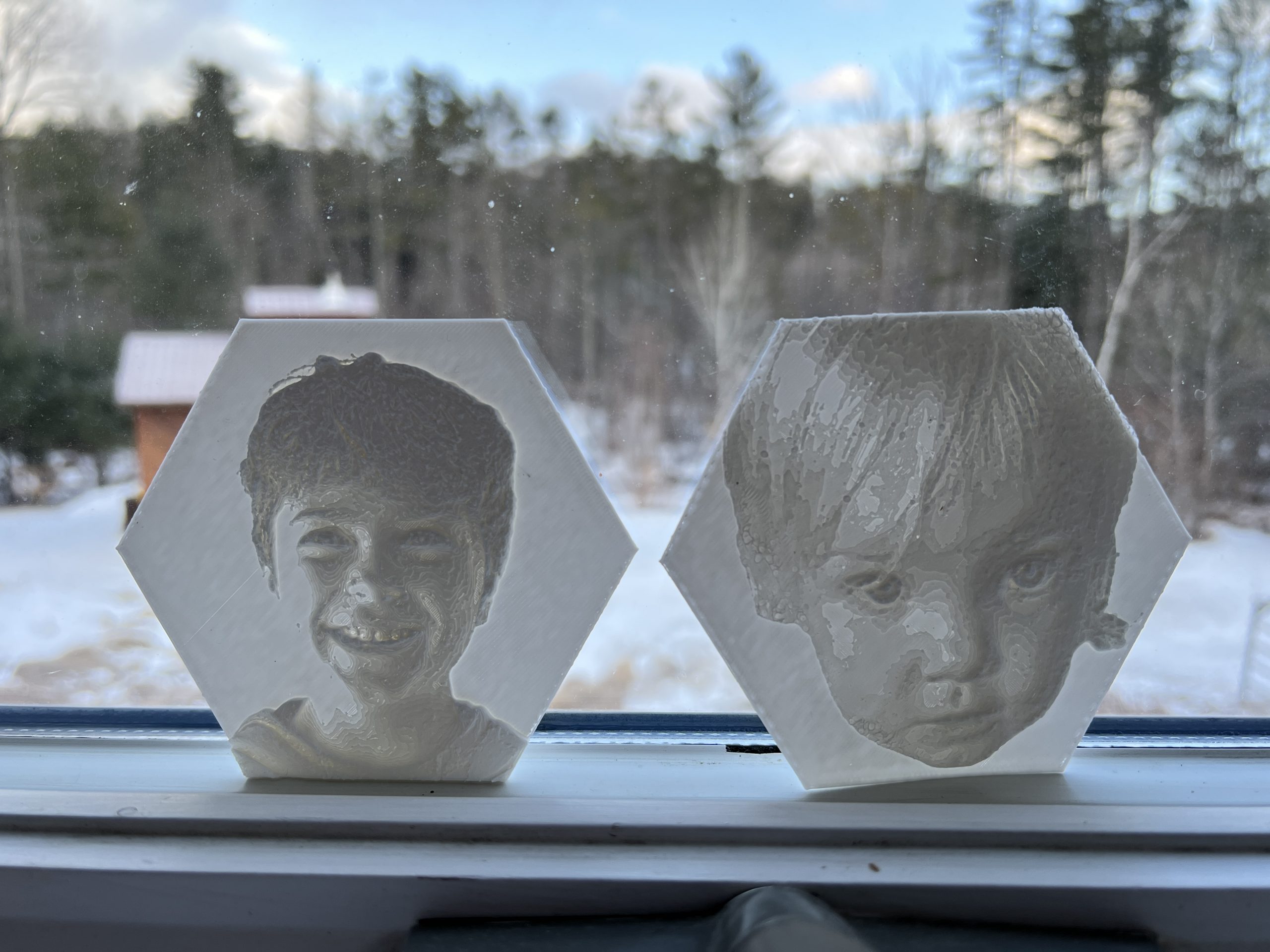
Fancy Meerers
The mirror based PewtyBot proved conclusive enough but since the laser is reflected twice, a degradation is clear on the medium if the mirrors aren’t high quality. Clearly the cheap plastic ones I got to test with aren’t, but they served their purpose. With much research on mirror specs & bounding agents, I went ahead and spent $70 on two tiny “surface first enhanced aluminum” mirrors. Once again, I forgot everything about my high school physics lessons, but some vague notions are left to help me navigate through specs. And this being 2026, of course there’s a website dedicated to optics of all sorts I can buy any sort of mirror from. The modern world has its flaws, but access to information and stuff is definitely covered.
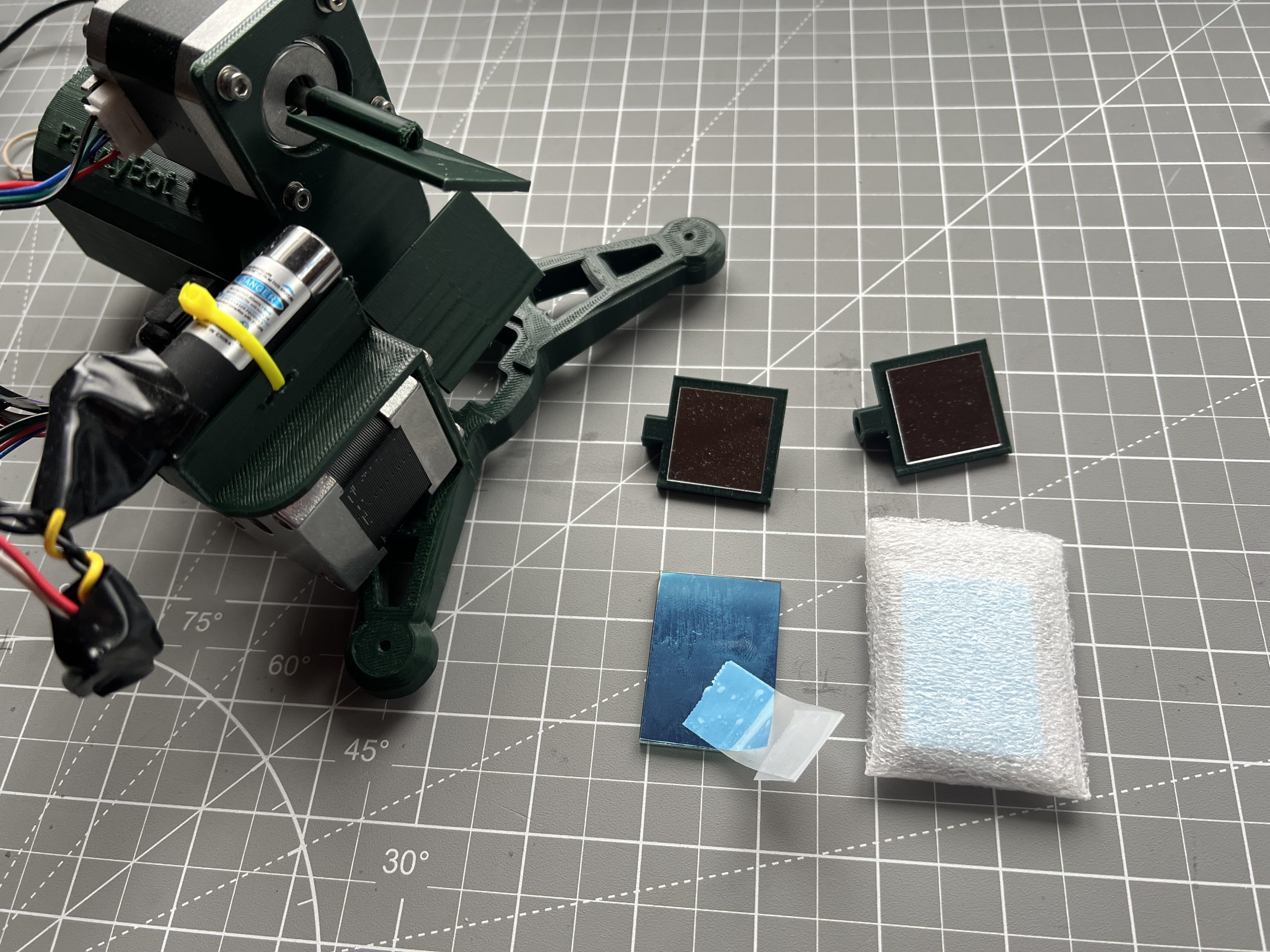
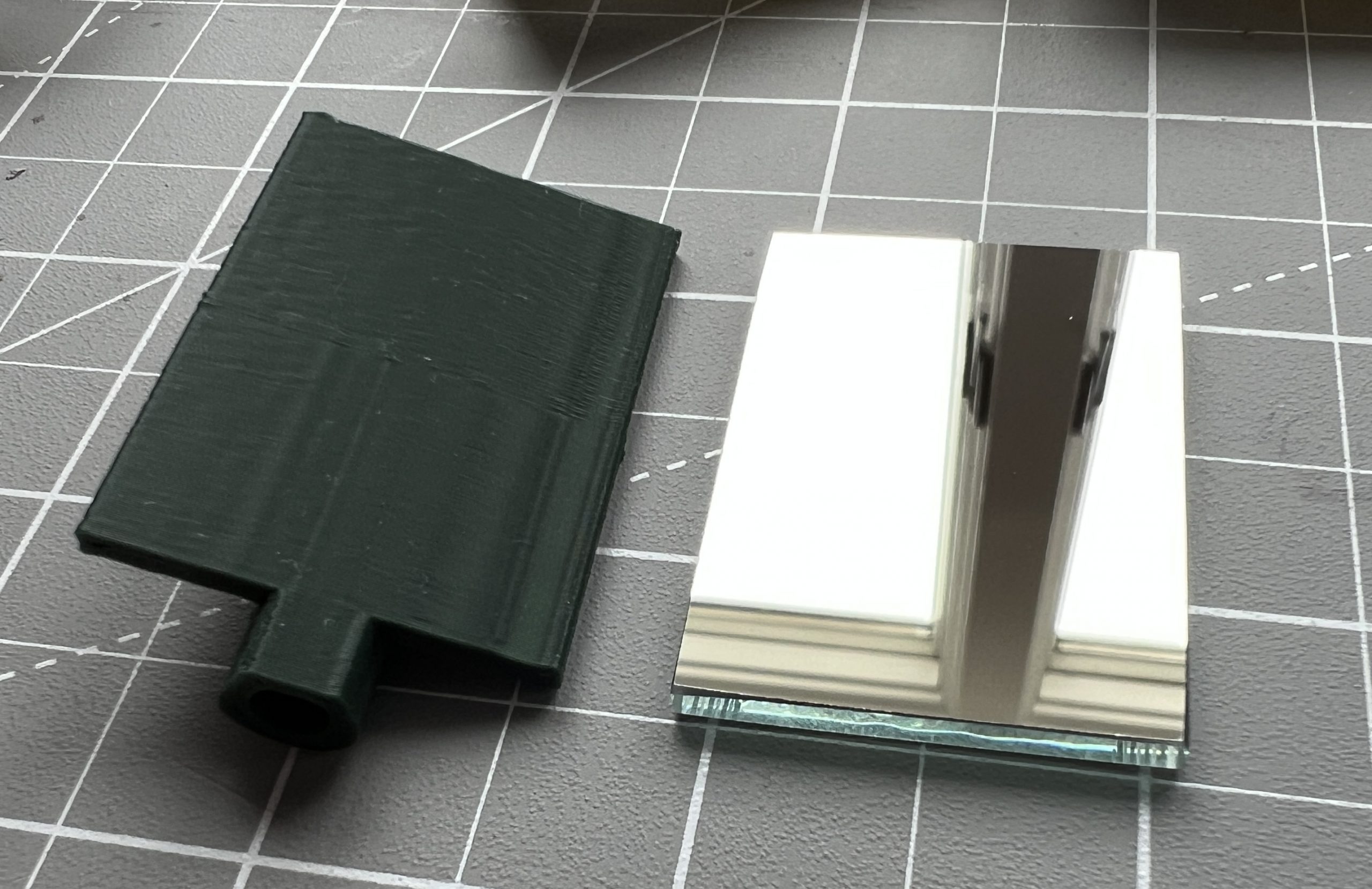
These new fancy mirrors are extremely crisp. Unfortunately, one of them slid on the epoxy as it cured, this won’t impact use but I’m bummed for I really did all I could to get everything perfect.
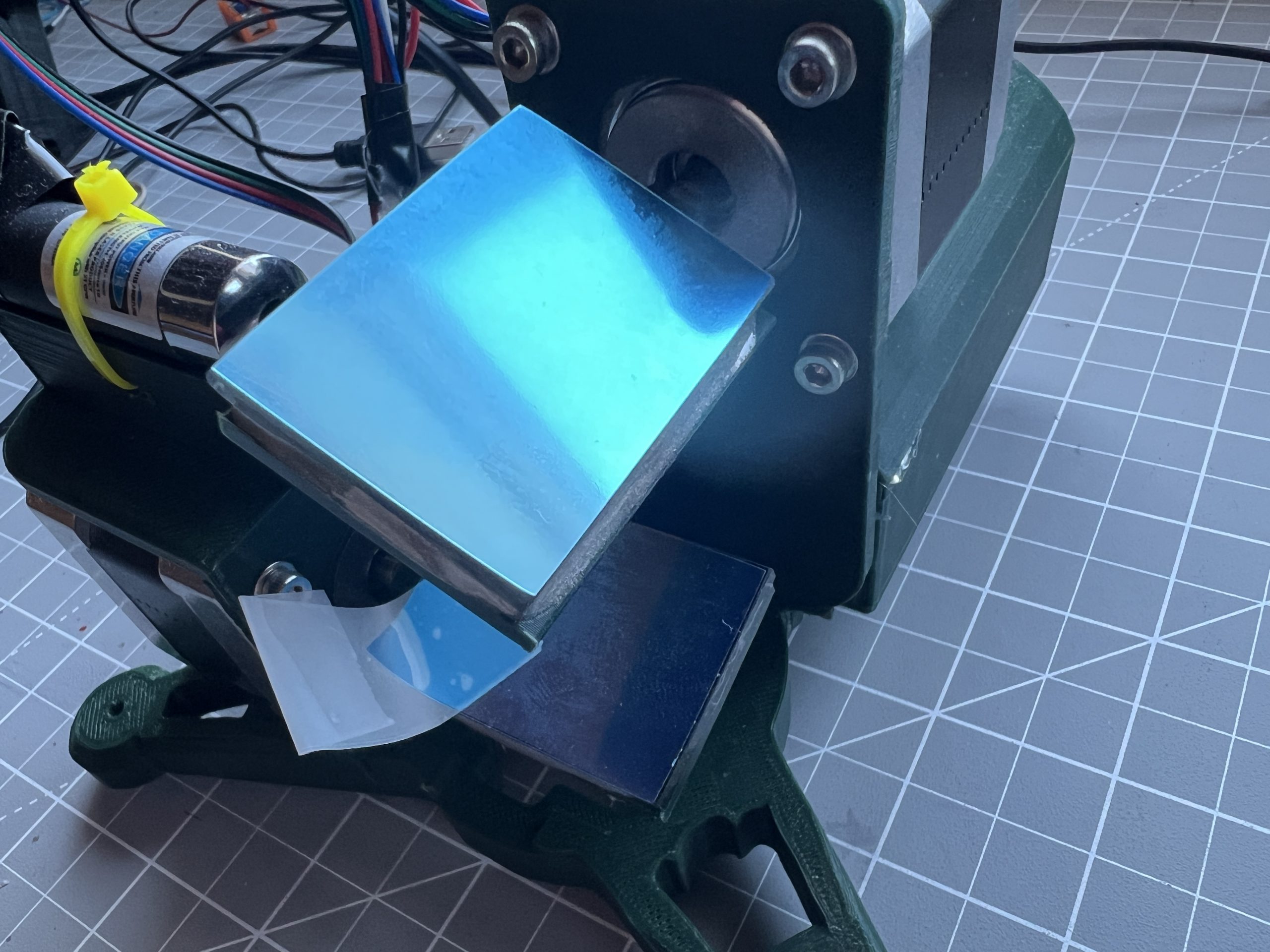
I tested the upgraded machine and it performed just as well as before, but the laser pointer was pristine as it hit the medium. This might not be a $70 improvement, but if I’m going to build a machine it’s hard to leave it lacking. The kids have been curious about this new development, it’s always fun to see the gears turn when they engage.
Overcoming Inertia
The design of PewtyBot 1.0 left something to be desired: the whole top section (stepper motor, assembly & laser) is moving, and that is a decent amount of mass that needs to be accelerated rapidly many times over.
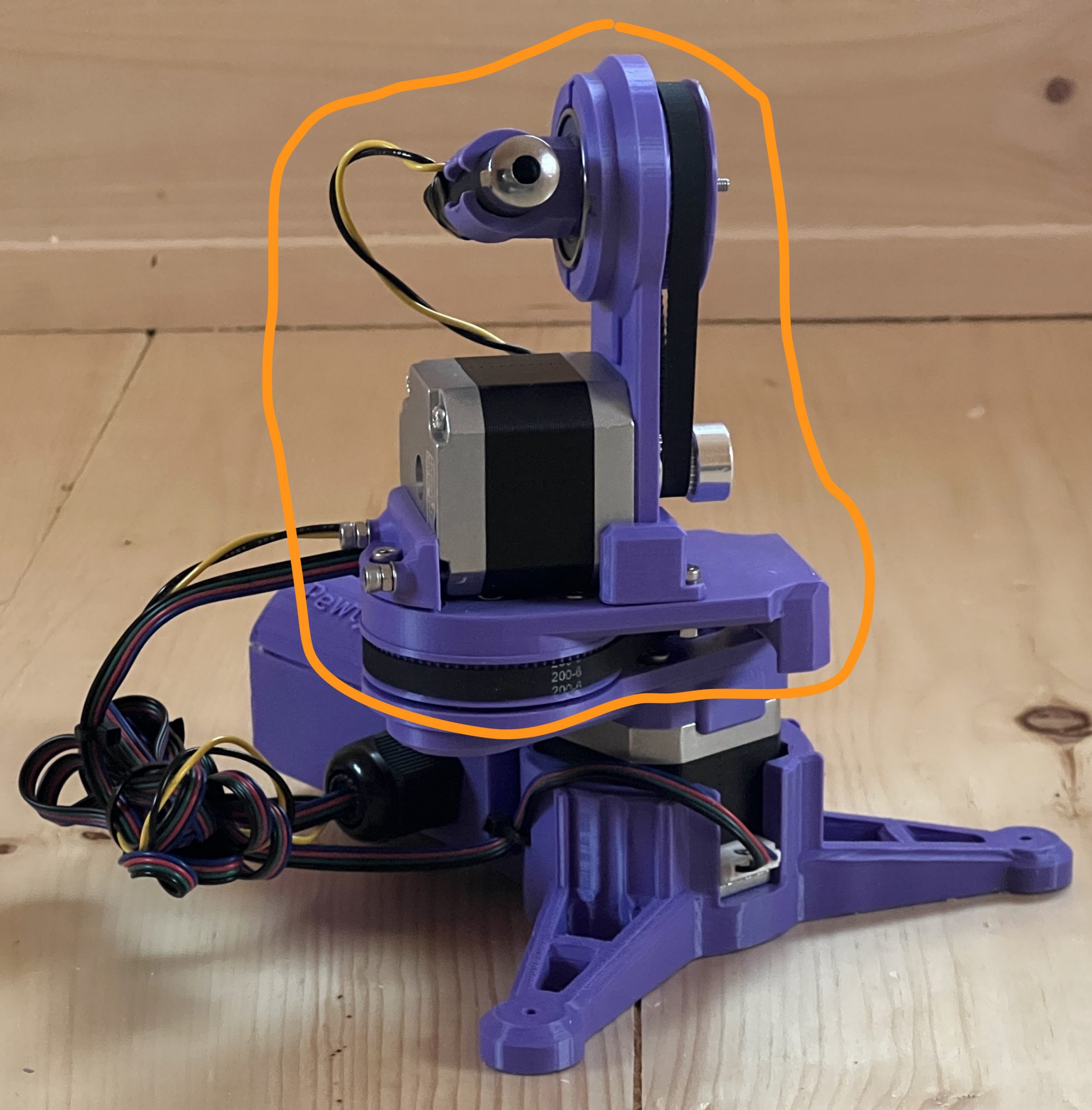
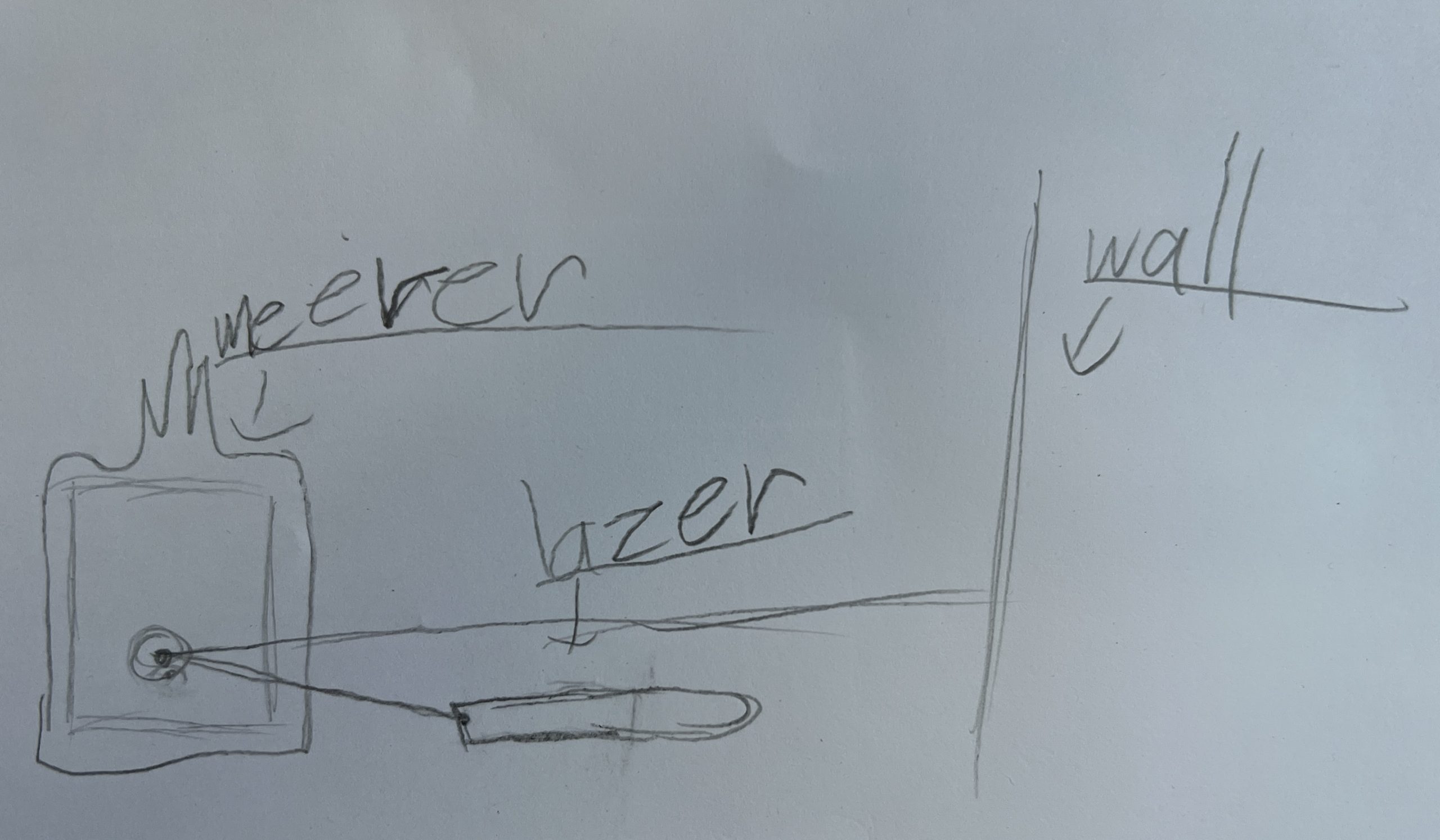
As I was tuning parameters, it became obvious that I needed to slow things down to avoid inaccuracies from the vibrations of a fast accelerating mass. I found happy parameters which led to several public deployments, but deep inside I knew I wanted to try the mirror approach. Instead of moving the laser, it remains static and only a couple of light mirrors are doing all the moving.
Introducing PewtyBot 1.1!
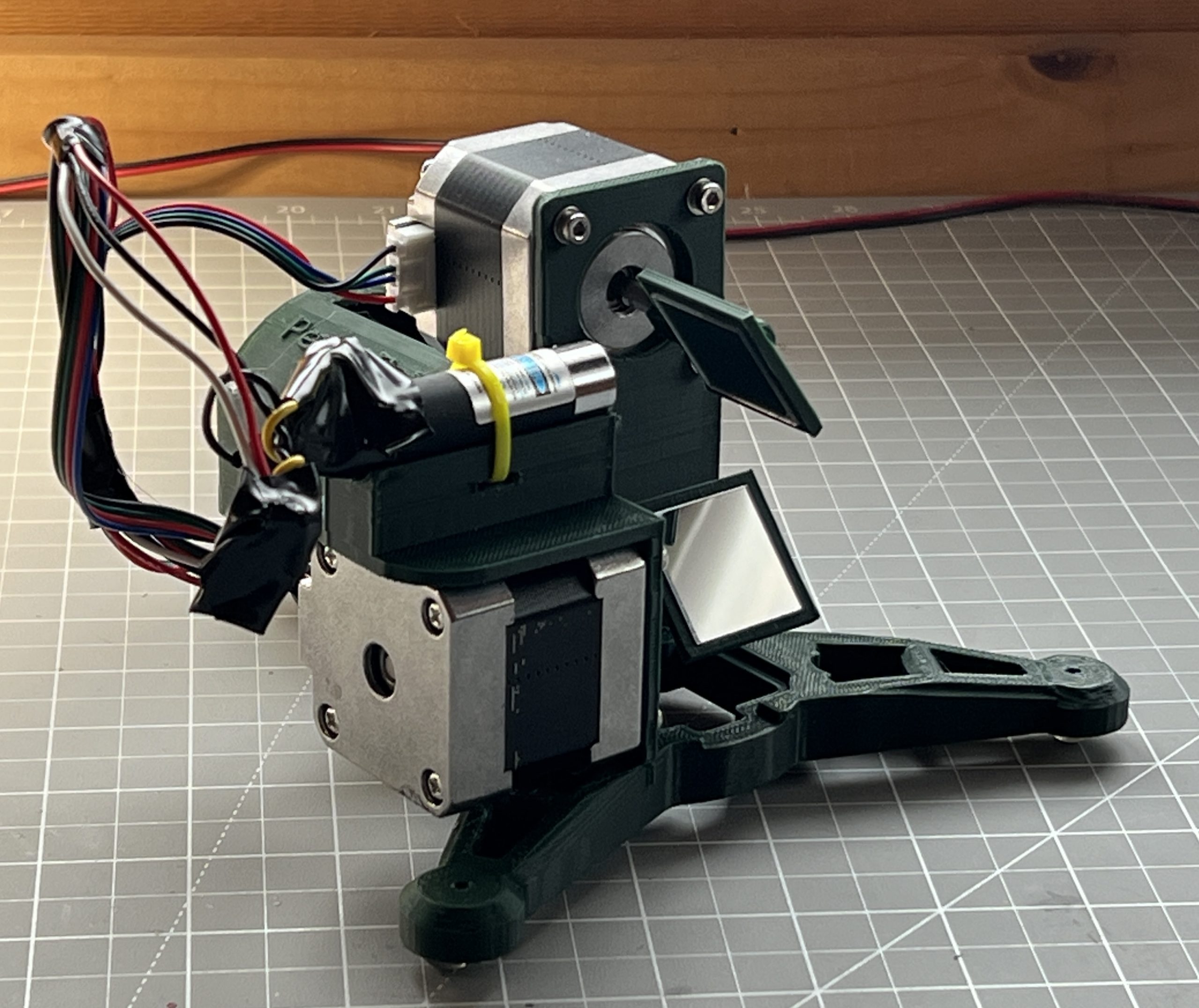
There’s a funny story in there about losing code, reimplementing, and a core issue I was struggling with being solved without knowing why. As always, a few unforeseen challenges got in the way, but ultimately the math is exactly the same as PewtyBot 1.0 so that was a relief. It’s just the motion code that needs to be adjusted some to deal with mirrors.
And well the results are cool, but somewhat mitigated. Definitely not “rocks your socks off” levels of cool. I can definitely move the laser a lot faster. Although through the exercise, I’ve realized that the “slow” speed of PewtyBot 1.0 may have been in the perfect sweet spot for laser light retention on a photoluminescent medium. And so maybe I got lucky there. Of course I could get a beefier laser that emits more light to compensate for the reduced time it spends on any particular area. I’m pretty convinced though that I want to remain in the “cat laser” realm for risk & safety. And so the other variable I get to play with is mirror quality, and I shouldn’t be surprised that there exist a whole world of mirrors of various specs. I got some very cheap craft type acrylic mirrors at first to test concepts. But you can tell the pointer hits the medium diffused and discolored. And so ultimately I’ll want to spend the money on a few square centimeters of first surface mirrors rated for blue light wavelengths. But first I’d like to convince myself that the mirror approach actually brings something extra to the table.
Not Spectacular but Definitely Specular
I watched Steve Mould’s video of Specular Holograms a while back, and it wasn’t until a cool student wanted to borrow my tabletop plotter to try it that I realized it was within reach. The plotter approach didn’t work, it really wasn’t designed to take the friction of a carbide tip etching surfaces. But its software stack is easily portable to anything with 2 stepper motors and a “tip” based action. So I thought it’d be a cool Christmas project to turn an old Creality 3D printer into something capable of etching specular designs.
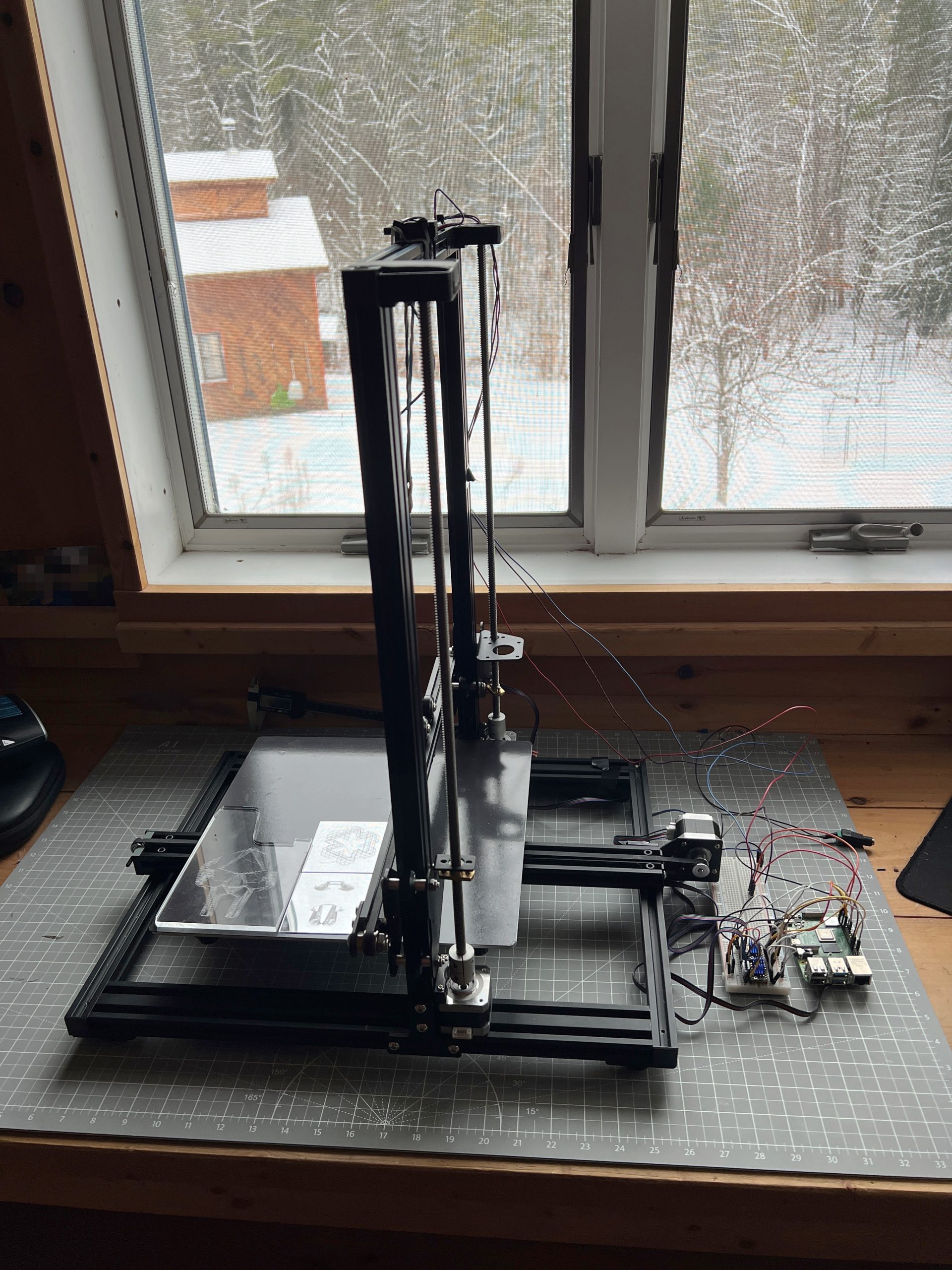
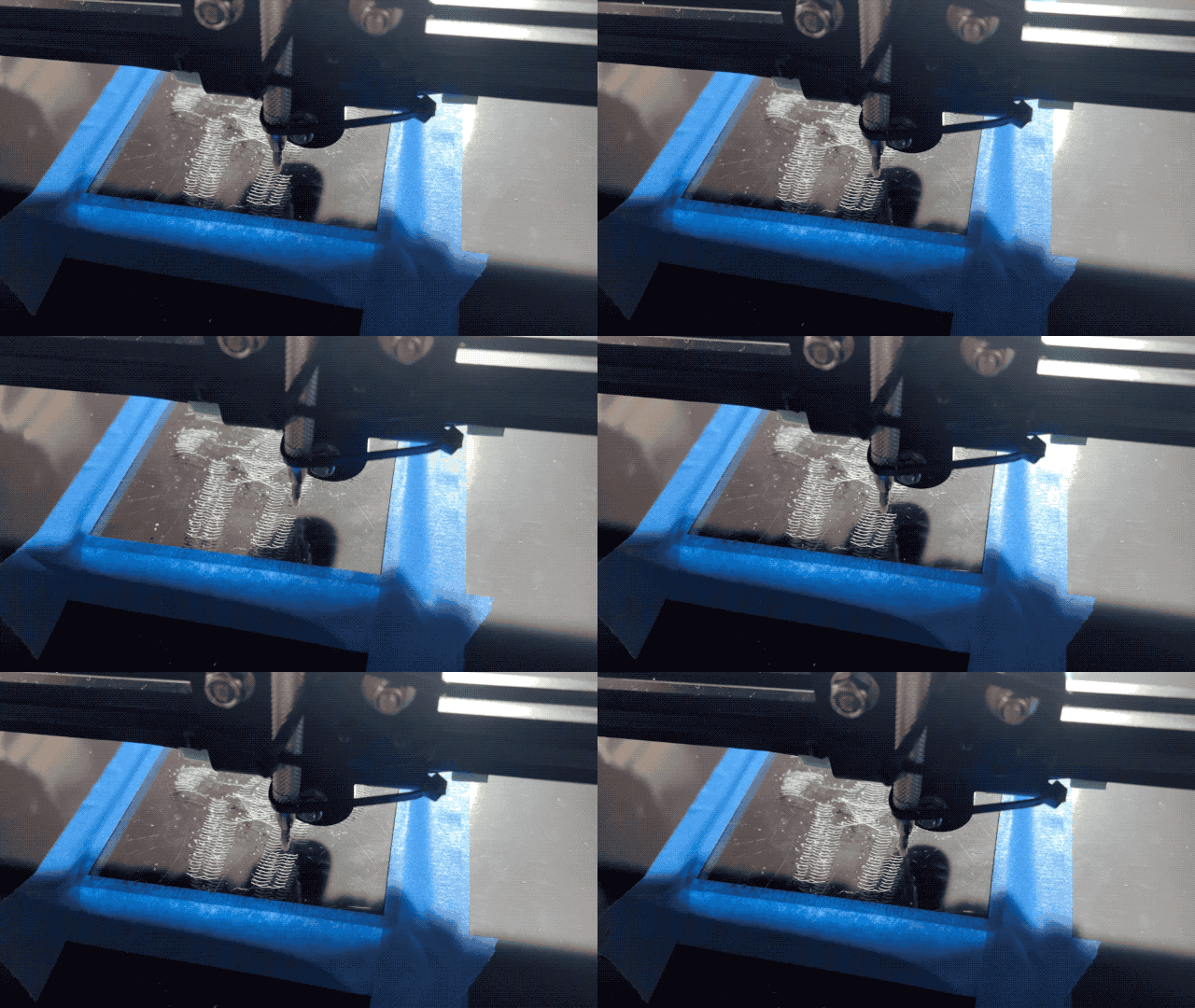
And well, the results are mitigated so far, but I’m getting somewhere with a moving glint effect.
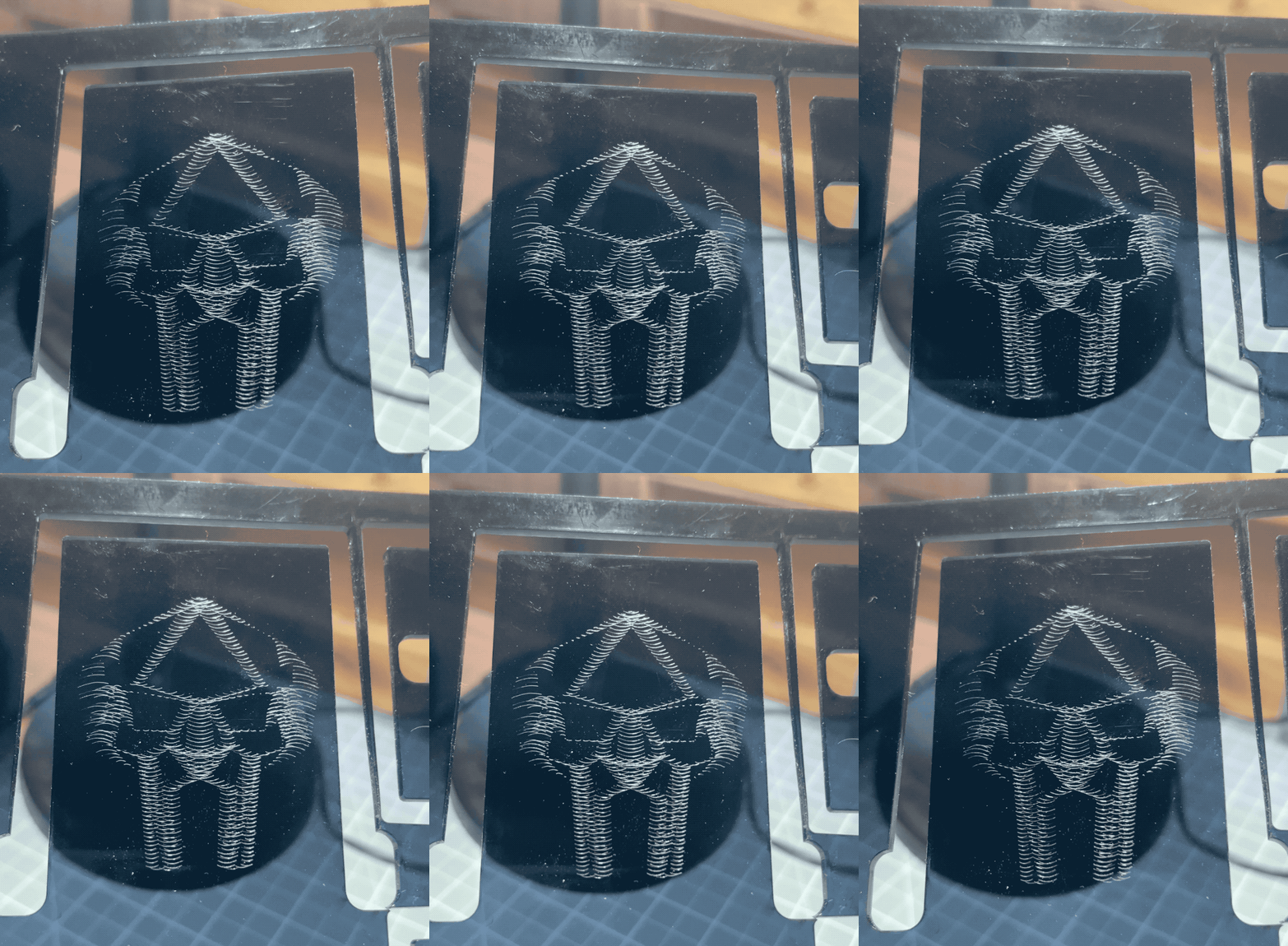
I need to tune the machine to barely touch the medium, and figure out model creation. Moving a tip is easy these days, unsurprisingly though there are a lot more intricacies to uncover to get good results.
That’s a Wrap
Robotics 2025 concluded with 2 kids having built the small Etch-a-Sketch plotter after 5 sessions, and an extra one to just consolidate and draw. There isn’t much to say other than it went like a charm. I’ve added onto the Inherently Programmable Pi so they could have a basic HTML interface to their machine, I have yet to publish the update. This solution I feel is a bit of a game changer for engaging with robotics. At best it lowers the bar significantly for uninitiated learners; at worst it’s just darn convenient to get to work on your Pi project anywhere. A few years ago I’d promote it on a few online communities, these days I just don’t have the will to do much of anything online, but I really should.


Playing with the RPi Etch-a-Sketch
I’m recreating the small SketchyBot for an electronics/robotics curriculum. It’s a perfect opportunity to let kids play with it.


Created on the Spot
I remember an epiphany I had as a kid downloading mp3s at a friend’s house who had DSL while I was still on dialup. You could download music faster than you could listen to it, and the infinity of it blew my mind. To say that AI is leaving my jaw on the floor on most days is an understatement, but maybe what I’m realizing today is it’s potential for creating faster than you can acquire. It’s not just that I’m having it write programs that replace a ton of apps I’m dragging around for only a thing or 2 they do well. It’s that at the time I need a program, it might be faster to make AI produce it from nothing than to otherwise acquire it.
The family’s been into Solitaire and Minesweeper, tons of sites, tons of ads, looking looking, bleh. Fuck it, I’ll just have AI make me one.
Inherently Programmable Pi
I’m teaching a small robotics class, we’re making the small Etch-a-Sketch plotter. Just a couple of kids, good eggs from the 5th grade X,Y coordinates class I teach every year. I’ve already done similar classes in various contexts, it’s a ton of work but very rewarding. One thing I always seek to improve is my Pi image management. Depending on the kids & material, we’ll go through some Linux CLI, or I won’t even want them to touch Linux but we’ll still have to click through some things to get going on Python to control GPIO pins.
What I’ve been wishing for for a while, is a Pi that’s always online everywhere, with the quickest way to get to just Python. Hopefully something web based so you don’t need anything other than your old faithful browser to start throwing code at GPIO pins.
Introducing IPP, the Inherently Programmable Pi! An image you can download, or build.
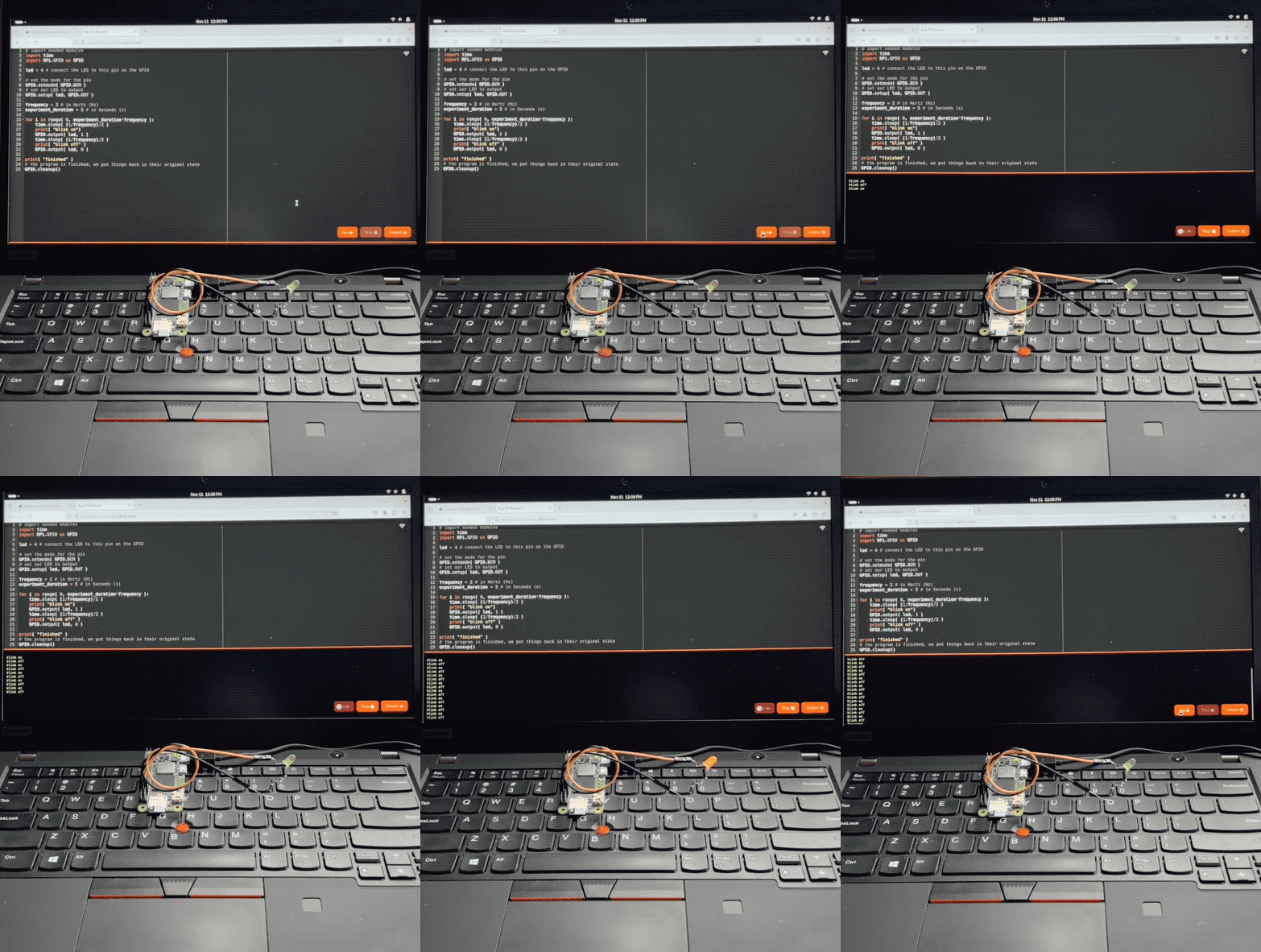
Step 1 – Python Forking Web Code Editor
And so step 1 is obvious, I want the Ace web based code editor, preset to Python settings, and served by the very Pi it’s meant to write code for. With a few buttons for running code, stopping it, and checking the output.
AI made that a breeze to code, it always blows my mind how well it understands even convoluted assignments. There’s some pretty gnarly stuff going on there. Python runs a web server that serves a coding environment that can fork another Python process, and kill it with varying degrees of prejudice when it won’t go away on its own. I want this packaged a a single Python file with all the bits and pieces bundled in. AI got all this with little help.
Step 2 – Zerotier & Public Bridge
For step 2, I want the Pi to be easily accessible online, no matter what crazy wifi it’s connected to. For this we’re using Zerotier, and an online bridge that is publicly available to forward traffic into it. In my case this is done with Traefik and a Docker container dedicated to forwarding into Zerotier. I unfortunately can’t offer this part of the stack with the image, but you can at least specify a Zerotier network ID as a tunable when building it.
This way, no matter what Wifi network your Pi is connected to, it will always be available via a public URL.
Step 3 – Local Wifi when Nothing Else
I wanted to take the script that turns PlottyBot into a hotspot if it’s not connected to the internet and modernize it for the newest Rapios (Trixie). I also want the web interface to let you connect to existing Wifi networks. This way you are either in a spot with no Wifi, and your Pi spawns a local one which doesn’t route to the internet but you can still program. Or there is pre-configured known internet Wifi within range and your Pi connects to that.
Of course AI yet again turned a multi-hour endeavor into a 30 minutes one. Well, it did mess up some fundamental things but still, I was spared hours of grinding.
Step 4 – Easy Imaging
Finally, I want to create Raspios images with all this and a few tunables baked in. No booting each one to install stuff & tune it for each kid. For this I’m using something I built years ago for mounting *.img files and tweaking them. It’s a Docker container you can pipe an image file into and out stderr comes the customized image. This might be worth its own post, I’ve used this for years to great effect, but that’s beyond the scope of this post. The point is it’s available to use, and here’s how:
Build Your Own Image
First download & decompress the latest Raspios:
wget https://downloads.raspberrypi.com/raspios_lite_arm64/images/raspios_lite_arm64-2025-10-02/2025-10-01-raspios-trixie-arm64-lite.img.xz
unxz 2025-10-01-raspios-trixie-arm64-lite.img.xz
Then download & decompress this project’s files to tweak it with:
wget https://ben.akrin.com/downloads/ipp_2025-11-11.zip
unzip ipp_2025-11-11.zip
Finally, create your customized Raspios image with:
sudo docker run --rm -i \
    --name=raspi-image-customizer \
    --cap-add SYS_ADMIN --privileged \
    --device /dev/loop0 \
    --platform linux/amd64 \
    --cpus="1" \
    --memory="500m" \
    -e HOSTNAME=mypi \
    -e HOTSPOT_WIFI_SSID=mypiwifi \
    -e HOTSPOT_WIFI_KEY=raspberry \
    -e ZEROTIER_NETWORK_ID="<ZEROTIER_NETWORK_ID>" \
    -e PIPASSWORD="raspberry" \
    -v ./ipp:/data registry.akrin.com/raspi-image-customizer:latest < 2025-10-01-raspios-trixie-arm64-lite.img 2> ipp.img
–cap-add SYS_ADMIN, –priviledged, and the loop0 device are necessary to mount a file as a disk inside the container.
HOSTNAME is evident
HOTSPOT_WIFI_SSID & HOTSPOT_WIFI_KEY are the settings for the local wifi network that the pi will spawn when it has no known networks to connect to.
ZEROTIER_NETWORK_ID is optional, if specified the pi will join it first chance it gets (when connecting to a managed wifi that routes to the internet).
PIPASSWORD is the password for the pi user, careful SSH is enabled in this image.
You can burn the resulting ipp.img to an SD card. The first boot will be longer than the subsequent ones as stuff gets initialized, but eventually you’ll see a new wifi network pop up. Connect to it, and point your browser to http://hostname.local or if that doesn’t work http://192.168.50.1, you will see the coding web interface. Now that might be enough for your to start coding, but if you want you can click on the wifi network icon at the top right to specify a standard network to connect to. And if you do so, I recommend you have a way to “follow” your Pi, either via Zerotier, or because you manage that network and are able to see what IPs devices get assigned. And if you setup a Zerotier forwarder on top of all this, your pi essentially becomes online to the world the minute it’s on. Now that isn’t just convenient, it also significantly lowers the bar to start coding with kids.
Or… Download a prebuilt one
Here’s the link.
parameters used for building it are:
HOSTNAME=ipp
HOTSPOT_WIFI_SSID=ippwifi
HOTSPOT_WIFI_KEY=raspberry
PIPASSWORD=”raspberry”
No Zerotier, but still everything else.
Can’t Have Favorites
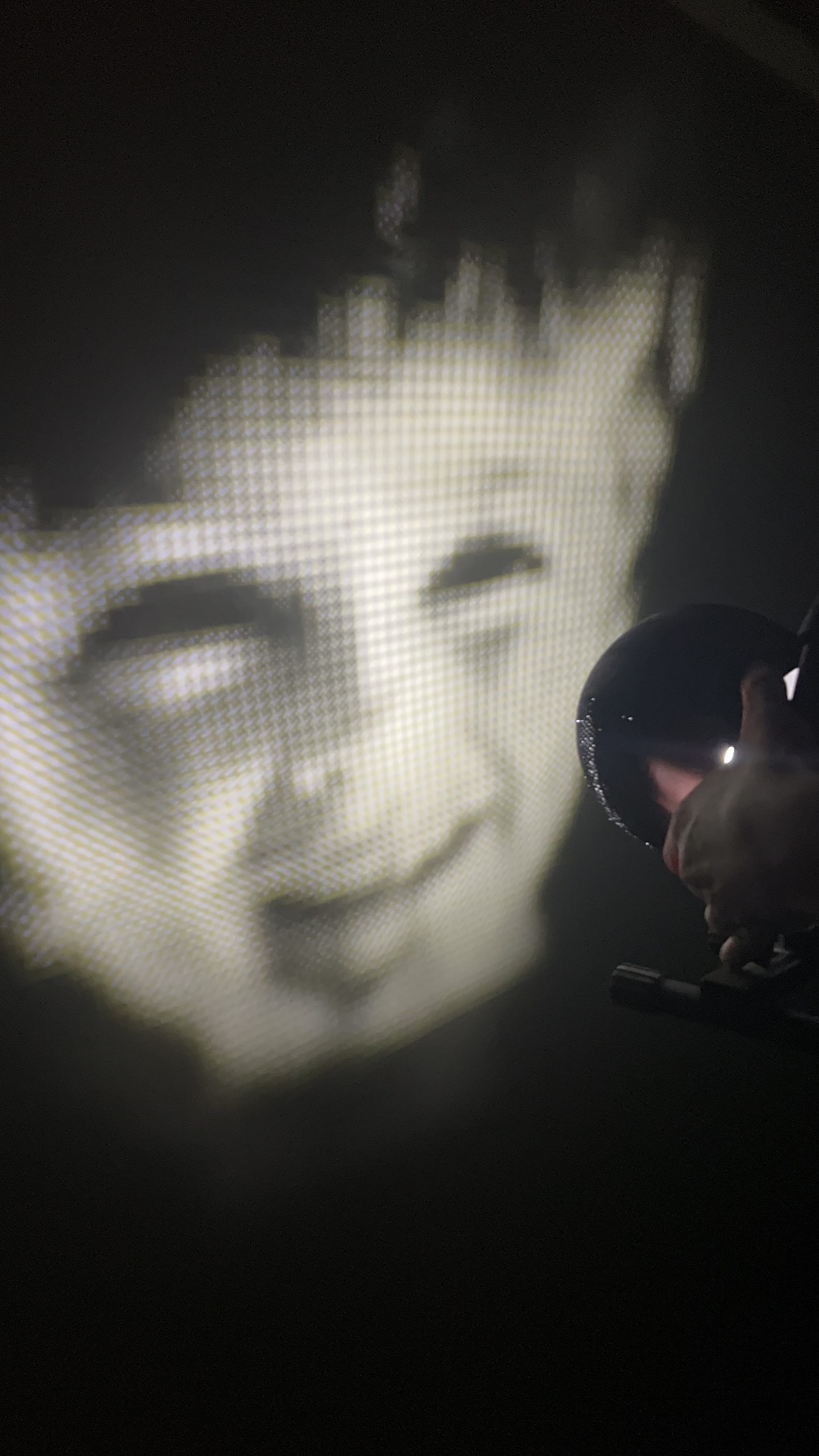
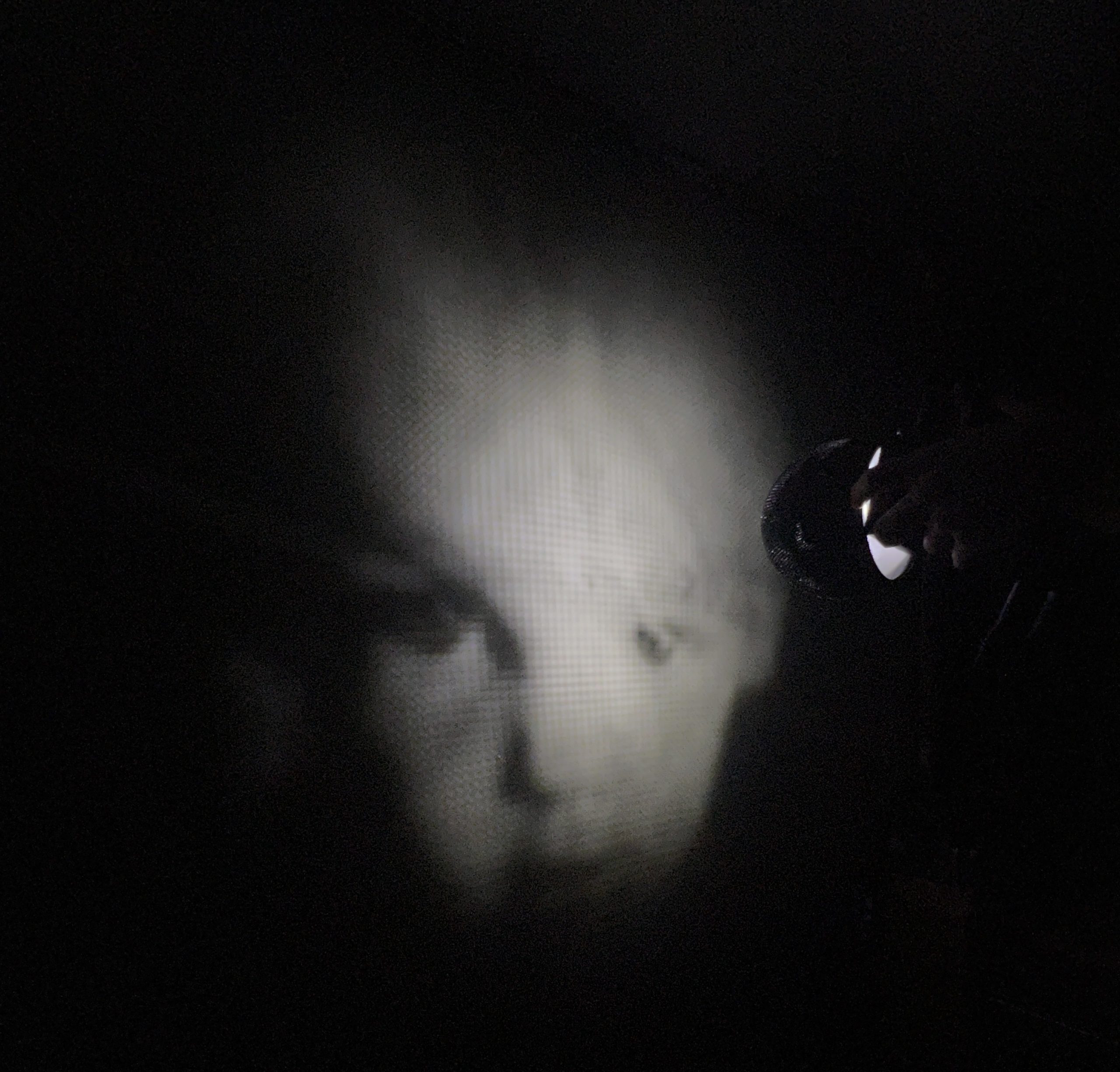
they both need to have their stereographic projector.
Update Hell
Software is steadily becoming more dictatorial. It gives us fake choices like one does to a child to trick them into behaving, with a so called dark pattern to make the “right” decision obvious. I’m pretty sure I’ll be going back to Linux soon.
If update prompts spoke the truth:
I don’t mean to particularly pick on Apple, that’s just the template I used.






Christ on a bike, can I do anything?
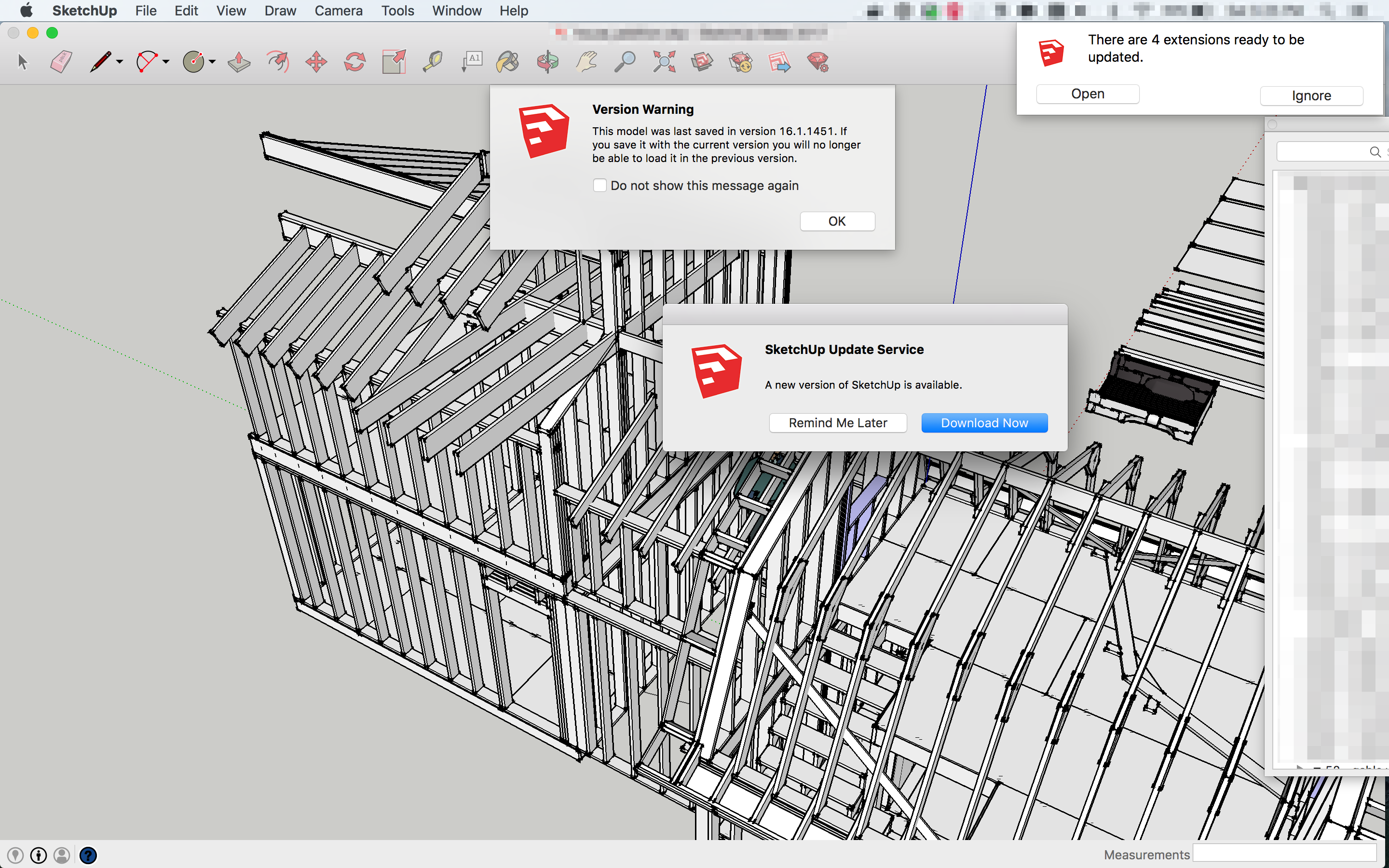
We’ll harass you until you click the button, It’s our gift to you!

“For now”, you’ll comply eventually.

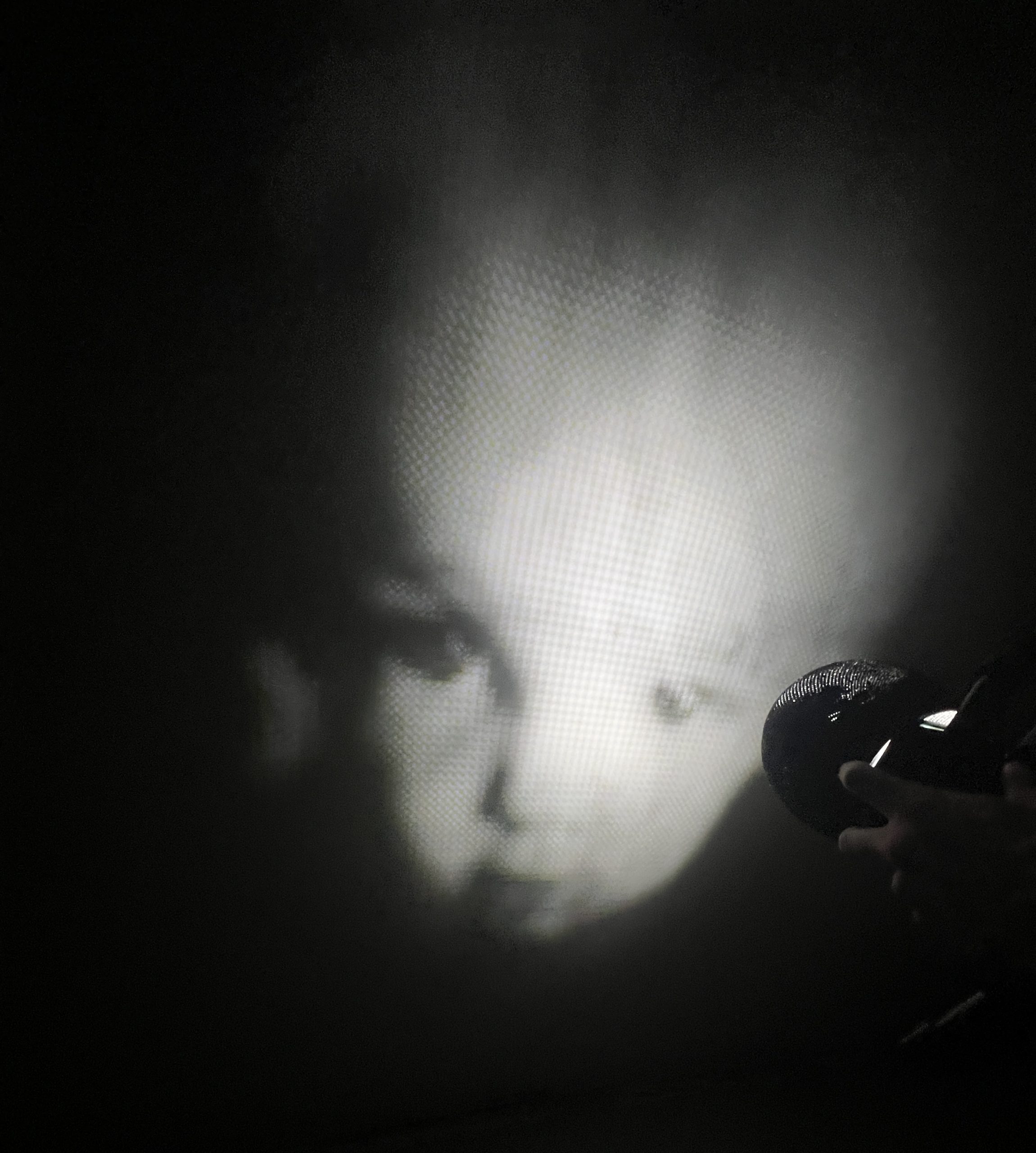
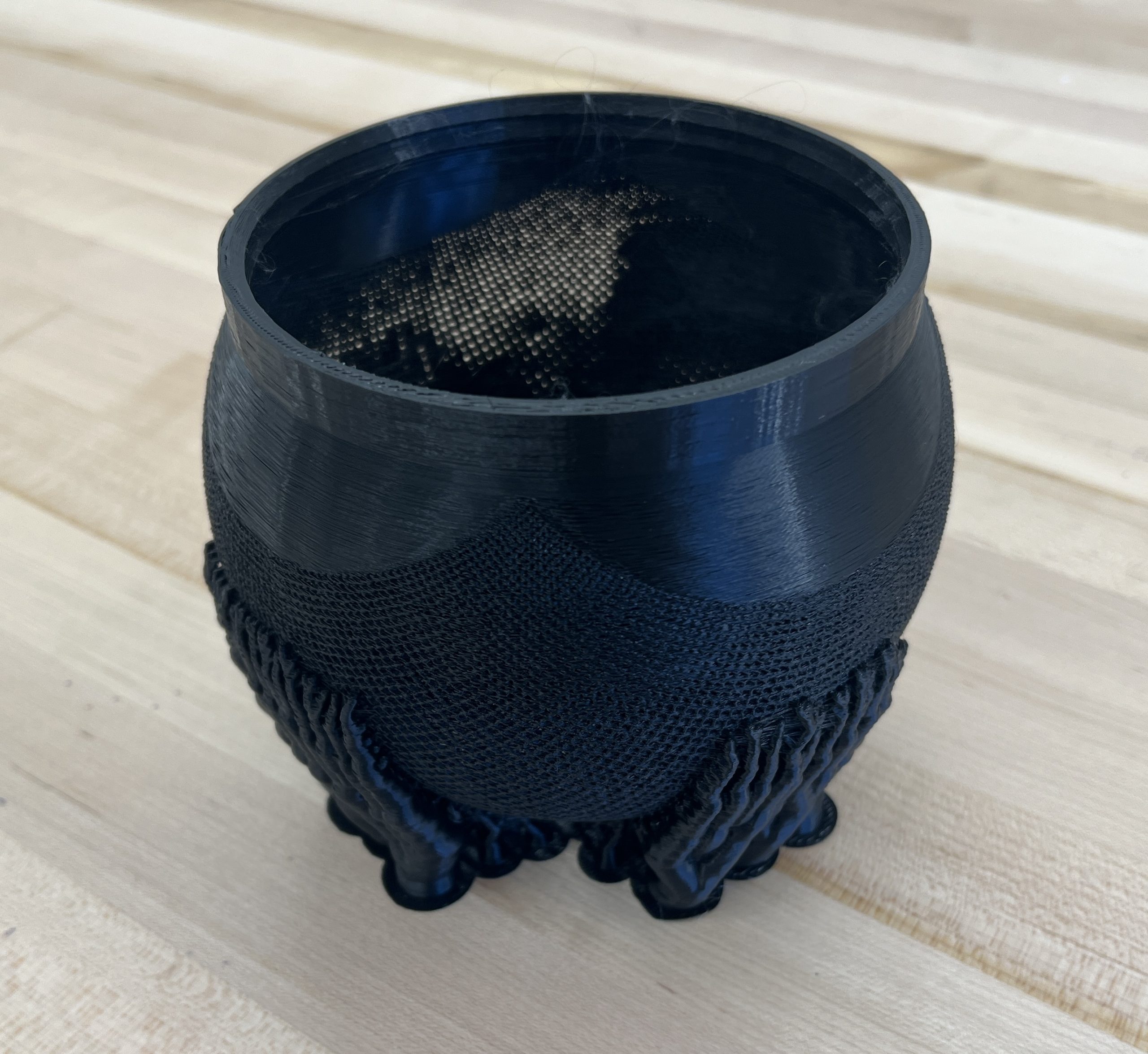
Stereographic Projector
I had to make one: https://www.thingiverse.com/thing:2094215. Projection is shorter range than I was hoping for but it’s still fun and gets the kids thinking.

Bis Repetita
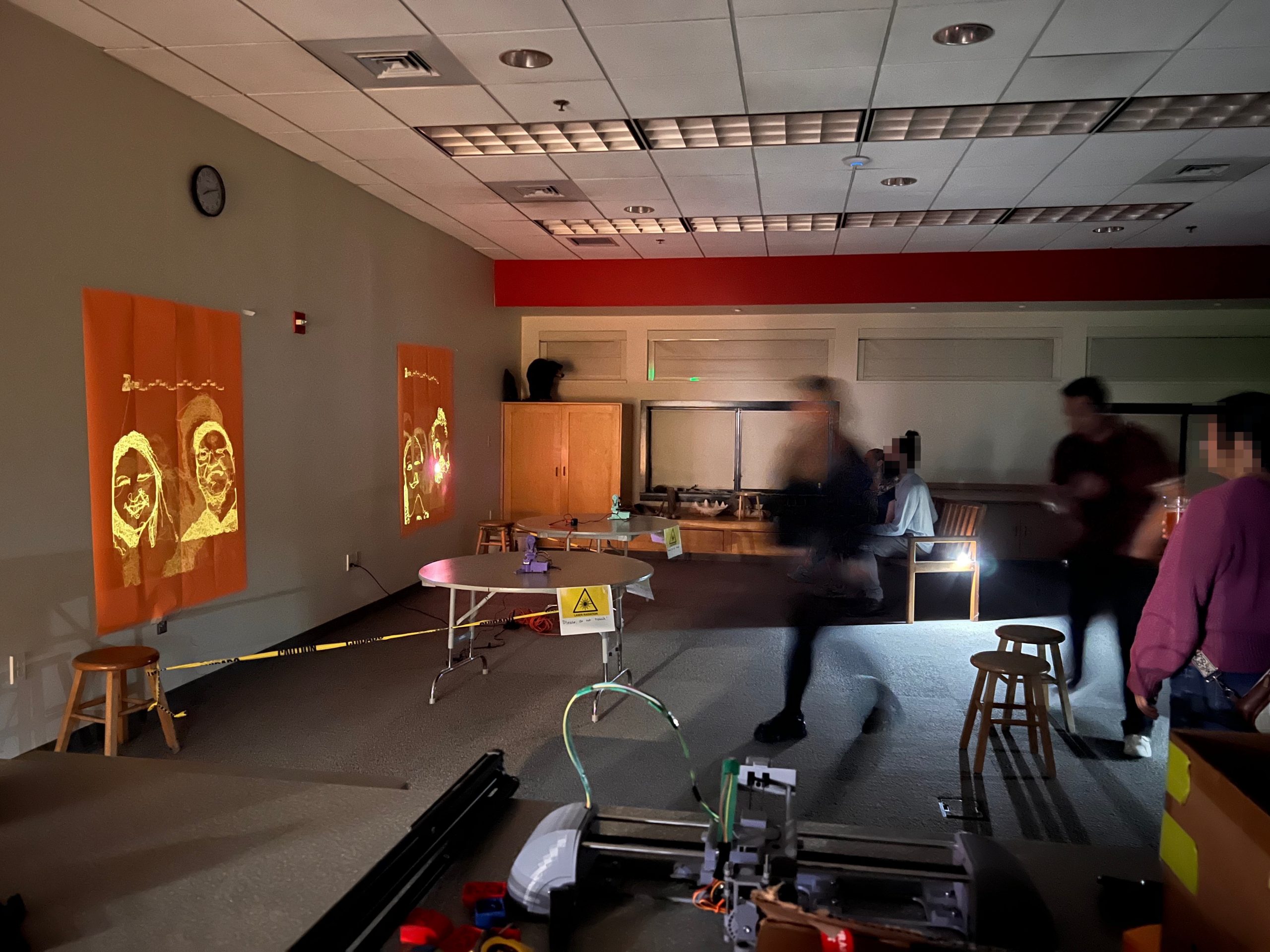
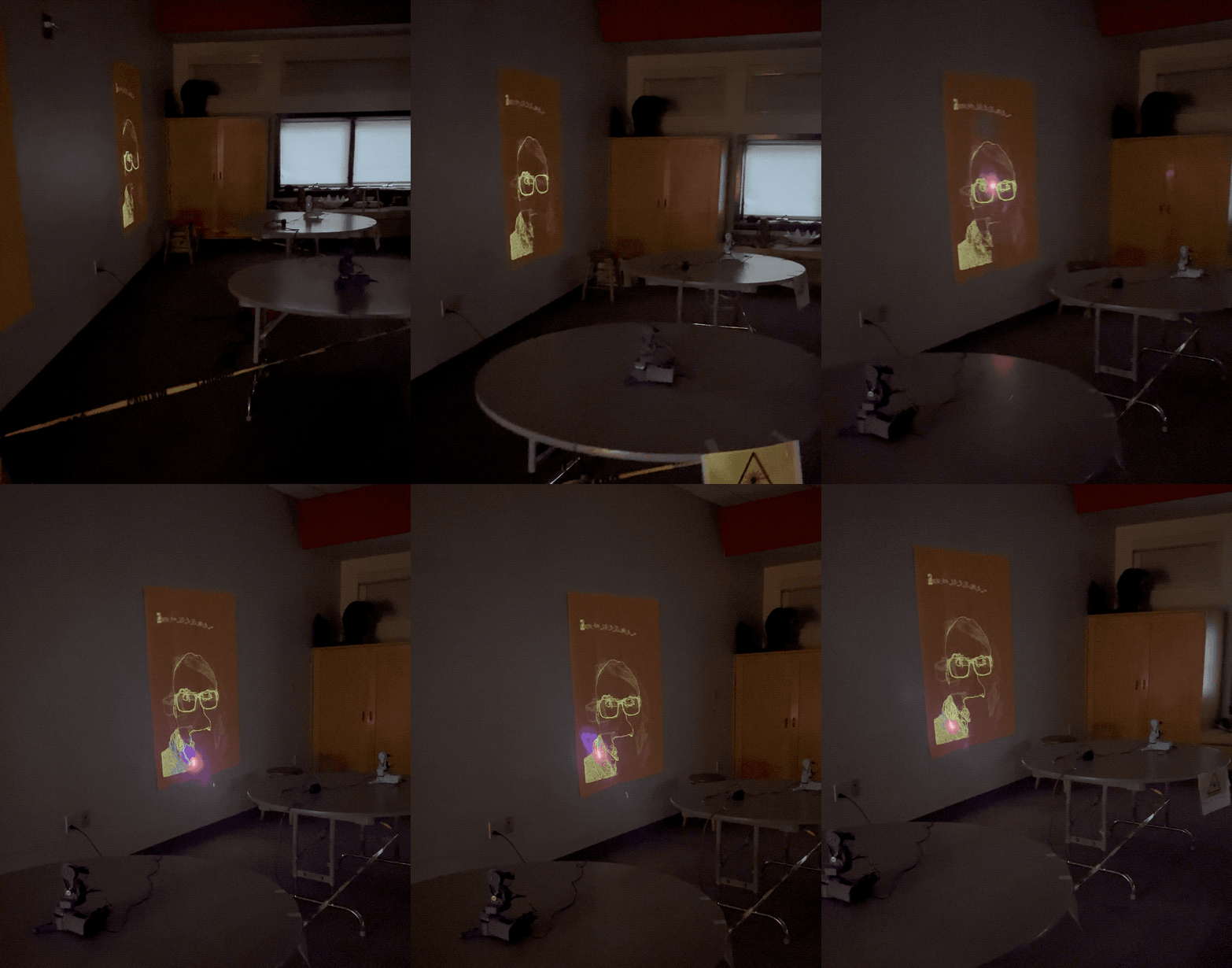
Second deployment of Laser Portraits at a public event. It was a lot busier this time around, and totally fun as previously. Also very stressful until a few portraits are behind me. It doesn’t matter how much I test and check, something always goes wrong but I got it all figured out just in time. I’m also refining the formula for how to present and interact with people. The PewtyBots performed all evening without missing a beat.
Esther’s Plotter
I love it very much.