She Sells Specular Seashells
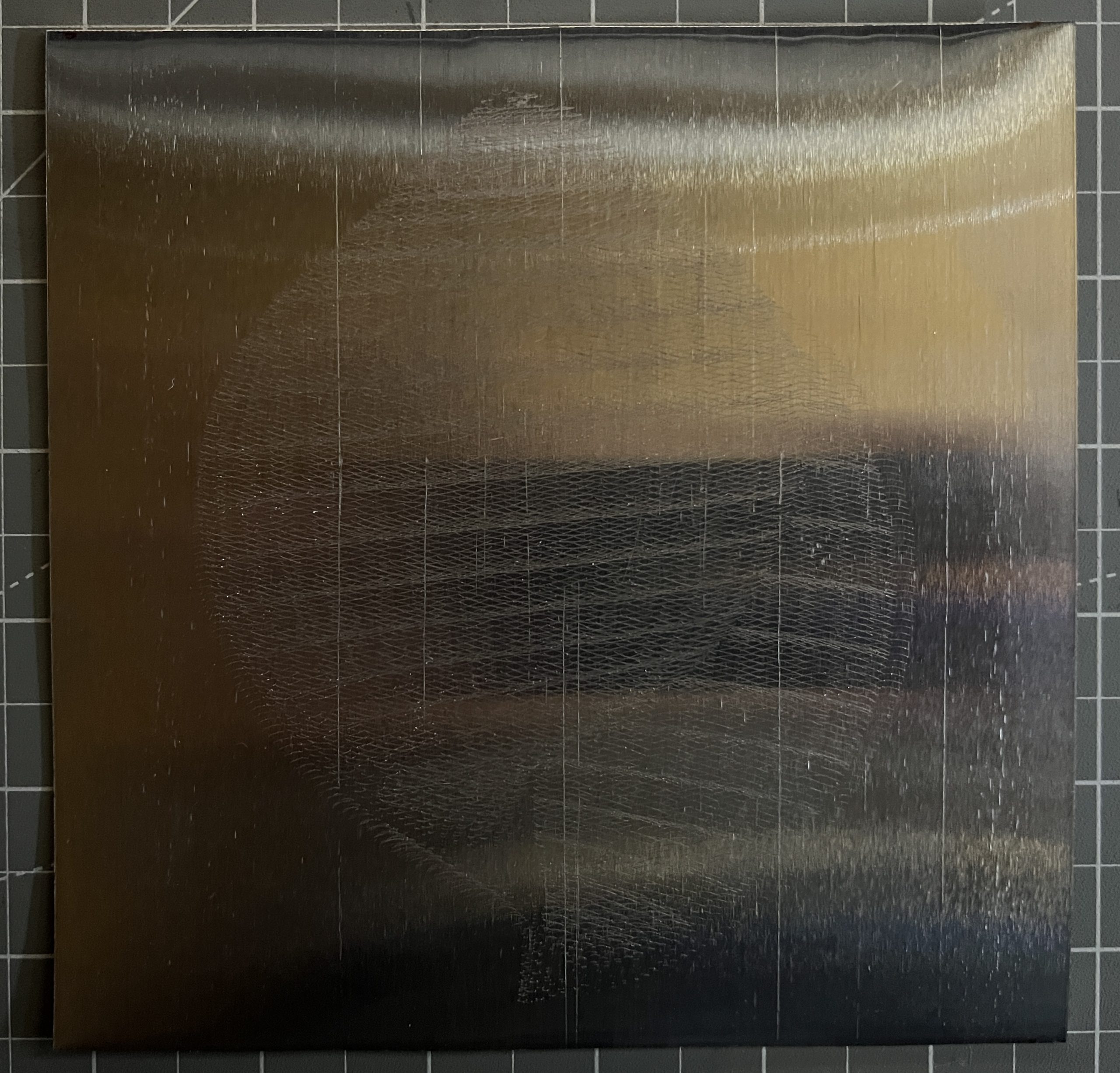
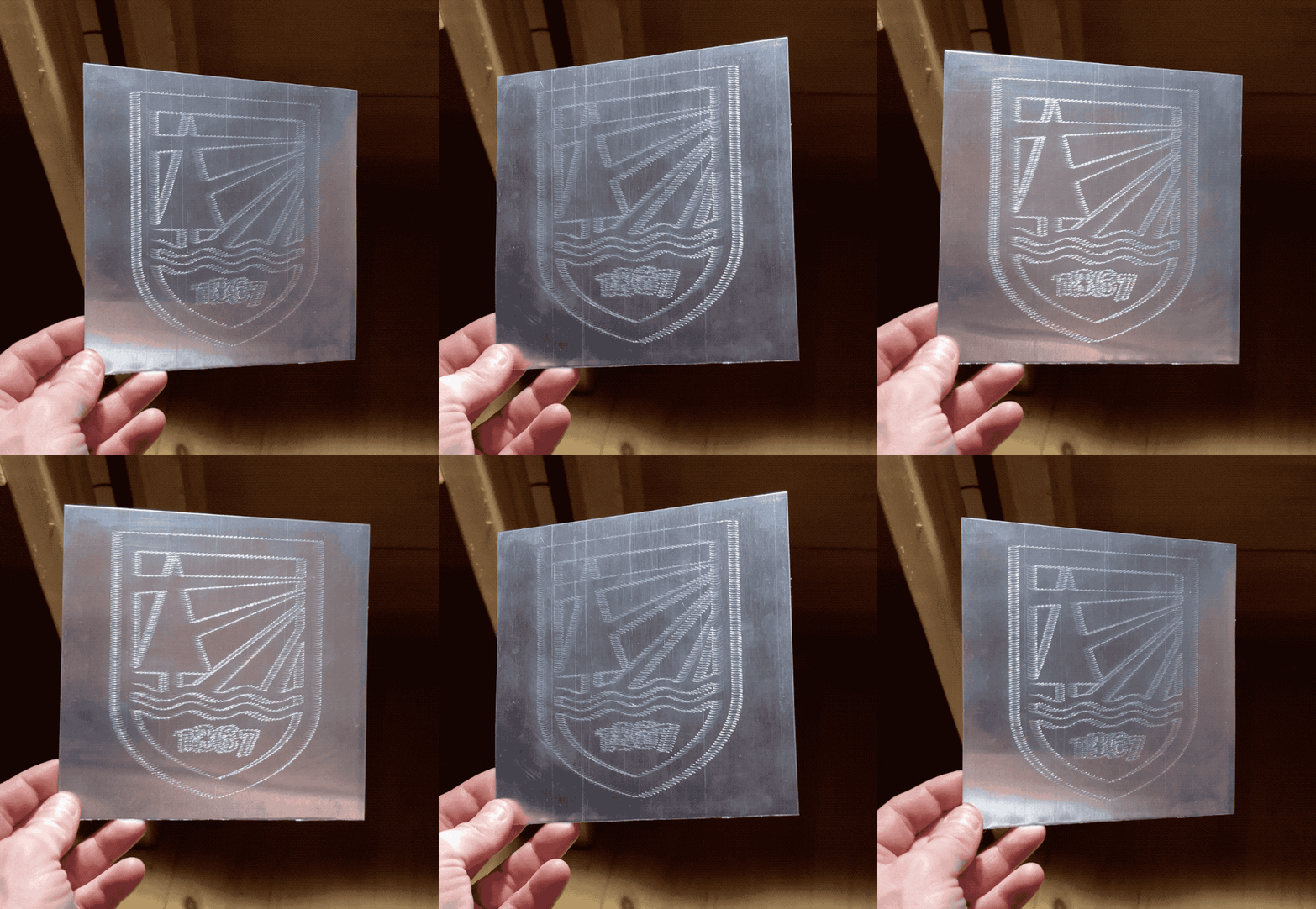
lots of trials, lots of refinements, 4 days on the etcher bed. The load cell addition makes for the most precise etching.
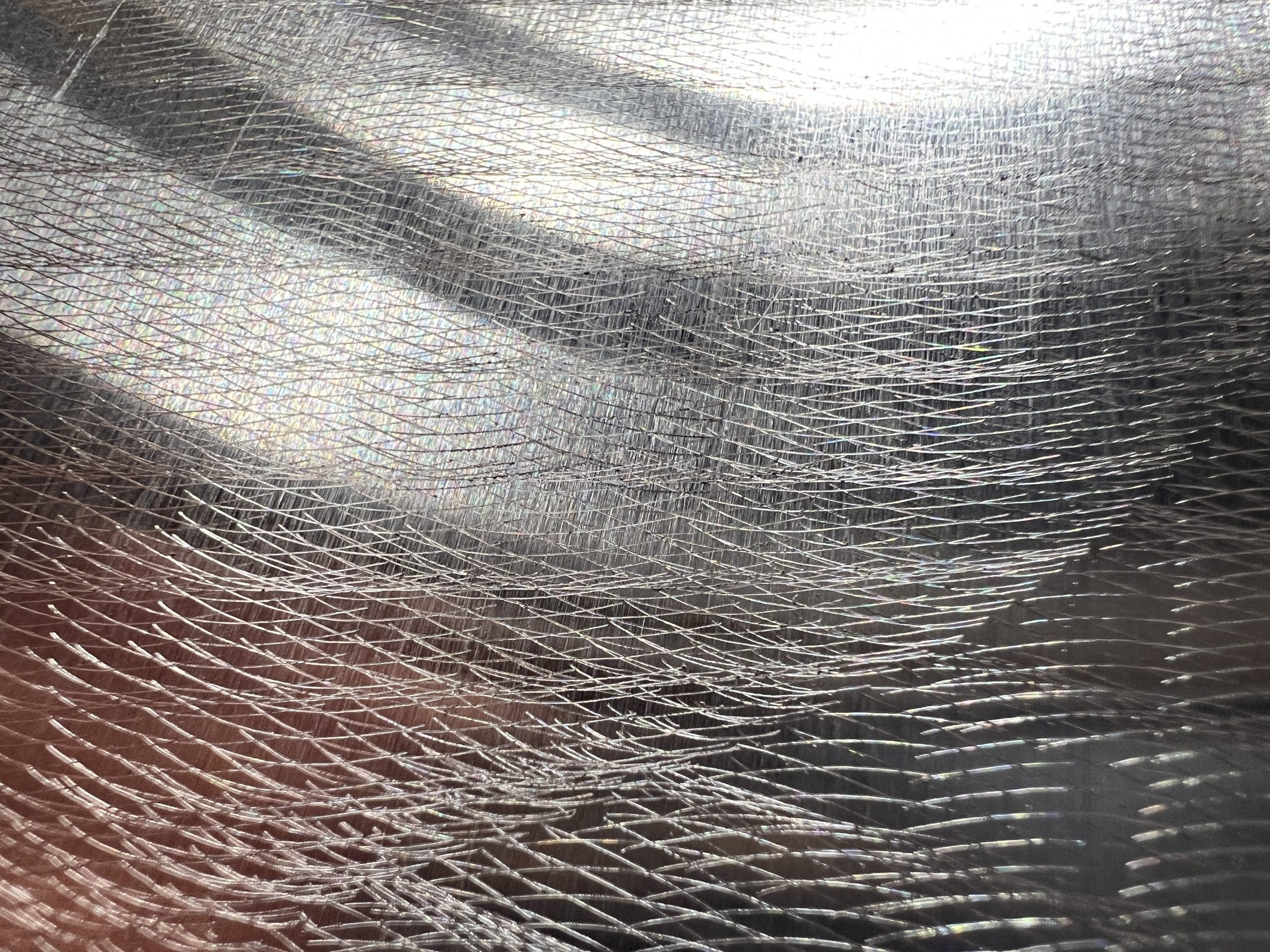
Without light
with light
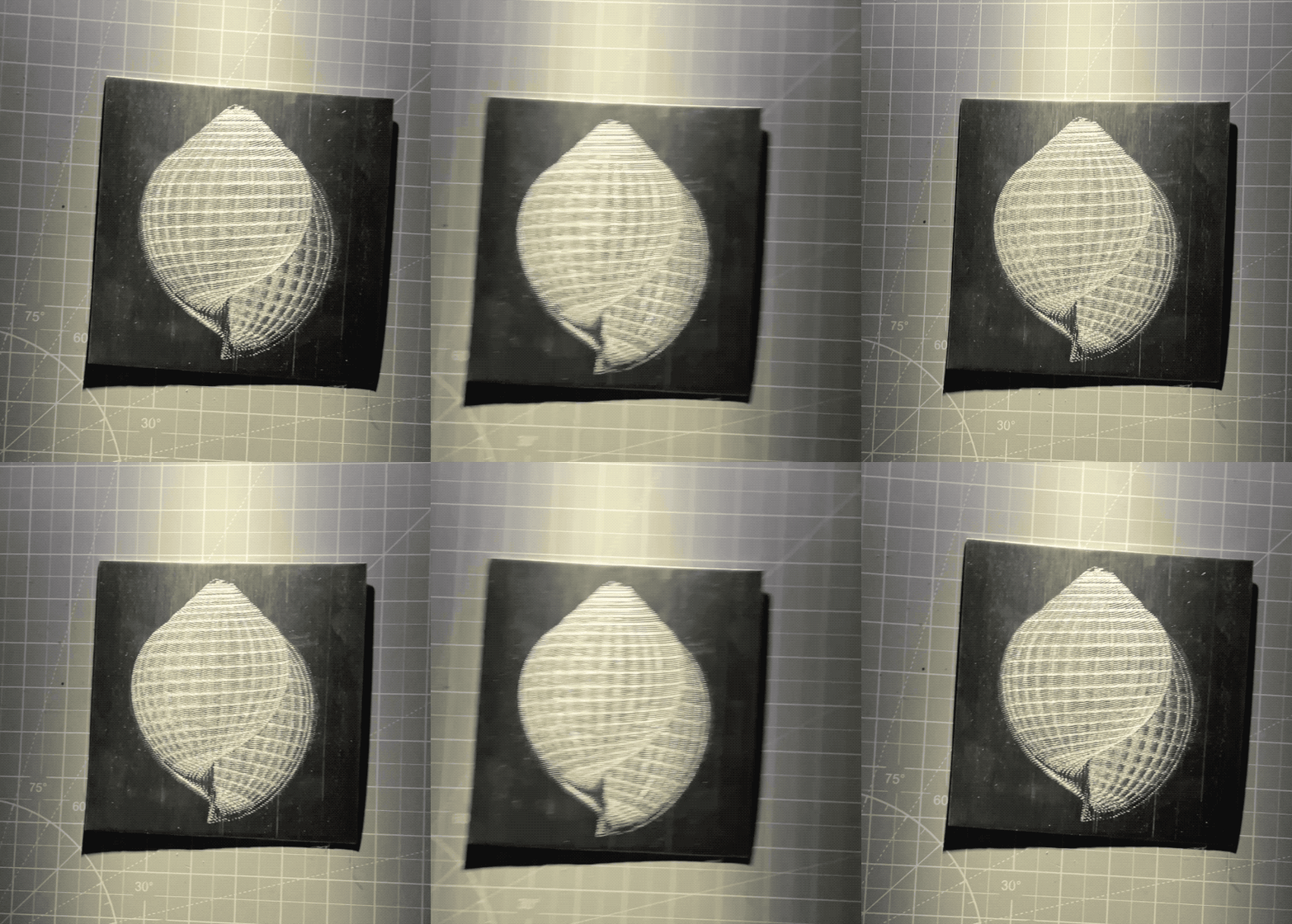
It feels different in person. What’s funny with this specular stuff, is how enthralled I was with it when I didn’t understand how it works. But now I kind of don’t see what the big deal is. I have to remind myself it’s really cool to keep forging ahead.
Since I can control pressure, I’m trying all sort of materials and pressures. I’m literally throwing under the tip any garbage that looks like it could yield a glint, and getting good surprises. I’m of course trying the classics like acrylic and aluminum with various pressures, again to find the best parameters.


Etching Ever So Carefully
I’ve had mitigated results with my specular holographs, I ran several trials, and only one was really worthy so far. I’ve learned a few lessons, but I’ve had enough success that I want to spend time and resources refining. The way the tip action worked so far was very blunt, I rigged a servo on a 3D printer which could instead have 2 steppers driving the pen up & down action. But that was an easier first step for my plotter stack. So the obvious thing to refine first is to replace the servo with the existing steppers, which is more of a programming challenge. And that part wasn’t too bad. What was much harder though, is how to move the tip so that it presses against the medium with defined and reproducible pressure. With the variations I can’t just “count steps”, and some media (acrylic) require very little pressure, unlike aluminum which was more forgiving. So I know I want to experiment with tip pressure, which means getting a load cell. And that on the other hand was a whole can of coding worms. I won’t go into the boring details, what matters is that it’s etching!
I have the tip go very carefully down until it reaches a pressure of 20g, and then it tries to maintain it while moving. Between the incessant taring, and the slow motions, it’s made everything a thousand times slower. I don’t care though, I can do other things while it works.
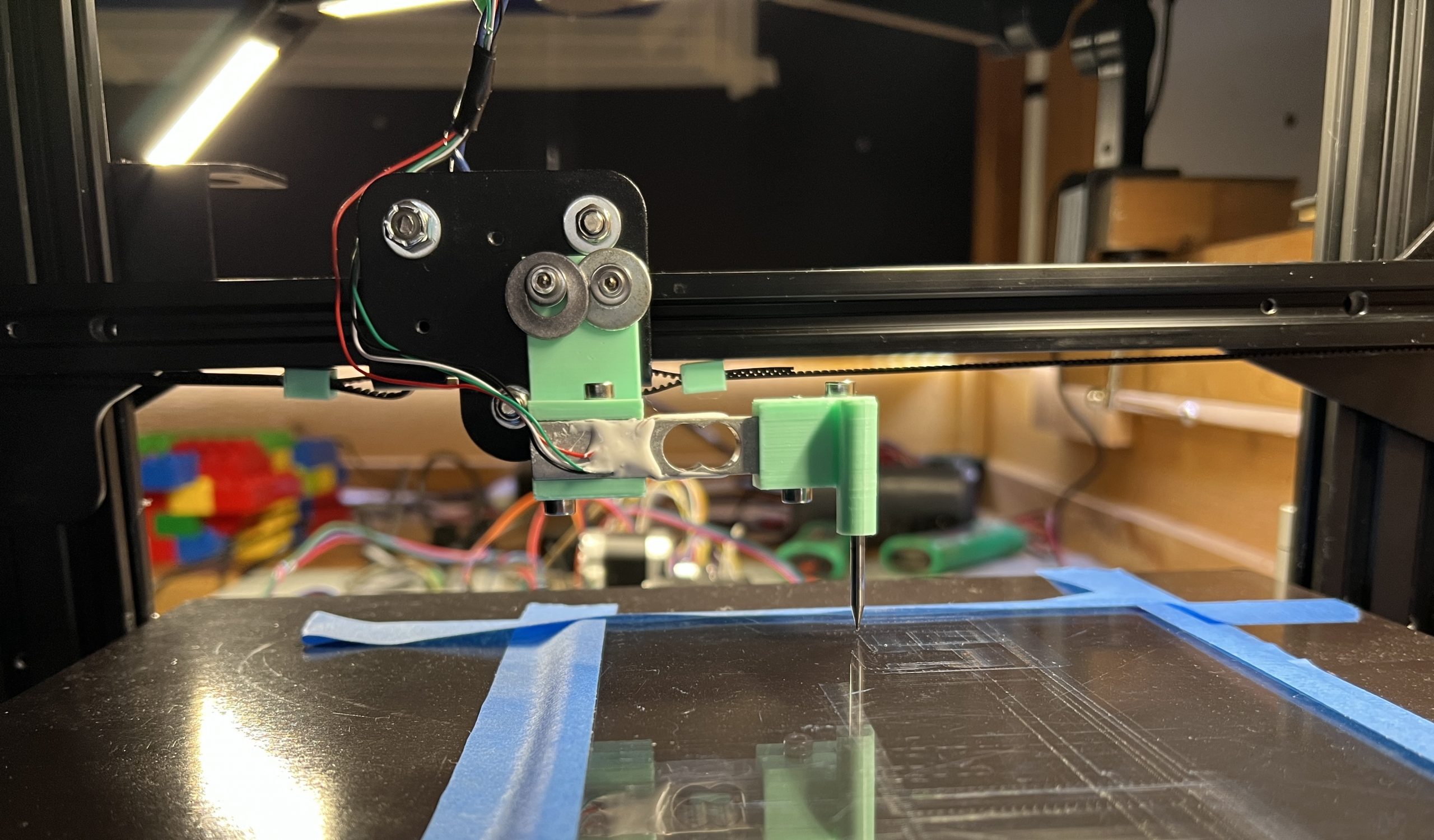
The machine makes really cool noises with all the extra stuff to find the right pressure. Simply keeping an ear out while doing other things has been a great tool to debug and improve algorithms.
Extra Christmas
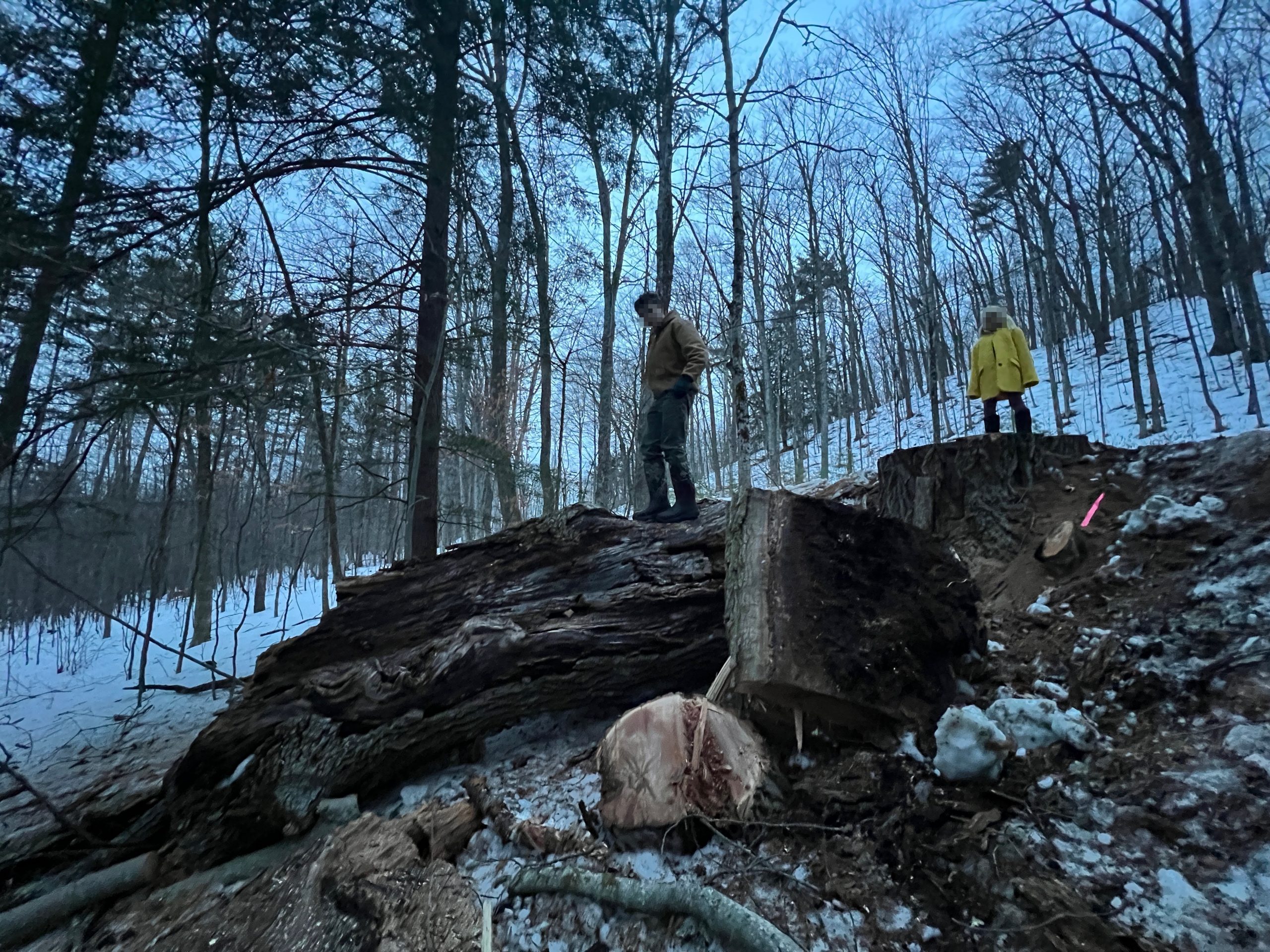
The town’s been wanting to remove an oak that is rotting and is just enough on the road that they hit it with the plow sometimes. It’s a family favorite as it’s on a dirt road we often walk on, and it’s absolutely massive. It has 3 enormous trunks, and each trunk has several branches the size of the trees I usually take. It’s next to a power line, rotted and far bigger than anything I can reasonably tackle. Let’s just say I’ve been excited when I heard about their plan to drop it. In Vermont when a town or utility needs to clear trees, the landowners get to call dibs. That was a year ago and I thought maybe they had forgotten about it. And so one day, I hear some chainsawing in the distance, and when this happens, I usually follow the noise to make sure no one is poaching my trees, and because I like to chat with neighbors. To my surprise a whole crew is there, 7 guys with heavy equipment going at the big oak. In a very typical Vermont interaction I get to meet the road foreman, and I tell him I’m definitely keeping the tree. He was aware, the information wasn’t lost in the year it took for the gears to get in motion.
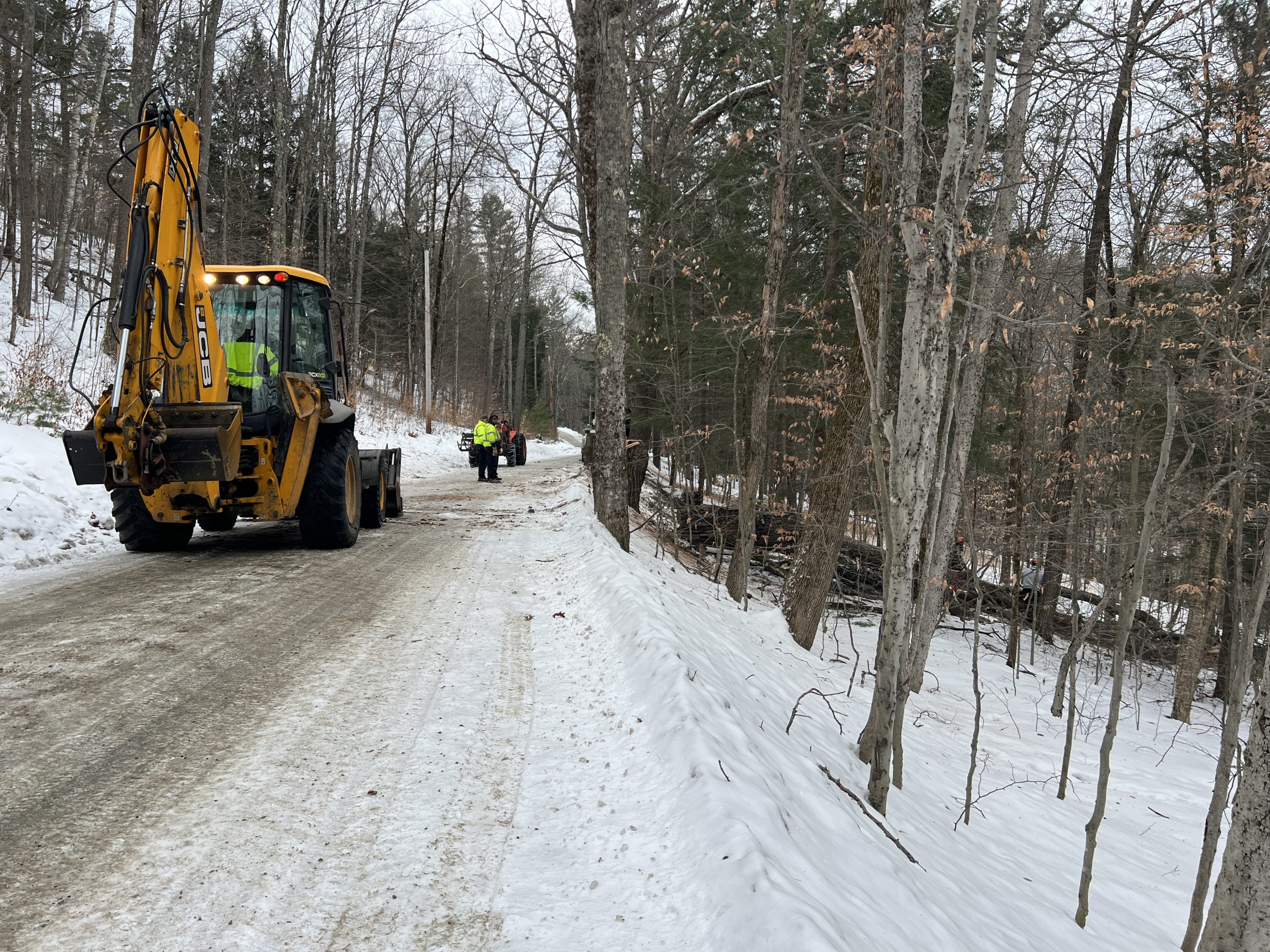
I tell him he’s welcome to leave it over the bank for me to come grab, to which he responds he’ll drop it in my driveway if I prefer… Yes sir, I very much prefer not moving several tons of tree by myself :). And that’s how 31 nice big chunks of oak showed up in my driveway. I didn’t have to lift a finger, and I got to enjoy a good show (watching pros and heavy machinery at work). It’s Christmas all over again.
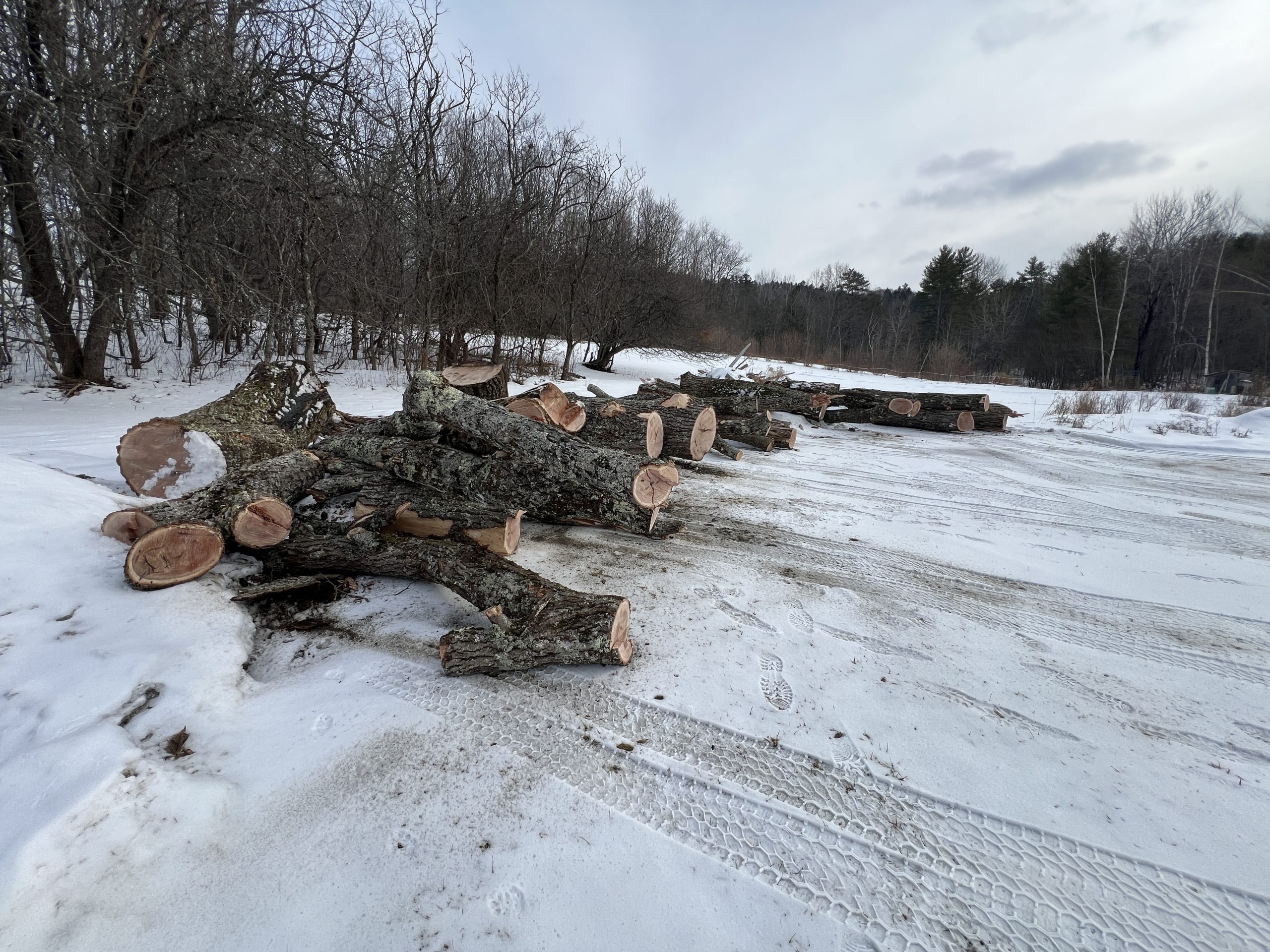
Some chunks are massive, and there is still a very full day’s worth of work left behind in the woods. All in all there’s probably 2 years worth of firewood. But maybe some of it is worth milling, we’ll see.
Figuring out the Process
A few iterations & trips to the hardware store and they’re starting to look decent.
Hallelujah
It has happened, we have a normal shower inside the house, the hot water of which happens through no intervention of our own.
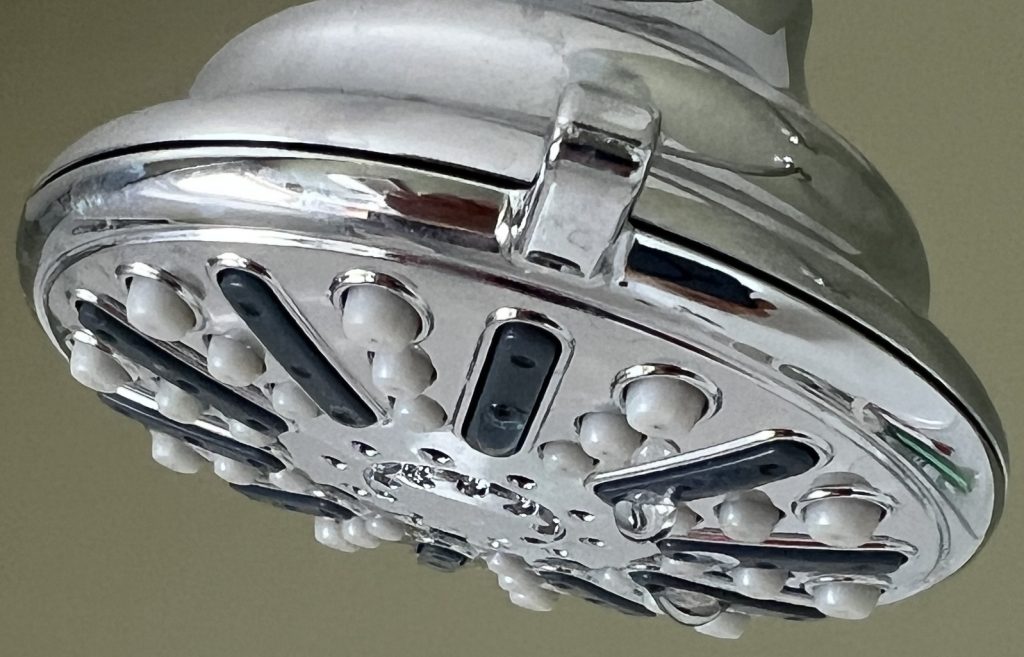
In reality, it’s because of our recent grid tie in that we have enough electricity to keep a hot water heater going. The showers are nicer mostly because they no longer require logistics. I moved buckets of hot water from the stove for years. Now we can just hop in and have a shower in the Winter months. Nothing beats the outside shower the other half of the year. There’s still a lot of things we want to do to be more self sufficient. Playing with an electric hot water heater is interesting, I get to see how much power it draws, and how much heat is preserved via insulation. This will instruct future improvements. For now we’re just enjoying easier showers thanks to the grid.
Xmas Sorcery
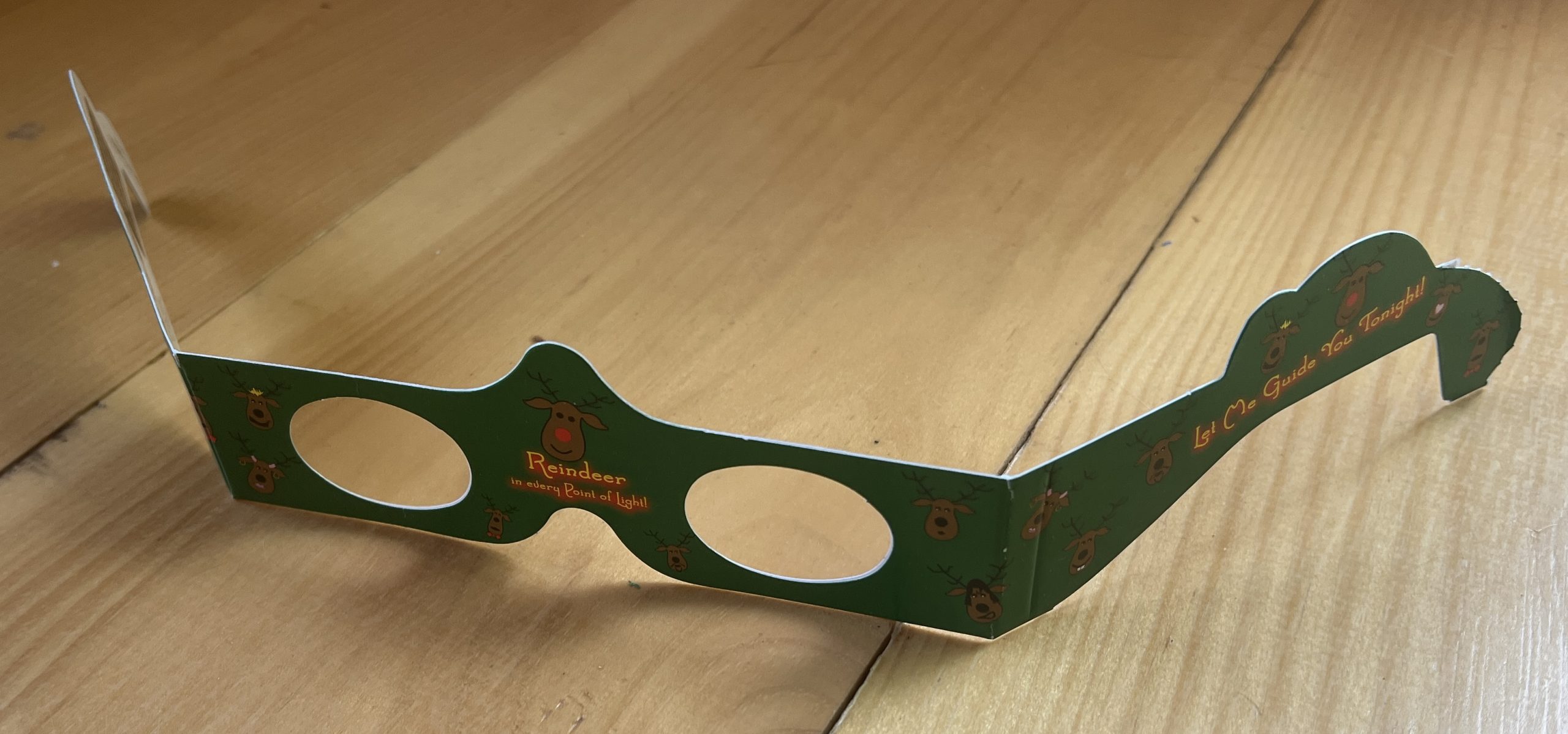

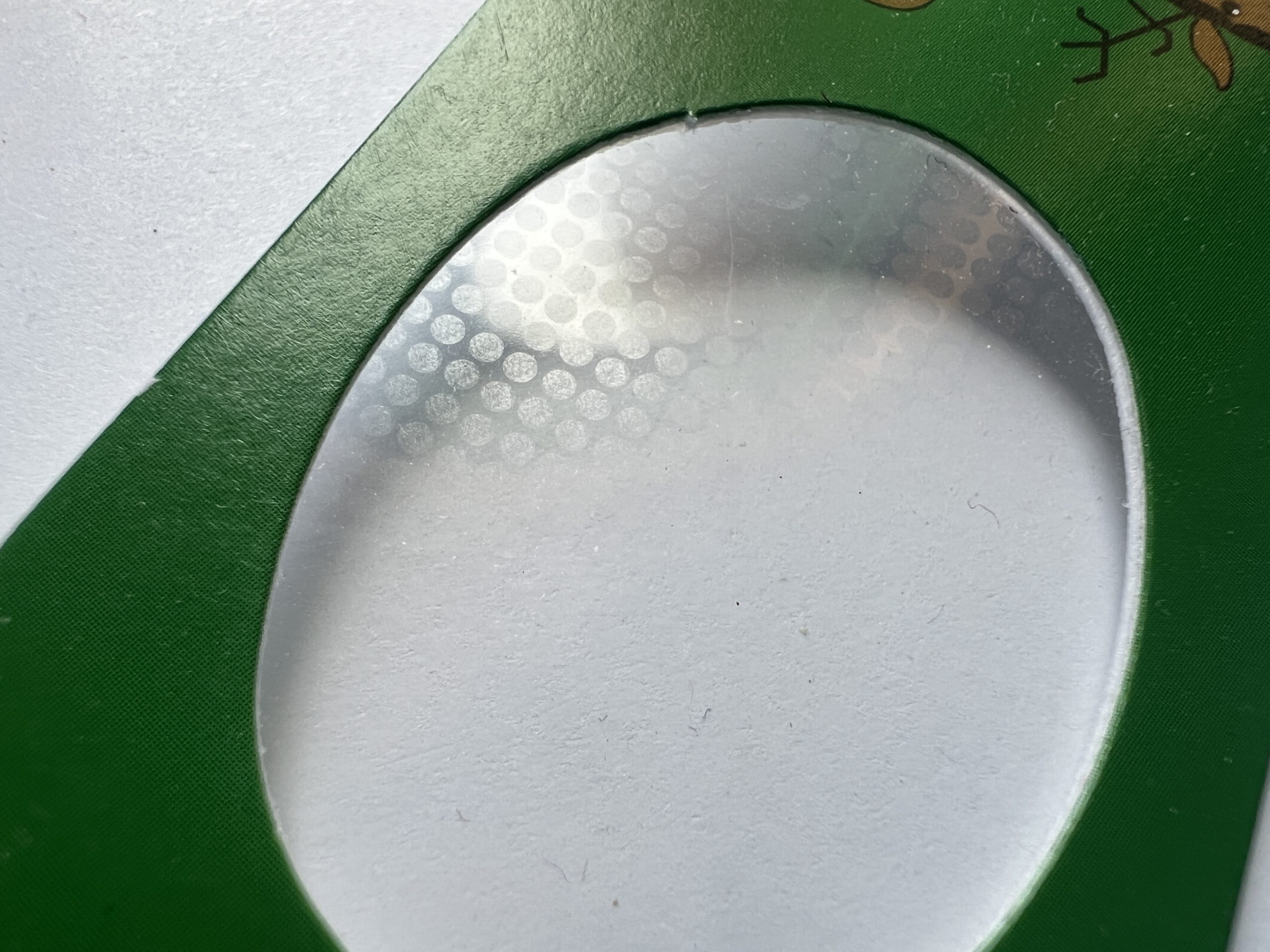
I wish I had a microscope to see how this is achieved, zooming in super close doesn’t reveal any particular reindeer artifact.
Not Spectacular but Definitely Specular
I watched Steve Mould’s video of Specular Holograms a while back, and it wasn’t until a cool student wanted to borrow my tabletop plotter to try it that I realized it was within reach. The plotter approach didn’t work, it really wasn’t designed to take the friction of a carbide tip etching surfaces. But its software stack is easily portable to anything with 2 stepper motors and a “tip” based action. So I thought it’d be a cool Christmas project to turn an old Creality 3D printer into something capable of etching specular designs.
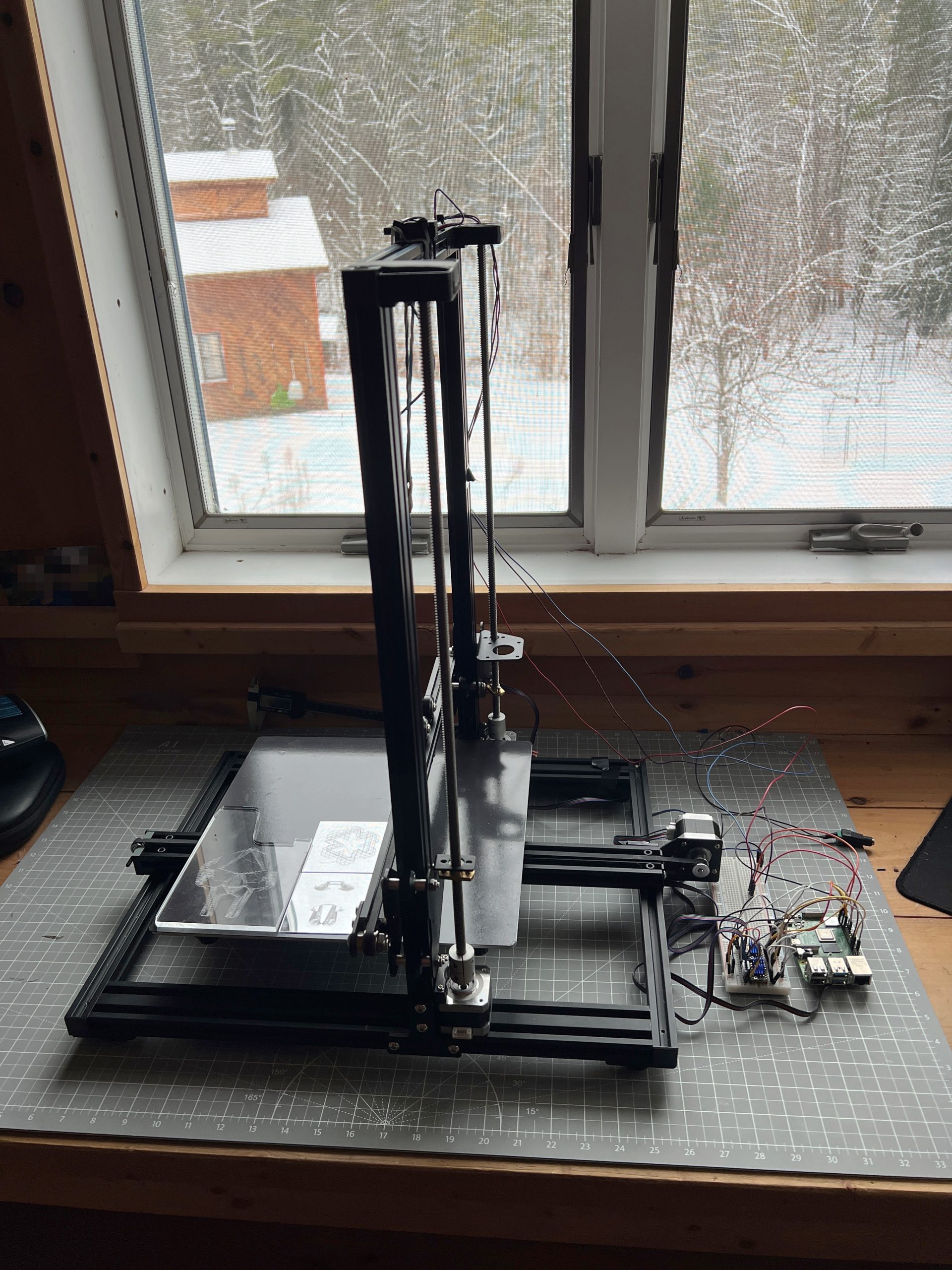
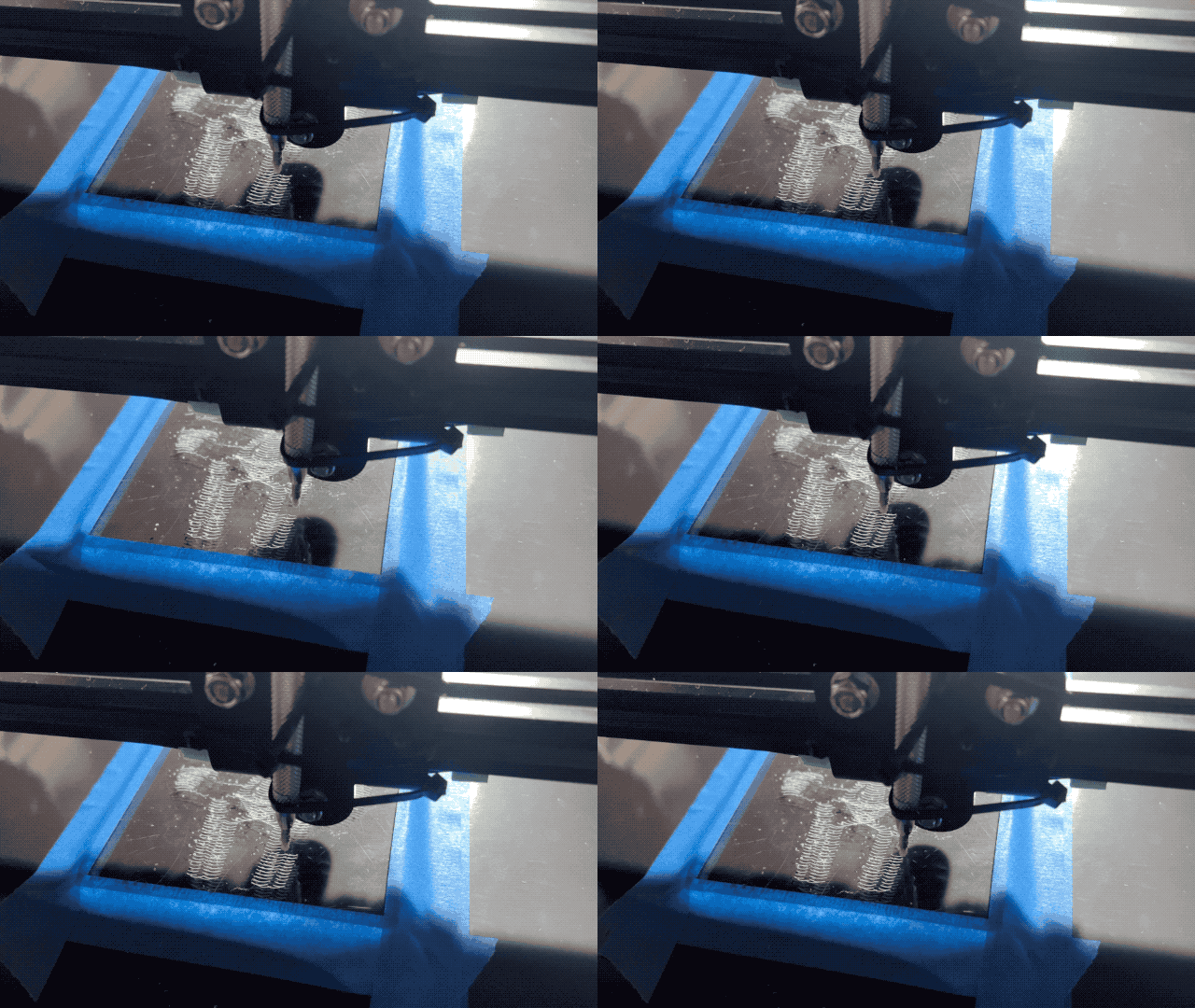
And well, the results are mitigated so far, but I’m getting somewhere with a moving glint effect.
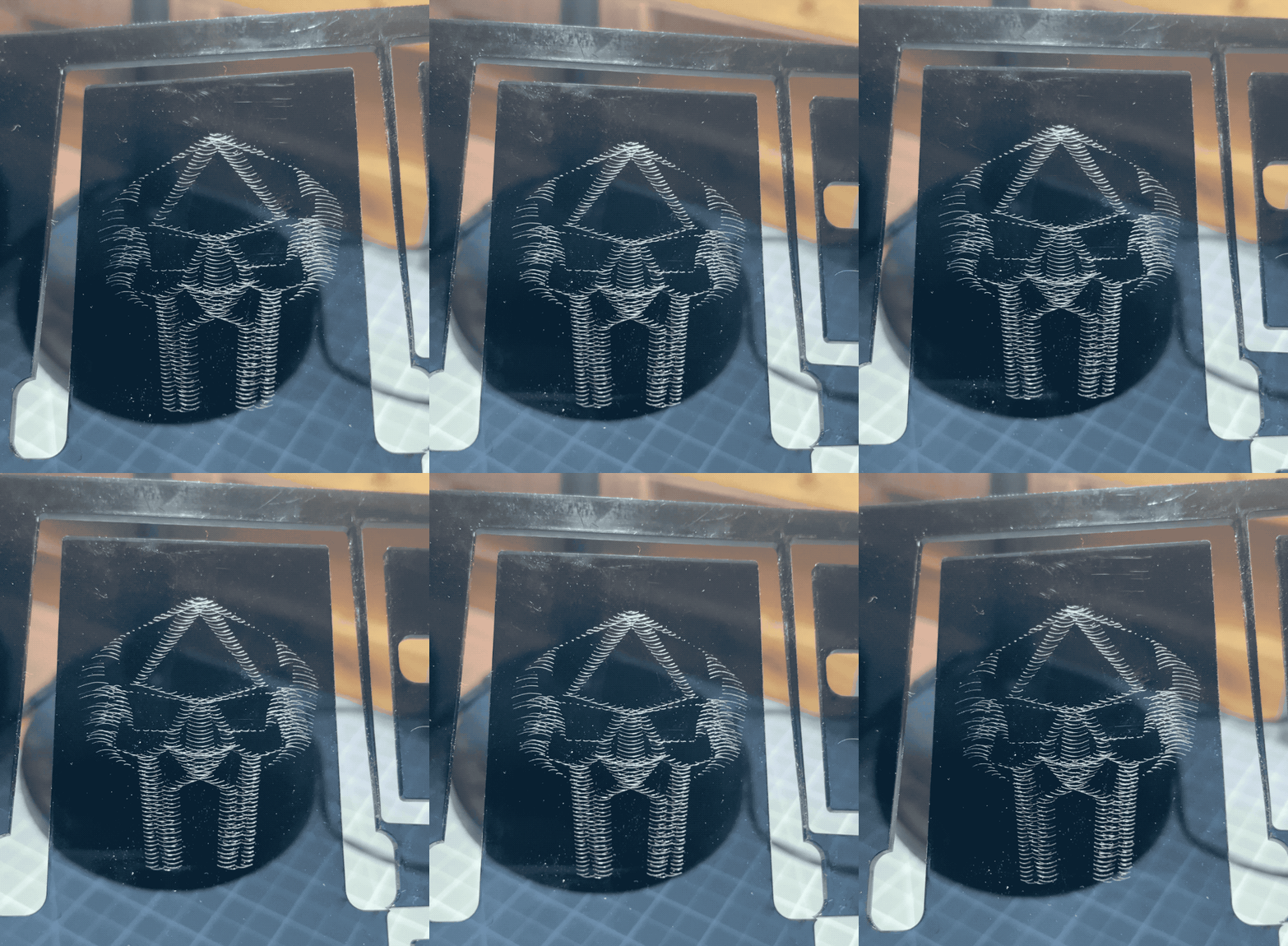
I need to tune the machine to barely touch the medium, and figure out model creation. Moving a tip is easy these days, unsurprisingly though there are a lot more intricacies to uncover to get good results.
Dragon of UV Light
I tried for years, it wasn’t meant for plotters so I had to figure out a way to make it work. Lara‘s usual incredible work. UV ink is definitely the medium for it.

That’s a Wrap
Robotics 2025 concluded with 2 kids having built the small Etch-a-Sketch plotter after 5 sessions, and an extra one to just consolidate and draw. There isn’t much to say other than it went like a charm. I’ve added onto the Inherently Programmable Pi so they could have a basic HTML interface to their machine, I have yet to publish the update. This solution I feel is a bit of a game changer for engaging with robotics. At best it lowers the bar significantly for uninitiated learners; at worst it’s just darn convenient to get to work on your Pi project anywhere. A few years ago I’d promote it on a few online communities, these days I just don’t have the will to do much of anything online, but I really should.


Playing with the RPi Etch-a-Sketch
I’m recreating the small SketchyBot for an electronics/robotics curriculum. It’s a perfect opportunity to let kids play with it.


Just Plots
Mostly tests meant for a larger format, I like to post them for reference.


Works Entirely Too Well
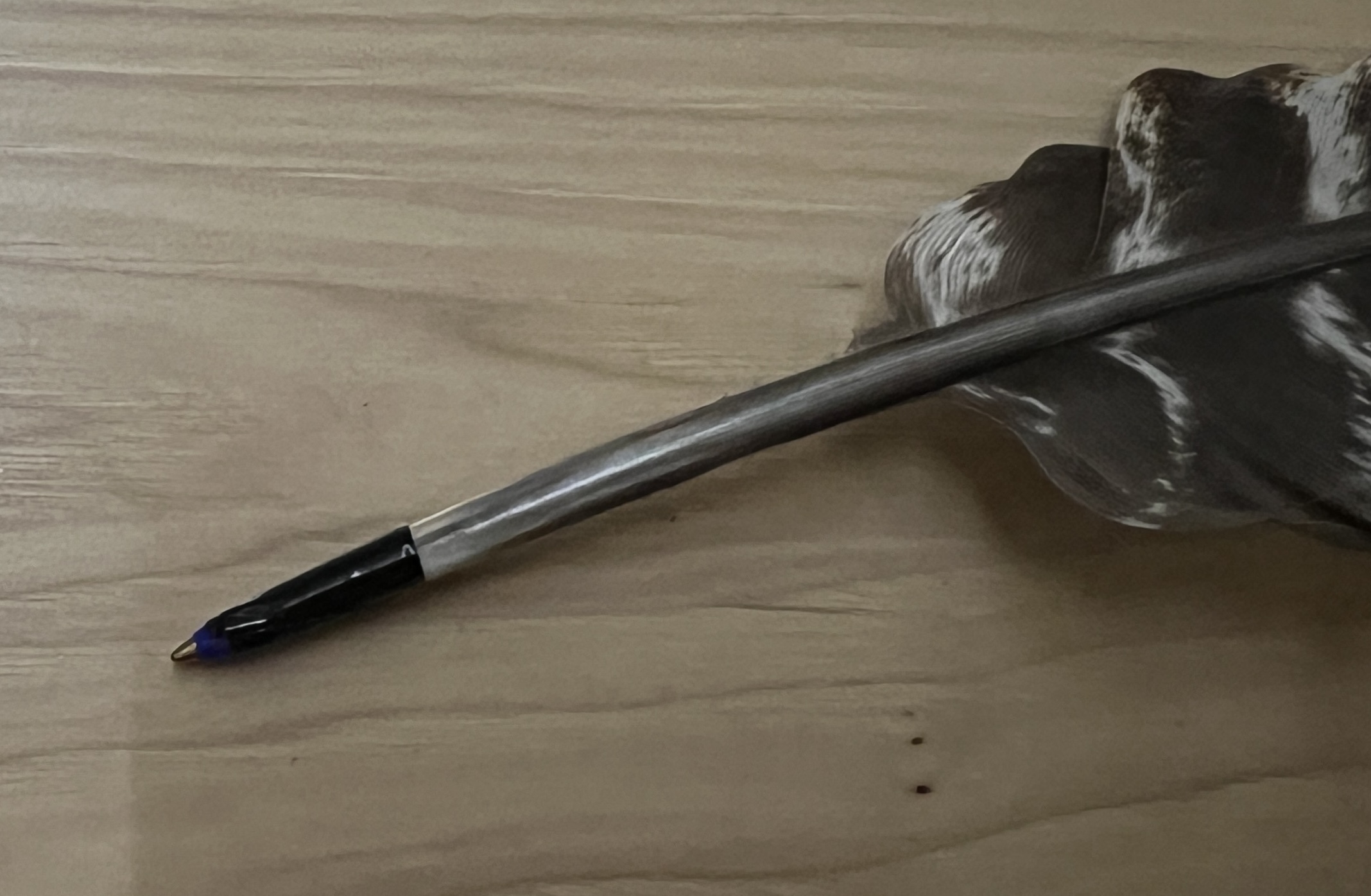
And by this I mean it works as well as any dip pen I’ve ever played with, which is to say not great (but it’s fun at least).
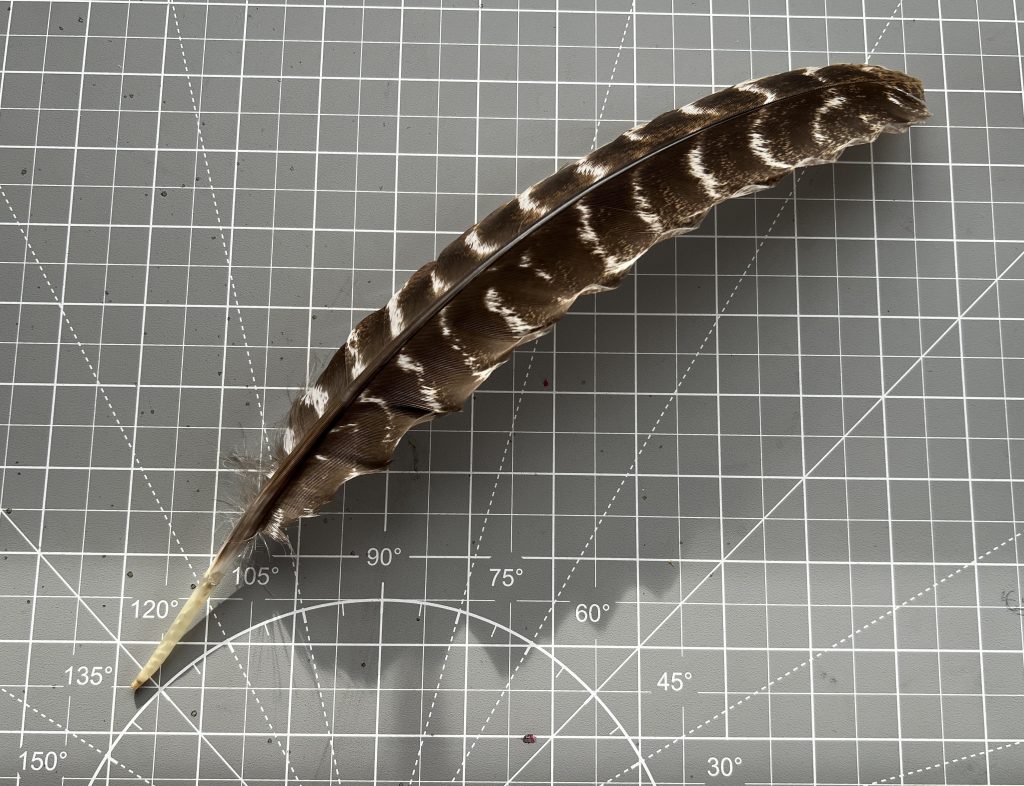
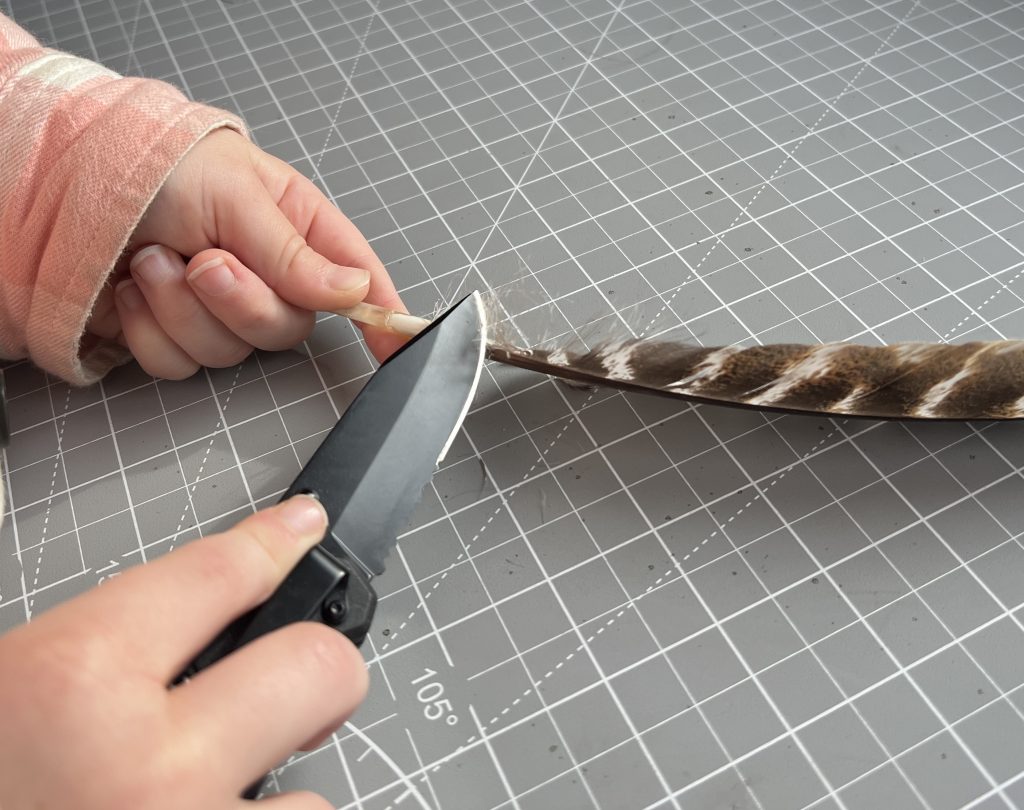
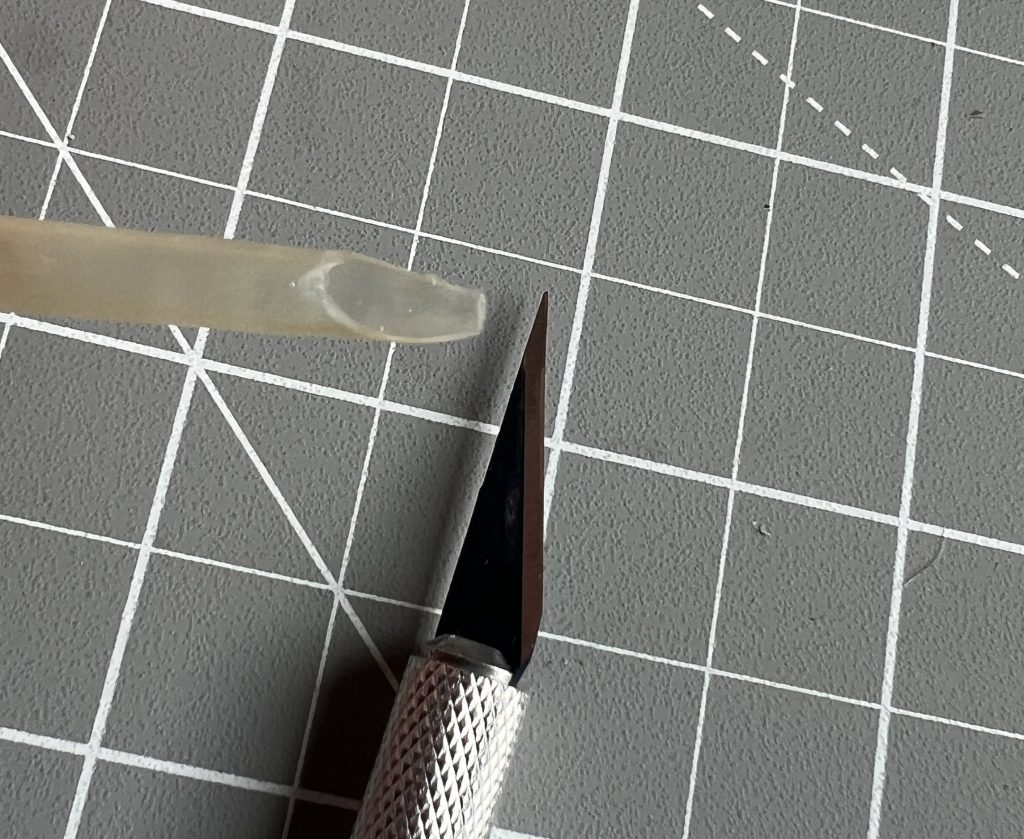
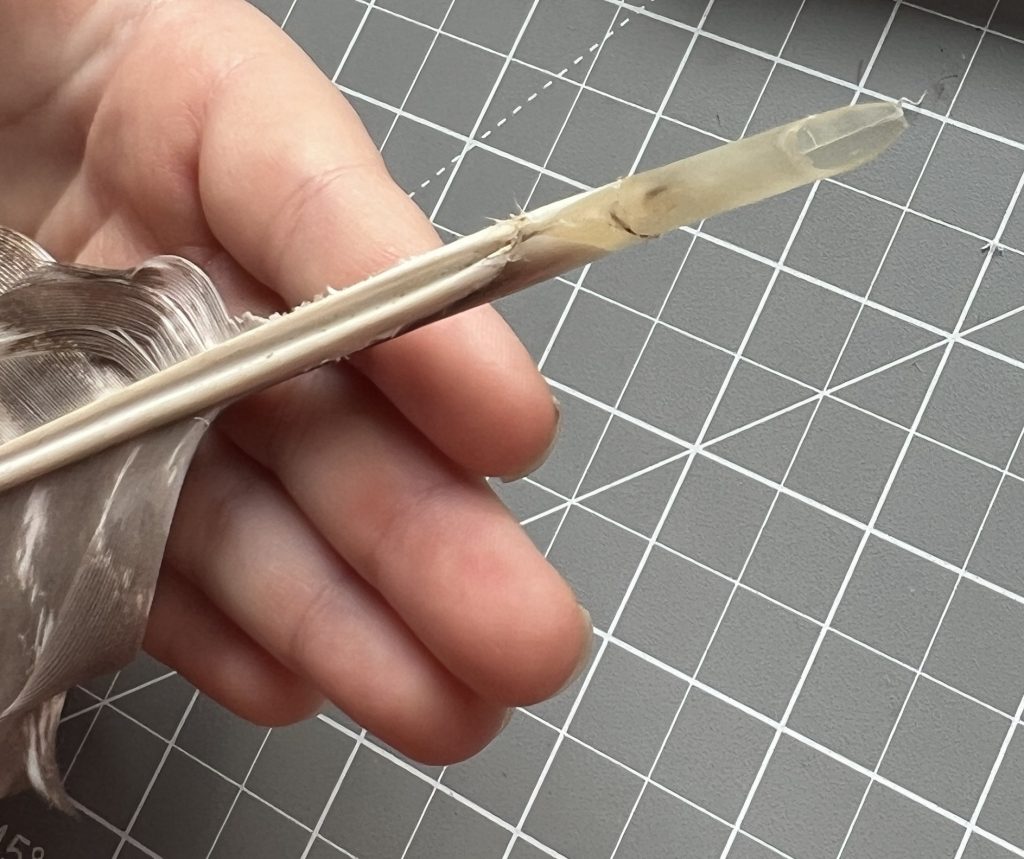
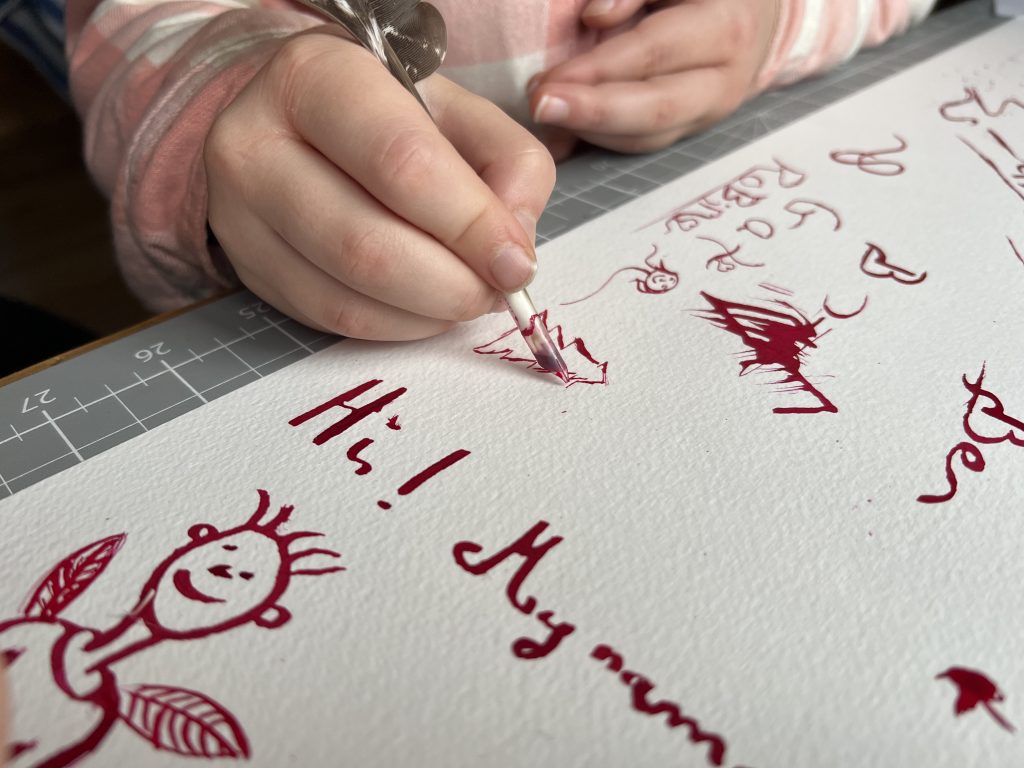
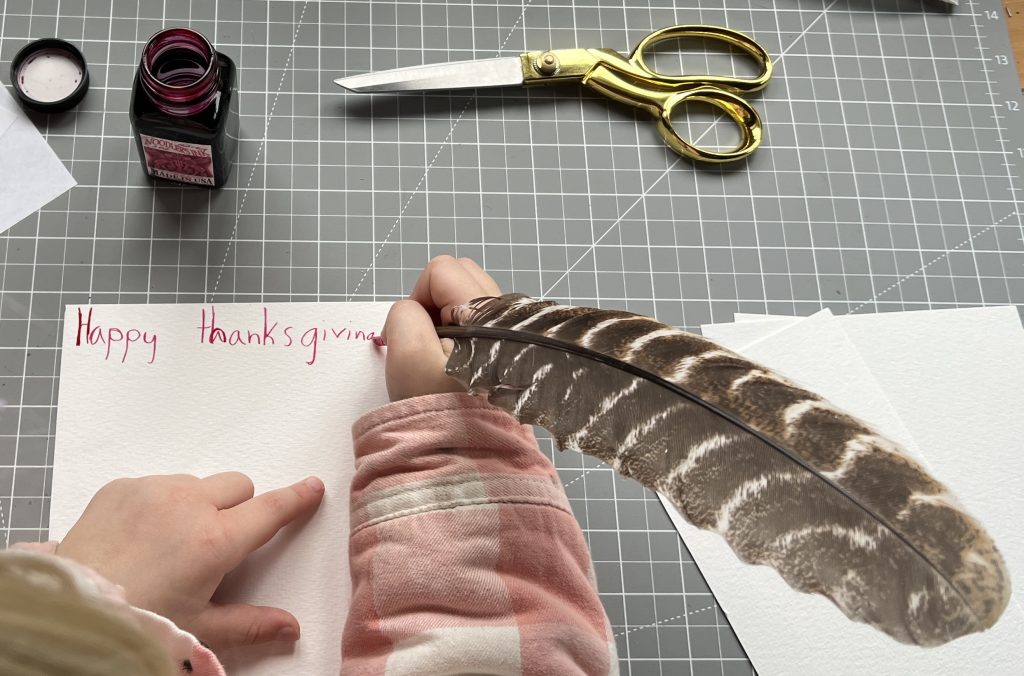
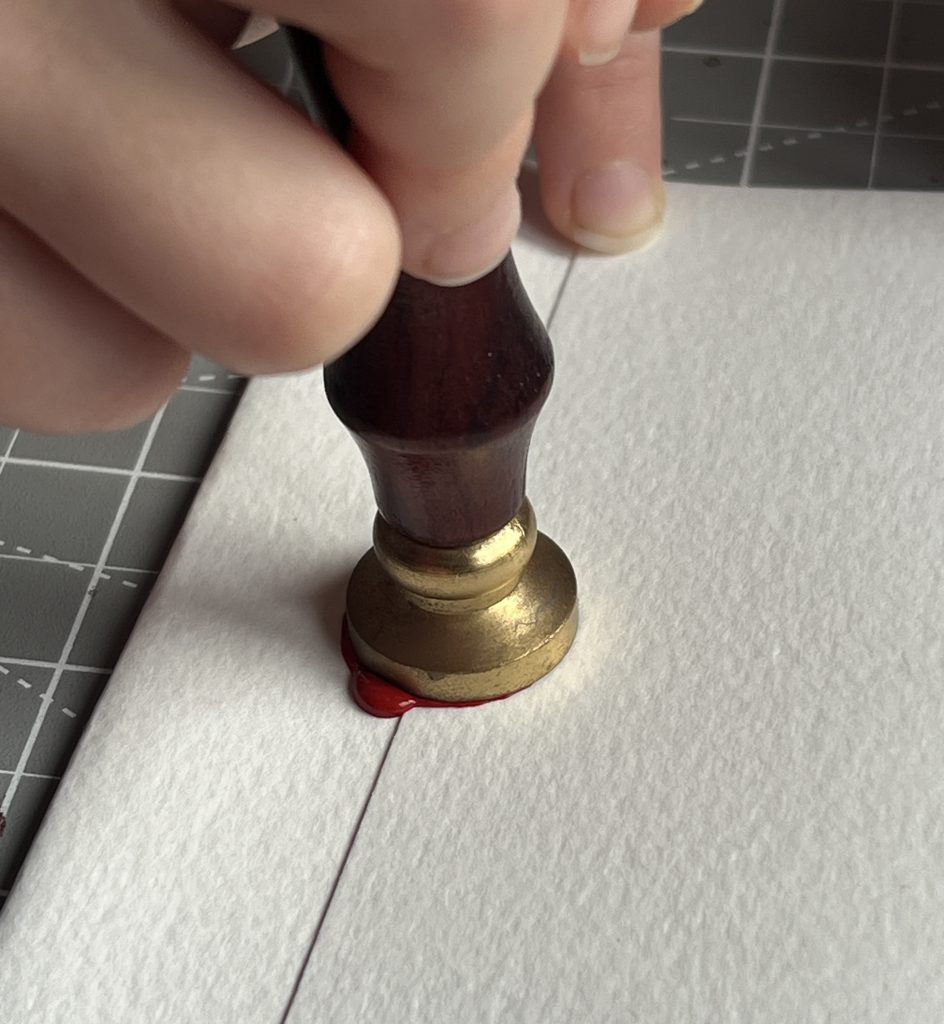
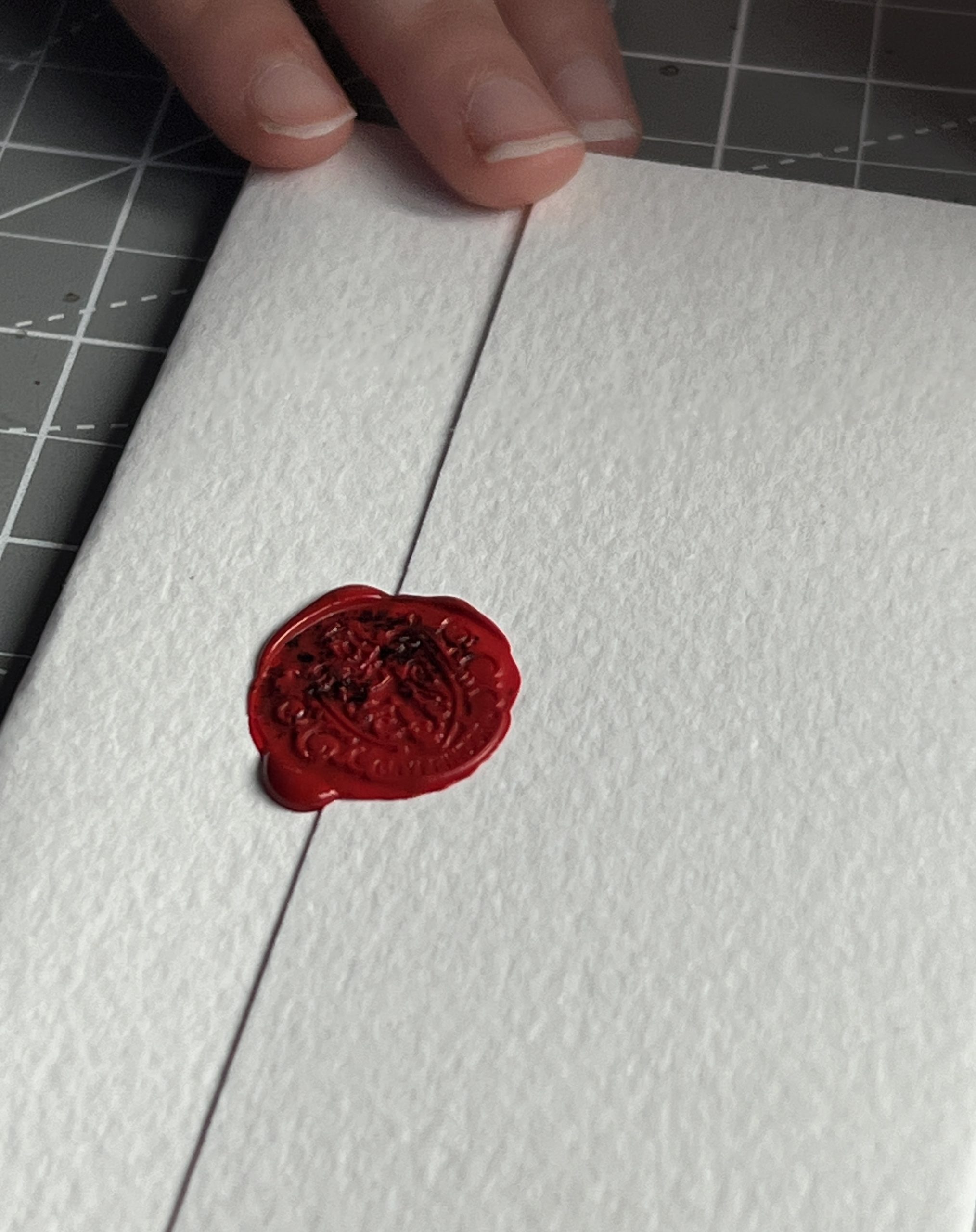
Turns out most ballpoint pens’ tip & ink reservoir fit perfectly inside a turkey feather. So the kids will be able to rock their turkey pen at school.
Massive Stove
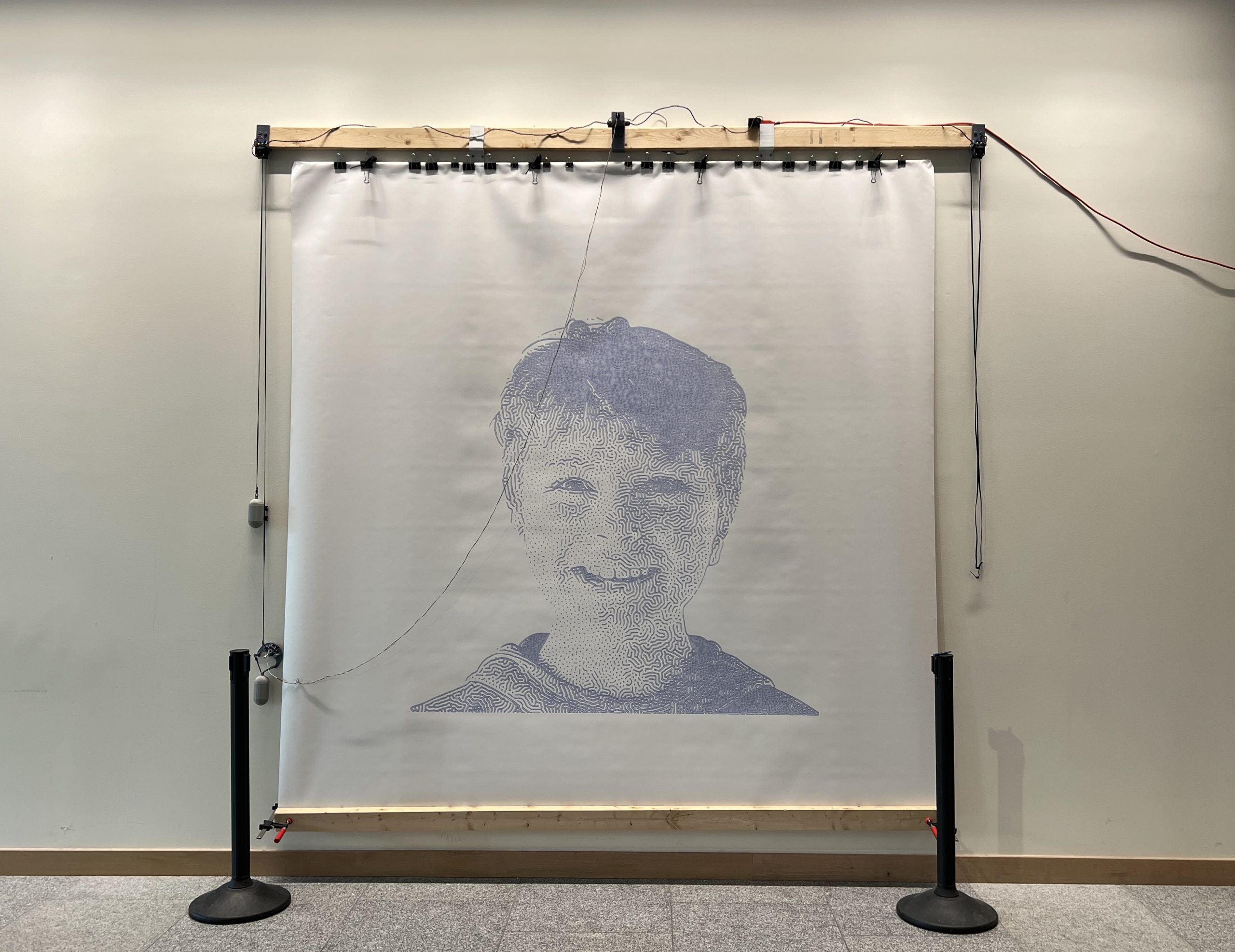
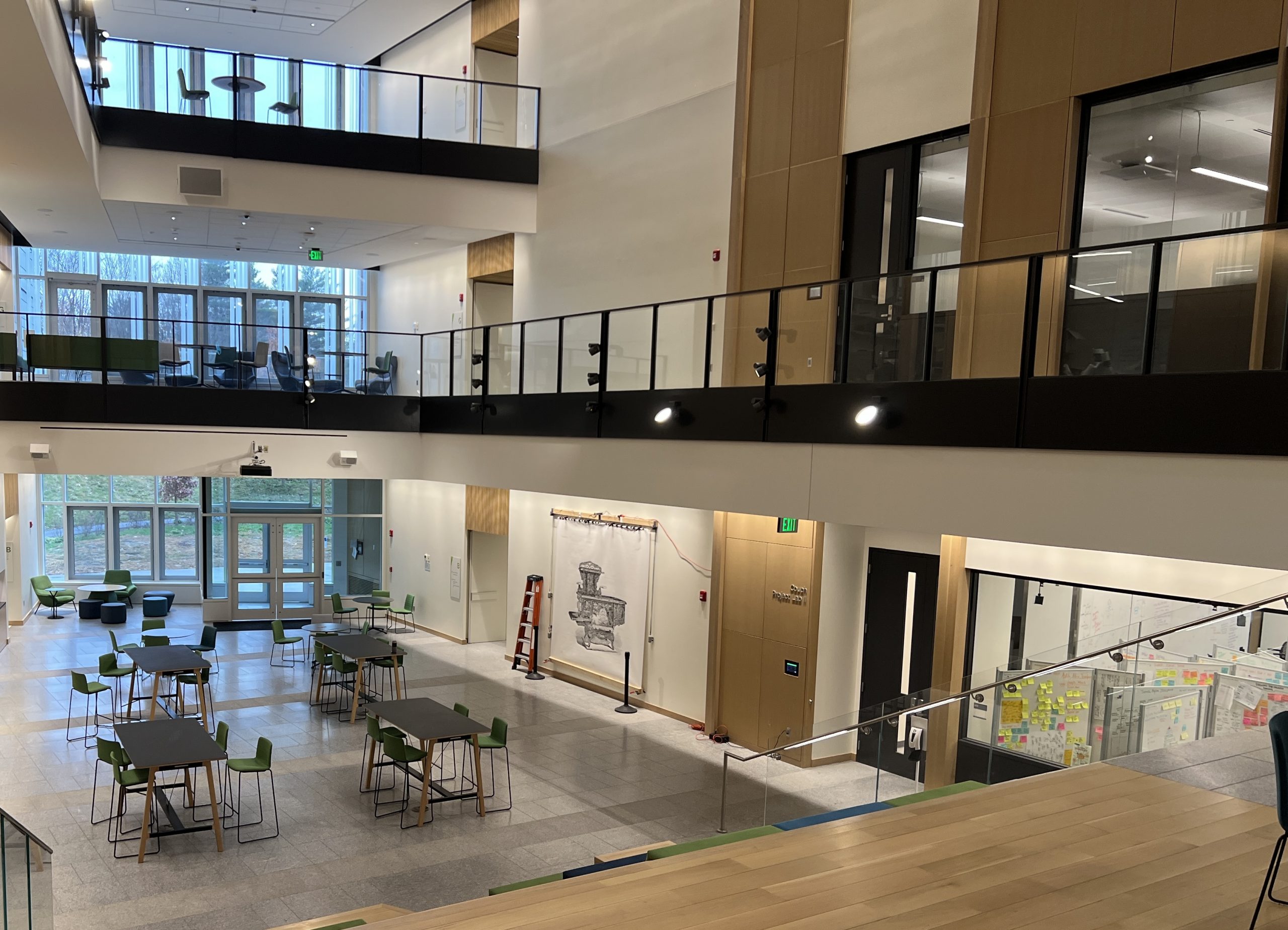
I almost didn’t run this one, it ended up being my magnum opus. It took ~180 hours and 8 pens. Unfortunately, even though I have strict protocols for marking pens which aren’t full, I had it go over the week end with one that had been used before and ran blank for a bit. It’s ok, these monster plots come with imperfections.
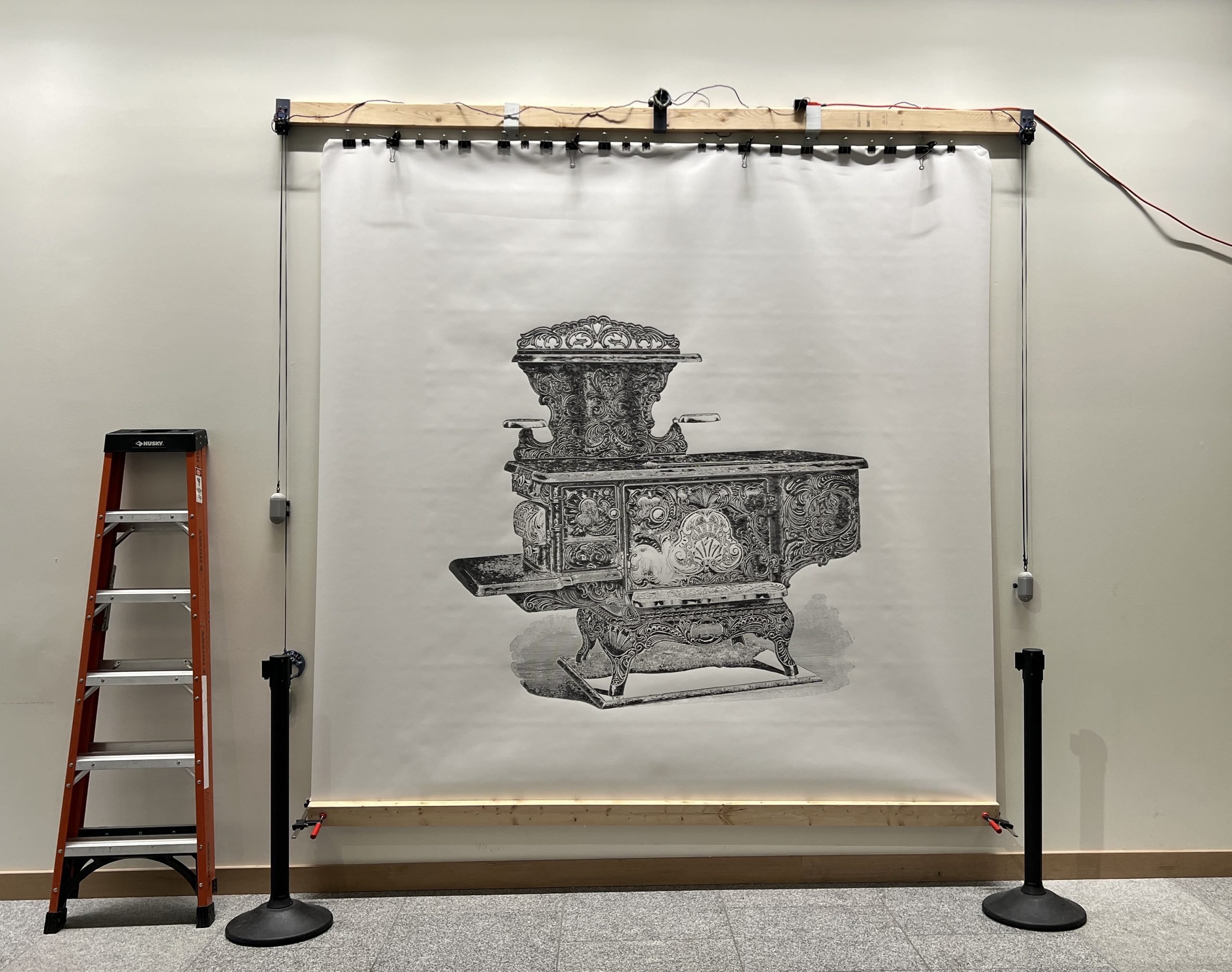
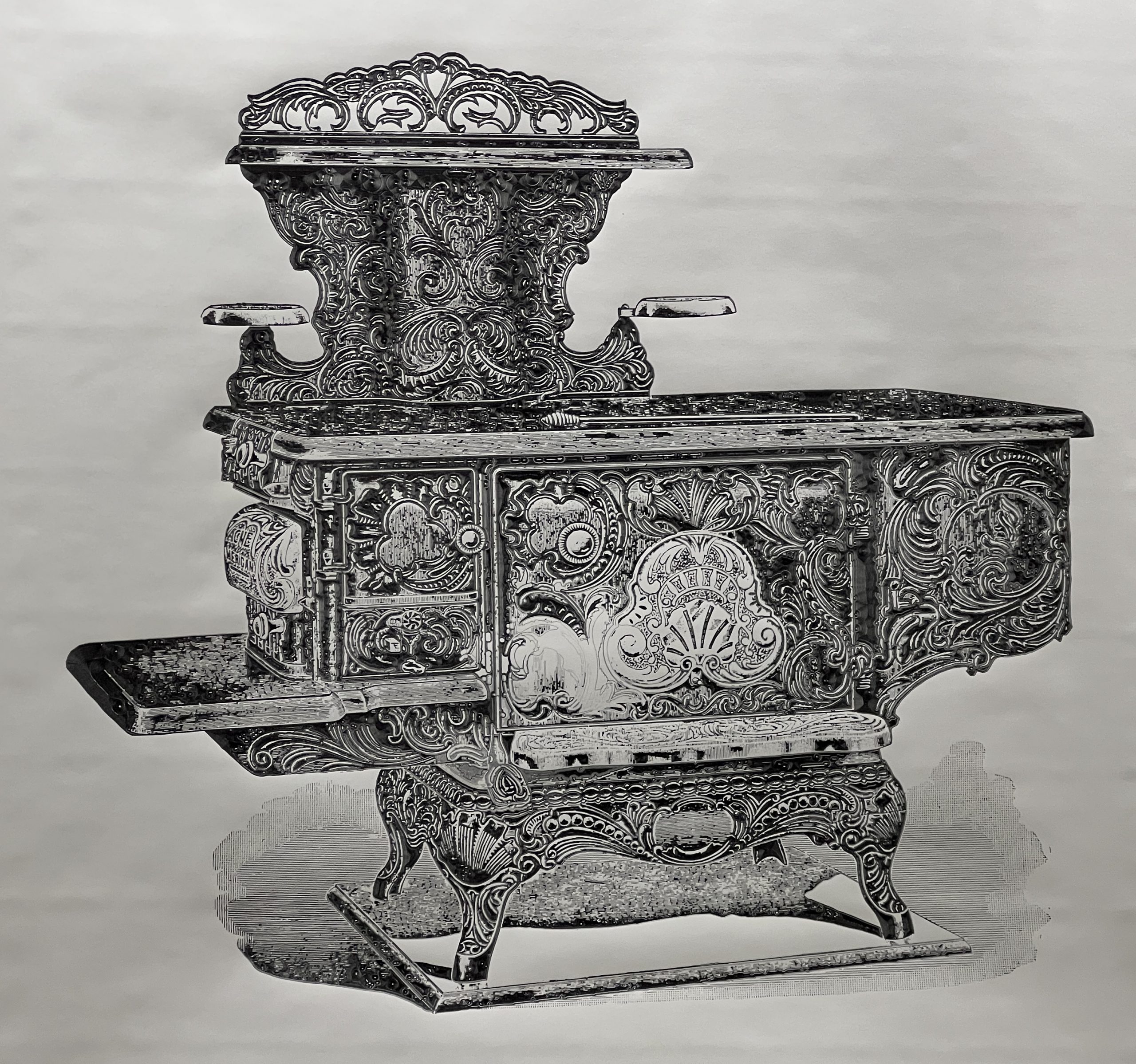
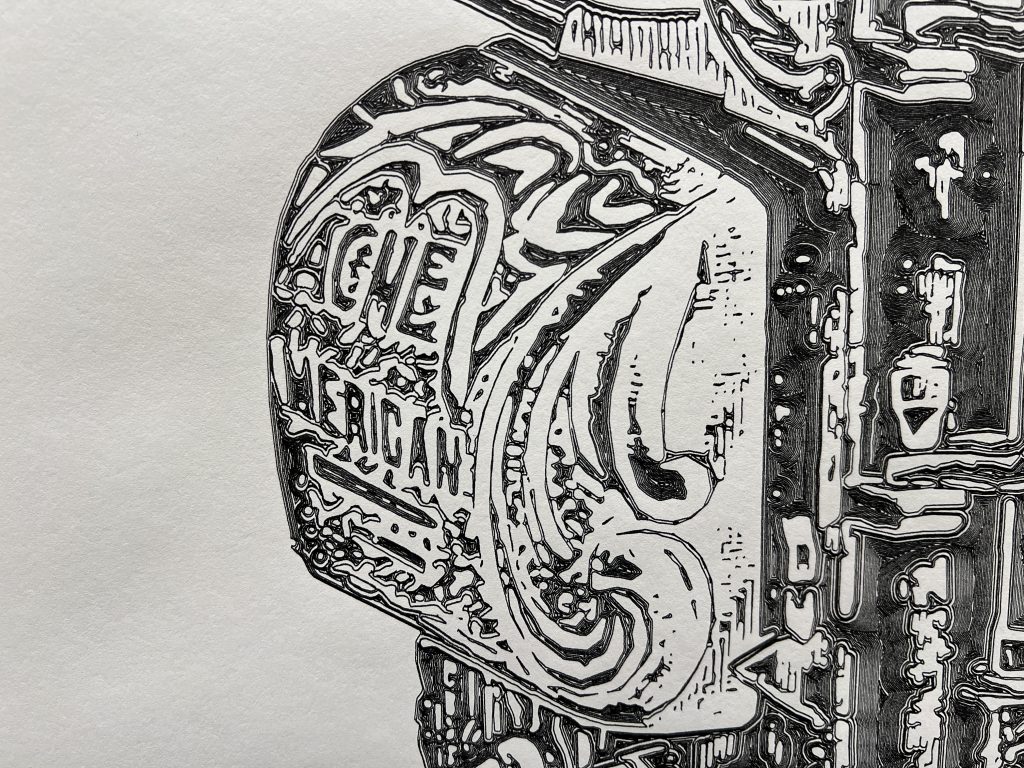
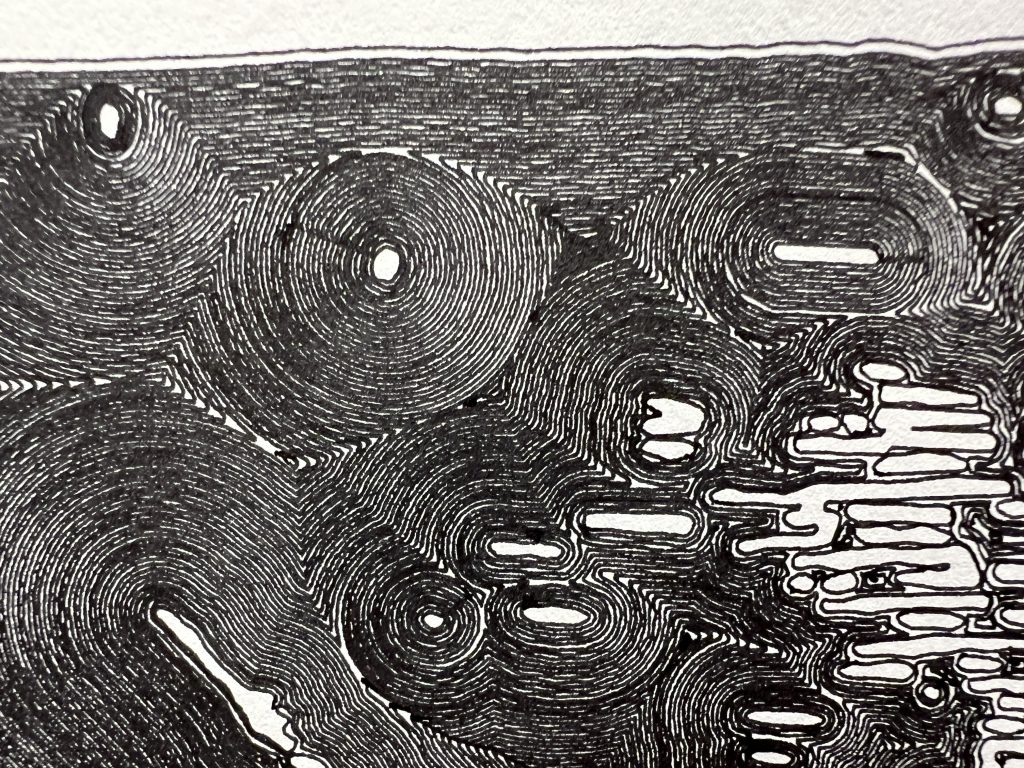
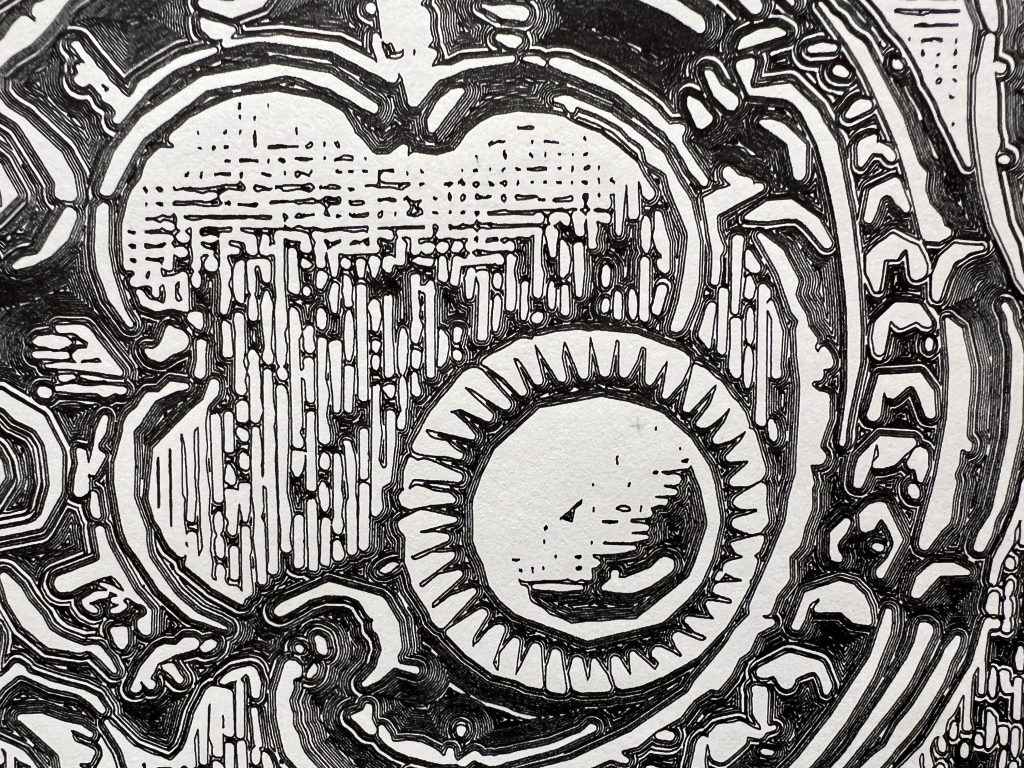
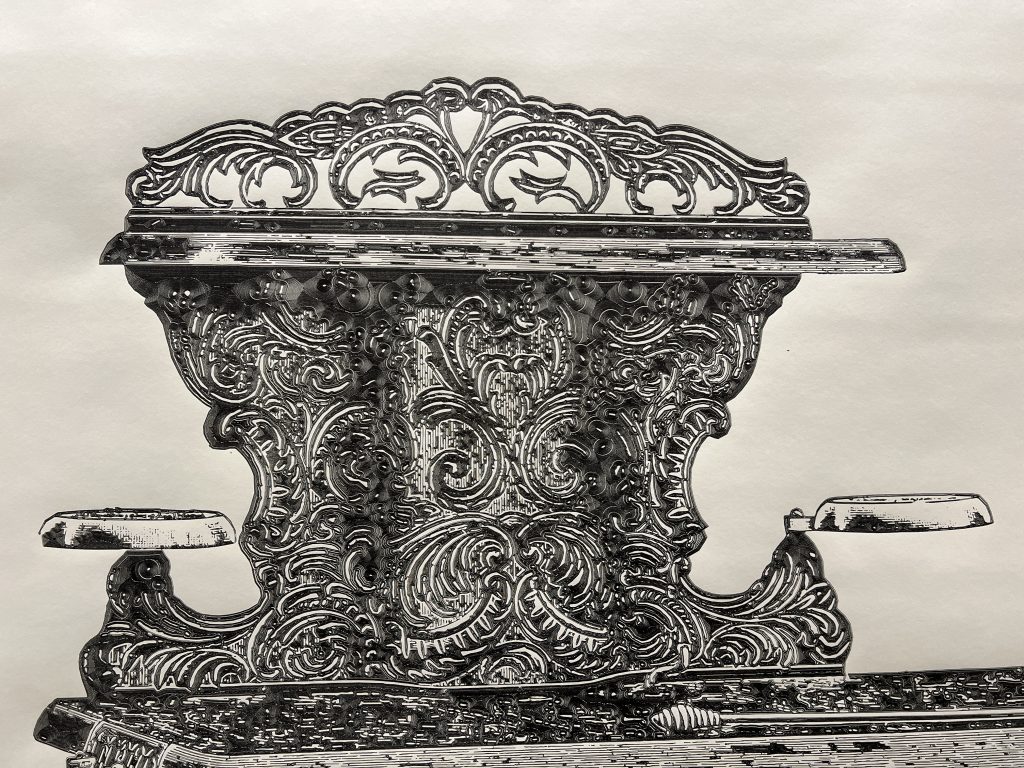
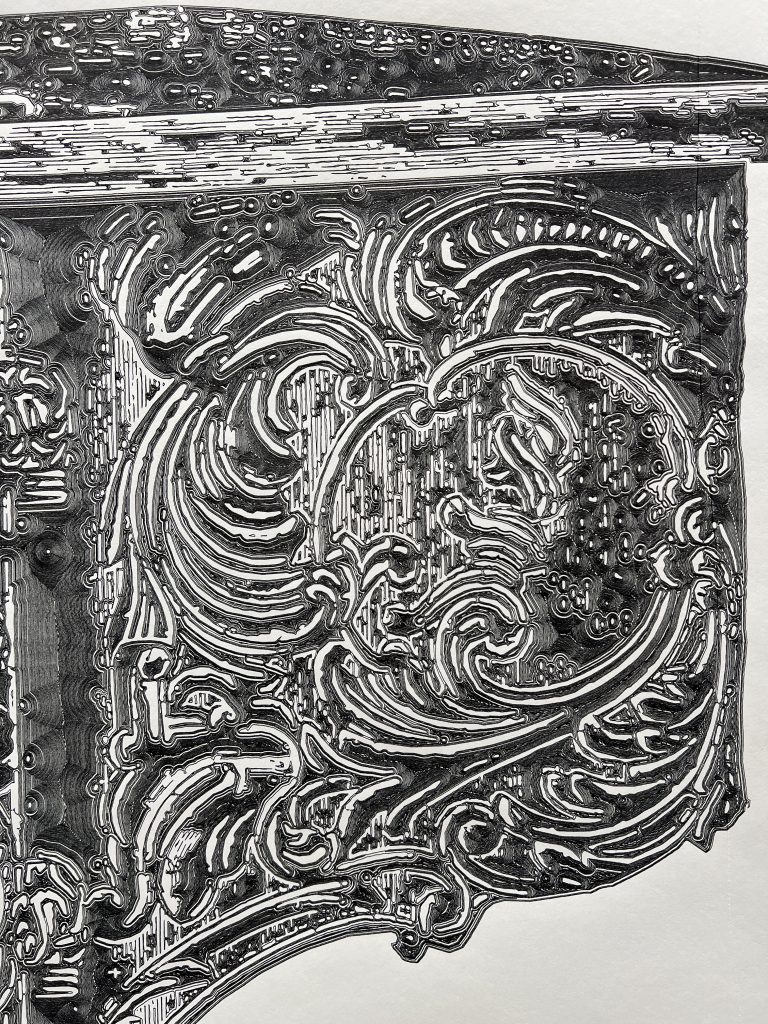
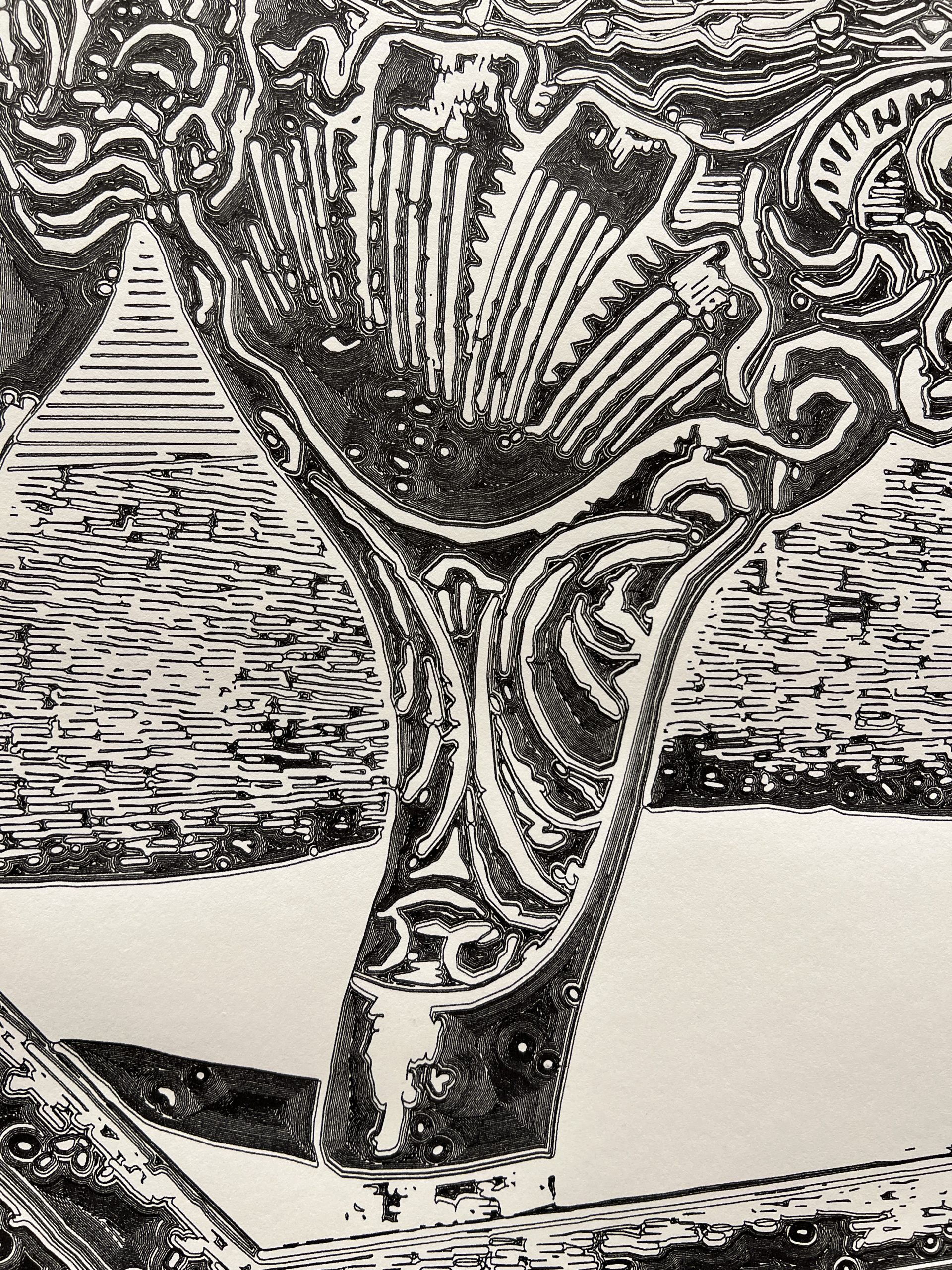
I found the image in a 1902 edition of the Sears catalog where they sold it for $14.95. I consider it an expression of culture, from a time when anything we created came with ornaments. It shines all the more in a modern building with very clean and sanitized architecture.


Created on the Spot
I remember an epiphany I had as a kid downloading mp3s at a friend’s house who had DSL while I was still on dialup. You could download music faster than you could listen to it, and the infinity of it blew my mind. To say that AI is leaving my jaw on the floor on most days is an understatement, but maybe what I’m realizing today is it’s potential for creating faster than you can acquire. It’s not just that I’m having it write programs that replace a ton of apps I’m dragging around for only a thing or 2 they do well. It’s that at the time I need a program, it might be faster to make AI produce it from nothing than to otherwise acquire it.
The family’s been into Solitaire and Minesweeper, tons of sites, tons of ads, looking looking, bleh. Fuck it, I’ll just have AI make me one.
Inherently Programmable Pi
I’m teaching a small robotics class, we’re making the small Etch-a-Sketch plotter. Just a couple of kids, good eggs from the 5th grade X,Y coordinates class I teach every year. I’ve already done similar classes in various contexts, it’s a ton of work but very rewarding. One thing I always seek to improve is my Pi image management. Depending on the kids & material, we’ll go through some Linux CLI, or I won’t even want them to touch Linux but we’ll still have to click through some things to get going on Python to control GPIO pins.
What I’ve been wishing for for a while, is a Pi that’s always online everywhere, with the quickest way to get to just Python. Hopefully something web based so you don’t need anything other than your old faithful browser to start throwing code at GPIO pins.
Introducing IPP, the Inherently Programmable Pi! An image you can download, or build.
Step 1 – Python Forking Web Code Editor
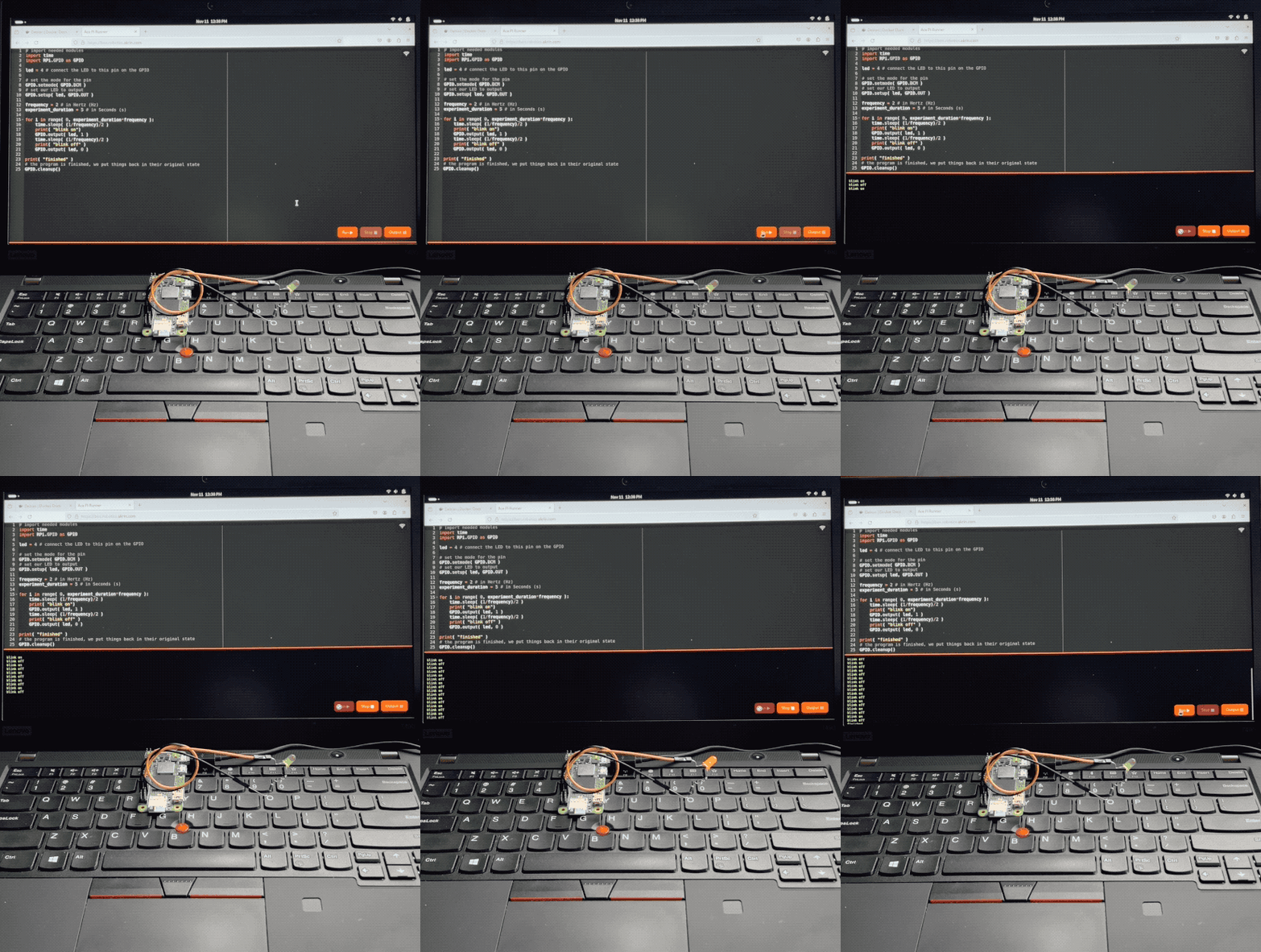
And so step 1 is obvious, I want the Ace web based code editor, preset to Python settings, and served by the very Pi it’s meant to write code for. With a few buttons for running code, stopping it, and checking the output.
AI made that a breeze to code, it always blows my mind how well it understands even convoluted assignments. There’s some pretty gnarly stuff going on there. Python runs a web server that serves a coding environment that can fork another Python process, and kill it with varying degrees of prejudice when it won’t go away on its own. I want this packaged a a single Python file with all the bits and pieces bundled in. AI got all this with little help.
Step 2 – Zerotier & Public Bridge
For step 2, I want the Pi to be easily accessible online, no matter what crazy wifi it’s connected to. For this we’re using Zerotier, and an online bridge that is publicly available to forward traffic into it. In my case this is done with Traefik and a Docker container dedicated to forwarding into Zerotier. I unfortunately can’t offer this part of the stack with the image, but you can at least specify a Zerotier network ID as a tunable when building it.
This way, no matter what Wifi network your Pi is connected to, it will always be available via a public URL.
Step 3 – Local Wifi when Nothing Else
I wanted to take the script that turns PlottyBot into a hotspot if it’s not connected to the internet and modernize it for the newest Rapios (Trixie). I also want the web interface to let you connect to existing Wifi networks. This way you are either in a spot with no Wifi, and your Pi spawns a local one which doesn’t route to the internet but you can still program. Or there is pre-configured known internet Wifi within range and your Pi connects to that.
Of course AI yet again turned a multi-hour endeavor into a 30 minutes one. Well, it did mess up some fundamental things but still, I was spared hours of grinding.
Step 4 – Easy Imaging
Finally, I want to create Raspios images with all this and a few tunables baked in. No booting each one to install stuff & tune it for each kid. For this I’m using something I built years ago for mounting *.img files and tweaking them. It’s a Docker container you can pipe an image file into and out stderr comes the customized image. This might be worth its own post, I’ve used this for years to great effect, but that’s beyond the scope of this post. The point is it’s available to use, and here’s how:
Build Your Own Image
First download & decompress the latest Raspios:
wget https://downloads.raspberrypi.com/raspios_lite_arm64/images/raspios_lite_arm64-2025-10-02/2025-10-01-raspios-trixie-arm64-lite.img.xz
unxz 2025-10-01-raspios-trixie-arm64-lite.img.xz
Then download & decompress this project’s files to tweak it with:
wget https://ben.akrin.com/downloads/ipp_2025-11-11.zip
unzip ipp_2025-11-11.zip
Finally, create your customized Raspios image with:
sudo docker run --rm -i \
    --name=raspi-image-customizer \
    --cap-add SYS_ADMIN --privileged \
    --device /dev/loop0 \
    --platform linux/amd64 \
    --cpus="1" \
    --memory="500m" \
    -e HOSTNAME=mypi \
    -e HOTSPOT_WIFI_SSID=mypiwifi \
    -e HOTSPOT_WIFI_KEY=raspberry \
    -e ZEROTIER_NETWORK_ID="<ZEROTIER_NETWORK_ID>" \
    -e PIPASSWORD="raspberry" \
    -v ./ipp:/data registry.akrin.com/raspi-image-customizer:latest < 2025-10-01-raspios-trixie-arm64-lite.img 2> ipp.img
–cap-add SYS_ADMIN, –priviledged, and the loop0 device are necessary to mount a file as a disk inside the container.
HOSTNAME is evident
HOTSPOT_WIFI_SSID & HOTSPOT_WIFI_KEY are the settings for the local wifi network that the pi will spawn when it has no known networks to connect to.
ZEROTIER_NETWORK_ID is optional, if specified the pi will join it first chance it gets (when connecting to a managed wifi that routes to the internet).
PIPASSWORD is the password for the pi user, careful SSH is enabled in this image.
You can burn the resulting ipp.img to an SD card. The first boot will be longer than the subsequent ones as stuff gets initialized, but eventually you’ll see a new wifi network pop up. Connect to it, and point your browser to http://hostname.local or if that doesn’t work http://192.168.50.1, you will see the coding web interface. Now that might be enough for your to start coding, but if you want you can click on the wifi network icon at the top right to specify a standard network to connect to. And if you do so, I recommend you have a way to “follow” your Pi, either via Zerotier, or because you manage that network and are able to see what IPs devices get assigned. And if you setup a Zerotier forwarder on top of all this, your pi essentially becomes online to the world the minute it’s on. Now that isn’t just convenient, it also significantly lowers the bar to start coding with kids.
Or… Download a prebuilt one
Here’s the link.
parameters used for building it are:
HOSTNAME=ipp
HOTSPOT_WIFI_SSID=ippwifi
HOTSPOT_WIFI_KEY=raspberry
PIPASSWORD=”raspberry”
No Zerotier, but still everything else.
Night Flight

Great short read. Saint-Exupery just has a unique sensitivity for describing life in a way that pulls out the child you buried under layers of adult responsibilities. And the story is a cool glimpse into the operation of the aéropostale and what it meant to fly then.