PlottyBot is born

Years in the making, many prototypes, and I hope a software stack which brings novelty and ease of use to the world of pen plotting. It’s been a marathon building the final version and documenting the process carefully. I’m too pooped to say anything more about it for now.

Instructions here

Plotting Plotters

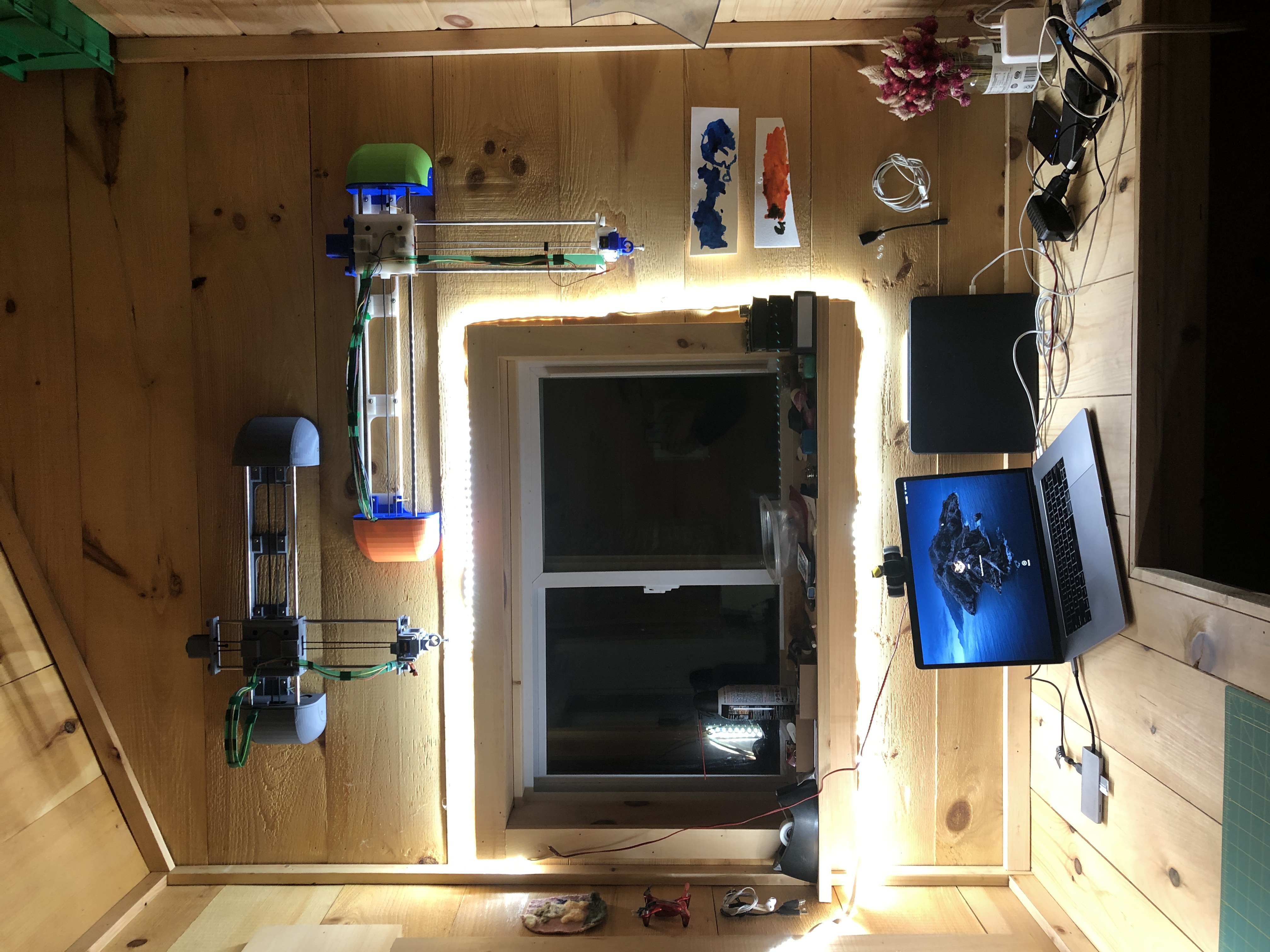
Well so, I fell into a very deep rabbit hole. The world of pen plotters… A year in, I finally have some good results. After several prototypes of Gondola plotters (V-plotters) and regular tabletop plotters. I’ve homed in on a set of designs, hardware, electronics, and algorithms to think I can make a small difference in that world. I still need to iterate a little but I’m hoping to release each plotter as a DYI projects in 2020. Maybe I’ll even sell my making them for others. Of course there will be integrations with Mandalagaba because that just makes sense.

Now there are several such plotters one can buy or build for a wide range of prices. And they all have a very shitty software stack. This is where I believe I can make the biggest difference.

As with building houses, it’s enormously relieving to finally see into the real world a model you’ve been immersed in, CADing it for a year.
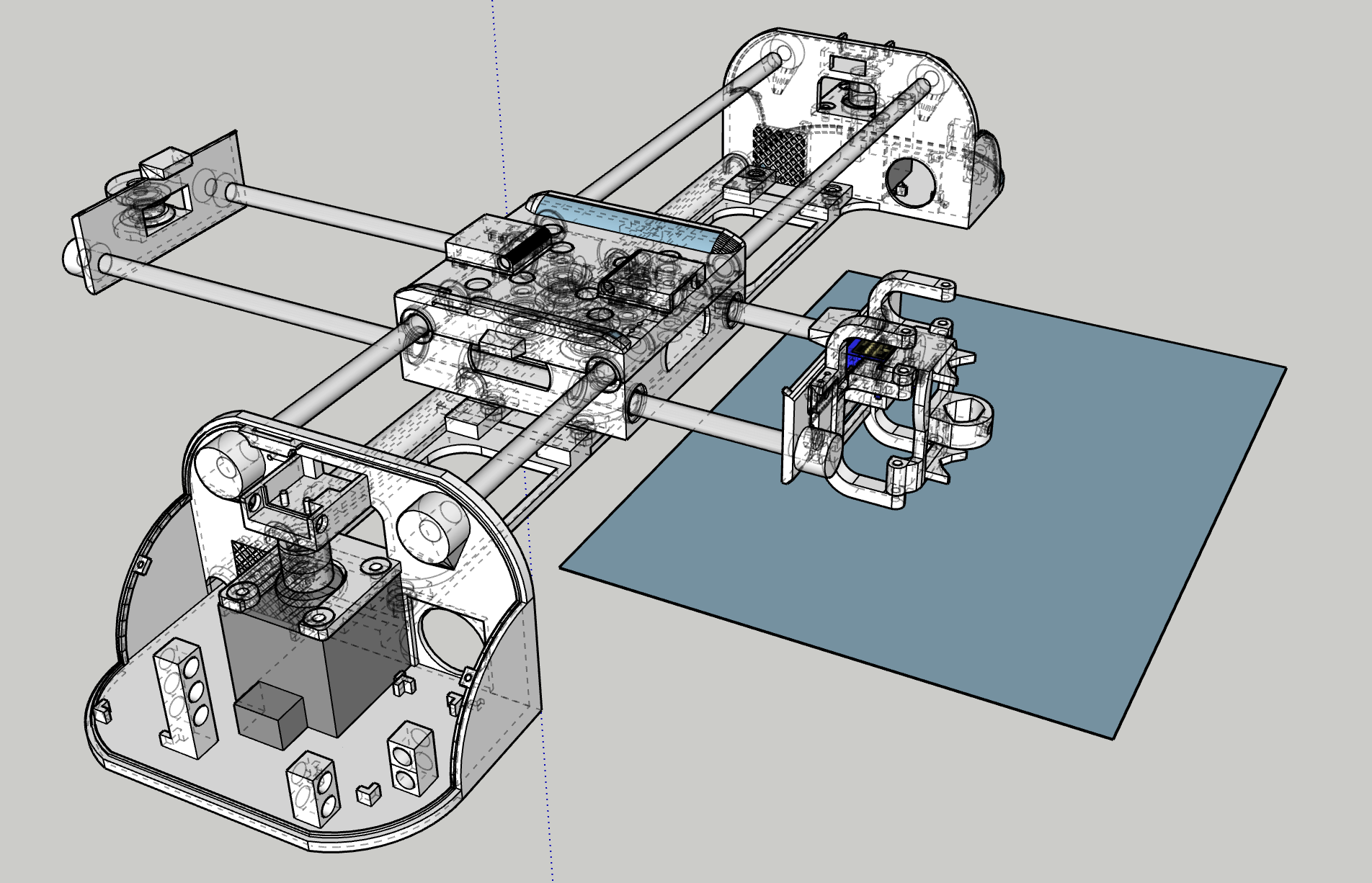
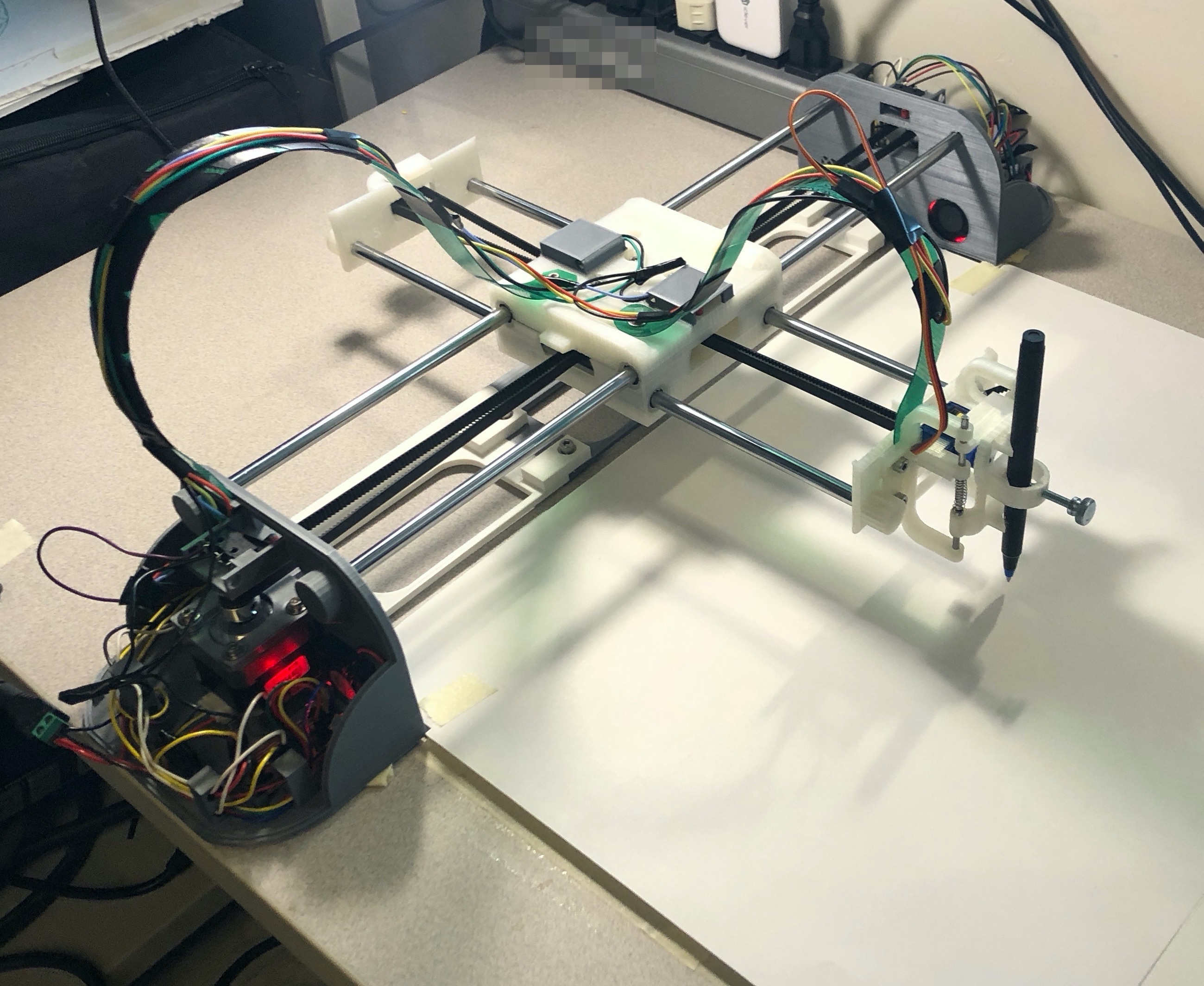
I’ll skip talking about the long series of challenges I ran into building this. It’s really, really nice to see a long plot finished to perfection knowing that finally, nothing is wrong. I’ve learned a lot along the way.

There’s a bazillion pen plotters on Thingiverse, I’ve used some of them as stepping stones until I was ready to finally make my own top to bottom. As I said, software is where I think I can make the biggest difference. I’m a Raspberry Pi aficionado, and this opens the door to a sophisticated software stack (web servers, HTML canvasses, format conversion, penstroke optimization, live link with Mandalagaba). I found not a single plotter using a Pi, in fact I found very few projects of anything using stepper motors with a Pi. I had to do some serious trail blazing to step a motor reliably.

Here is for example a pen stroke optimization algorithm I developed to speed up plotting.


The base, drawing penstrokes as they come. “Empty” travel going from one penstroke to the next without the pen drawing: ~36437 (relative pixels).

The next penstrokes is the closest. Empty travel ~15820, 0.43 compression ratio.

The next penstrokes is the closest, but consider its beginning as well as its end, draw the penstroke reversed if it was the end which was closest. Empty travel ~12467, 0.34 compression ratio.

 

Now for the eye candy 🙂
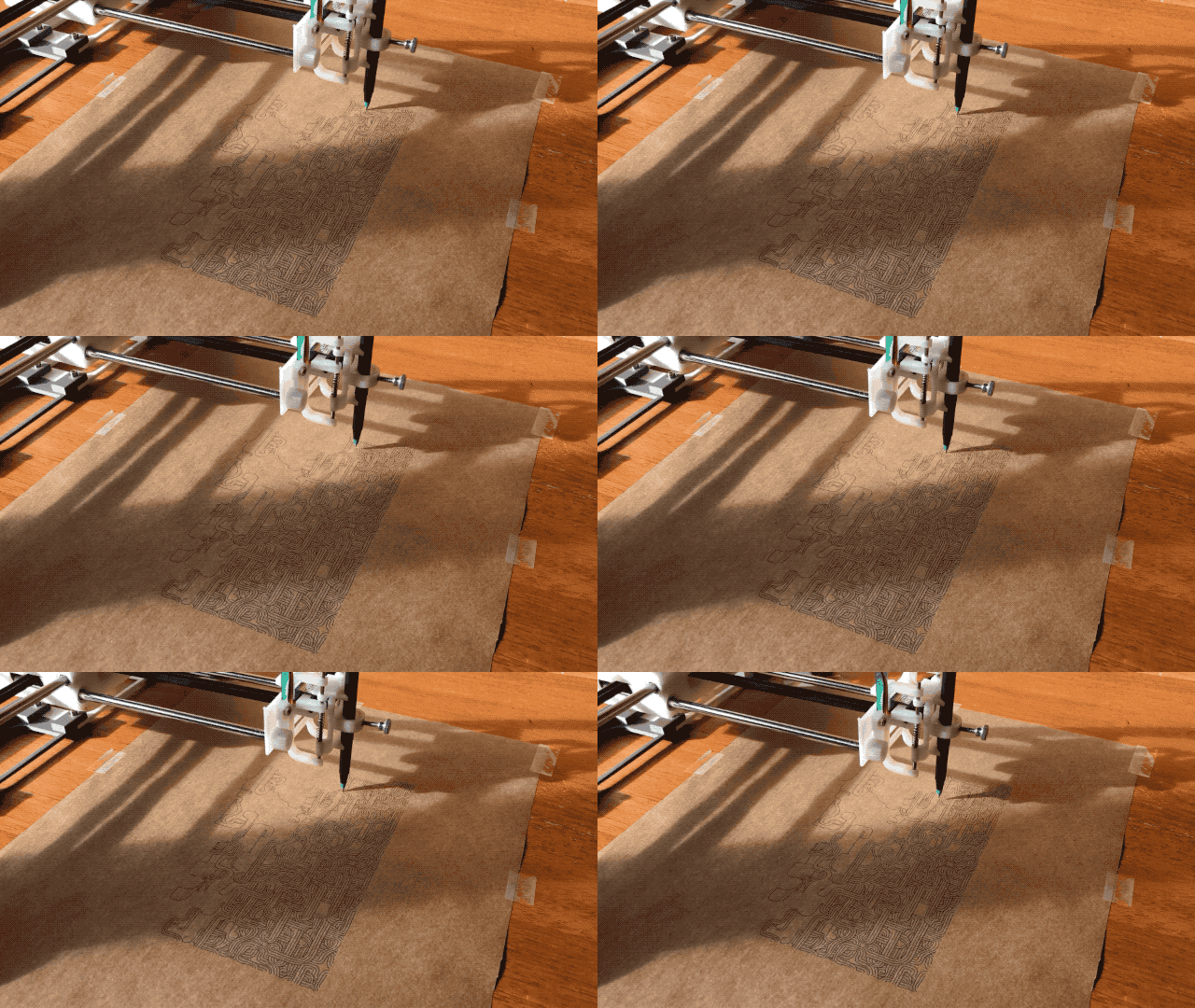
I could watch this for hours, and I did.
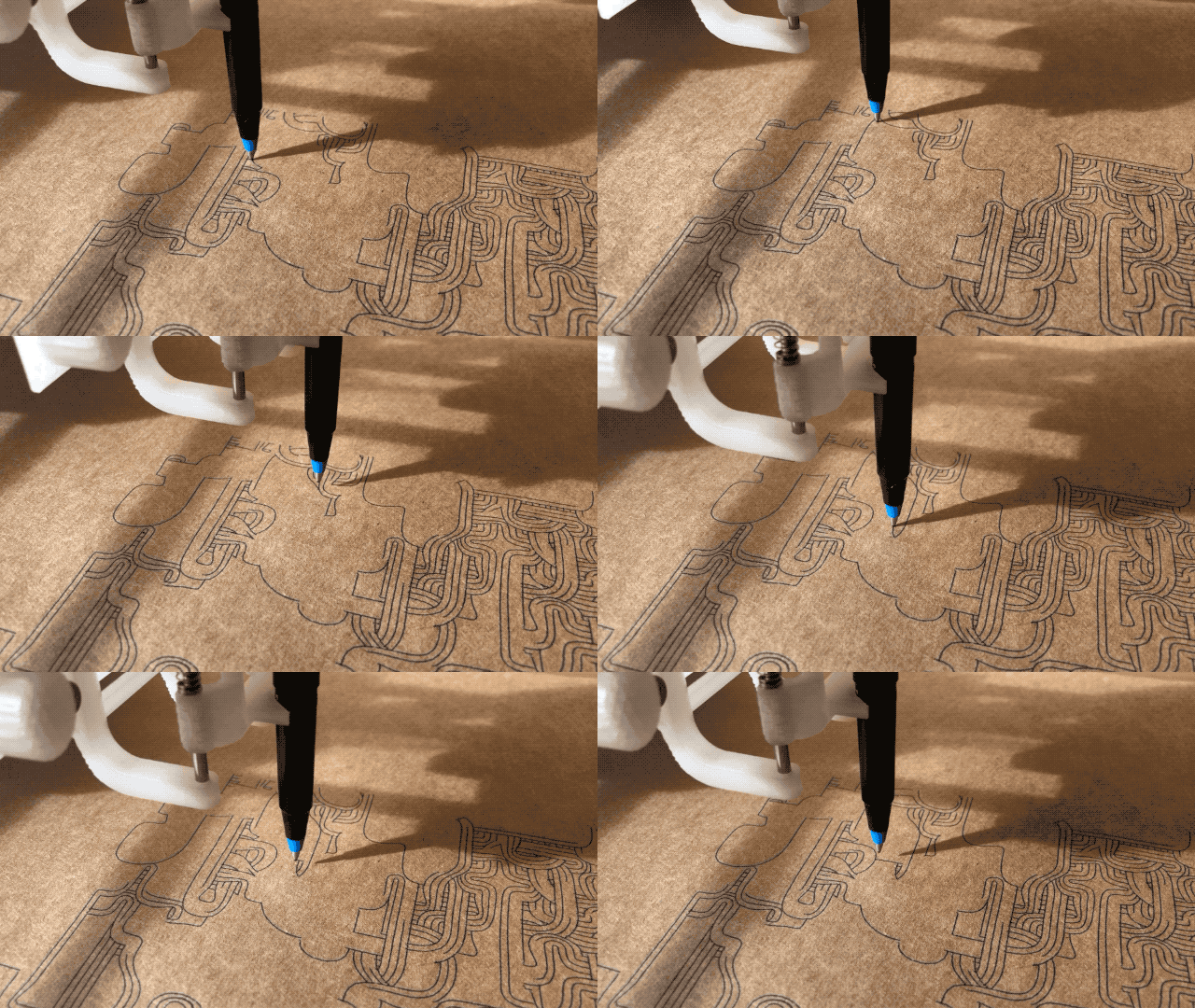
Of course the efficacy of this algorithm depends heavily on the model to be drawn. I found that anything coming from Mandalagaba tends to benefit enormously, especially tessellations. And it makes sense, for every penstroke drawn, the repetitions occur throughout the canvas and they show up in that order even if you drew in a very localized area. The example above comes from the most excellent turtletoy.net.

More to come very soon on the great world of plotters…
House addition

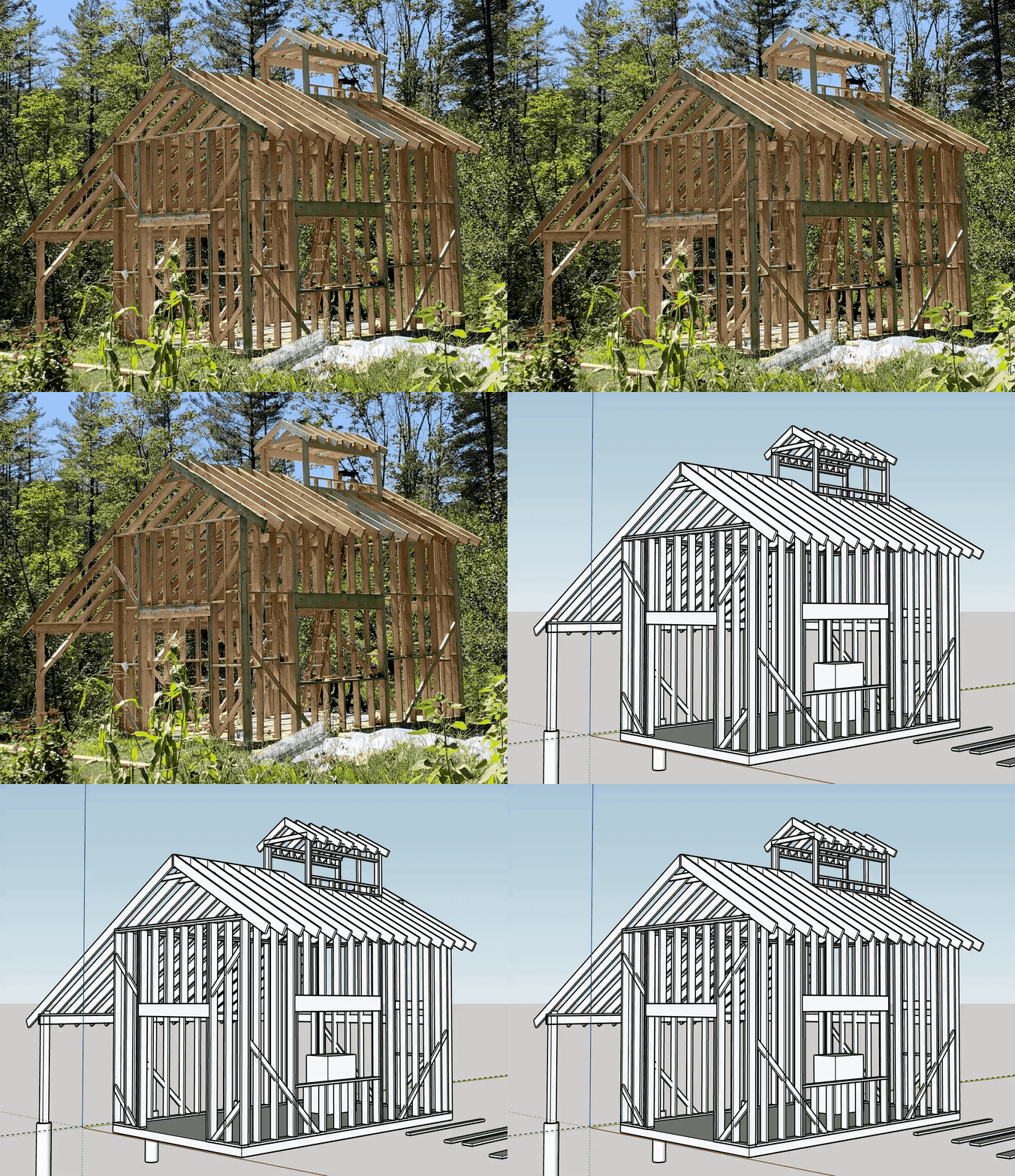
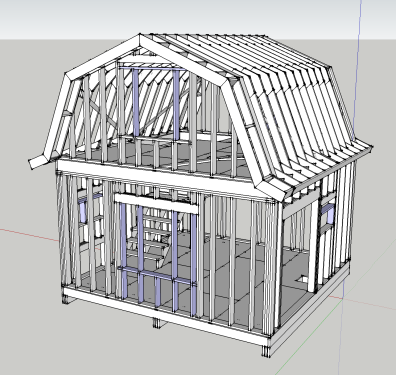
We’re building again, this is what we’re going after this time. The plan isn’t 100% final yet

house_addition

House – plans

Since the modifications I’m making to the house now are quite specific to our living arrangements, I’ve stopped updating the 3D model I made to design the house. I’ve also gained in confidence and experience such that I don’t need to do everything virtually before I grab a hammer.

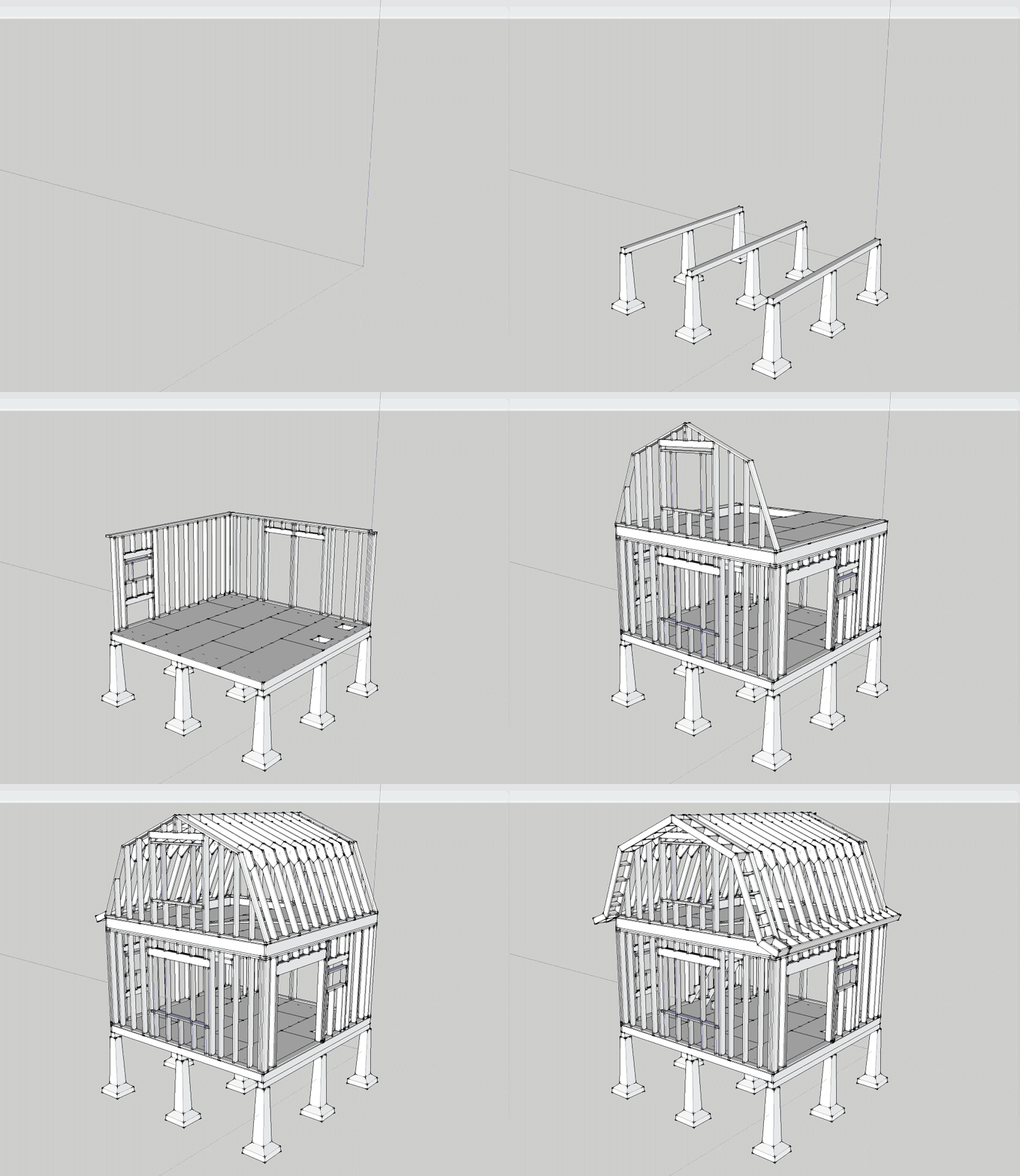
Before launching into this adventure, I spent a good deal of time online reviewing designs, techniques and best practices. In case this is useful to someone else I’m publishing the core design here. This design was critiqued over multiple iterations by many carpenters, builders, furniture makers & all around smart handymen.


A few points:

  • it is very modular
  • a few features are specific to us
  • the gambrel design is balanced (every angle 22.5 and equal lengths)


Screen Shot 2015-09-23 at 22.21.36


Here we go

Only a year after buying our chunk of land we are building a house. The dream we came to pursue in Vermont is finally happening, 4 years in (we had planned on 2). Vermont felt right going in, there simply could not have been a better place, better people, better circumstances to surrounds ourselves with to make it happen. These 4 years were more than necessary to make the adjustments needed for such a lifestyle change. We are extremely appreciative and in debt to everyone who helped a couple of flatlanders get acquainted with all the awesome skills we wanted to develop. To this list of skills that is so nicely summarized in the “categories” of this blog, we are adding “building”.

house

We spent all Winter learning how to build a house & designing it. It completely blows my mind that we live in a time where all this information is available online. I spent countless hours reading and watching videos on building techniques. Not only is information ubiquitous, so is stuff. Every specialized tool or object referenced in these videos is available to purchase online, with reviews, and unboxing videos…

Preparations in no particular order

  • septic permit, the only paperwork/requirement
  • Sketchup design
    • extensive reviews by multiple trusted builders
  • research & acquire needed tools
    • skill saw
    • clamps
    • rip & plywood blades
    • generator
    • run generator and charge devices with it to avoid surprises
  • create guides for sawing
    • 2×6 with 22.5 angle
    • plywood 4′ & 8′
  • find cheap recovered windows & fix them up
  • visit local lumber yards to get material pricing & delivery fees
  • buy portable shower & potty
  • emptying our current house of superfluous things we’ve accumulated to get ready for downsizing
  • budgeting
  • scheduling

3D Printed Snowglobe

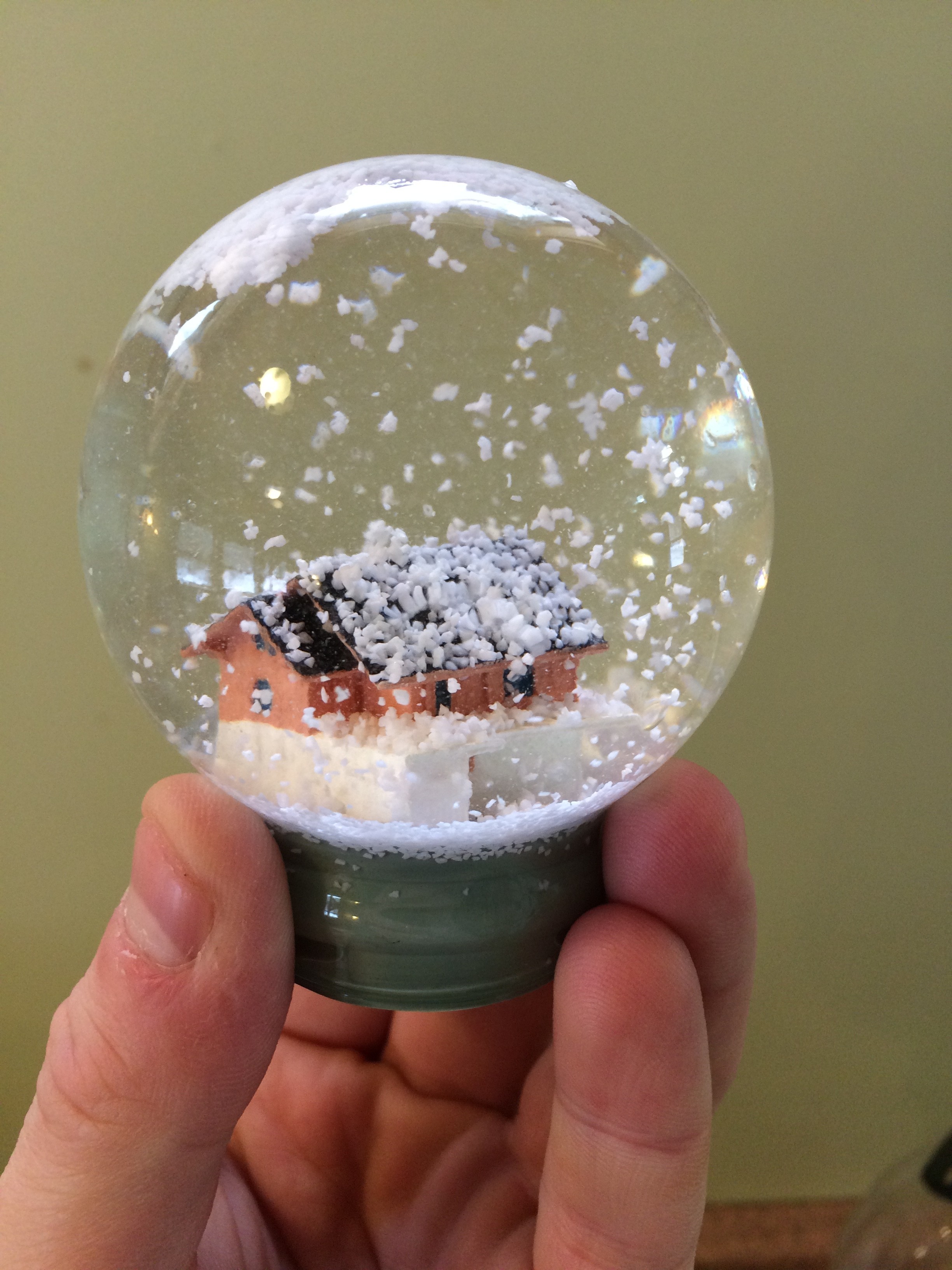
Here’s a cool idea for a present, model someone’s house, 3D print it and stick it in a snow globe. Bonus points if the person is really attached to their house and live in a place that gets good snow.

How hard can this be right? Well it’s actually pretty hard but I feel like with all the gotchas researched and out of the way, that I would be able to do another one easily.

Here’s the process in a nutshell:

  1. Sketchup for modeling
  2. Shapeways for 3D printing
  3. Painting
  4. Sticking in snow globe

Here’s the actual process with all the gotchas:

1. Sketchup for modeling

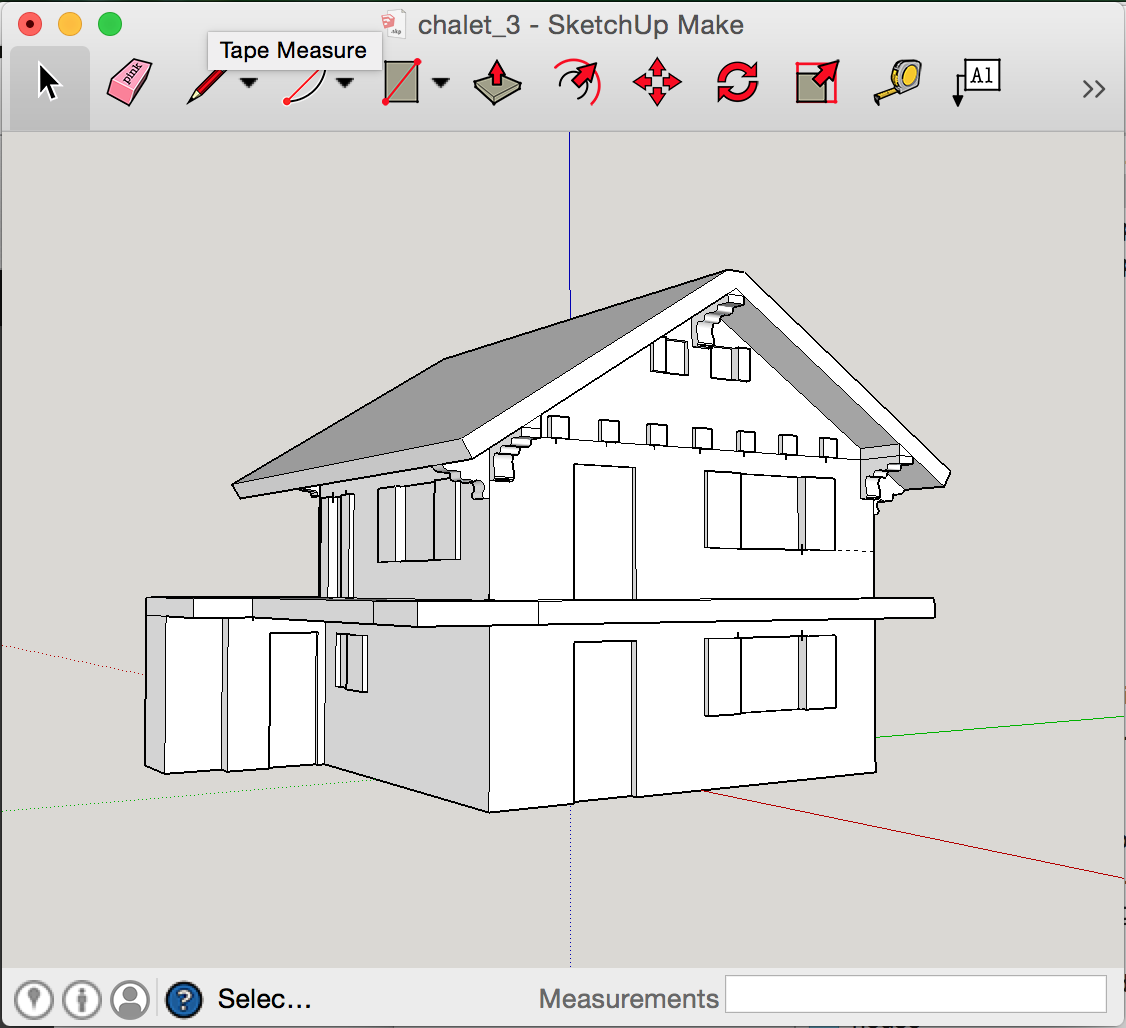
Sketchup is perfect for the job and can export models to DAE natively and STL using this plugin, both formats can be imported by Shapeways. But it can be very hard to model a solid with no leaks. And leaks will really fuck things up. Also if you have a leaky model, fixing it it out of the question requiring starting from scratch. This other plugin is quite good at finding leaks but horrible a pointing them out, I only found it later in the process but I found it useful to check the model with it every time I made a change. The same way you compile after every added line of code right? There are other products out there to find the leaks and point them out, all of them horrible and requiring various exports imports to see results. Ultimately you know you have a leak when your model looks like shit in the finder preview on your mac (yes *.daes are previewable) or in Shapeways’ excellent viewer.

Screen Shot 2015-01-05 at 21.54.02

2. Shapeways for 3D printing

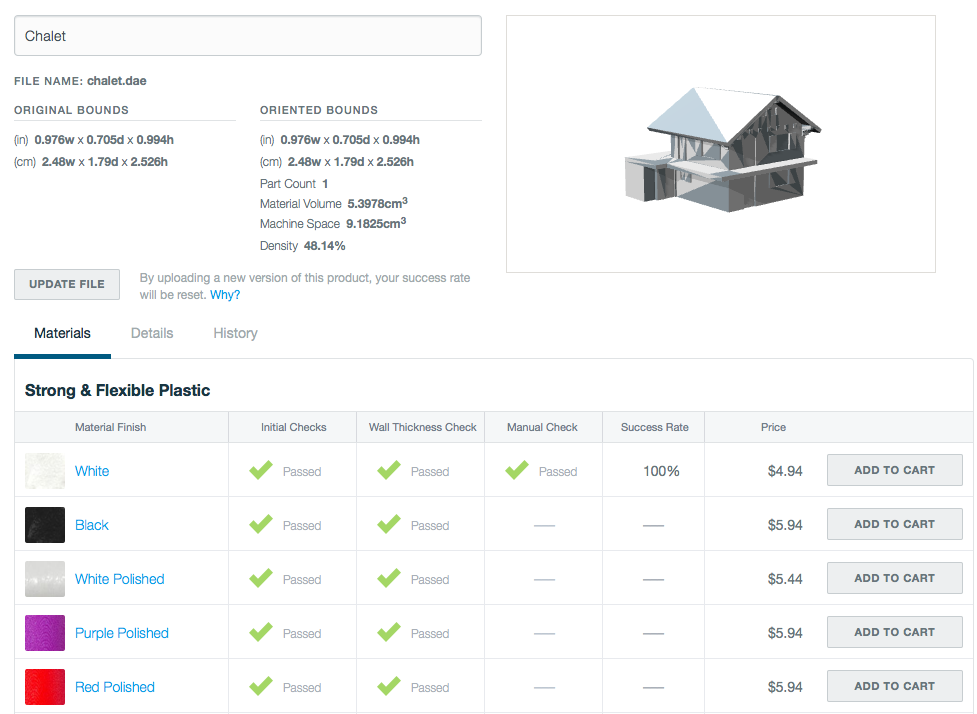
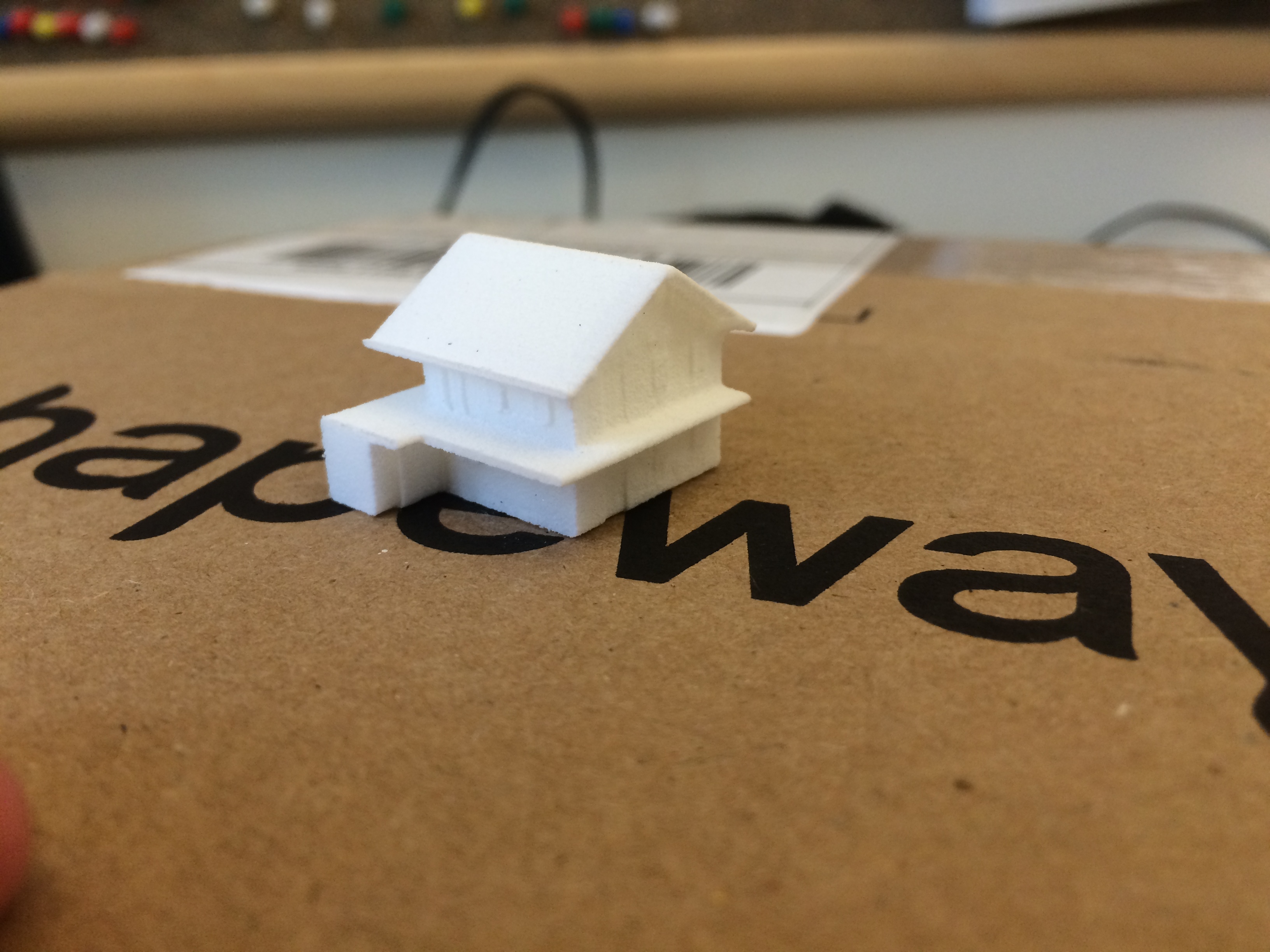
Absolutely nothing bad to say there, Shapeways is amazing and light years ahead of the competition in terms of service & useability. I used their “strong & flexible plastic” material as it’s cheap and I had done extended submersion tests with it but it is quite limited in the small details it can render. The minimum wall size with it is 0.7 millimeters and anything around this size doesn’t look super sharp. They just came up with a line of “Detail Acrylic” materials which promise much better resolution but I was too far in the process and hadn’t tested the material in water. To compound the issue the empty snowglobes I found are on the small side and so a lot of details that make a house special to someone got lost.

Screen Shot 2015-01-05 at 16.50.27

IMG_1477

3. Painting

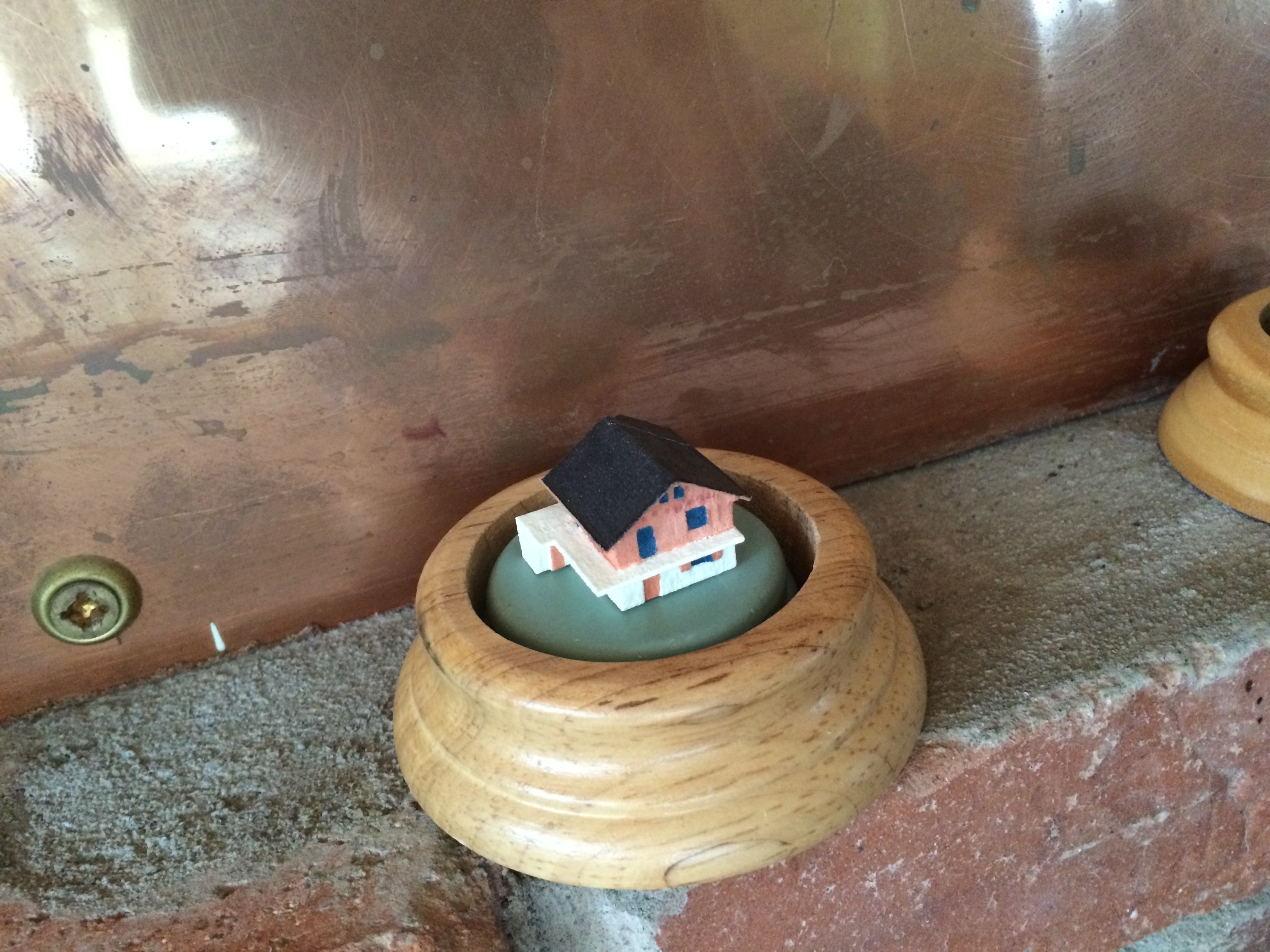
This is where small didn’t help, it was tedious but not impossible. Definitely being able to 3D print the color would have been nice but the only material that allows this at the moment (full color sandstone) doesn’t lend itself well to this project. You also want to varnish it for good measure. As far as gluing the house and subsequently the globe on its wooden base I’ve used E6000 which was recommended by the manufacturer and many custom snowglobe making blogs.

IMG_2071

4. Sticking in snowglobe

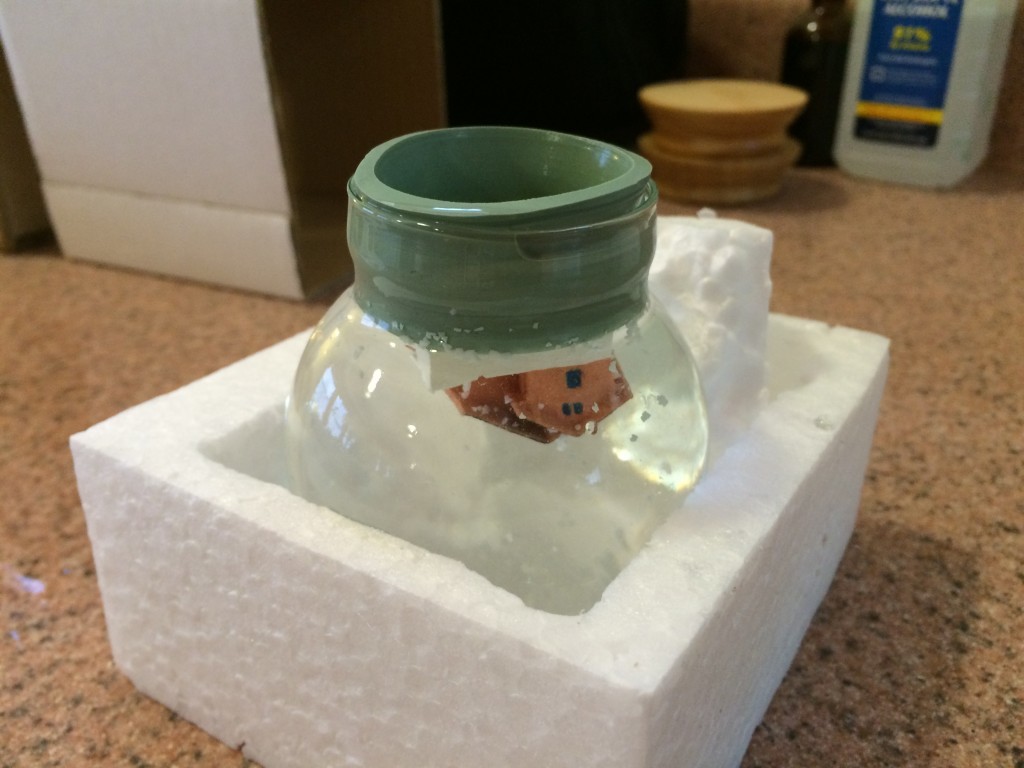
This is the trickiest operation where everything can go wrong. First of all it’s good to play with how to insert the rubber gasket before you glue a house to it. Putting in in the freezer for 5 minutes and adding water to its edges will help slide it in.

Now about 80% of the snowflakes that were provided floated and wanted to do nothing else than float. A good idea is to put the flakes in another glass of water, scoop the shitty floating ones out and then add the rest to the globe upside down right before you add the house. Quite frankly I wish I had even filtered the snowflakes, they came with particles that gray out the water a bit. Some recommend adding glycerin to slow the falling of the flakes, I felt like they were falling at an acceptable rate with only water.

Another issue is one of bacteria growth. Per recommendations I’ve disinfected everything and used distilled water and added 1 drop of rubbing alcohol to the water. In the submersion tests I’ve done (not using distilled water or alcohol) the water would get noticeably funky after ~3 months. I don’t know how the new method holds over time.

Pull a bit of the gasket away to fill with distilled water, add some E6000 glue around the joint between the rubber and the glass and you’re set.

IMG_2076

Hard truth #1: A simple house isn’t a great subject to put in a snow globe, it kind of depends on it shape but it will occupy only the bottom part of the globe. I’m still happy about the result.

Hard truth #2: Snow globe distort the view of what is inside them. Not a huge deal, this just caught me off guard.

IMG_2096

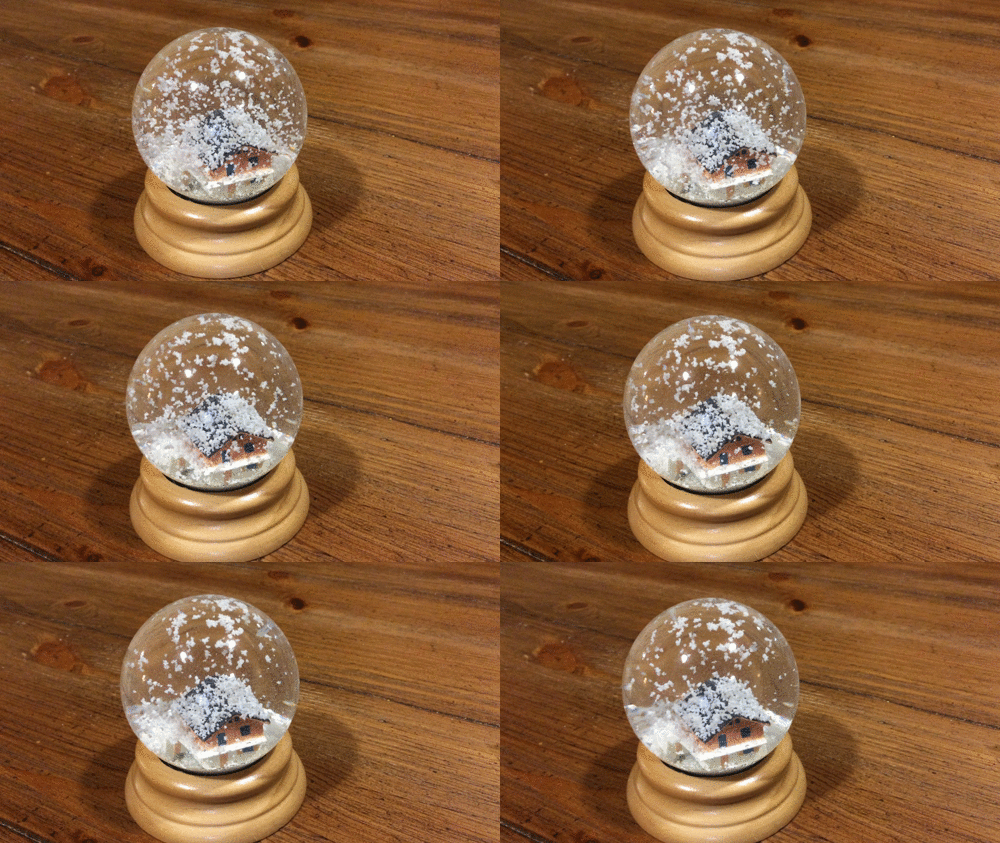
The finished product

IMG_2101

Chicken Coop!

It’s been over a year since our move away from the city and we’re finally getting back into chickens. Things take time, starting fresh at the other end of the country doesn’t happen overnight. We only got 5 layers  as we’re pretty late in the season, we’ll start meat birds next spring.

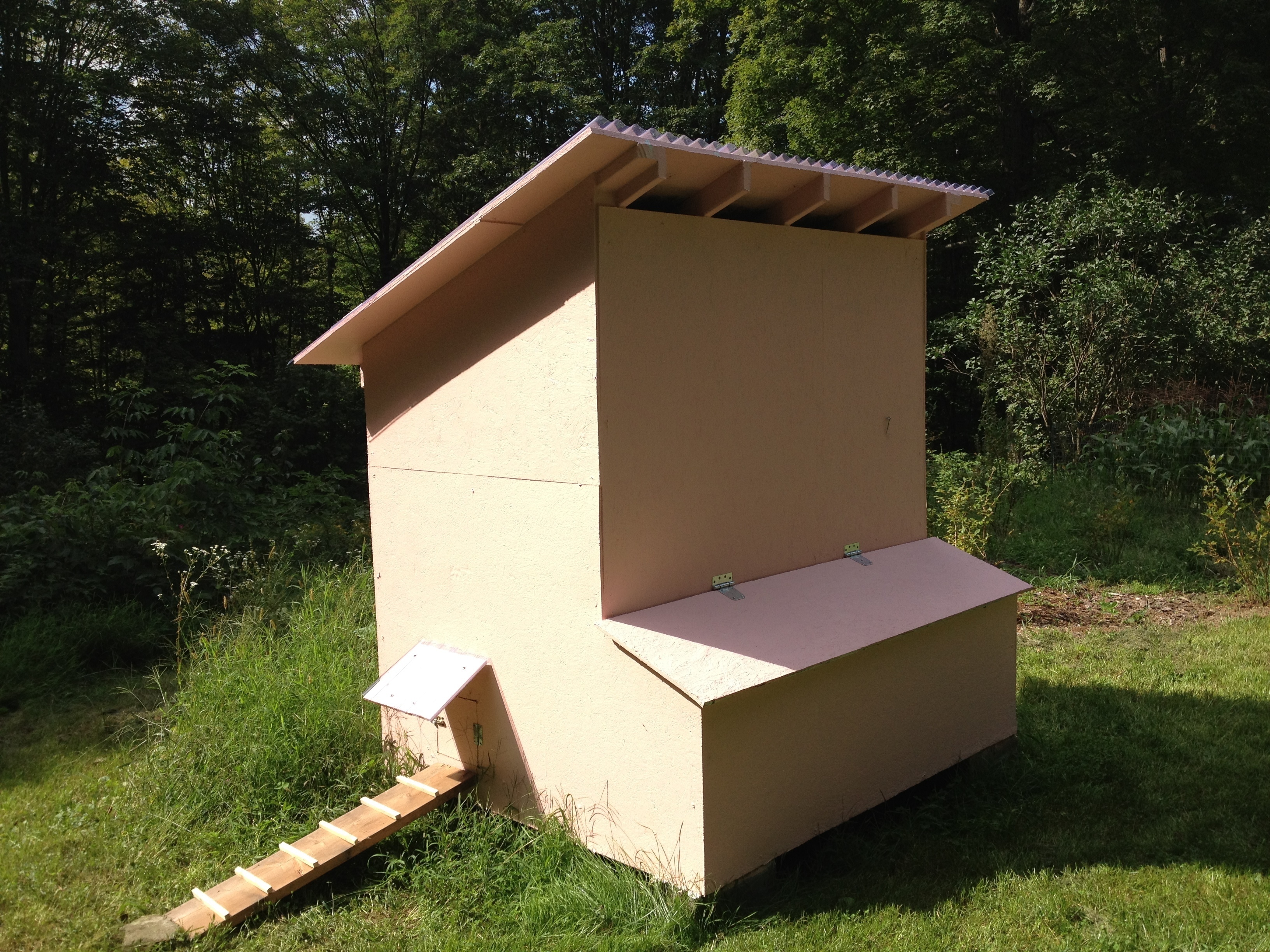
The coop still needs some polish and a window but here it is in all its current glory:

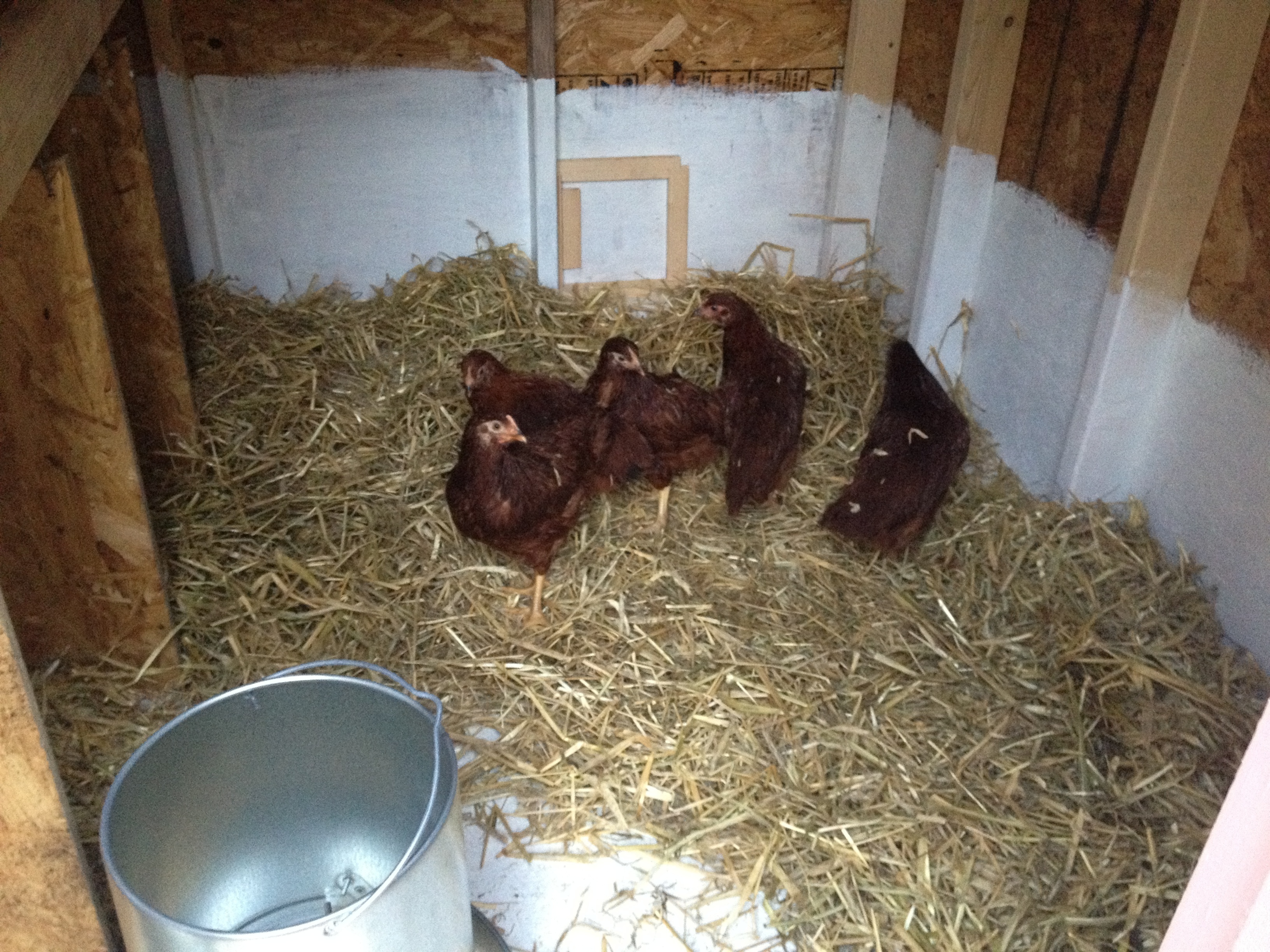
With a bunch of Rhode-Island Reds

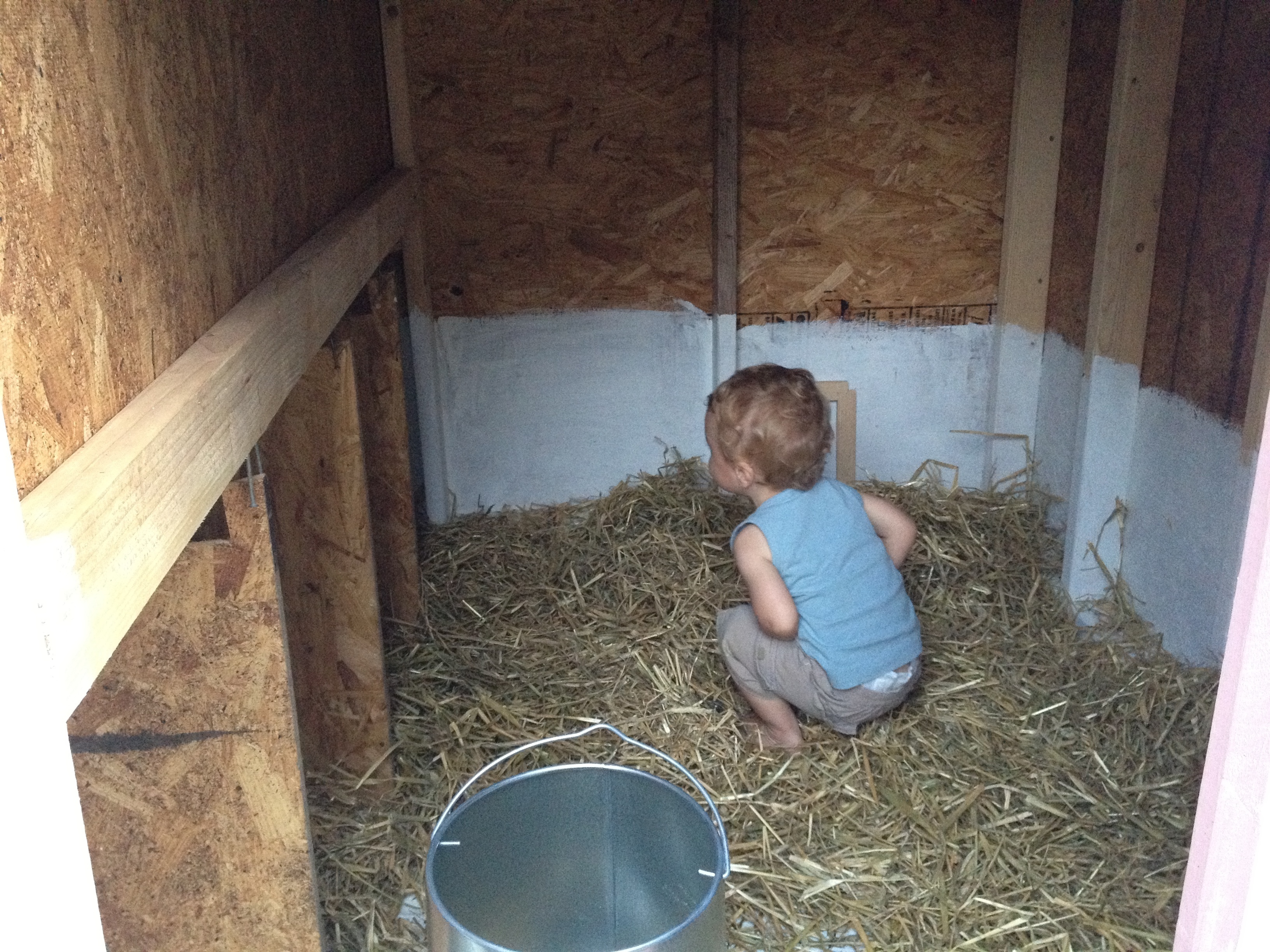
Works for toddlers as well

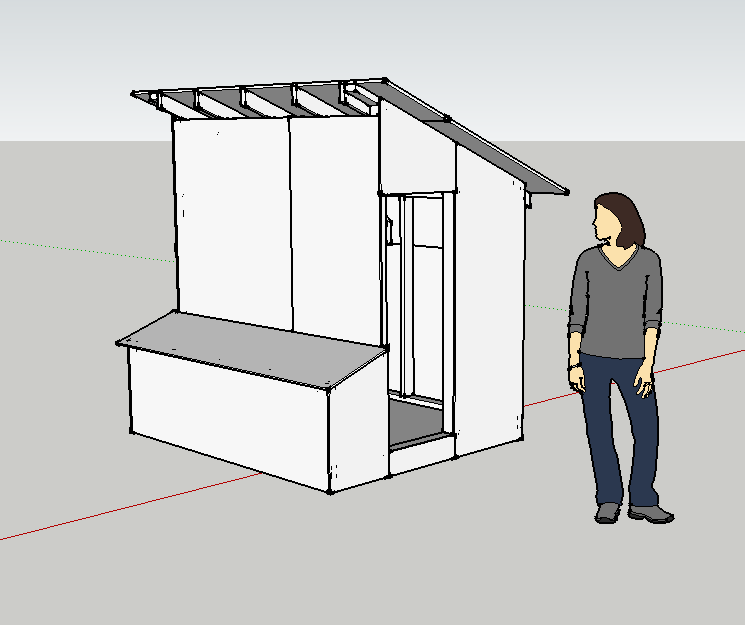
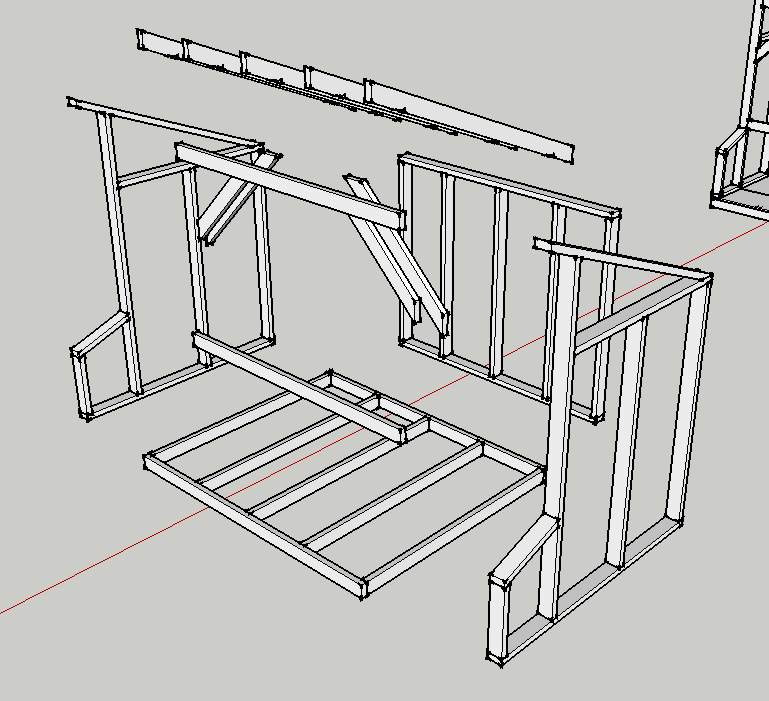
As with the beehive, I drafted everything on Google Sketchup and it made building it completely devoid of surprises. The plan can be downloaded here.