Raspberry Pi Servo Jitter

Here’s the final solution I came up with to finally get a servo motor to behave on a Pi. It may not seem like much but it took a lot of doing to gather all the right bits. This was tested with an SG90, SG92R, and an MG90S on a Pi Zero.

Scroll straight to the end for the solution.

The most common way for controlling a servo motor on a Pi with is through RPi.GPIO as such:

#!/usr/bin/python3
import RPi.GPIO as GPIO
import time

servo = 23

GPIO.setmode( GPIO.BCM )
GPIO.setup( servo, GPIO.OUT )

# info on frequency and PWM formula at https://rpi.science.uoit.ca/lab/servo/
pwm = GPIO.PWM( servo, 50 )
pwm.start( 2.5 )

print( "0 deg" )
pwm.ChangeDutyCycle( 2.5 )  # turn towards 0 degree
time.sleep( 3 )

print( "90 deg" )
pwm.ChangeDutyCycle( 7.5 )  # turn towards 90 degree
time.sleep( 3 )

print( "180 deg" )
pwm.ChangeDutyCycle( 12.5 ) # turn towards 180 degree
time.sleep( 3 )

pwm.stop()
GPIO.cleanup()

Stuff you might need for this to run:

sudo apt-get update && sudo apt-get install python3-rpi.gpio

It results in super jitter which is unacceptable for the holy mission of pen plotting.

As far as I understand, the jitter comes from the wave form RPi.GPIO produces for Pulse Width Modulation, which is made in software and so it’s not super stable (no dedicated resources to build it). From what I gather, pigpio is programmed to tap into the one hardware PWM that Pis have.

The solution thus is as such:

#!/usr/bin/python3
import RPi.GPIO as GPIO
import pigpio
import time

servo = 23

# more info at http://abyz.me.uk/rpi/pigpio/python.html#set_servo_pulsewidth

pwm = pigpio.pi()
pwm.set_mode(servo, pigpio.OUTPUT)

pwm.set_PWM_frequency( servo, 50 )

print( "0 deg" )
pwm.set_servo_pulsewidth( servo, 500 ) ;
time.sleep( 3 )

print( "90 deg" )
pwm.set_servo_pulsewidth( servo, 1500 ) ;
time.sleep( 3 )

print( "180 deg" )
pwm.set_servo_pulsewidth( servo, 2500 ) ;
time.sleep( 3 )

# turning off servo
pwm.set_PWM_dutycycle( servo, 0 )
pwm.set_PWM_frequency( servo, 0 )

Stuff you might need for this to run:

sudo apt-get update && sudo apt-get install python3-pigpio
sudo pigpiod

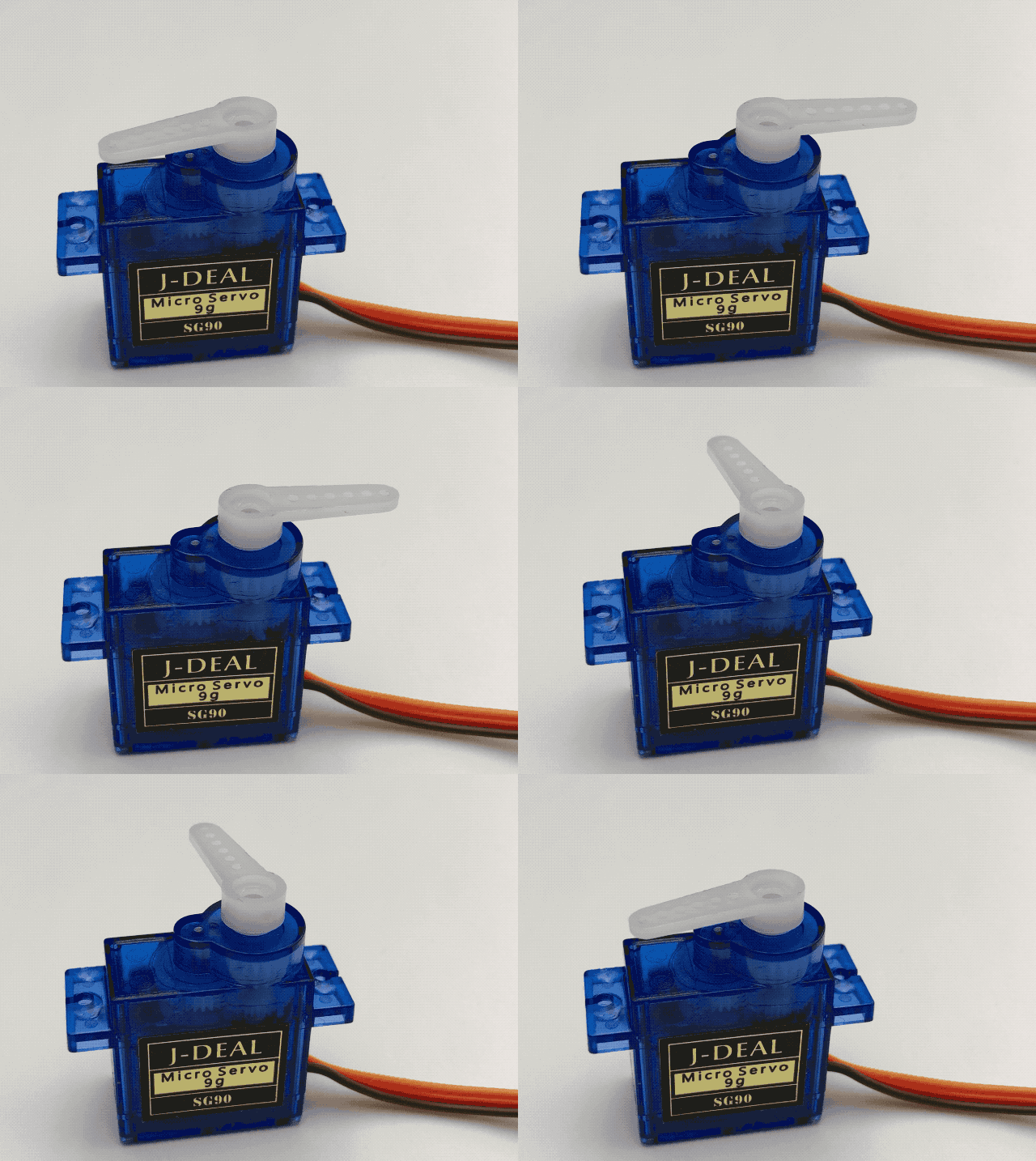
And the resulting super smooth motion and holds:
Fibonacci Assist

It’s been a while since I pushed a feature to Mandalagaba worthy of a post.

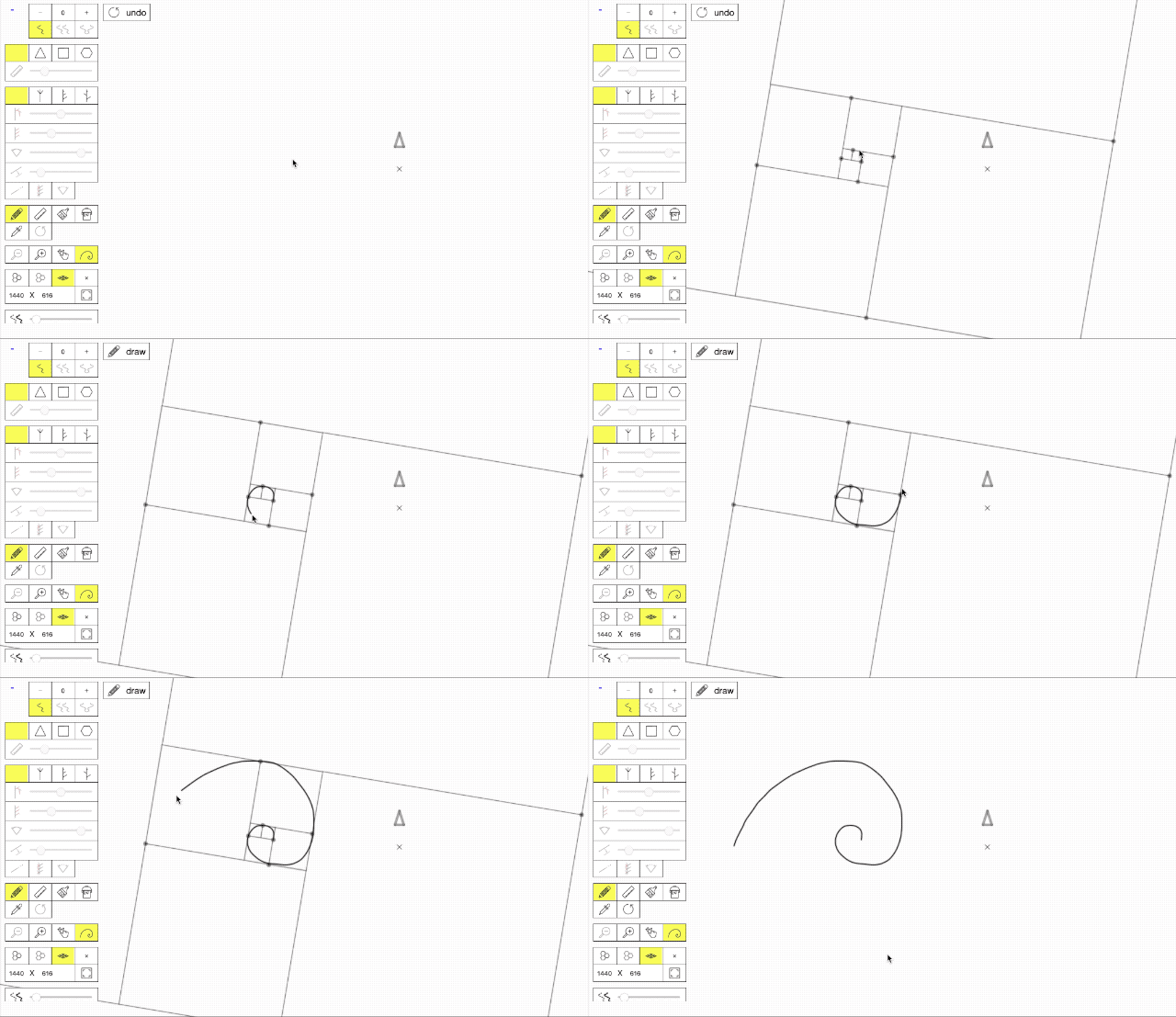
I just pushed a tool I call “Fibonacci Assist”. It’s meant to help you draw Fibonacci spirals by overlaying the proper framing based on the beginning of your penstroke.

I was reminded of the existence of this sequence and its ties to nature reading the most excellent children book: Swirl by Swirl. The book is simply magnificent and so I thought I’d do my part to help bring into the world more Fibonacci spirals.

I have yet to play with it using a stylus.

Plotting Plotters

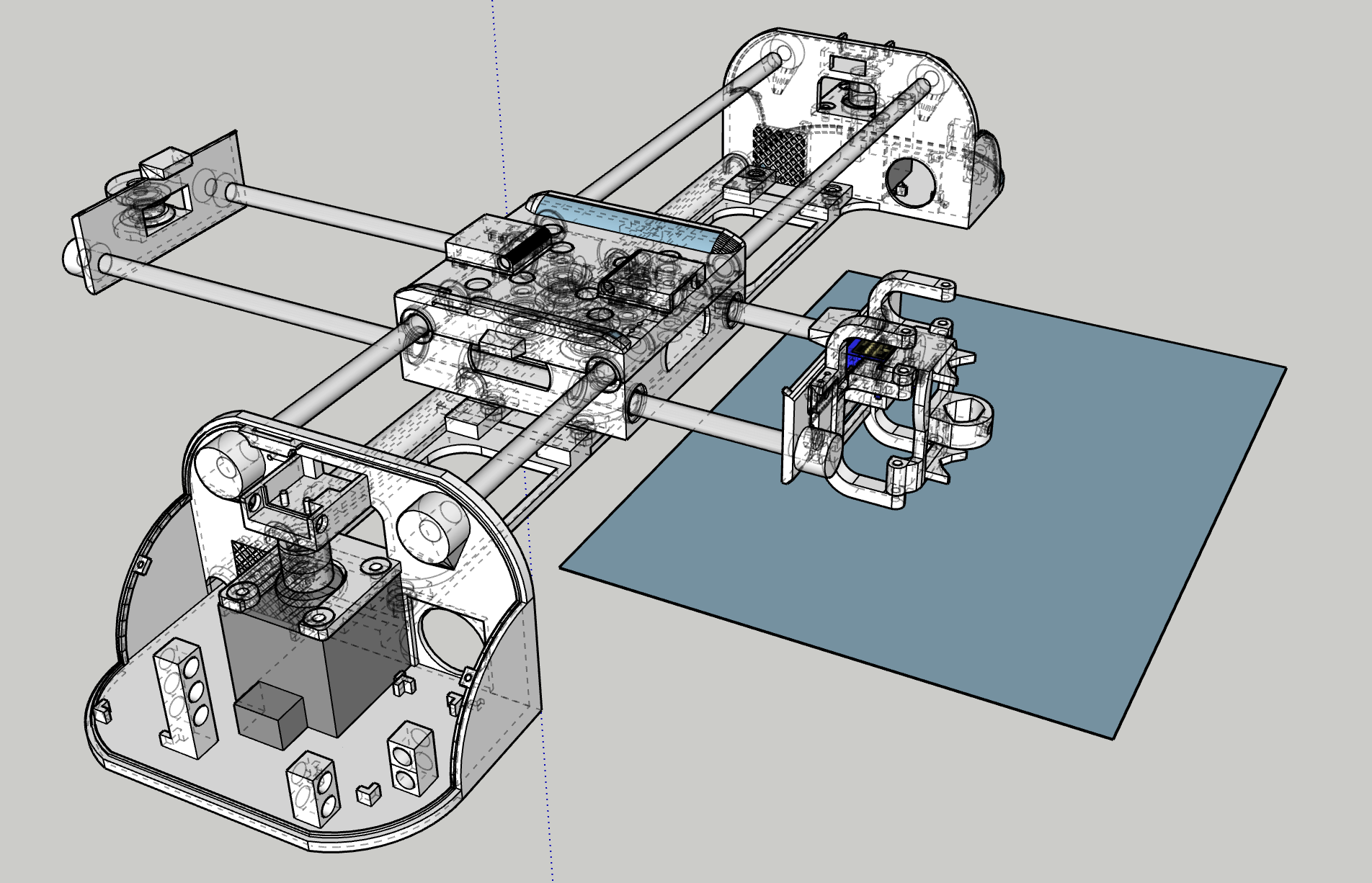
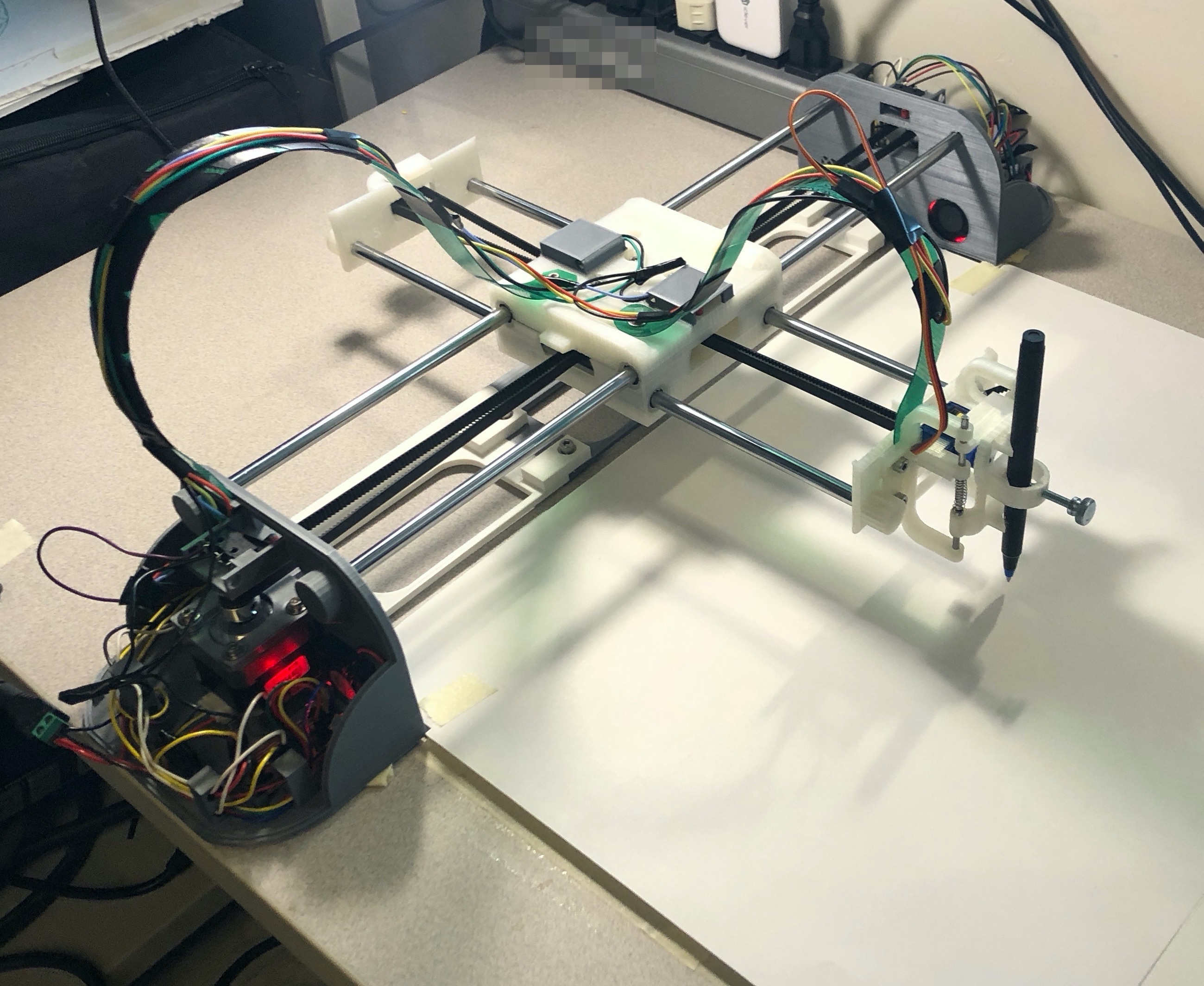
Well so, I fell into a very deep rabbit hole. The world of pen plotters… A year in, I finally have some good results. After several prototypes of Gondola plotters (V-plotters) and regular tabletop plotters. I’ve homed in on a set of designs, hardware, electronics, and algorithms to think I can make a small difference in that world. I still need to iterate a little but I’m hoping to release each plotter as a DYI projects in 2020. Maybe I’ll even sell my making them for others. Of course there will be integrations with Mandalagaba because that just makes sense.

Now there are several such plotters one can buy or build for a wide range of prices. And they all have a very shitty software stack. This is where I believe I can make the biggest difference.

As with building houses, it’s enormously relieving to finally see into the real world a model you’ve been immersed in, CADing it for a year.

I’ll skip talking about the long series of challenges I ran into building this. It’s really, really nice to see a long plot finished to perfection knowing that finally, nothing is wrong. I’ve learned a lot along the way.

There’s a bazillion pen plotters on Thingiverse, I’ve used some of them as stepping stones until I was ready to finally make my own top to bottom. As I said, software is where I think I can make the biggest difference. I’m a Raspberry Pi aficionado, and this opens the door to a sophisticated software stack (web servers, HTML canvasses, format conversion, penstroke optimization, live link with Mandalagaba). I found not a single plotter using a Pi, in fact I found very few projects of anything using stepper motors with a Pi. I had to do some serious trail blazing to step a motor reliably.

Here is for example a pen stroke optimization algorithm I developed to speed up plotting.


The base, drawing penstrokes as they come. “Empty” travel going from one penstroke to the next without the pen drawing: ~36437 (relative pixels).

The next penstrokes is the closest. Empty travel ~15820, 0.43 compression ratio.

The next penstrokes is the closest, but consider its beginning as well as its end, draw the penstroke reversed if it was the end which was closest. Empty travel ~12467, 0.34 compression ratio.


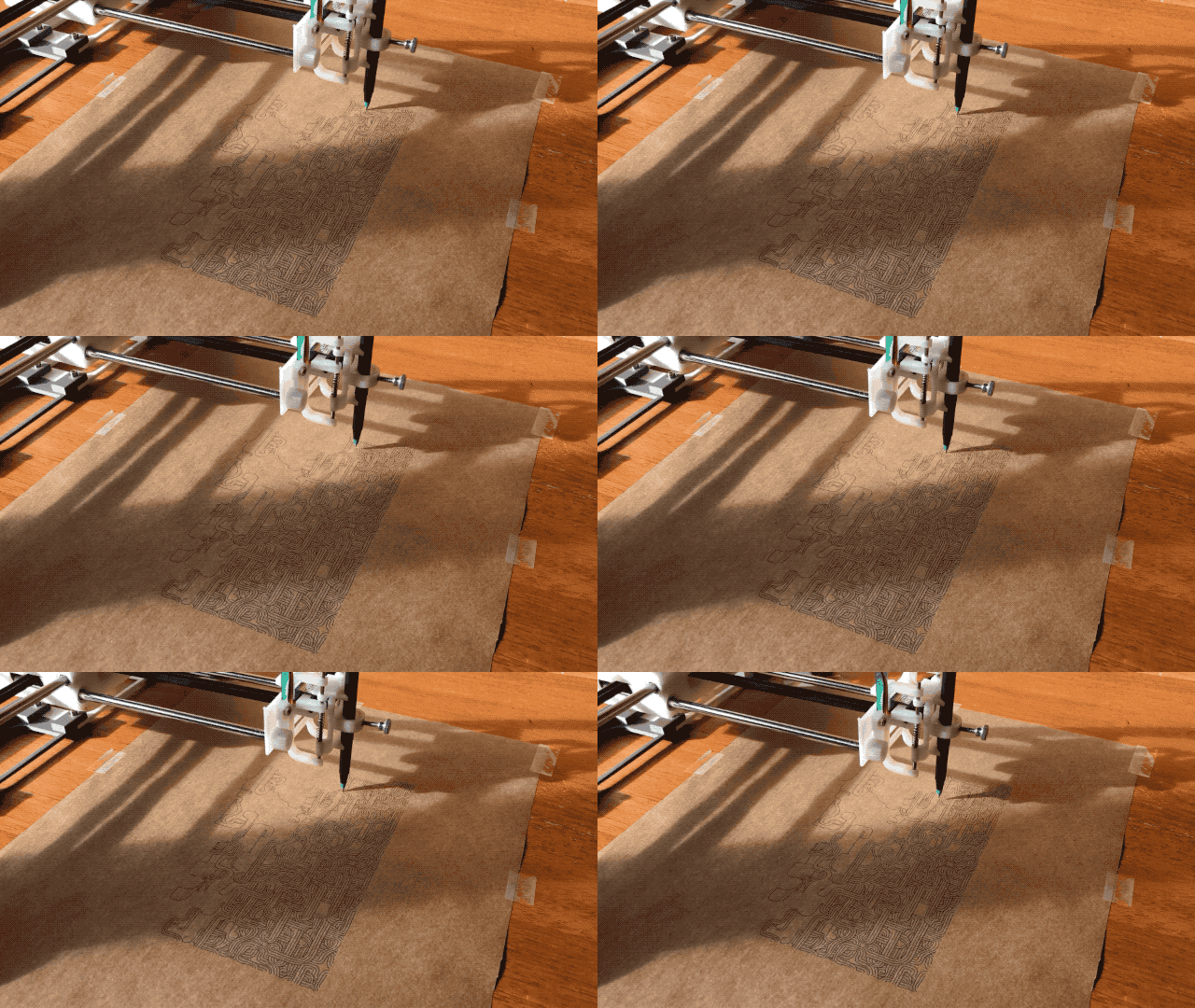
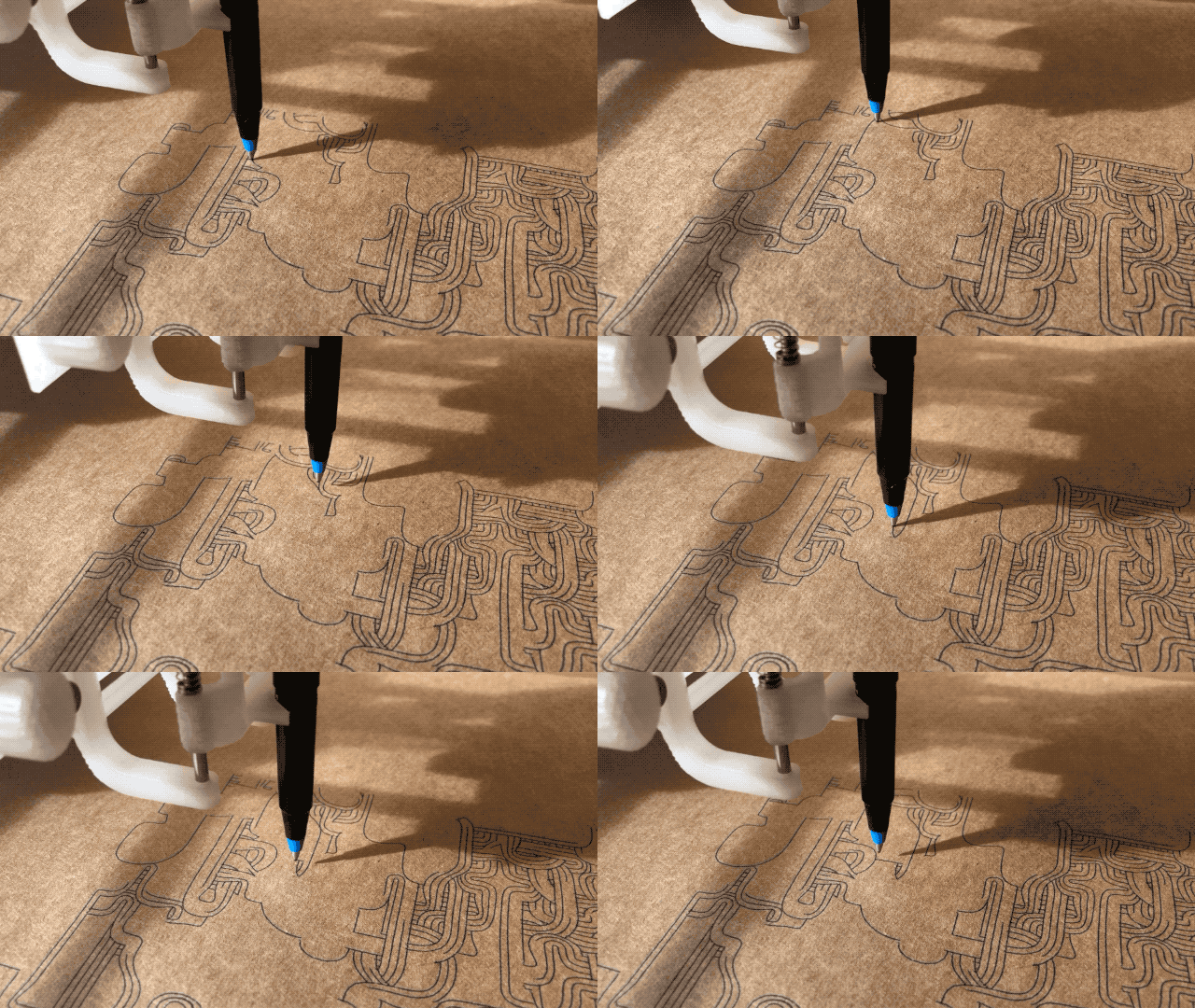
Now for the eye candy 🙂

I could watch this for hours, and I did.

Of course the efficacy of this algorithm depends heavily on the model to be drawn. I found that anything coming from Mandalagaba tends to benefit enormously, especially tessellations. And it makes sense, for every penstroke drawn, the repetitions occur throughout the canvas and they show up in that order even if you drew in a very localized area. The example above comes from the most excellent turtletoy.net.

More to come very soon on the great world of plotters…

Wooden Snake

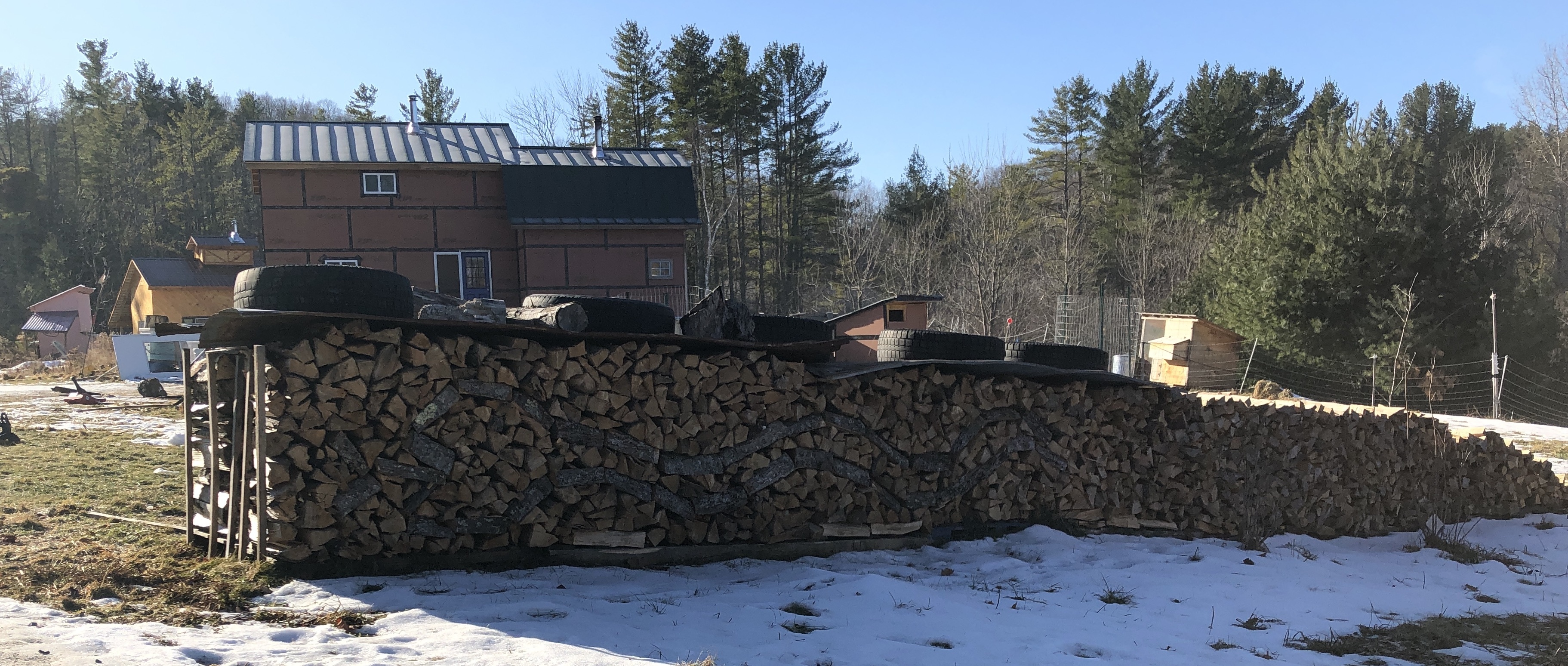
This is unfortunately not an improvement from my last attempt. The design is barely visible due to my poor choice of facing bark. Still, I’m trying to get better at this every year.