Multiaxis symmetrical drawing – A Mandala maker that doesn’t suck

I’ve had a terrible time finding a good piece of software to draw mandalas with. To be honest, I don’t care what mandalas are but I’m obsessed with how cool it is to draw with replicated symmetry on multiple axis.

Without further ado, here it is (drag your mouse to draw):

I hope you find it addictive. Click to pop out.


So wow… just wow, this blew up. This little tool ended up making the front page of Reddit in one amazing thread in which  many people shared their mandalas. It was an amazing day in many ways, first of all I’ve never seen so many positive comments in a single thread online. The amount of people who seem to have been positively touched by this program is humbling. Drawing mandalas is apparently great stress relief for many and I’ve received several personal notes on how much this program had done for them. I did not see that coming to say the least. Then the fact that this tools was picked up by real artists pushed it to build creations I didn’t even know it was capable of. Lastly, my solar powered raspberry Pi handled hundred of thousands of connections in a single day which turned out to be a technical challenge on top of the overwhelming response. When I set out to create this program, I did not have the slightest idea that it would hit such a sweet spot. I mainly wanted to scratch an itch and couldn’t find any good apps out there. It is a true privilege to have had the chance so see so many people use a tool I made, and have them report they were positively touched by it.

Here is a few of the most amazing mandalas that were posted on the Reddit thread, this is what it looks like when real artists take over your tool 🙂

 

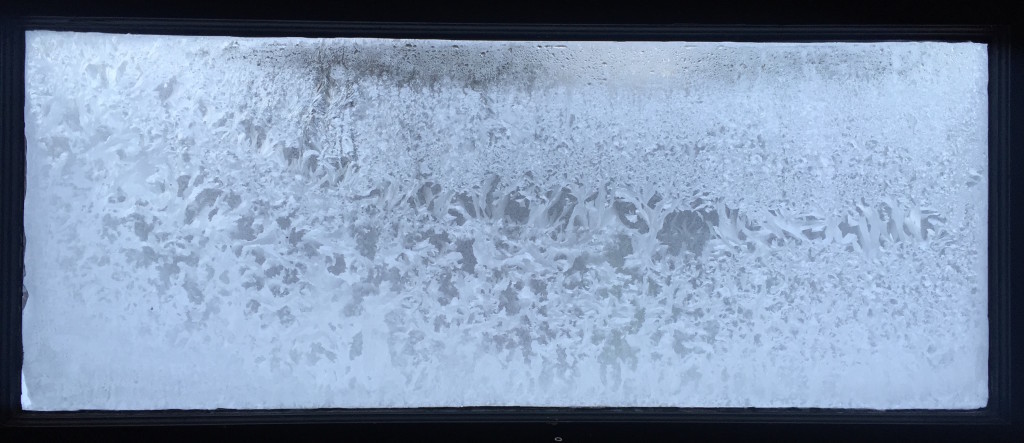
Ice on the outside, dew on the inside

IMG_7804The greenhouse we installed last month is making a big difference even early in the morning. It will soon have its Raspberry Pi for monitoring. We have dreams of expanding the greenhouse into an oasis of life in the middle of Winter. Water, growing greens, bees staying warm. It could be multi-purposed in a very nice way.

One argument of many against globalization

It occurred to me that with the basic premise of commerce being that specialization and trade yields more better products for both parties. The only reason we trade with countries like China isn’t that they make better items (like for example how Germans make better cars), it isn’t that they have access to resources we don’t have. It is, as we all know, that they make it cheaper, the single reason for which being that they are far enough away that horrible work conditions can happen without us feeling guilty about it.

In short; trade with China is interesting only because we get to exploit their people.

If we got to exploit people at home, we wouldn’t be trading with China. Fortunately if people in our towns worked under the same conditions, we would be up in arms about it. And if China didn’t allow exploitation of its people, we wouldn’t be trading with them.

And so it’s interesting to ponder that the only “trade specialization” China has to offer is being far away enough geographically & culturally from the Western world that we’re cool with their being exploited. Or we can in good conscience say that we are ignorant of it because we have no visibility into the issue.

Globalization has a tendency to create these “out of sight, out of mind” incentives which work heavily against good working conditions and the environment.

At the junction of I.T. & homesteading – continued


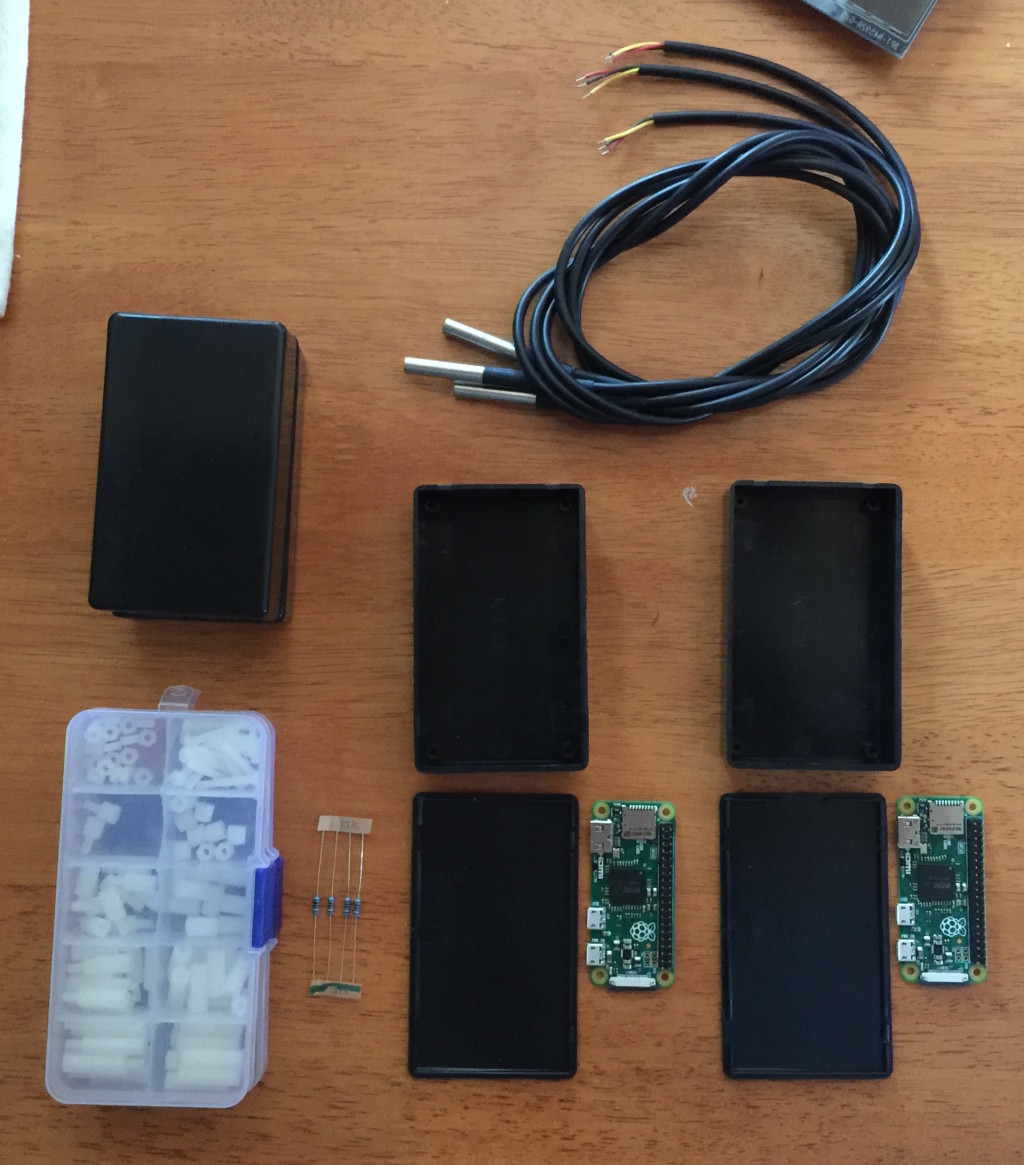
Figuring out a good repeatable & maintainable way to deploy Pi Zeros.IMG_7684

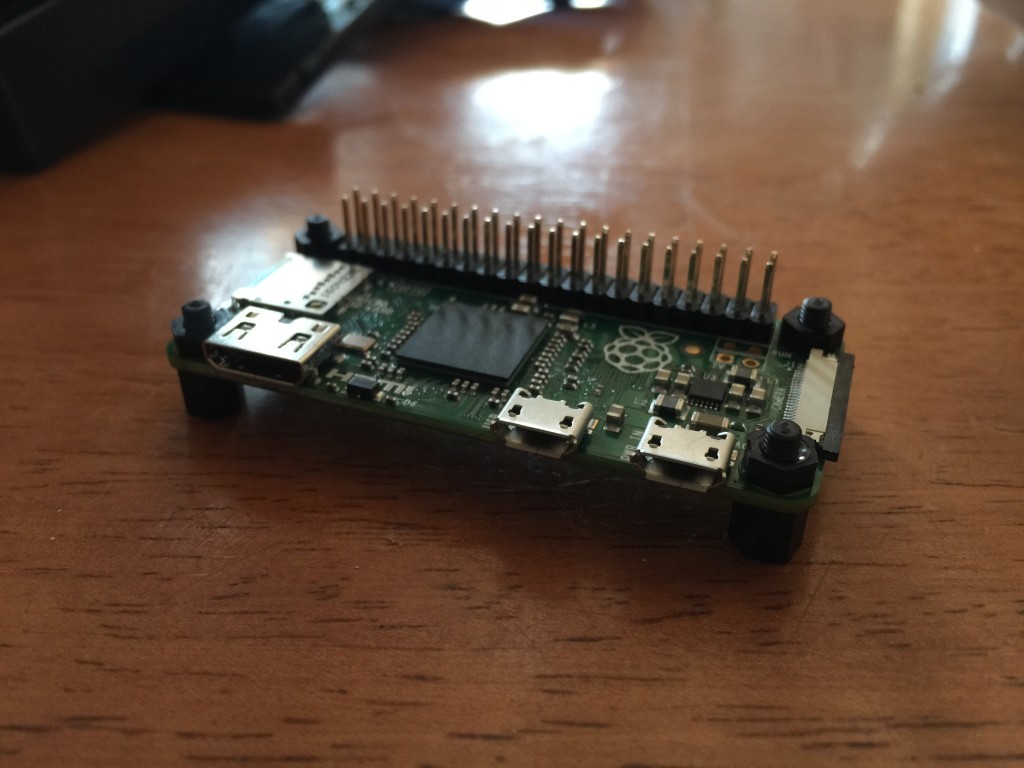
My favorite project screws in action.IMG_7693

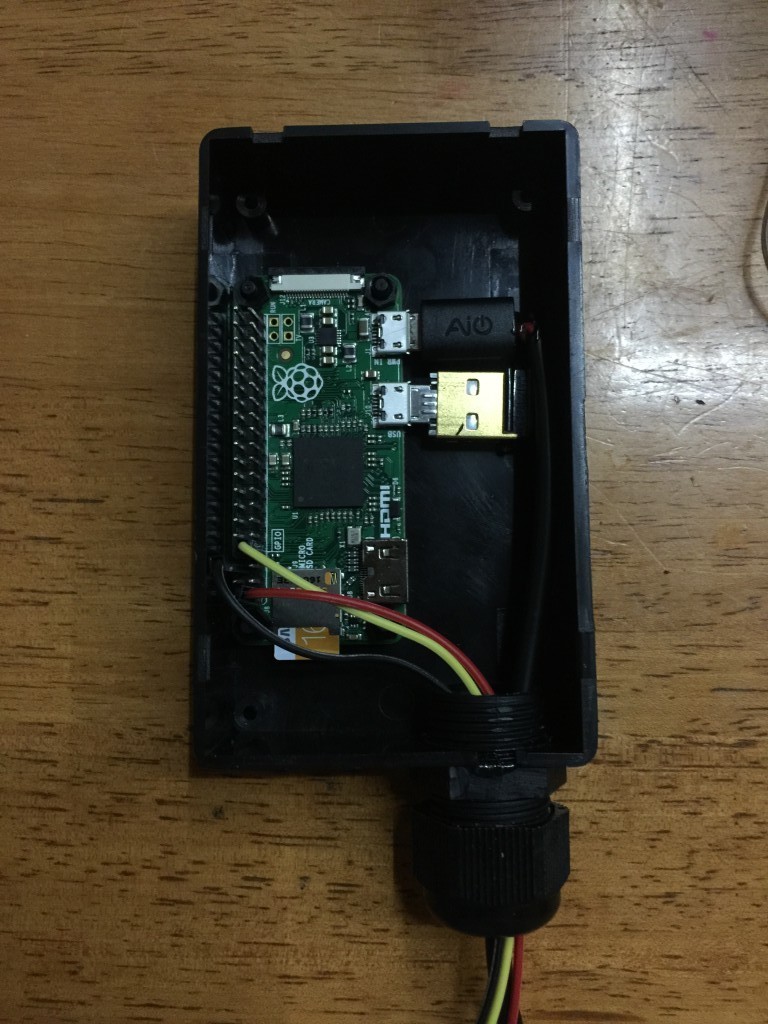
The boxes I picked a very tight and leave no room for any other hardware.IMG_7694

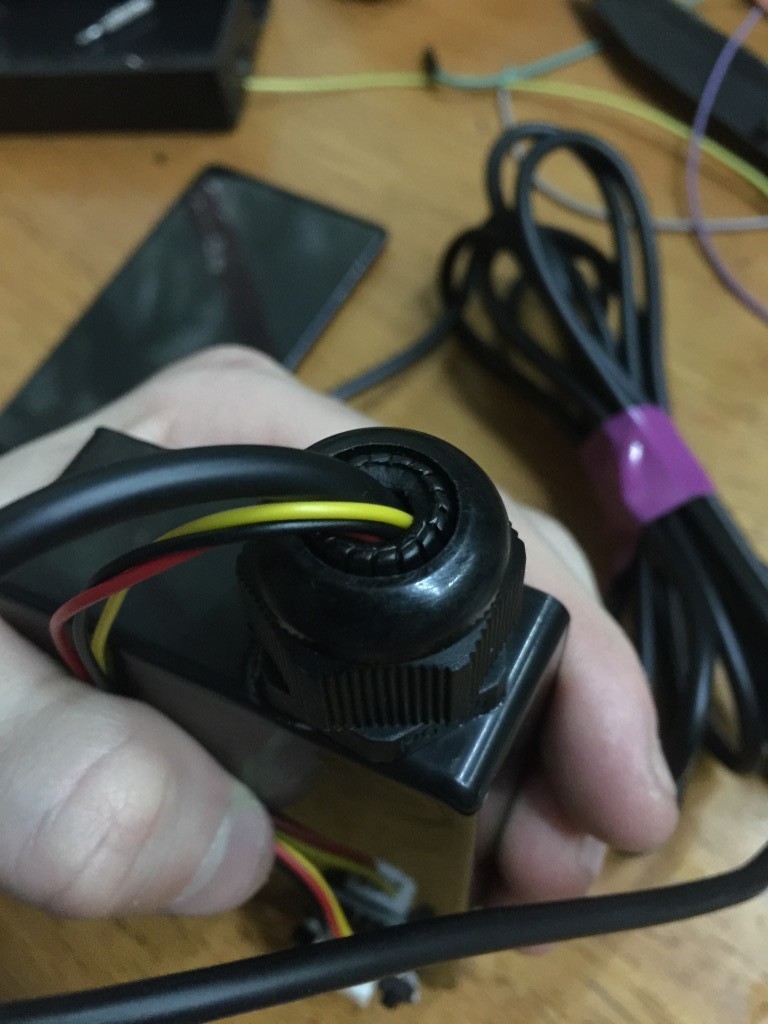
I made a hole for a cable gland which is very helpful for cable strain relief, removing friction on sharp edges and making a right cable entryway.IMG_7695

This little guy is only monitoring temperature, I’ll need a bigger box for the greenhouse device as it needs a bit more hardware.IMG_7746

So far so good

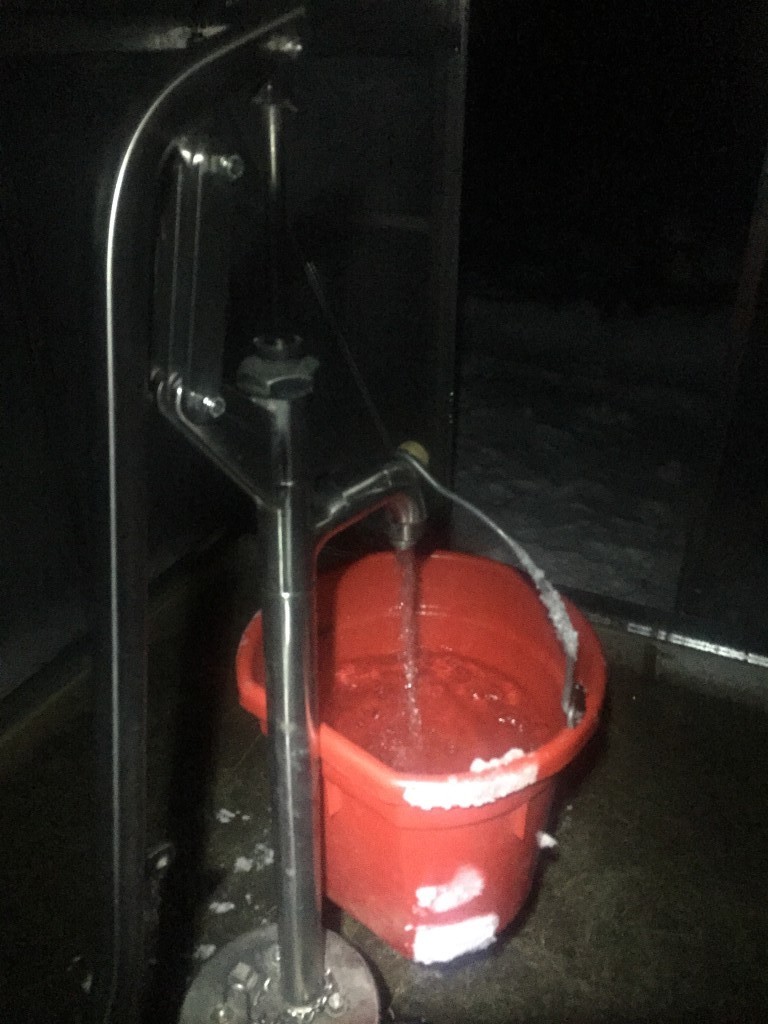
The Bison hand pump is holding up pretty well to very cold weather and so is the underground overflow. The greenhouse definitely helps and has withstood fierce winds recently.

IMG_7604

At the junction of I.T. & homesteading

I started acquiring multiple Raspberry Pi Zeros for the purpose of starting to figure out a consistent deployment scheme for the various automation related projects I envision for our homestead.

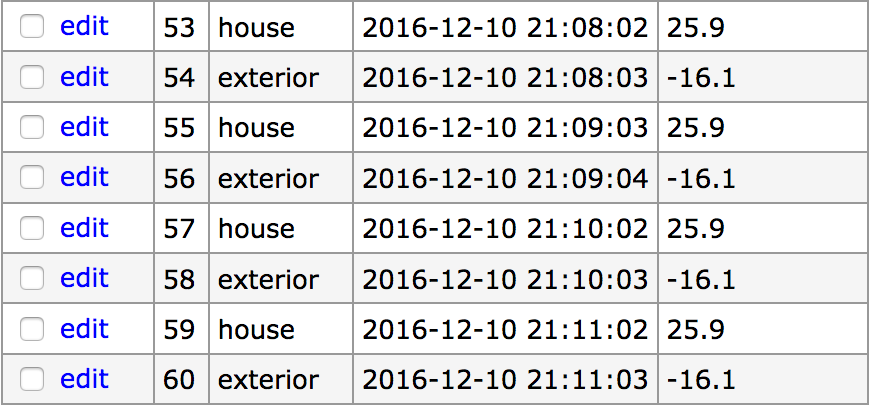
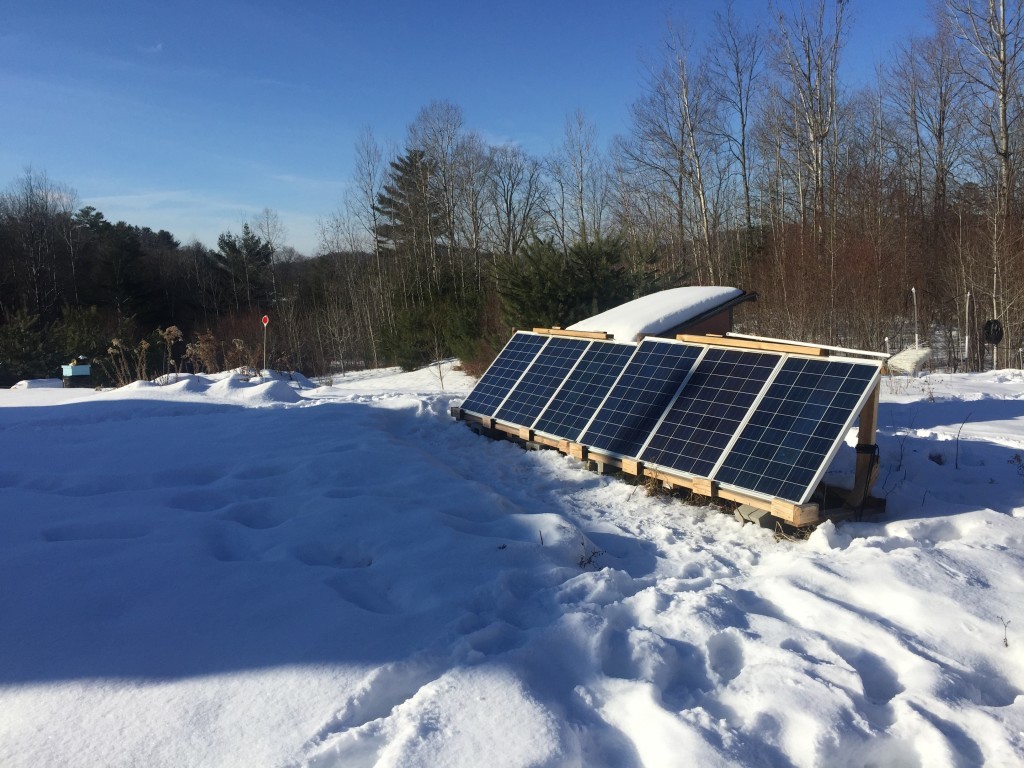
For now I’ve simply deployed 2 DS18b20 temperature sensors. One on the existing Pi in the Solar shed which serves this blog, and another on a Pi Zero in the house. Only sensing for now which complements the data I’m gathering from the solar array.

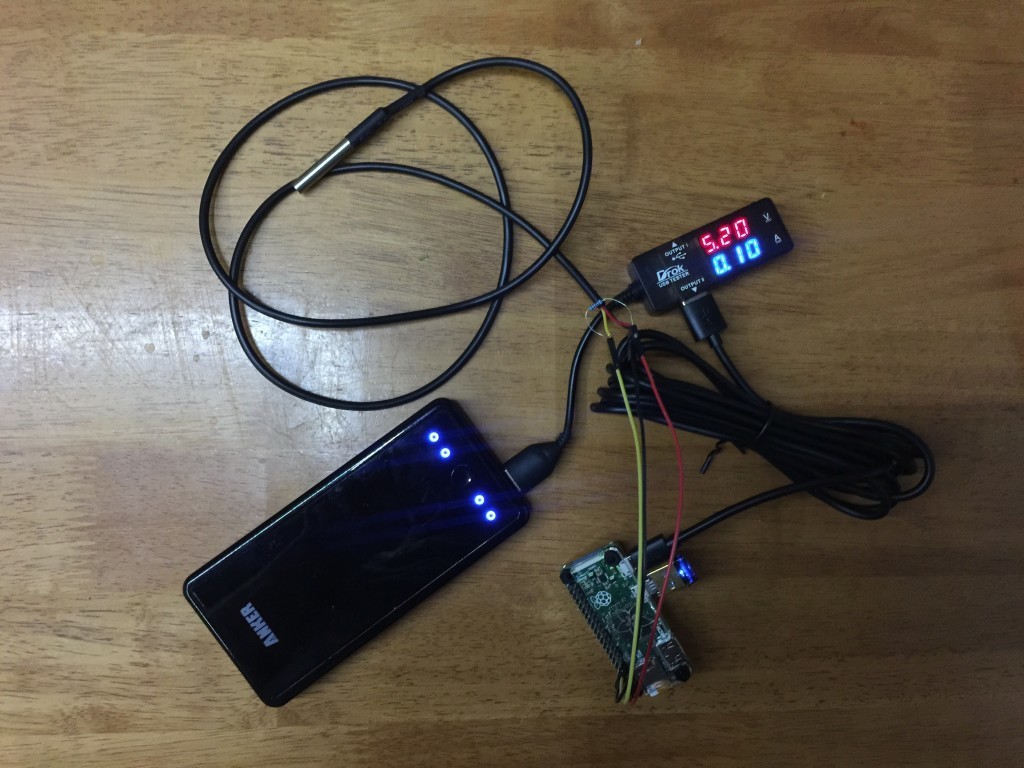
The Pi Zero consumes between 0.1 and 0.2 AmpsIMG_7476

Sample data being gatheredScreen Shot 2016-12-10 at 10.25.03 PM

Here are my current install notes for the Pi Zero.

To limit power consumption, add this to /etc/rc.local to turn off HDMI output

[code]/usr/bin/tvservice -o[/code]

To be able to read from the temperature probe, add the following line to /boot/config.txt

[code]dtoverlay=w1-gpio:3[/code]

Get the python-w1thermsensor package

[code]sudo apt-get install python-w1thermsensor[/code]

Reboot & make sure devices are listed in /sys/bus/w1/devices

The python code necessary to read the probe is:

[python]from w1thermsensor import W1ThermSensor
# assuming only 1 sensor
sensor = W1ThermSensor.get_available_sensors( [W1ThermSensor.THERM_SENSOR_DS18B20] )[0]
temperature = sensor.get_temperature()
if temperature is not None:
print ‘%.1f’ % (temperature)
else:
print "failed to get reading."[/python]