
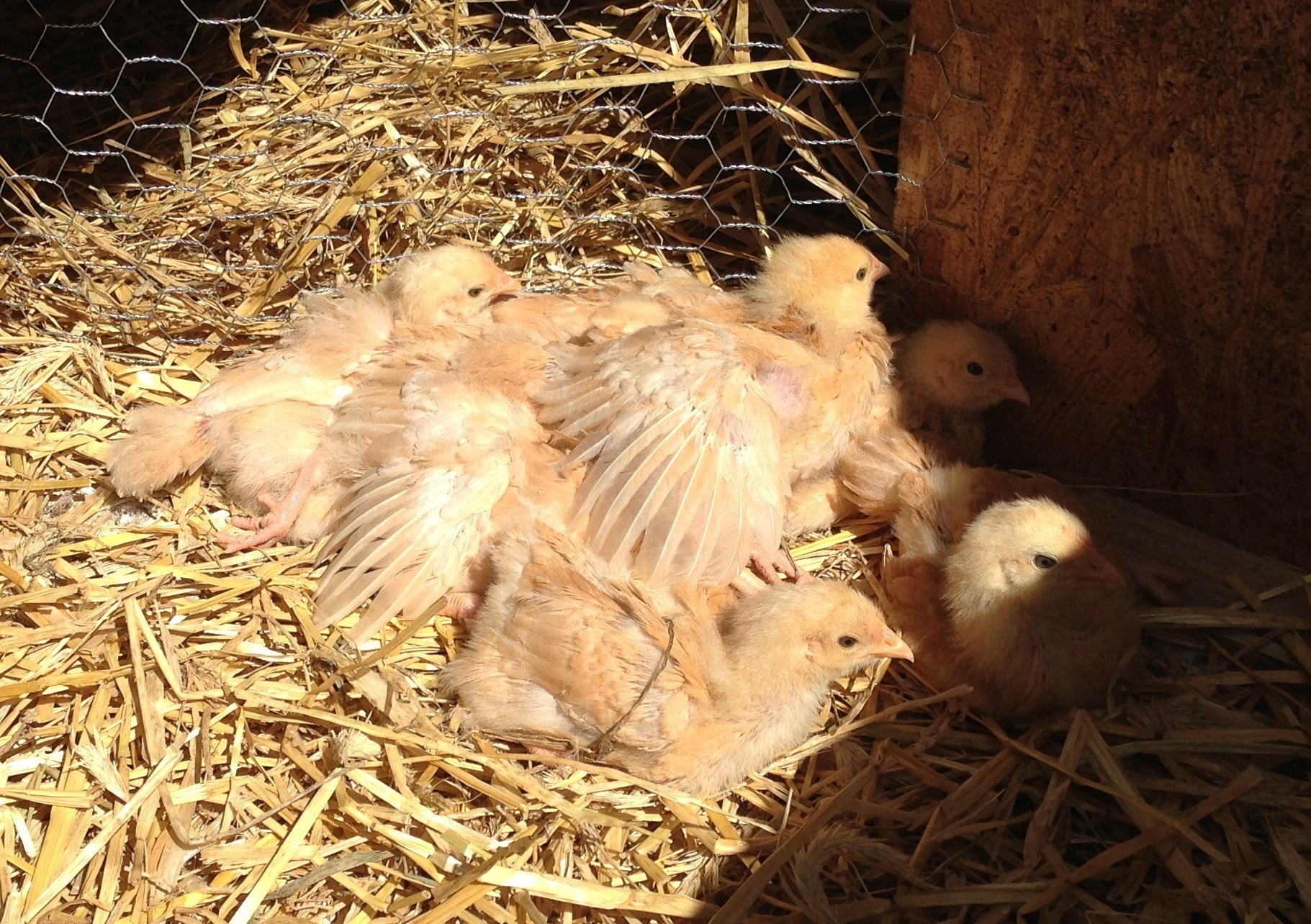
And this is what happens once they figured it out
[flv:http://ben.akrin.com/wp-content/uploads/2013/04/sleepybirds.flv 640 426]
This is what happens as chicks learn to lay down
[flv:http://ben.akrin.com/wp-content/uploads/2013/04/birds.flv 640 426]
They spend the first few days of their lives standing; little by little they figure out they don’t have to and look like a bunch of sleepy drunks in the process.
It takes a surprinsingly long time to paint
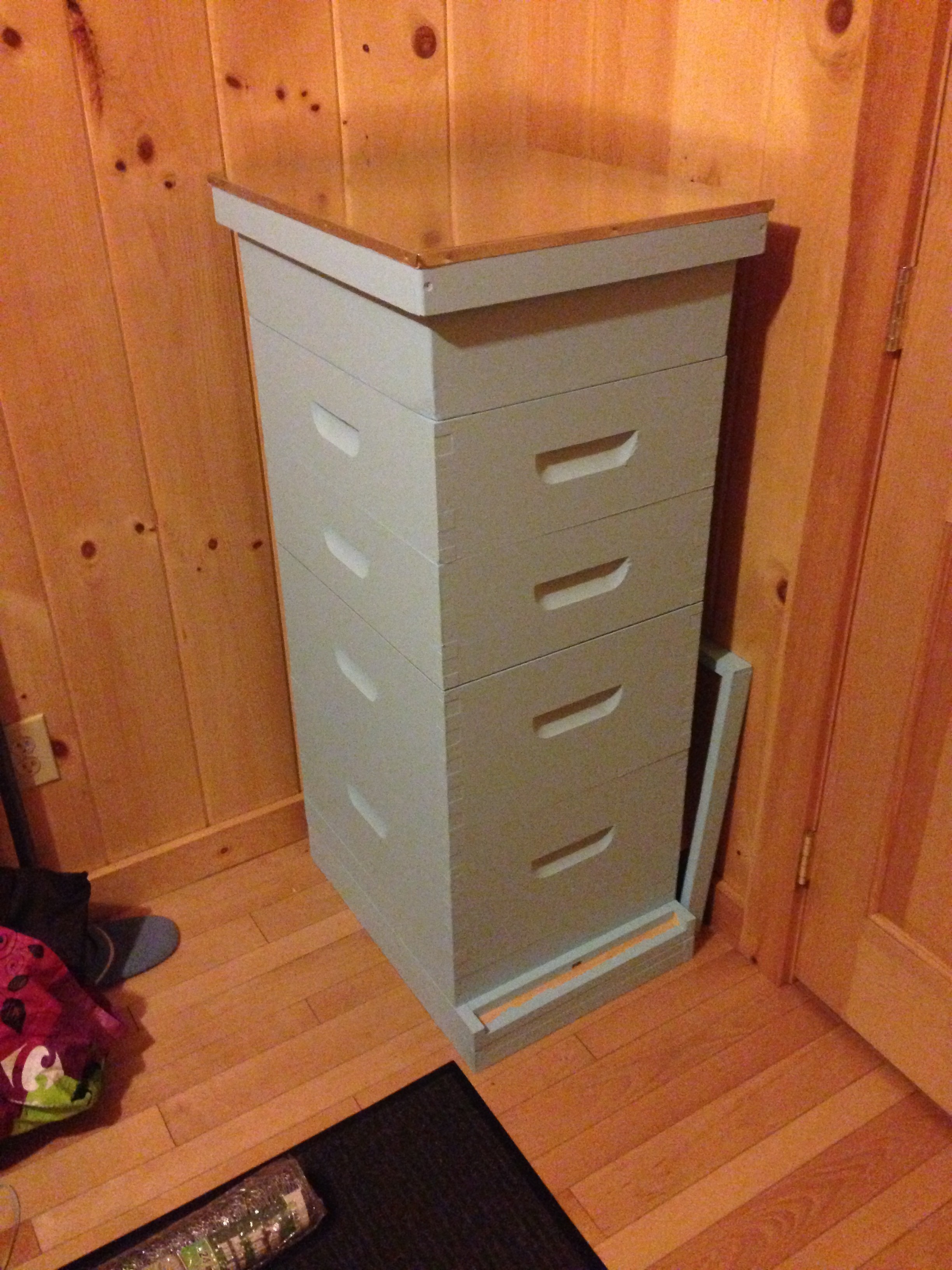
I still need to add a few decorations to make it cool. Unfortunately, the supplier has delayed delivery of the colonies by a week to allow the queens more time for their mating flight since the weather didn’t cooperate so far.
In America this is a recipe
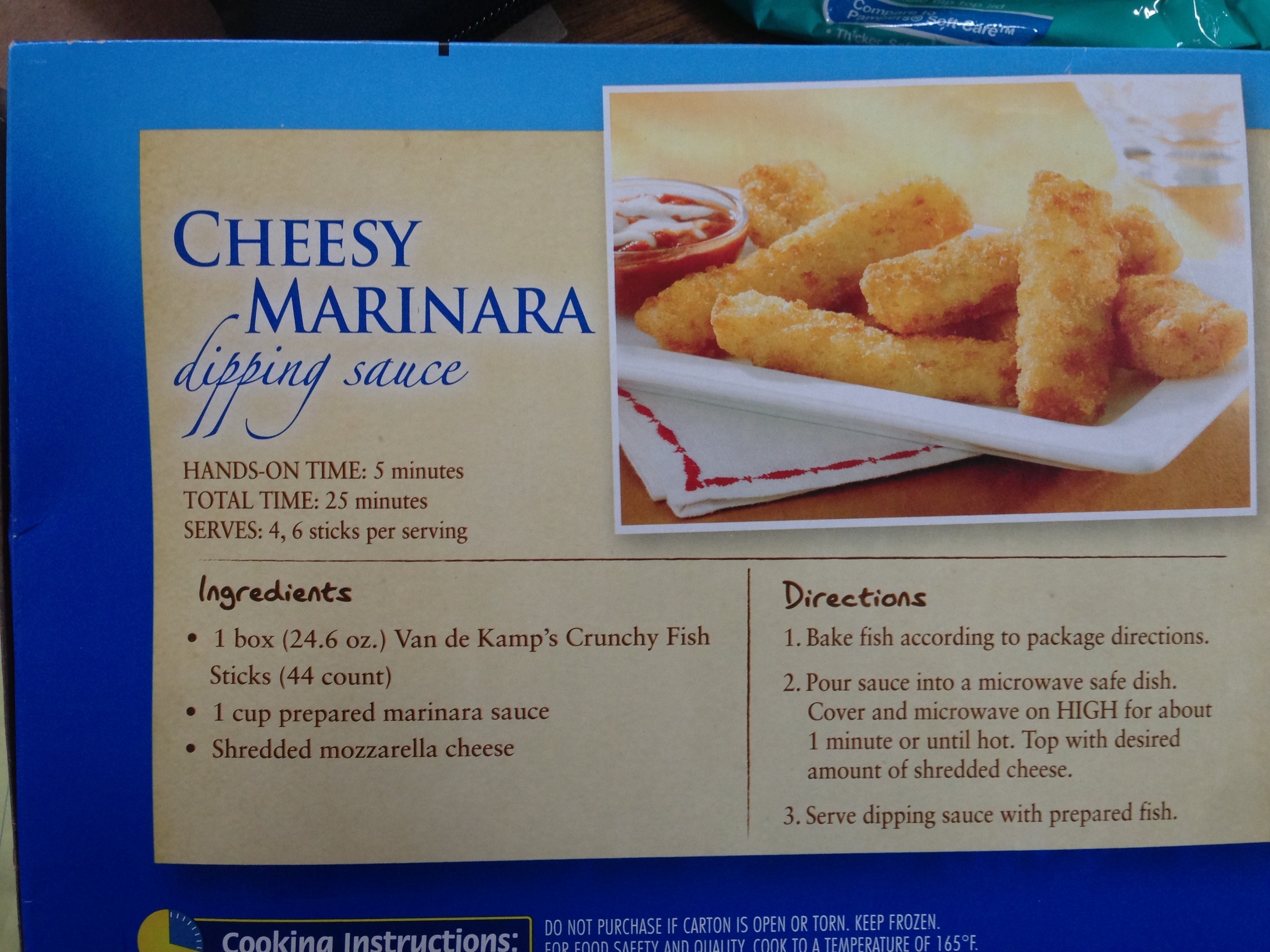 Recipe for Cheesy Marinara dipping sauce,
- acquire some prepared marinara sauce
- add cheese
- high-five yourself
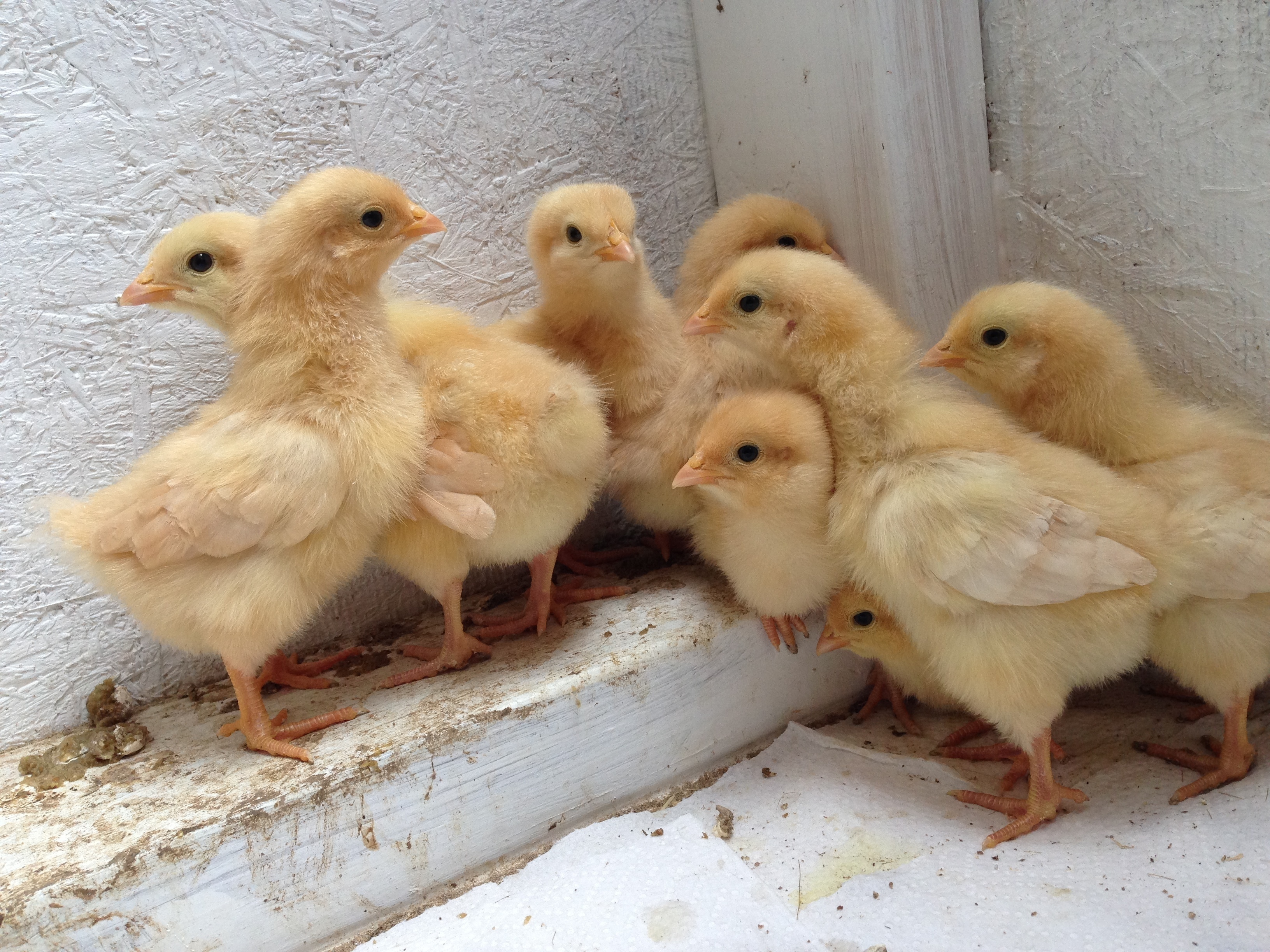
8 Buff Orpingtons
[flv:http://ben.akrin.com/wp-content/uploads/2013/04/chicks01.flv 640 426]
[flv:http://ben.akrin.com/wp-content/uploads/2013/04/chicks02.flv 640 426]
I don't mean to be birdwatching before I'm retired but…

What kind of bird does this? I’m told a “wood chipper” but googling this name doesn’t yield anything relevant. Could it be a Vermont name for a wood pecker? Certainly that tree wasn’t just pecked at.
If I had to guess I’d say a pterodactyl with a chainsaw for a beak.
Stabbing wasps
Living closer to nature means having a higher chance of competing in the great game of “survival of the fittest”. Having had my share of problems with yellow jackets and paper wasps, I want to annihilate them with great prejudice.
Before it gets too warm the nests need to go.
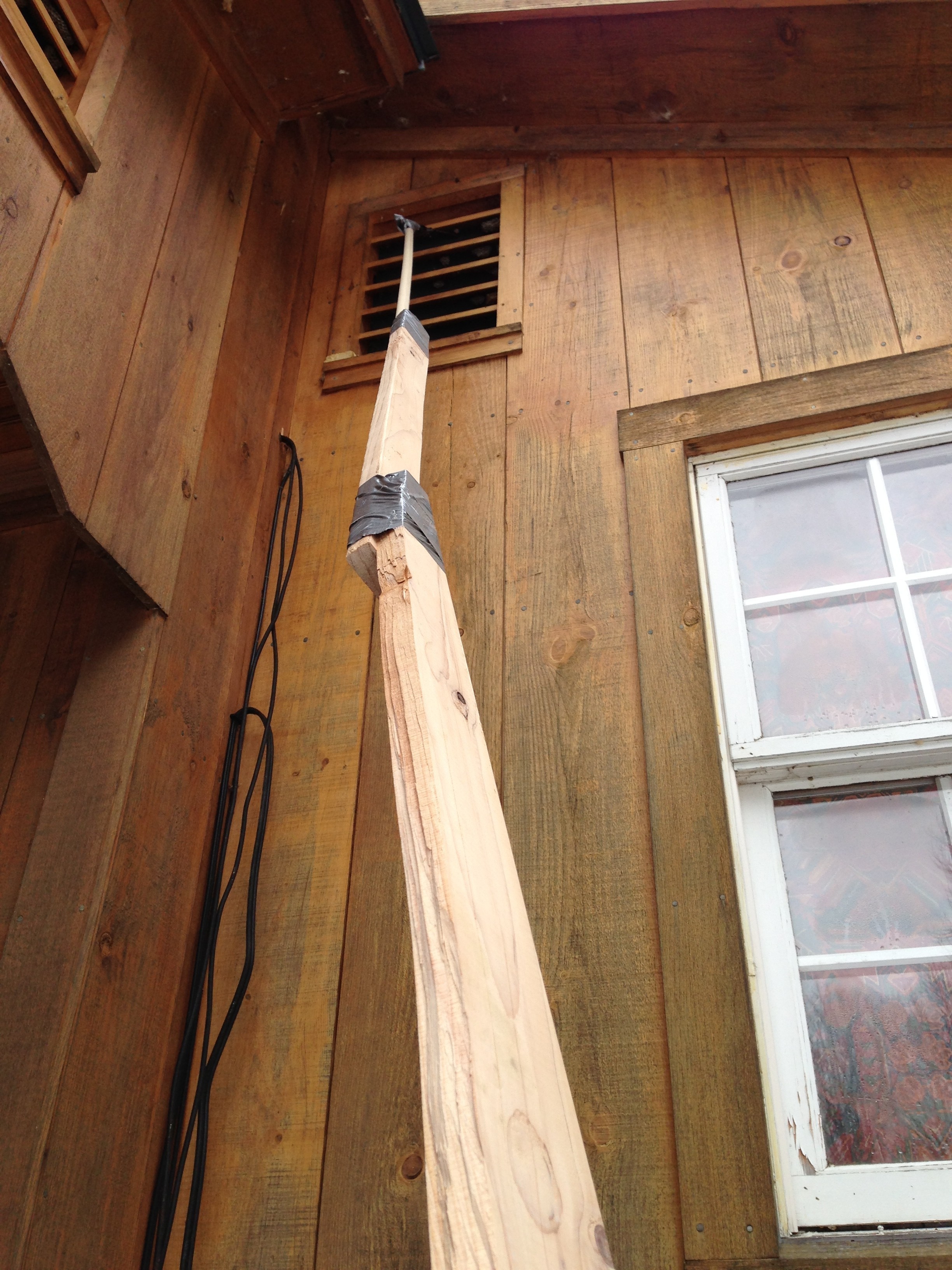
Oh so you can sting? Well I can stab you with a pole mounted knife.

Welcome to freaking wasp central
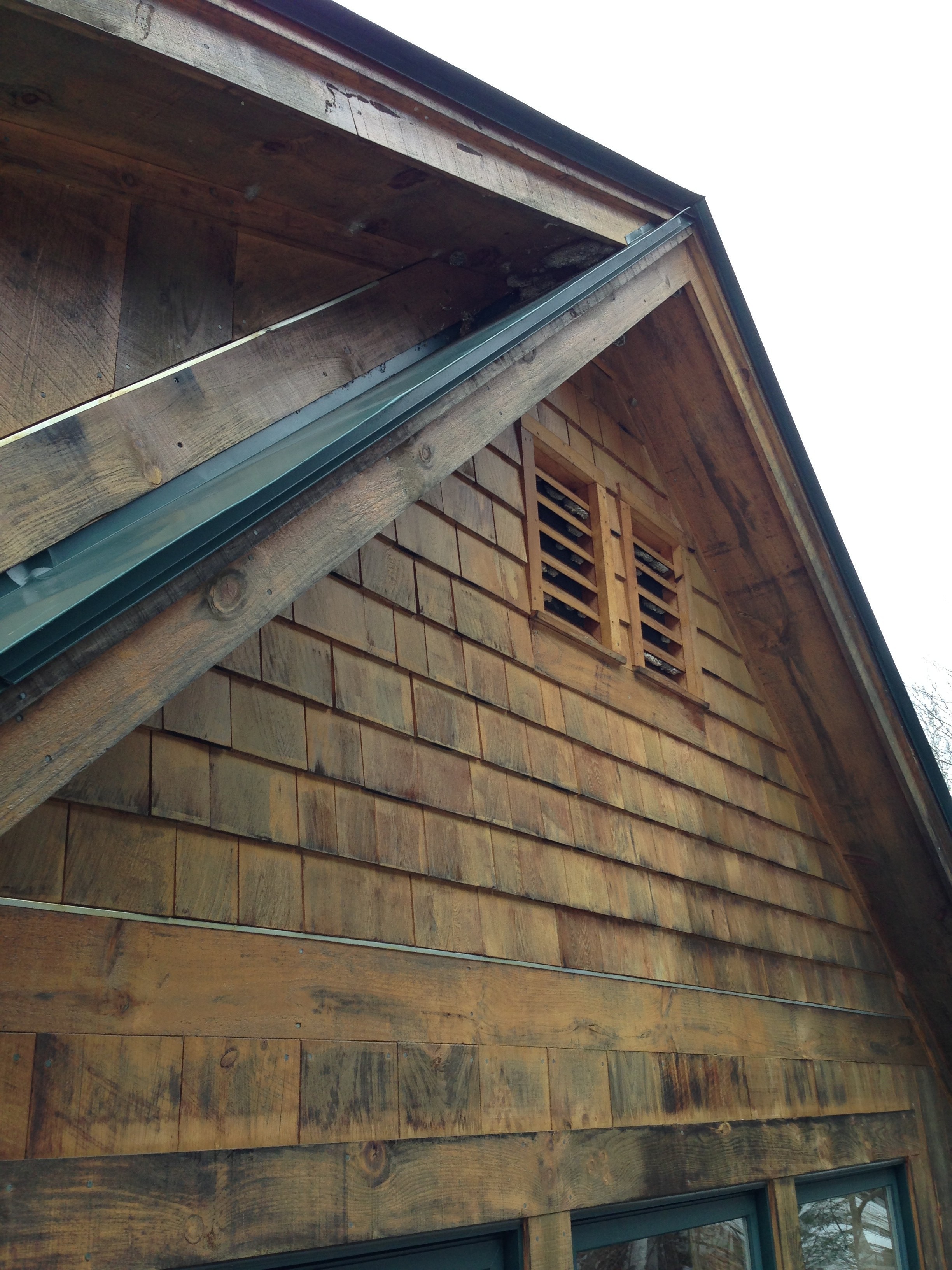
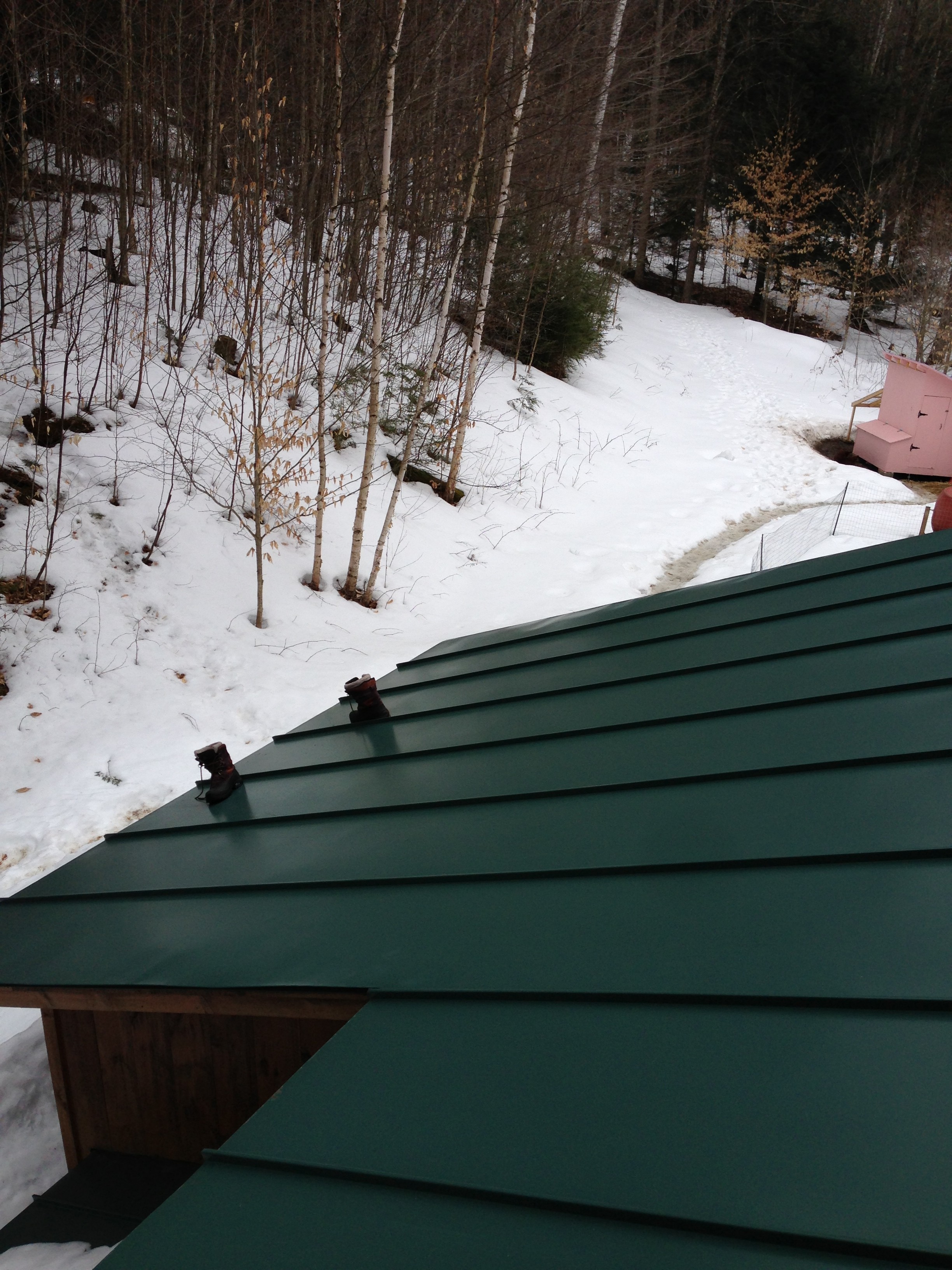
Bare feet offer optimal traction on a metal roof.
The knife’s angle is perfect for getting in there and cutting the single point attachment of these nests (horrible design btw but I expect no less of wasps).
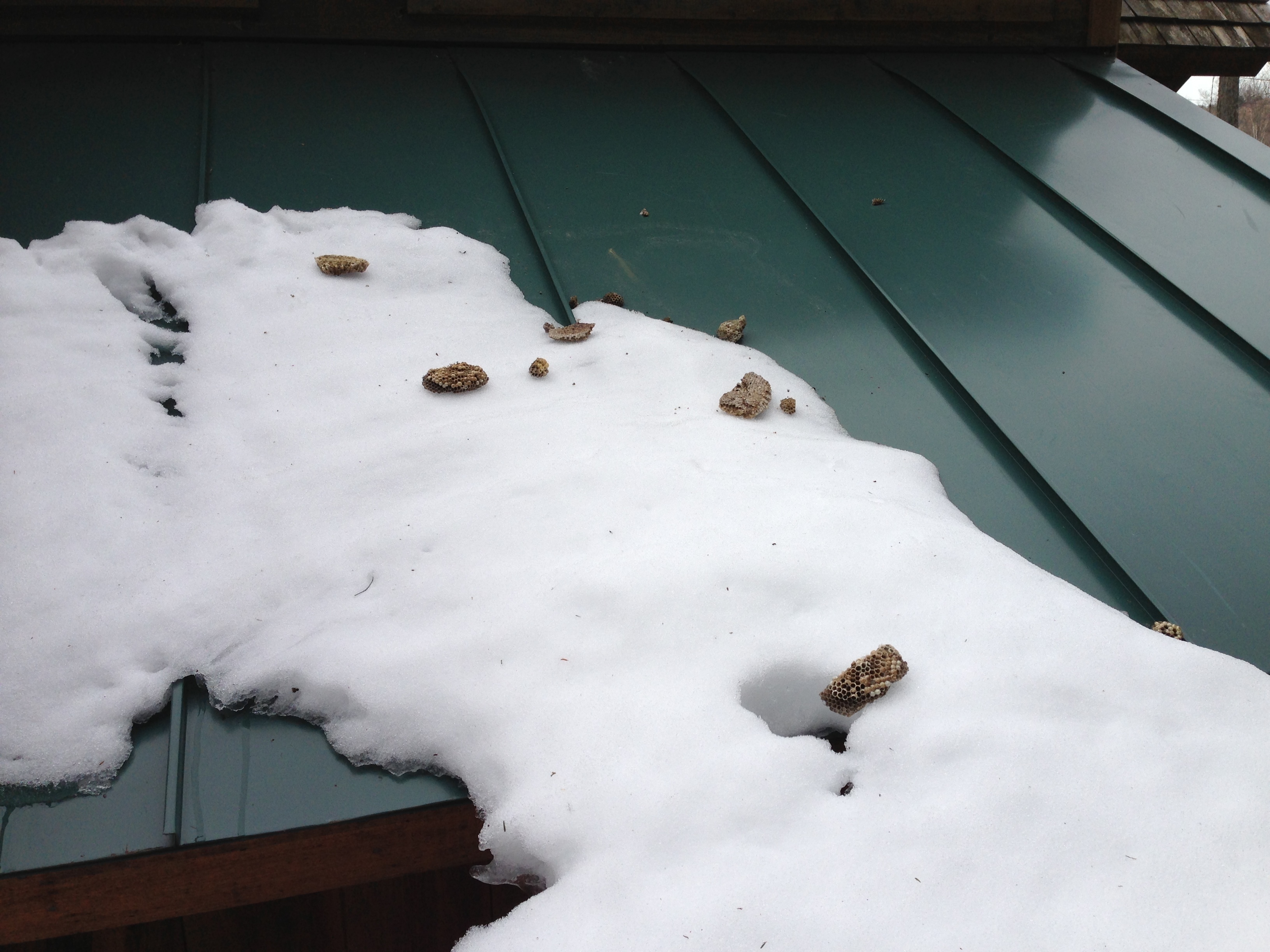
They will be squashed and buried in snow for good measure.
Getting ready for a new season
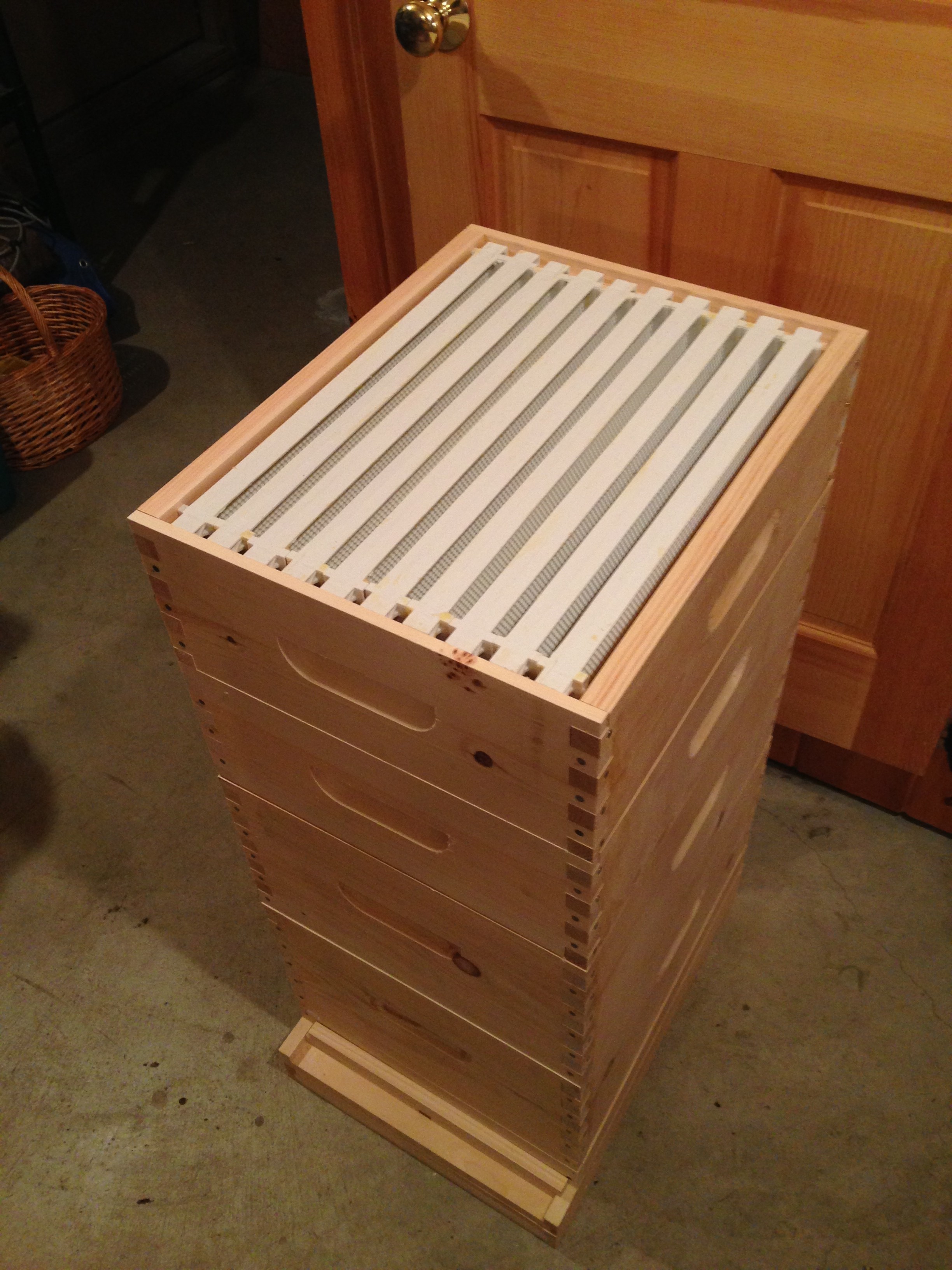
New hive, with all the bells & whistles
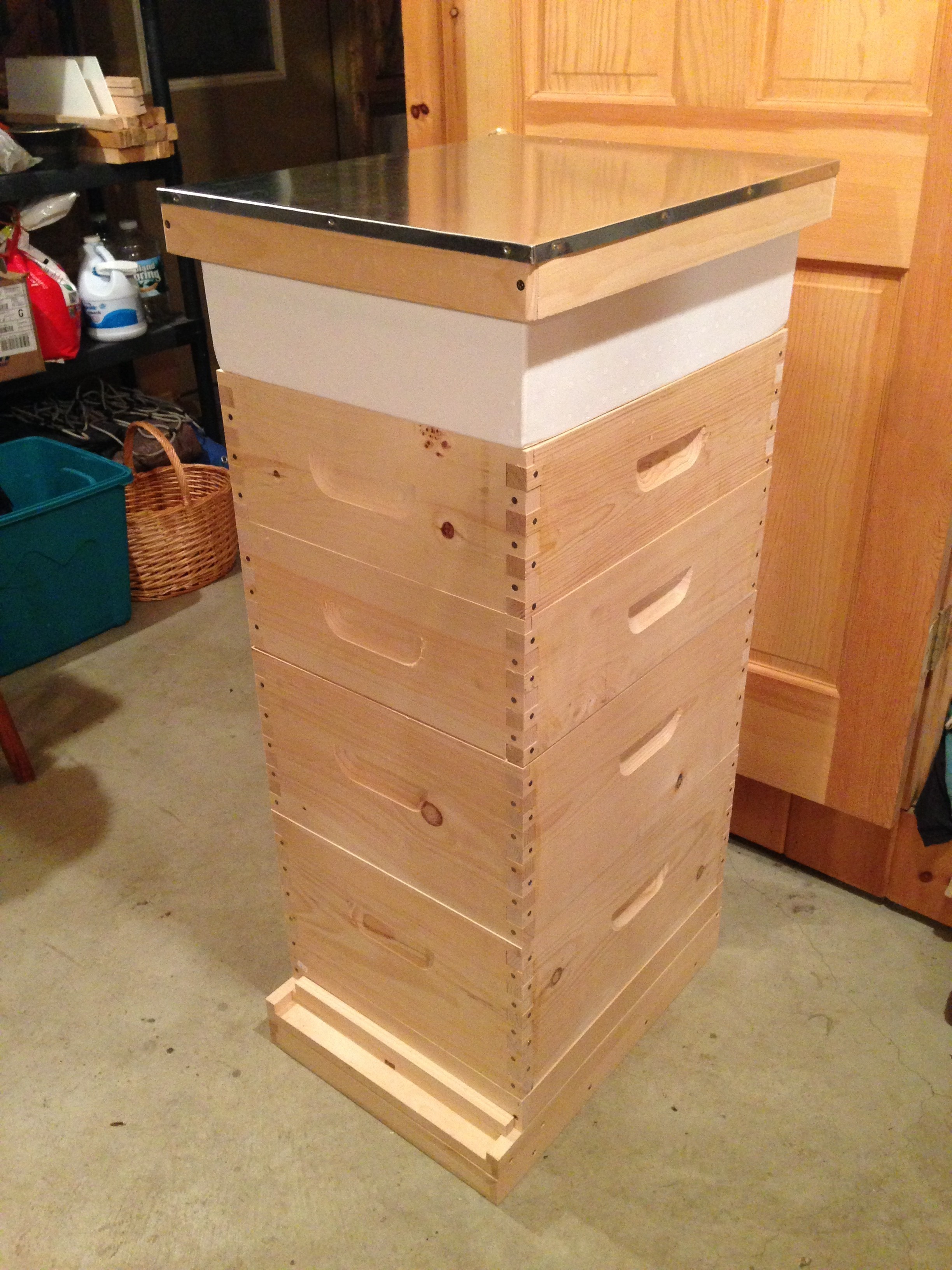
With plastic pierco frames, the smell of beeswax (of which the frames are coated) and pine is great
FreeBSD manual multipath script
I recently ran into an issue installing FreeBSD on a system that already had some disks & zpools. Because the disks were partitioned previously, automatic multipath was not an option as the last sector of all hard drives isn’t available to store an ID. The remaining option is to do manual multipath, and it needs to be done every time the system boots.
Here’s an rc script that will run early in the sequence and create a multipath “link” between drives based on their serial number.
/etc/rc.d/manual_multipath
[bash]#!/bin/sh
# PROVIDES: manual_multipath
# REQUIRE: sysctl
# BEFORE: hostid
. /etc/rc.subr
name="manual_multipath"
start_cmd="${name}_start"
stop_cmd=":"
manual_multipath_start()
{
echo "> manual_multipath script started"
echo "> linking drives with the same serial number with gmultipath"
counter=0
serials=""
devices=`/usr/bin/find /dev -maxdepth 1 -regex ‘.*da[0-9]*’ | /usr/bin/cut -d ‘/’ -f 3`
for device in $devices
do
echo $device
serial=`camcontrol inquiry $device -S`
substring=`echo "$serials" | /usr/bin/sed -n "s/|$serial|.*//p" | /usr/bin/wc -c`
if [ $substring -eq 0 ]
then
found_multi=0
arg1="$device"
arg2="$device"
for newdevice in $devices
do
newserial=`camcontrol inquiry $newdevice -S`
if [ "$device" != "$newdevice" -a "$serial" == "$newserial" ]
then
echo " same as $newdevice!"
counter=`expr $counter + 1`
found_multi=1
arg1=$arg1"$newdevice"
arg2=$arg2" $newdevice"
fi
done
if [ $found_multi -eq 1 ]
then
gmultipath create $arg1 $arg2
fi
fi
serials=$serials"|$serial|"
done
echo "> manual_multipath script finished, found $counter matches"
}
load_rc_config $name
run_rc_command "$1"[/bash]
Don’t forget to “chmod 555 /etc/rc.d/manual_multipath”.
Lastly, when importing a zpool from the drives you just multipathed, make sure to specify where to look for devices or you might end up importing a mix of multipath and regular devices. Make sure to “zpool import -d /dev/multipath”.
I’m delving pretty deep into FreeBSD, time to grow an epic beard.
More Dr. Meter fun
Finger
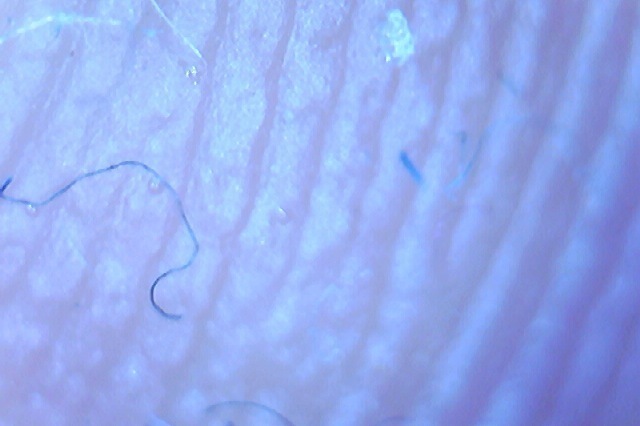
Arm

Hair
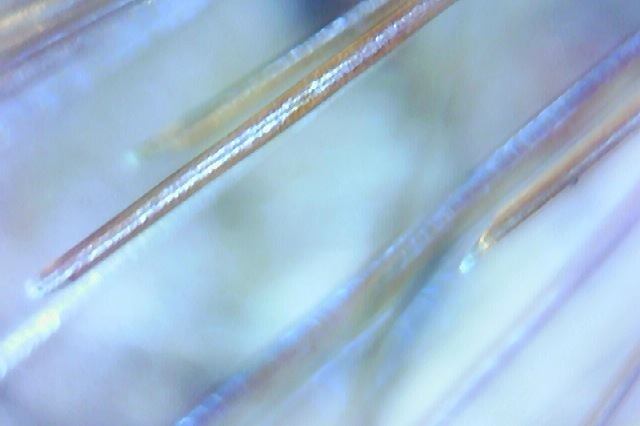
Salt

Nutella (gross)
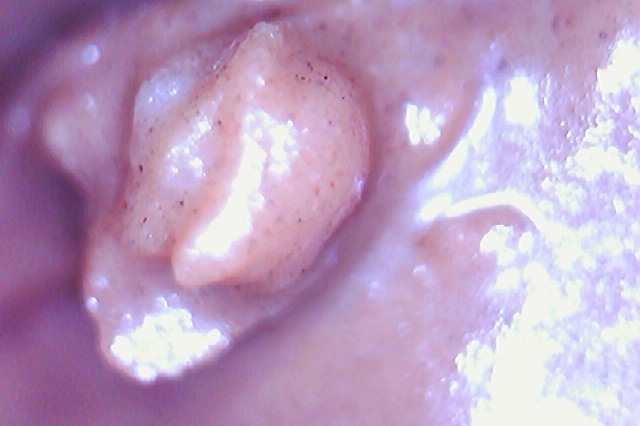
Peanut
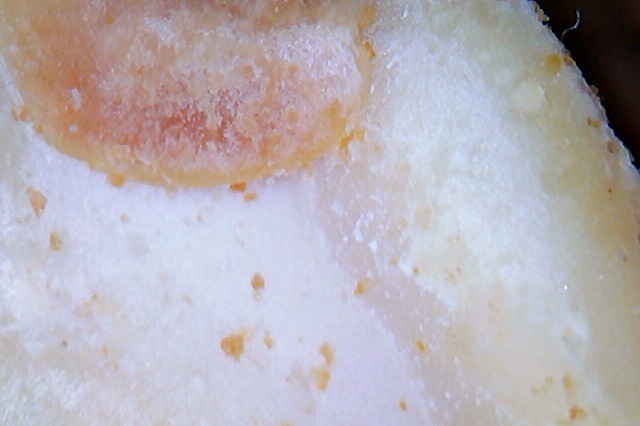
Serrated knife blade

Ballpoint pen
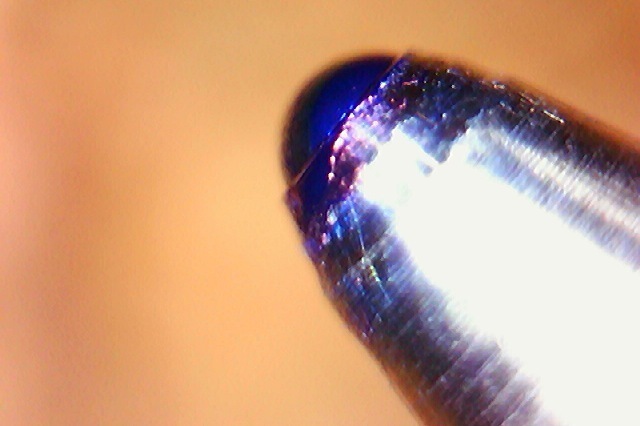
Printed beer logo

Cloth
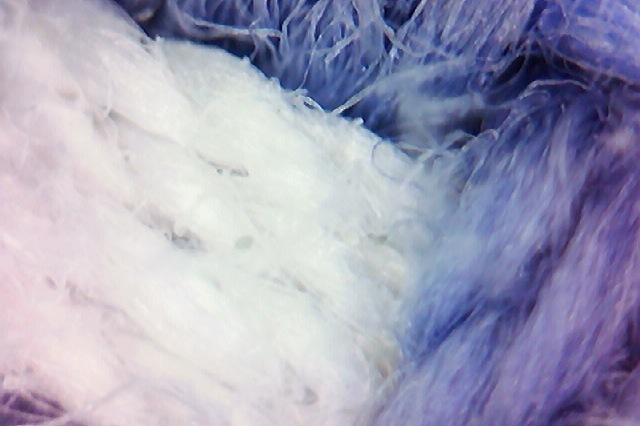
Melting snow
[flv:http://ben.akrin.com/wp-content/uploads/2013/02/temp.flv http://ben.akrin.com/wp-content/uploads/2013/02/Screen-Shot-2013-02-24-at-11.53.58-PM.png 640 426]
Owl
 A presence that fascinates the humans & unnerves the poultry.
Google drive API file upload script
If you want to upload file to Google Drive, you will naturally gravitate towards the Google Drive API. While reading about the APIs that Google publishes for almost anything, you will learn about their SDK. The SDK provides you with easy functions for interfacing with the API for various programming languages.
The problem is that the more I used the SDK the more confused I was. The documentation is often unclear, not all bindings are implemented across all languages. But above all, the thing that made me dislike the SDK is the fact that uploading a file to Google Drive took 5 times the amount of memory than the file itself. Meaning that the datastructure they use and how they pass it around is SUPER LAME. Not a huge deal if you’re uploading a few doc files but definitely crappy for GB range files. It’s just not right and completes the pattern of “meh” surrounding the SDK.
What is clear & consistently documented is every single API call you can make. It was time to go straight to the API. Sure there is still quite a bit of poking involved in getting something working exactly right but my experience with the API has been a lot better. It has also helped me understand the mindset & design so figuring out new things is much faster.
How?
HTTP, every API call uses it. You can use any technology that you are familiar with to do your HTTP call but I have a penchant for PHP + cURL.
The script
It will read a file in chunks and upload them consecutively. Do to so it uses the API’s resumable uploads. As such it will never consume more RAM that the configurable chunk size.
It still needs a few improvements at the moment but it’s functional.
What it solves
- authentication: getting a new access token from a refresh token as needed
- curl custom HTTP requests with custom headers
- file chunking
- Google Drive API resumable upload
- passing JSON encoded requests in body
- exponential backoff
Doesn’t sound like much but it took a while to piece it all together.
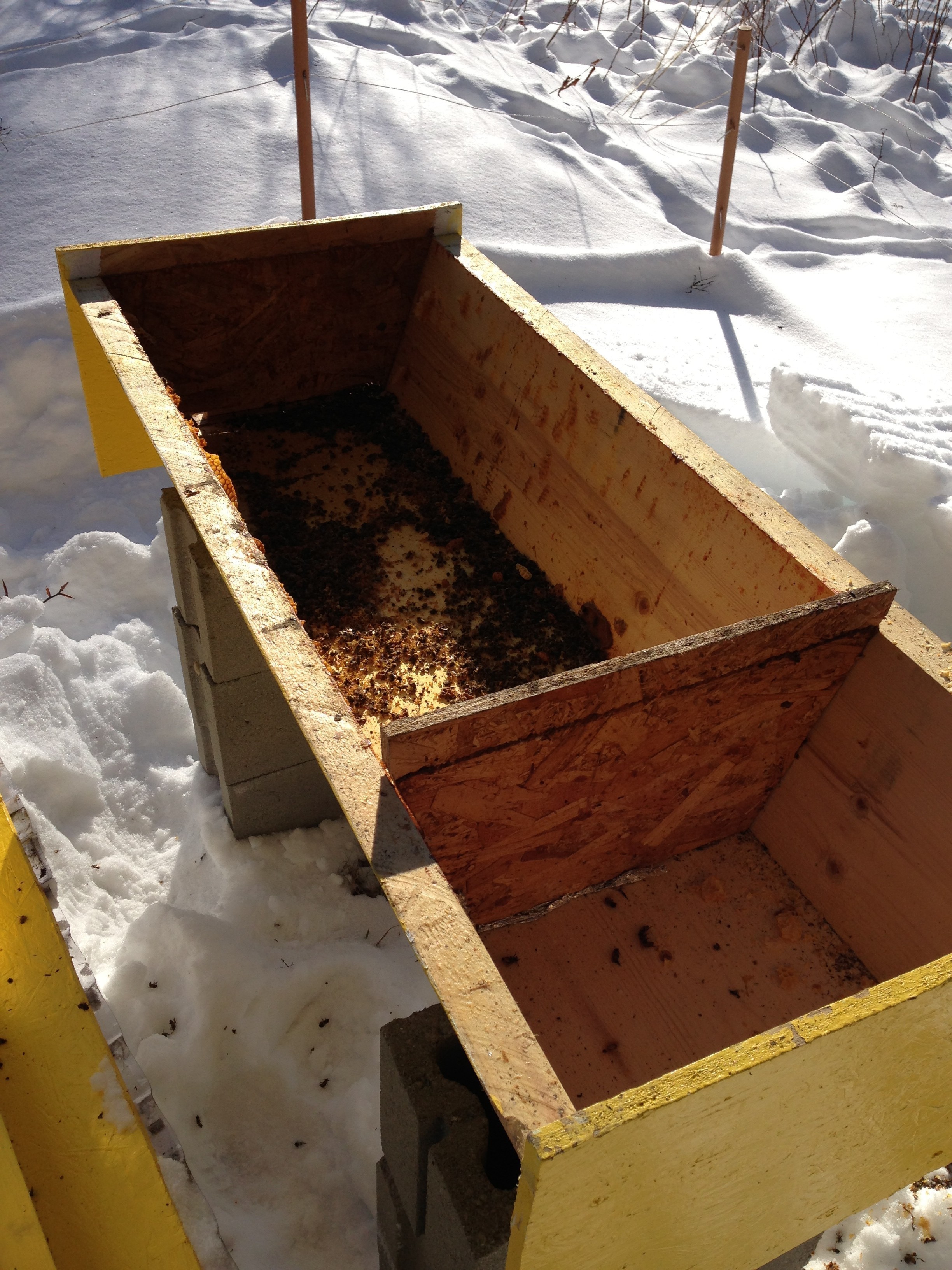
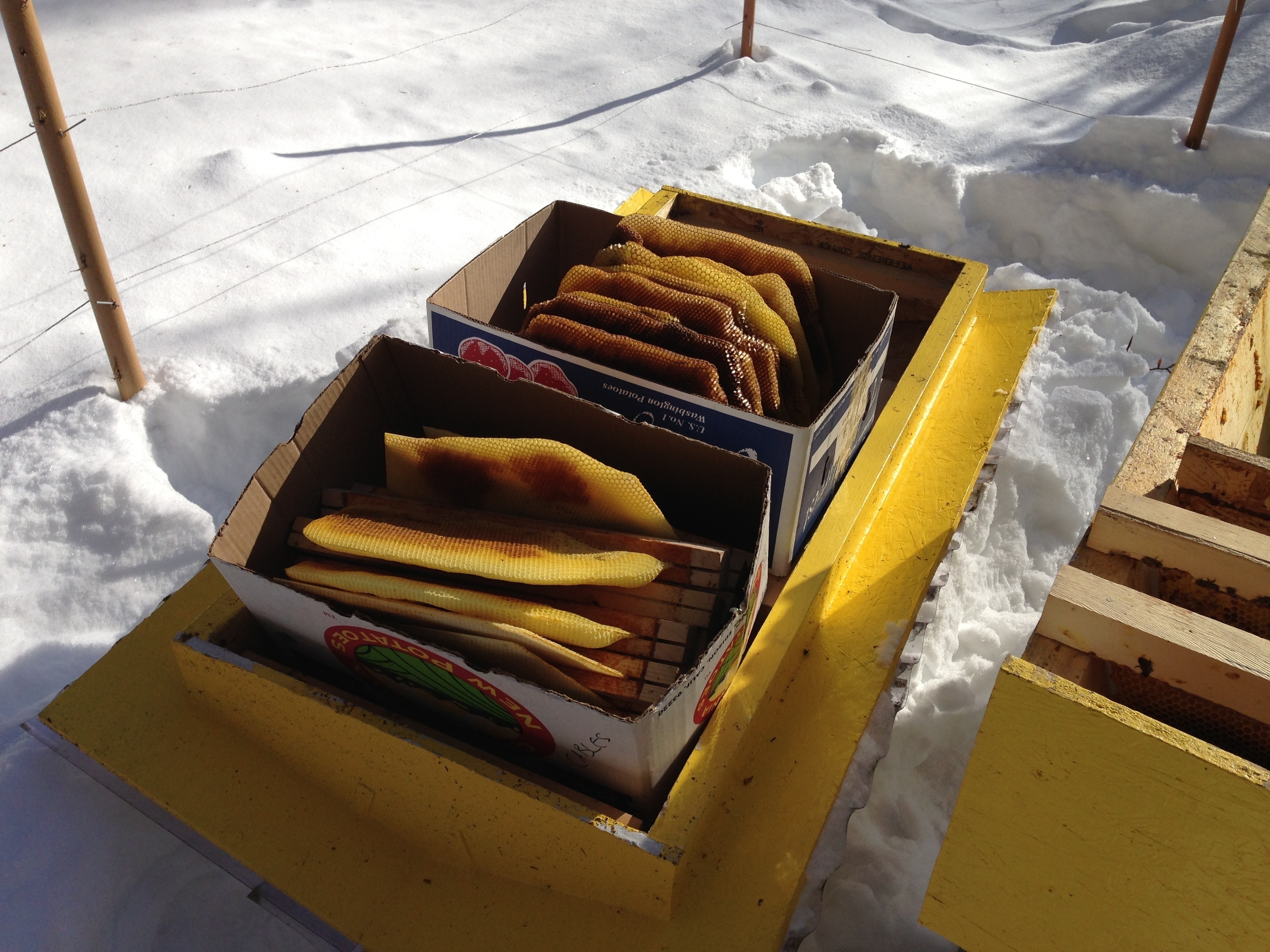
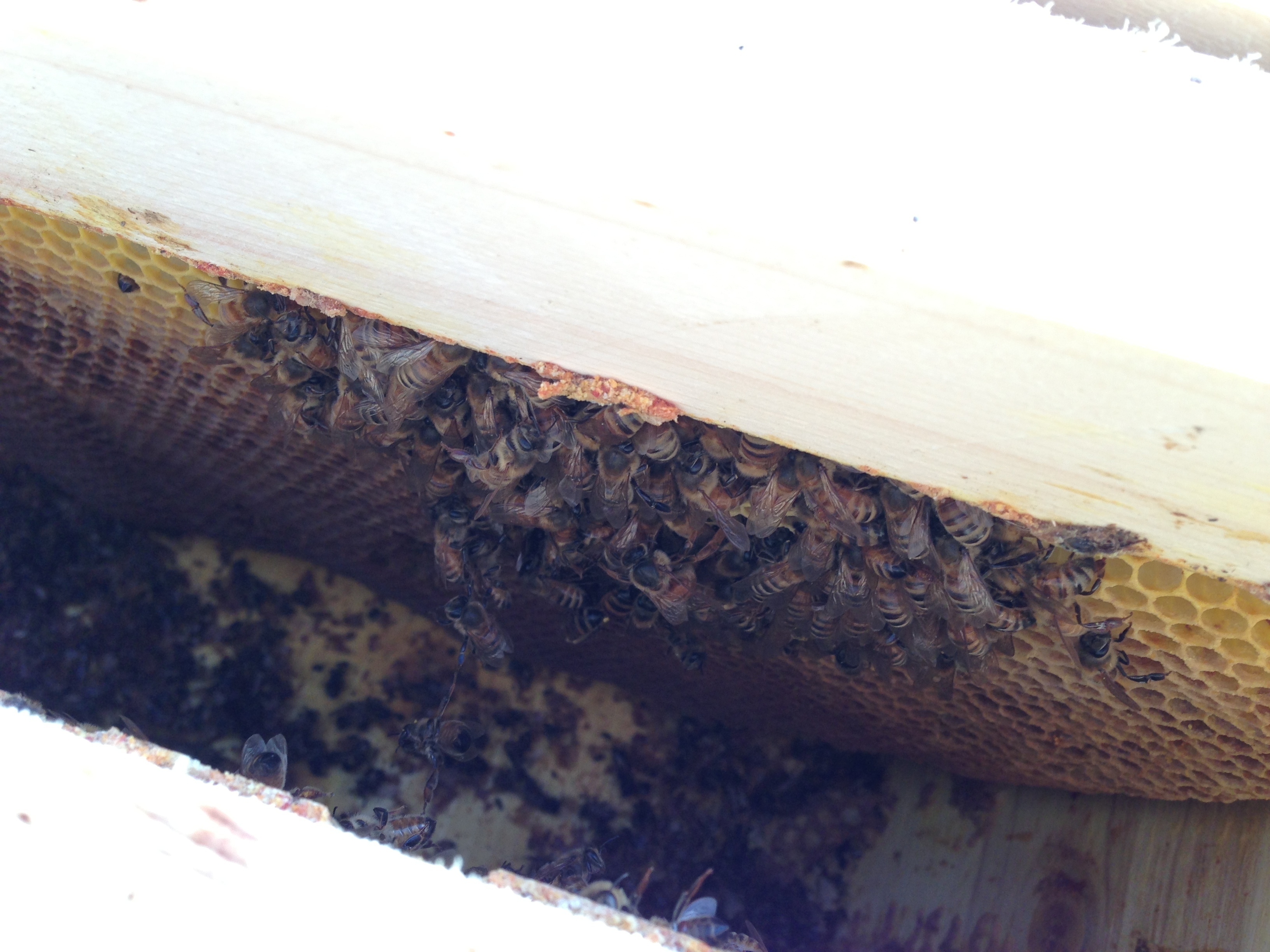
The hive is dead…
Sad doesn’t begin to describe it
Pulling what can be used, no way we’ll eat the honey.
The last stand of the last nucleus of bees, all frozen in their last action. Barely decomposed as they probably lasted until a couple of days ago when the temperatures reached -15F.
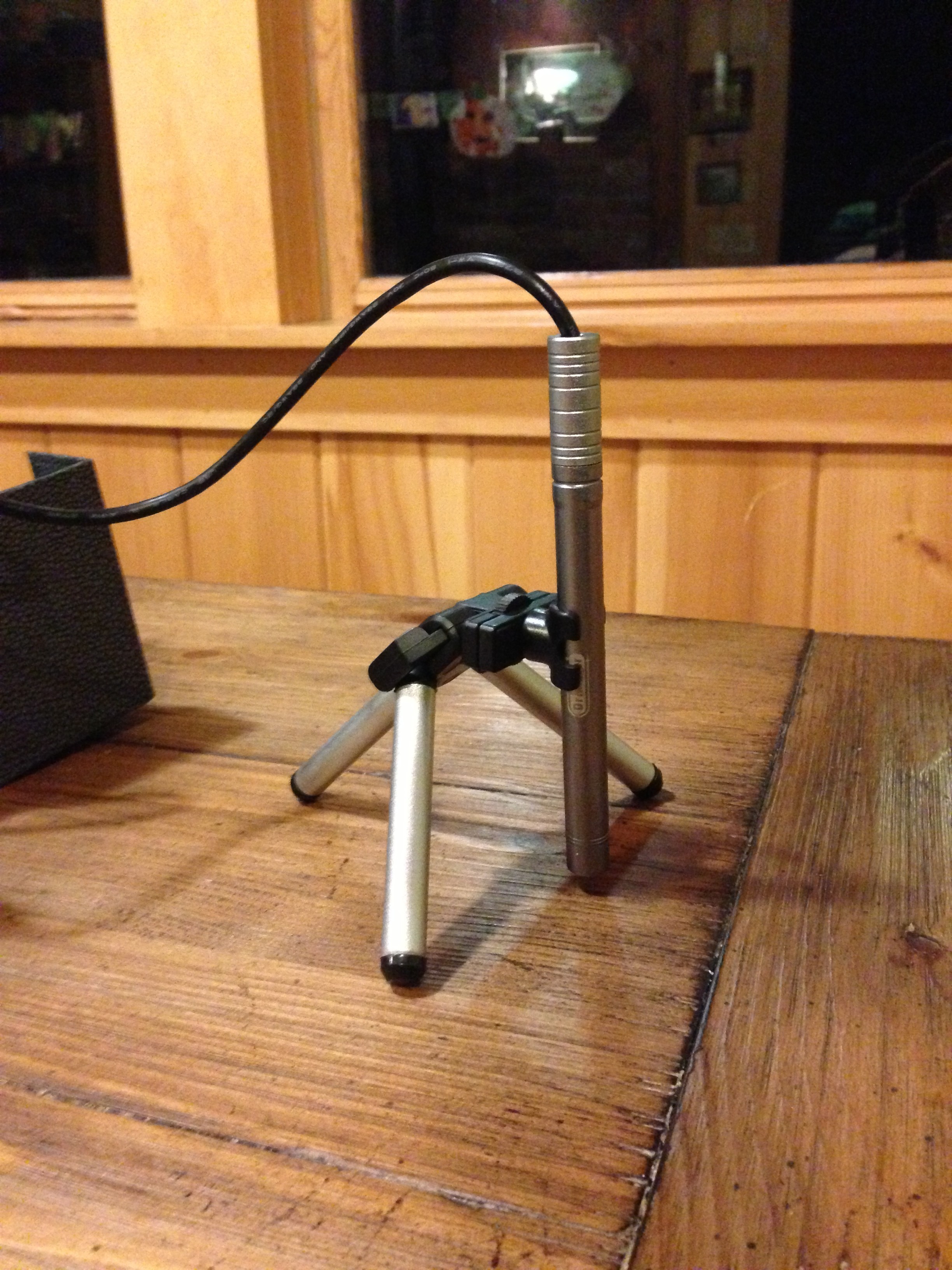
Dr. Meter B003+ 300X USB digital endoscope/miscroscope camera
TLDR: an awesome cheap device wrapped in Chinese funkiness.
The details
It is hard, very hard to not pay attention to all the funny details that go around the device. But it’s a solid device that performs great for a good price. As far as I can tell, it does not do zooming per se, it is only able to get very close to a subject and thus when the resulting picture is displayed on a bigger screen, small details are visible. As such, what you see is strictly dependent on how close you stick the camera to your subject. In fact the camera has a focus length of a few millimeters to infinity, which means you ca use it a a regular camera but you’ll have to turn the focus knob quite a bit for that.
First, some pics of what it’s capable of
They are seriously lacking online
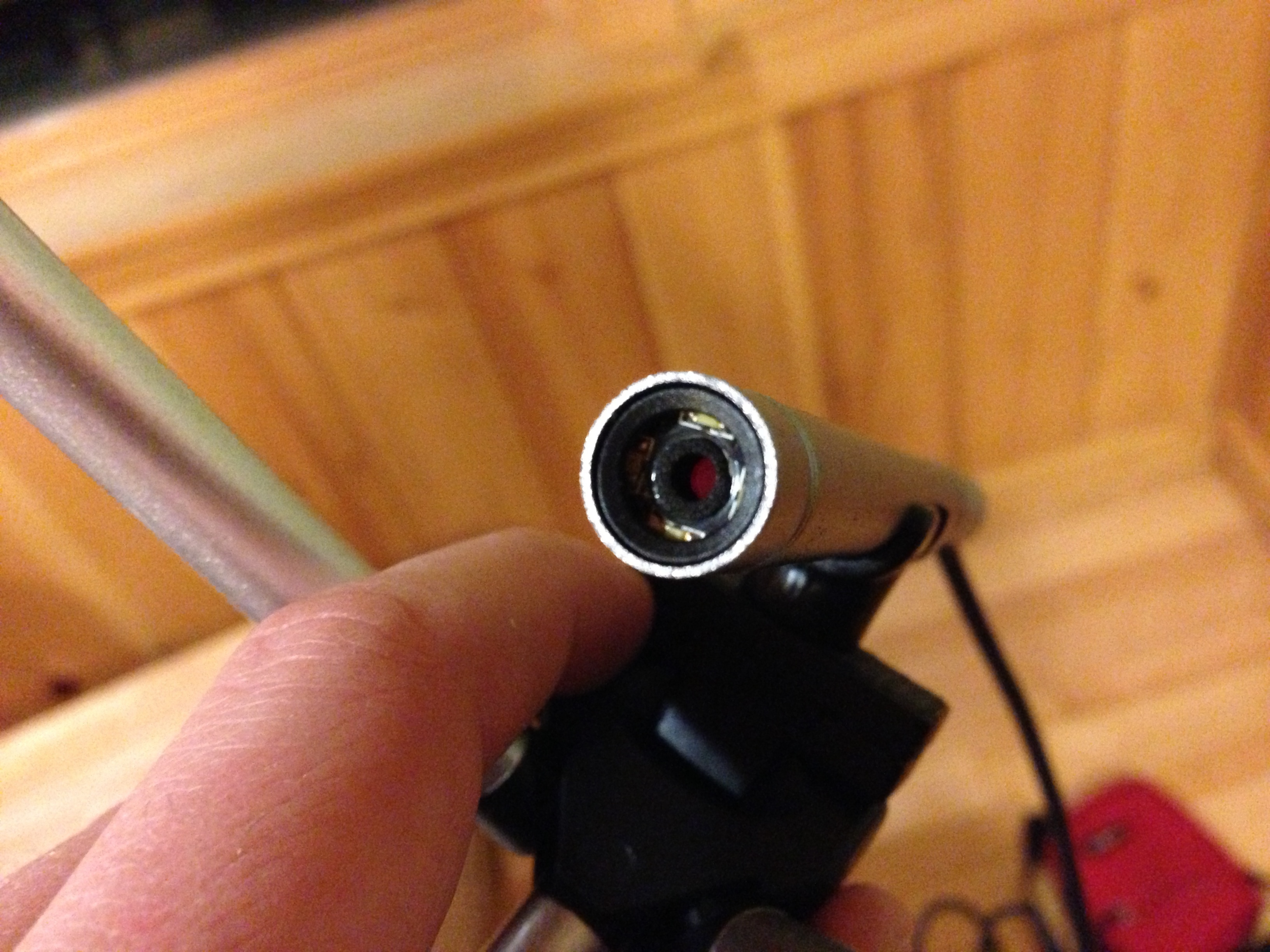
The device itself
On its little tripod
The lens
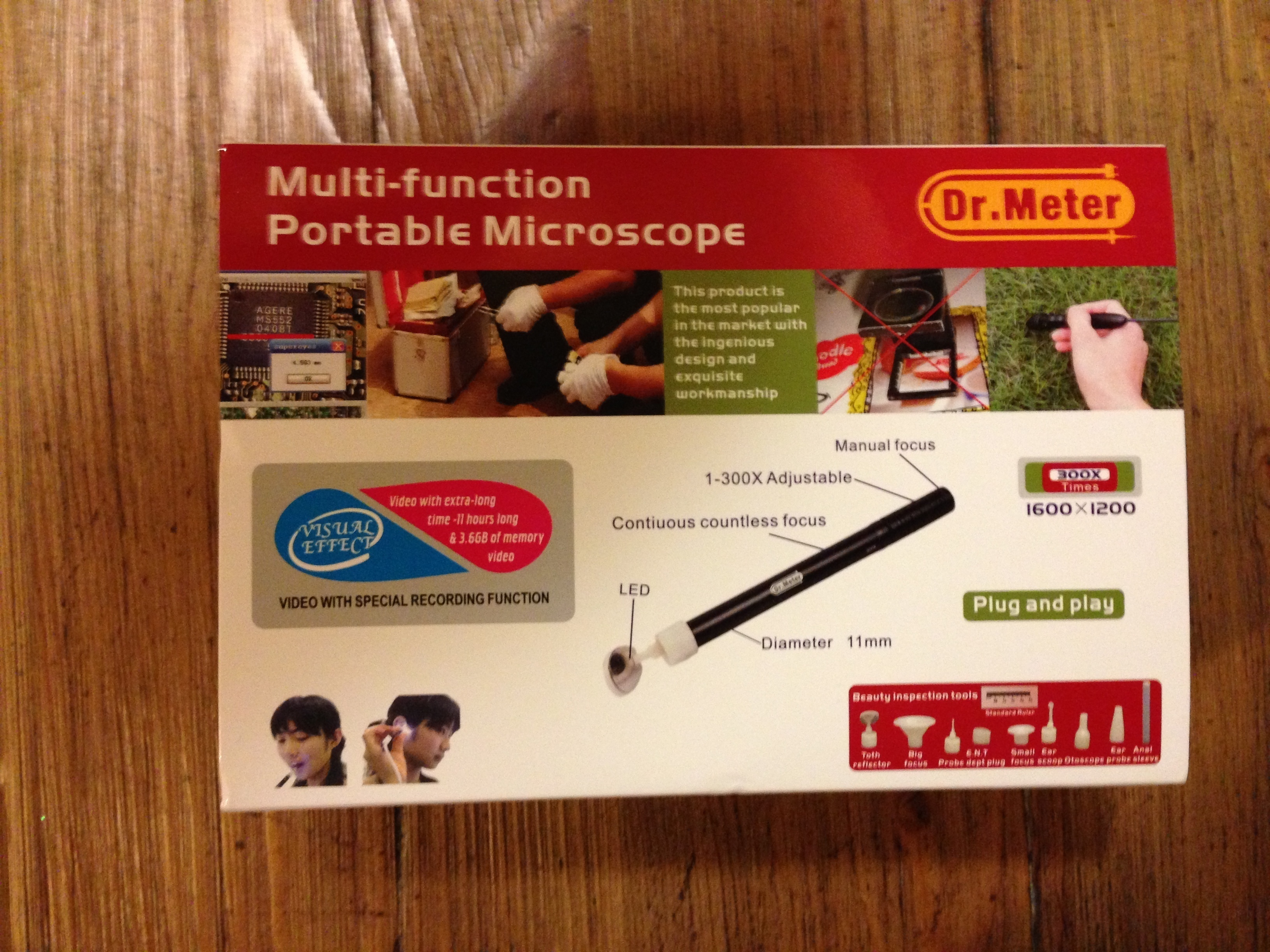
Everything else
The device has multiple attachments referred to as “beauty inspection tools” which are meant to stick the camera in various orifices of one’s body. They are nicely sealed in sterilized bags (but not the anal one).
Some of the various “beauty inspection tools”…

The unboxing feels like opening a Chinese treasure chest, the mechanism, the texture, the looks; this product is made in China and not pretending otherwise. What else feels Chinese is pretty much anything written in English. It’s super funny to read it all.
Technically
The device is recognized as a standard camera in Windows, MacOS & Linux! No extra drivers necessary. This is what I love about buying products from smaller companies, they go after existing standards. As such you can open it with any webcam software, I took my test shots with photobooth. They provide some software for filming & measuring among other things but I care not about this functionality so I won’t spend the time loading it.
I’ll take it to the beehive this week-end and we’ll see how it does there.
The hive is a lighthouse

The hive helped me find my way back home from the forest on more than one occasion. On an unrelated note, I ordered a borescope to see if the bees are still alive. If they are, I will built another top bar hive for next season for sure. If not I’ll have to consider what to do.
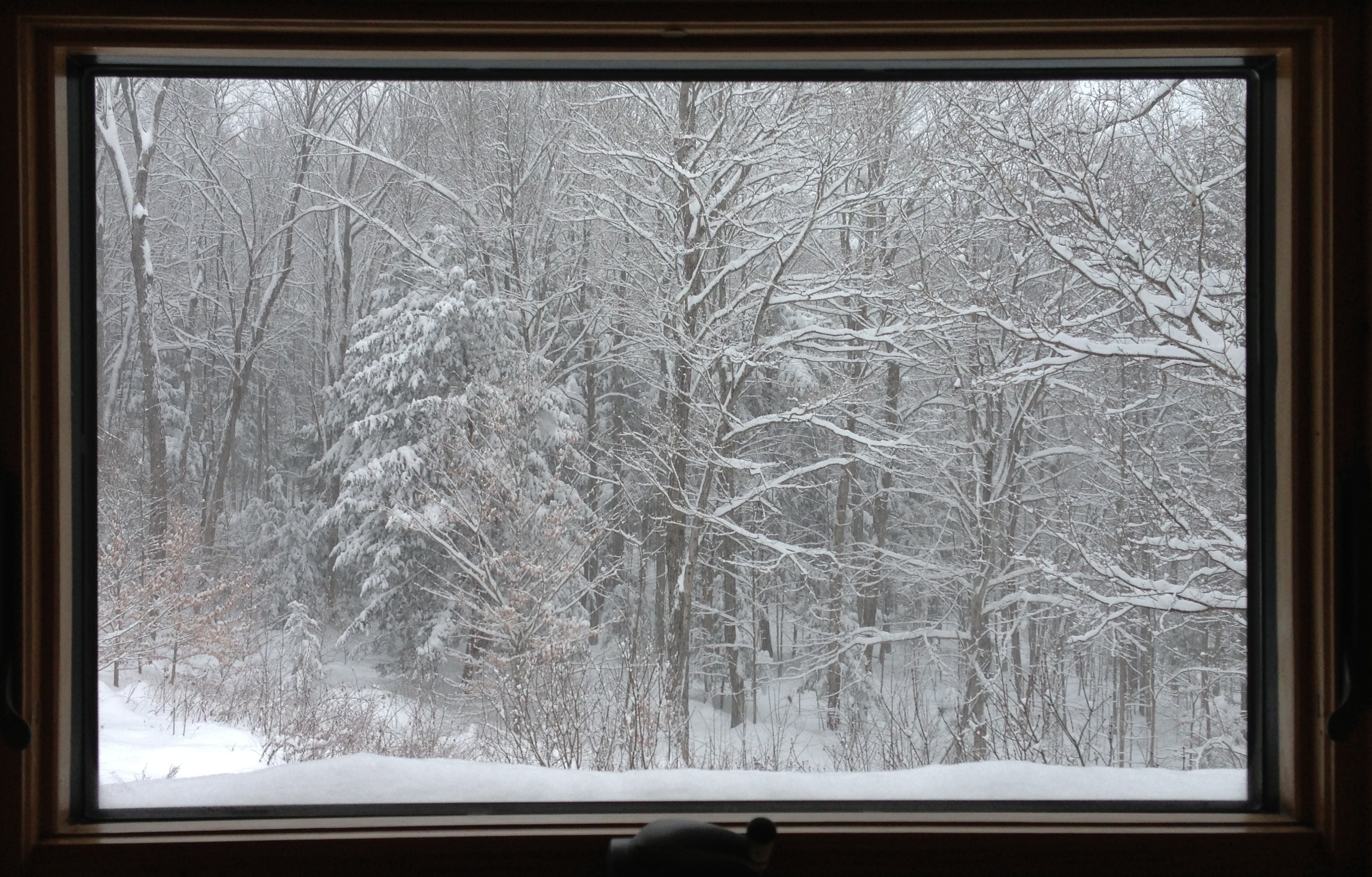
I don't think I'll ever be able to live in a city anymore
Waking up to freaking paintings does not get old.

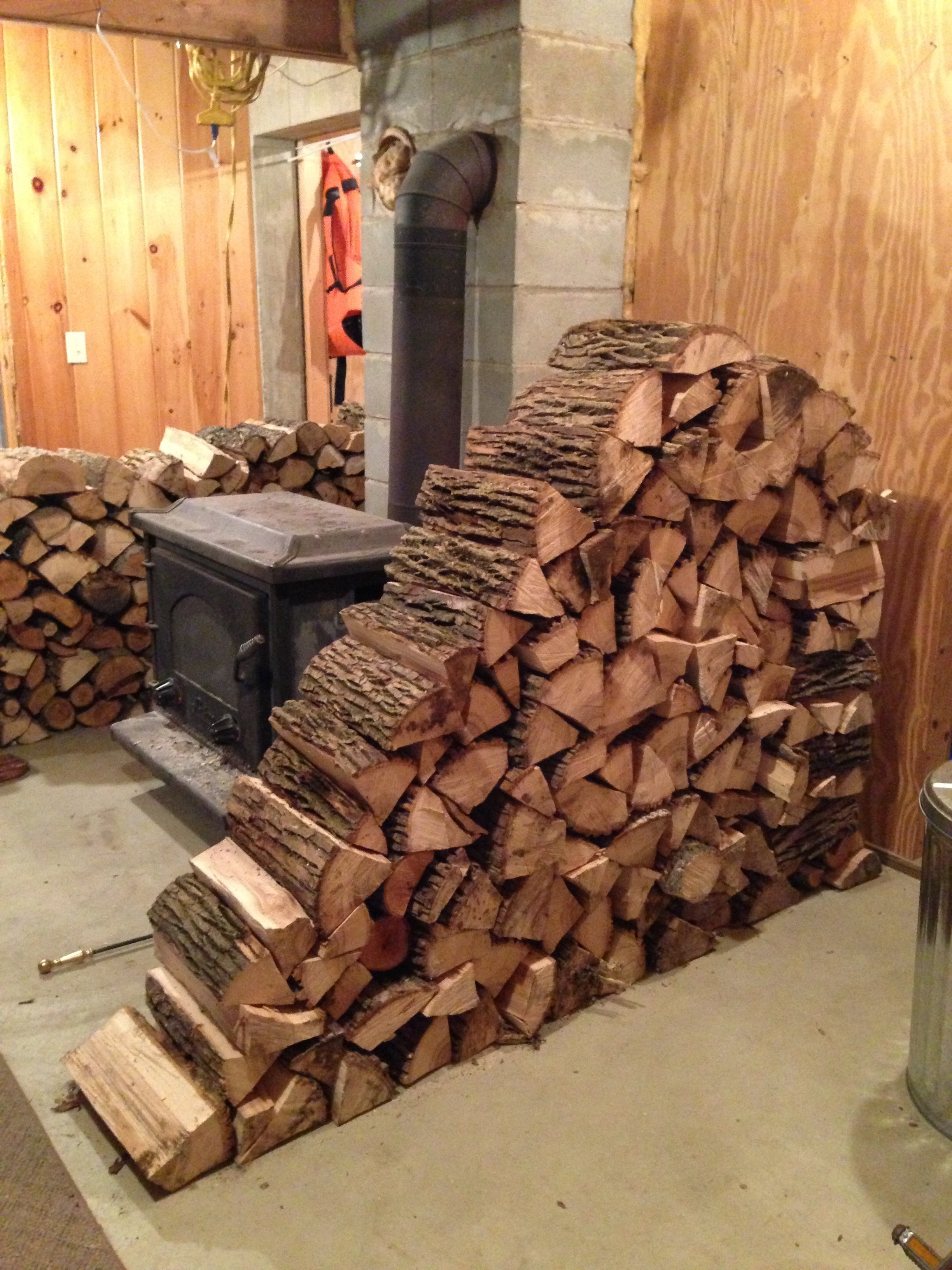
Stacking wood is art
I feel like I’m creating something new every time. Or maybe I just have too much time on my hands.
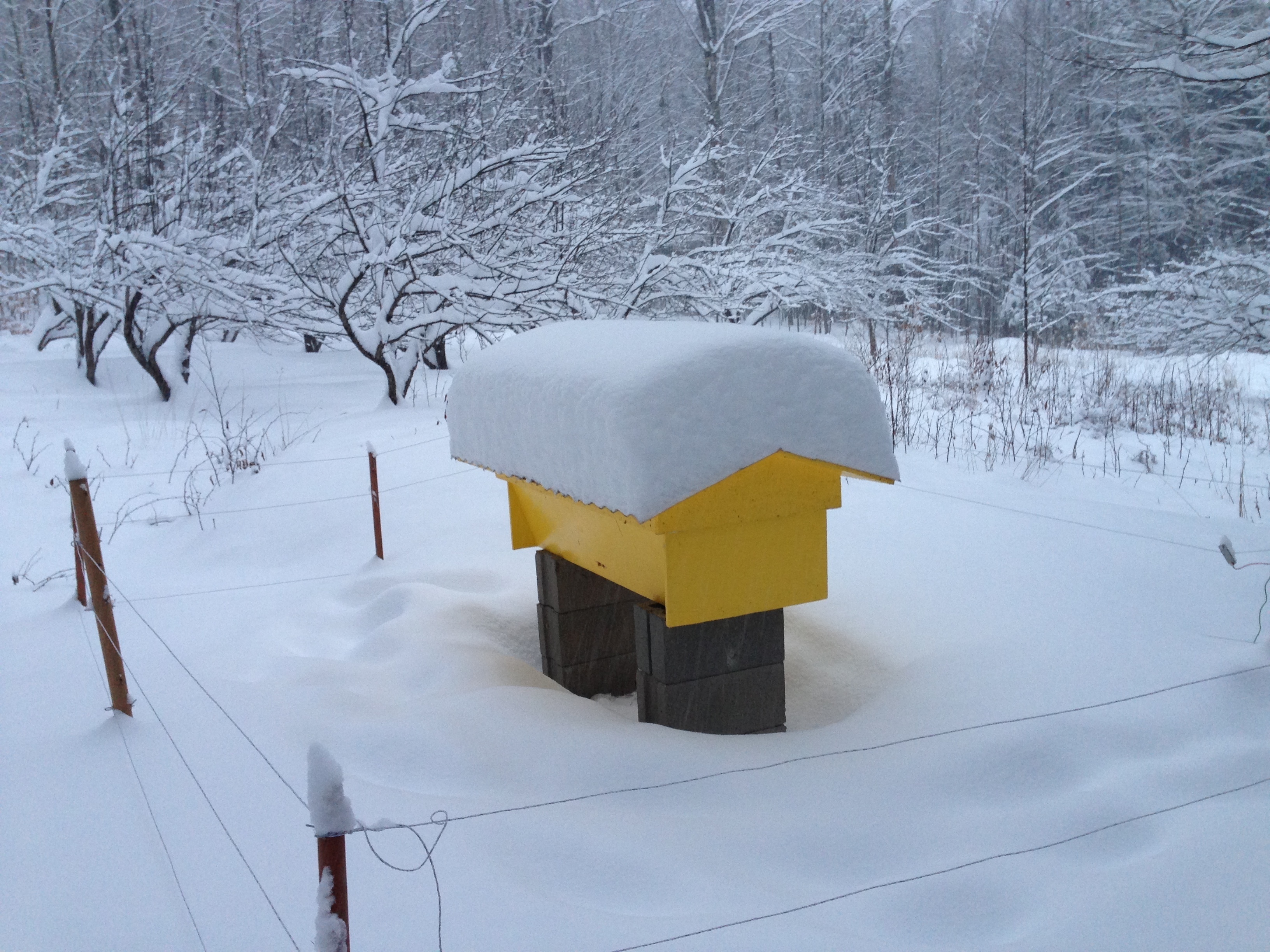
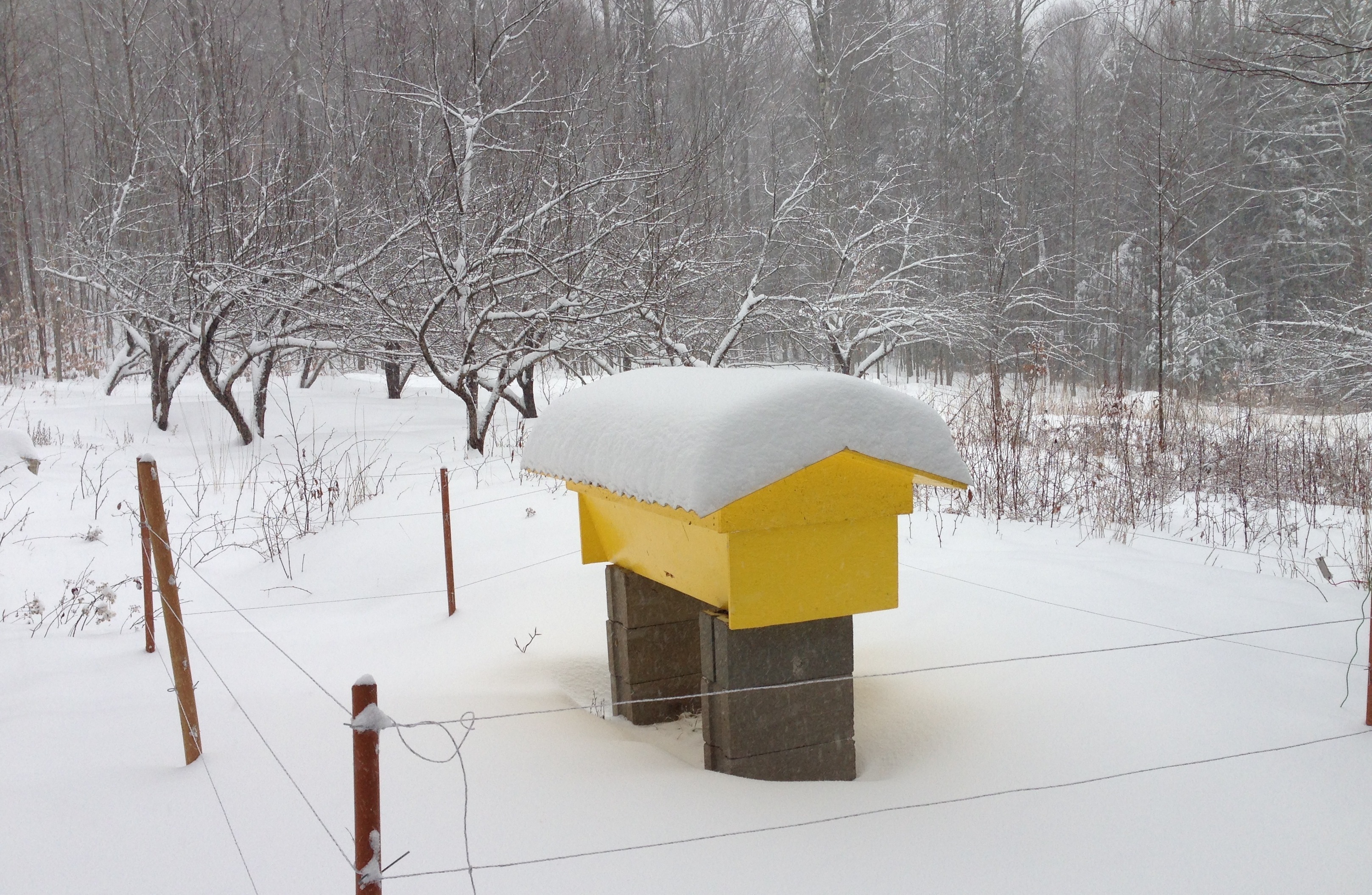
Hive & a ton more snow
I’m thinking about getting a snake scope to see if there’s any activity in there. I couldn’t hear anything by sticking my ear to the hive but they’ve slowed down so much I didn’t really expect to.
Generic English (U.S.) words and their sexual uses
One phenomenon that is extremely confusing for non-native English speakers is how the most generic words can be used to mean something sexual. Whenever I speak I’m a a state of second guessing what I’m saying.
- Do
As in “I did her”. Do you have any idea how prevalent “do” is? It took me years to master it; getting all of its nuances is a true test of English mastery. The last thing it needs is a sexual meaning that is so easy to let out in the most benign conversations.
- Have
As in “I’ll have her”. This one is actually hard to confuse with other uses of “have” as you rarely talk about a person belonging to another in any other context. But that’s a crazy common word.
- Sleep with
As in “I slept with her”. Did you have sex or did you just sleep in the same bed? Better not sleep in the same room as family or the conversation will be filled with incestuous innuendos.
- Come
“Ben, we’re leaving!” “I’m coming!” Does this mean I’m arriving now or later? God only knows.
- Cock/Caulk
If you are a gun enthusiast handyman raising poultry, don’t even try, find synonyms. These guys are pretty context specific but there are multiples of which they fit and as a result, they tend to show up a lot.
Now to be fair, the only other language I’m intimate with (French) has some of the same sexual meanings associated with generic words, but they are fewer and formulated in a way that removes any ambiguity.
Did I miss any?