Ben's Blog

Category: AI

7 Articles
AI, all out geekery, electronics, homestead automation, I.T., maniacal paranoia, web development ben August 15, 2026

Homestead Dashboard

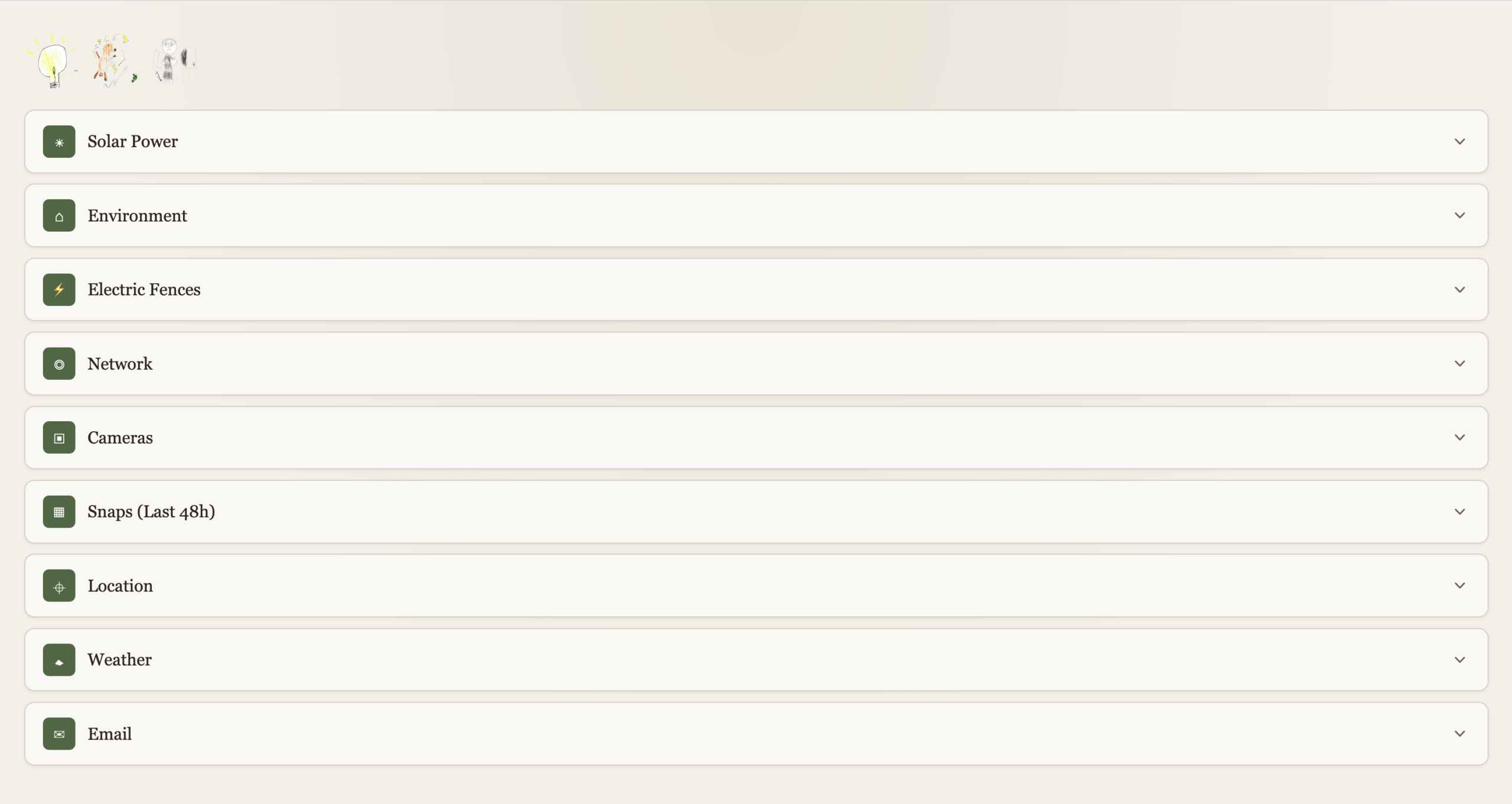
For years I’ve been inching my way through various home automation projects. Some solar array visibility, some way to turn of inverter should batteries get low, some way to detect wildlife tearing through crops, et cetera. I had a good bulk of life improving features implemented, but nothing very coherent or well polished. Recently I revamped my whole infrastructure at home to standardize all the little tidbits I’ve accumulated over the years. It was a daunting task but it’s done. And so the efficiency of AI programming lets me finally create the Homestead Dashboard I’ve been wishing for for years. Now please note that I’m not an AI evangelist, but I’ve gotten to be discerning of which project I wanted to still be involved with, and at which degree. And for such a project, I don’t particularly care to understand much of how the clock ticks, so I can let AI do its thing much faster than I can. I spent more time on some of the building blocks I still want to own.

This is obviously private so I can’t link to it, screenshots will have to do.

High Level

Each function is expandable. With a “quick-glance” view of main functions at the top left. Electricity, Electric Fences, Kid’s internet.
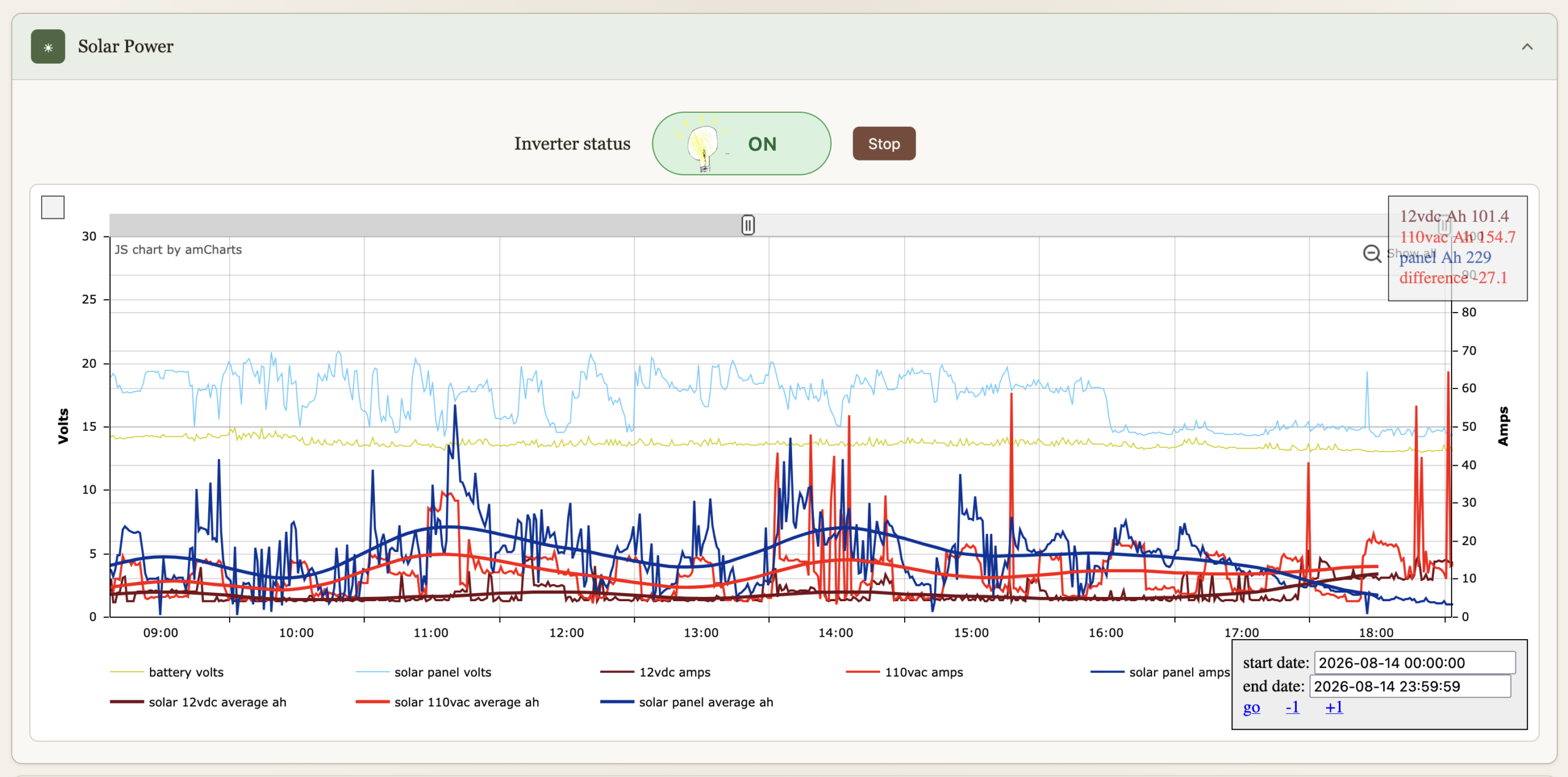
Solar Power

I’ve had these graphs for a while now, they’re just now part of the dashboard. They’re been immensely useful to gain insights on all things solar over the years. The inverter can be turned on or off, automation turns if off if the batteries get bellow 12.8V to preserve them, and back on when above 13.2V. We can override it.
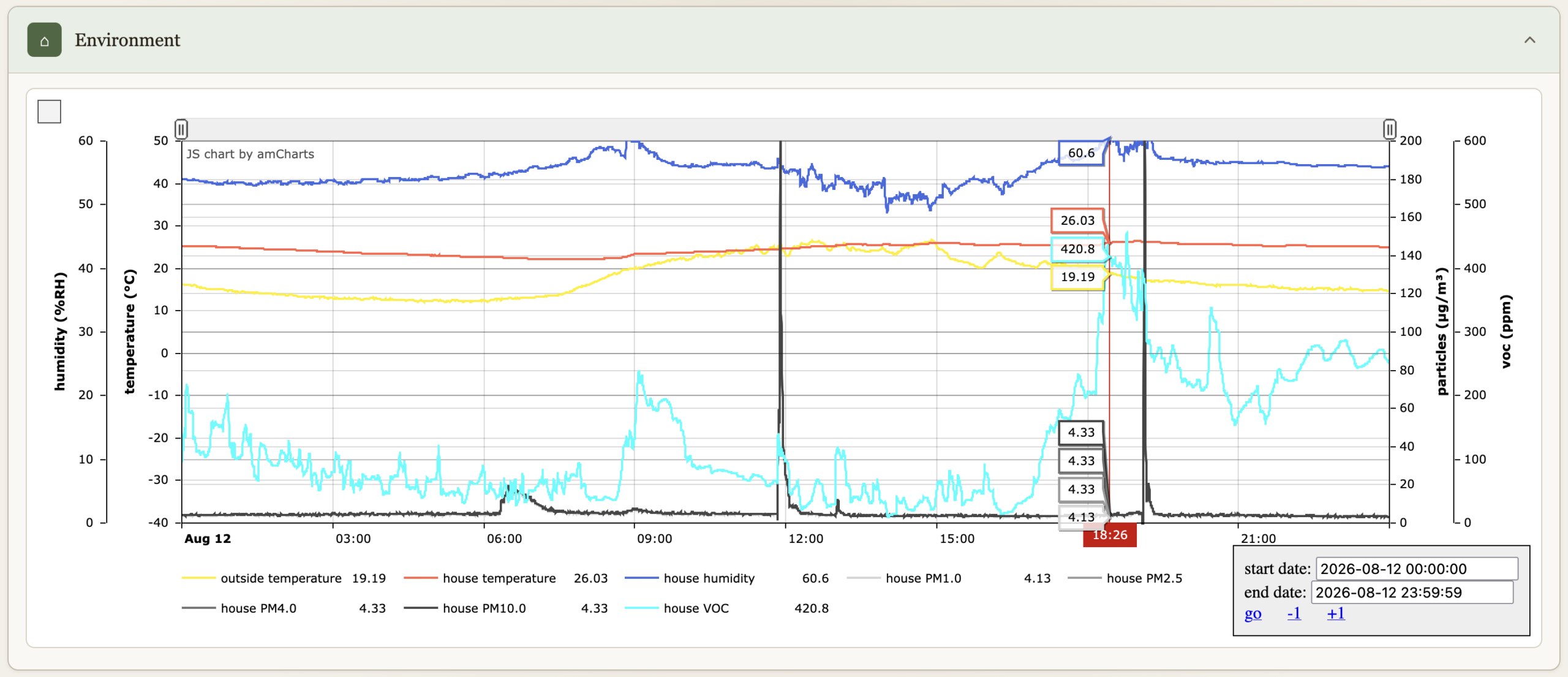
Environment

Temperatures, humidity, particle count & VOC.
Electric Fences

Turn on or off, comes on when we are not home (see Location bellow), and at night between 19:30 and 7:30.

Network

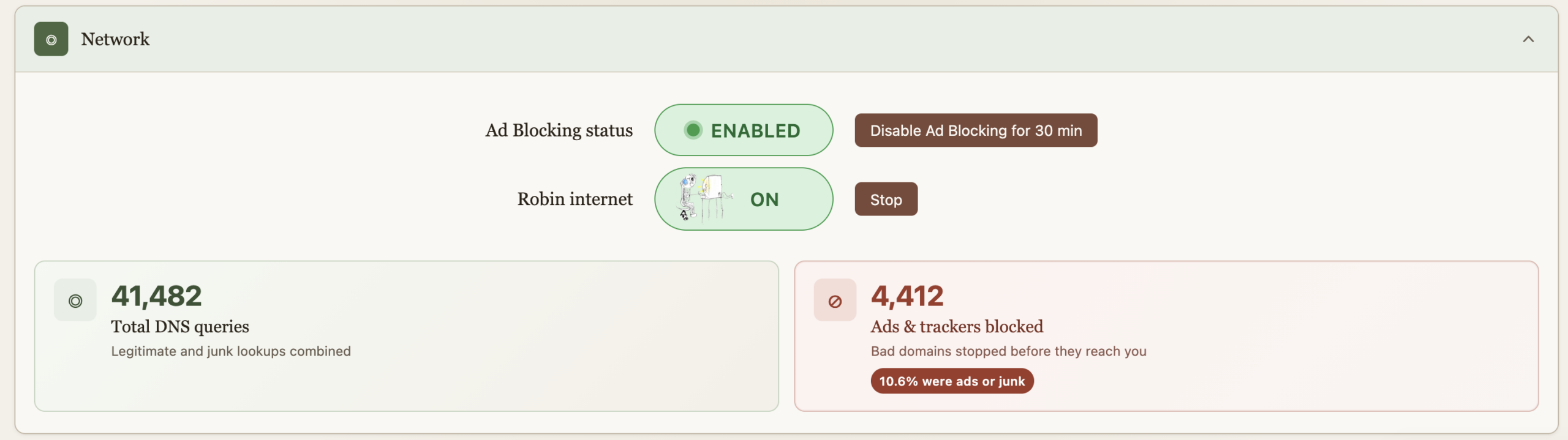
Allows us to turn on the internet for the older kid, it comes back off at midnight every night just in case we forget. This essentially does API calls to PiHole to enable/disable DNS for a group of devices. “Starting” the internet requires a password because some sneaky eyes got a glance of the process and found a way to reproduce it. And then got busted :). The password is client-side on purpose as I wish to continue the educational arms race. And really it’s just a DNS block so fairly easy to override too. He doesn’t read my blog so these secrets are safe, but I do wish that he figures out.

Ad blocking is also provided by PiHole, but sometimes you just got to go on a website where marketers aren’t much different than scammers and the thing’s blocked. For Nicole’s sake, an easy and central button now allows for a temporary override. The ad blocking stats serve no purpose, they’re just here to make us feel good about all the trash we don’t get to see.
Cameras

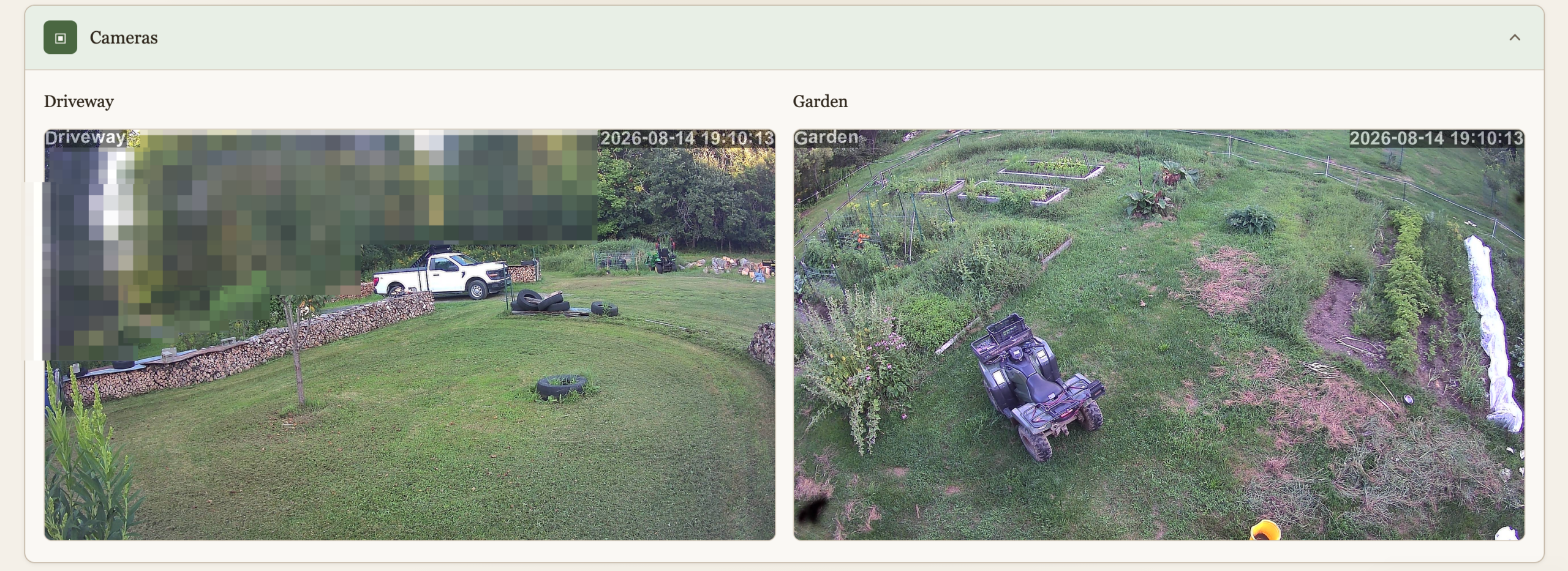
We have 2 cameras currently deployed, this is a live view to them. I don’t like cameras everywhere in society but at home, outside, and very much under our control (no cloud) why not? The main goal here isn’t security, although it’s nice to know when someone pulls in when we’re not home. It’s wildlife detection. I spent a lot of time and resources keeping wildlife away, and I’m not done yet, and the cameras are a key ingredient. This will be another post.
Snaps (48h)

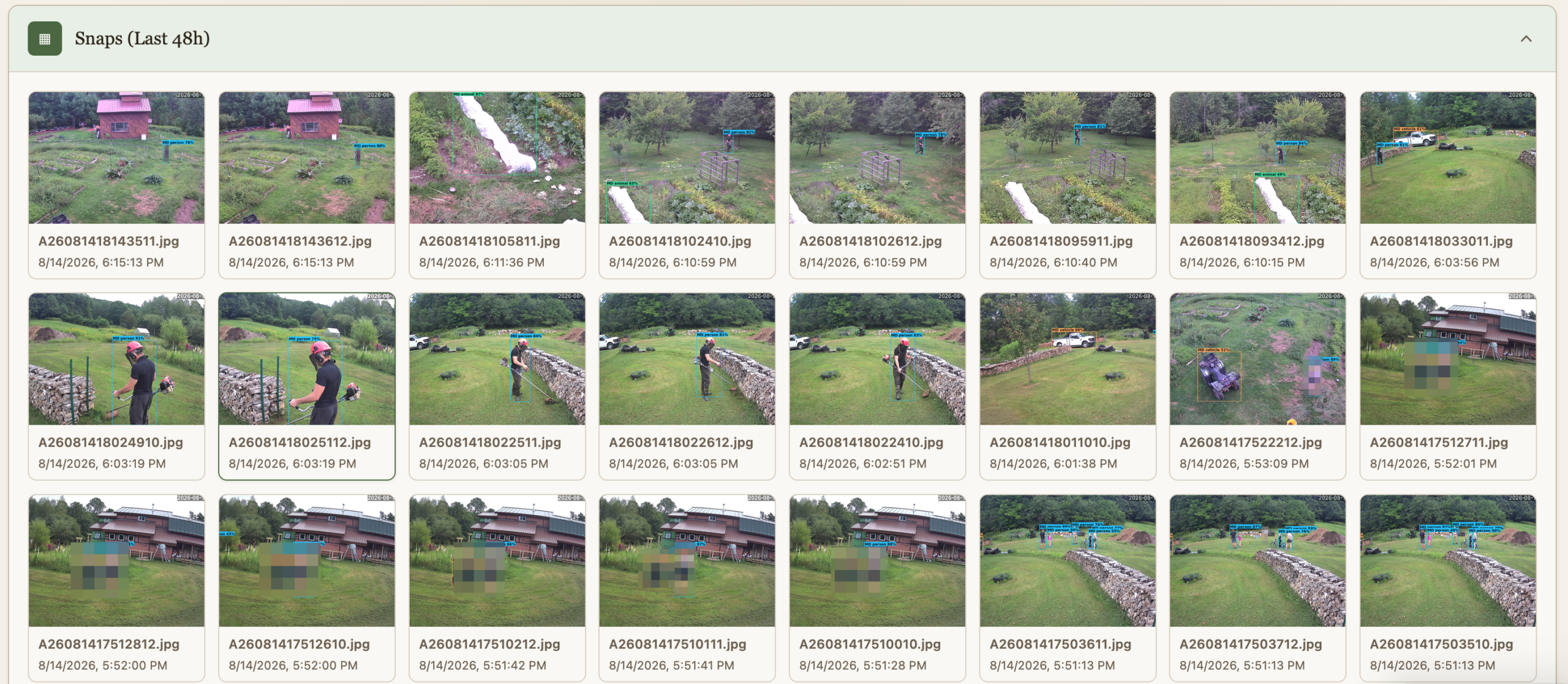
The cameras do people and animal detection, and the findings are preserved for quick view for 48h.
Location

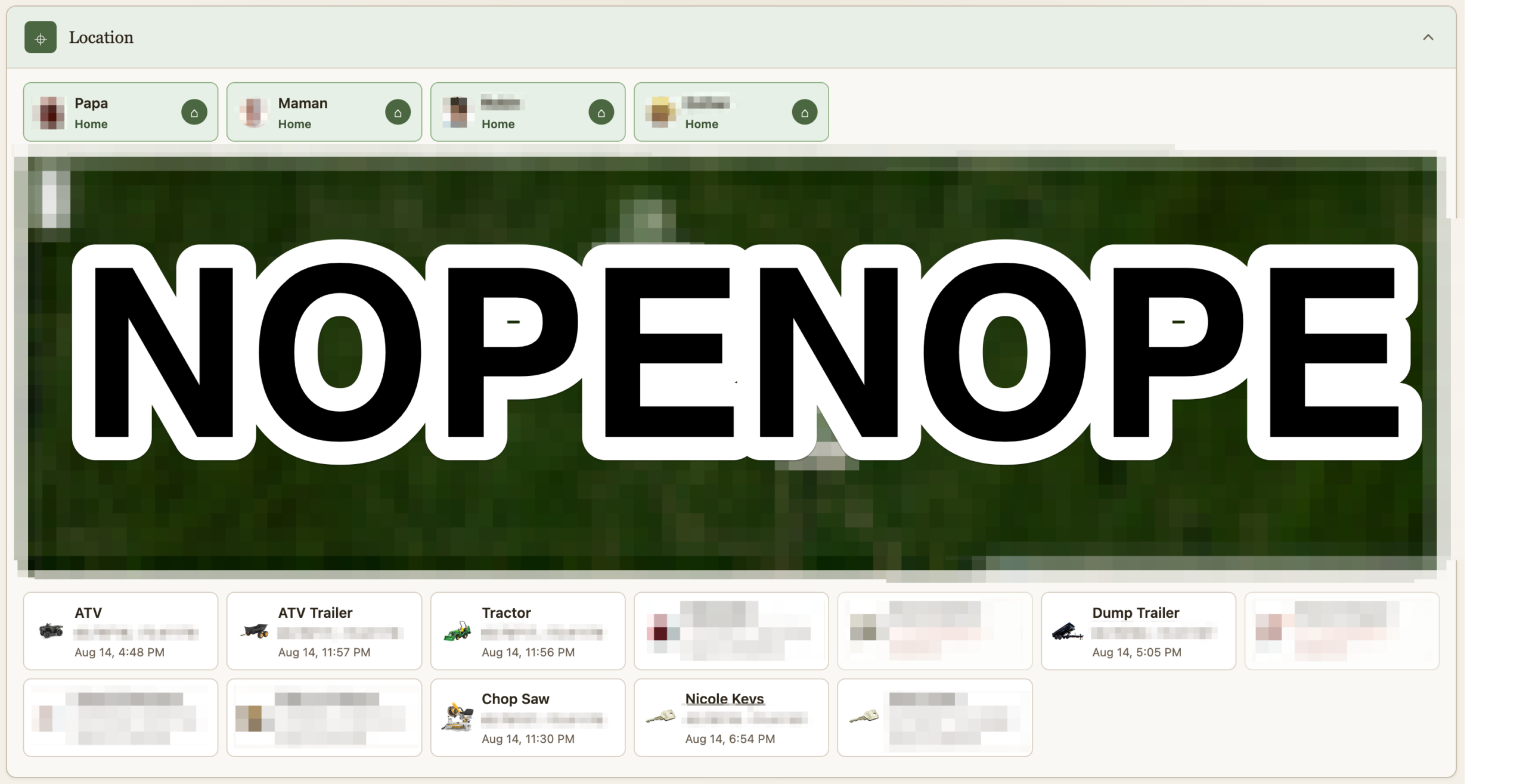
If it costs a little money and it isn’t fastened to the ground, it’s getting an Airtag. I remove their speaker and hide them. A script pulls their location as it updates and logs it. Some of them are geofenced. I suppose this post could be worthy of the “maniacal paranoia” tag I usually reserve for IT security. The Location section shows where all the Airtag currently are. At the top is not where we are, but whether we are home or not as detected via our phones being on wifi or not. This data point is useful for some of the automation. Should we turn on the fence? Should the cameras alert?

Heavily censored obviously
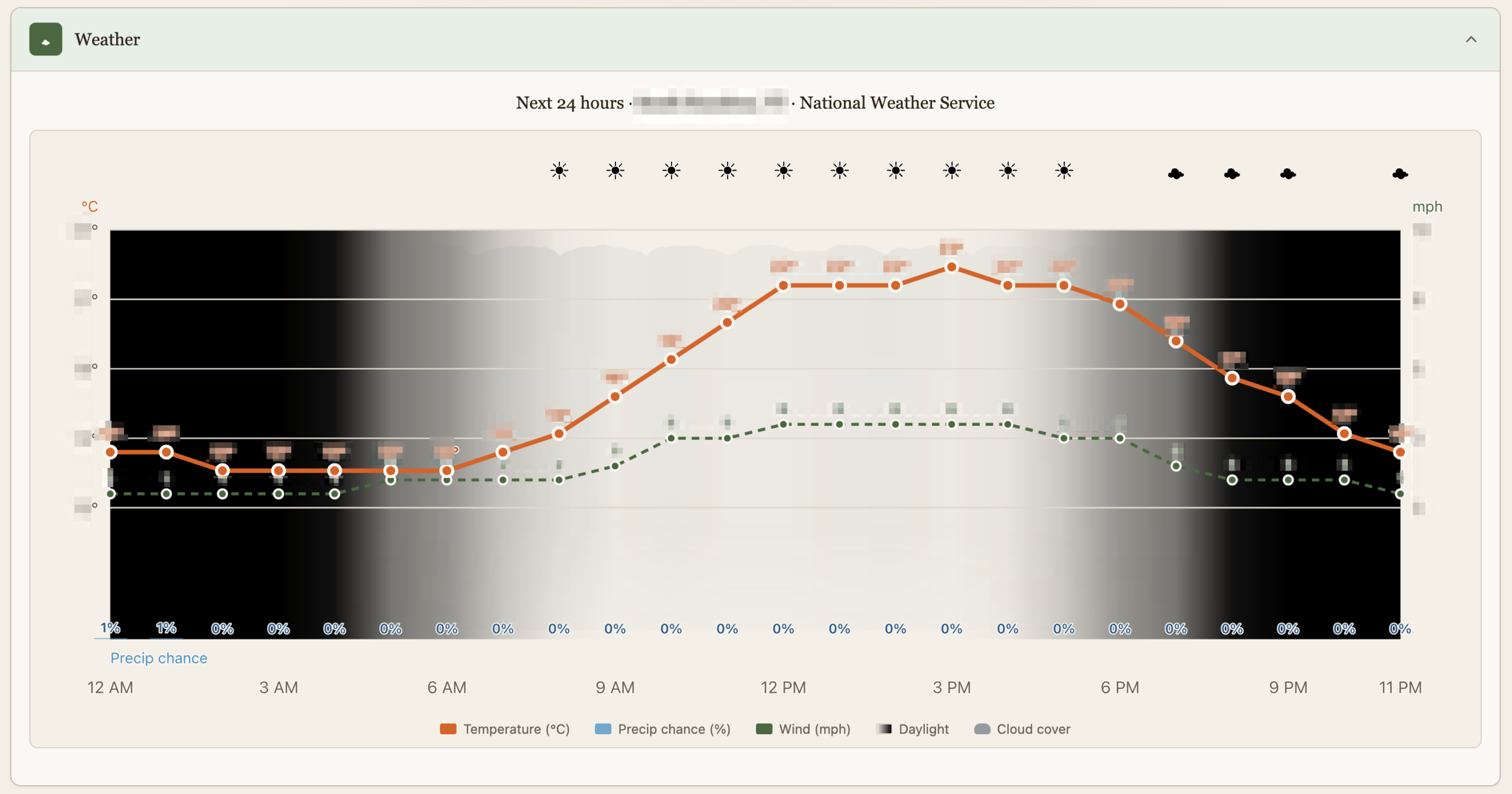
Weather

This is just as dumb as it sounds but it’s custom made with just the things we care about, like luminosity which is affected by cloud cover or the Sun going into hiding.
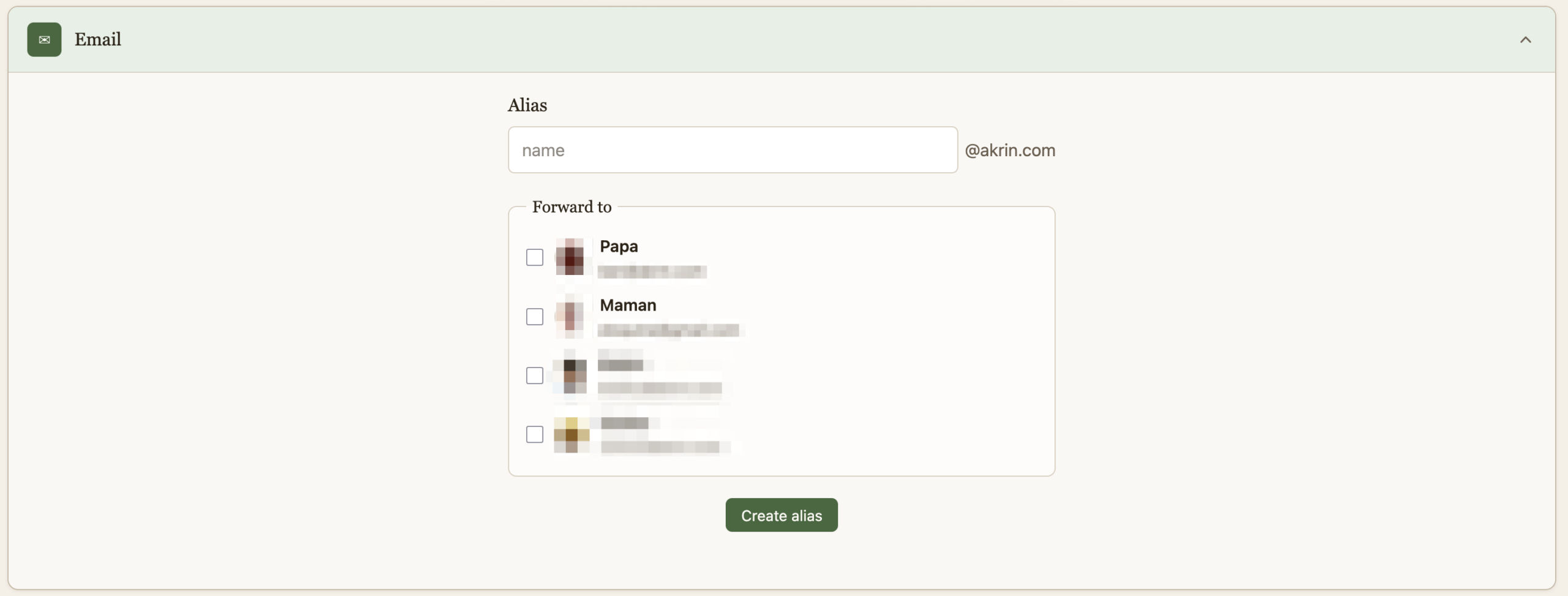
Email

And finally, a quick way to create burner emails for when companies demand that they get to spam you for life before they do business with you once. This is useful in other dimensions, that’s just my pet peeve :).
That is it for now, it’s quite cool to have this all presented thusly after pushing the various building blocks for years.
AI, I.T., web games ben November 13, 2025

Created on the Spot

I remember an epiphany I had as a kid downloading mp3s at a friend’s house who had DSL while I was still on dialup. You could download music faster than you could listen to it, and the infinity of it blew my mind. To say that AI is leaving my jaw on the floor on most days is an understatement, but maybe what I’m realizing today is it’s potential for creating faster than you can acquire. It’s not just that I’m having it write programs that replace a ton of apps I’m dragging around for only a thing or 2 they do well. It’s that at the time I need a program, it might be faster to make AI produce it from nothing than to otherwise acquire it.

The family’s been into Solitaire and Minesweeper, tons of sites, tons of ads, looking looking, bleh. Fuck it, I’ll just have AI make me one.

Click to pop out

Click to pop out

AI, electronics, I.T., web development ben November 12, 2025

Inherently Programmable Pi

I’m teaching a small robotics class, we’re making the small Etch-a-Sketch plotter. Just a couple of kids, good eggs from the 5th grade X,Y coordinates class I teach every year. I’ve already done similar classes in various contexts, it’s a ton of work but very rewarding. One thing I always seek to improve is my Pi image management. Depending on the kids & material, we’ll go through some Linux CLI, or I won’t even want them to touch Linux but we’ll still have to click through some things to get going on Python to control GPIO pins.

What I’ve been wishing for for a while, is a Pi that’s always online everywhere, with the quickest way to get to just Python. Hopefully something web based so you don’t need anything other than your old faithful browser to start throwing code at GPIO pins.

Introducing IPP, the Inherently Programmable Pi! An image you can download, or build.

Step 1 – Python Forking Web Code Editor

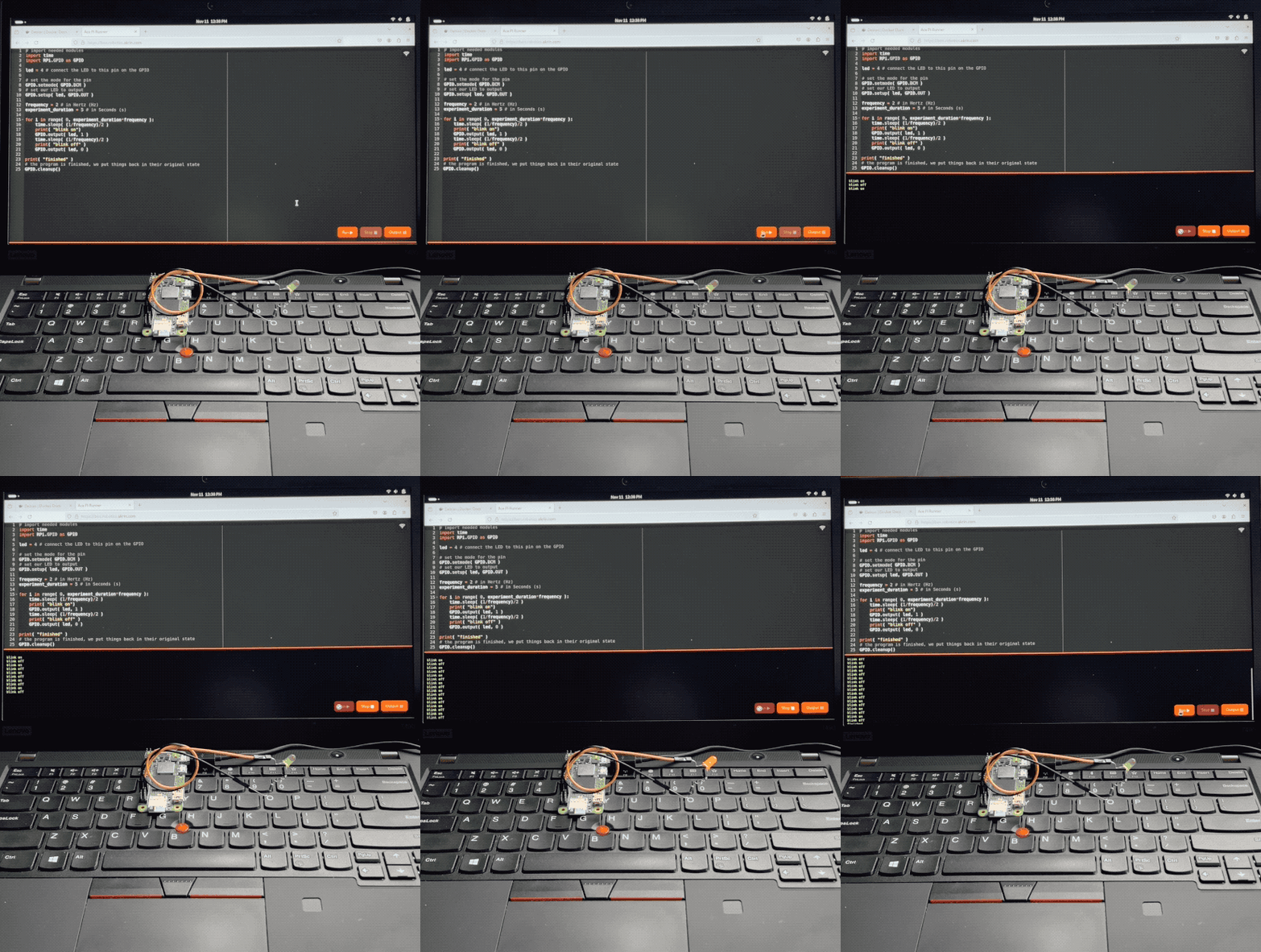
And so step 1 is obvious, I want the Ace web based code editor, preset to Python settings, and served by the very Pi it’s meant to write code for. With a few buttons for running code, stopping it, and checking the output.

AI made that a breeze to code, it always blows my mind how well it understands even convoluted assignments. There’s some pretty gnarly stuff going on there. Python runs a web server that serves a coding environment that can fork another Python process, and kill it with varying degrees of prejudice when it won’t go away on its own. I want this packaged a a single Python file with all the bits and pieces bundled in. AI got all this with little help.

Step 2 – Zerotier & Public Bridge

For step 2, I want the Pi to be easily accessible online, no matter what crazy wifi it’s connected to. For this we’re using Zerotier, and an online bridge that is publicly available to forward traffic into it. In my case this is done with Traefik and a Docker container dedicated to forwarding into Zerotier. I unfortunately can’t offer this part of the stack with the image, but you can at least specify a Zerotier network ID as a tunable when building it.

This way, no matter what Wifi network your Pi is connected to, it will always be available via a public URL.

Step 3 – Local Wifi when Nothing Else

I wanted to take the script that turns PlottyBot into a hotspot if it’s not connected to the internet and modernize it for the newest Rapios (Trixie). I also want the web interface to let you connect to existing Wifi networks. This way you are either in a spot with no Wifi, and your Pi spawns a local one which doesn’t route to the internet but you can still program. Or there is pre-configured known internet Wifi within range and your Pi connects to that.

Of course AI yet again turned a multi-hour endeavor into a 30 minutes one. Well, it did mess up some fundamental things but still, I was spared hours of grinding.

Step 4 – Easy Imaging

Finally, I want to create Raspios images with all this and a few tunables baked in. No booting each one to install stuff & tune it for each kid. For this I’m using something I built years ago for mounting *.img files and tweaking them. It’s a Docker container you can pipe an image file into and out stderr comes the customized image. This might be worth its own post, I’ve used this for years to great effect, but that’s beyond the scope of this post. The point is it’s available to use, and here’s how:

Build Your Own Image

First download & decompress the latest Raspios:

wget https://downloads.raspberrypi.com/raspios_lite_arm64/images/raspios_lite_arm64-2025-10-02/2025-10-01-raspios-trixie-arm64-lite.img.xz
unxz 2025-10-01-raspios-trixie-arm64-lite.img.xz

Then download & decompress this project’s files to tweak it with:

wget https://ben.akrin.com/downloads/ipp_2025-11-11.zip
unzip ipp_2025-11-11.zip

Finally, create your customized Raspios image with:

sudo docker run --rm -i \
    --name=raspi-image-customizer \
    --cap-add SYS_ADMIN --privileged \
    --device /dev/loop0 \
    --platform linux/amd64 \
    --cpus="1" \
    --memory="500m" \
    -e HOSTNAME=mypi \
    -e HOTSPOT_WIFI_SSID=mypiwifi \
    -e HOTSPOT_WIFI_KEY=raspberry \
    -e ZEROTIER_NETWORK_ID="<ZEROTIER_NETWORK_ID>" \
    -e PIPASSWORD="raspberry" \
    -v ./ipp:/data registry.akrin.com/raspi-image-customizer:latest < 2025-10-01-raspios-trixie-arm64-lite.img 2> ipp.img

–cap-add SYS_ADMIN, –priviledged, and the loop0 device are necessary to mount a file as a disk inside the container.
HOSTNAME is evident
HOTSPOT_WIFI_SSID & HOTSPOT_WIFI_KEY are the settings for the local wifi network that the pi will spawn when it has no known networks to connect to.
ZEROTIER_NETWORK_ID is optional, if specified the pi will join it first chance it gets (when connecting to a managed wifi that routes to the internet).
PIPASSWORD is the password for the pi user, careful SSH is enabled in this image.

You can burn the resulting ipp.img to an SD card. The first boot will be longer than the subsequent ones as stuff gets initialized, but eventually you’ll see a new wifi network pop up. Connect to it, and point your browser to http://hostname.local or if that doesn’t work http://192.168.50.1, you will see the coding web interface. Now that might be enough for your to start coding, but if you want you can click on the wifi network icon at the top right to specify a standard network to connect to. And if you do so, I recommend you have a way to “follow” your Pi, either via Zerotier, or because you manage that network and are able to see what IPs devices get assigned. And if you setup a Zerotier forwarder on top of all this, your pi essentially becomes online to the world the minute it’s on. Now that isn’t just convenient, it also significantly lowers the bar to start coding with kids.

Or… Download a prebuilt one

Here’s the link.

parameters used for building it are:

HOSTNAME=ipp
HOTSPOT_WIFI_SSID=ippwifi
HOTSPOT_WIFI_KEY=raspberry
PIPASSWORD=”raspberry”

No Zerotier, but still everything else.

AI, I.T., web development ben September 27, 2025

RGB Playground

This is genAI’d, I have no merit. I just wanted this utility online somewhere easy in order to play with PWM RGB LEDs.

Click to pop out

aesthetics, AI, plots ben September 16, 2025

Plots

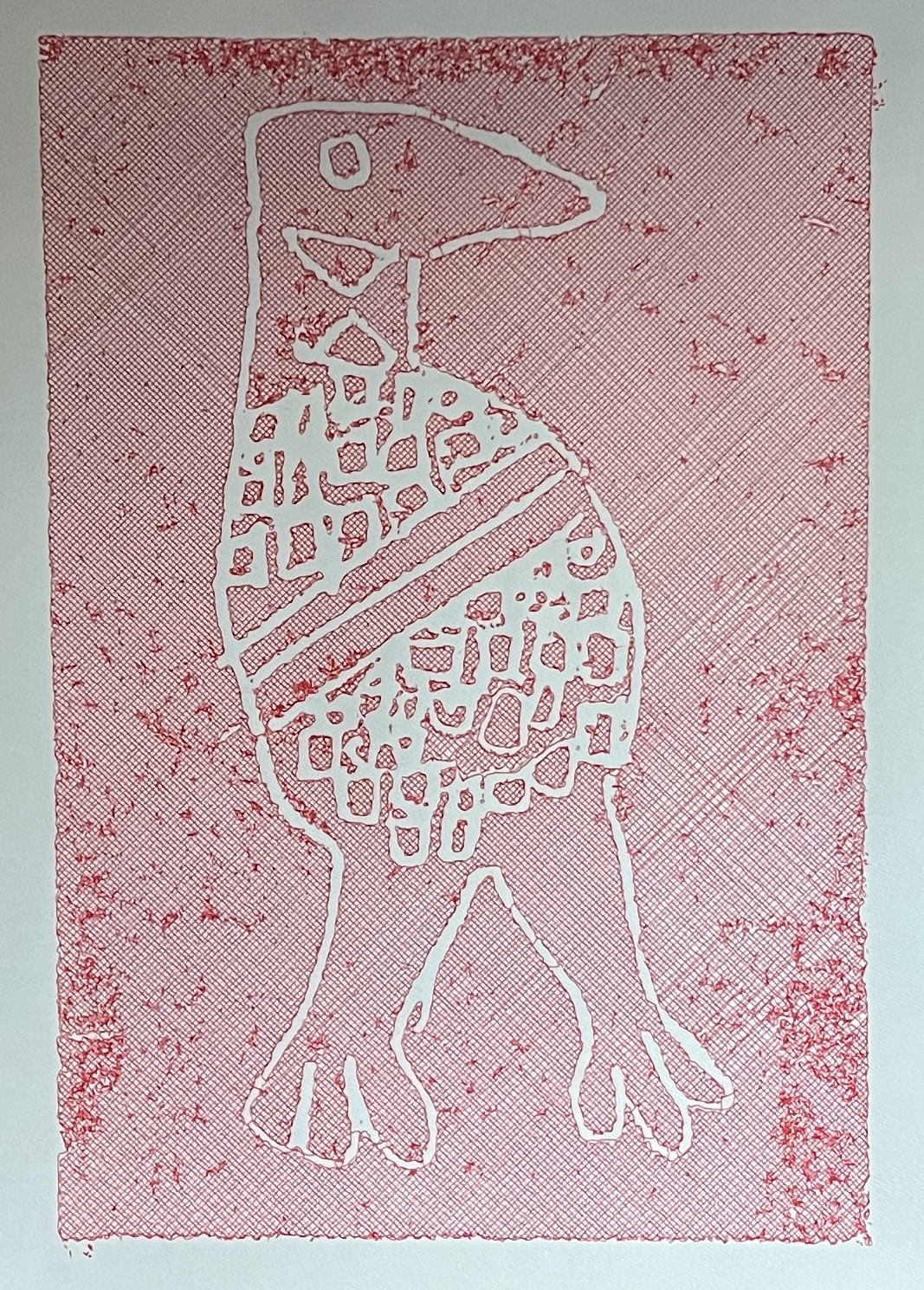
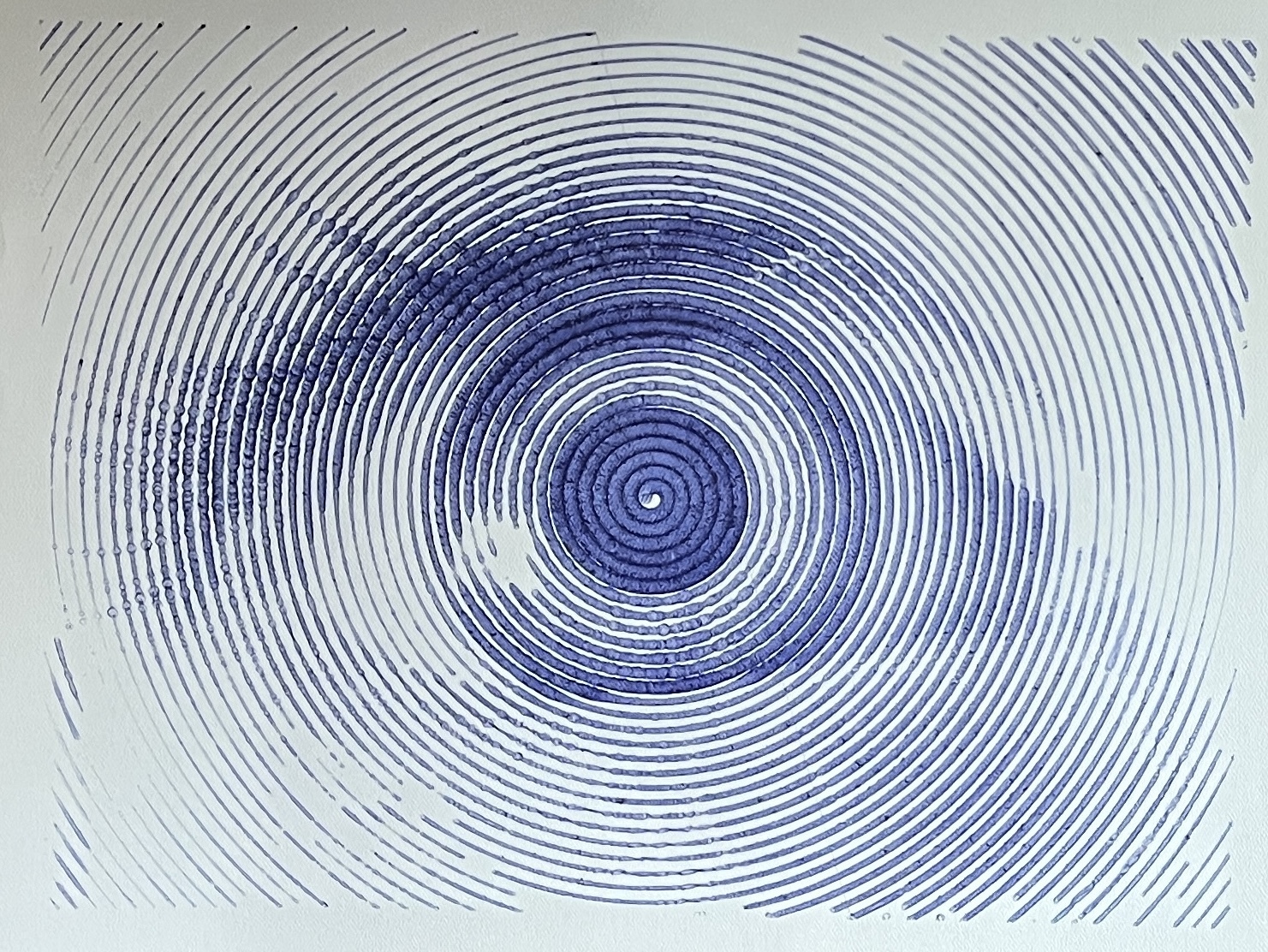
I’m plotting again after an August hiatus. The new Gondola Plotter is super quiet, so nice! I’ve made a few refinements to the software stack of course… The usual.

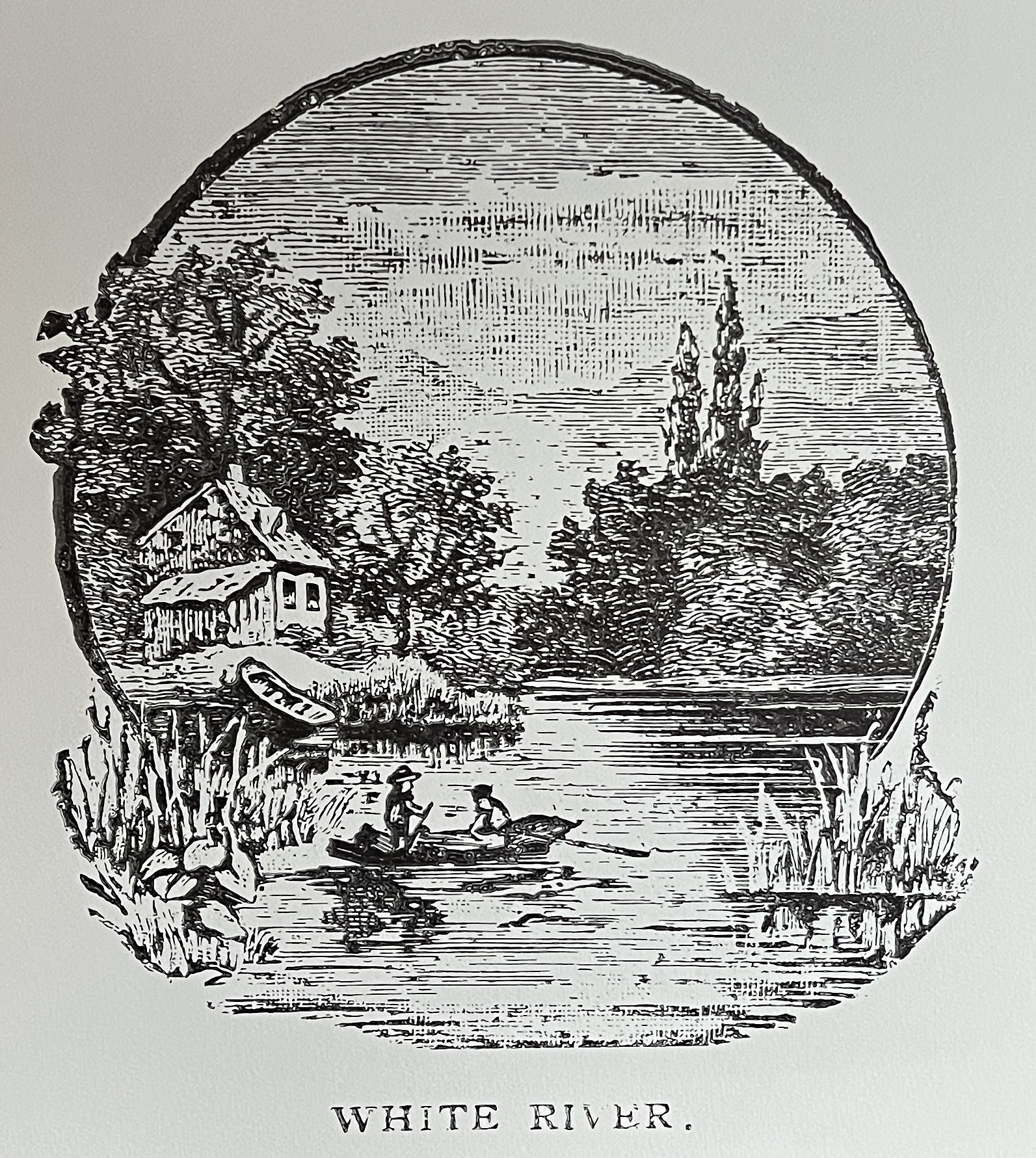
I found a bunch of really cool engravings in some very old books I found in the abandoned house. These books are worthy of some discussion on their own much like the old vinyls, but this isn’t the time.

I got ChatGPT to make me a few SVG handling tools that are really incredibly well done and will help me shed some of the apps I was using. With SVGs there really is not a single app that does all the things, so I drag a collection around just to use 1 or 2 of their function. AI is helping me write scripts to explore algorithms and replace more trivial functionality from apps.

Case in point: this super cool recursive inset fill algorithm to turn fills into something a plotter can do.

I’ve been wanting to write this one for a while, but I knew it’d take me a good few days to nail it. That got turned into 30 minutes with AI. Jaw dropping. I love the effect as it echoes a lot of bored fillings of shapes I’d do as a kid getting bored in class. The cookstove above is filled with it, but it’s far too dense at this size and so it really looks like a actual fill rather than a particular effect.

A lot of my tooling these days is Python which has good libraries for handling SVGs. I used to dislike Python for their dumb purist move from 2.7 to 3 which wasted everyone’s time, and because they had managed to reimplement library hell. But I have to say venv is a successful redress to the later.

AI, I.T. ben July 07, 2025

Cool AI Use

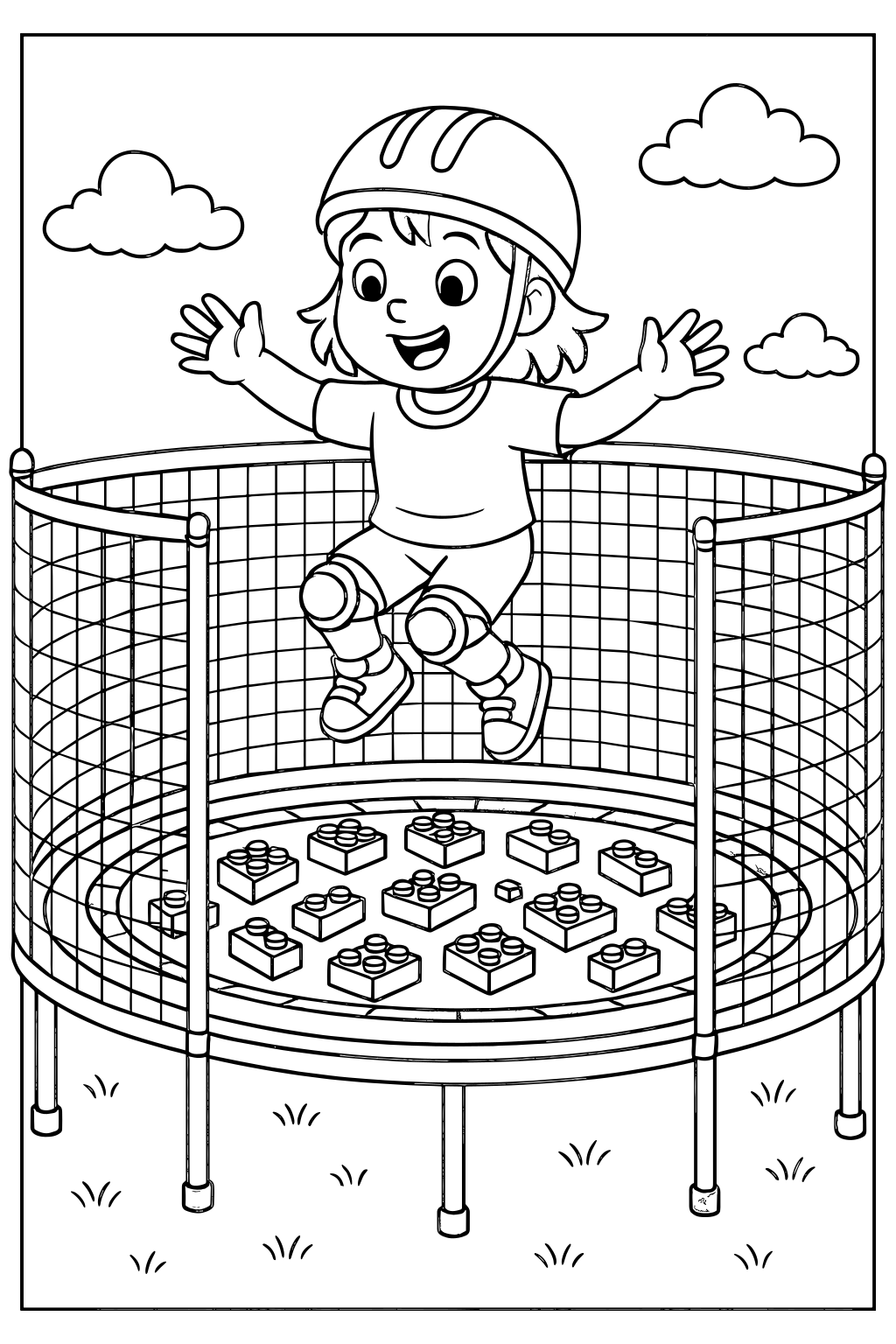
Last time Esther wanted some coloring pages, I guess it’s time to battle with a bazillion sites trying to monetize everything. Jump through hoops here, web inspector there, the usual “this will take a minute” turns into another tech ordeal. Wait… I could just ask ChatGPT for some black and white stuff made for coloring.

The cool part? Esther gets a say into what she’d like to color. Well, she likes cats.

Then I realize that instead of asking for the generic stuff we’re used to seeing on coloring pages, we can ask for specific moments of her life.

Playing with an umbrella on a pile of woodchips? No problem:

Jumping on a trampoline full of Duplos? You got it!
And quite a few more:

Beyond the cool factor, I wonder if coloring her lived experience has a similar effect to journaling. Maybe, this helps process things?

More could be done to clean up the SVGs but this is quite sufficient for us. Evidently though, artists who were in the kid’s coloring niche have some competition :\.

One of the things that blows my mind with AI is all the things it can already do but have yet to be discovered.

All images above clickable for SVG, if you end up coloring one please send a pic 🙂

AI, I.T., miscellaneous ben October 04, 2023

Stable Diffusion

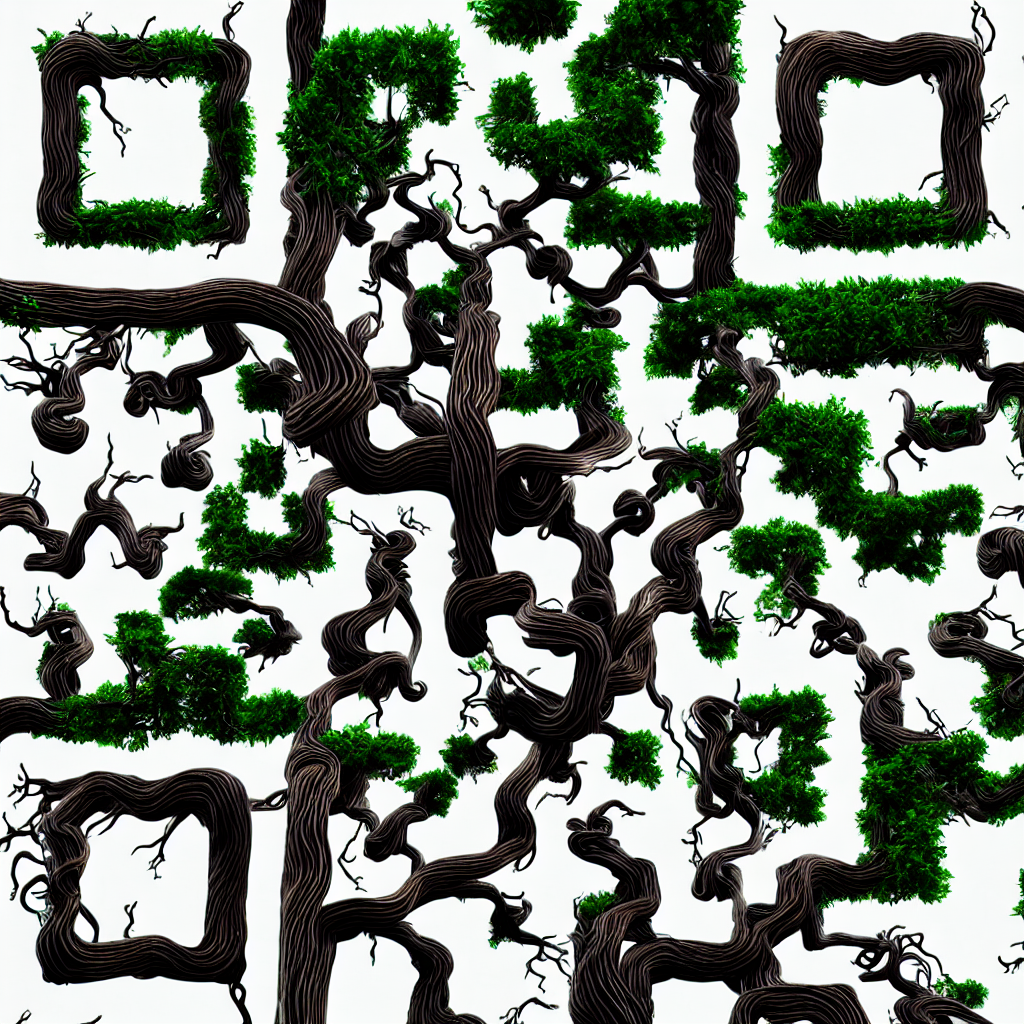
I’ve played with Stable Diffusion a few months back, but the learning curve is steep, and easy access to DallE & MidJourney made it not worth it to press on. Until… I got excited about a super cool extension:

https://huggingface.co/monster-labs/control_v1p_sd15_qrcode_monster

I just love the idea of having the same image have one analog meaning to a human and discrete meaning to a machine. And the same extension can be used for general masking other than just QR codes.

Without further ado, here’s the eye candy:

A benign QR code

General masking for an almost subliminal effect

There’s much to be refined in my incantation, but I really like how the mask isn’t just overlayed on top of a drawing in a subtle way, rather it’s the basis for growth of AI hallucinations.

This blog is solar powered

Interactive

Handwriting Capture
Mandalagaba
IPv6 link-local to MAC converter
IPv6 MAC to link-local converter
Markov Text Generation
Markov Word Generation
Markov Music Generation
Duplogrifier
Flood Fill Algorithms
Homestead Metrics
RGB Playground
Web Games

Categories

  • aesthetics112
    • plots54
    • specular holography6
  • Books4
  • I.T.204
    • 3D modeling / printing21
    • AI7
    • all out geekery37
    • electronics28
    • homestead automation7
    • maniacal paranoia27
    • plotters49
    • unix / linux29
    • video games4
    • web development30
    • web games3
  • Lego / Duplo67
  • life in the U.S.42
  • miscellaneous204
  • nature encounters115
  • old vinyls3
  • organs2
  • self sustainability564
    • agriculture108
    • apiculture38
    • apple20
    • building132
    • canning3
    • crochet6
    • foraging6
    • hunting10
    • maple syrup47
    • poultry39
    • preserving2
    • solar power28
    • water23
    • wood84
  • trip to a new life6
Theme by Bloompixel. Proudly Powered by WordPress