For years I’ve been inching my way through various home automation projects. Some solar array visibility, some way to turn of inverter should batteries get low, some way to detect wildlife tearing through crops, et cetera. I had a good bulk of life improving features implemented, but nothing very coherent or well polished. Recently I revamped my whole infrastructure at home to standardize all the little tidbits I’ve accumulated over the years. It was a daunting task but it’s done. And so the efficiency of AI programming lets me finally create the Homestead Dashboard I’ve been wishing for for years. Now please note that I’m not an AI evangelist, but I’ve gotten to be discerning of which project I wanted to still be involved with, and at which degree. And for such a project, I don’t particularly care to understand much of how the clock ticks, so I can let AI do its thing much faster than I can. I spent more time on some of the building blocks I still want to own.
This is obviously private so I can’t link to it, screenshots will have to do.
High Level
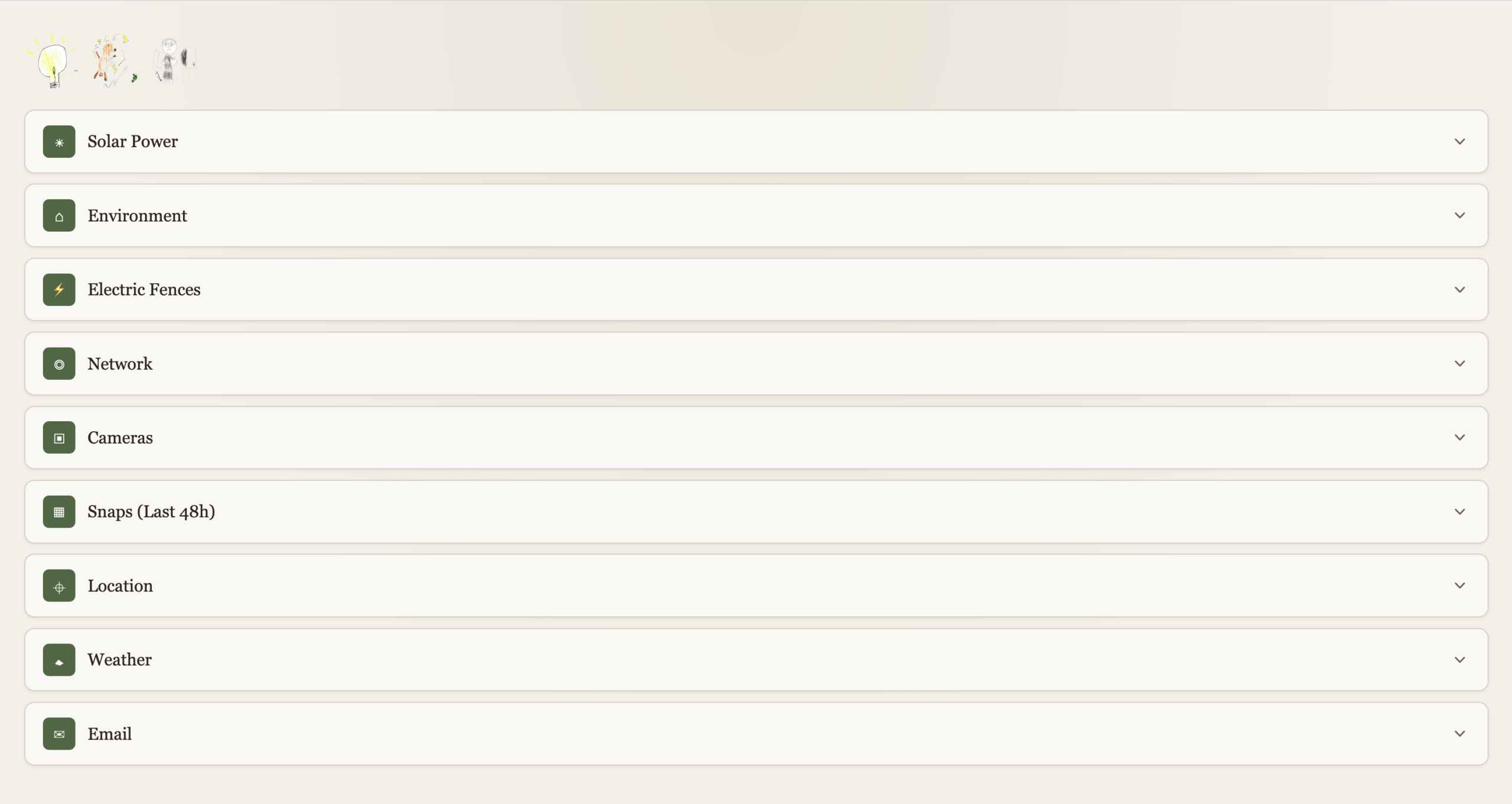
Each function is expandable. With a “quick-glance” view of main functions at the top left. Electricity, Electric Fences, Kid’s internet.
Solar Power
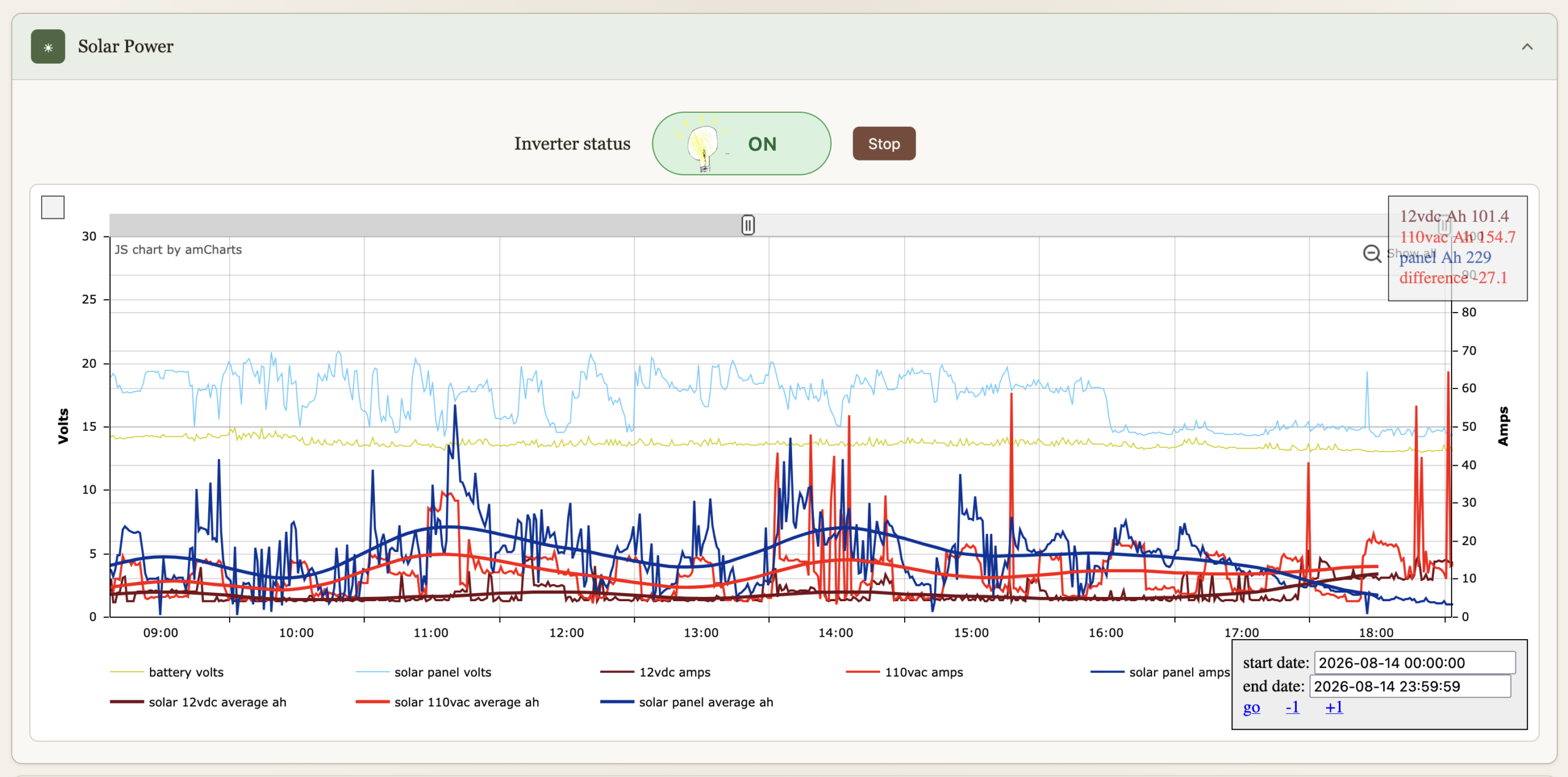
I’ve had these graphs for a while now, they’re just now part of the dashboard. They’re been immensely useful to gain insights on all things solar over the years. The inverter can be turned on or off, automation turns if off if the batteries get bellow 12.8V to preserve them, and back on when above 13.2V. We can override it.
Environment
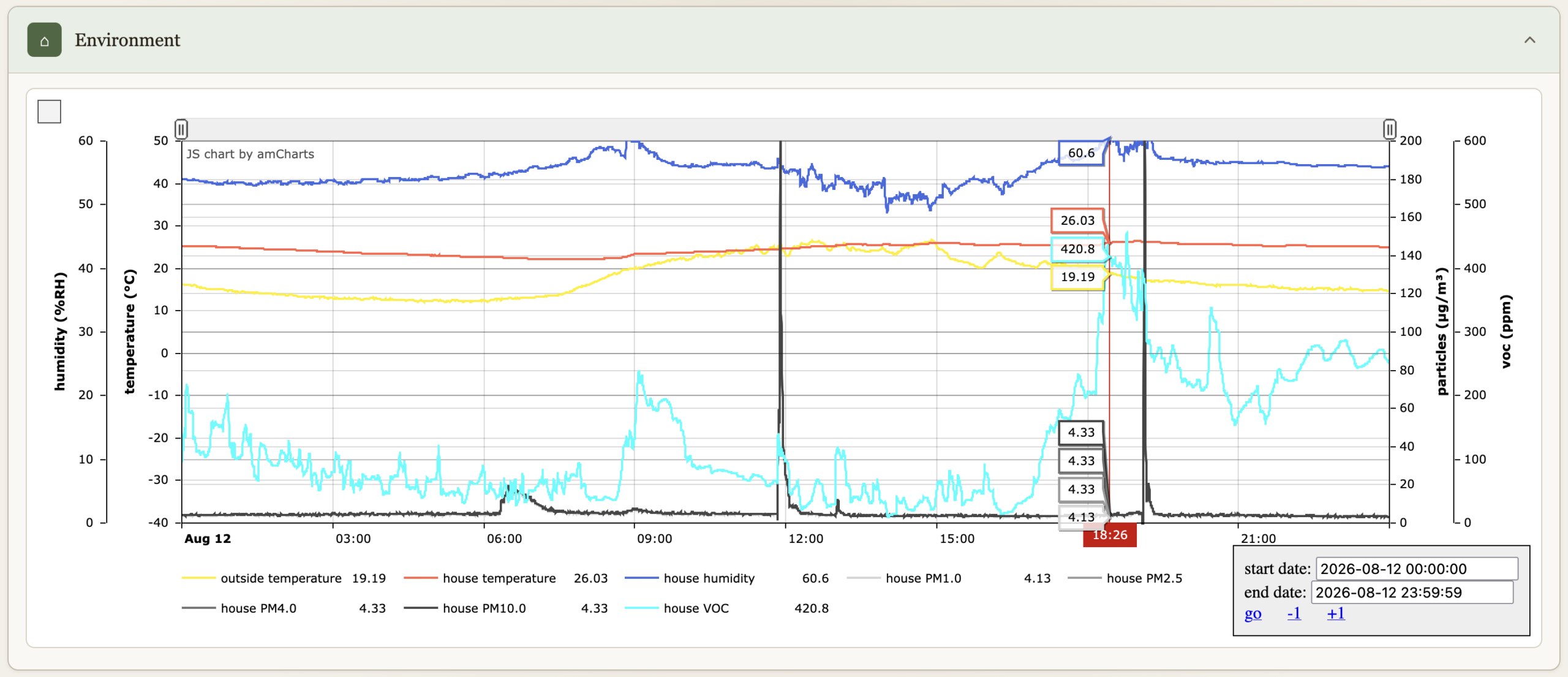
Temperatures, humidity, particle count & VOC.
Electric Fences
Turn on or off, comes on when we are not home (see Location bellow), and at night between 19:30 and 7:30.

Network
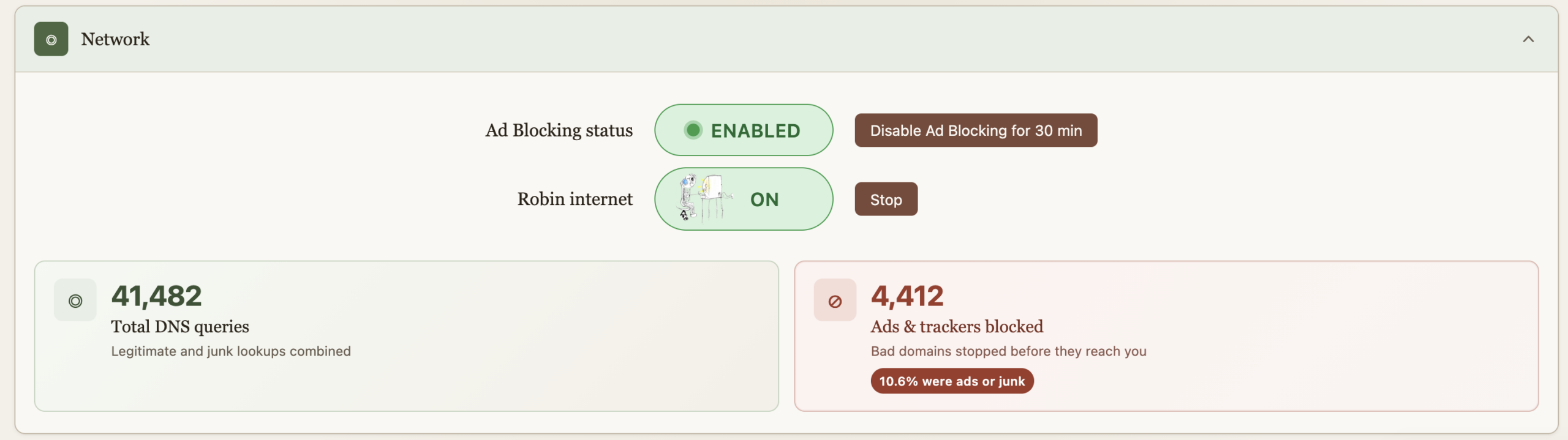
Allows us to turn on the internet for the older kid, it comes back off at midnight every night just in case we forget. This essentially does API calls to PiHole to enable/disable DNS for a group of devices. “Starting” the internet requires a password because some sneaky eyes got a glance of the process and found a way to reproduce it. And then got busted :). The password is client-side on purpose as I wish to continue the educational arms race. And really it’s just a DNS block so fairly easy to override too. He doesn’t read my blog so these secrets are safe, but I do wish that he figures out.
Ad blocking is also provided by PiHole, but sometimes you just got to go on a website where marketers aren’t much different than scammers and the thing’s blocked. For Nicole’s sake, an easy and central button now allows for a temporary override. The ad blocking stats serve no purpose, they’re just here to make us feel good about all the trash we don’t get to see.
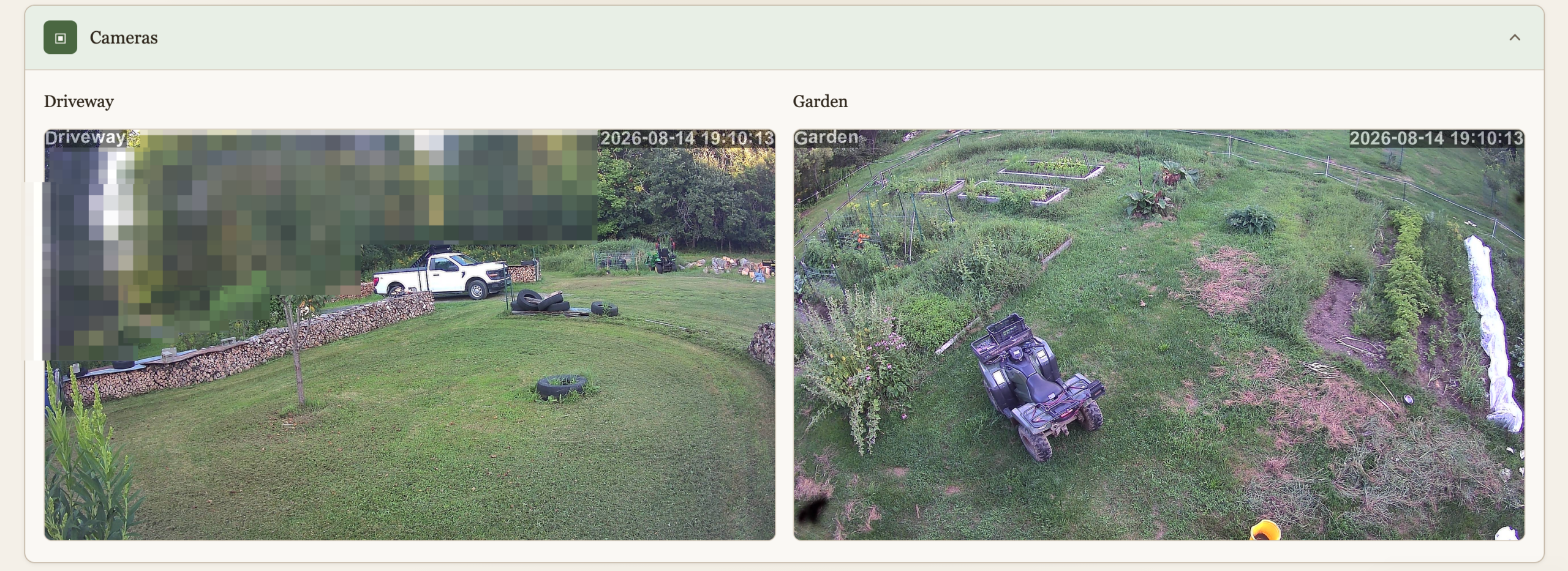
Cameras
We have 2 cameras currently deployed, this is a live view to them. I don’t like cameras everywhere in society but at home, outside, and very much under our control (no cloud) why not? The main goal here isn’t security, although it’s nice to know when someone pulls in when we’re not home. It’s wildlife detection. I spent a lot of time and resources keeping wildlife away, and I’m not done yet, and the cameras are a key ingredient. This will be another post.
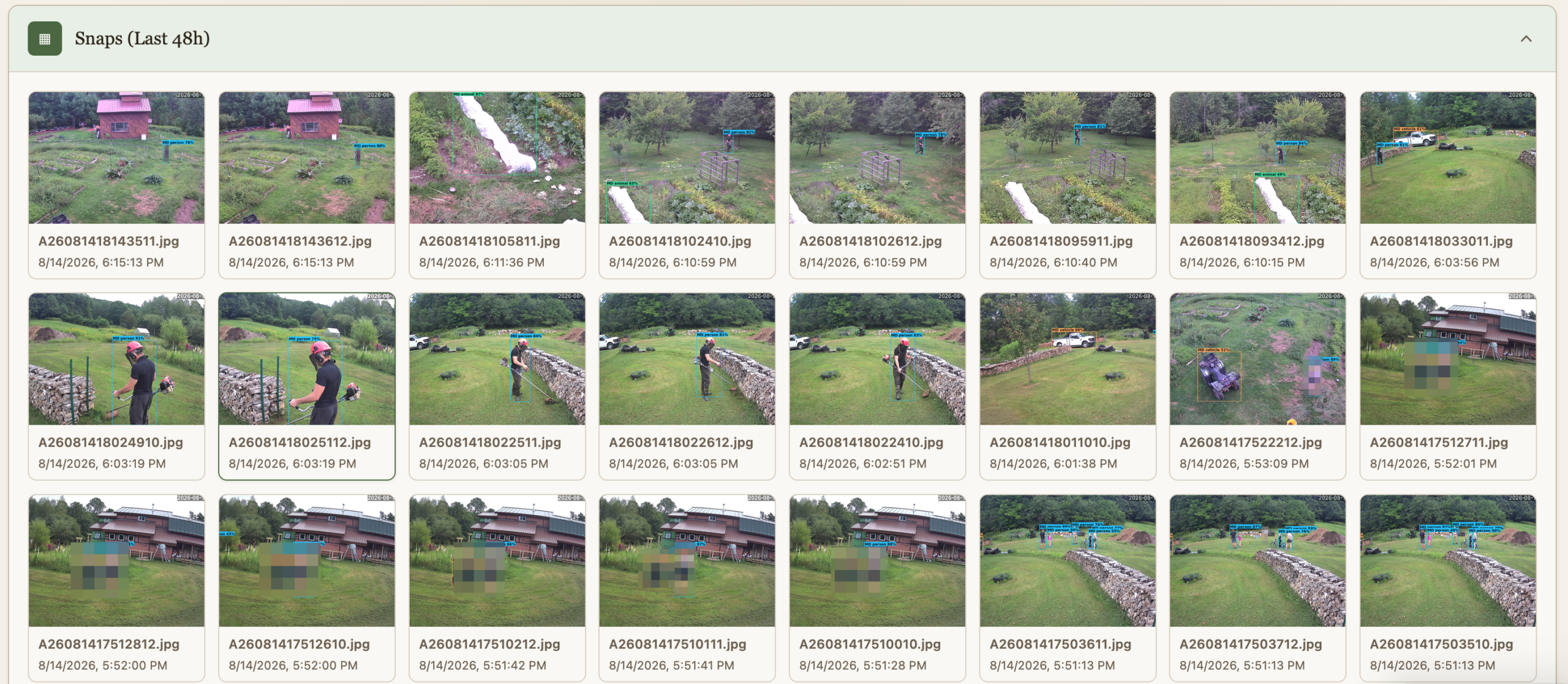
Snaps (48h)
The cameras do people and animal detection, and the findings are preserved for quick view for 48h.
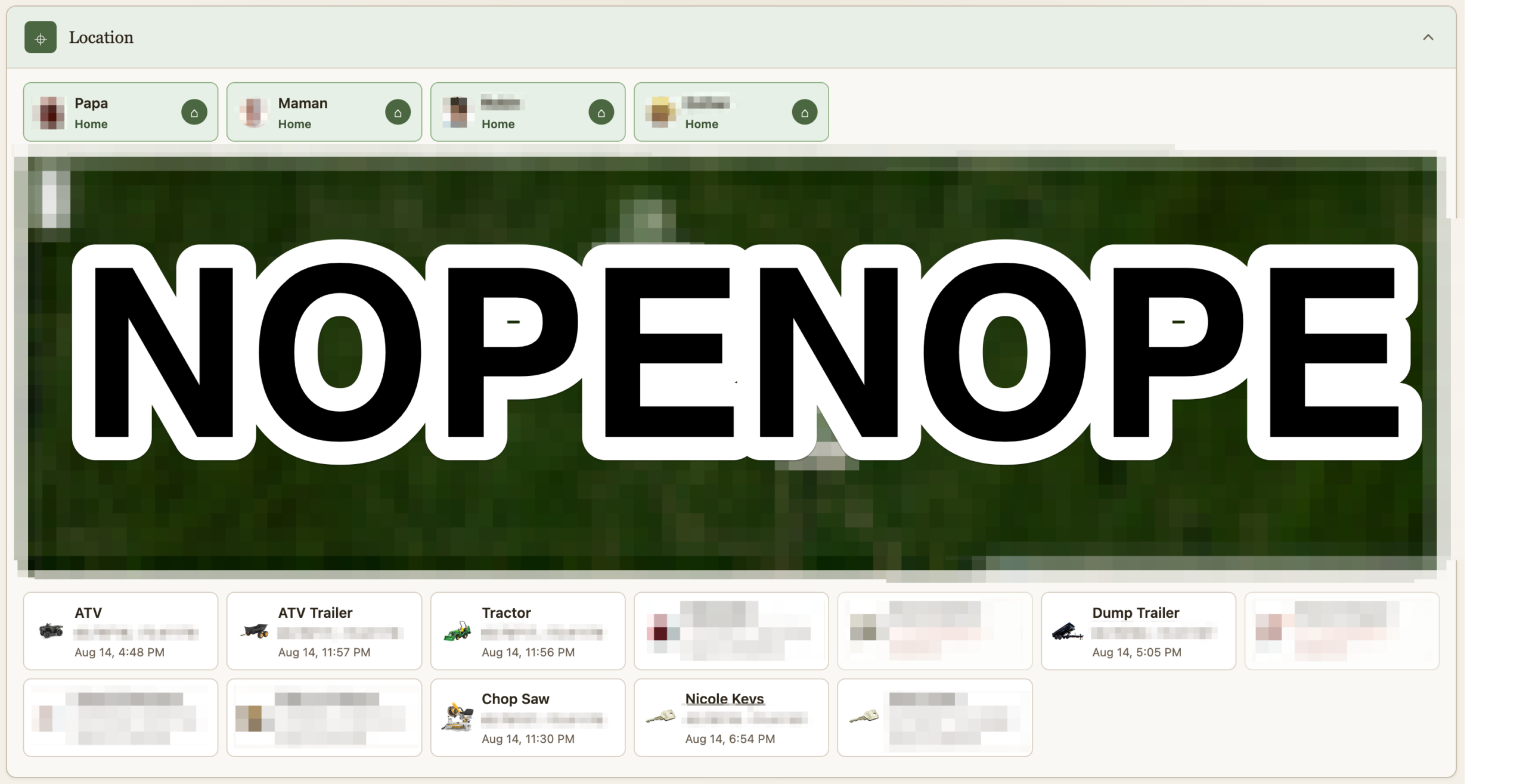
Location
If it costs a little money and it isn’t fastened to the ground, it’s getting an Airtag. I remove their speaker and hide them. A script pulls their location as it updates and logs it. Some of them are geofenced. I suppose this post could be worthy of the “maniacal paranoia” tag I usually reserve for IT security. The Location section shows where all the Airtag currently are. At the top is not where we are, but whether we are home or not as detected via our phones being on wifi or not. This data point is useful for some of the automation. Should we turn on the fence? Should the cameras alert?
Heavily censored obviously
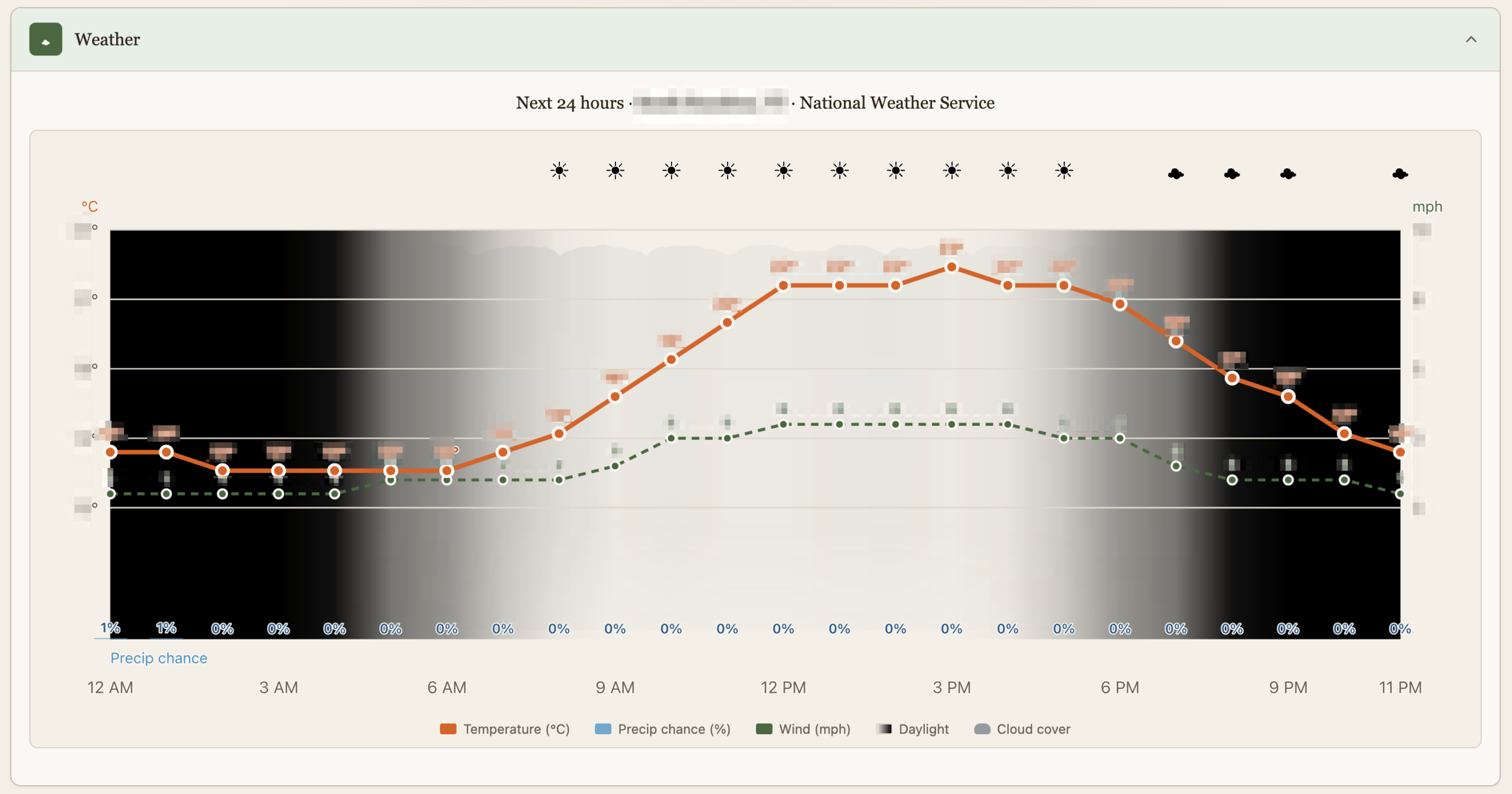
Weather
This is just as dumb as it sounds but it’s custom made with just the things we care about, like luminosity which is affected by cloud cover or the Sun going into hiding.
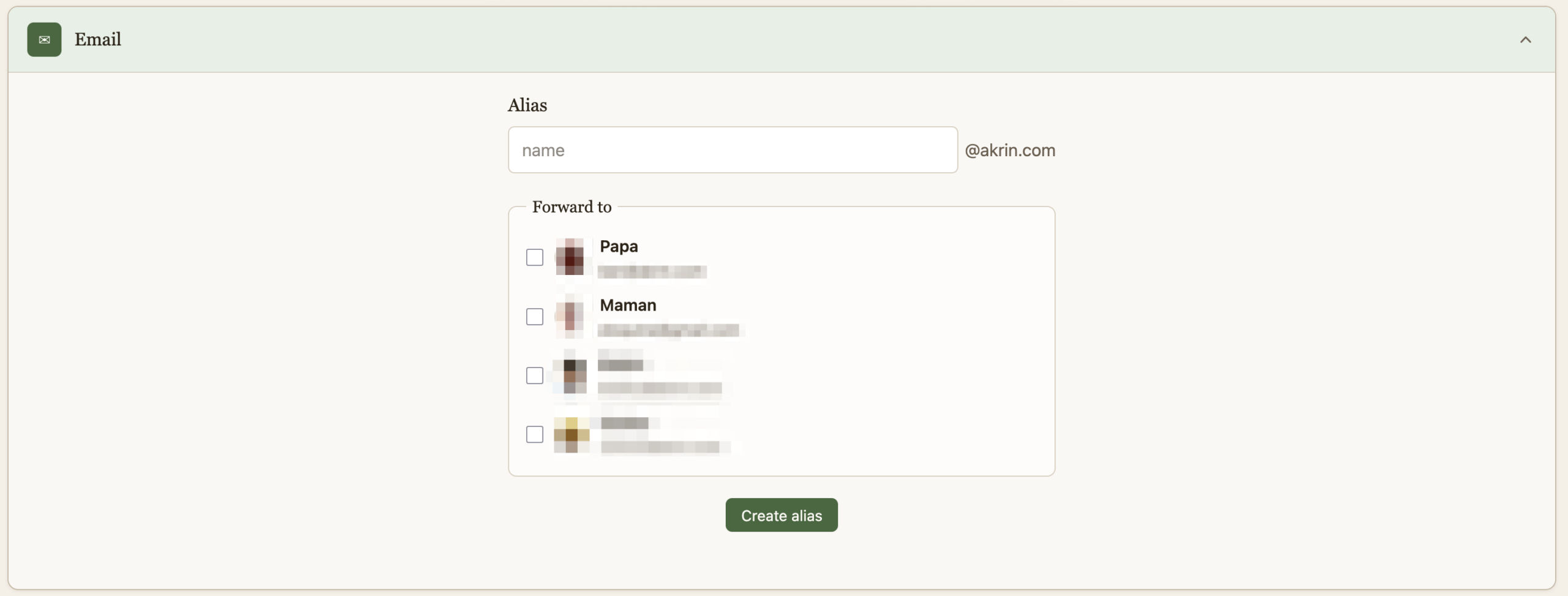
And finally, a quick way to create burner emails for when companies demand that they get to spam you for life before they do business with you once. This is useful in other dimensions, that’s just my pet peeve :).
That is it for now, it’s quite cool to have this all presented thusly after pushing the various building blocks for years.
Recent Comments