Intro
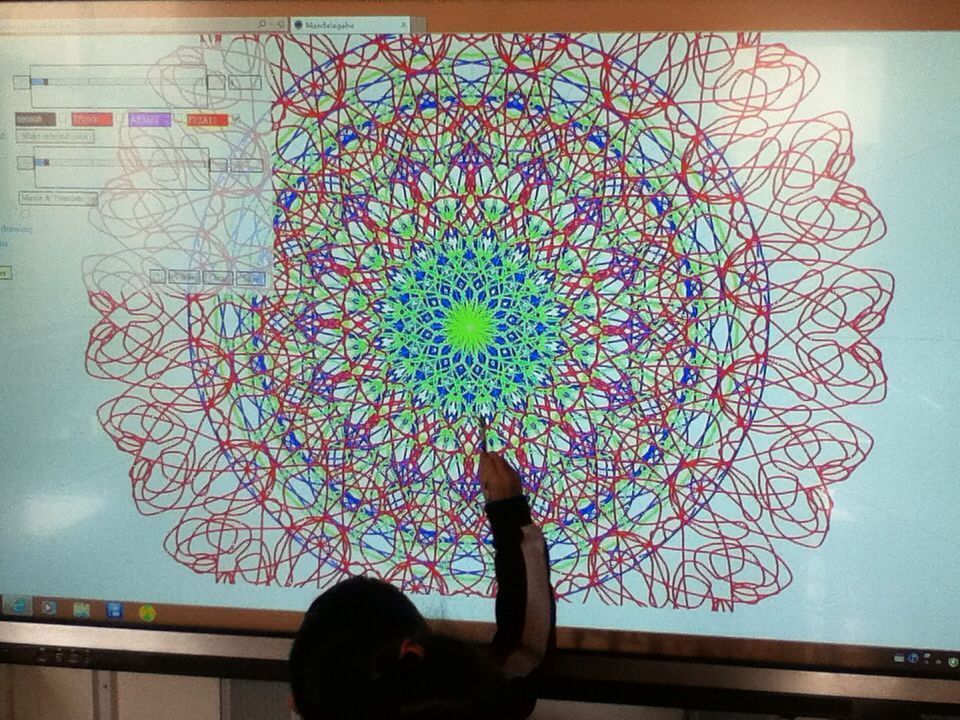
For a while I’ve been polishing a way to have not only a smooth drawing/writing algorithm for HTML Canvasses, but also have it be “streamed” over the network for live collaboration. While the work has been mostly integrated into projects such as Mandalagaba, here I present it in its most basic form so that it may be dissected.
Demo
Draw by dragging your mouse/finger/stylus bellow, fire up another browser to test network repeat. Canvas is used by others online (sorry for anything obsene the internet has left on it) and cleared every hour.
Quick start
- download & decompress html_canvas_smooth_writing.tar.gz
- if you don’t have it already, install NodeJS
- run the websocket server
node websocket_server.js
- edit index.html and replace all occurences of “ben.akrin.com” by the host/ip which is running your websocket server. If you are testing on your computer, 127.0.0.1 will do. Alternatively, you can leave it set to “ben.akrin.com” and use my websocket server, in which case step 2 & 3 aren’t necessary, and you’ll have limited latitude as to how many changes you can implement. But it’s perfect for just trying & dissecting the code.
- navigate to index.html
(tested on Mac, Raspbian & Ubuntu)
Rendering Pen Strokes
The usual method
Drawing on an HTML Canvas is usually done by collecting coordinates at which “touch” is being detected and drawing straight lines in between. While this makes for a simple implementation with decent results it has multiple issues:
- straight lines do not represent well the curvatures of human drawing & writing
- the joins between lines of various orientations can add seams
- these problems are exacerbated on devices which sample touch slowly, resulting in less coordinates to represent a pen stroke
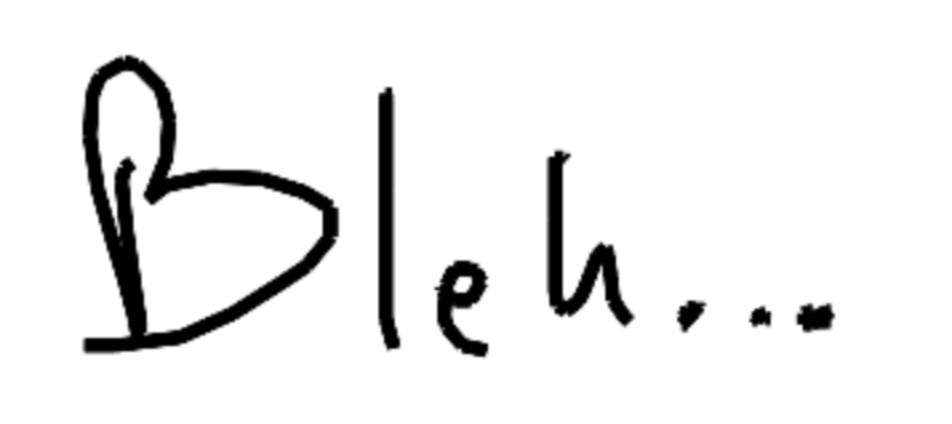
Here is a classic example of what this looks like:
 The quadratic curve method
To make drawing and writing smoother, we use quadratic curves to link our coordinates. Here’s a basic explanation of how it works:
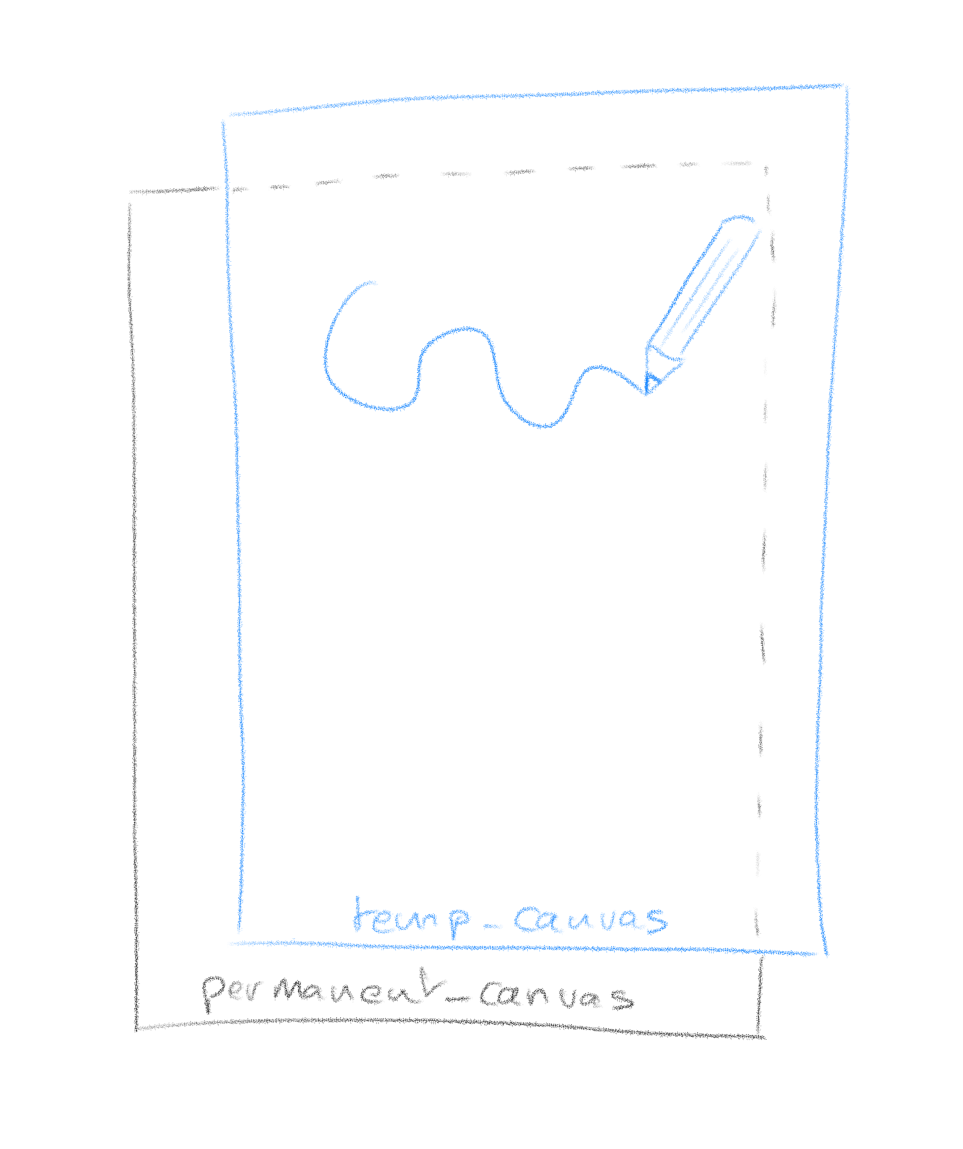
you need 2 canvasses overlaid on top of each other (z-index is highly relevant here). The way it works is that the top canvas is the one that you draw on.
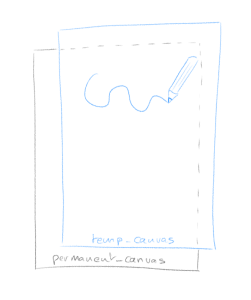
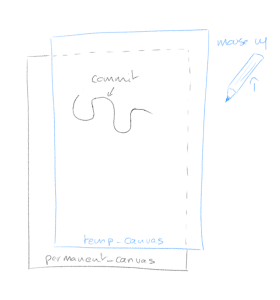
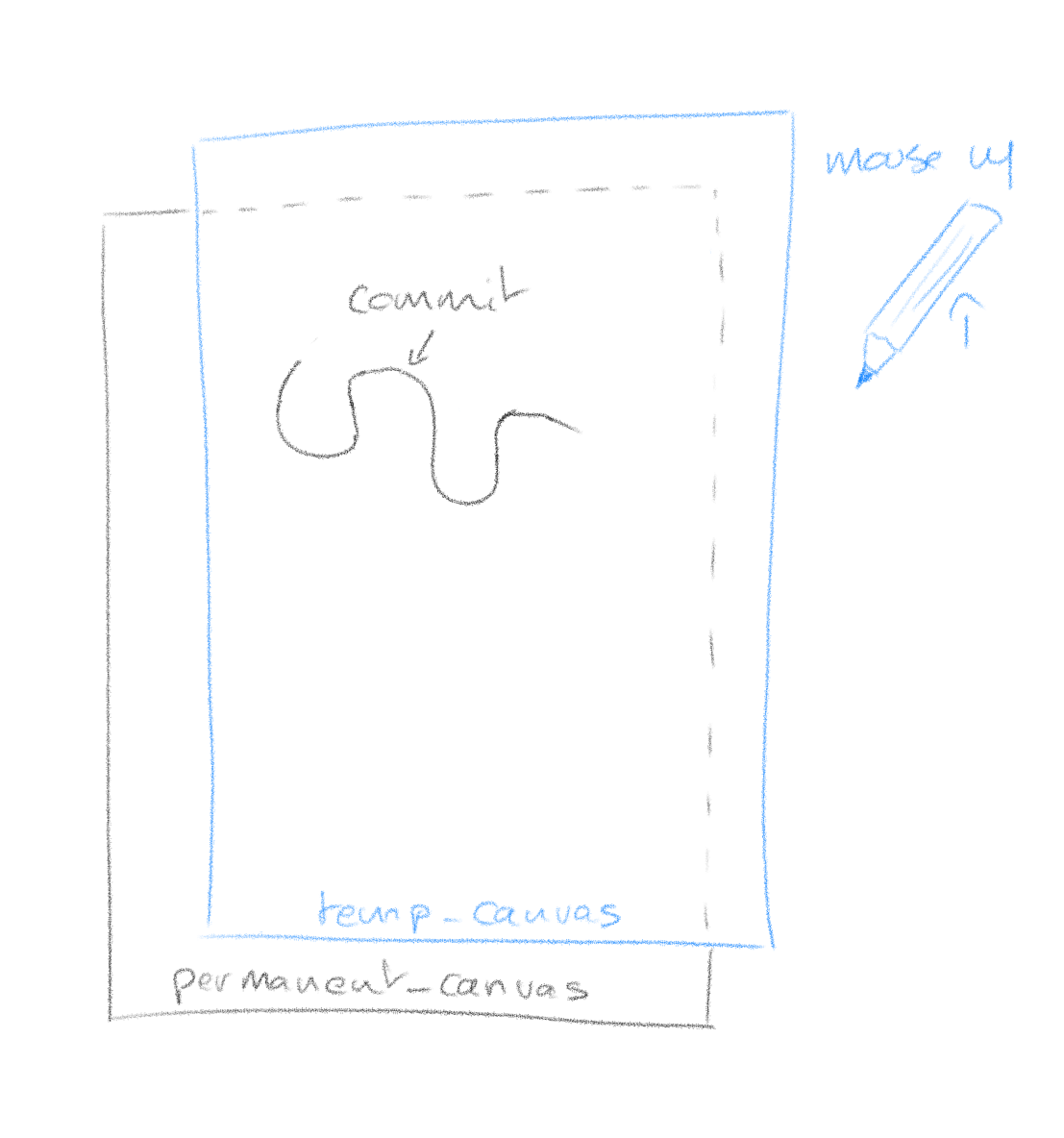
The reason for this is that a pen stroke is getting redrawn entirely every time new coordinates come in. This is because with quadratic curving, the final shape of a stroke is never fully known until all coordinates are. So every time coordinates come in (mouse move event), we clear the temp_canvas and redraw the whole stroke. The operation happens fast enough that it is invisible.
When you are finished with your stroke (mouse up event), the temp_canvas is cleared and the whole stroke is committed (redrawn) on the permanent canvas.
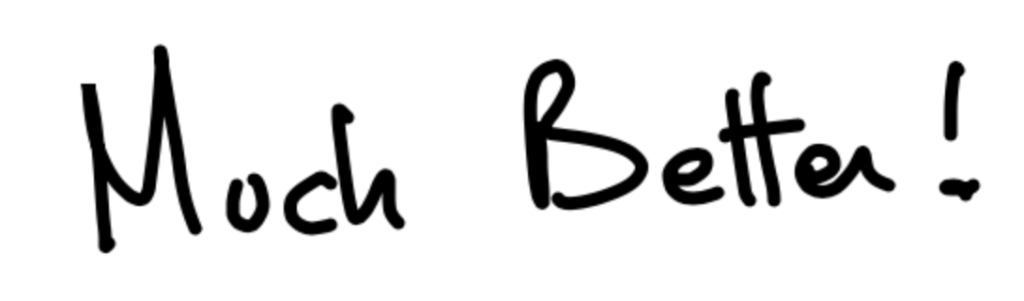
What it looks like with our quadratic curving algorithm:
Network Streaming
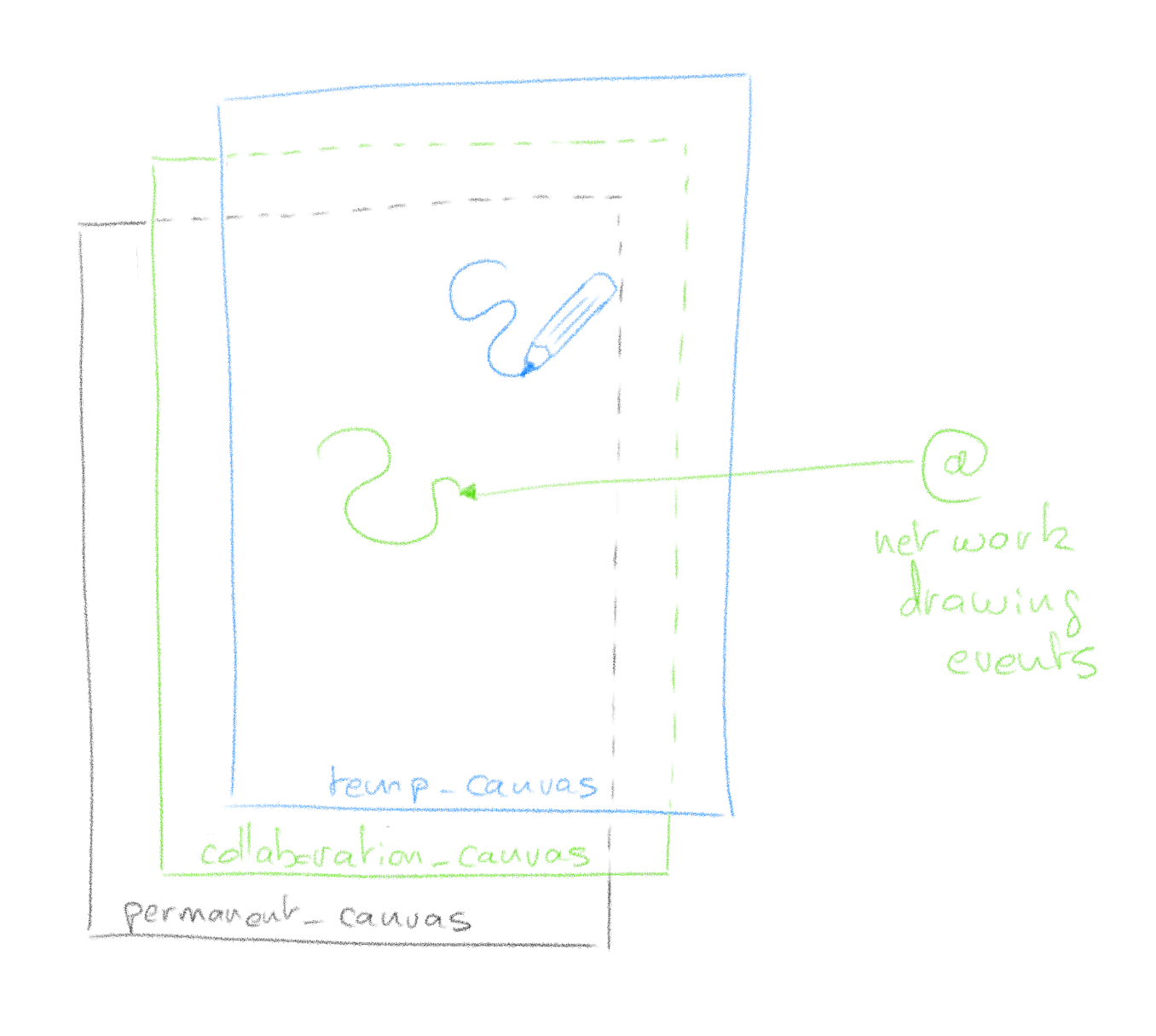
Here is how we add network streaming to the pen strokes. Emitting your pen stroke to other clients is easy, you simply blast your current coordinates to a websocket which will repeat it to other clients. When you receive coordinates from other clients though, you can’t use temp_canvas to render them as it might conflict with your current drawing. To this effect we add yet another canvas between permanent_canvas and temp_canvas which will render network events.
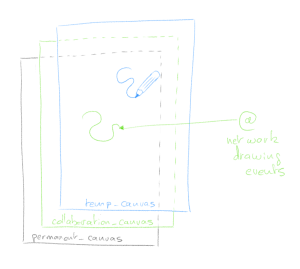
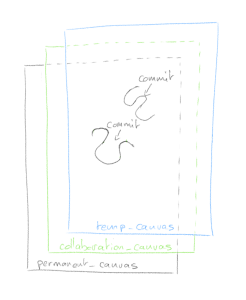
Much like temp_canvas, collaboration_canvas is meant for temporary rendering and when other clients finish their pen stroke (mouse up), the instruction to commit to the permanent canvas is sent through the websocket.
That’s it
It’s hard for me to document every step of the code; I don’t know your coding level, it’s asynchronous and has lots of bits & pieces which serve specific purposes. I hope however with the basic theory explained, and the code boiled down to its essentials, that you can dissect it easily. Feel free to use the comments section for questions.