Winter Fun

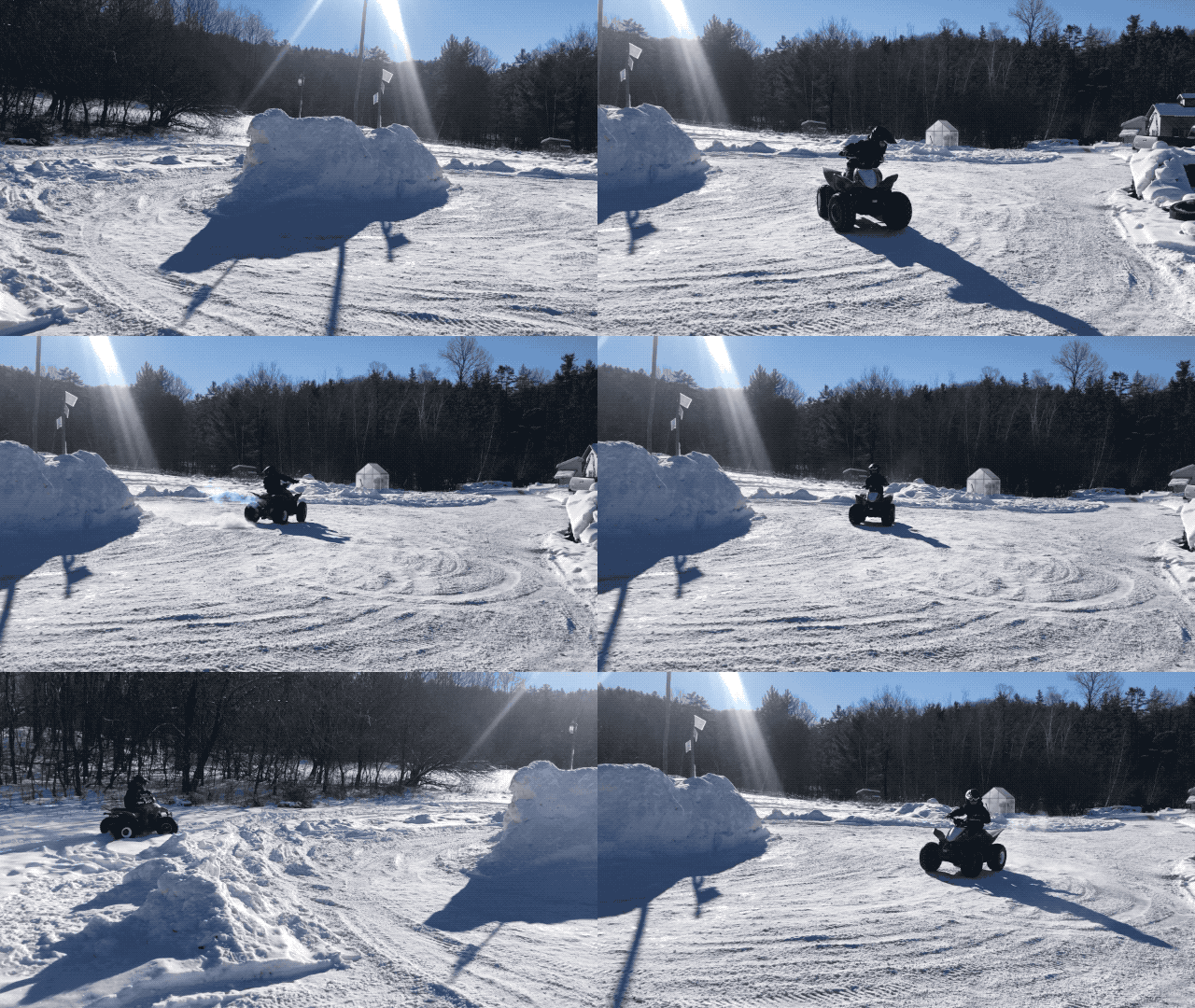
The kids don’t need to ask twice, I absolutely love riding and hearing giggles the whole time.


He discovered doughnuts.

The gifs came out a little faster than the actual actions, we’re not that reckless, we hope to remain wreckless.

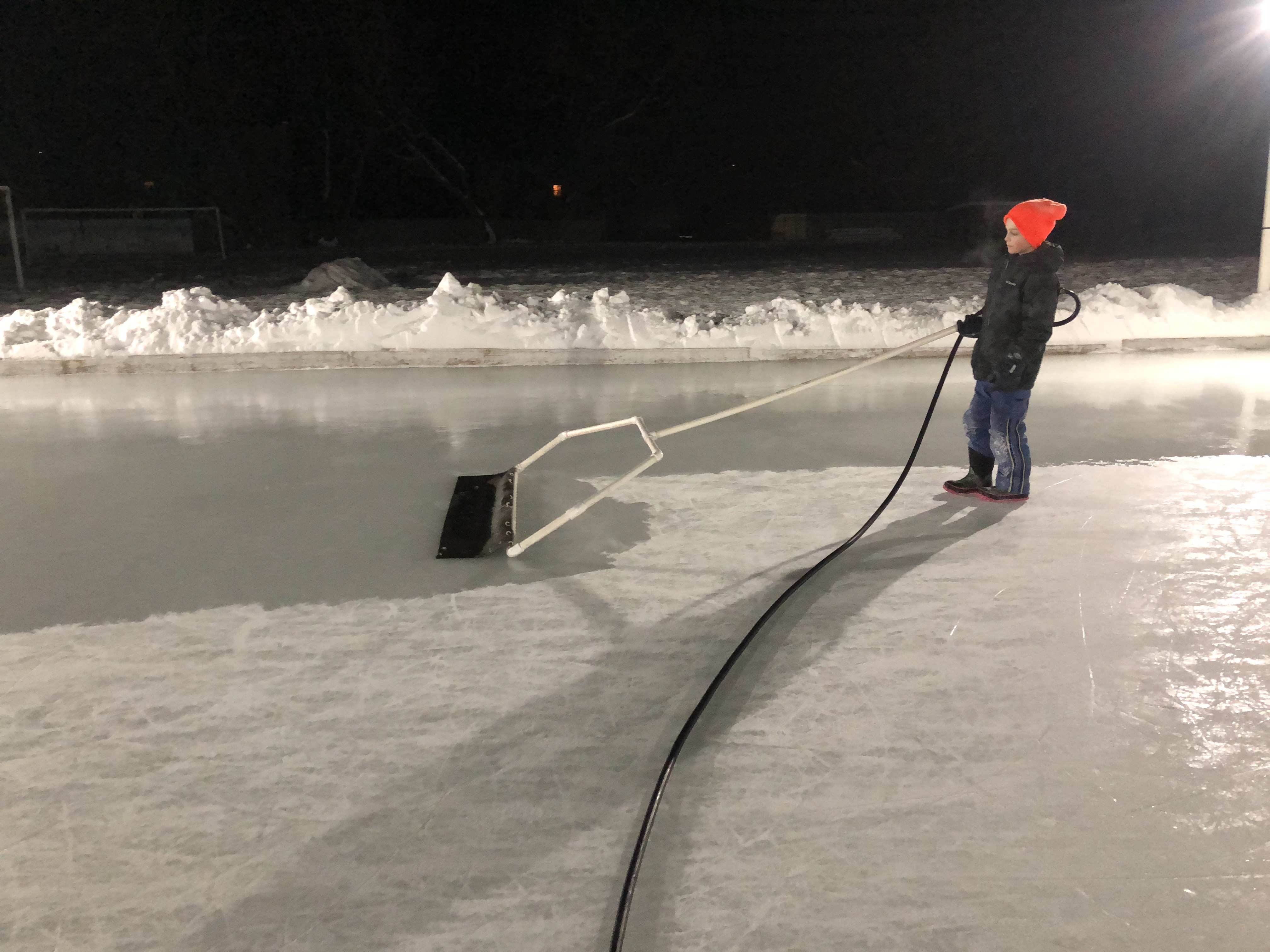
First year on the ice and she’s doing quite well already.


Our family is a net positive on the ice.

Winter Wonder

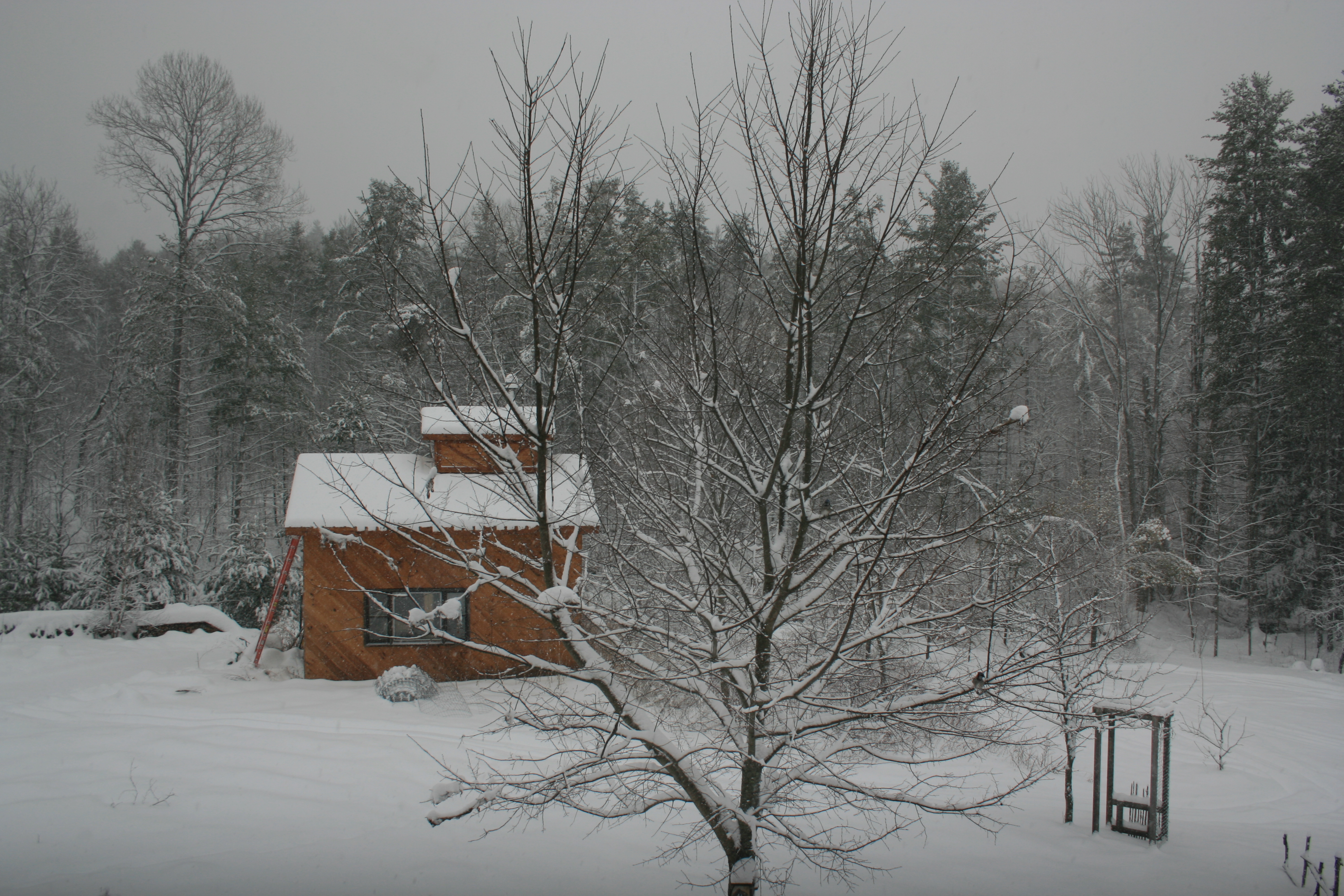
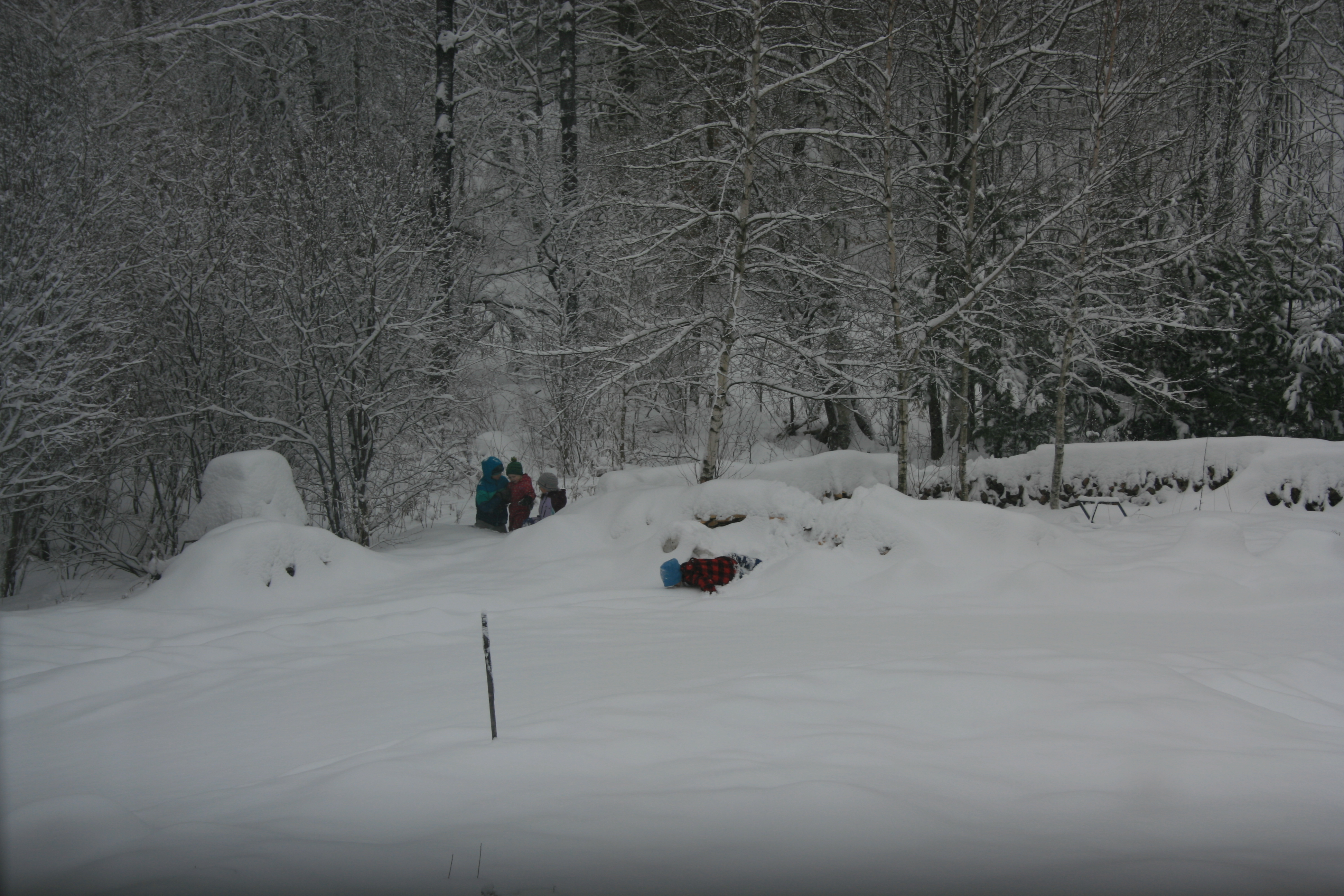
Work from Home = Work from a Snowglobe

Soon to be used sugarhouse & blue jays.


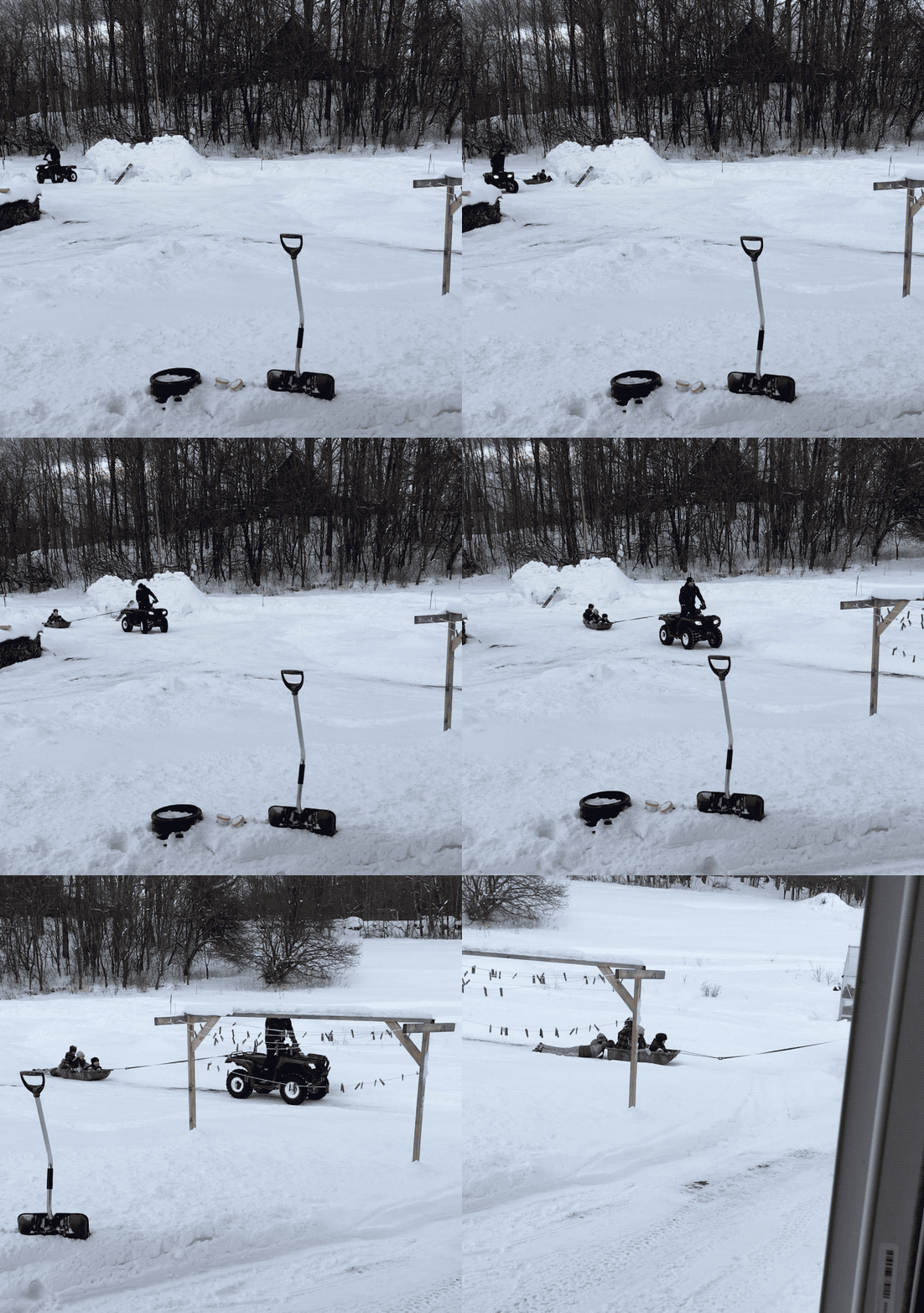
Trogdor was a boat. I mean he was a snow fort dragon boat.

Girls help the weakest, boy throws himself over the wood piles and eats snow unconcerned by others.

Blue Jays in Force

An interesting thing about the birdfeeder is how birds species time share on it. Blue Jays, when they descend on it, will take over all the surrounding trees. Several dozens of them raiding the feeder for 20 minutes. None of them were there before, none left after. They act as a group, are punctual, and expedient.

Scary Math

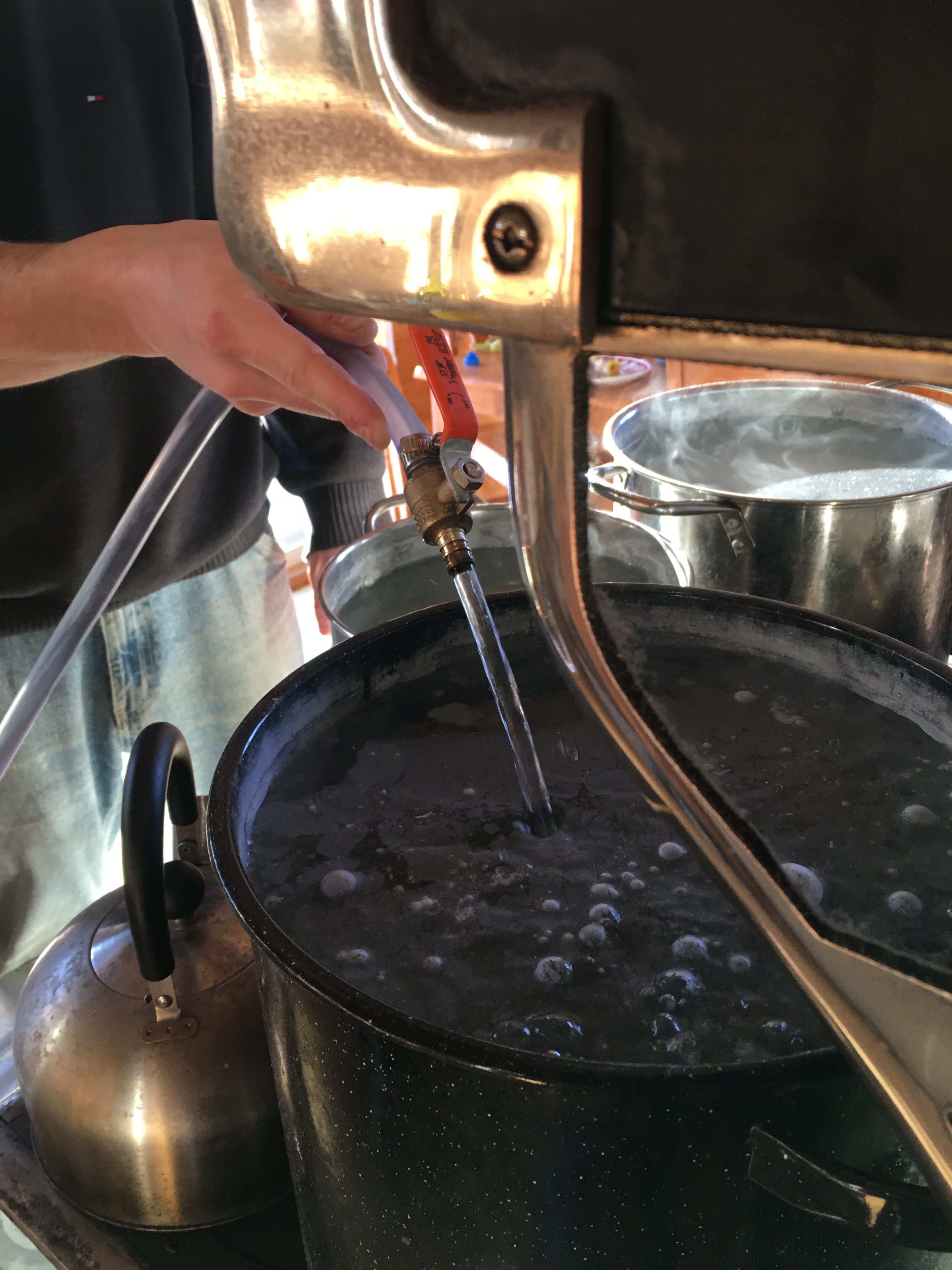
Our lives just took an enormous leap in comfort as we now have running water. It isn’t fully installed yet, and I’ll post more about the pump when it is.

I estimate that in the past 5 and a half years, We pumped and carried 248,930 liters (65,760 gallons) of water from the well 100ft away. I’d love to know how many joules this represents, and how much ingested Ben & Jerry’s this translates to, but I don’t need to go down this rabbit hole right now :).

It isn’t yet perfect, I’m still figuring out a few things around priming and proper plumbing. But it’s still an enormous improvement. Running water, which we took for granted most of our lives, is the culmination of not only all the projects surrounding it (well work, frost lines, piping, et cetera), but also all the projects surrounding electricity. No wonder it took 5.5 years to get here with our starting point being zero understanding of any of these things. We often run into the people we once were, who have no concept of the fact water can move outside of pipes, in buckets for example. It seems evident when you read it, but I can guarantee we were met with confused looks more than once.

Working with Handwriting

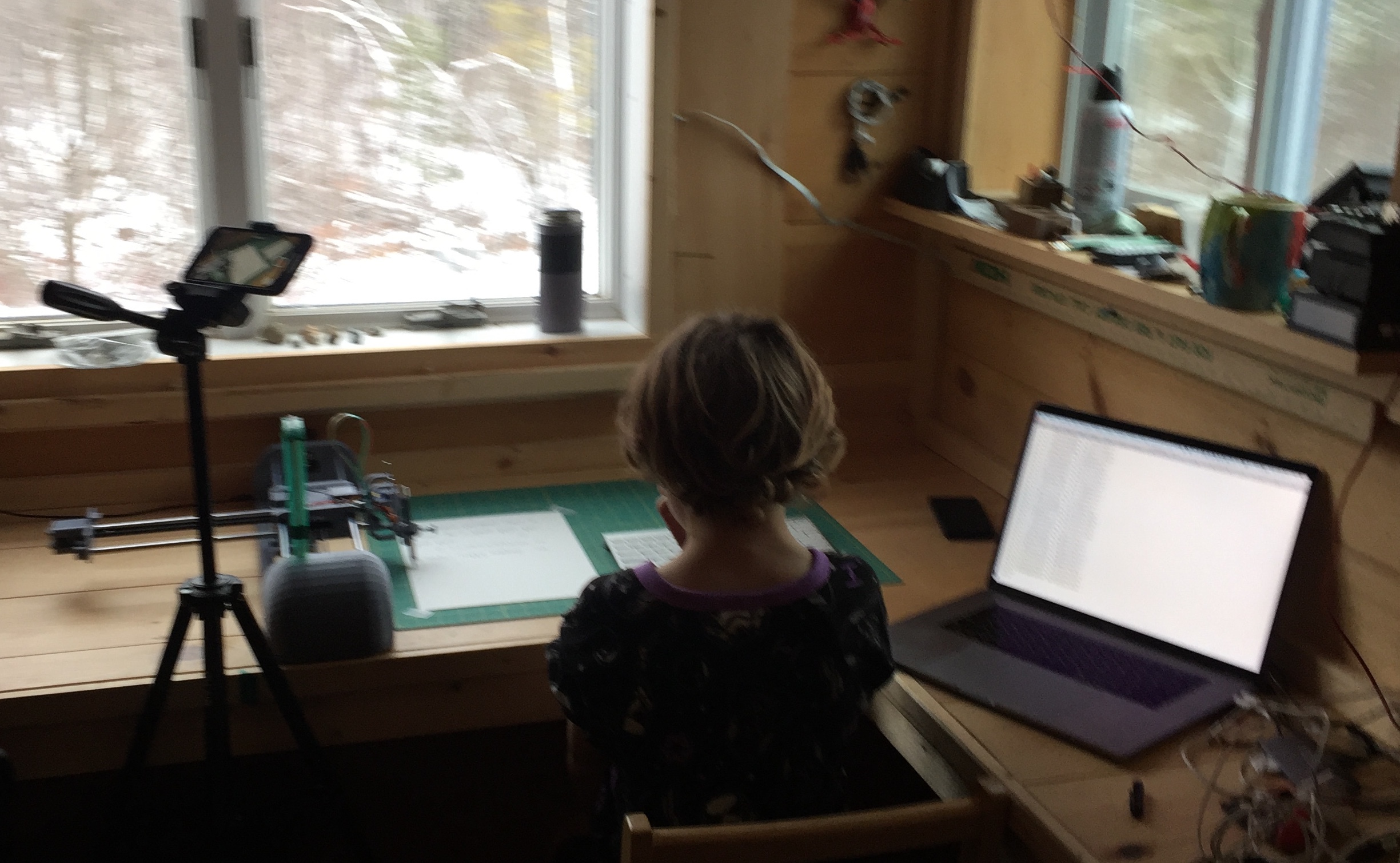
One of my obsessions in developing PlottyBot has been handwriting. Even with Mandalagaba I care very much that the penstrokes originate from one’s hand and avoid tools which “do the drawing for you”. This is where your personality transpires on paper beyond your ability to draw. I thought it’d be neat to have a pen plotter able to write in one’s handwriting.

This idea came up a long time ago, and I researched many ways to achieve it. The unfortunate but predictable conclusion was that I would need to write my own font format to get there.

Introducing Flexible Font. PlottyBot comes with the ability to capture your handwriting. The Flexible Font format is monoline based, holds metadata on your pen strokes to define where ligatures may occur, it also allows for character variations. It’s tailored just for plotters :).

The video bellow shows several ways to use PlottyBot with handwriting. The first is a simple live replay of pen strokes from https://plottybot.mandalagaba.com, the next ones use Flexible Font.


UV Ink Experiment

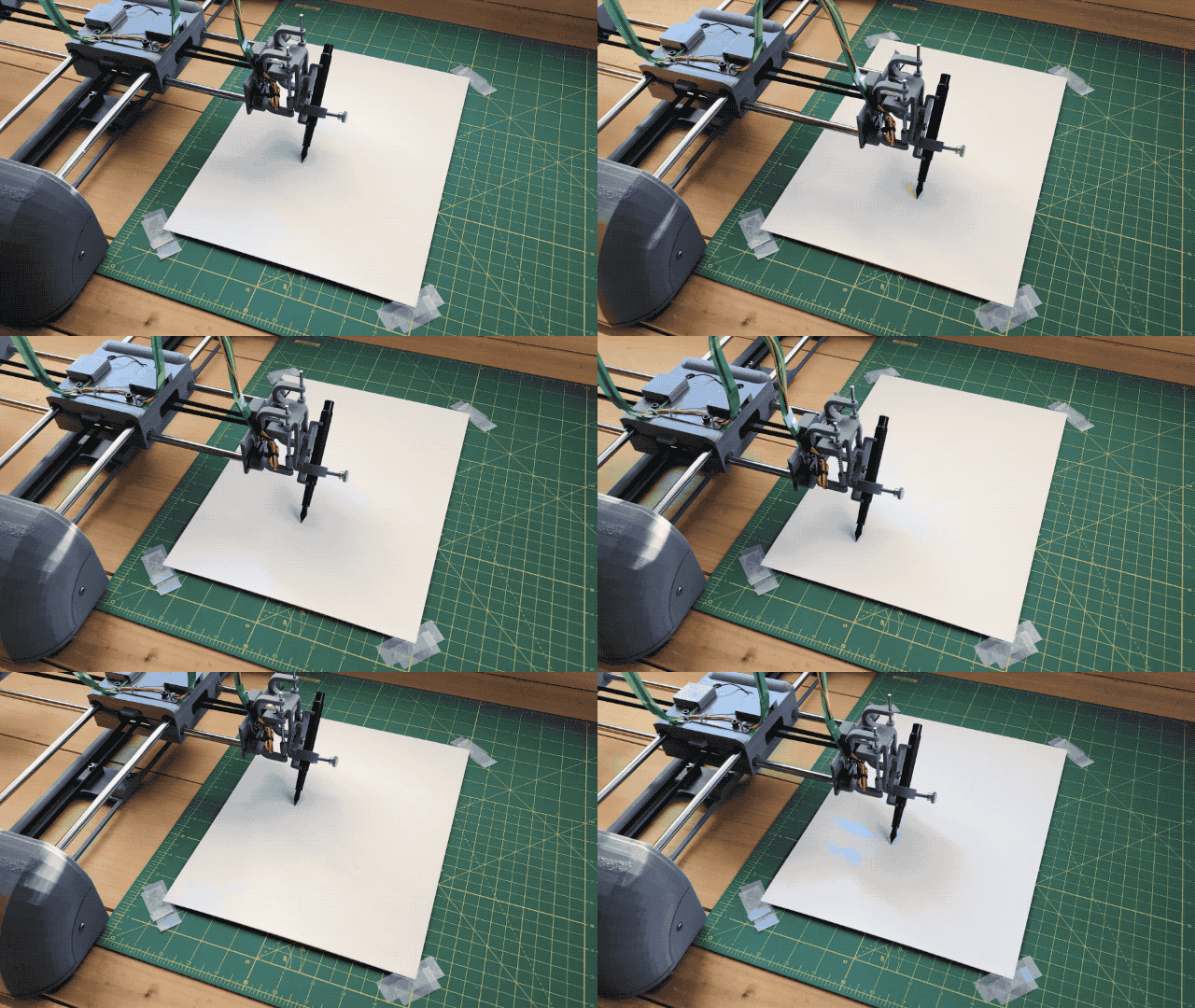
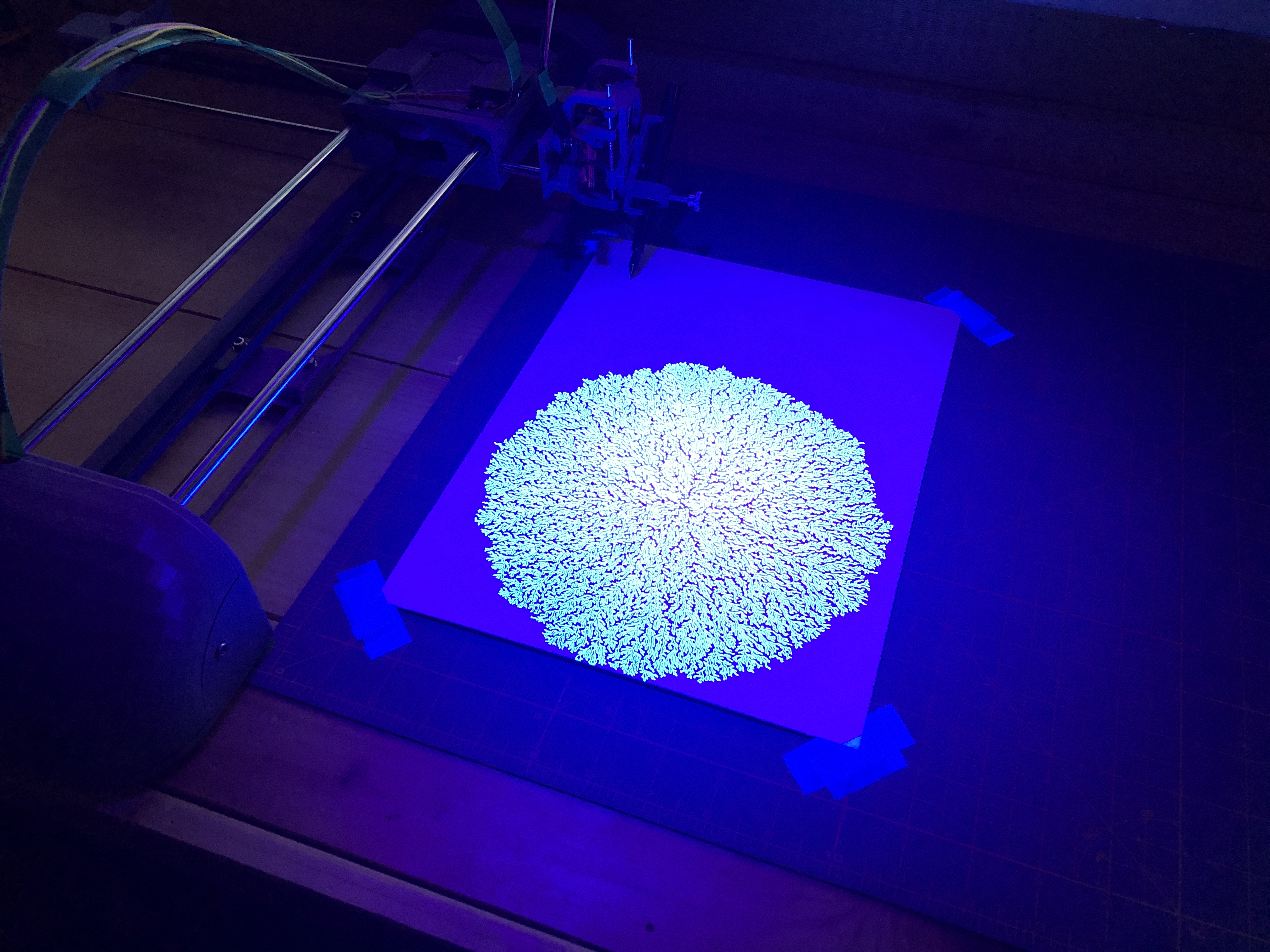
One advantage of a drawing machine working with coordinates is that it does not need to see what it draws.

Under the blue light


I bought a fountain pen with a refillable cartridge, and some UV ink.


The UV ink is invisible to the naked eye but the pen did leave trails on the paper.


PlottyBot is born

Years in the making, many prototypes, and I hope a software stack which brings novelty and ease of use to the world of pen plotting. It’s been a marathon building the final version and documenting the process carefully. I’m too pooped to say anything more about it for now.

Instructions here

Driving a 28BYJ-48 Stepper Motor & ULN2003 driver with a Raspberry Pi

Quick points about this motor & driver

They are wonderfully cheap and extremely accurate due to 1/64 gearing. They move by 0.087890625° per step! However, the gearing is made of plastic and will wear out overtime, especially if moving heavy objects. Lastly the motors can become a little toasty if you work them hard.

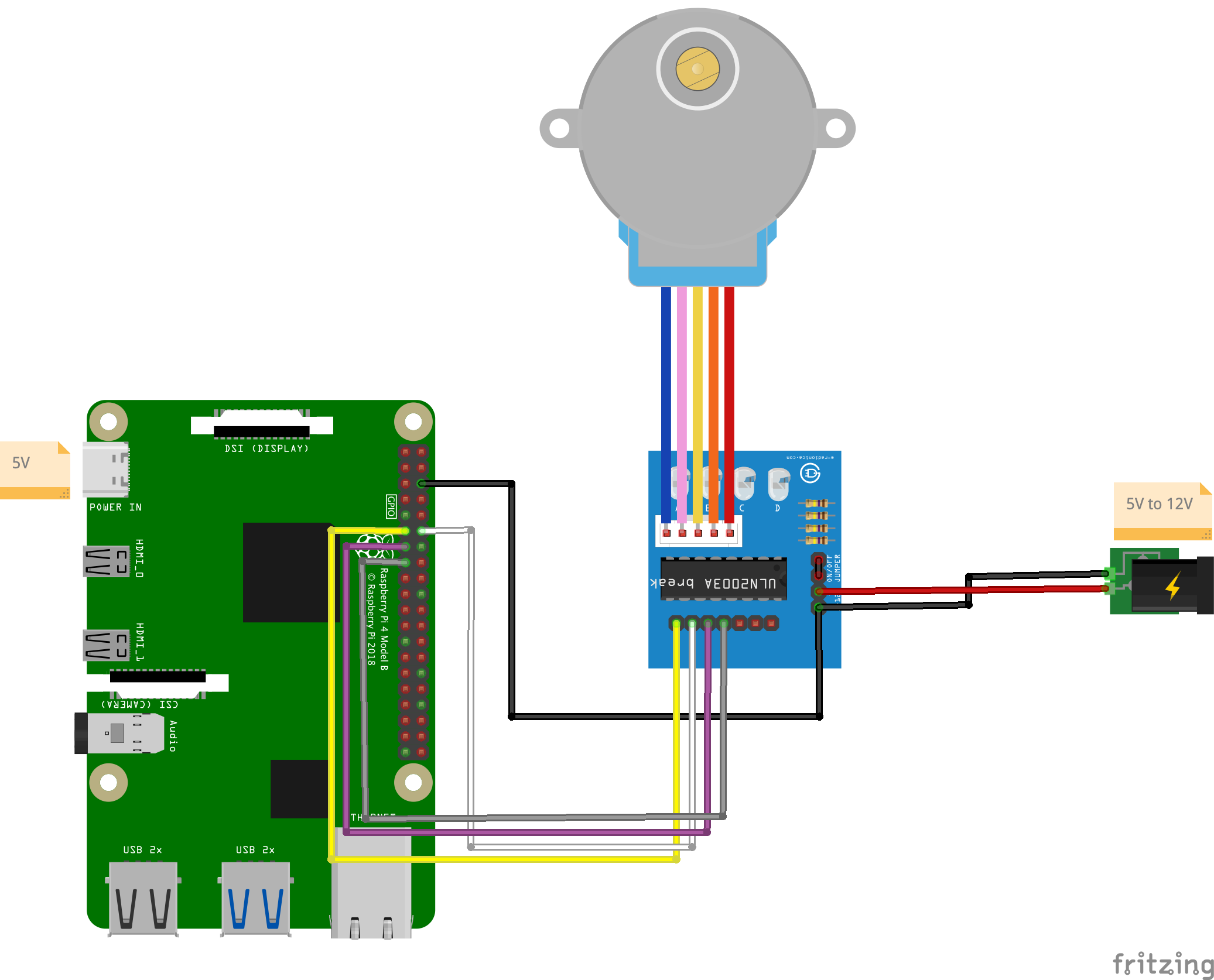
Circuit

Fritzing

Code

#!/usr/bin/python3
import RPi.GPIO as GPIO
import time

in1 = 17
in2 = 18
in3 = 27
in4 = 22

# careful lowering this, at some point you run into the mechanical limitation of how quick your motor can move
step_sleep = 0.002

step_count = 4096 # 5.625*(1/64) per step, 4096 steps is 360°

direction = False # True for clockwise, False for counter-clockwise

# defining stepper motor sequence (found in documentation http://www.4tronix.co.uk/arduino/Stepper-Motors.php)
step_sequence = [[1,0,0,1],
                 [1,0,0,0],
                 [1,1,0,0],
                 [0,1,0,0],
                 [0,1,1,0],
                 [0,0,1,0],
                 [0,0,1,1],
                 [0,0,0,1]]

# setting up
GPIO.setmode( GPIO.BCM )
GPIO.setup( in1, GPIO.OUT )
GPIO.setup( in2, GPIO.OUT )
GPIO.setup( in3, GPIO.OUT )
GPIO.setup( in4, GPIO.OUT )

# initializing
GPIO.output( in1, GPIO.LOW )
GPIO.output( in2, GPIO.LOW )
GPIO.output( in3, GPIO.LOW )
GPIO.output( in4, GPIO.LOW )

motor_pins = [in1,in2,in3,in4]
motor_step_counter = 0 ;

def cleanup():
    GPIO.output( in1, GPIO.LOW )
    GPIO.output( in2, GPIO.LOW )
    GPIO.output( in3, GPIO.LOW )
    GPIO.output( in4, GPIO.LOW )
    GPIO.cleanup()

# the meat
try:
    i = 0
    for i in range(step_count):
        for pin in range(0, len(motor_pins)):
            GPIO.output( motor_pins[pin], step_sequence[motor_step_counter][pin] )
        if direction==True:
            motor_step_counter = (motor_step_counter - 1) % 8
        elif direction==False:
            motor_step_counter = (motor_step_counter + 1) % 8
        else: # defensive programming
            print( "uh oh... direction should *always* be either True or False" )
            cleanup()
            exit( 1 )
        time.sleep( step_sleep )

except KeyboardInterrupt:
    cleanup()
    exit( 1 )

cleanup()
exit( 0 )

Stuff you might need for this to run:

sudo apt-get update --fix-missing && sudo apt-get install python3-rpi.gpio

Results

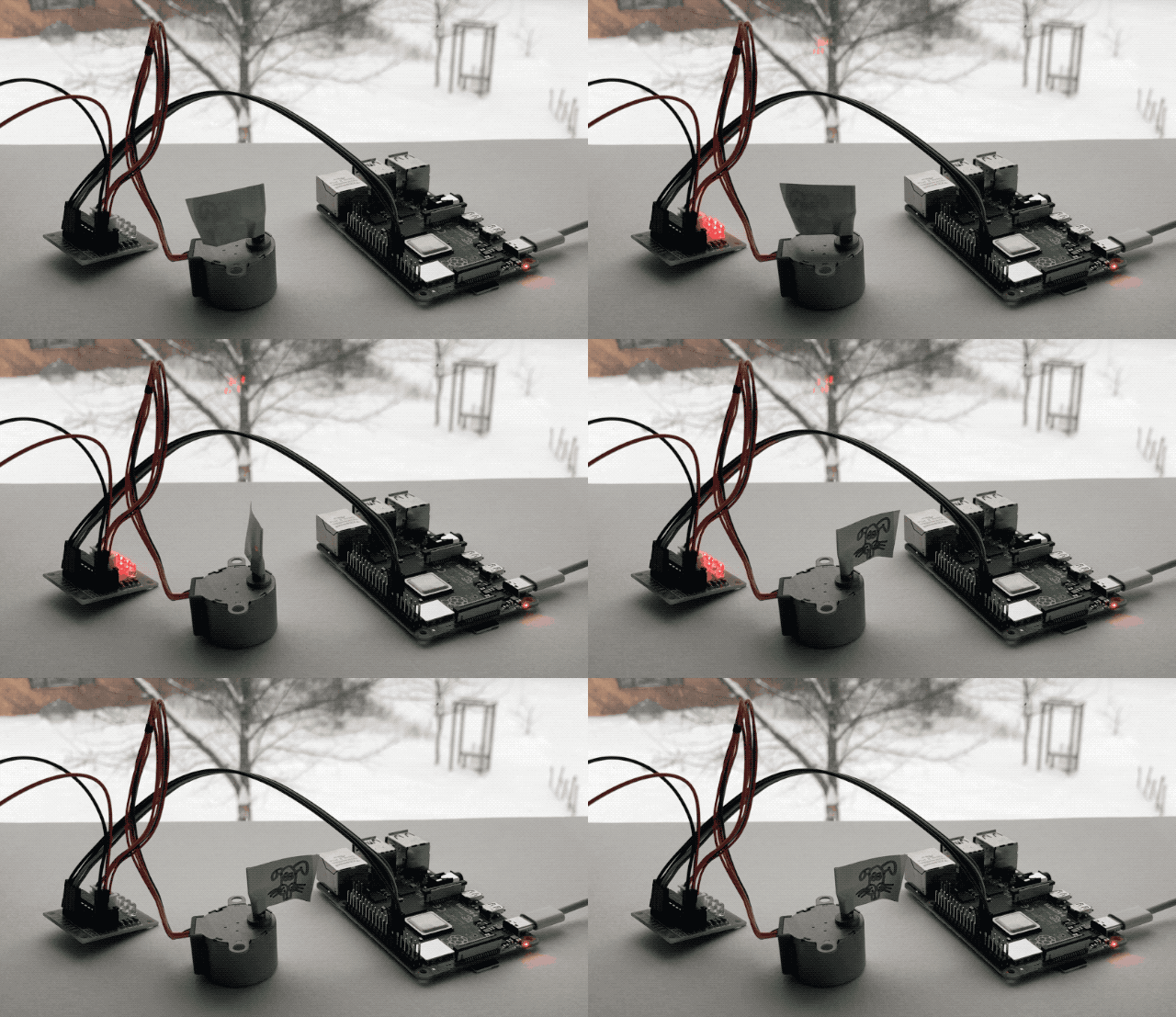
This motor takes 5.625*(1/64)° per step, this means 2048 steps for 180°:

and 4096 steps for 360°:

One thing that is super cool about the driver board are the LEDs. Projects are always cooler with blinky LEDs, but these guys also help show what is actually going on inside the stepper, and can help you find issues. They are supposed to light up in sequence.