Making Ice
I’ve been helping maintain the village’s rink this year. It’s been fun to learn the ropes and of course, play hockey.

Recursive Drawing is out
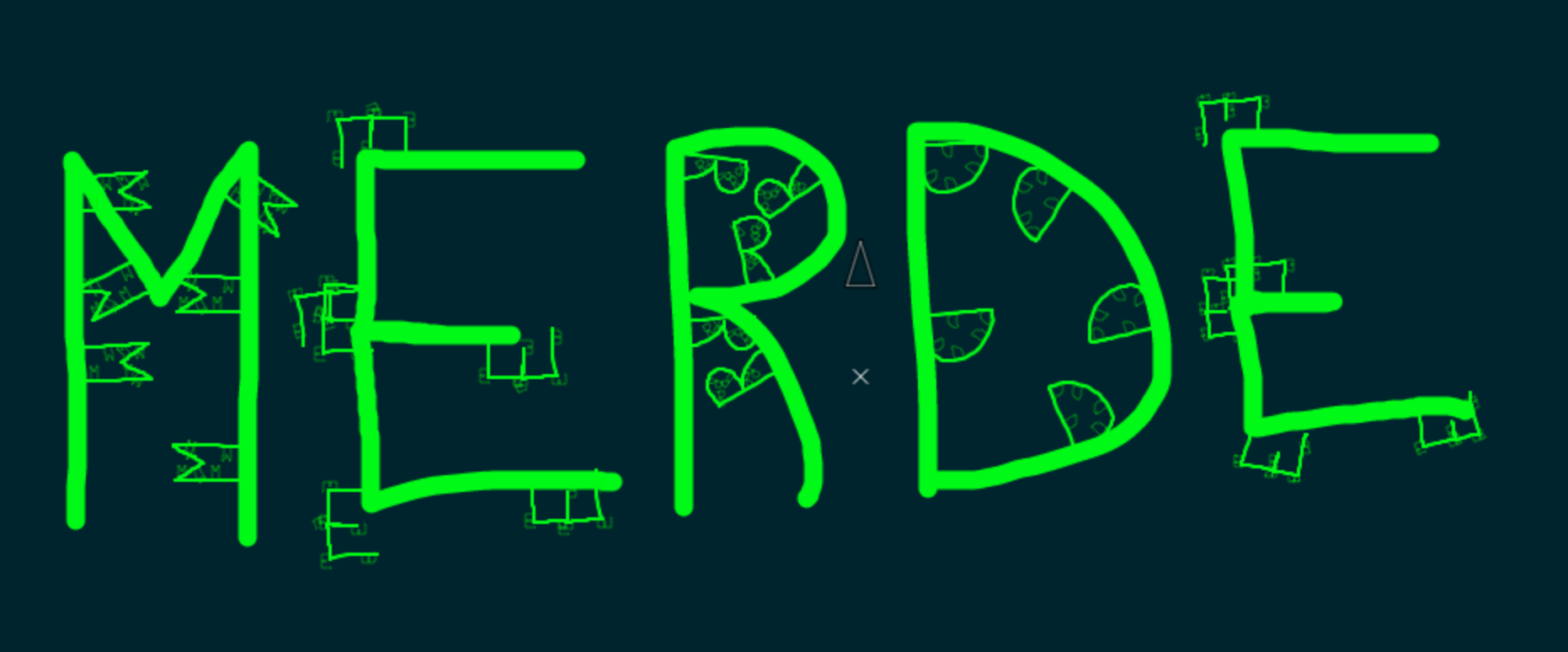
It’s only available on the “pro” facet of Mandalagaba. Oh yeah, Mandalagaba has been broken down into several facets for the purpose of simplifying and focusing activities. The facet where all the brain hurting stuff goes is the pro one. Pro is where one can draw a “radially symmetrical tessellation recursively”.
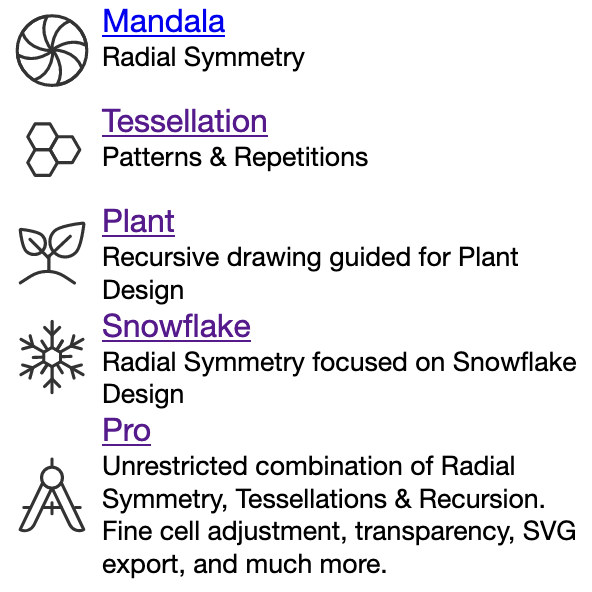
I tried to keep the menu simple and icon based but it’s still the most complex. Thankfully we have words to describe all that these things do.
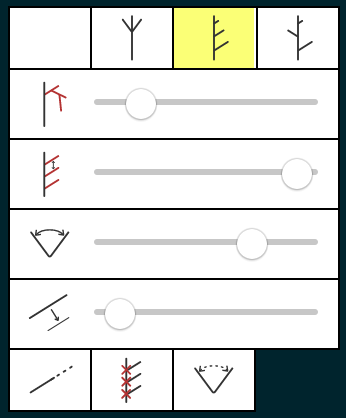
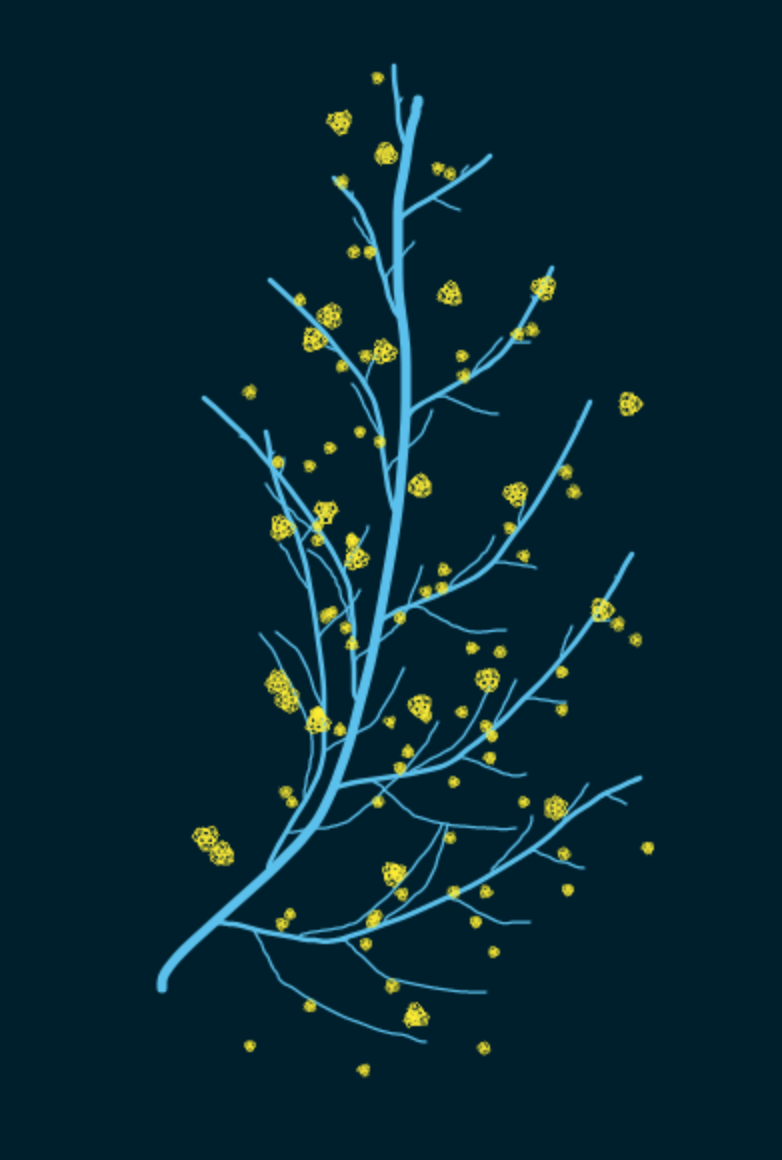
Along with recursion, https://plant.mandalagaba.com is out too, using recursion, symmetries and a newly developed center placement to create plants & trees. This one still needs a bit of polish but the main idea is working. I touched a lot of the core engine of Mandagaba to introduce all this, development went pretty well. It was nice to test the flexibility I gave myself during last Winter’s rewrite for a major feature add.
Quails & Masks
The porcupine is still alive and kicking, its tracks are in the usual spots on the land. It picked a new pine tree to spend the night feeding in this Winter, very much in the same area as last year’s. Definitely a creature of habit, it’s been living in the same house, following the same habits for as long as we started paying attention 5 years ago.
We set the trail cam at the entrance of the collapsed barn where it lives.
The poor fellow wasn’t expecting my deep track on its usual path and stumbled into it 🙂

5 minutes later… Really cool animals.

A couple more for the road
Pretty fun, the result is less compelling than the experience of making them.
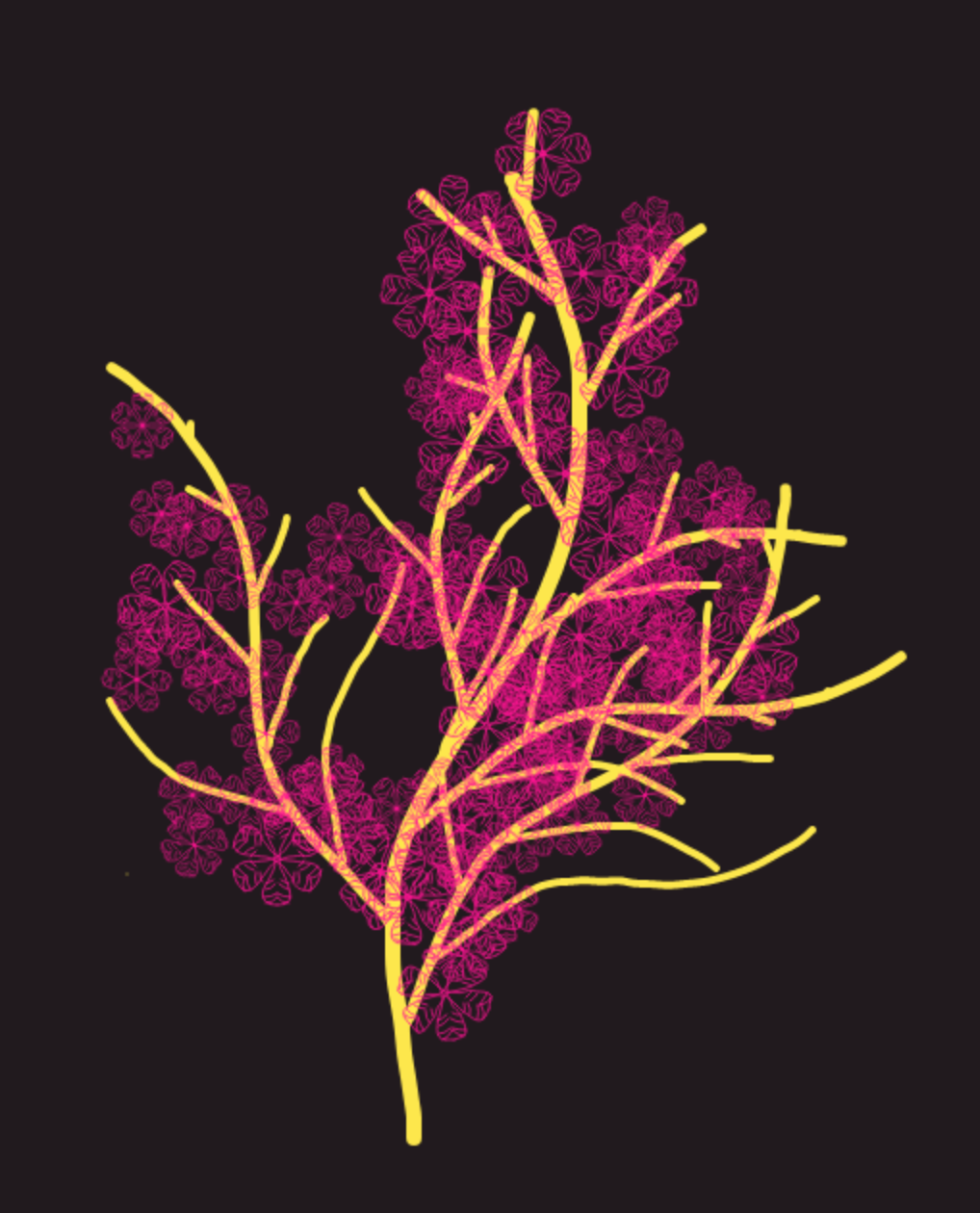
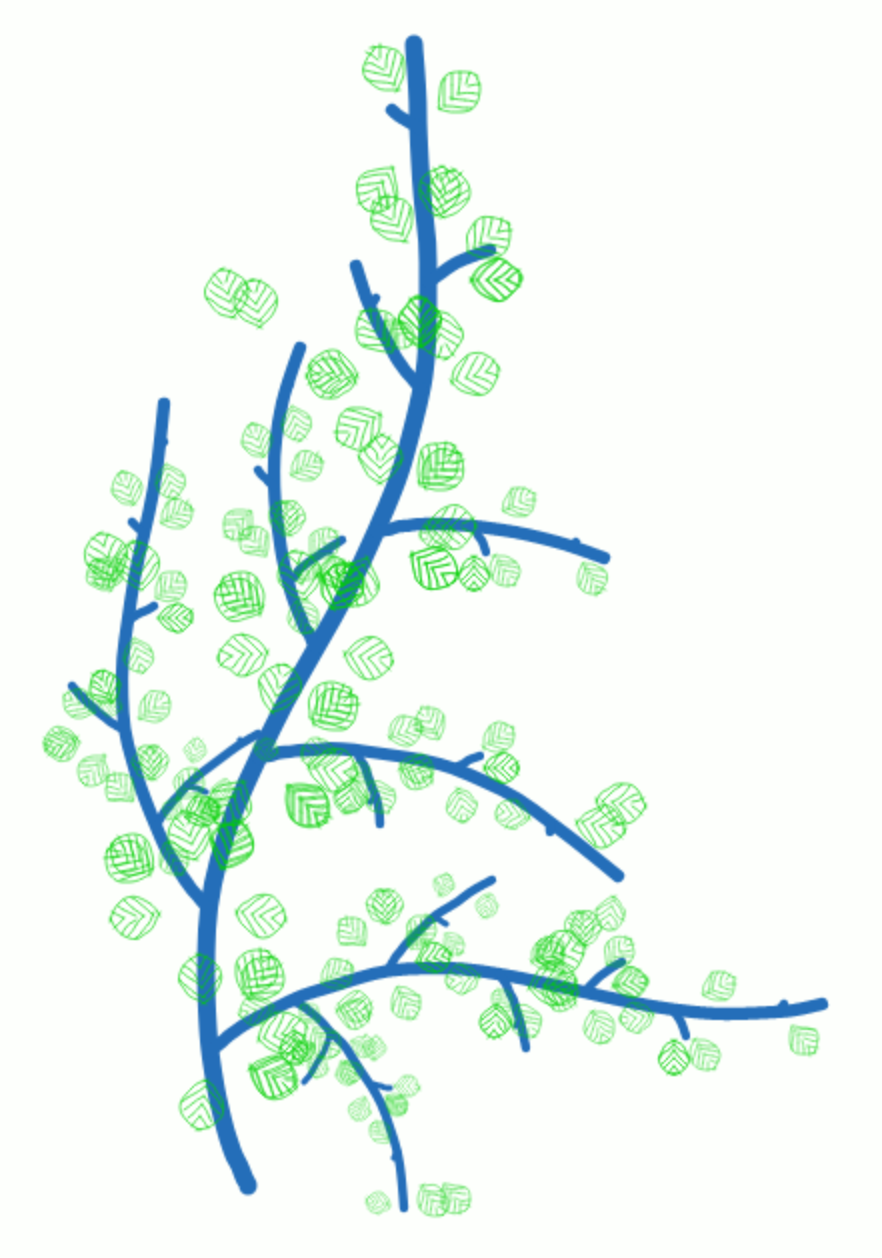
Getting there on recursion, there on recursion, on recursion, recursion
I still have a lot of details to figure out but I almost have recursion nailed. It’s a pretty brutal mental exercise to combine it with the existing radial symmetry & tessellations. As I’ve said before, one of the effects I seek in particular is that of a growing plant. In fact, I plan on dedicating a facet of Mandalagaba to guided drawing for just that. The adjustment of parameters which is very specific for getting a plant will be taken care of, and only the fun parts will remain. A perfect tool for the slacktivists who wants to feel like they’re helping greening up the world while staying glued to their screen.
I sometimes feel bad that so many people find stress, anxiety and even depression relief drawing mandalas on Mandalagaba. I feel like an enabler for giving them such a meaningless escape valve, on a screen at that. As much as I love a plant growing effect, I’m worried people will use it to get their virtual green fix while further removing themselves from nature. Get off your screens, grow an actual plant if you want to grow a virtual one.
Thermosiphon Butterflies
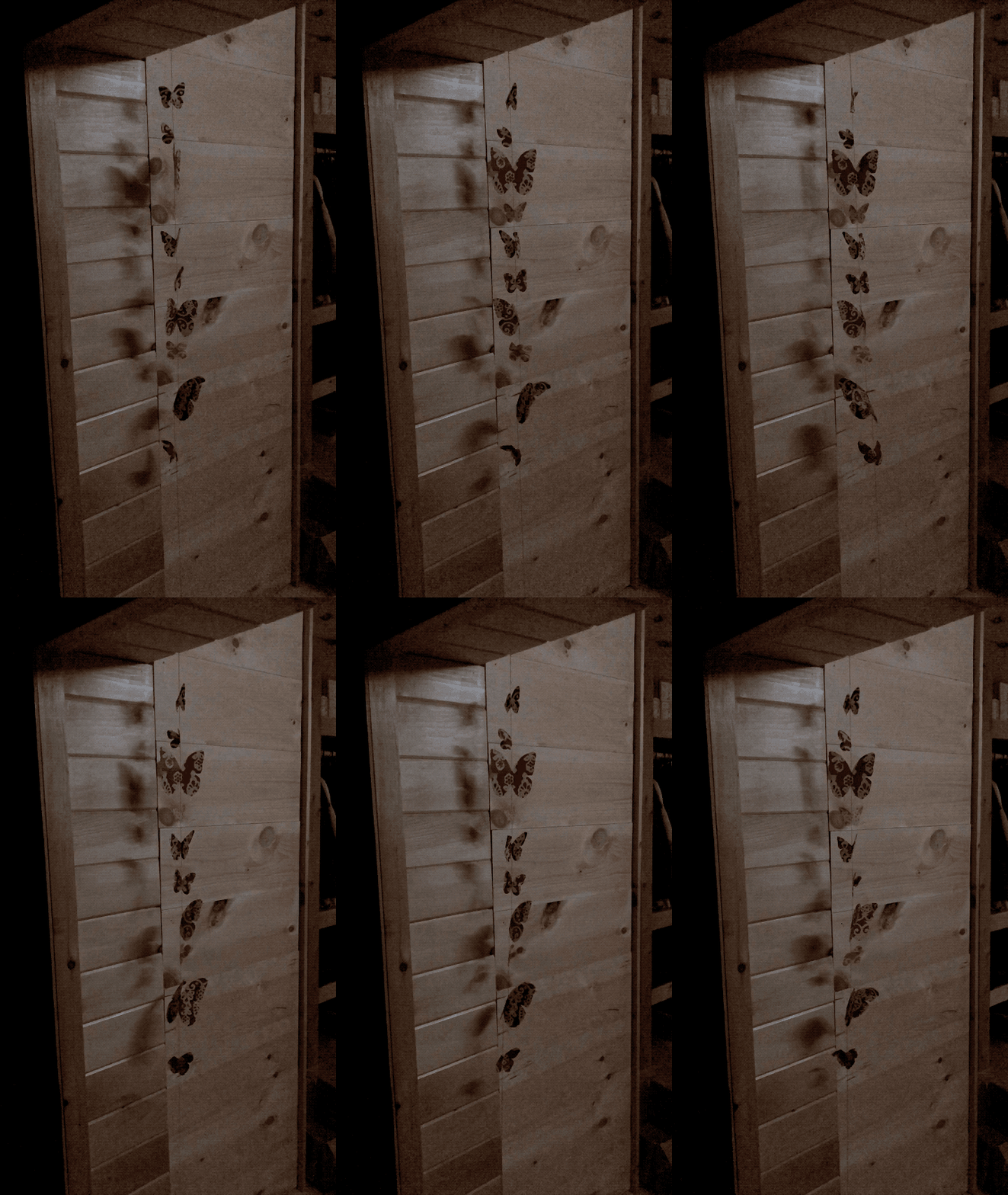
The thermosiphon has been proving itself this whole Winter. It’s quickly becoming one of the best features of our house design and it’s not hard to imagine why. 100% passive & efficient air circulation taking heat from the stove to every nook and cranny of the house. No power, no fan, no duct.
As a bonus, it animates decorative butterflies. Now I don’t really care about the butterflies; I only like seeing them as an indicator of the free work our house is giving us. They’re a great analog anemometer.
Web Omnipresence with Docker, VPN & Squid proxying
Here’s a method for having several browser windows proxying through several countries concurrently.
Demo
[mejsvideo mp4=”http://ben.akrin.com/videos/omnipresence.mov.mp4″ ogg=”http://ben.akrin.com/videos/omnipresence.mov.ogv” webm=”http://ben.akrin.com/videos/omnipresence.mov.webm” poster=”http://ben.akrin.com/videos/omnipresence.mov.jpg” width=”640″ height=”360″]
Working Principle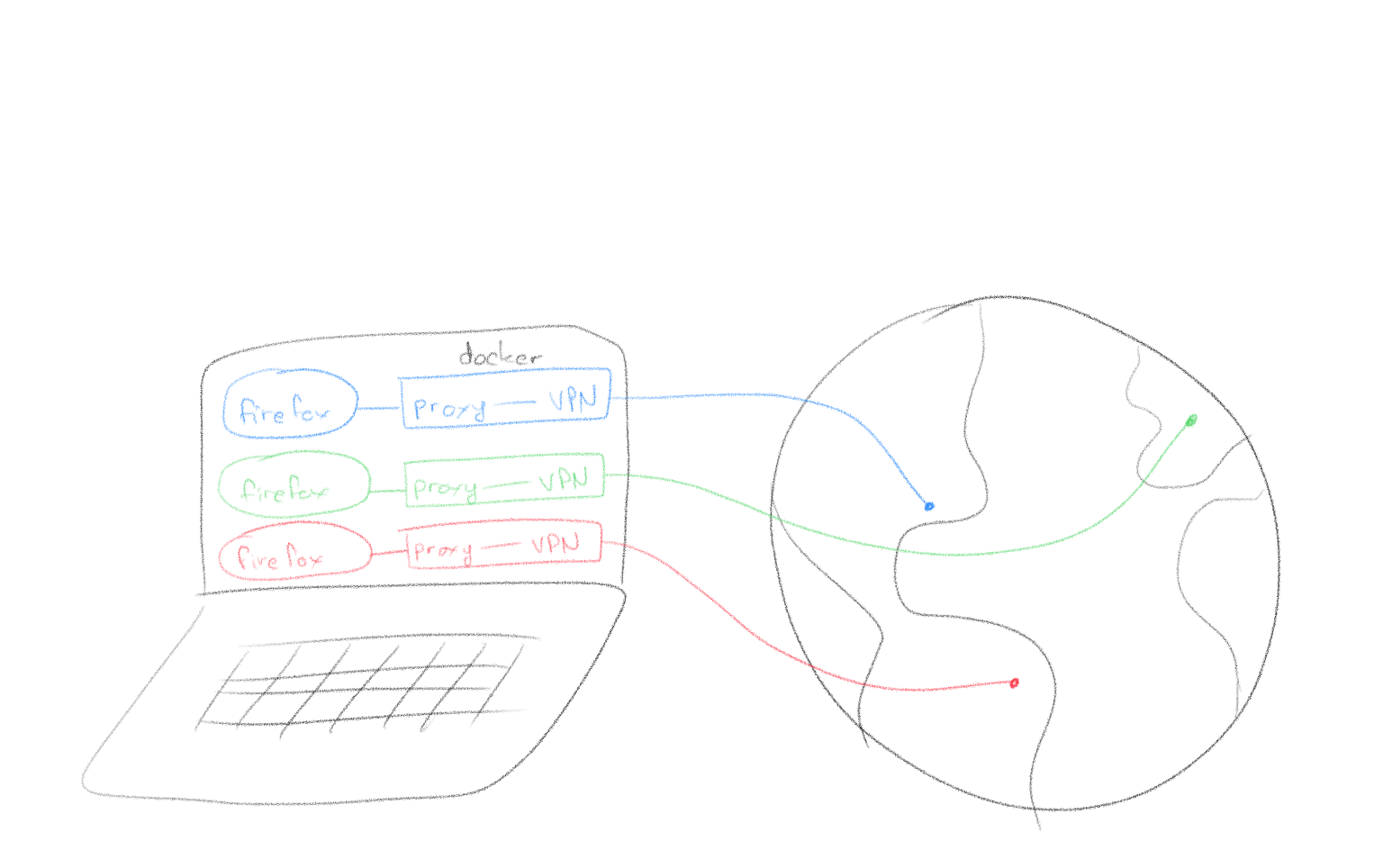
Requirements
- a VPN service supporting OpenVPN as a client (this example uses vpntunnel)
- Docker
- Firefox
- MacOS isn’t a requirement per se but this guide & accompanying scripts are written for it.
Setup Steps
- Download this package containing Dockerfile build instructions & some scripts.
- Populate the directory “openvpn_config_files/” with the ovpn files from the VPN service you use.
- Edit the script called “vpn” and replace <VPN_SERVICE_USERNAME> and <VPN_SERVICE_PASSWORD> with your username and password.
- Run with “./omnipresence.sh <name_of_ovpn_file>”
Protected: 2 oaks right where I wanted them
What’s for breakfast?
Chainsaw