Feature feature feature draw feature feature
Since the success of the Mandala maker, I’ve been pumping out a ton of features, improvements and bug fixes. They are too numerous to list but a few stand out.
- Collaborative editing using websockets for drawing mandalas with multiple people on the same session.
- Drawing without mandalas, there are only so many Mandalas one can collaboratively draw and so I created http://draw.akrin.com which leverages all the Mandalagaba goodness for drawing and removes the mandala specific layer.
- Read only mode guided by artists who like to livestream their drawing, I created a read-only mode to the collaboration. This way, people can watch but not participate.
- An iOS app was born
- High resolution renders are possible for $2, the charge helps with server costs and makes it a bit fairer if one was going to make money using the tool.
- Not visible but noteworthy nonetheless, an intricate server strategy was put in place to alleviate future waves, load balancing had to be built from scratch because of the collaboration layer.
- many, many, many other little things 🙂
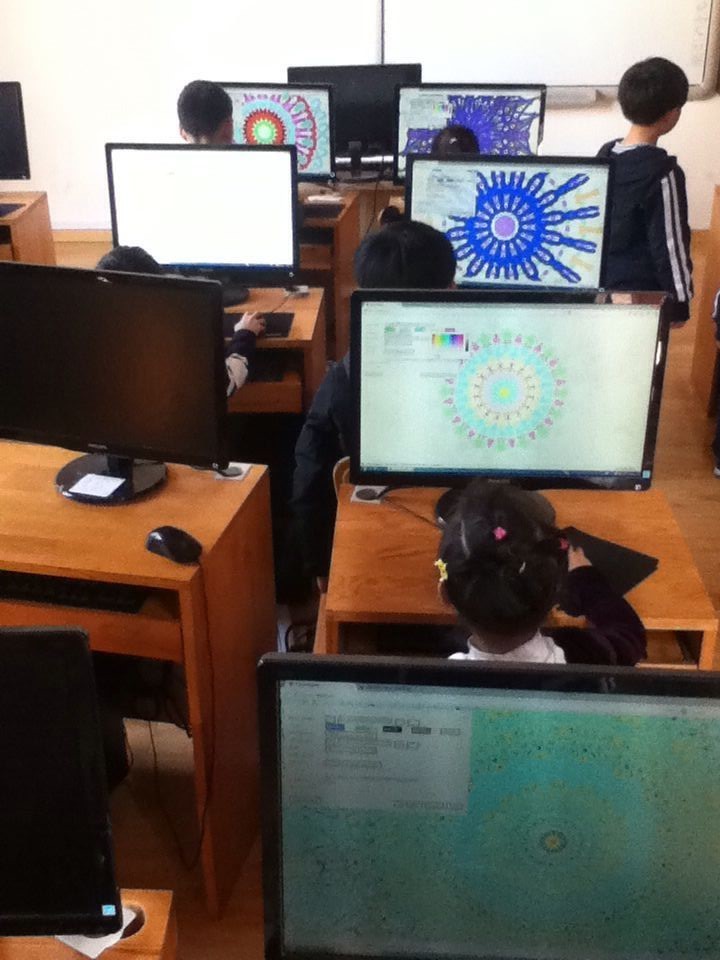
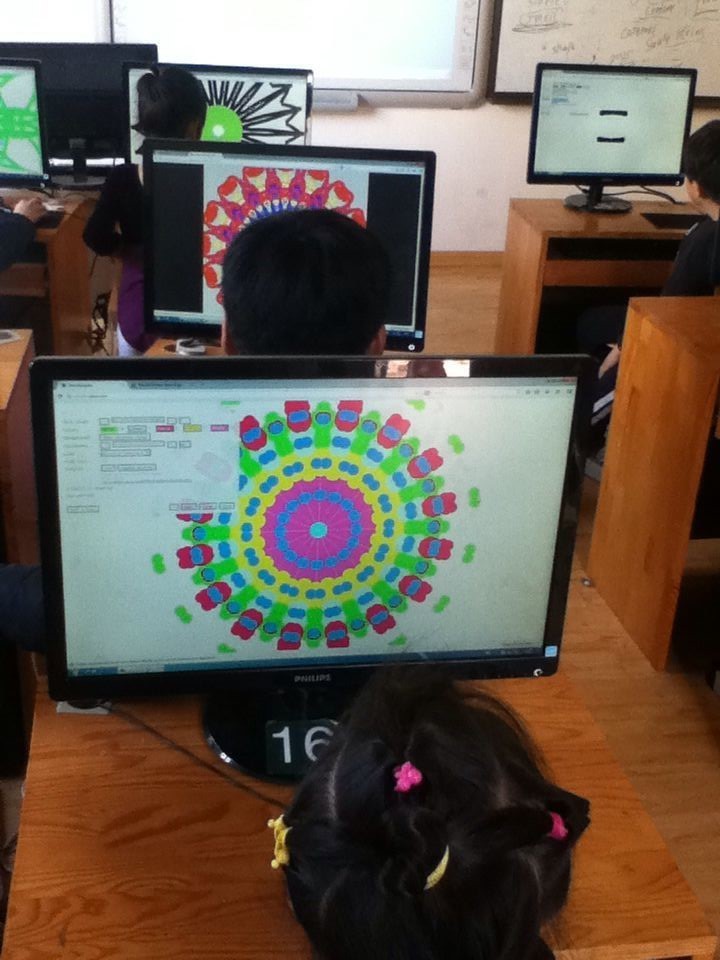
In terms of use, while the initial tsunami is dead, the project was picked up by artists and educators. I can’t post all all the pictures for privacy but I can’t tell you how awesome it feels to receive pictures like these:
Kids enjoying a Mandala making lab somewhere in China
Artist Peter Draws created more amazing work:

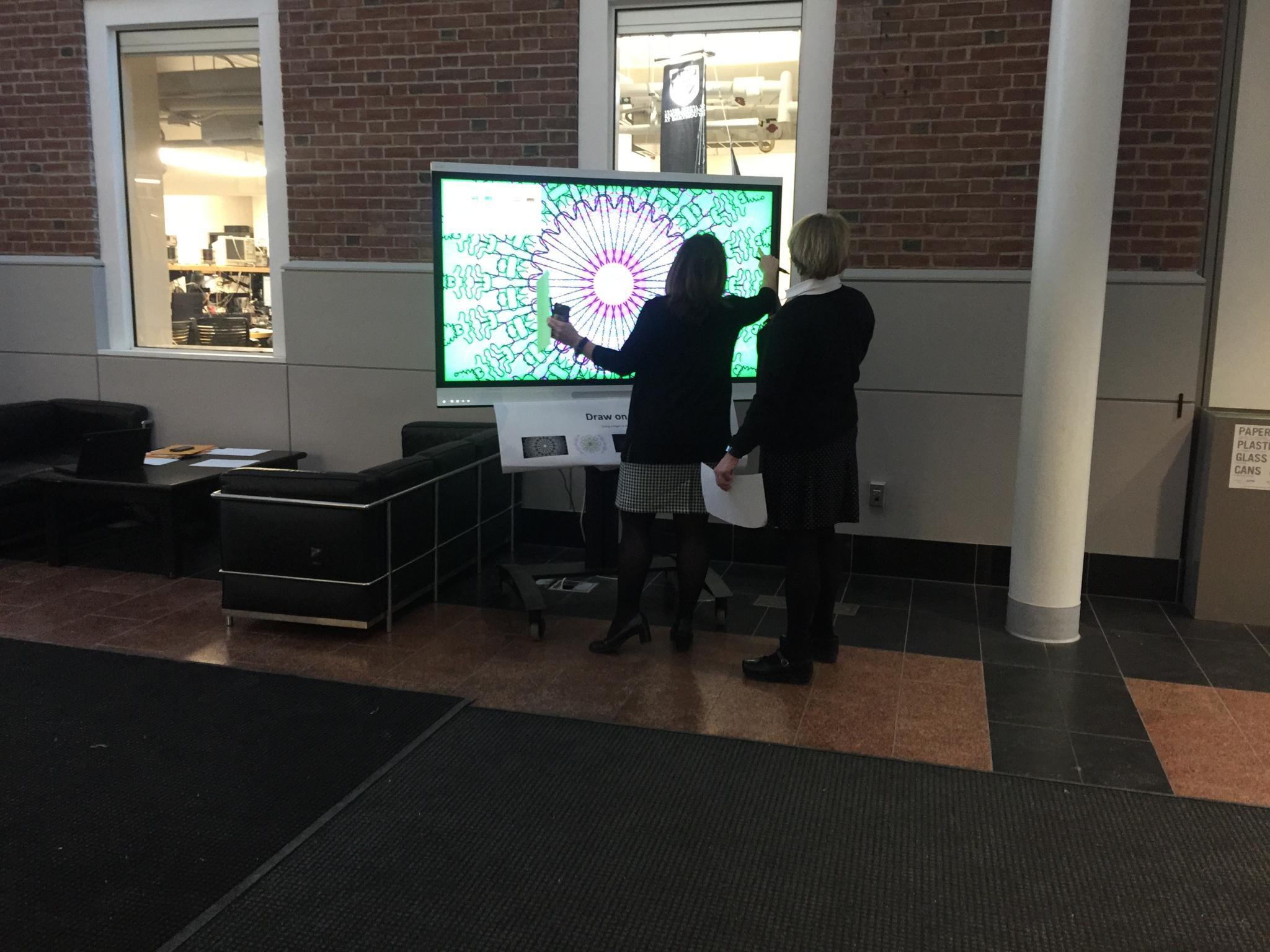
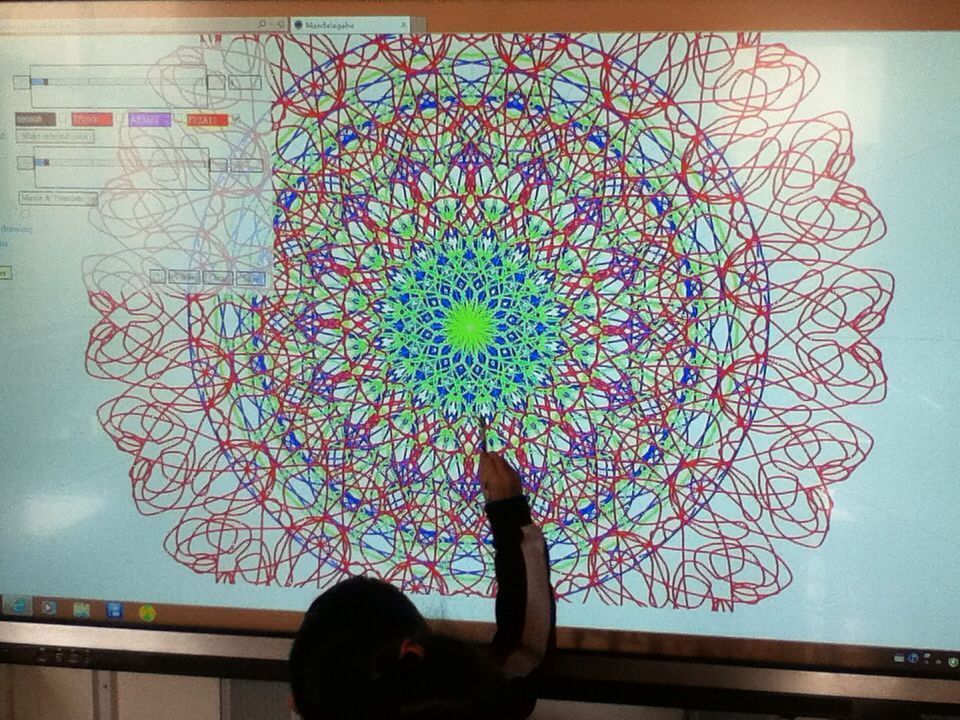
The mandala maker was deployed on big touch screens which turned it into a more social activity much like arcade games.
Here’s draw.akrin.com: Click to pop out.
No sap production for weeks, getting the bucket ready for better weather ahead.
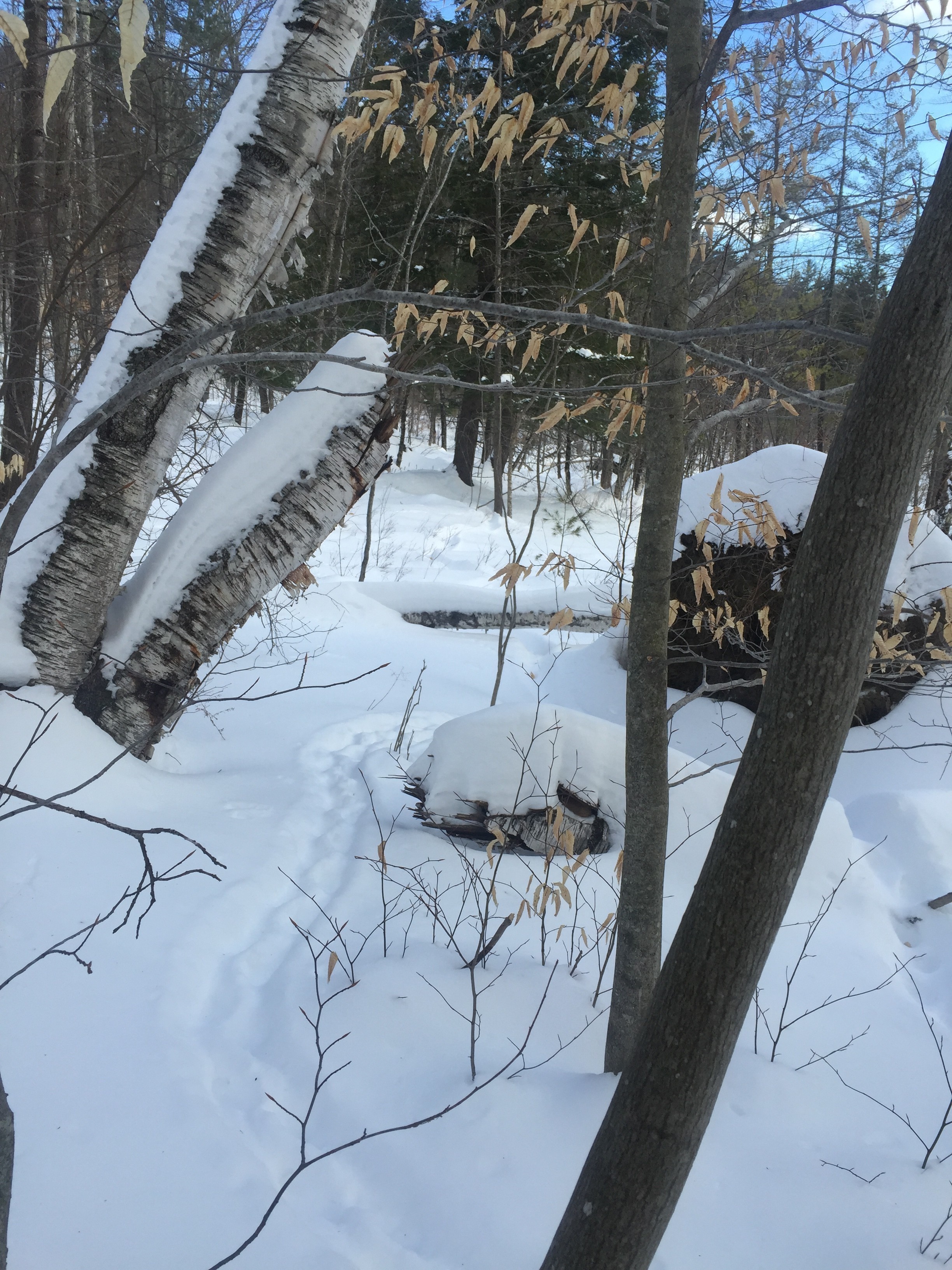
The porcupine started exploring new paths, probably prompted by the warmer few days we had when we did the first round of sugaring. 
Tough sugaring so far
Very tough sugaring so far, the weather isn’t cooperating. The conditions on the ground are horrible with ice and melting snow, you never know what will happen on the next step you take. Then you need to handle utensils in these conditions, next to a raging evaporator, glasses covered with steam, at night, by yourself. The potential is real for a freak accident that involves boiling, burning, impalement and maple syrup. We also had a wind storm which blew everything away but the cover on the evaporator thank god; a building around the evaporator will be very nice.
Some trees produce profusely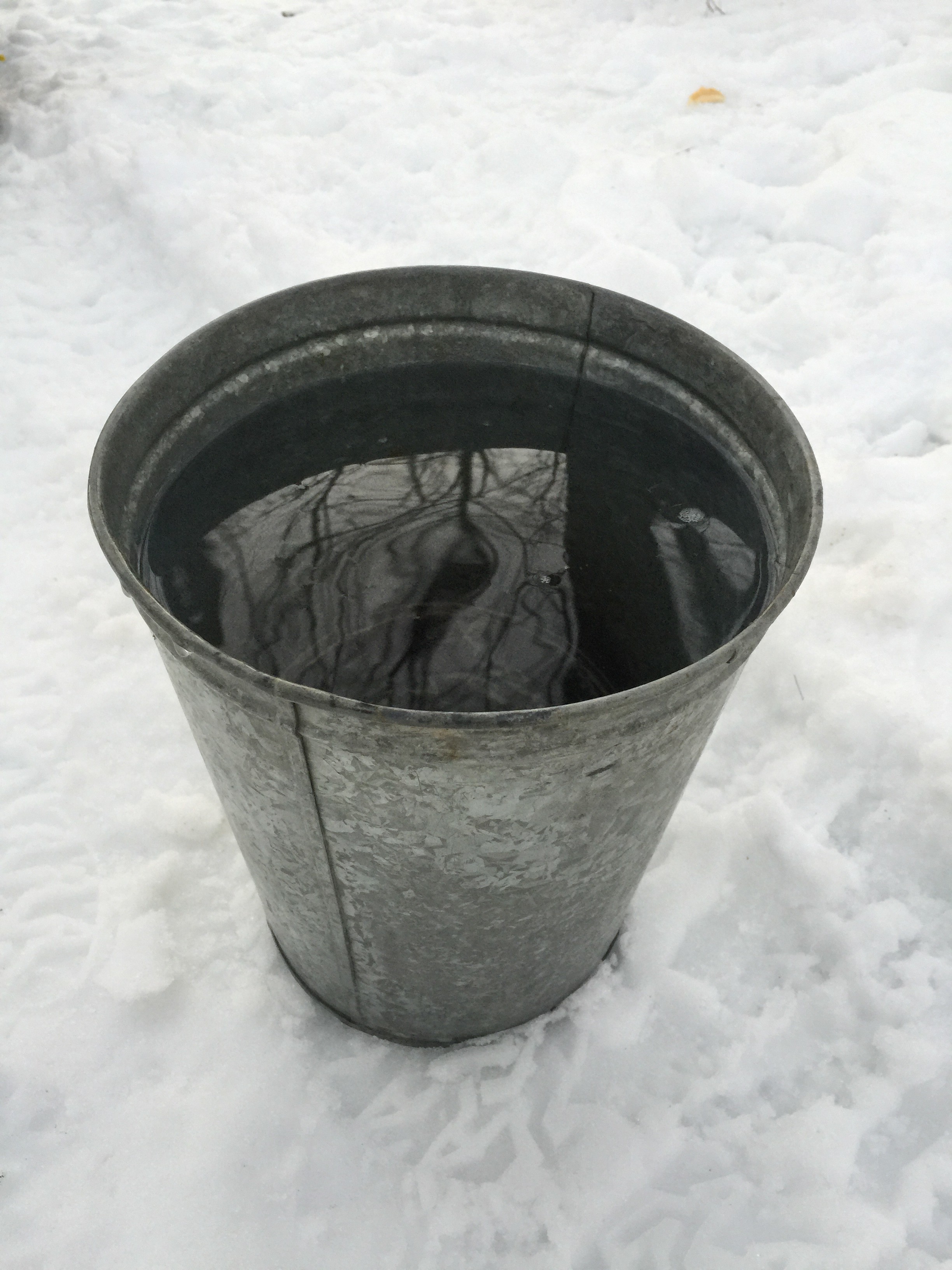
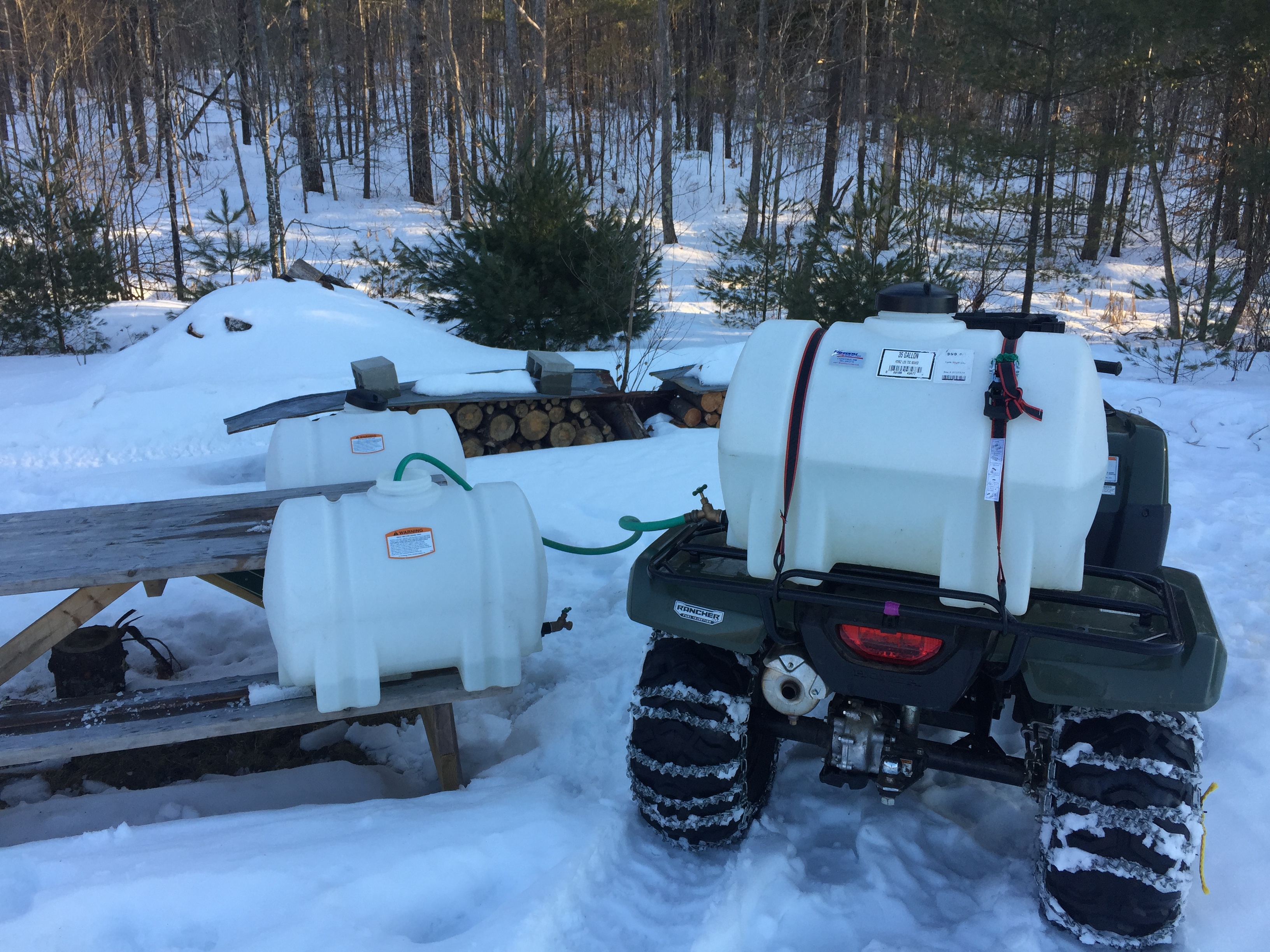
The sap wagon
Got stuck… had to shovel snow out from underneath the sap wagon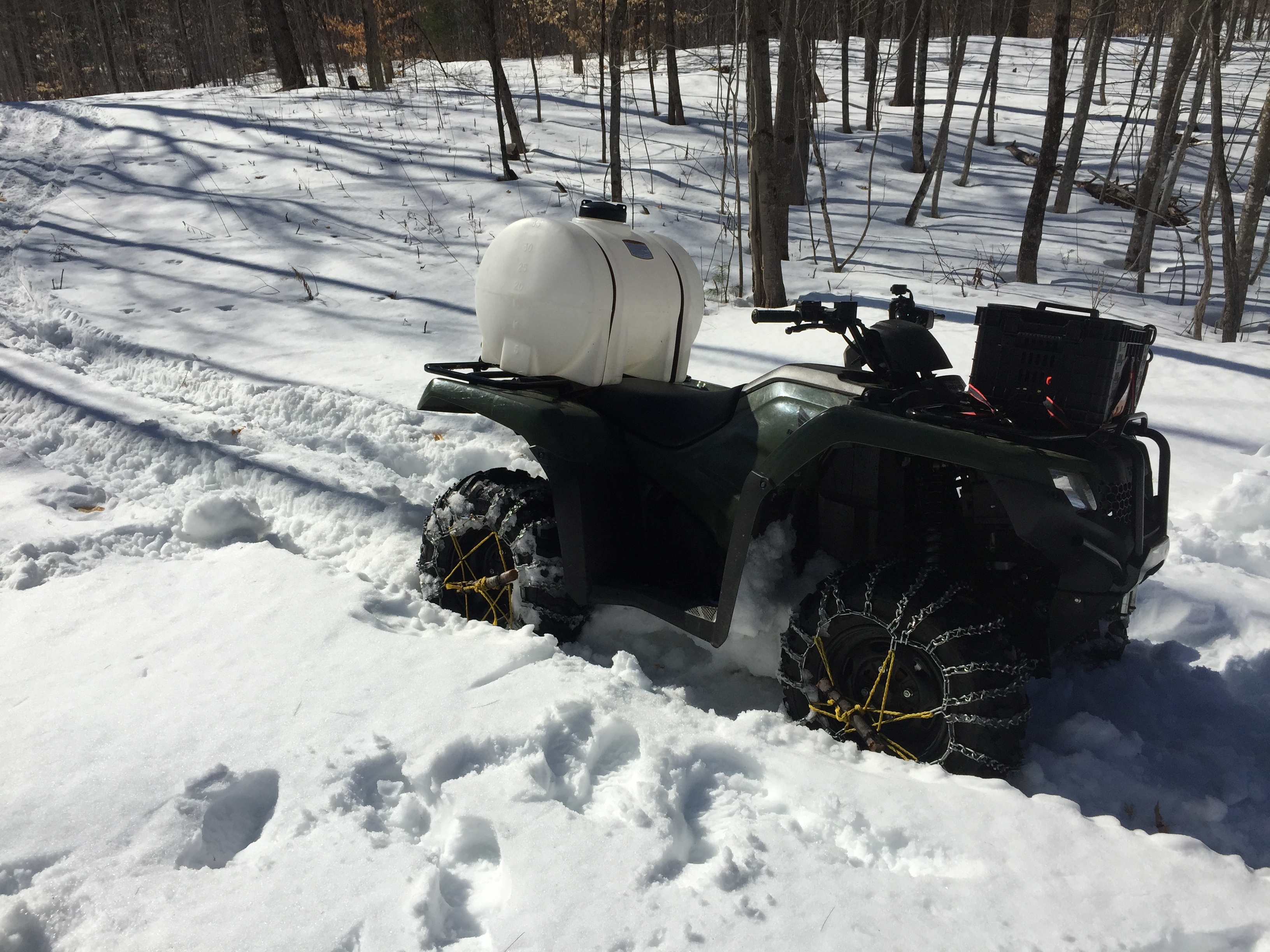
boiling away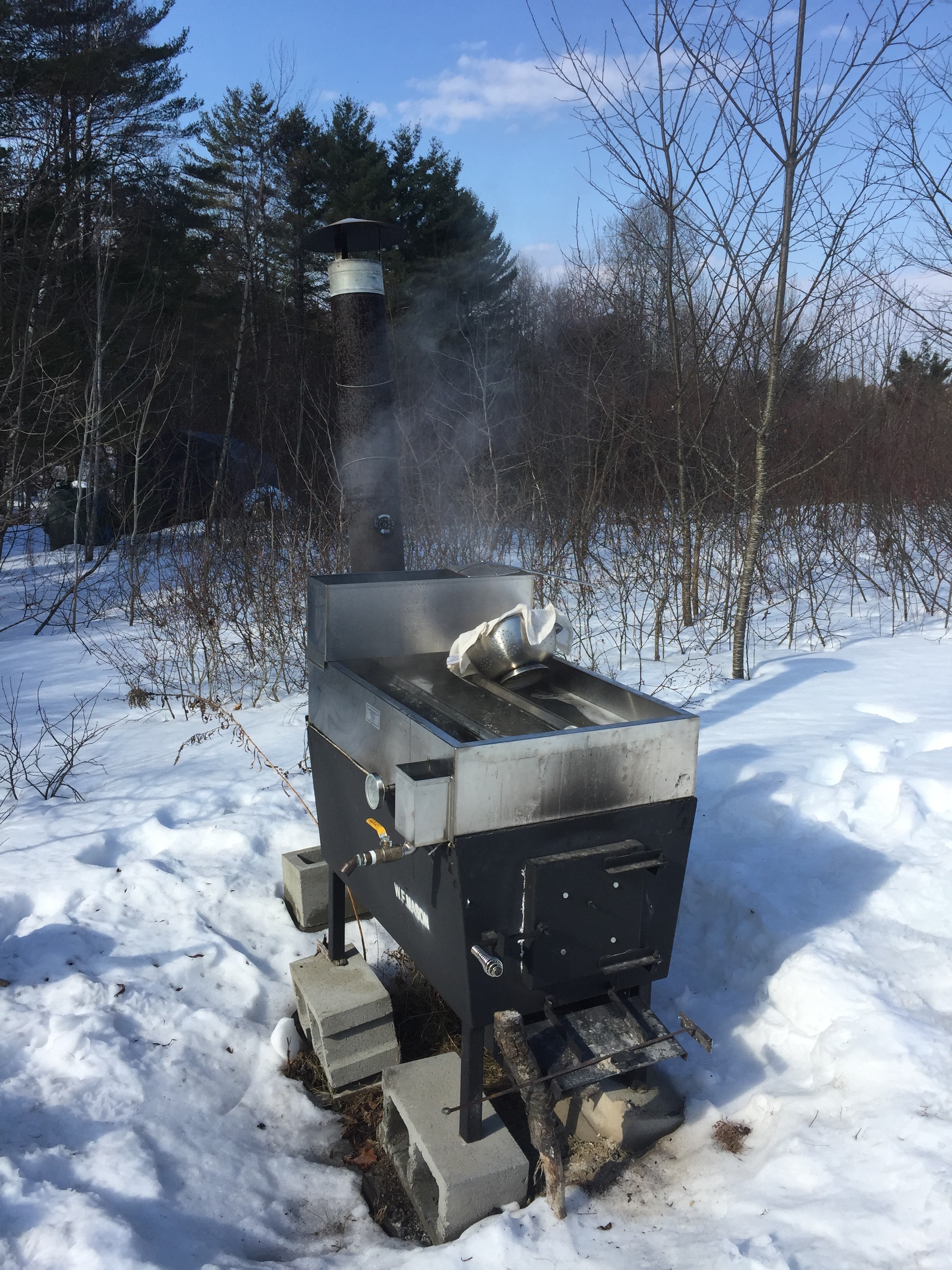
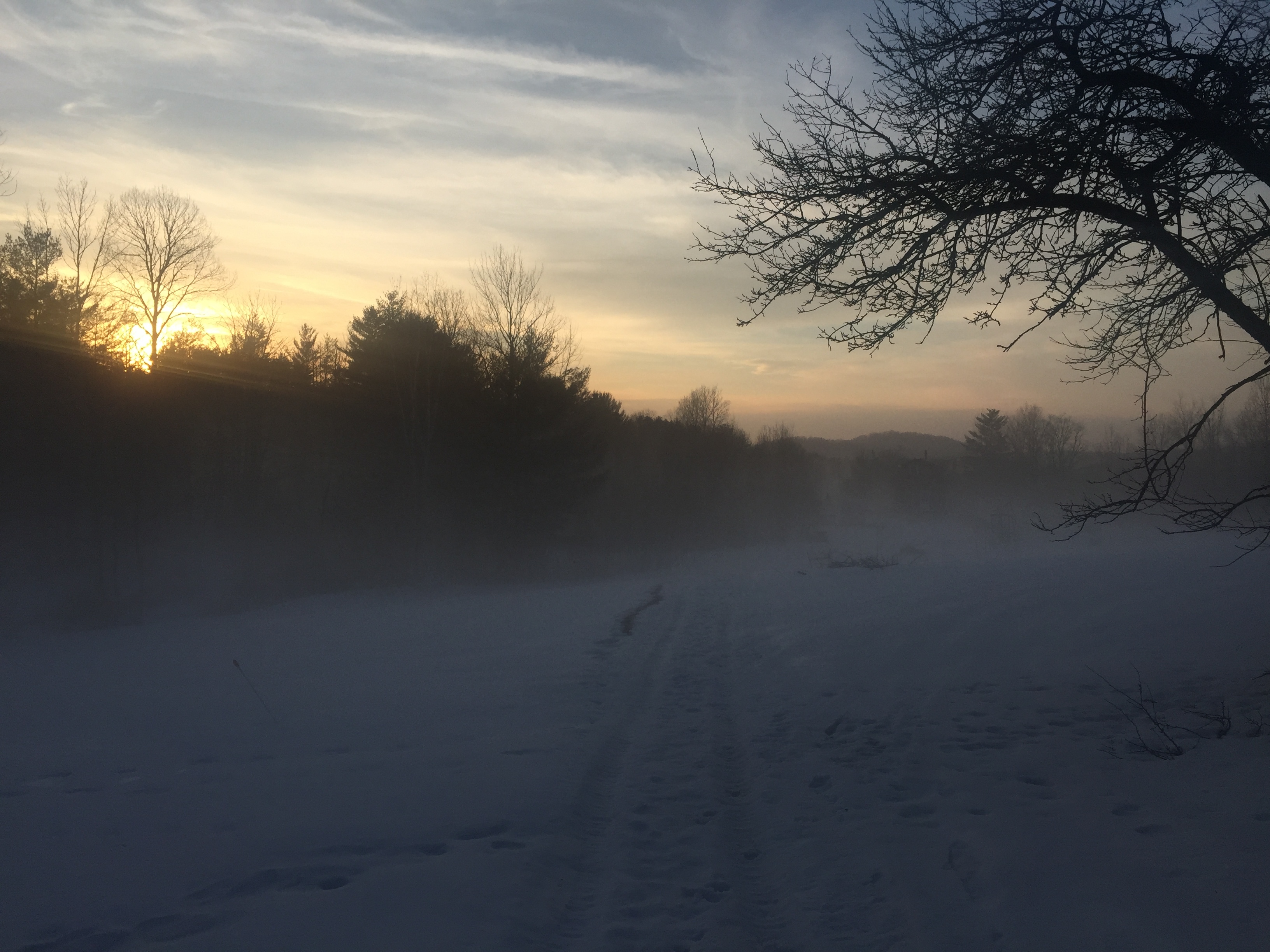
Hello fogginess my old friend
Fuuuuuuuuuuuuuuuck
The reward: 1.5 gallons of unadulterated maple sweetness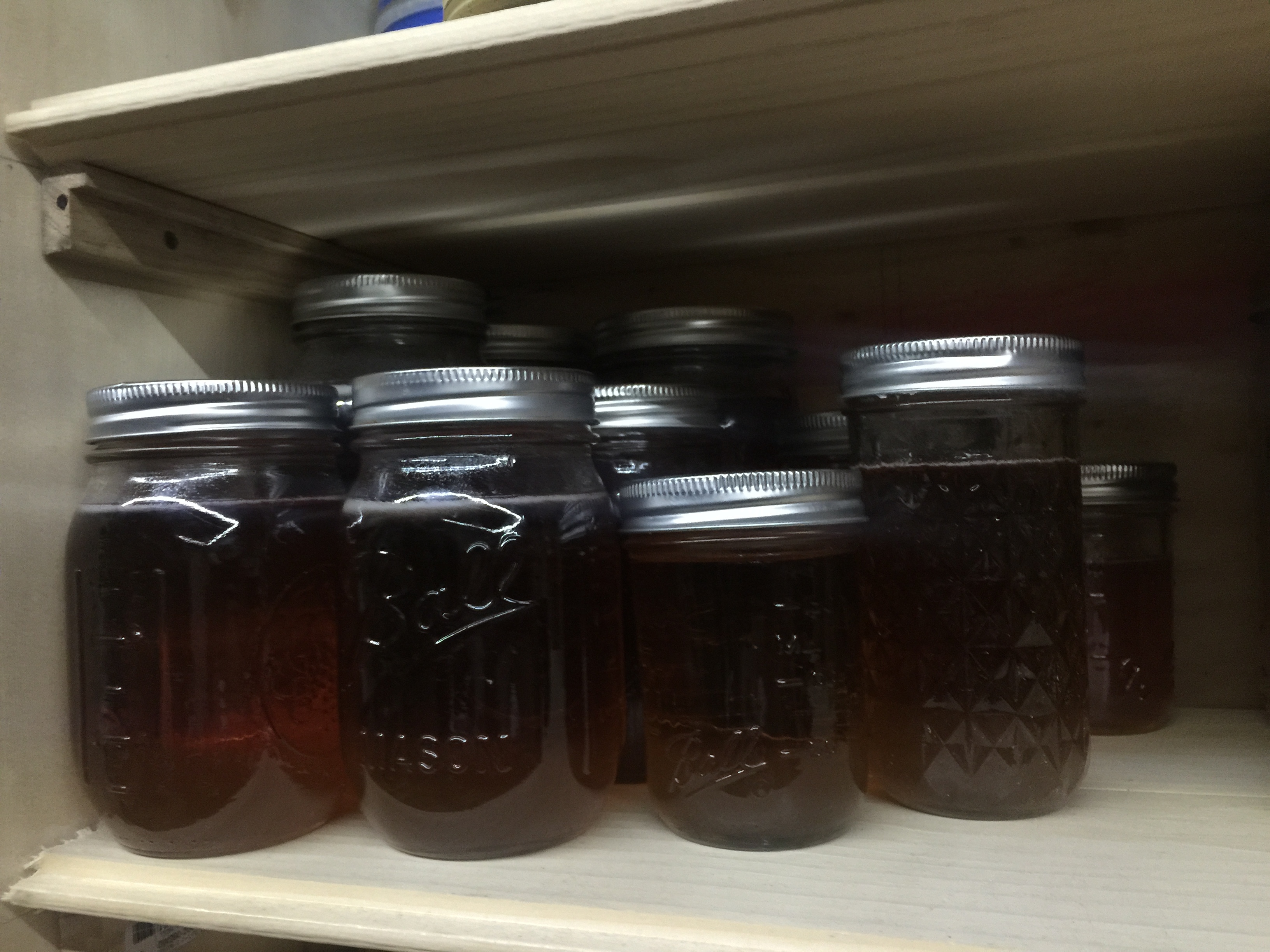
The first collection
I got about 30 gallons of sap, handling full time work and a homestead can be challenging, I finished at dusk. It is a great chore to end the day with, I just wish I could do things at a more leisurely pace.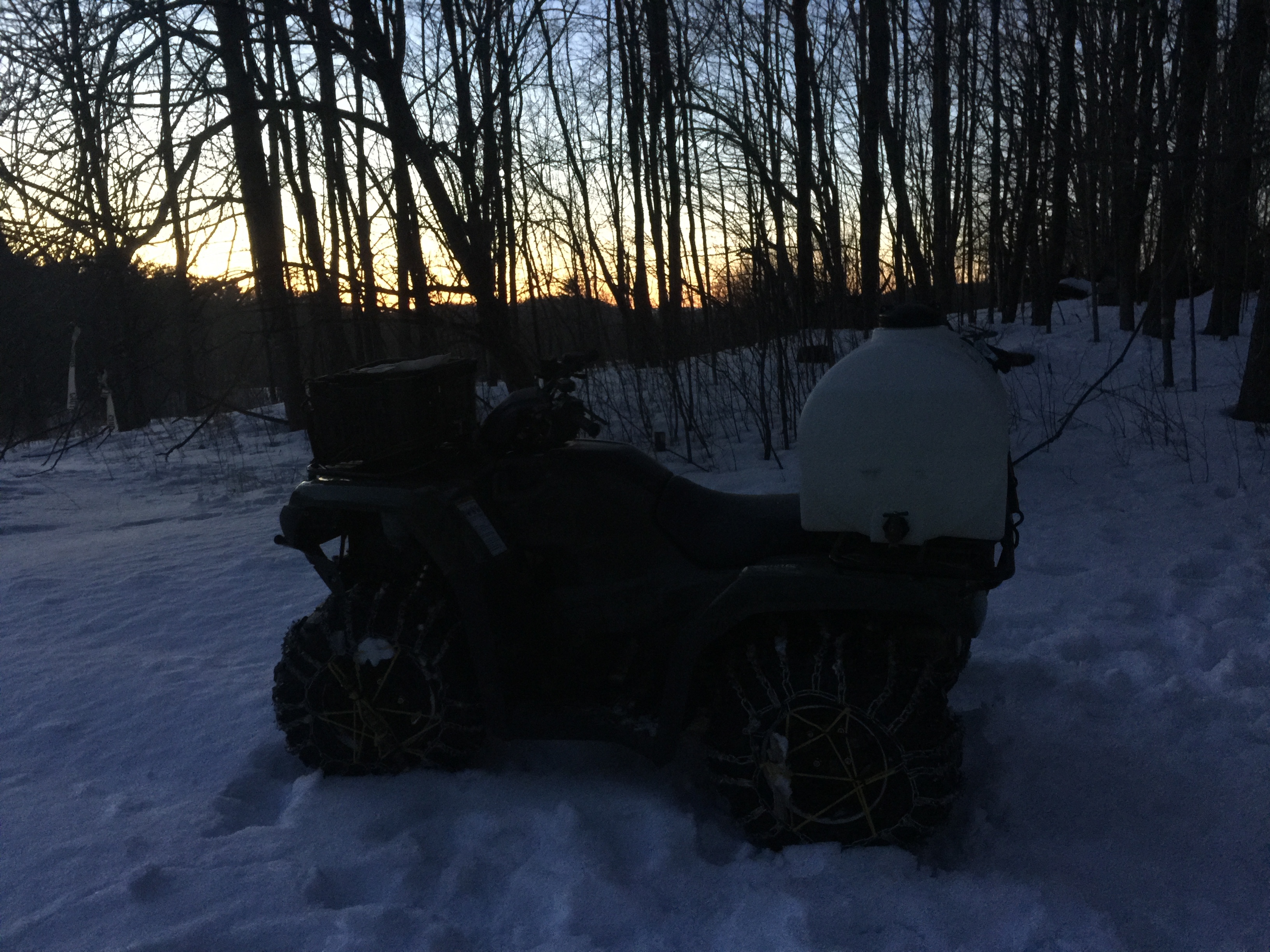
Maple sugaring, season 2
We are ramping up again for our second season of Maple sugaring. With perfect weather ahead:

And based on a UVM study, I tend to prefer tapping early even with the chance of cold snaps as Winter & Spring figure out who the new boss is. Essentially from what I gather, you can’t tap too early but you can tap too late. I also really like the taste of early flow and the season is spread out in more manageable chunks of labor.
This sled is proving to be invaluable
The wife & kid are traveling but the neighbors are here to help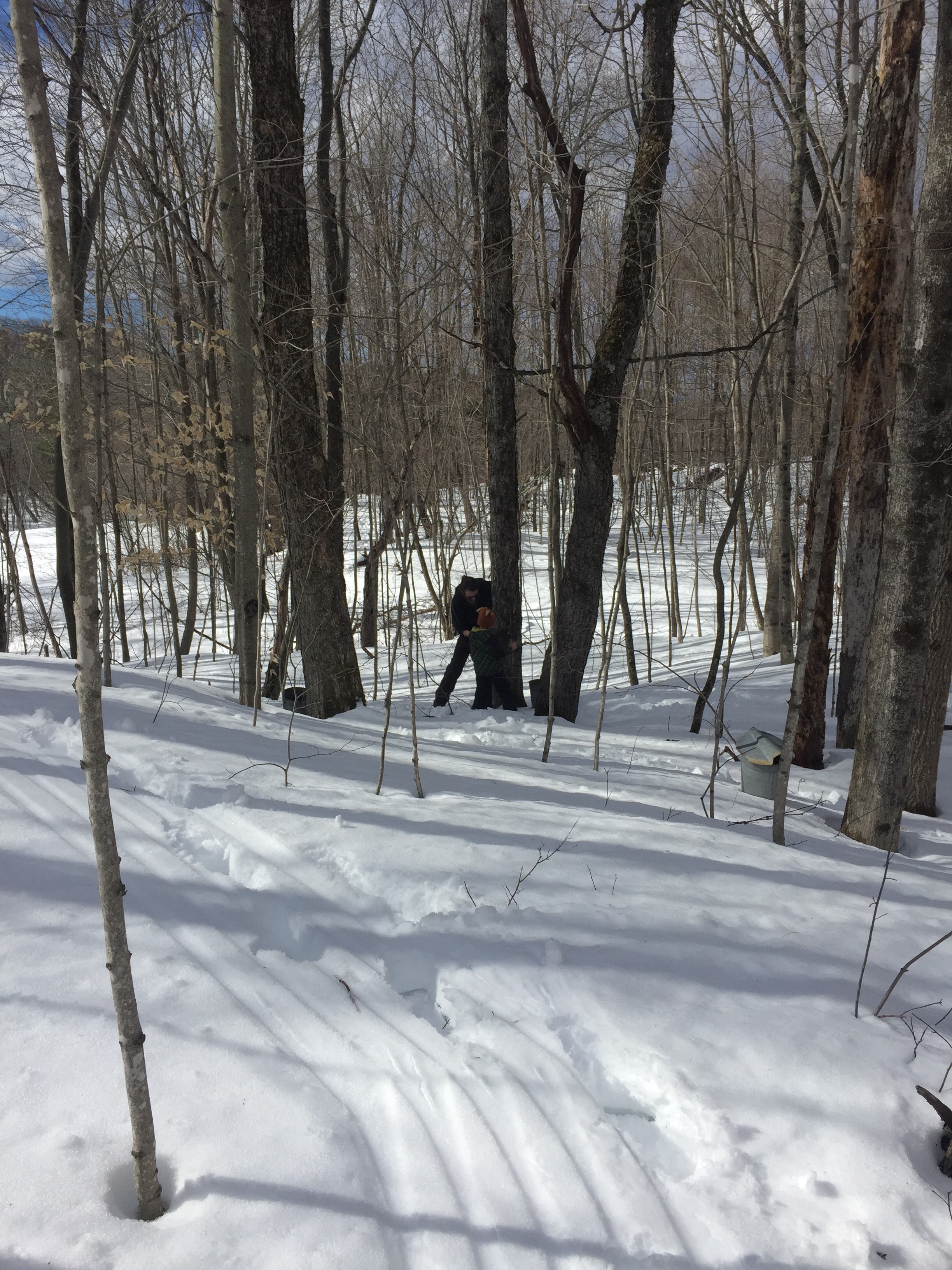
Cleaning the tanks and buckets takes a long while, it’s amazing we did it last year without a well for water.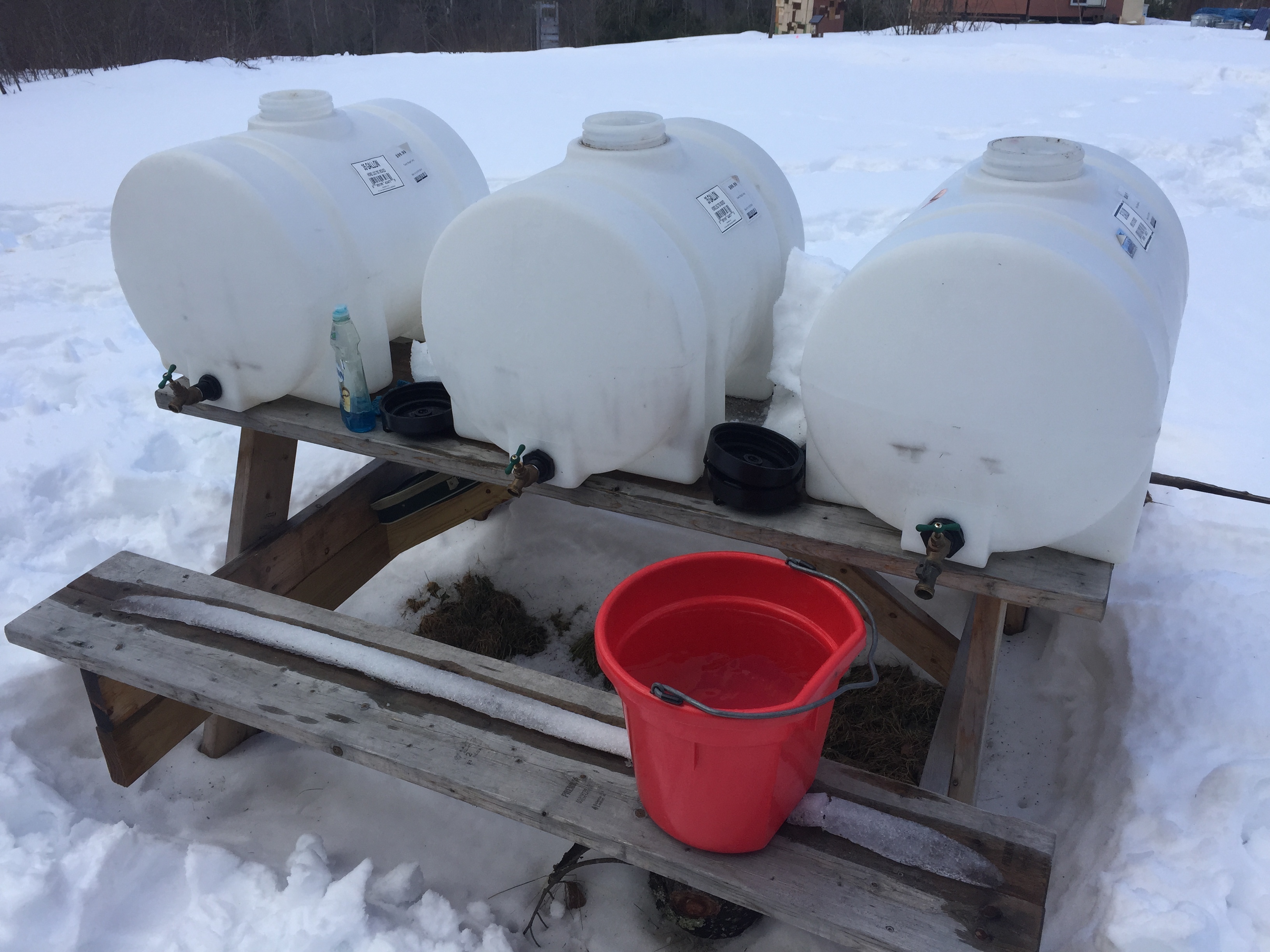
It takes a lot of work to get everything ready, we will apply a lot of lessons learned last year. I uncovered the evaporator and didn’t even have to kick out a raccoon.
HTML Canvas smooth drawing & websocket live collaboration
Intro
For a while I’ve been polishing a way to have not only a smooth drawing/writing algorithm for HTML Canvasses, but also have it be “streamed” over the network for live collaboration. While the work has been mostly integrated into projects such as Mandalagaba, here I present it in its most basic form so that it may be dissected.
Demo
Draw by dragging your mouse/finger/stylus bellow, fire up another browser to test network repeat. Canvas is used by others online (sorry for anything obsene the internet has left on it) and cleared every hour.
Quick start
- download & decompress html_canvas_smooth_writing.tar.gz
- if you don’t have it already, install NodeJS
- run the websocket server
[code]node websocket_server.js[/code]
- edit index.html and replace all occurences of “ben.akrin.com” by the host/ip which is running your websocket server. If you are testing on your computer, 127.0.0.1 will do. Alternatively, you can leave it set to “ben.akrin.com” and use my websocket server, in which case step 2 & 3 aren’t necessary, and you’ll have limited latitude as to how many changes you can implement. But it’s perfect for just trying & dissecting the code.
- navigate to index.html
(tested on Mac, Raspbian & Ubuntu)
Rendering Pen Strokes
The usual method
Drawing on an HTML Canvas is usually done by collecting coordinates at which “touch” is being detected and drawing straight lines in between. While this makes for a simple implementation with decent results it has multiple issues:
- straight lines do not represent well the curvatures of human drawing & writing
- the joins between lines of various orientations can add seams
- these problems are exacerbated on devices which sample touch slowly, resulting in less coordinates to represent a pen stroke
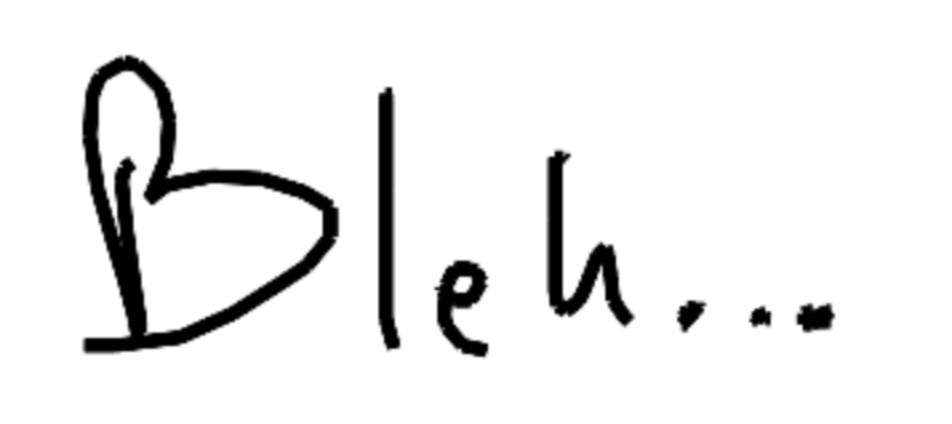
Here is a classic example of what this looks like:
 The quadratic curve method
To make drawing and writing smoother, we use quadratic curves to link our coordinates. Here’s a basic explanation of how it works:
you need 2 canvasses overlaid on top of each other (z-index is highly relevant here). The way it works is that the top canvas is the one that you draw on.
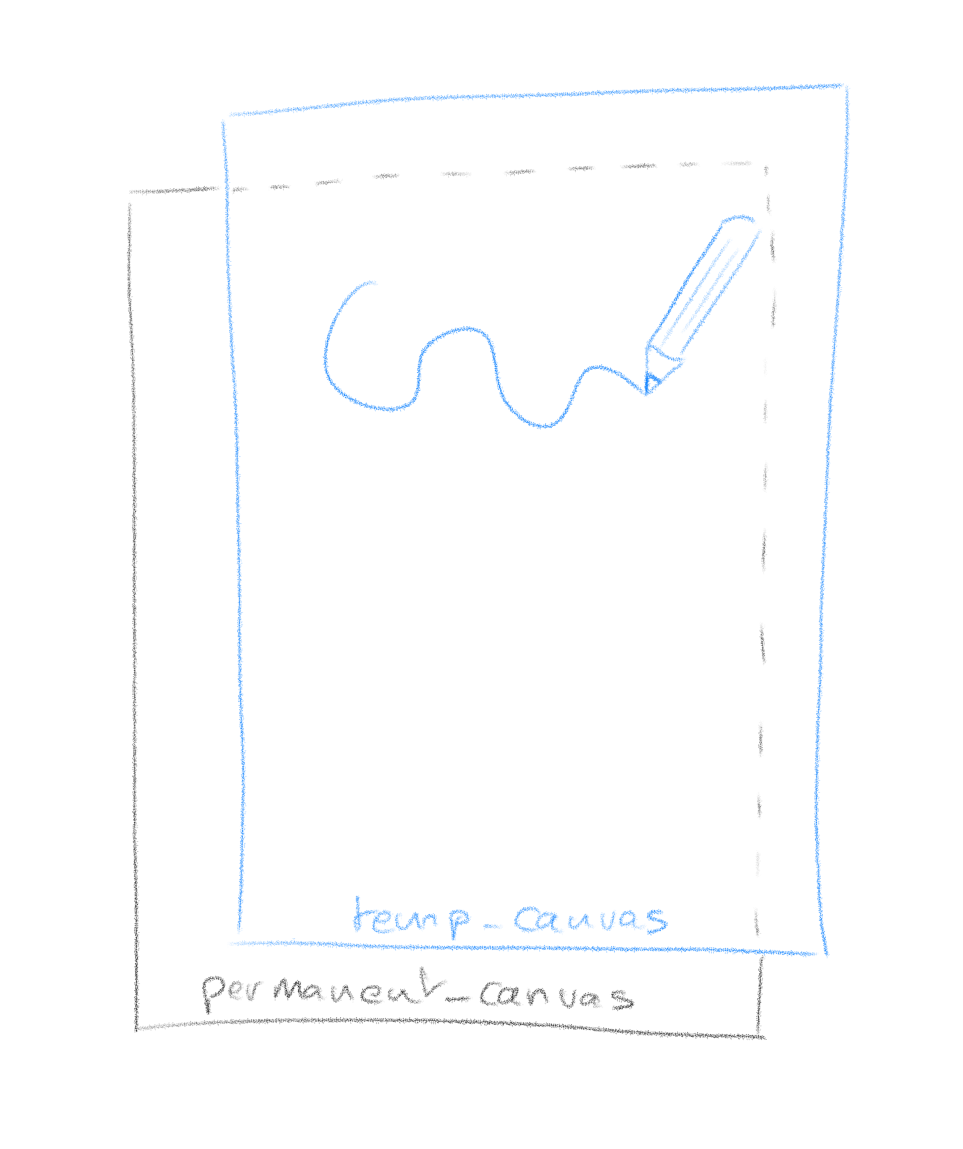
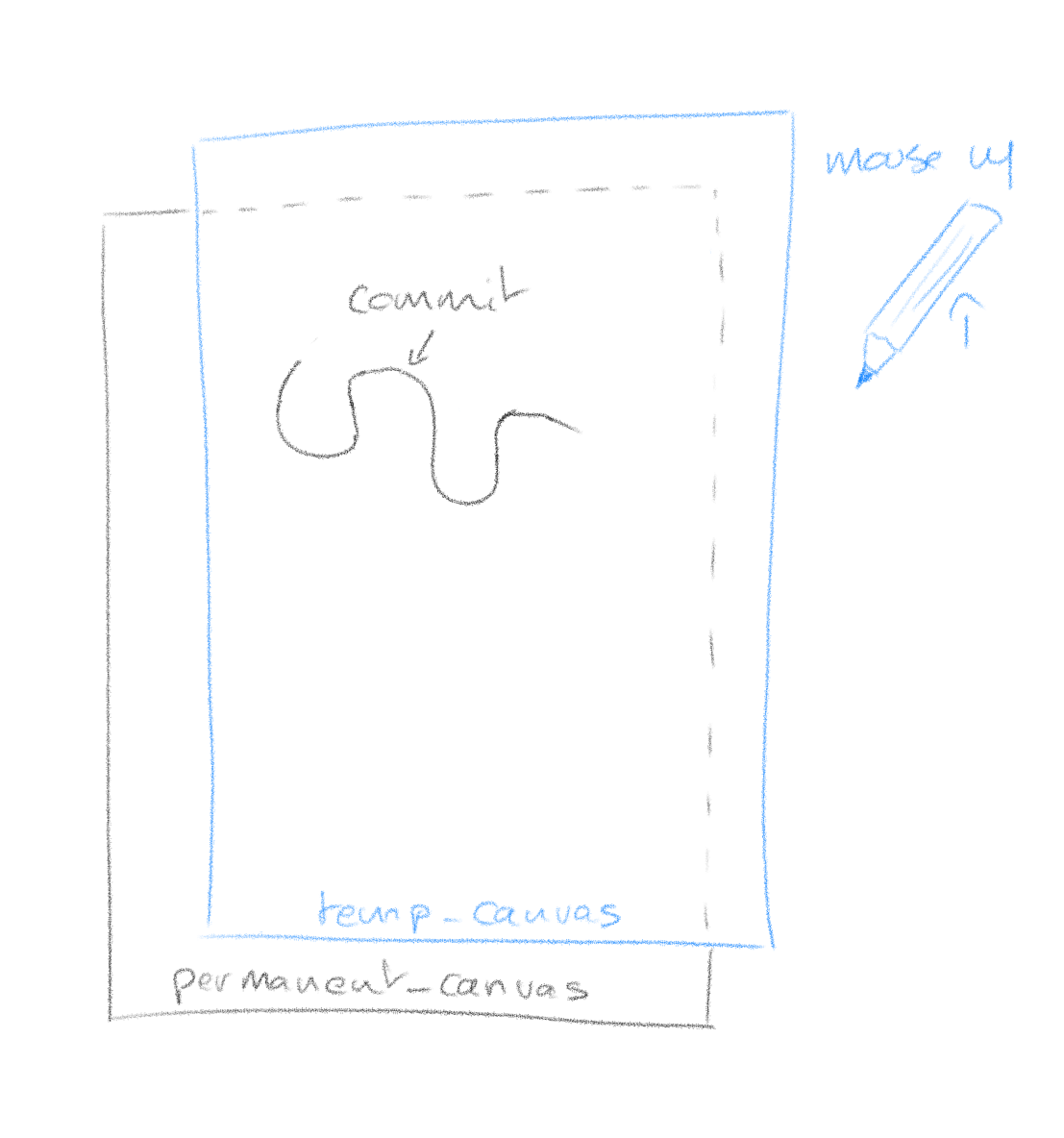
The reason for this is that a pen stroke is getting redrawn entirely every time new coordinates come in. This is because with quadratic curving, the final shape of a stroke is never fully known until all coordinates are. So every time coordinates come in (mouse move event), we clear the temp_canvas and redraw the whole stroke. The operation happens fast enough that it is invisible.
When you are finished with your stroke (mouse up event), the temp_canvas is cleared and the whole stroke is committed (redrawn) on the permanent canvas.
What it looks like with our quadratic curving algorithm:

Network Streaming
Here is how we add network streaming to the pen strokes. Emitting your pen stroke to other clients is easy, you simply blast your current coordinates to a websocket which will repeat it to other clients. When you receive coordinates from other clients though, you can’t use temp_canvas to render them as it might conflict with your current drawing. To this effect we add yet another canvas between permanent_canvas and temp_canvas which will render network events.
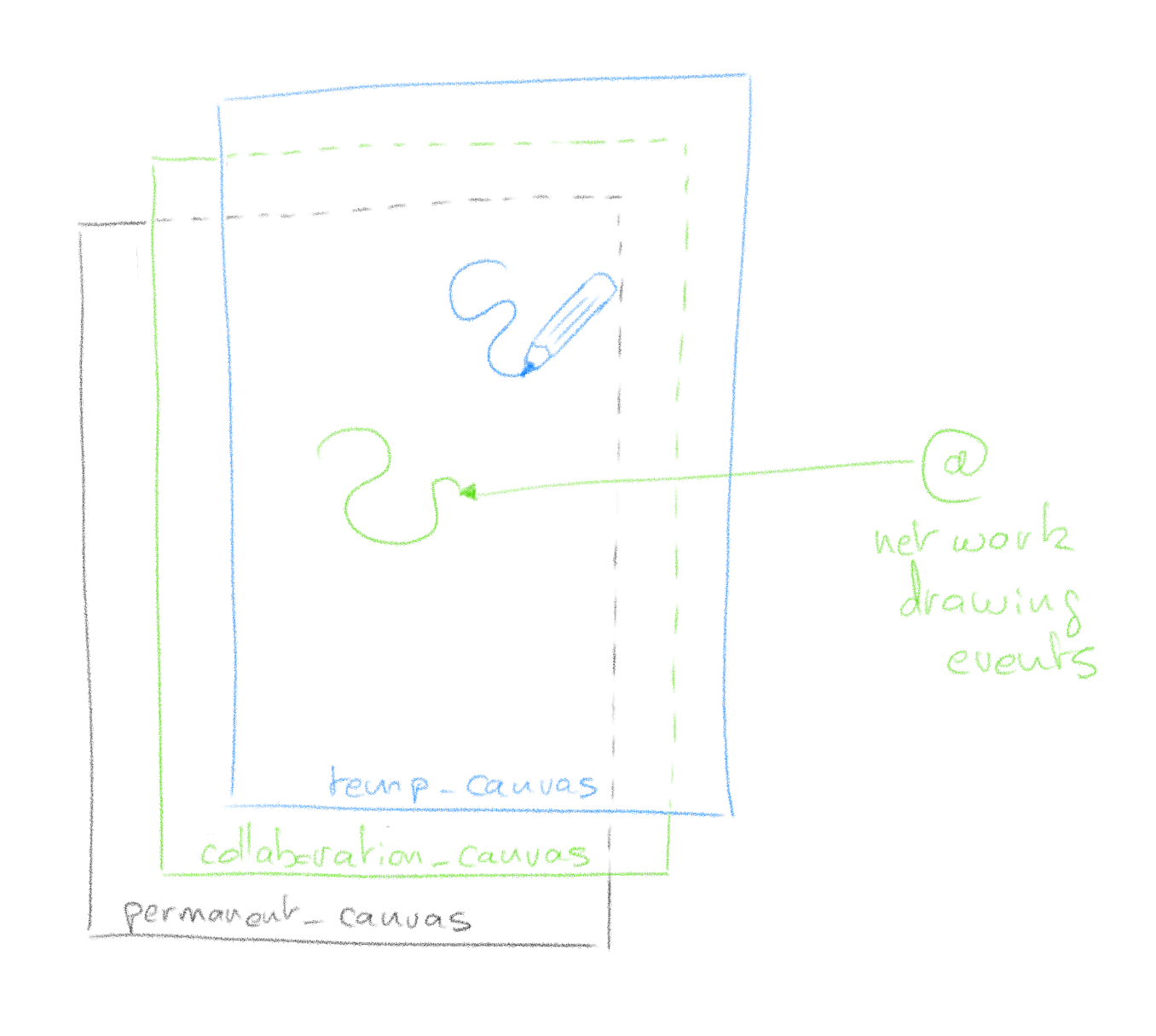

Much like temp_canvas, collaboration_canvas is meant for temporary rendering and when other clients finish their pen stroke (mouse up), the instruction to commit to the permanent canvas is sent through the websocket.
That’s it
It’s hard for me to document every step of the code; I don’t know your coding level, it’s asynchronous and has lots of bits & pieces which serve specific purposes. I hope however with the basic theory explained, and the code boiled down to its essentials, that you can dissect it easily. Feel free to use the comments section for questions.
Traveling Wood
With decent snow, a new chainsaw, a large sled and the recently discovered “tire splitting” technique, we’ve been amassing a large quantity of wood.
Here’s what getting it home looks like, I’ve been working on 4 poplars which domino’d onto one another during the last surprise wind storm.
[mejsvideo mp4=”http://ben.akrin.com/videos/traveling_wood.mp4″ ogg=”http://ben.akrin.com/videos/traveling_wood.mp4.ogv” webm=”http://ben.akrin.com/videos/traveling_wood.mp4.webm” poster=”http://ben.akrin.com/videos/traveling_wood.mp4.jpg” width=”640″ height=”360″]
The sled & ATV combo is also a great way to move children around.
[mejsvideo mp4=”http://ben.akrin.com/videos/traveling_breihus.mp4″ ogg=”http://ben.akrin.com/videos/traveling_breihus.mp4.ogv” webm=”http://ben.akrin.com/videos/traveling_breihus.mp4.webm” poster=”http://ben.akrin.com/videos/traveling_breihus.mp4.jpg” width=”640″ height=”360″]
The porcupine's favorite tree
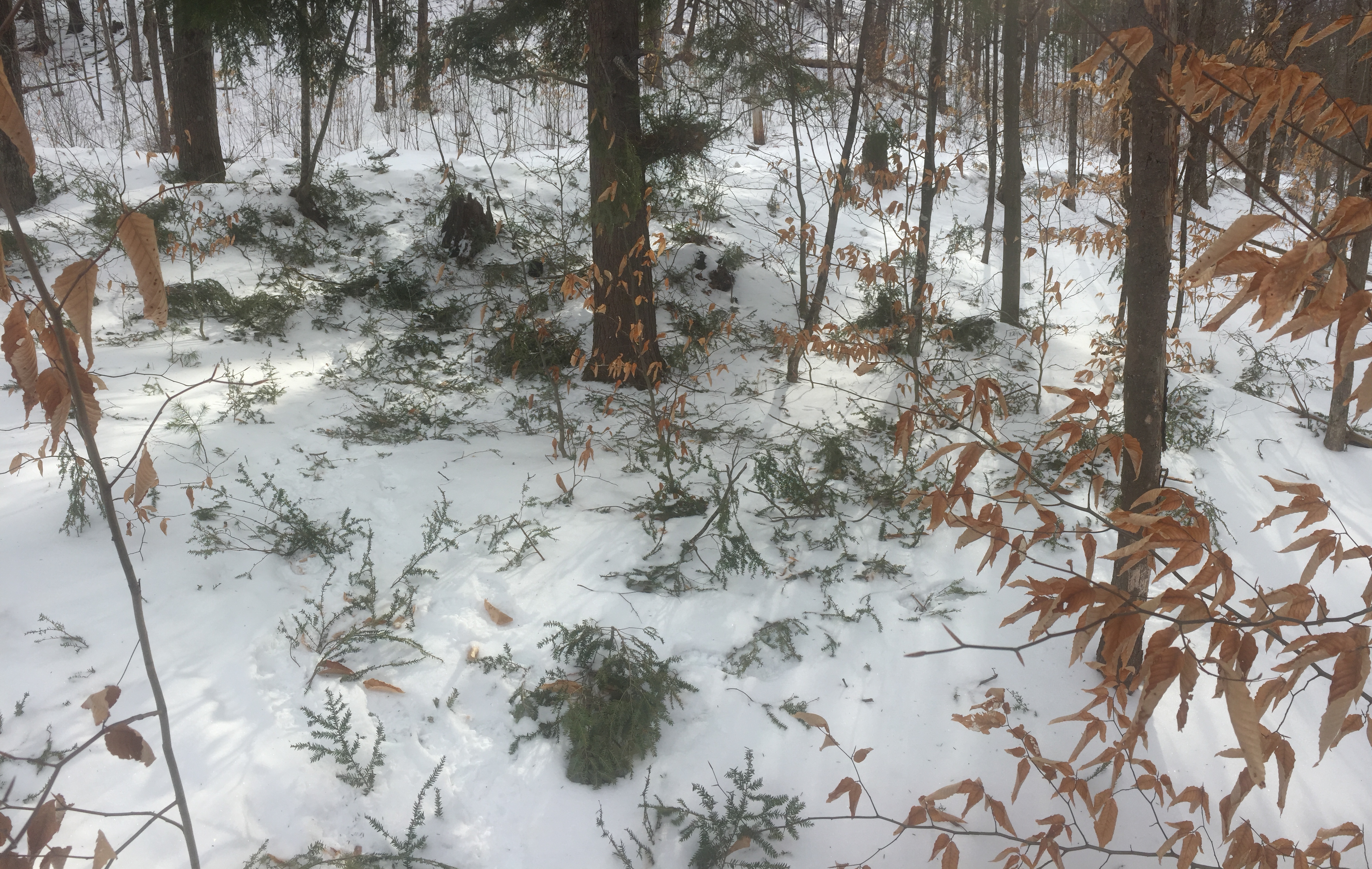
The porcupine breaks many twigs from the pine tree at the center of this picture. The tree was in the same state last year and there is a clear path where the bark is more worn. I wonder what’s special about this tree that the porcupine took a liking to it.
I spy a red fox
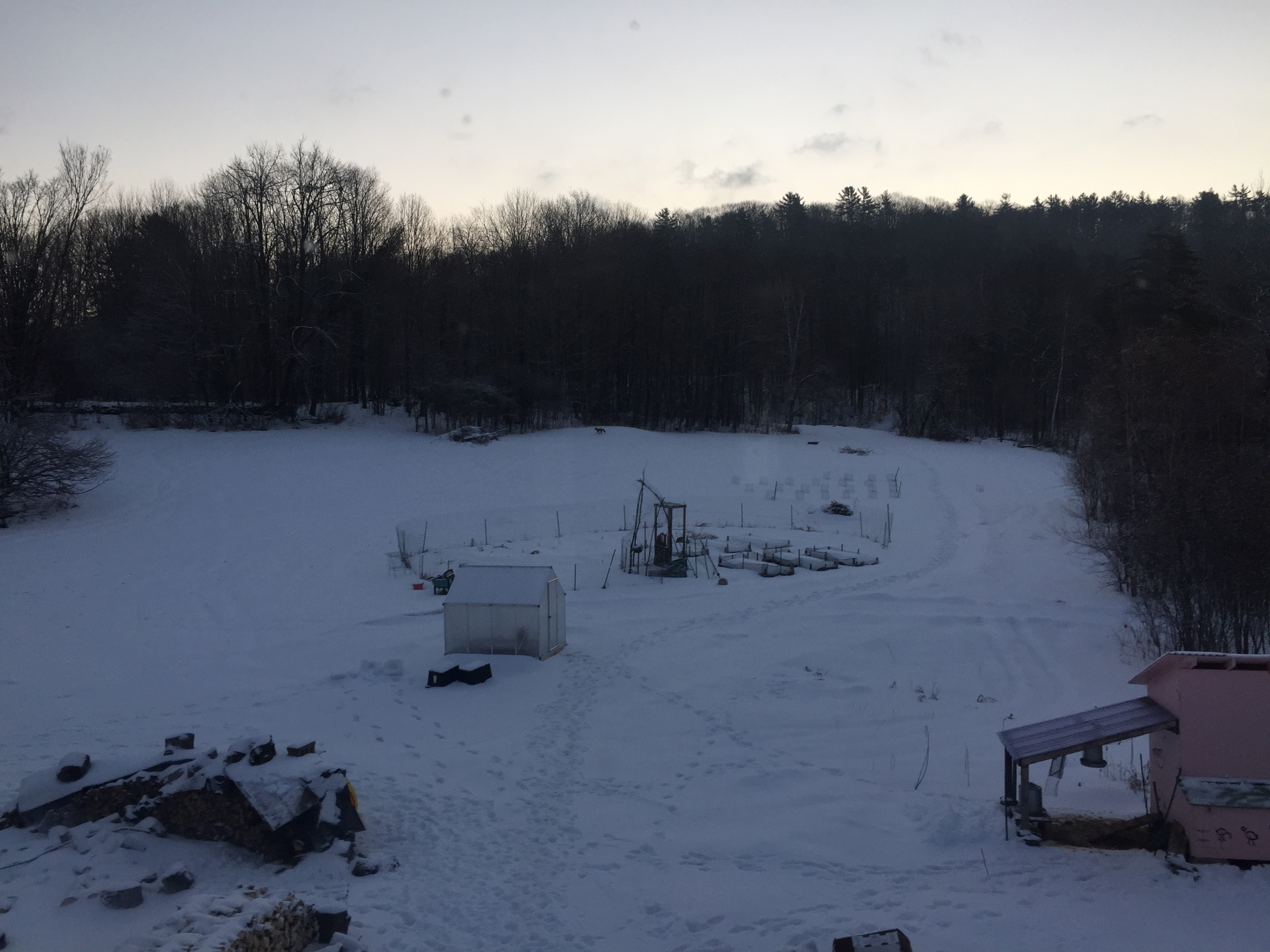 This picture doesn’t do justice to spectacle of a red fox moving against the white snow