
Following the robot son, an attempt was made to replace me, Dad, with a robot.
Adding collaborative editing to the Ace web code editor with web sockets
Using Ace‘s excellent API, it is relatively easy to enhance it to allow for live collaborative editing.
The gist of what we’re doing here is to use Ace’s API for extracting and applying delta when changes occur in the editor. Then we simply transmit them over a websocket that all clients are connected to. This example is functional but in no way comprehensive to what a full code editing collaboration could be. It’s meant to be simple thus understandable. It’s a great starting point for whatever other pieces of functionality you want to send across web sockets.
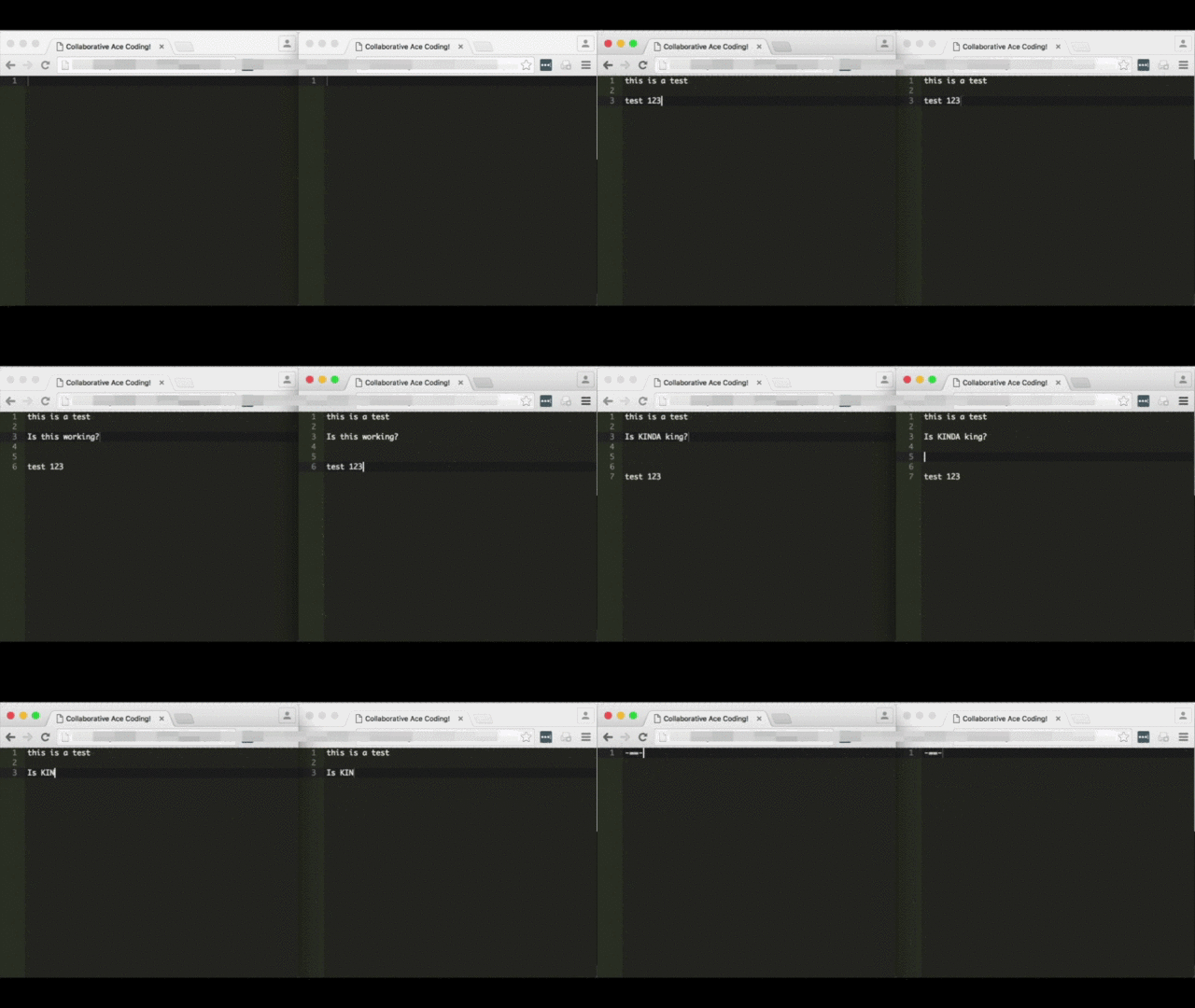
Loading Ace in a webpage with some custom Javascript
This is what your web page looks like, load Ace as instructed and add Javascript to handle interaction with the websocket server.
[php]
<!DOCTYPE html>
<html lang="en">
<head>
<title>Collaborative Ace Coding!</title>
<style type="text/css" media="screen">
#editor {
position: absolute;
top: 0;
right: 0;
bottom: 0;
left: 0;
}
</style>
<script src="https://<?=$_SERVER[‘HTTP_HOST’]?>:1337/socket.io/socket.io.js"></script>
<script src="ace-builds/src/ace.js" type="text/javascript" charset="utf-8"></script>
<script src="ace-builds/src/ext-language_tools.js"></script>
<script>
var session_id = null ;
var editor = null ;
var collaborator = null ;
var buffer_dumped = false ;
var last_applied_change = null ;
var just_cleared_buffer = null ;
function Collaborator( session_id ) {
this.collaboration_socket = io.connect( "https://code.thayer.dartmouth.edu:1337", {query:’session_id=’ + session_id} ) ;
this.collaboration_socket.on( "change", function(delta) {
delta = JSON.parse( delta ) ;
last_applied_change = delta ;
editor.getSession().getDocument().applyDeltas( [delta] ) ;
}.bind() ) ;
this.collaboration_socket.on( "clear_buffer", function() {
just_cleared_buffer = true ;
console.log( "setting editor empty" ) ;
editor.setValue( "" ) ;
}.bind() ) ;
}
Collaborator.prototype.change = function( delta ) {
this.collaboration_socket.emit( "change", delta ) ;
}
Collaborator.prototype.clear_buffer = function() {
this.collaboration_socket.emit( "clear_buffer" ) ;
}
Collaborator.prototype.dump_buffer = function() {
this.collaboration_socket.emit( "dump_buffer" ) ;
}
function body_loaded() {
session_id = "meow" ;
editor = ace.edit( "editor" ) ;
collaborator = new Collaborator( session_id ) ;
// registering change callback
editor.on( "change", function( e ) {
// TODO, we could make things more efficient and not likely to conflict by keeping track of change IDs
if( last_applied_change!=e && !just_cleared_buffer ) {
collaborator.change( JSON.stringify(e) ) ;
}
just_cleared_buffer = false ;
}, false );
editor.setTheme( "ace/theme/monokai") ;
editor.$blockScrolling = Infinity ;
collaborator.dump_buffer() ;
document.getElementsByTagName(‘textarea’)[0].focus() ;
last_applied_change = null ;
just_cleared_buffer = false ;
}
</script>
</head>
<body onLoad="body_loaded()">
<div id="editor"></div>
</body>
</html>
[/php]
Parallel to this, run the following Node.js server script
Following is the Node.js websocket server which must be instantiated on the same server serving the web page above. It needs to be up for the page above to work.
- Make sure to have port 1337 open in the same capacity as ports 80 & 443, this is what this listens on.
- Make sure to update the paths to SSL certs, we use SSL on the websocket server. We do SSL here so browsers can run the websocket Javascript regardless of whether their original context it SSL or not.
- You need to have Socket.IO installed
[javascript]
// config variables
verbose = false ;
session_directory = "/tmp" ; // it has to exist
/* https specific */
var https = require(‘https’),
fs = require(‘fs’);
var options = {
key: fs.readFileSync(‘/path/to/your/ssl.key’),
cert: fs.readFileSync(‘/path/to/your/ssl.crt’),
ca: fs.readFileSync(‘/path/to/your/CA.crt’)
};
var app = https.createServer(options);
io = require(‘socket.io’).listen(app); //socket.io server listens to https connections
app.listen(1337, "0.0.0.0");
// will use the following for file IO
var fs = require( "fs" ) ;
//io = require(‘socket.io’).listen(2015) ;
if( verbose ) { console.log( "> server launched" ) ; }
collaborations = [] ;
socket_id_to_session_id = [] ;
io.sockets.on(‘connection’, function(socket) {
var session_id = socket.manager.handshaken[socket.id].query[‘session_id’] ;
socket_id_to_session_id[socket.id] = session_id ;
if( verbose ) { console.log( session_id + " connected on socket " + socket.id ) ; }
if( !(session_id in collaborations) ) {
// not in memory but is is on the filesystem?
if( file_exists(session_directory + "/" + session_id) ) {
if( verbose ) { console.log( " session terminated previously, pulling back from filesystem" ) ; }
var data = read_file( session_directory + "/" + session_id ) ;
if( data!==false ) {
collaborations[session_id] = {‘cached_instructions’:JSON.parse(data), ‘participants’:[]} ;
} else {
// something went wrong, we start from scratch
collaborations[session_id] = {‘cached_instructions’:[], ‘participants’:[]} ;
}
} else {
if( verbose ) { console.log( " creating new session" ) ; }
collaborations[session_id] = {‘cached_instructions’:[], ‘participants’:[]} ;
}
}
collaborations[session_id][‘participants’].push( socket.id ) ;
socket.on(‘change’, function( delta ) {
if( verbose ) { console.log( "change " + socket_id_to_session_id[socket.id] + " " + delta ) ; }
if( socket_id_to_session_id[socket.id] in collaborations ) {
collaborations[socket_id_to_session_id[socket.id]][‘cached_instructions’].push( ["change", delta, Date.now()] ) ;
for( var i=0 ; i<collaborations[session_id][‘participants’].length ; i++ ) {
if( socket.id!=collaborations[session_id][‘participants’][i] ) {
io.sockets.socket(collaborations[session_id][‘participants’][i]).emit( "change", delta ) ;
}
}
} else {
if( verbose ) { console.log( "WARNING: could not tie socket_id to any collaboration" ) ; }
}
});
socket.on(‘change_selection’, function( selections ) {
if( verbose ) { console.log( "change_selection " + socket_id_to_session_id[socket.id] + " " + selections ) ; }
if( socket_id_to_session_id[socket.id] in collaborations ) {
for( var i=0 ; i<collaborations[session_id][‘participants’].length ; i++ ) {
if( socket.id!=collaborations[session_id][‘participants’][i] ) {
io.sockets.socket(collaborations[session_id][‘participants’][i]).emit( "change_selection", selections ) ;
}
}
} else {
if( verbose ) { console.log( "WARNING: could not tie socket_id to any collaboration" ) ; }
}
});
socket.on(‘clear_buffer’, function() {
if( verbose ) { console.log( "clear_buffer " + socket_id_to_session_id[socket.id] ) ; }
if( socket_id_to_session_id[socket.id] in collaborations ) {
collaborations[socket_id_to_session_id[socket.id]][‘cached_instructions’] = [] ;
for( var i=0 ; i<collaborations[session_id][‘participants’].length ; i++ ) {
if( socket.id!=collaborations[session_id][‘participants’][i] ) {
io.sockets.socket(collaborations[session_id][‘participants’][i]).emit( "clear_buffer" ) ;
}
}
} else {
if( verbose ) { console.log( "WARNING: could not tie socket_id to any collaboration" ) ; }
}
});
socket.on(‘dump_buffer’, function() {
if( verbose ) { console.log( "dump_buffer " + socket_id_to_session_id[socket.id] ) ; }
if( socket_id_to_session_id[socket.id] in collaborations ) {
for( var i=0 ; i<collaborations[socket_id_to_session_id[socket.id]][‘cached_instructions’].length ; i++ ) {
socket.emit( collaborations[socket_id_to_session_id[socket.id]][‘cached_instructions’][i][0], collaborations[socket_id_to_session_id[socket.id]][‘cached_instructions’][i][1] ) ;
}
} else {
if( verbose ) { console.log( "WARNING: could not tie socket_id to any collaboration" ) ; }
}
socket.emit( "buffer_dumped" ) ;
});
socket.on(‘disconnect’, function () {
console.log( socket_id_to_session_id[socket.id] + " disconnected" ) ;
var found_and_removed = false ;
if( socket_id_to_session_id[socket.id] in collaborations ) {
//var index = collaborations[socket_id_to_session_id[socket.id]].participants.indexOf( socket.id ) ;
var index = collaborations[socket_id_to_session_id[socket.id]][‘participants’].indexOf( socket.id ) ;
if( index>-1 ) {
//collaborations[socket_id_to_session_id[socket.id]].participants.splice( index, 1 ) ;
collaborations[socket_id_to_session_id[socket.id]][‘participants’].splice( index, 1 ) ;
found_and_removed = true ;
//if( collaborations[socket_id_to_session_id[socket.id]].participants.length==0 ) {
if( collaborations[socket_id_to_session_id[socket.id]][‘participants’].length==0 ) {
if( verbose ) { console.log( "last participant in collaboration, committing to disk & removing from memory" ) ; }
// no one is left in this session, we commit it to disk & remove it from memory
write_file( session_directory + "/" + socket_id_to_session_id[socket.id], JSON.stringify(collaborations[socket_id_to_session_id[socket.id]][‘cached_instructions’]) ) ;
delete collaborations[socket_id_to_session_id[socket.id]] ;
}
}
}
if( !found_and_removed ) {
console.log( "WARNING: could not tie socket_id to any collaboration" ) ;
}
console.log( collaborations ) ;
});
});
function write_file( path, data ) {
try {
fs.writeFileSync( path, data ) ;
return true ;
} catch( e ) {
return false ;
}
}
function read_file( path ) {
try {
var data = fs.readFileSync( path ) ;
return data ;
} catch( e ) {
return false
}
}
function file_exists( path ) {
try {
stats = fs.lstatSync( path ) ;
if (stats.isFile()) {
return true ;
}
} catch( e ) {
return false ;
}
// we should not reach that point
return false ;
}
[/javascript]
Cool Duplo Project #37 – Vertical Axis Wind Spinner Failed Prototype
The tower is cool but not super stable and the “spoons” are very heavy to move. Trial outside was a failure.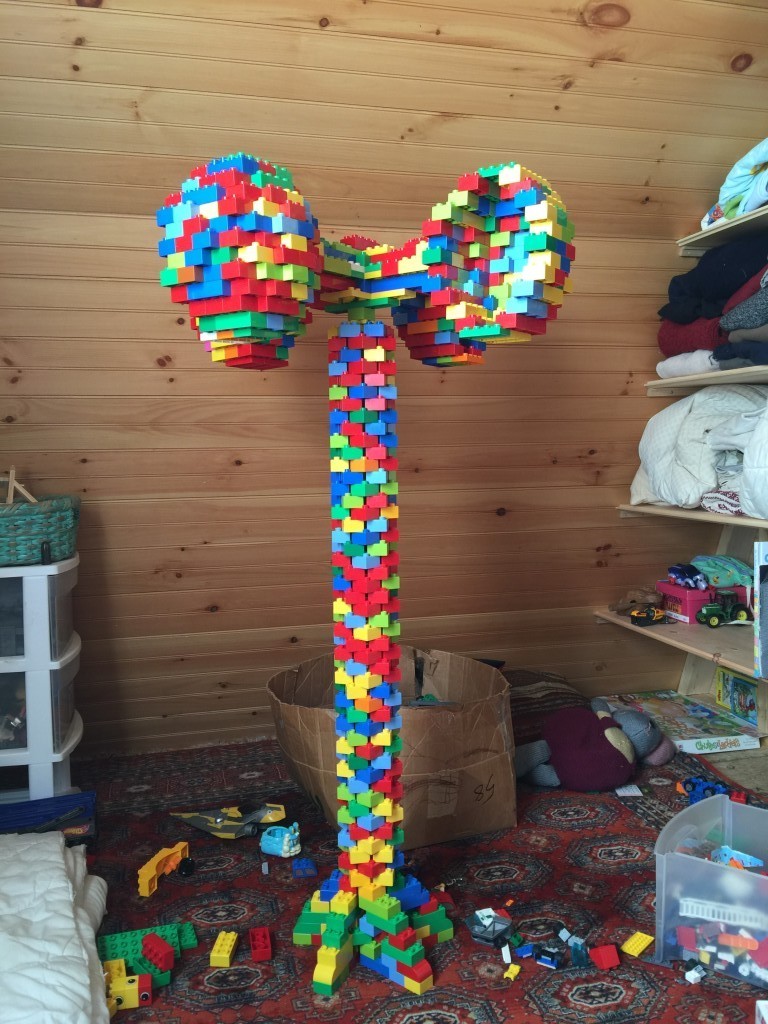
Gave the Sweet Heart a thorough clean up
It served us very well throughout the Winter but it was hard to find a time to clean it up because it was always hot.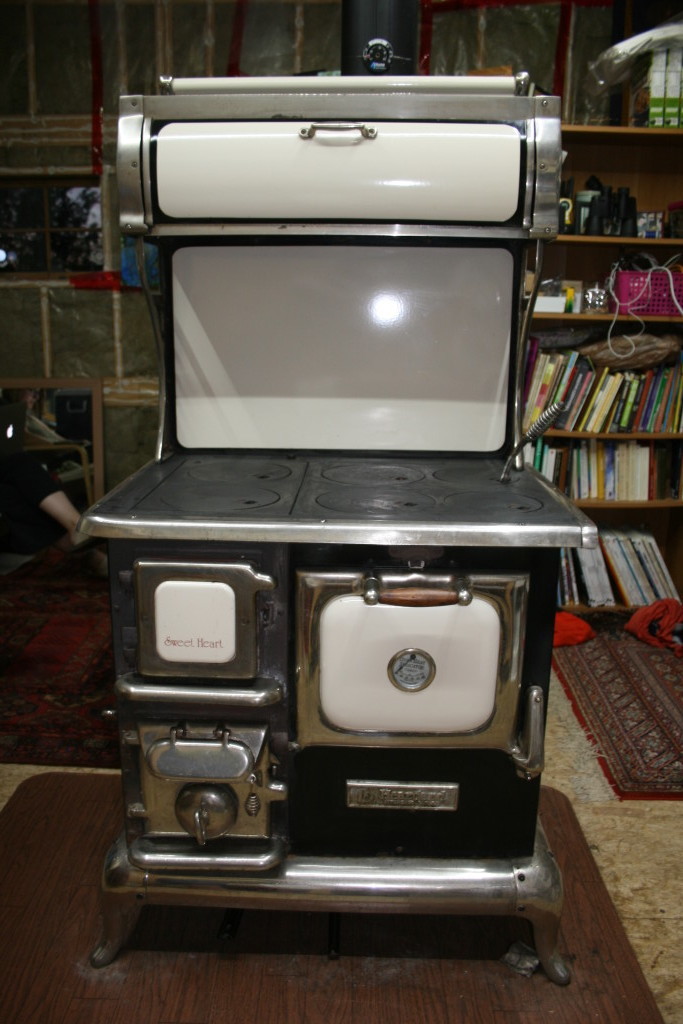
Baby Robins are doing great
I don’t see the third one but I didn’t want to intrude too much.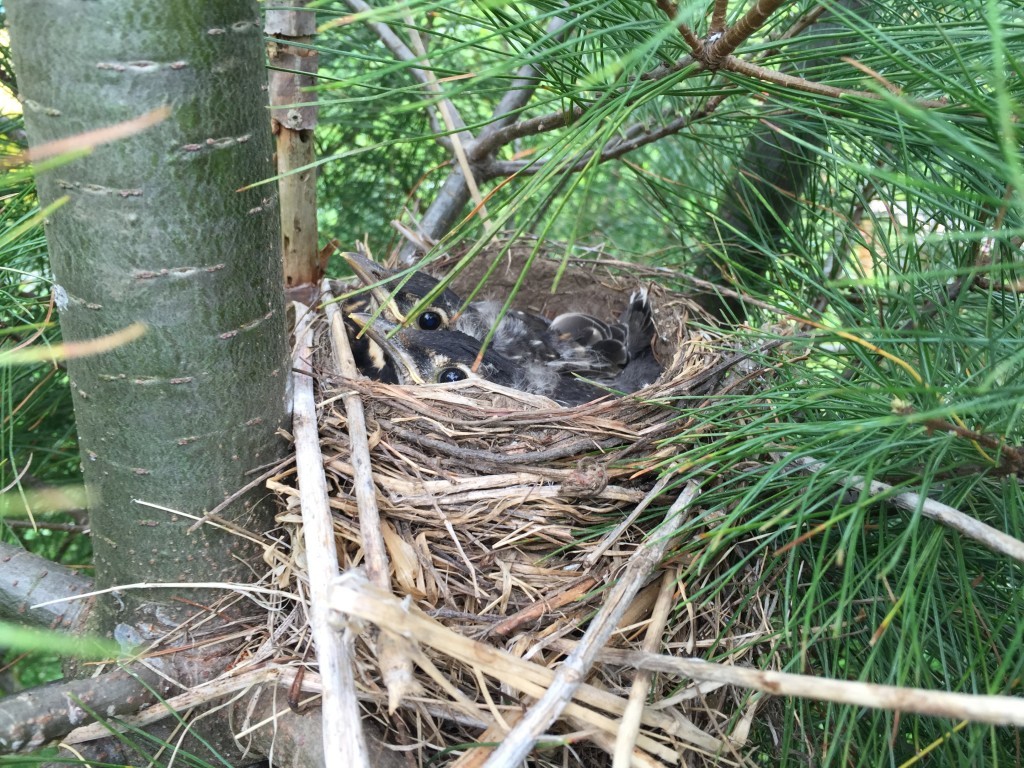
Cool Lego Project #2 – Rope Climbing Robot
My son is 5, Mindstorms are too complicated to investigate but… By hacking a wire straight to a battery, it’s easy to explain to him how to apply power to a motor. No indirection from the programming or the brick, simply energy applied to motors.
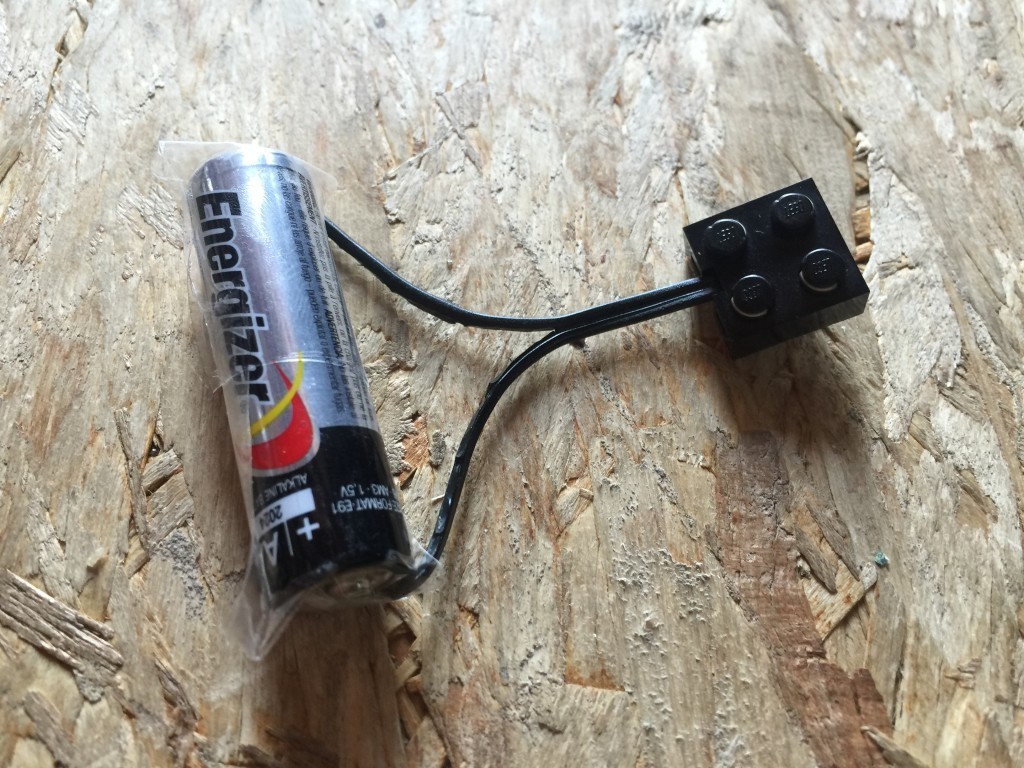
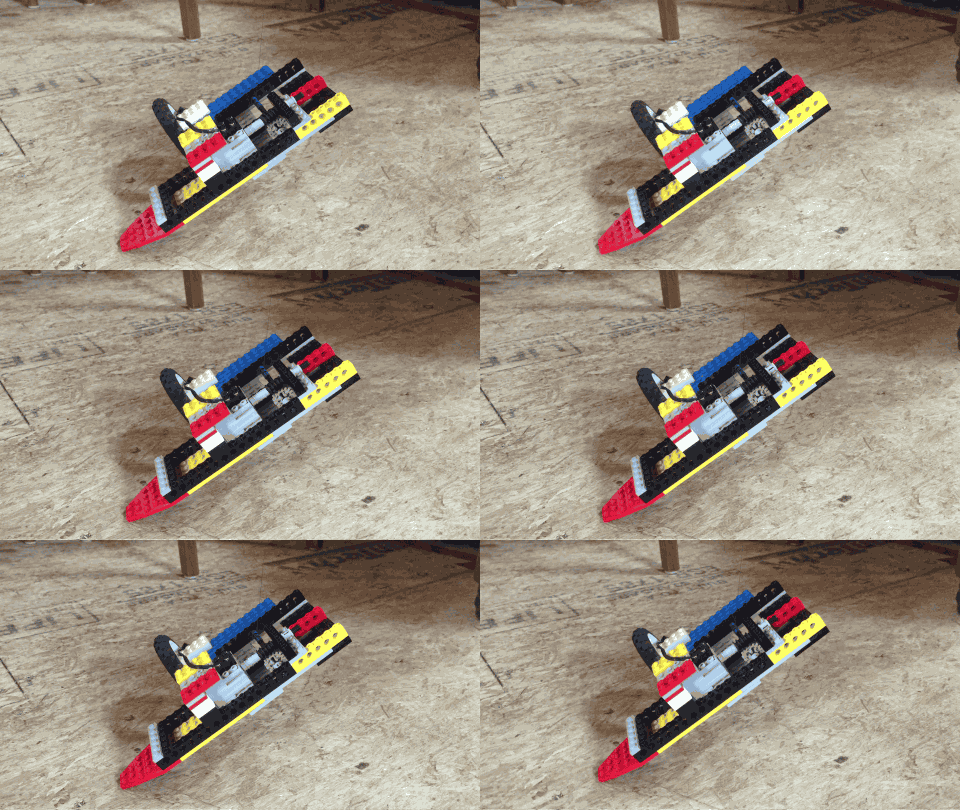
With this you can make a simple car: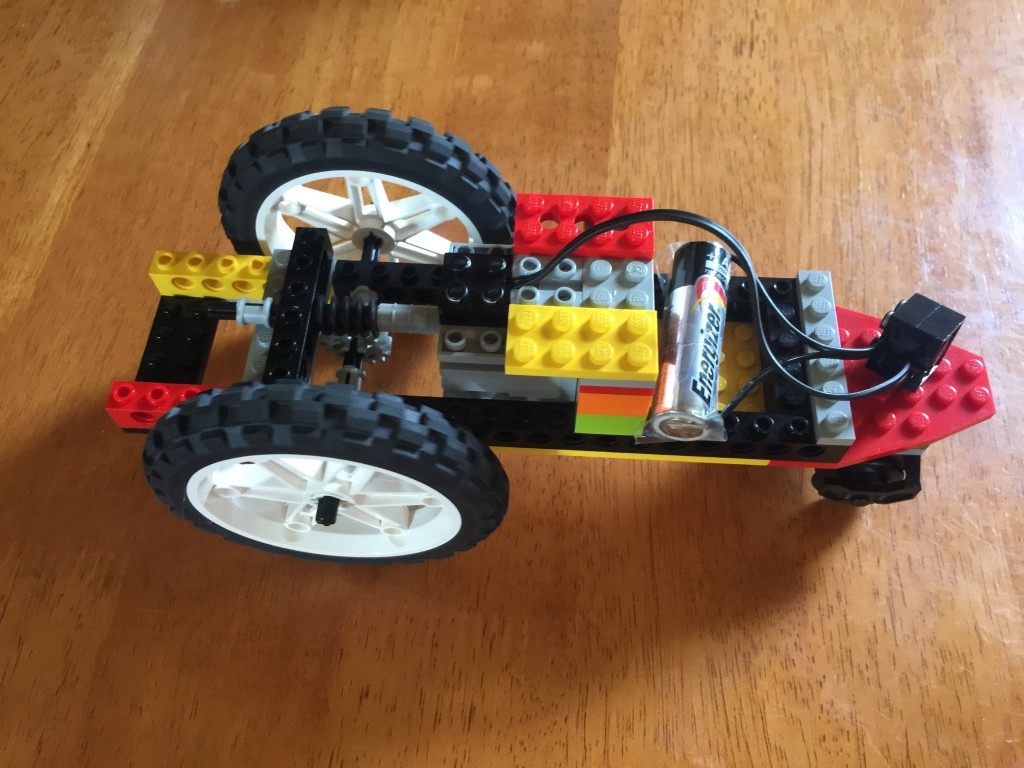 It’s been great fun to watch him figure out how various gears work. Now for the project, we simply turned this car into a robot which climbs up a string.

Cool Lego Project #1 – Paper Bending Machine
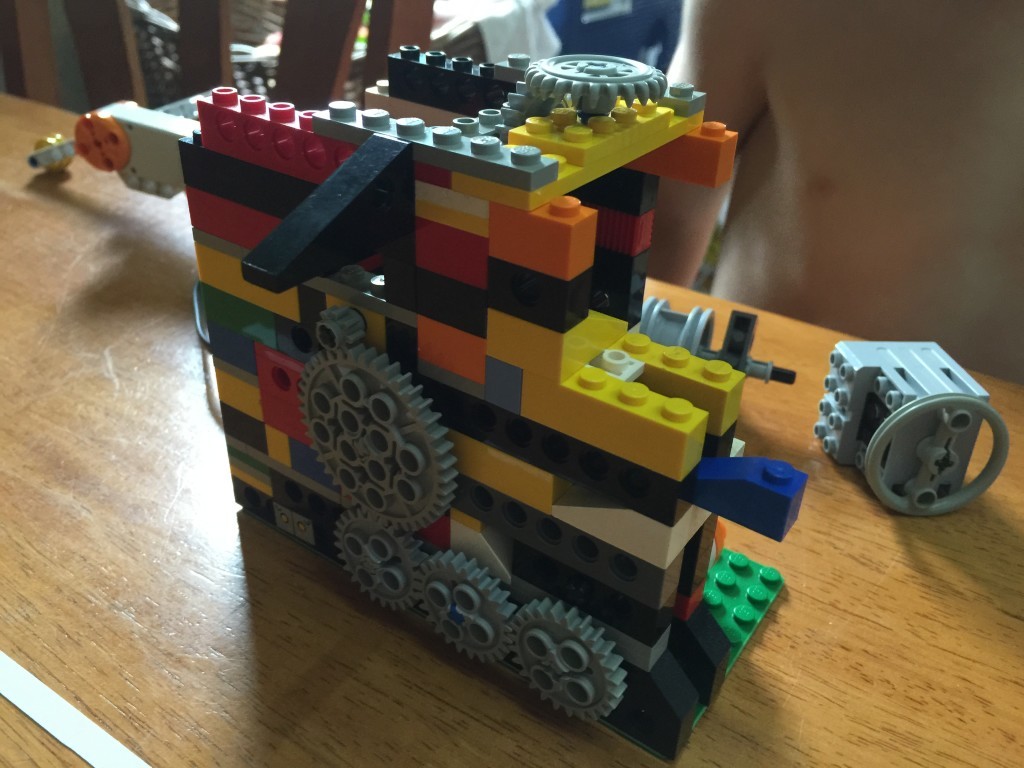
Simply run the paper through a couple of interlocked gears, the result is way more fun than it should be.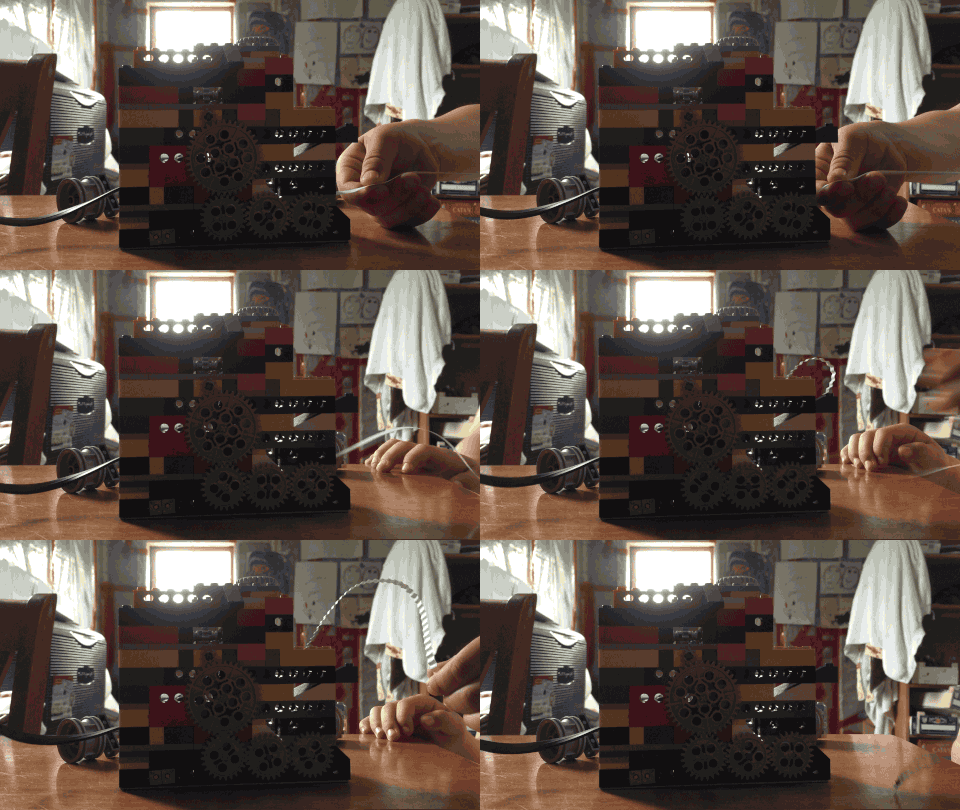
This one is powered by induction (a motor with a handle is manually turned to generate electricity for the other motor).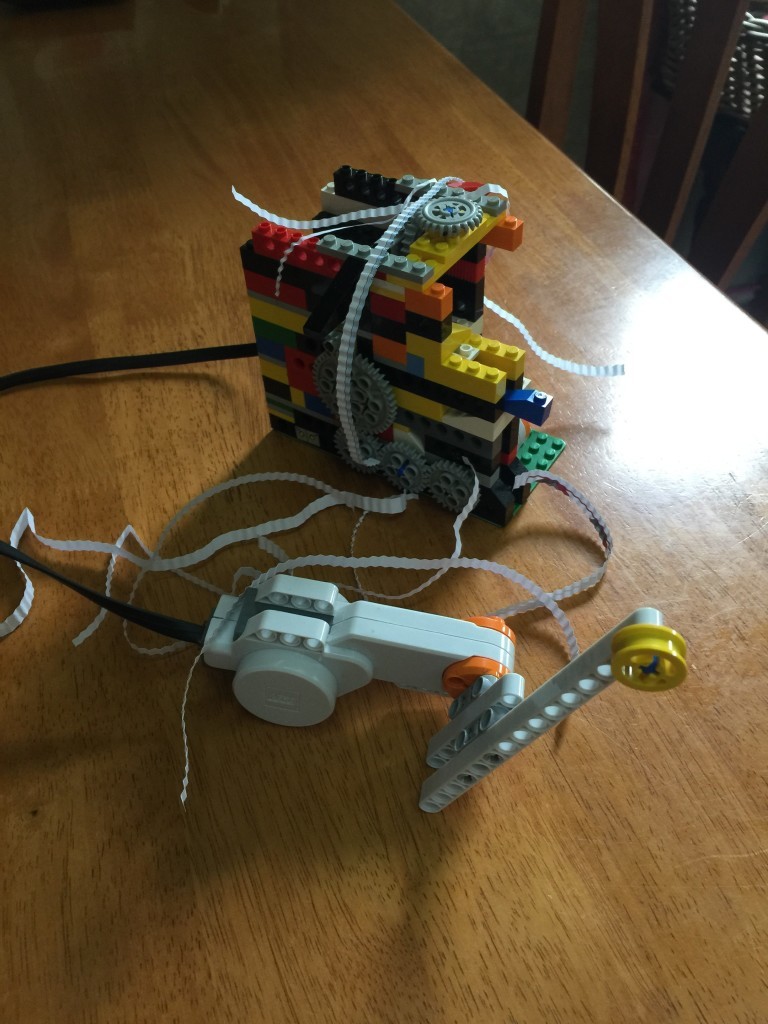
Potable verdict
We just got the test results from the well, we can drink it 🙂 This is huge for us. No more bottled water, almost a year in.
The first glass of water we drank and are still alive to talk about
Having a well is amazing and we are becoming quickly dependent on it. We use a lot more water because it’s easier to get. Watering the garden, longer showers, laundry, anything goes now 🙂
Surprisingly efficient way to do laundry, and so much better than wasting time and money at the laundromat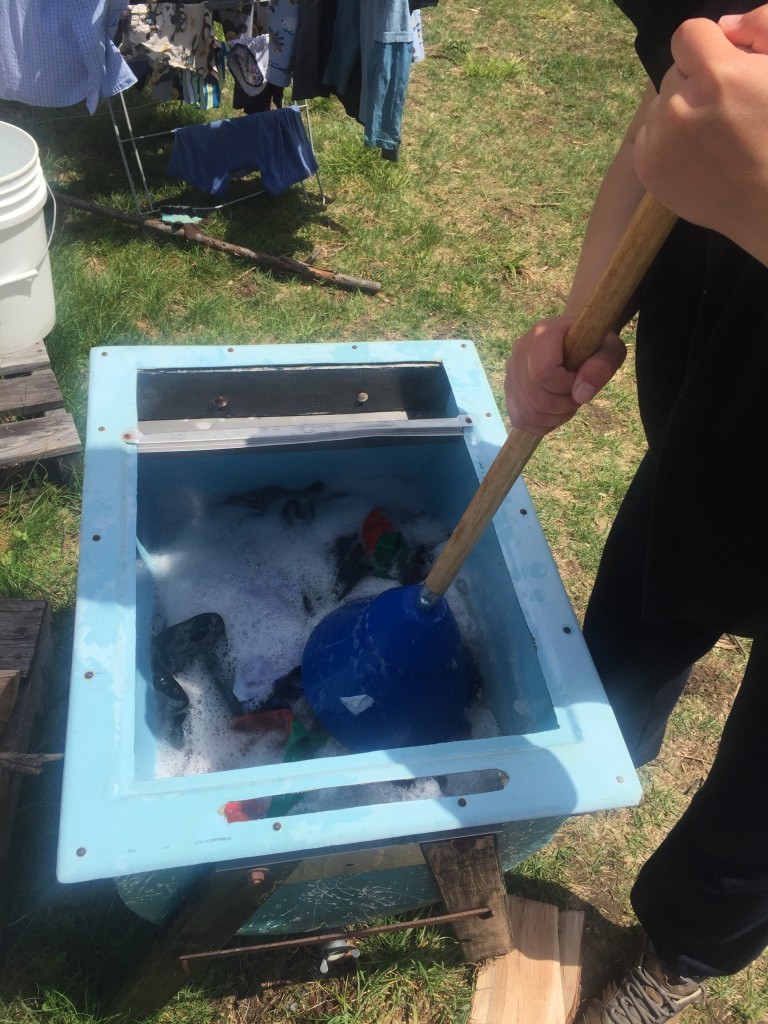
With the nice weather back and easier access to water, we’re enjoying luxurious showers.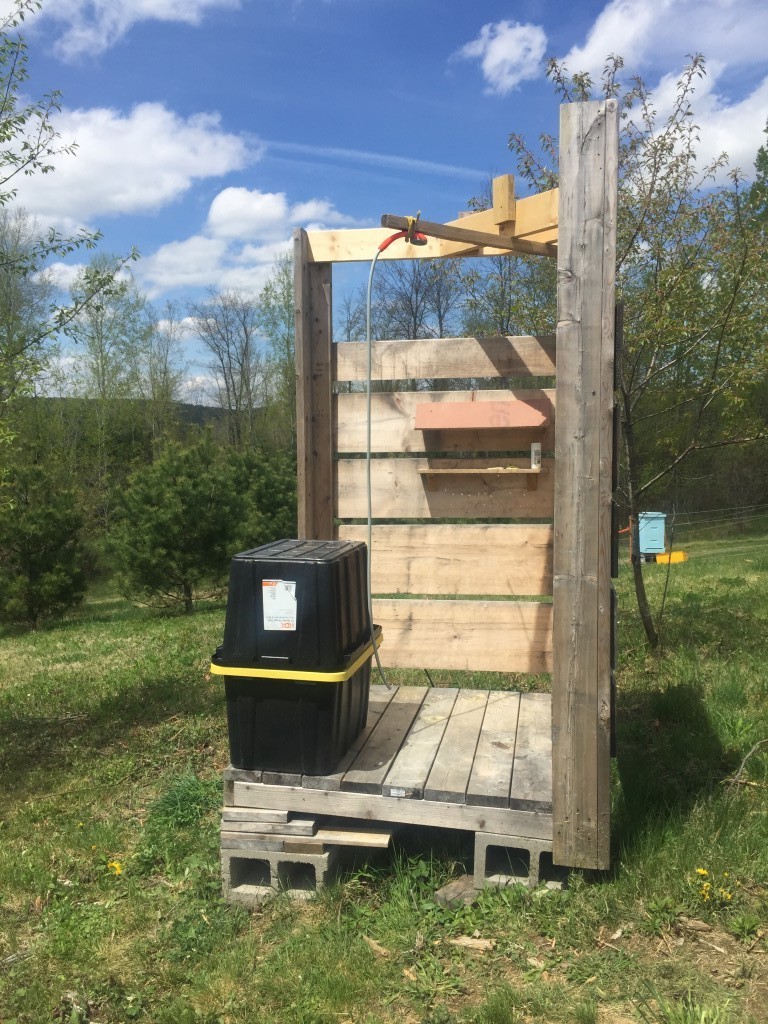
When we had just moved in, I noted there were 3 things our household didn’t support: potable water, laundry and reliance on gas to power tools. The well allowed us to eliminate 2 of the 3, with the 3rd one still unlikely to go away anytime soon.
Morels
We tried to find them for weeks to no avail. Finally Matt was kind enough to show us the spot where he had found them on our land.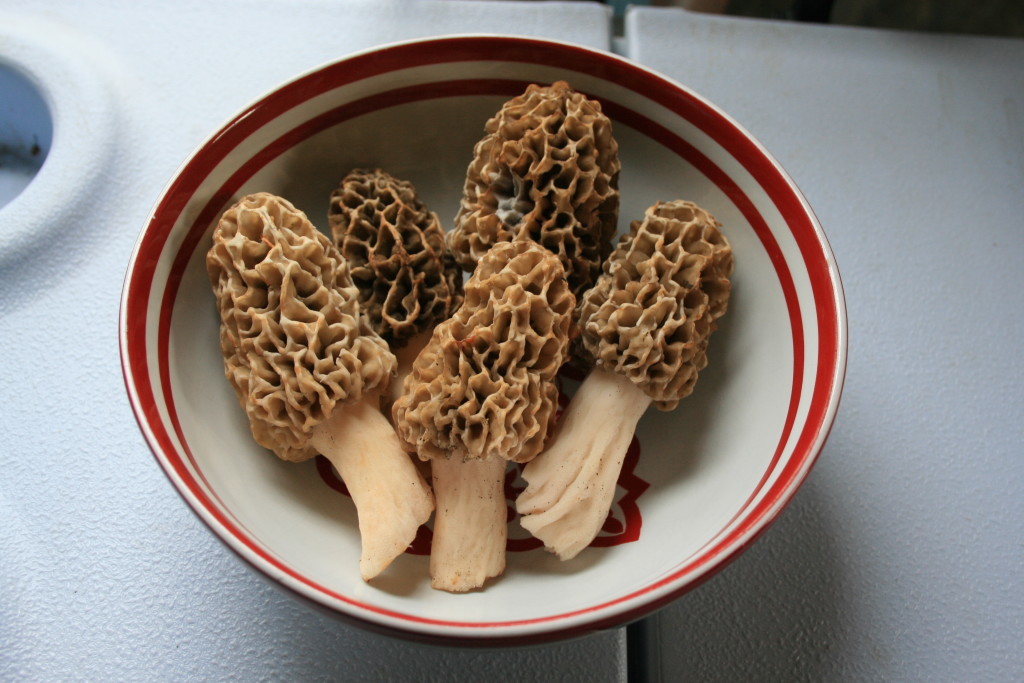

Better shot of the Robin eggs
I’ll go take a look at the nest tomorrow, they’re most likely all out by now. Mama Robin is getting used to us and doesn’t fly away until we’re very close now.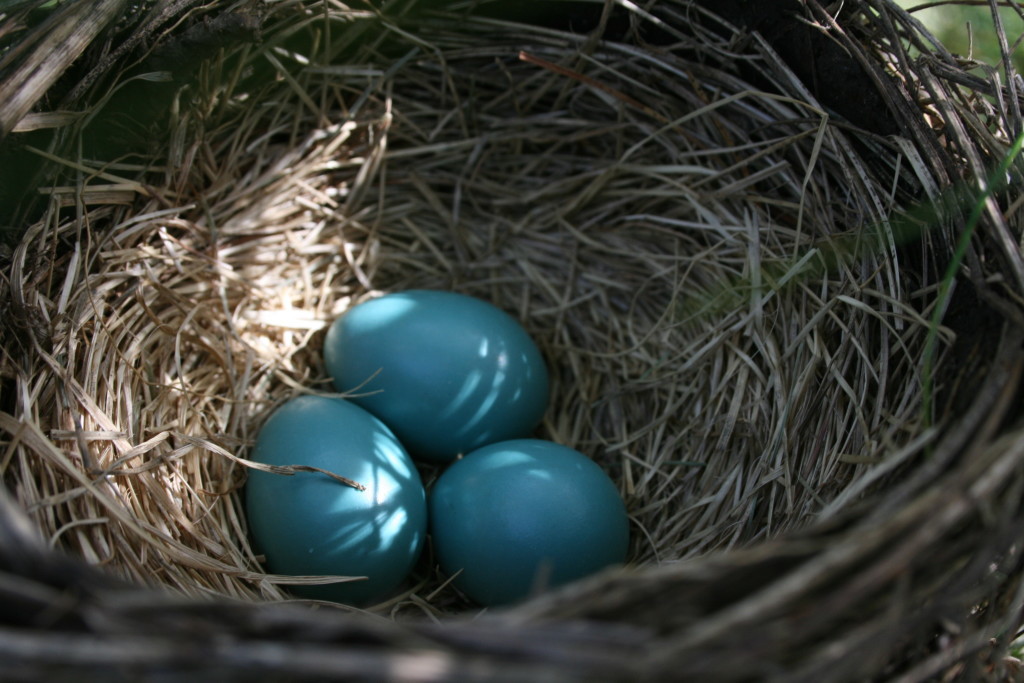
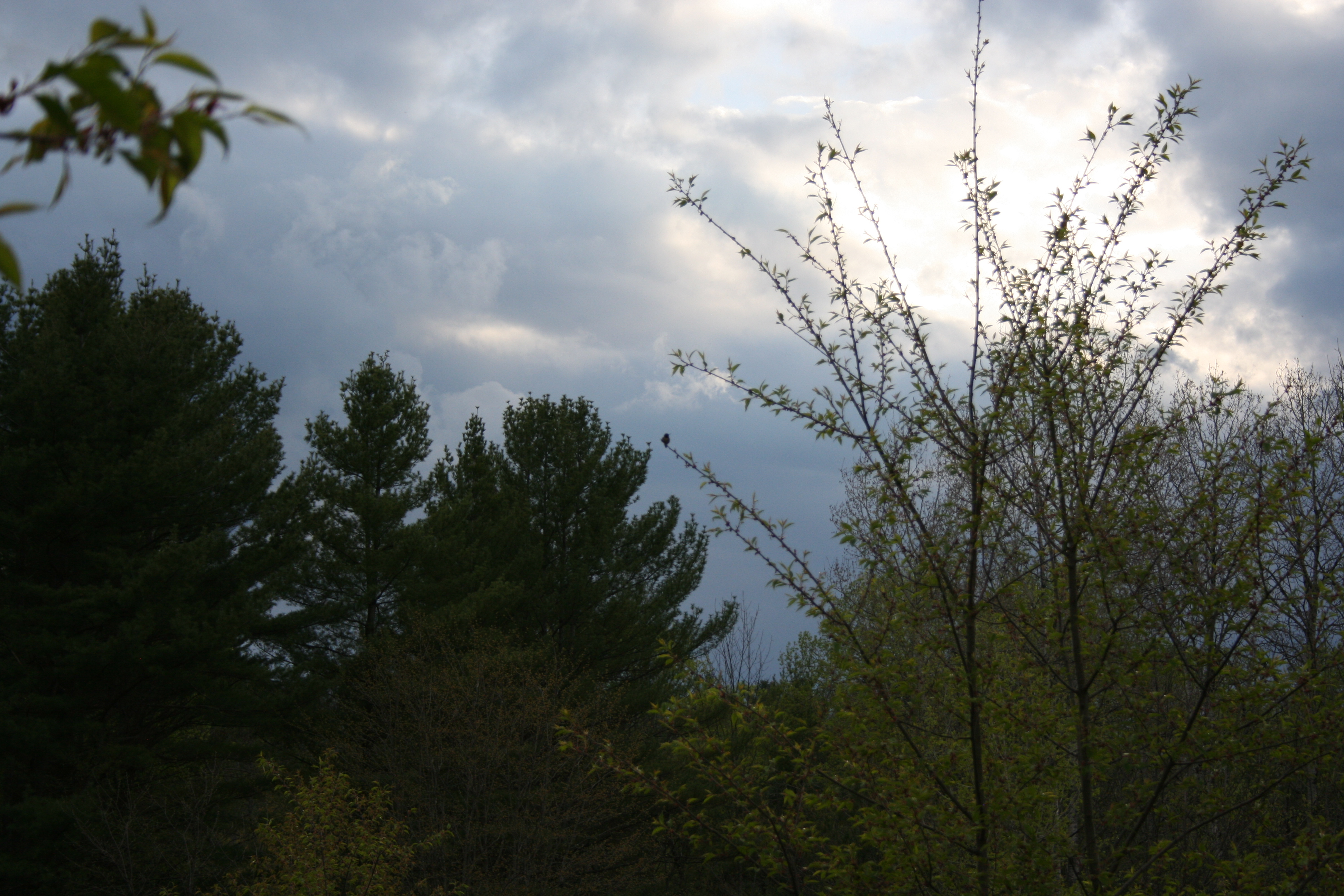
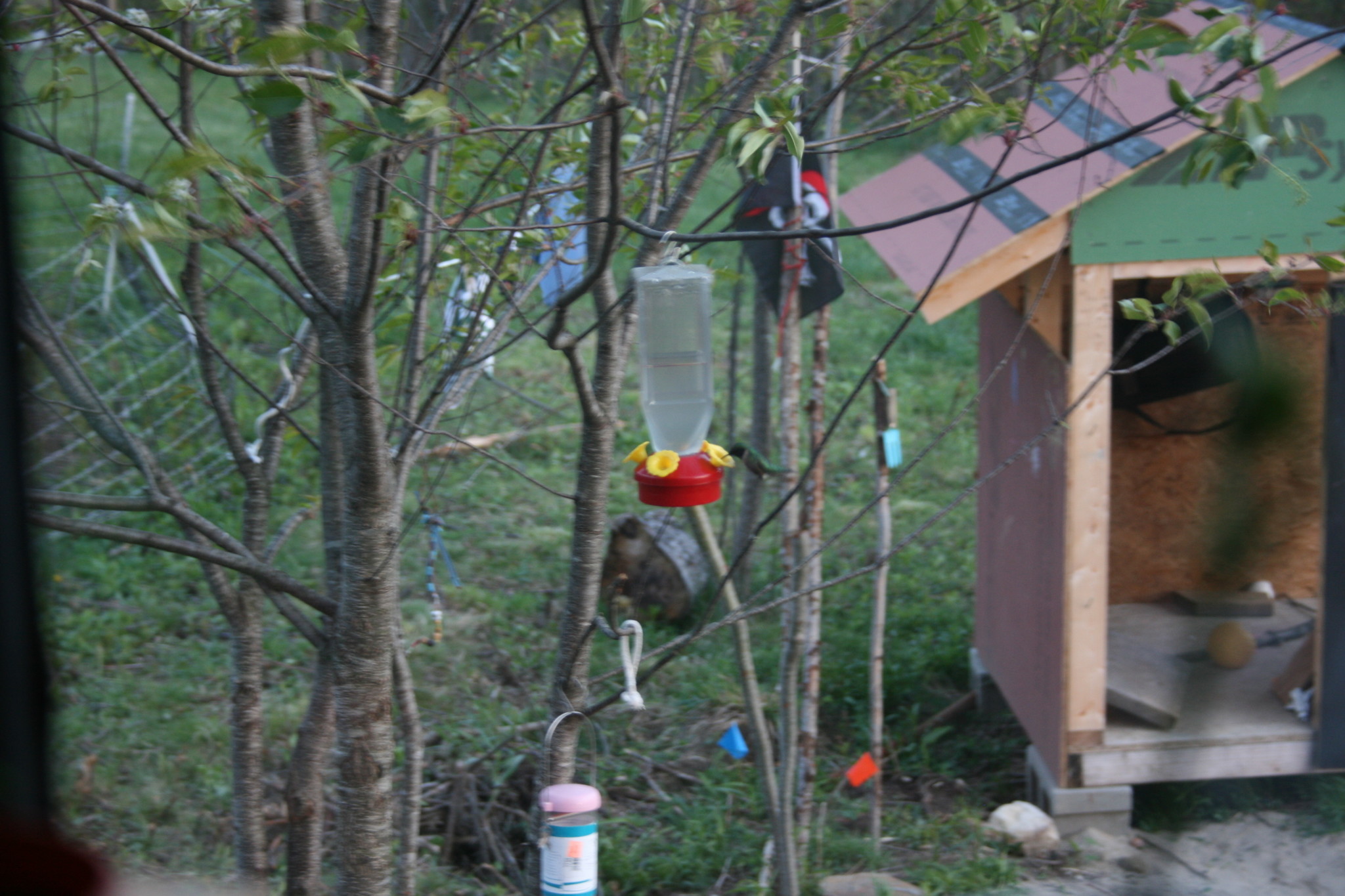
I spy a hummingbird
They arrived a couple of week ago, found our feeder right away.
Mad Max Lawnmower
 We bought a 2nd hand sacrificial lawnmower to drag over all the stumps left from the land reclamation. Bush hogging leaves them high enough to be very annoying so it’s time to accelerate the decomposing process. The lawnmower takes a beating in the process, I’m literally pulling it over 1″ to 2″ thick stumps as it jumps around.
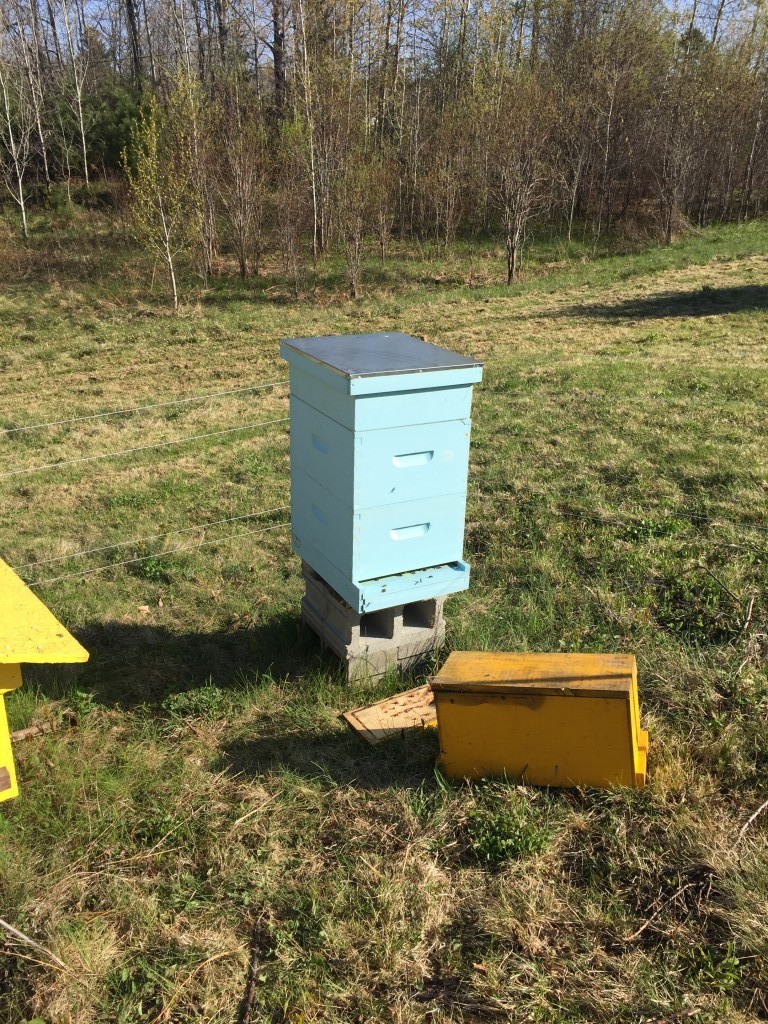
First inspection
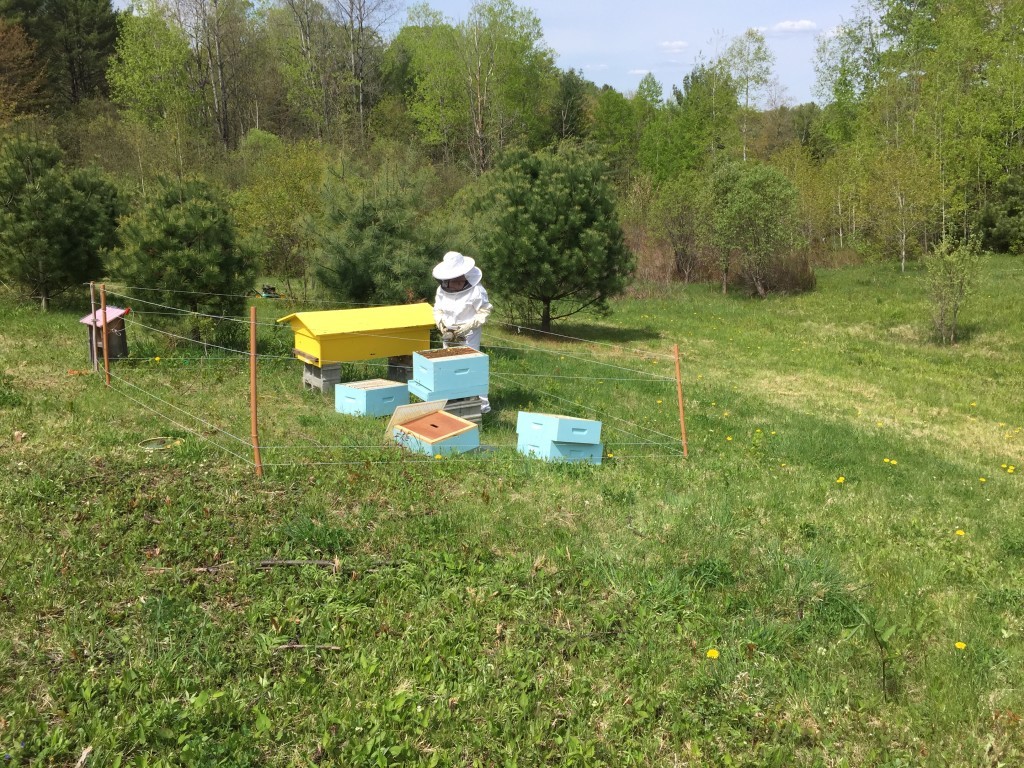 They’re not raging but there’s brood and they’re happy.

Robin eggs
Towards the end of Winter, we’ve had the great privilege of observing a robin build a nest in a small pine right next to the house. We’d see it pick dry grass and go in the same tree over and over again. We found the really quaint nest it built.
Working on the beehives a few days ago, which are close to the nest; the robin would take off and start chirping in alarm relentlessly until I left. This happens every time we get close to the nest.
We soon found the reason why:
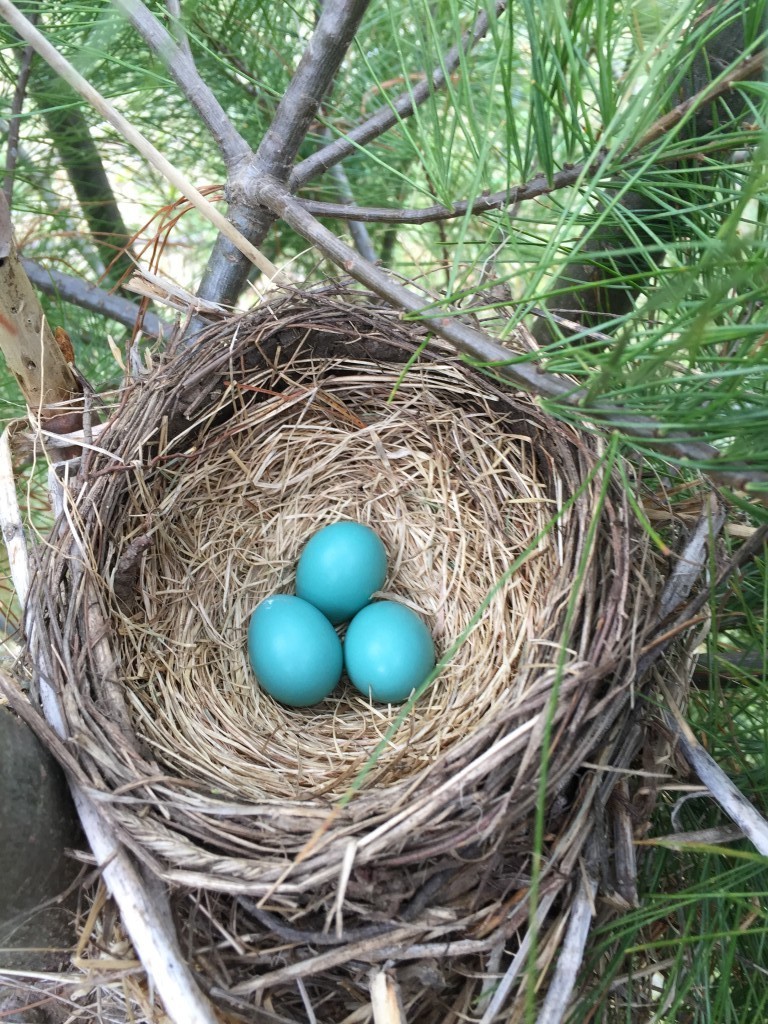
I really like how the inside of the nest is made with finer material. Thinking about mama robin choosing carefully each piece of grass anthropomorphizes the bird.
All in all, it chose a pretty horrible spot for a nest: a very small pine well within reach of predators and close to humans and bees. But it’s very very accessible for us to observe 🙂 we try not to intrude too much. And we’ll definitely keep the predators away.