[flv:http://ben.akrin.com//wp-content/uploads/2010/09/trip_of_doom-summary.flv 580 450]
Fresh produce!
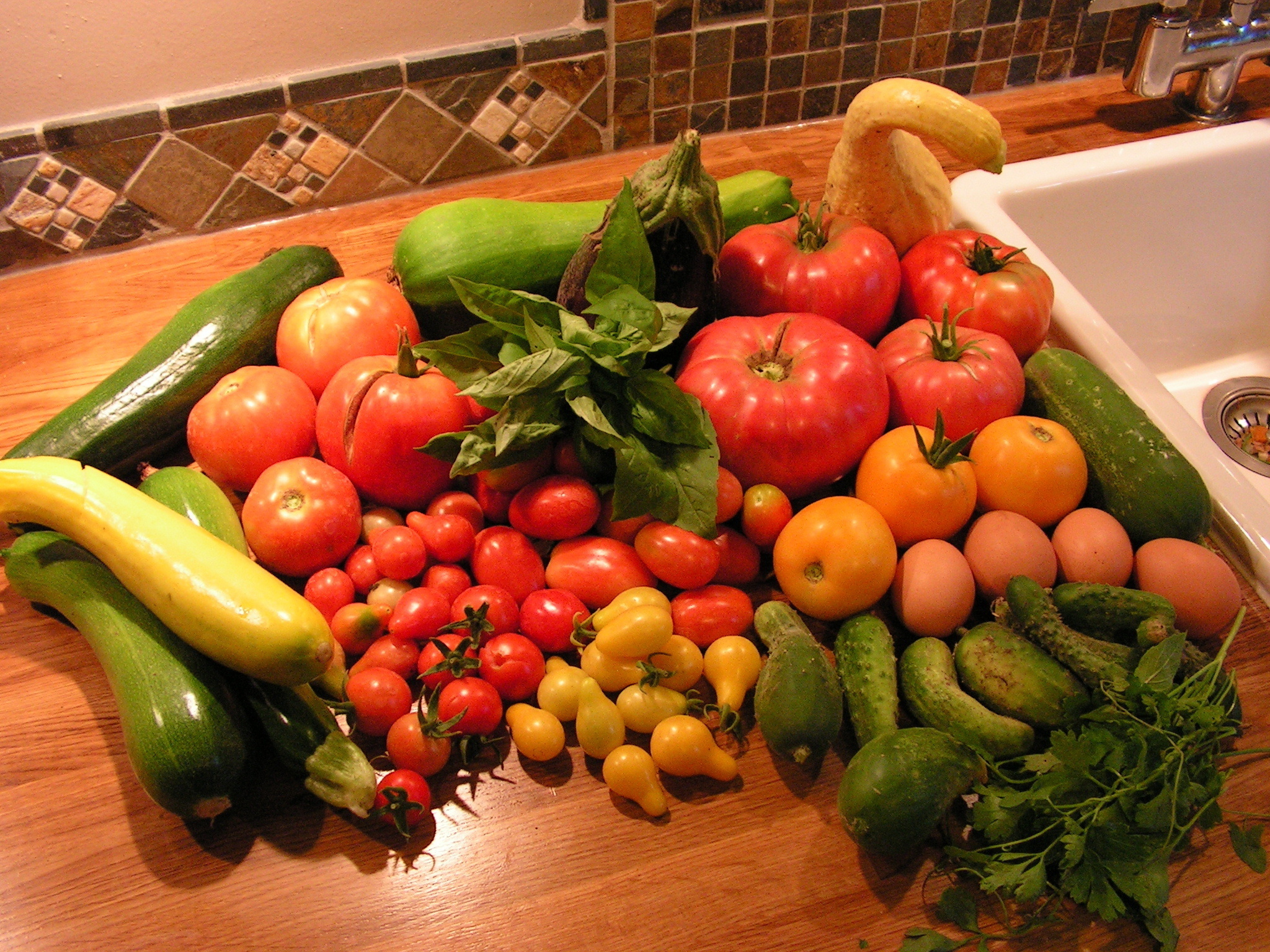
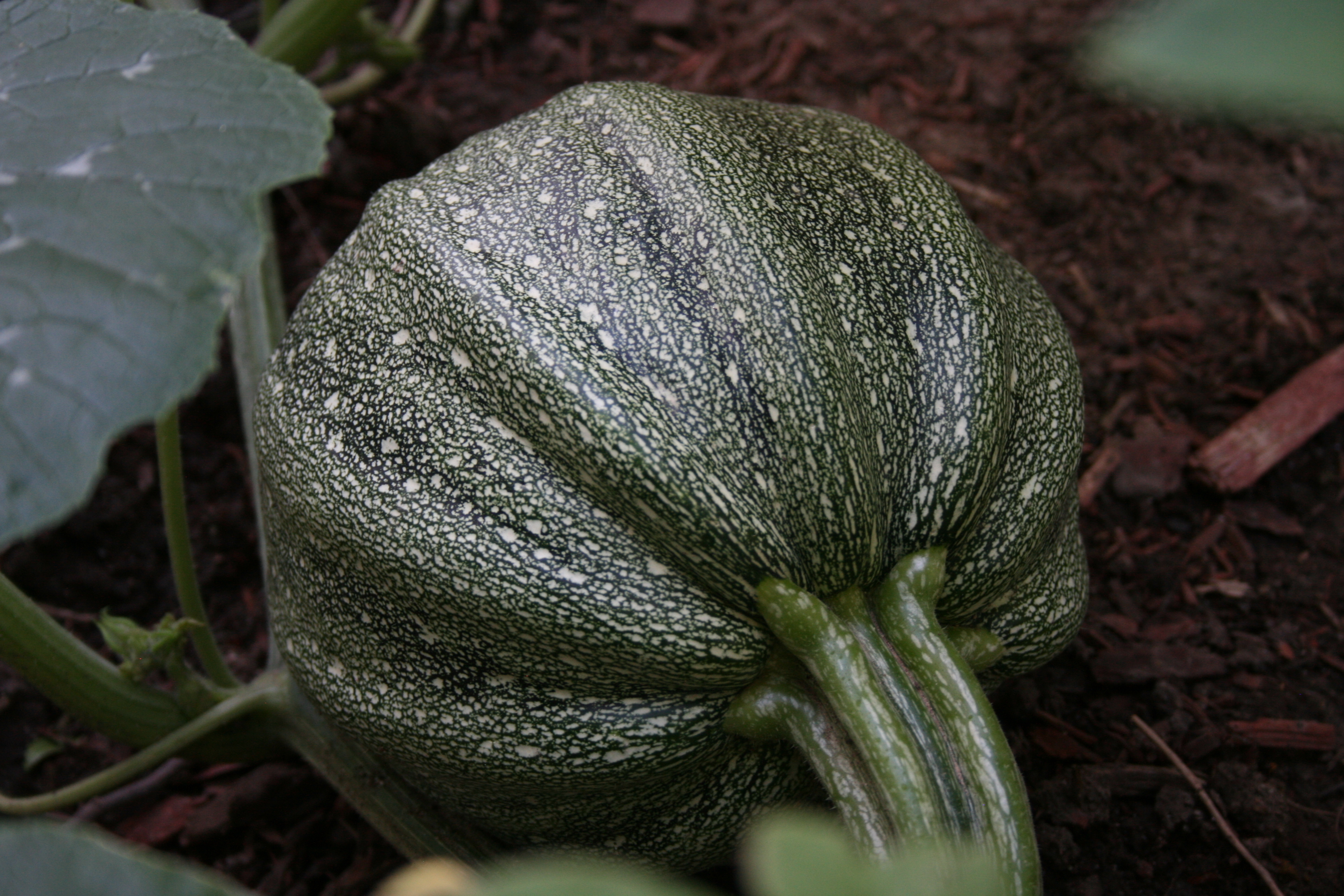
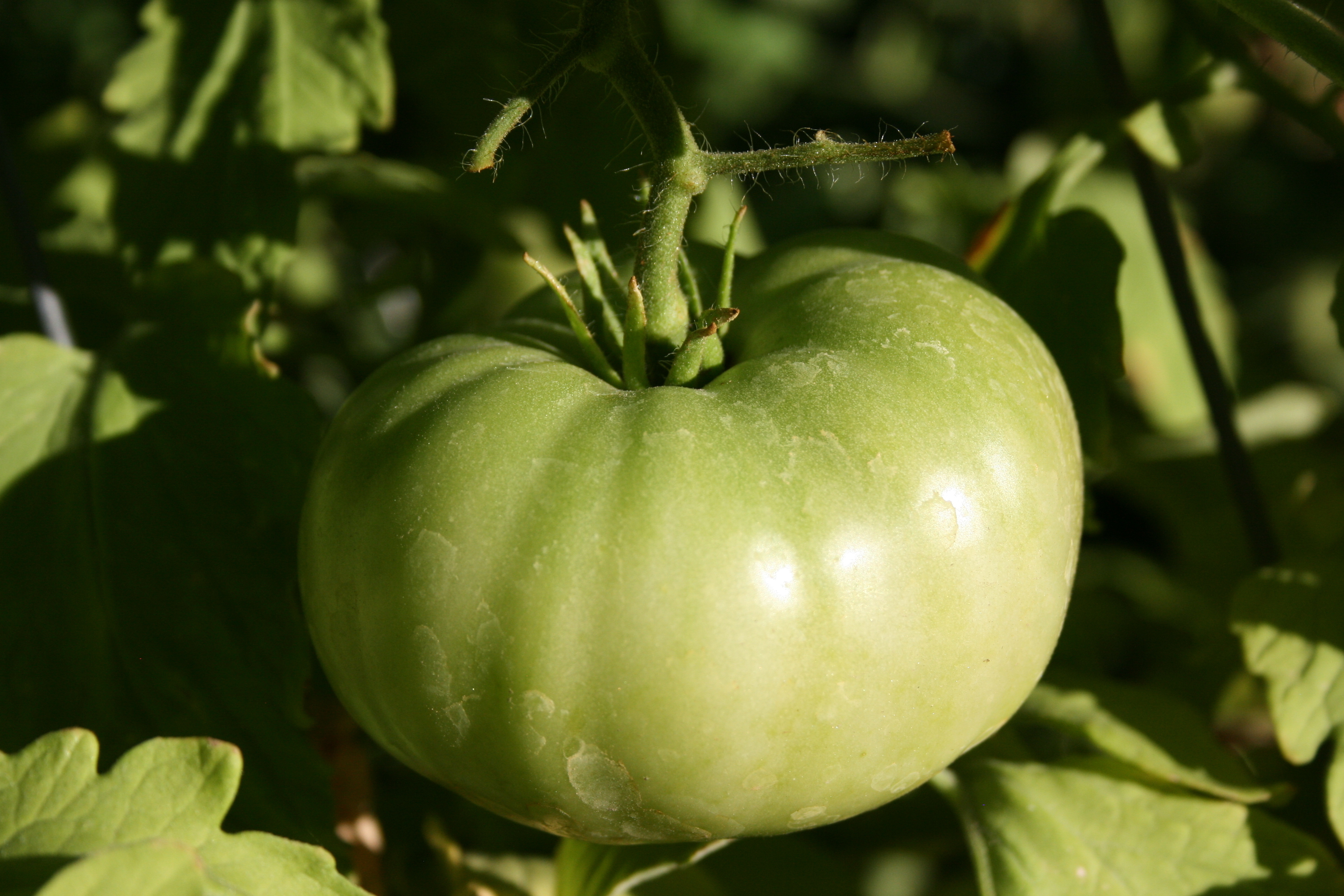
 Zucchinis, tomatoes, eggplants, salads, pickles, pumpkins, potatoes… et cetera. The garden has been a frank success this year and for the first time since we’ve been gardening.
We have more than enough vegetables for our consumption. We’re canning some of them and although they won’t last us a whole winter a little more effort next year will allow this.
We also have 6 chicken, get about 4 eggs a day and are thinking about a goat.
I feel like we’ve taken a huge step towards self sustainability.
Trip of doom – Meth Town, America
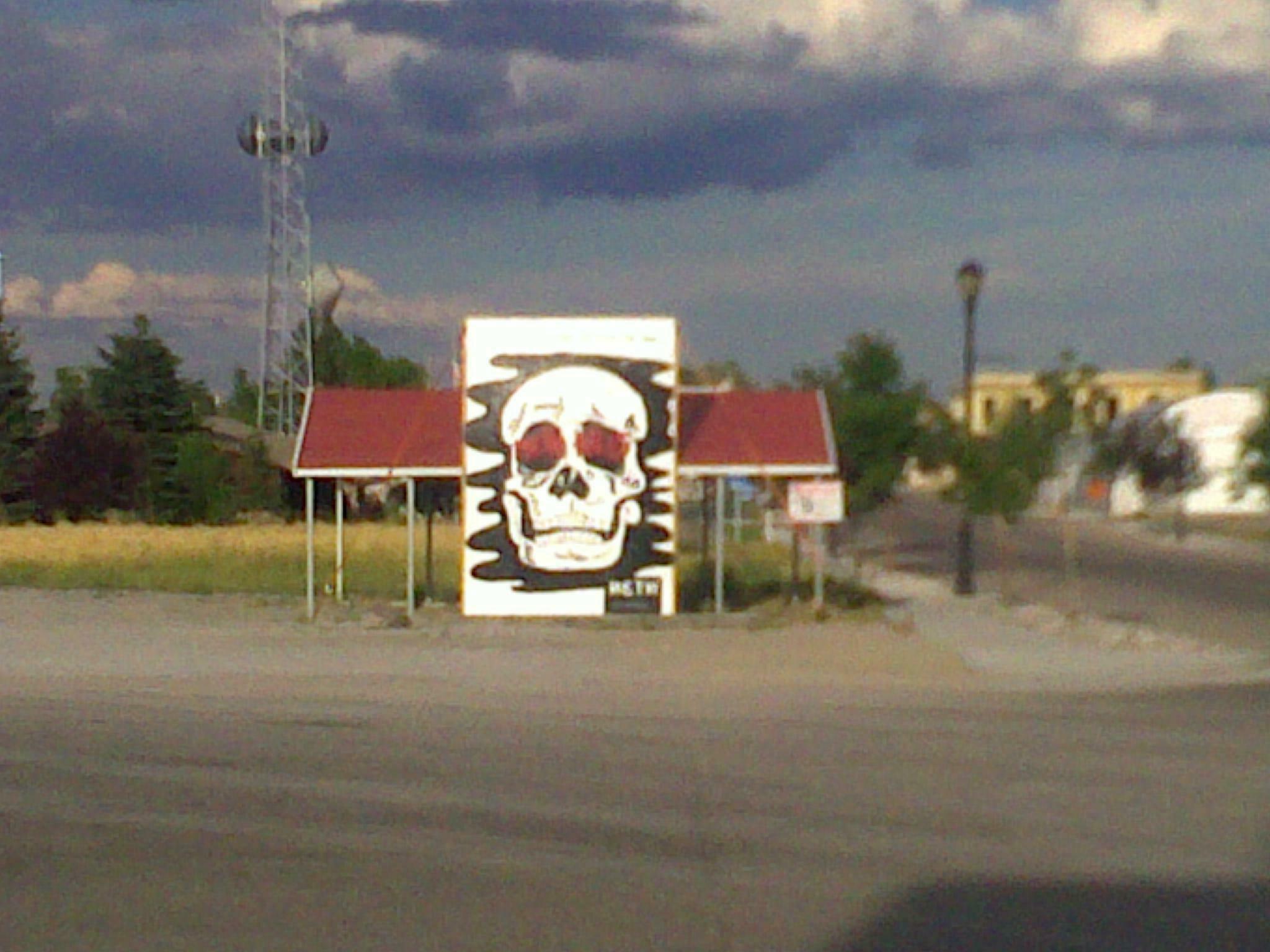
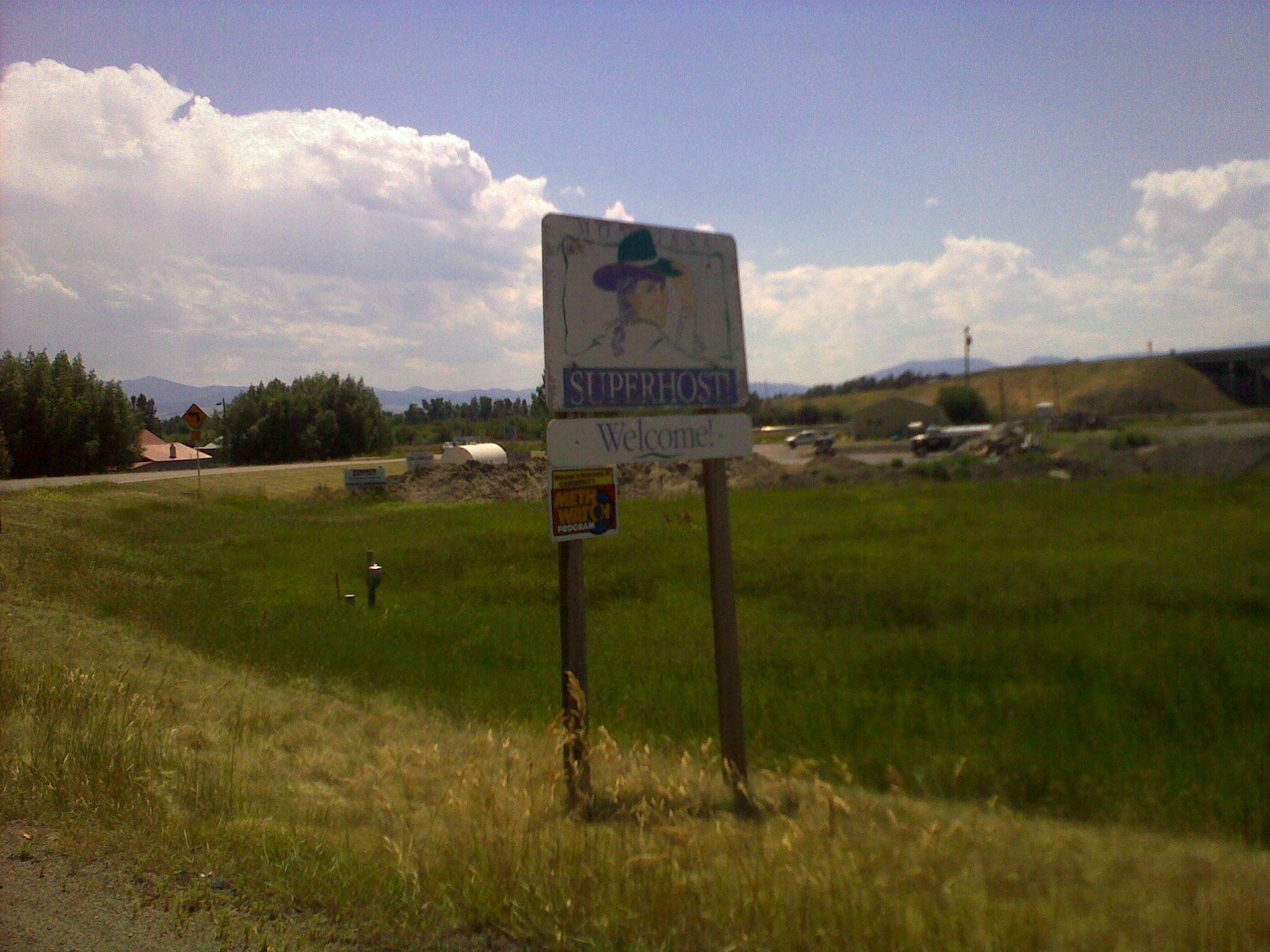
A while back I heard a show about the rise of methamphetamine in rural America. I didn’t make much of it until this trip. Across all the little towns we visited, signs of meth problems were blatant. While in Salt Lake some advertisement campaigns target meth, they are sporadic and other drugs are also addressed. In rural Montana & Idaho, they’ll paint anti-meth murals on the main town buildings. Meth signs are omnipresent, so are meth users to the more observant eye (not me).
I have to say I was pretty shocked by all this, I did not expect such a widespread and sustained presence. Rural America still has its well known charm but it seems to be struggling against the depravity left behind a drug strained social fabric.

Trip of doom – we are back!
This trip wouldn’t have lived up to it’s reputation without rain, cold & technical difficulties. While I had hoped that the later would not prevent progress, we did have to bring a trailer pretty far north to get Brandon’s bike back to Salt Lake. Upon arriving in Idaho falls we were met by a severe thunderstorm, we decided to spend the night there but the hotel was such a crap hole we said “fuck it” and loaded the second bike on the trailer and drove back to Salt Lake. This is not the return I had expected but we had to get home. And Nicole rocks for bringing the trailer all the way to Idaho Falls and putting up with the major driving that ensued, I’m in serious debt.
The trip was awesome, being back home is amazing, I fell like we’ve been gone for 2 months. I’ve gotten exactly what I wanted to get out of it: a good break outside of my comfort zone and by that token there’s nothing like asphalt moving at 75 mph bellow your feet, wind in your face for hours, camping with wildlife & being far from home.
The grand total for the trip is 1534 miles (2469 kilometers), and we had to work for every mile.
On a side note, the pictures are lacking because of how hard it is to stop, unwrap & get the camera out every time we saw something noteworthy. Motorcycles aren’t great for photography and I now understand the use of helmet cams. So we mostly have shots of when we stopped for breaks. We have a few more pics on Brandon’s camera that I’ll upload later today.
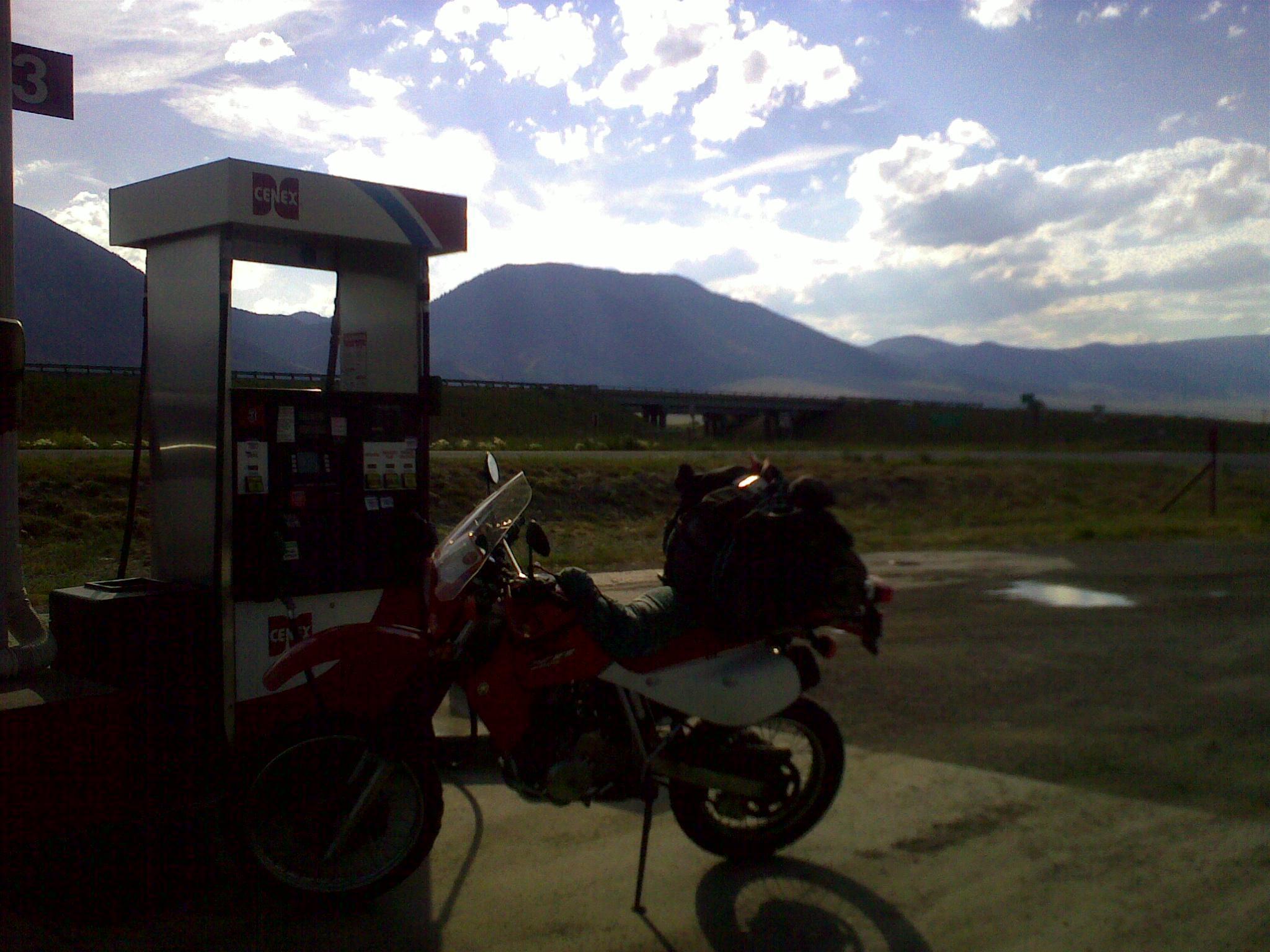
Trip of doom – problems
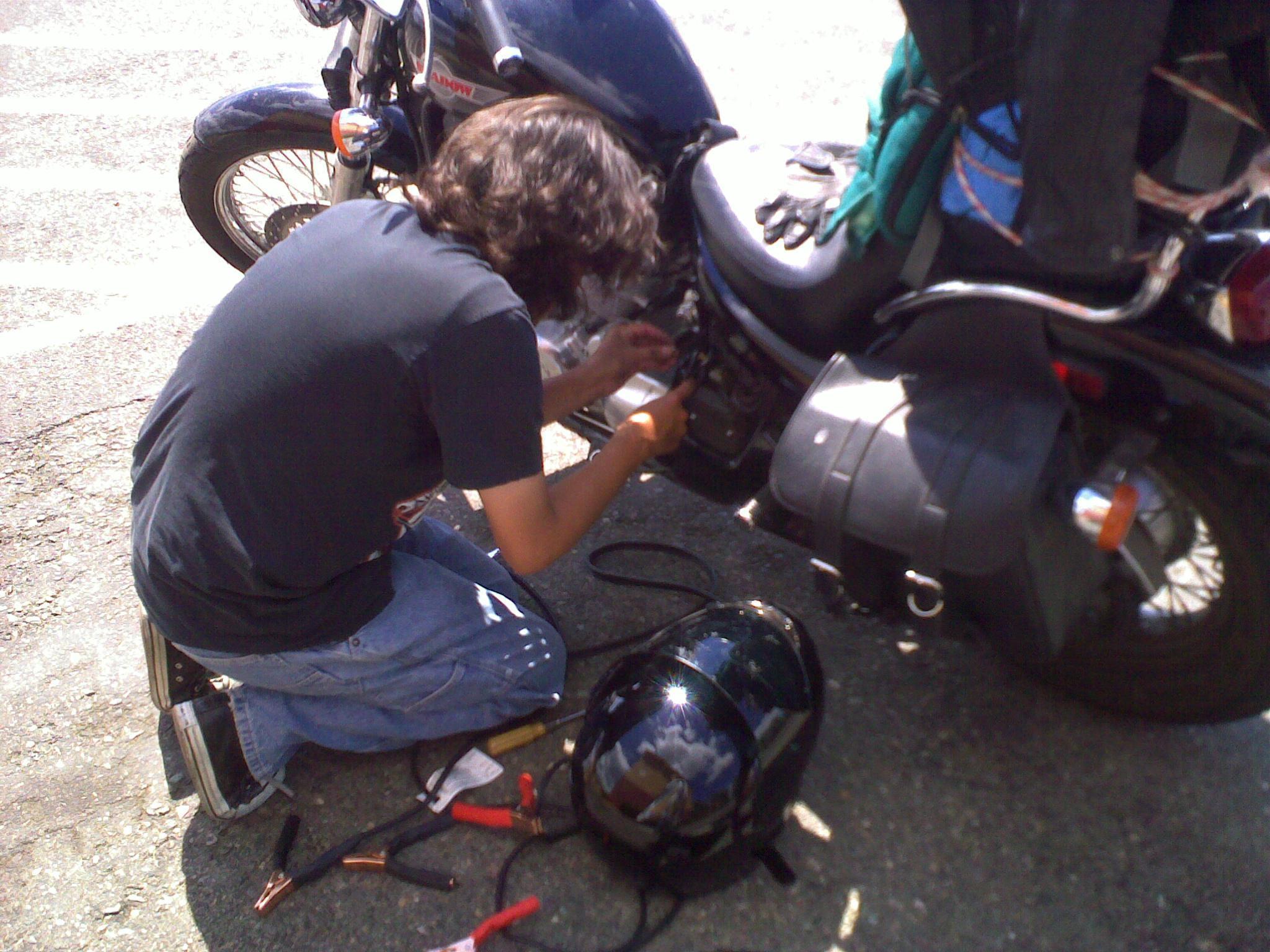
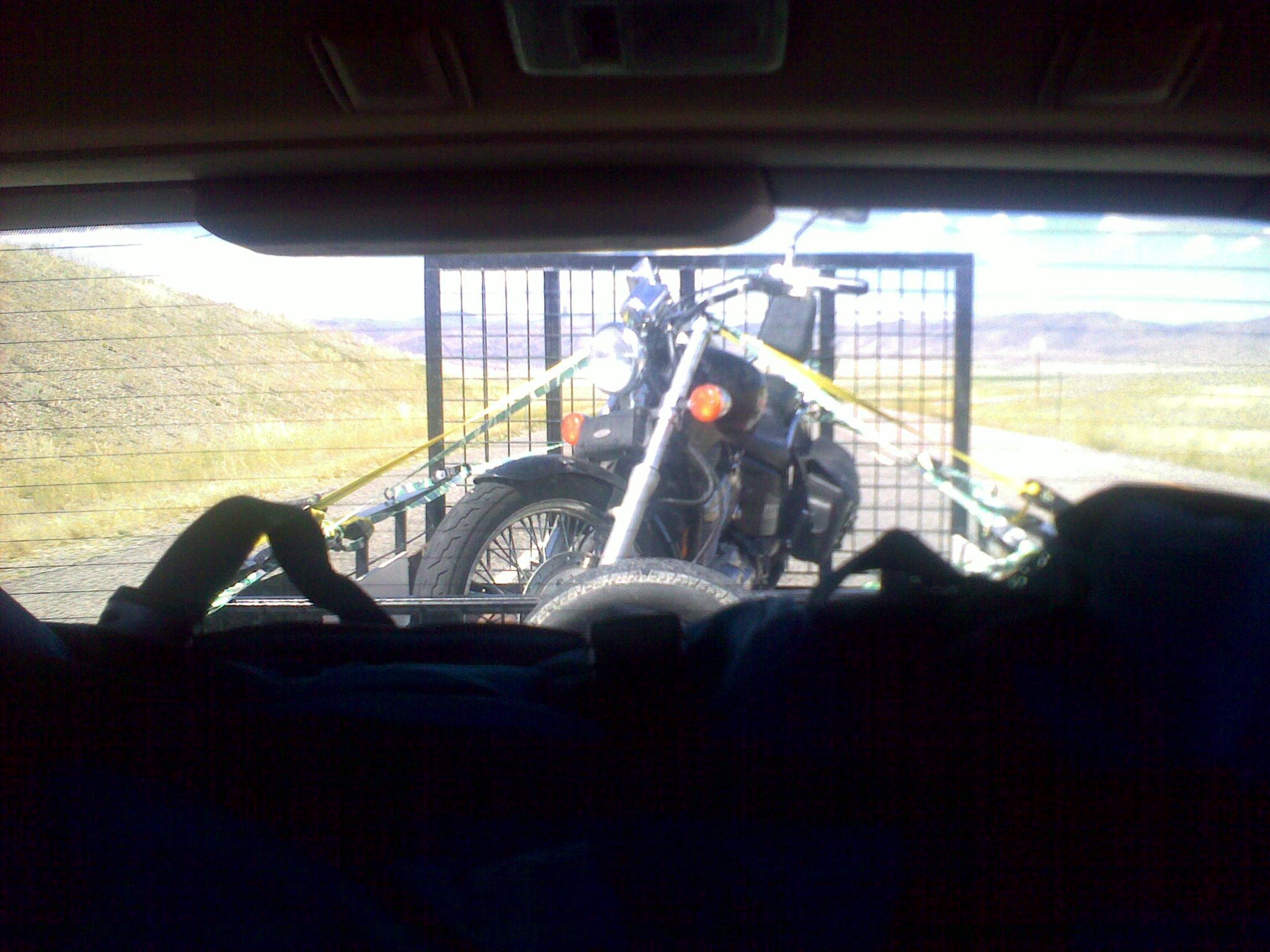
It’s been a rough day, Brandon’s bike wouldn’t start so we tried to push
start it, jump start it and finally we replaced the battery. This only took
us to Beavertail Hill (which I first missread as Beverley Hills). A major
"oh shit" moment followed. The alternator is probably busted, and we needed
to figure out a way to get back home. Brandon hitch-hiked to Butte MT, I
rode to Idaho Falls ID where Nicole joined me with the trailer. We got back
to Beavertail Hill (many hours north of Idaho Falls and picked up the bike.
We’re now headed back south, I’ll pick up my bike and keep going, Brandon
will drive back. It’s been an exhausting past couple of days. Limits have
been tested.
Trip of doom – this is it (not so proper)
 And this is us trying to make it bac to the motorcycles in time…
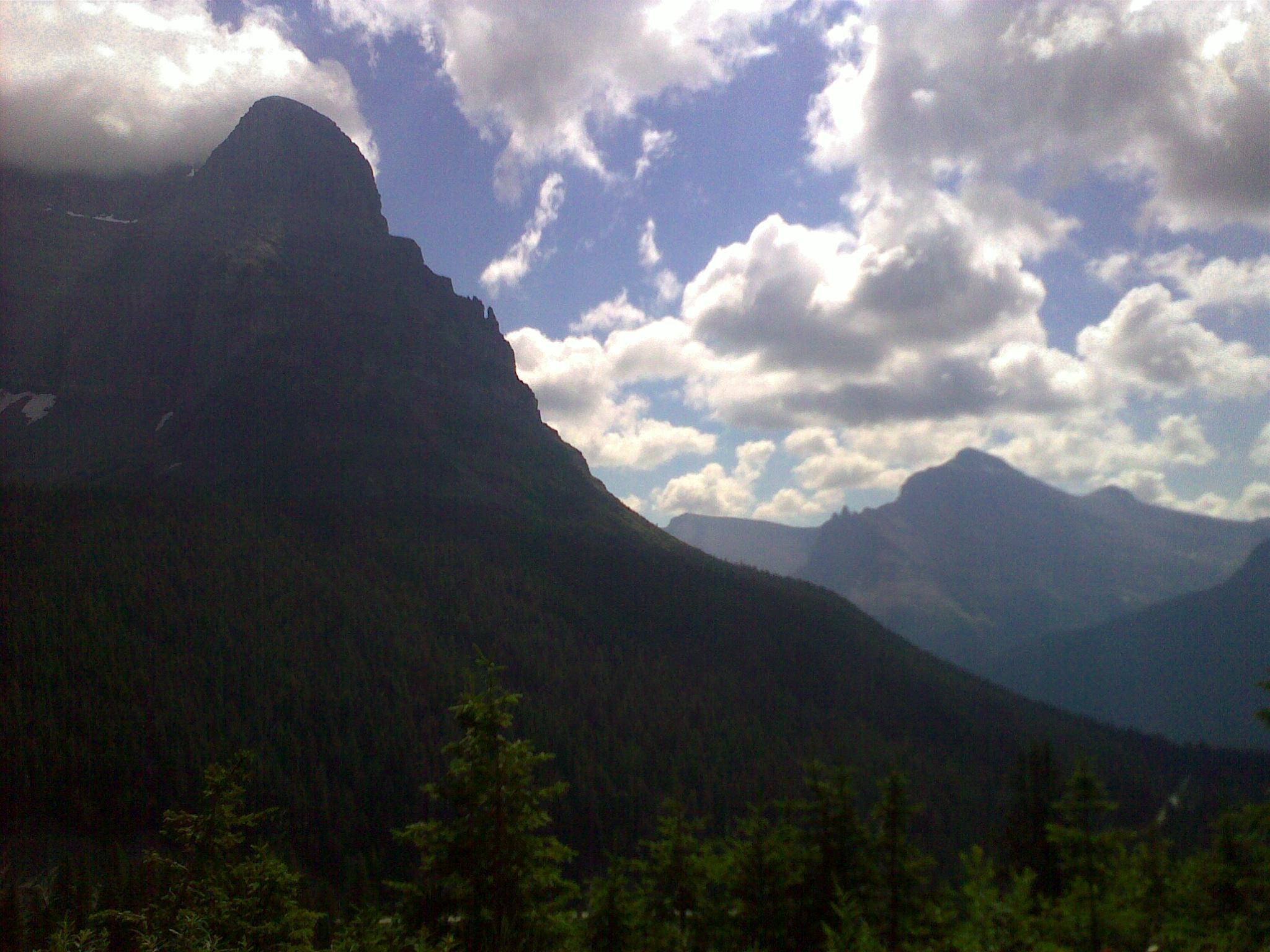
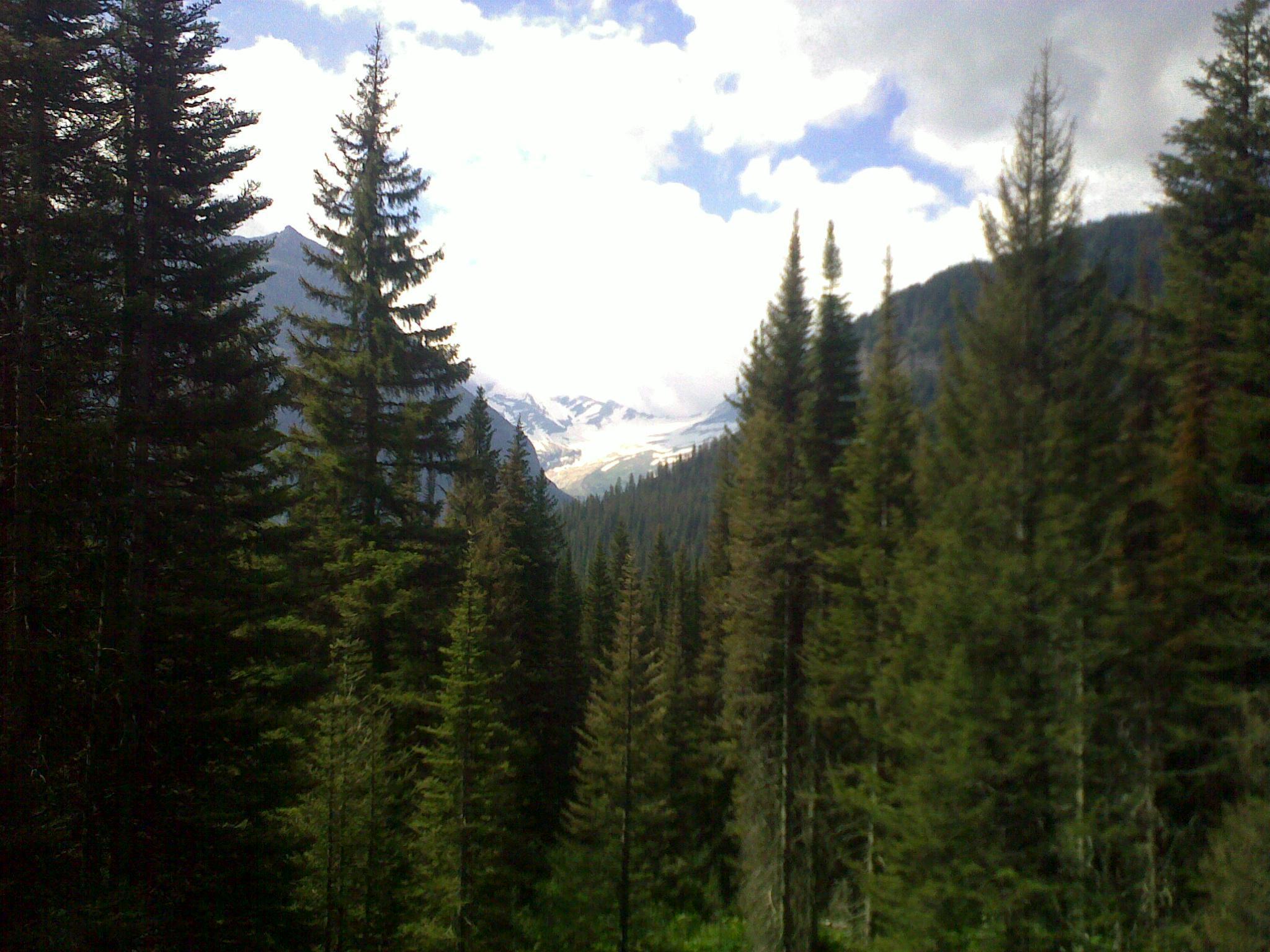
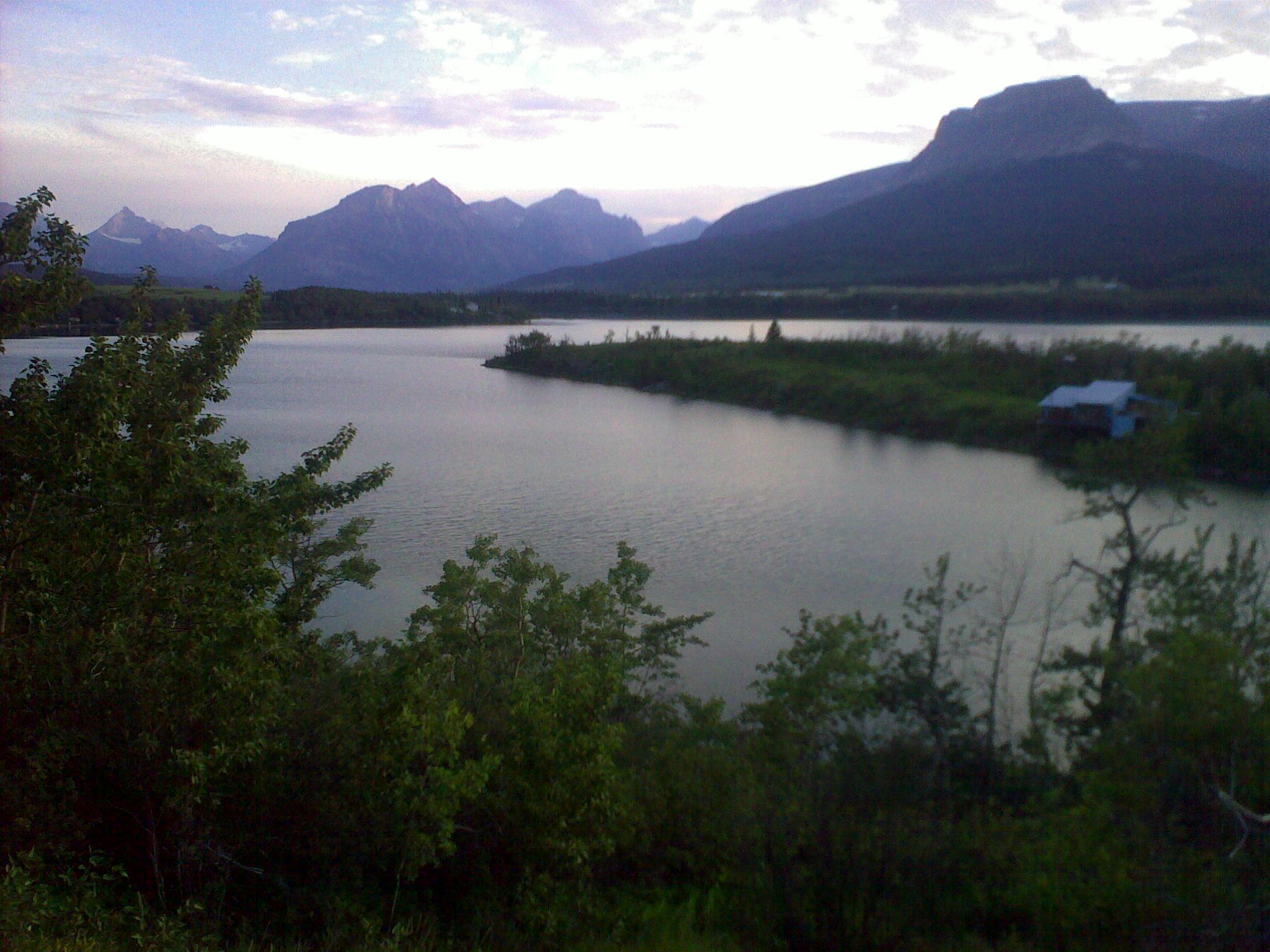
Trip of doom – This is it (proper)
Here’s a much better picture that we took with Brandon’s camera

Trip of doom – crosses along the road
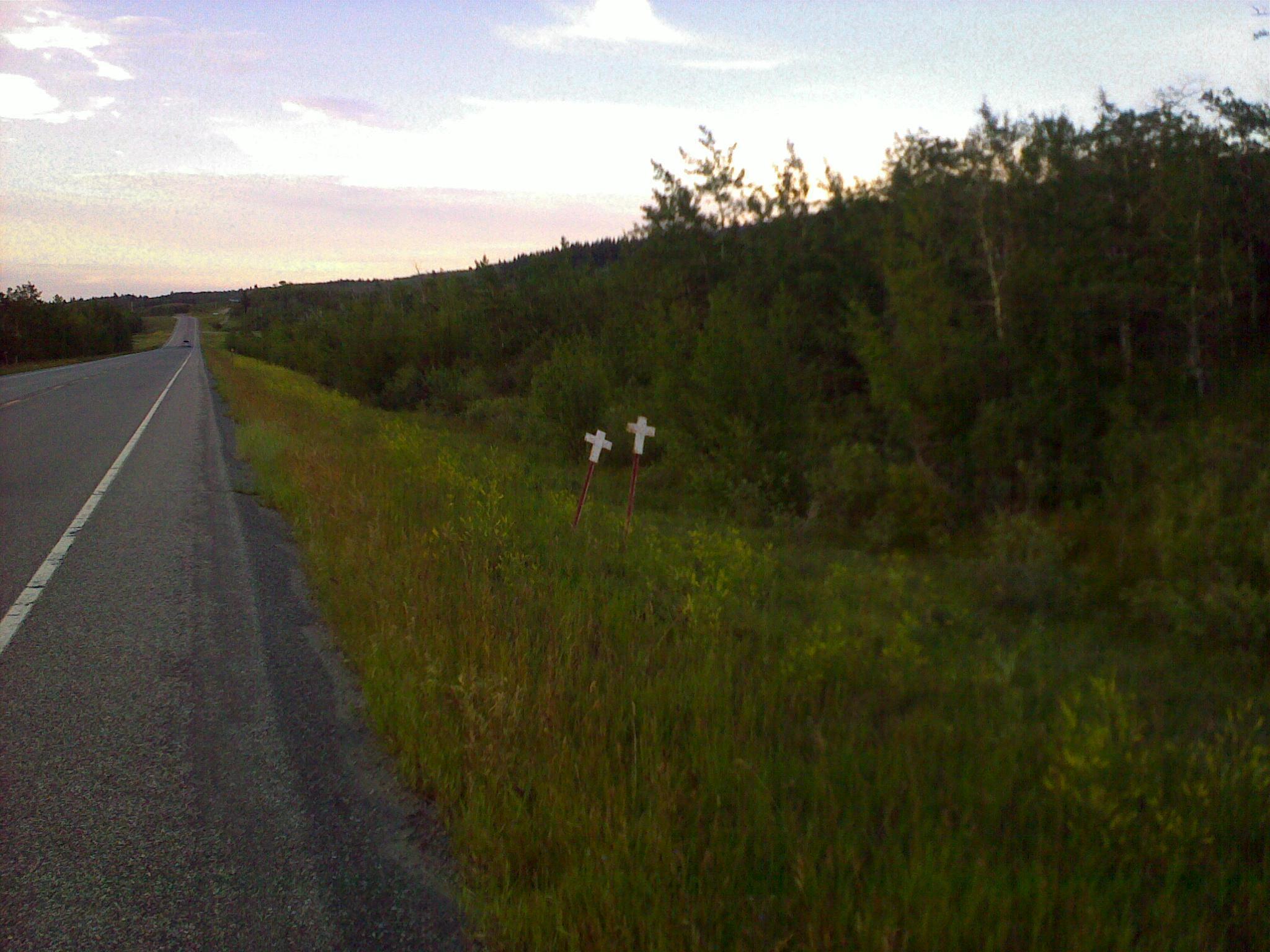
In Montana they put crosses where road fatalities have occured. Their
density is higher in the Black Feet reservation.
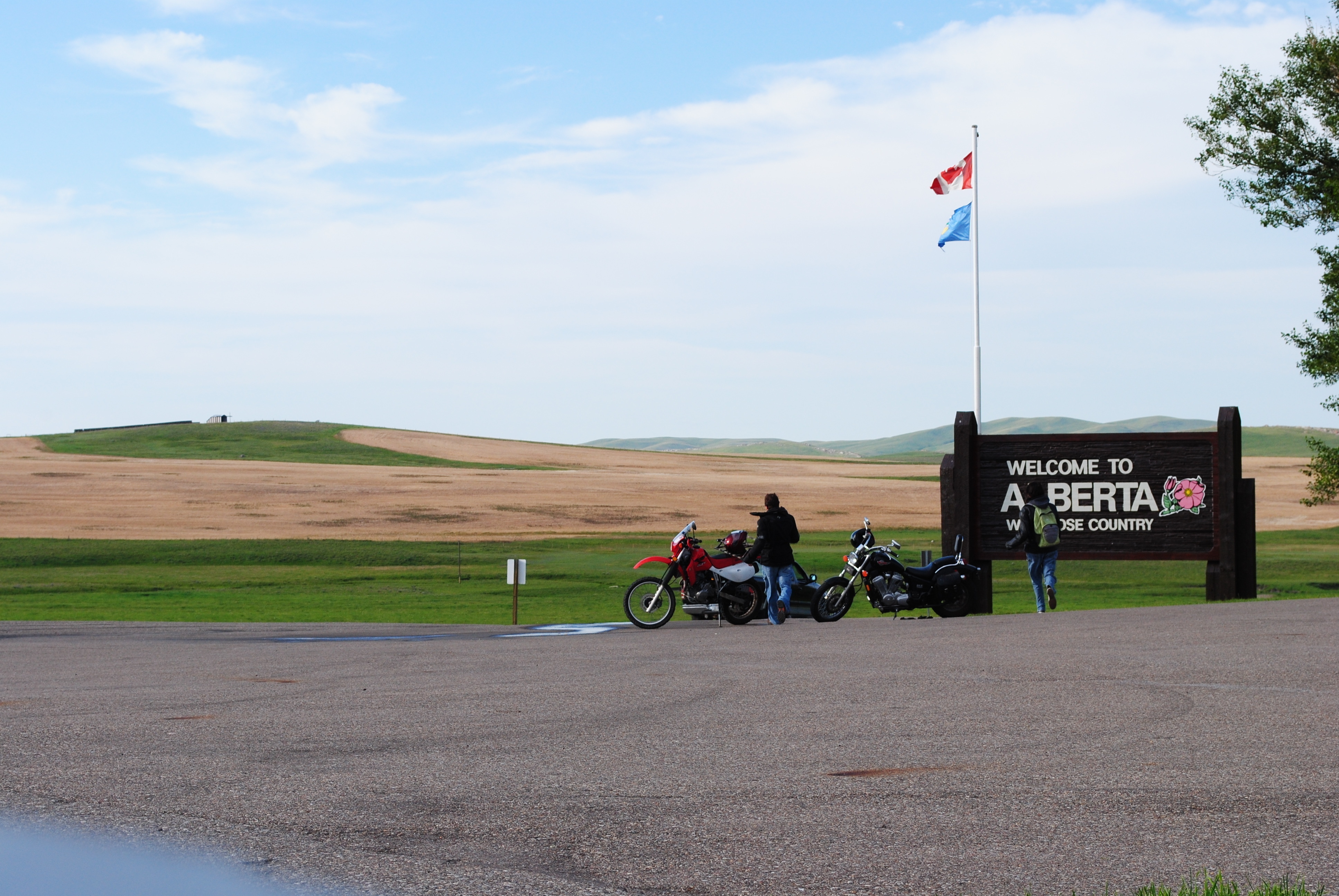
Trip of doom – this is it

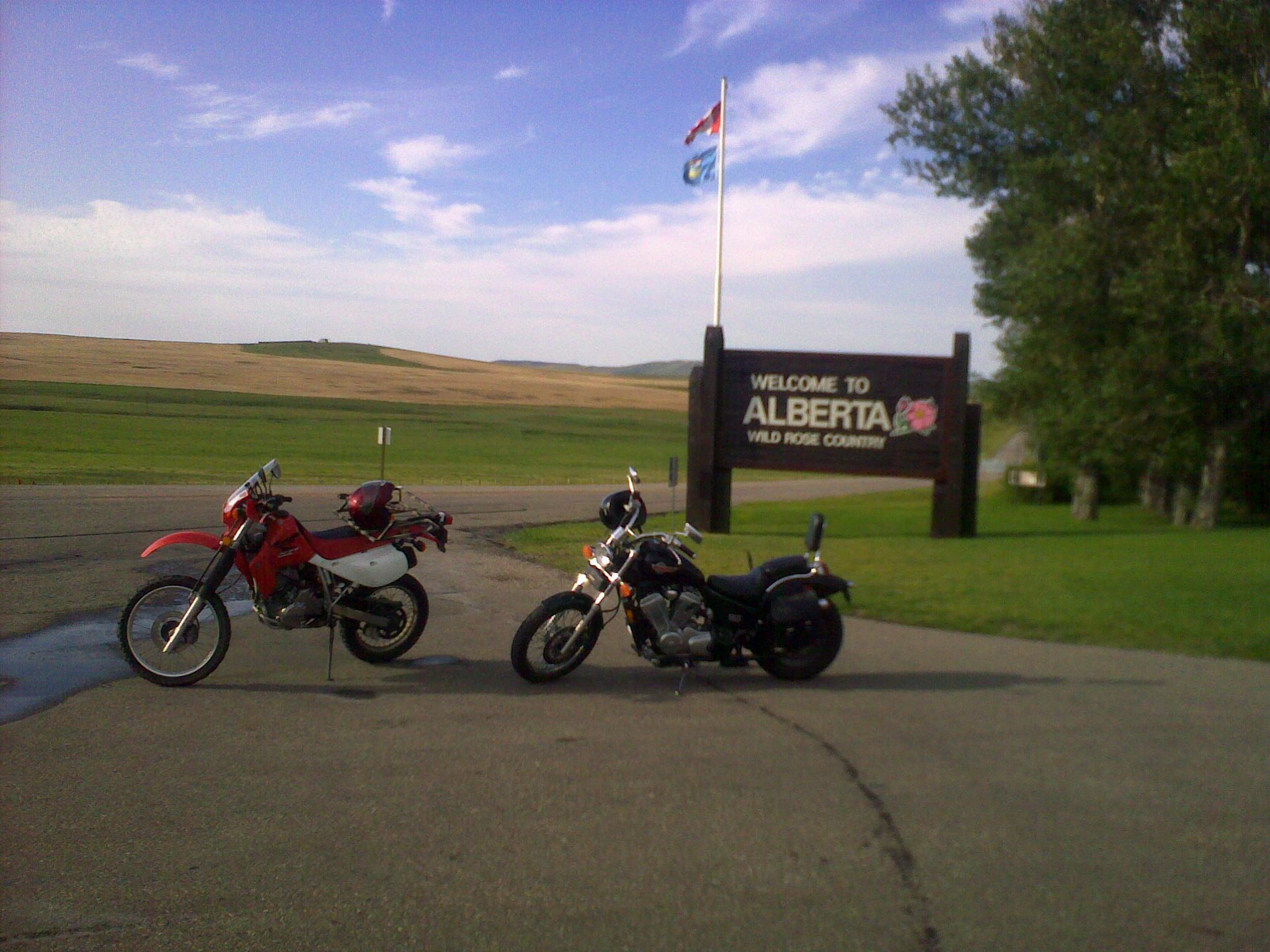
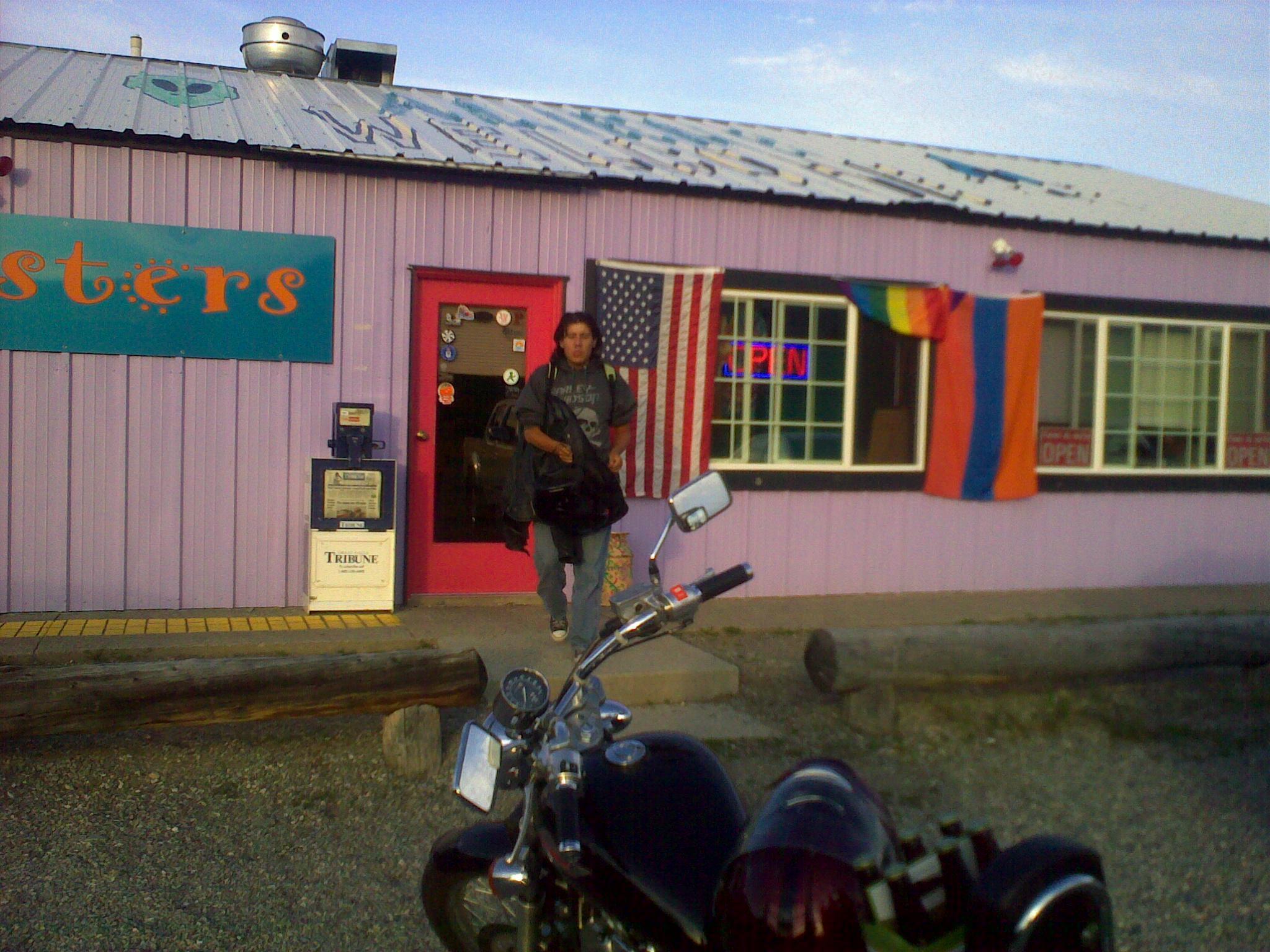
We crossed the border into Canada! For a whole 2 minutes. The next town was
pretty far out and didn’t seem to have a nice little food joint judging by
the rather rude customs agent’s saying. I’ve always been told that it’s
easier crossing the border to Canada but the US customs guy was a lot
nicer. On the way back we ate at the 2 sisters cafe and that burger was
mighty good. The riding day was pretty crappy starting with rain and the
terrain became progressively moutainous. Some cattle also roams around
(roads included). We saw the same mix of nice and less nice little towns
with the same meth signs trying to keep youth away from it. We have
officialy started our descent.

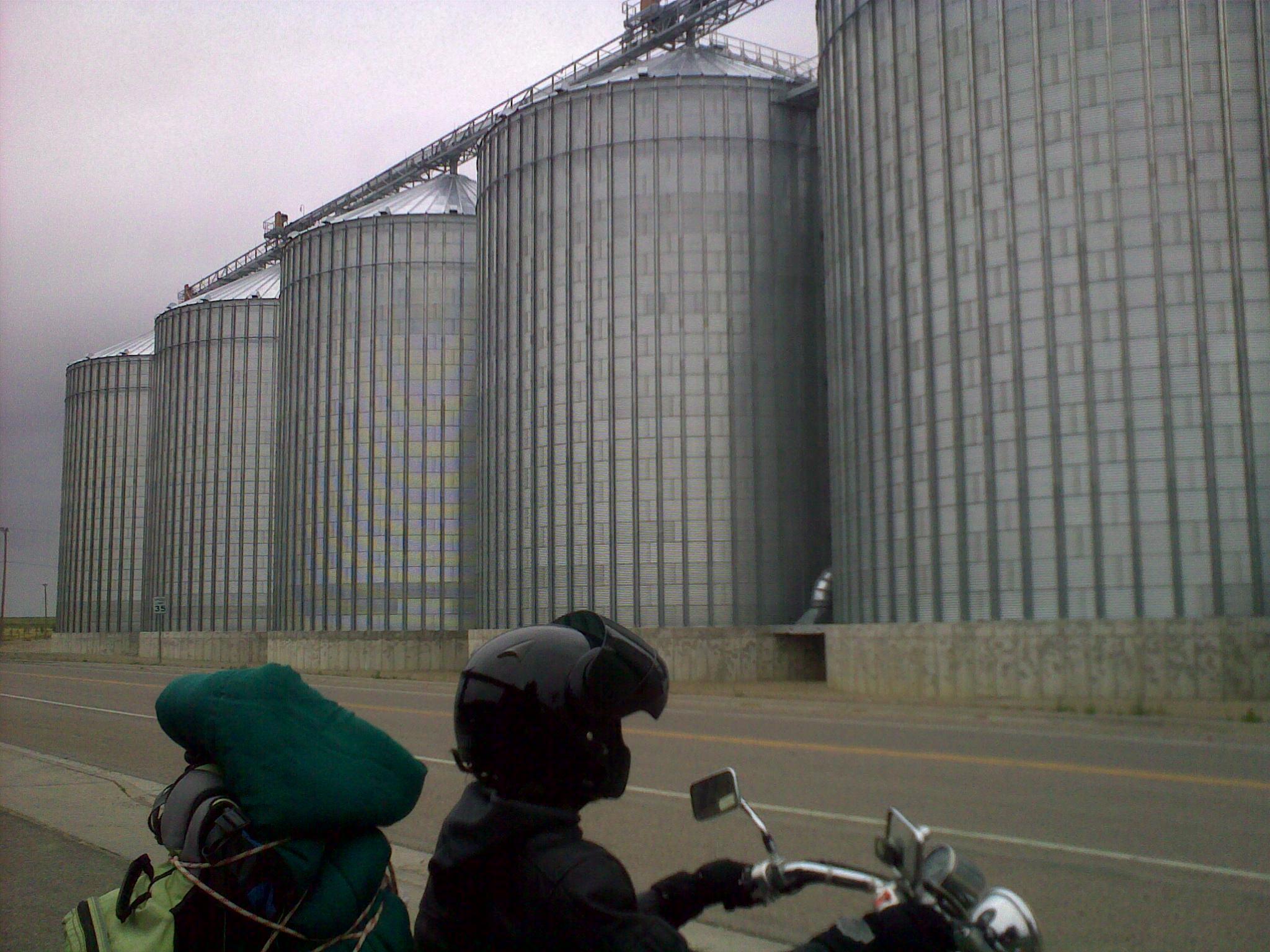
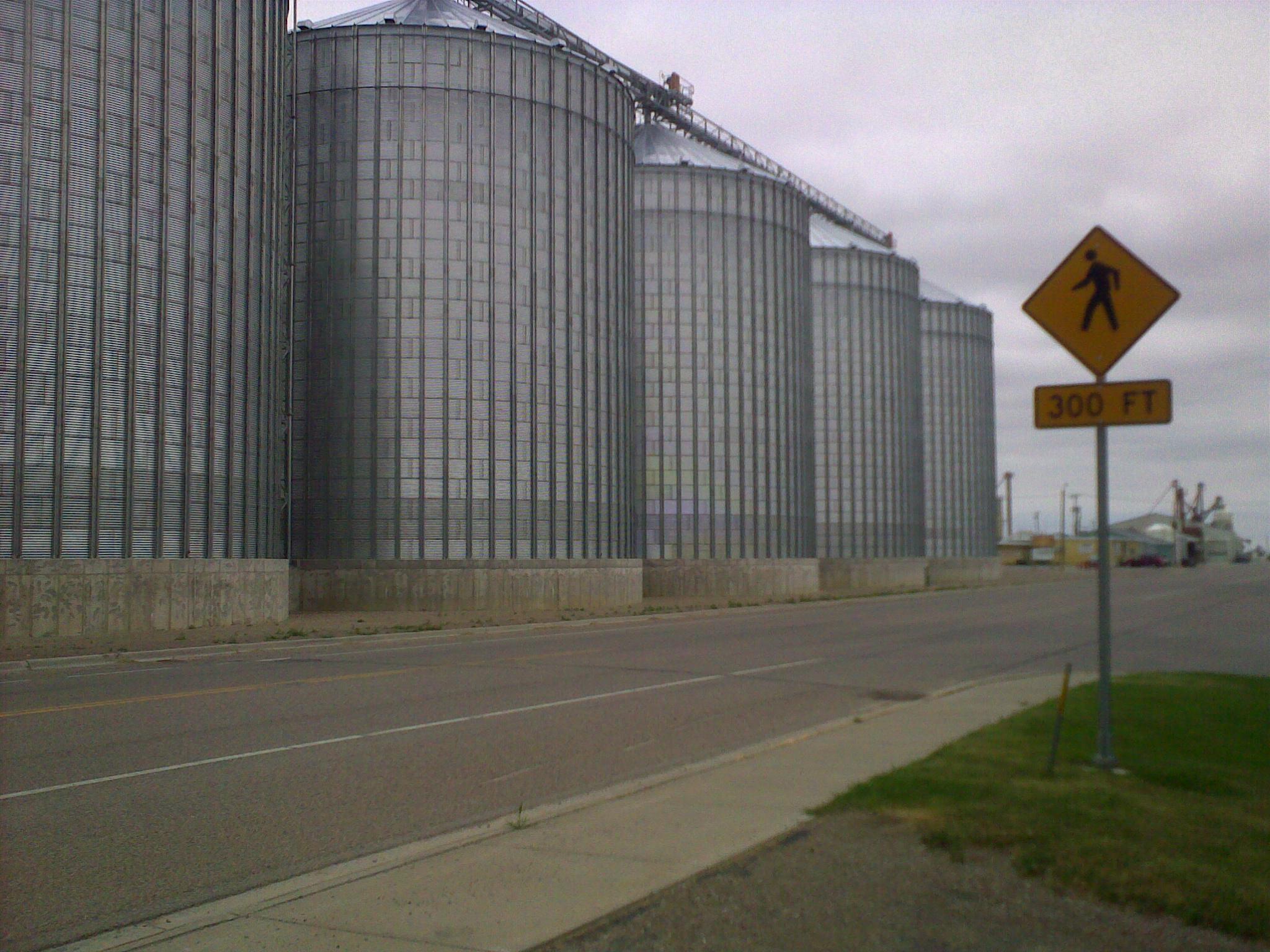
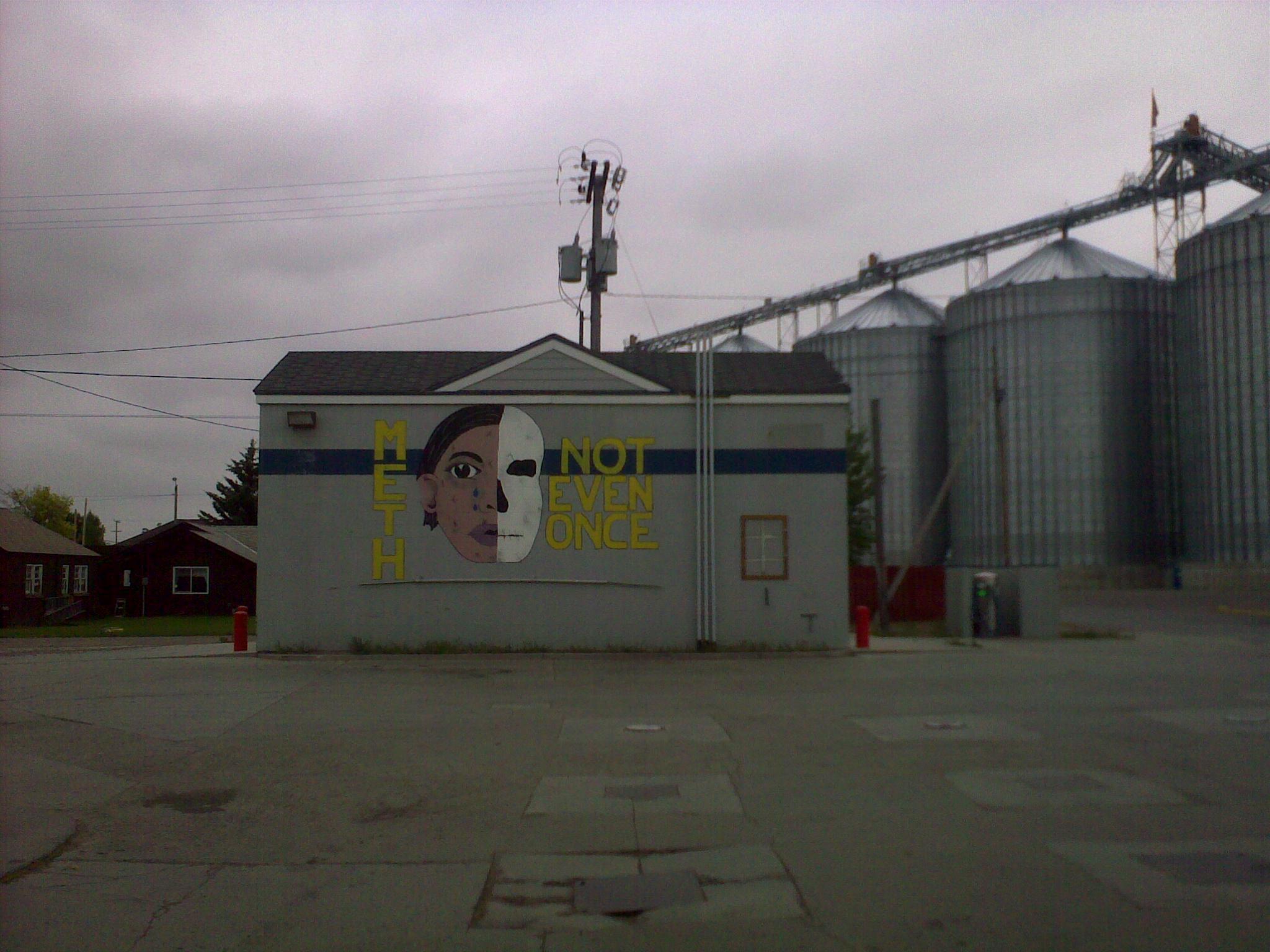
Trip of doom – will someone pleaaaase amputate my ass
My rear end is hurting so much and after day 3 I still haven’t broken into
my saddle. I’m now doubting this will even happen. I guess an XR650L isn’t
exactly the type of bike that you take on day long trips. Brandon’s quote
of the day is “How do you like having a motorcycle shoved up your ass for
hours?” and there is simply no better way to put it.
Trip of doom – a day of riding in your face
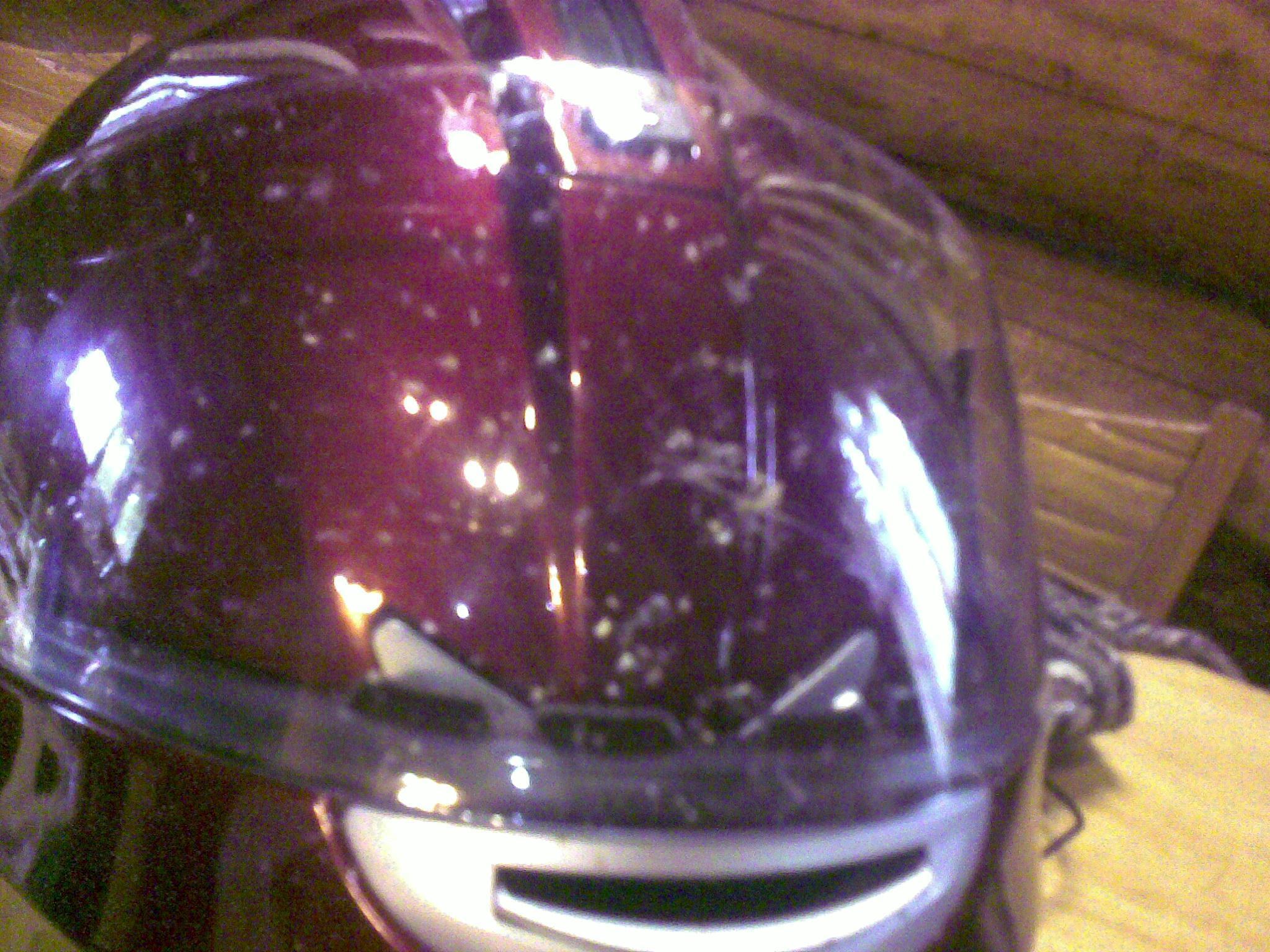
I find it amusing that we have to be careful keeping food around us because
of bears but yet we’re pretty much walking around with a pound of bug meat
on our jeans, jackets and helmets.
Trip of doom – day 3 Montana rocks
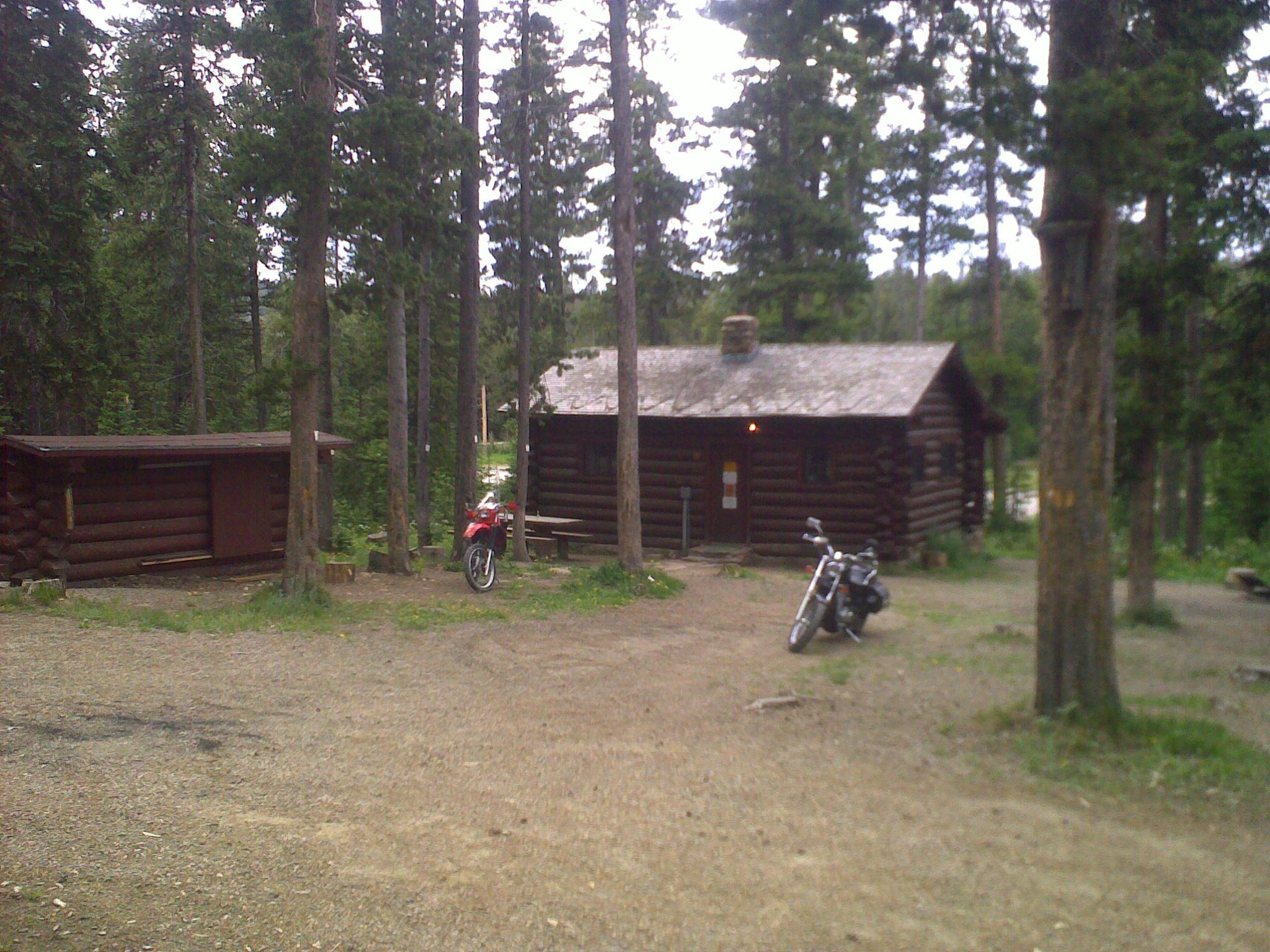
We took it easy today and just rode for a couple of hours, we’re spending
the night in this awesome cabin maintained by the US forest services. This
is a nice break to recuperate before we aim for Canada. I can’t believe
that it’s only day 3. Montana is enormous and has very long and wide roads,
coupled with no wind makes for the best riding. It’s farm after farm here.
And sometimes, a small town, some cute, some not so cute with obvious meth
problems. Abandoned houses and railroads would be great photographic
oportunities but it’s hard to stop and unwrap everytime. Cell phone
coverage is getting very sparse. Tonight we will be sleeping in a bed and
with 4 walls & a roof.
Trip of doom – camping fun
The camping we stayed at yesterday has had bear activity recently, the
night was creepy quiet. It always amazes me the buzz we get in our ears
when there is nothing to be heard. Except maybe for Brandon snoring, which
given the right conditions sounds exactly like a bear passing by your tent.
I don’t know if it’s the gun or the exhaustion but I still slept like a log.
Trip of doom – Yellowstone
I’m not a fan of this place. It is truly amazing but way too many people
and infrastructure to fell the deepness of it all. road work, massive
gatherings in notable places, giant campers all over. It took some
determination to go through all that shit. And you have to pay the $20 7
day pass even if you just wanna go across the park. We did ride very close
to a bison minding his own business on the side of the road, that was cool,
but still fuck this place.