
Stove Life
We don’t need another stove but we also couldn’t let this one pass. It’s our same Heartland SweetHeart we know really well from a decade of intense use, with a water tank, extra bells and whistles, a few decades newer, and for a good price. Since this is very much a key piece of our household, an upgrade even small goes a long way.
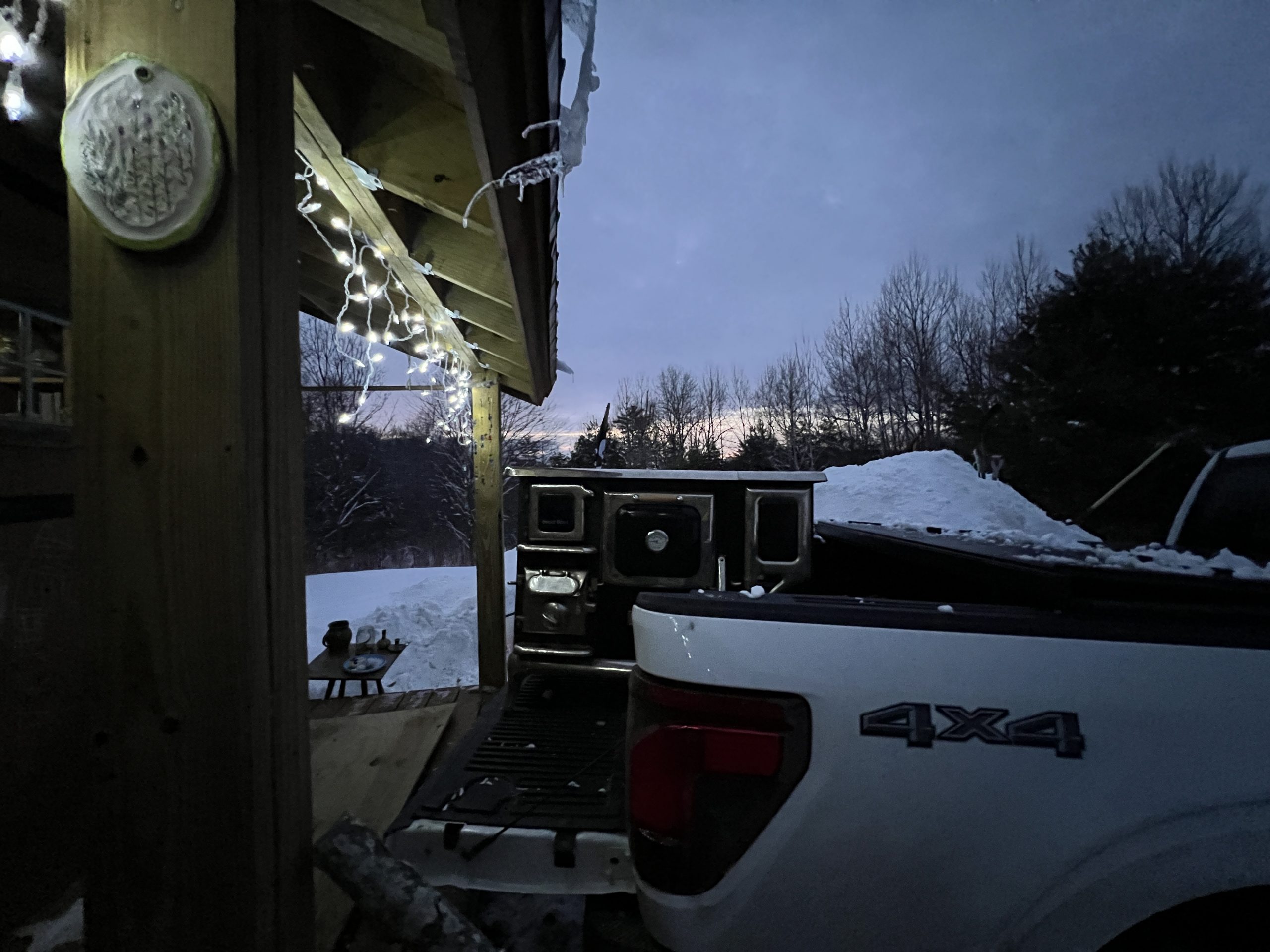
These things are heavy.
Overcoming Inertia
The design of PewtyBot 1.0 left something to be desired: the whole top section (stepper motor, assembly & laser) is moving, and that is a decent amount of mass that needs to be accelerated rapidly many times over.
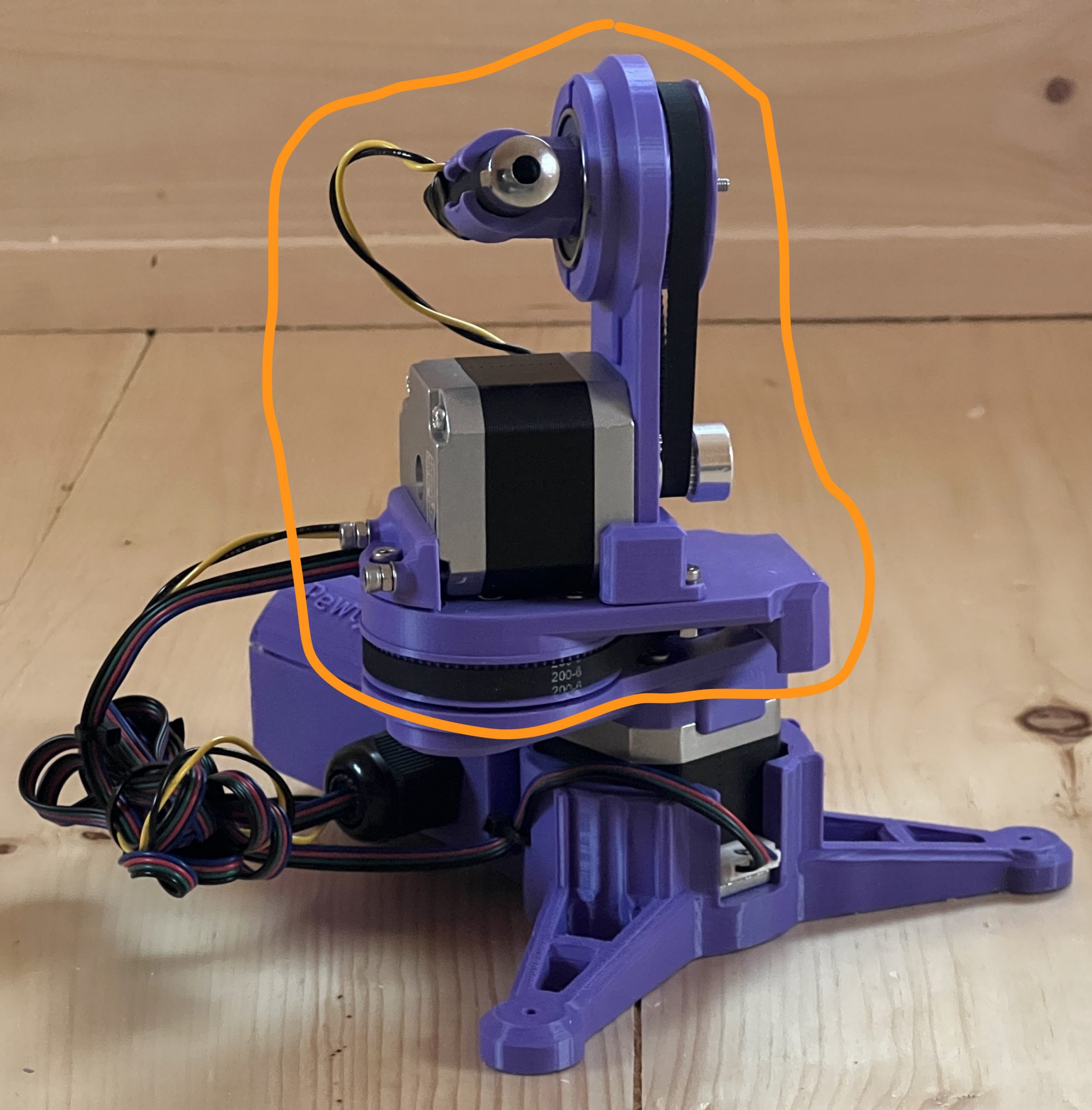
As I was tuning parameters, it became obvious that I needed to slow things down to avoid inaccuracies from the vibrations of a fast accelerating mass. I found happy parameters which led to several public deployments, but deep inside I knew I wanted to try the mirror approach. Instead of moving the laser, it remains static and only a couple of light mirrors are doing all the moving.
Introducing PewtyBot 1.1!
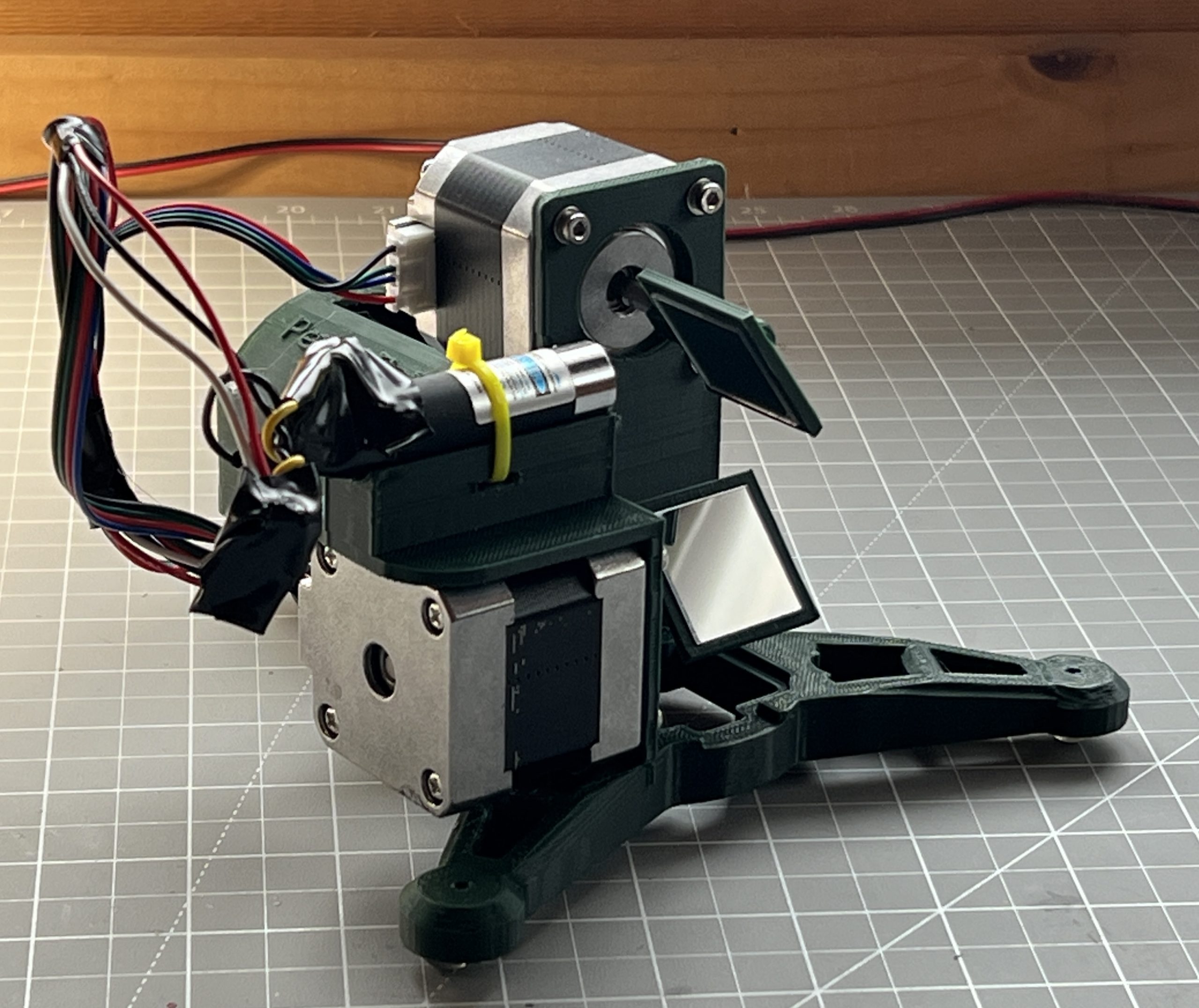
There’s a funny story in there about losing code, reimplementing, and a core issue I was struggling with being solved without knowing why. As always, a few unforeseen challenges got in the way, but ultimately the math is exactly the same as PewtyBot 1.0 so that was a relief. It’s just the motion code that needs to be adjusted some to deal with mirrors.
And well the results are cool, but somewhat mitigated. Definitely not “rocks your socks off” levels of cool. I can definitely move the laser a lot faster. Although through the exercise, I’ve realized that the “slow” speed of PewtyBot 1.0 may have been in the perfect sweet spot for laser light retention on a photoluminescent medium. And so maybe I got lucky there. Of course I could get a beefier laser that emits more light to compensate for the reduced time it spends on any particular area. I’m pretty convinced though that I want to remain in the “cat laser” realm for risk & safety. And so the other variable I get to play with is mirror quality, and I shouldn’t be surprised that there exist a whole world of mirrors of various specs. I got some very cheap craft type acrylic mirrors at first to test concepts. But you can tell the pointer hits the medium diffused and discolored. And so ultimately I’ll want to spend the money on a few square centimeters of first surface mirrors rated for blue light wavelengths. But first I’d like to convince myself that the mirror approach actually brings something extra to the table.
She Sells Specular Seashells
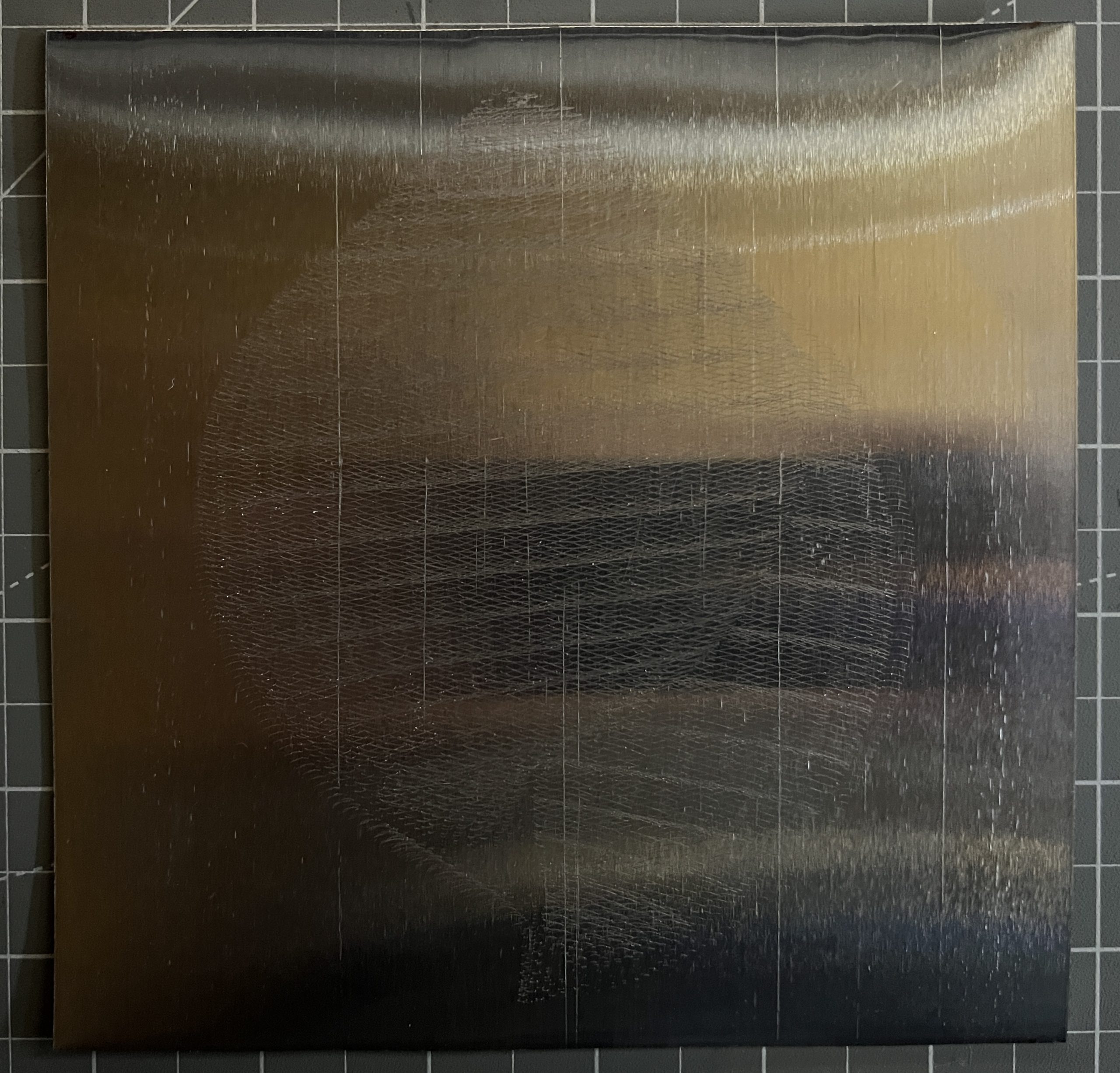
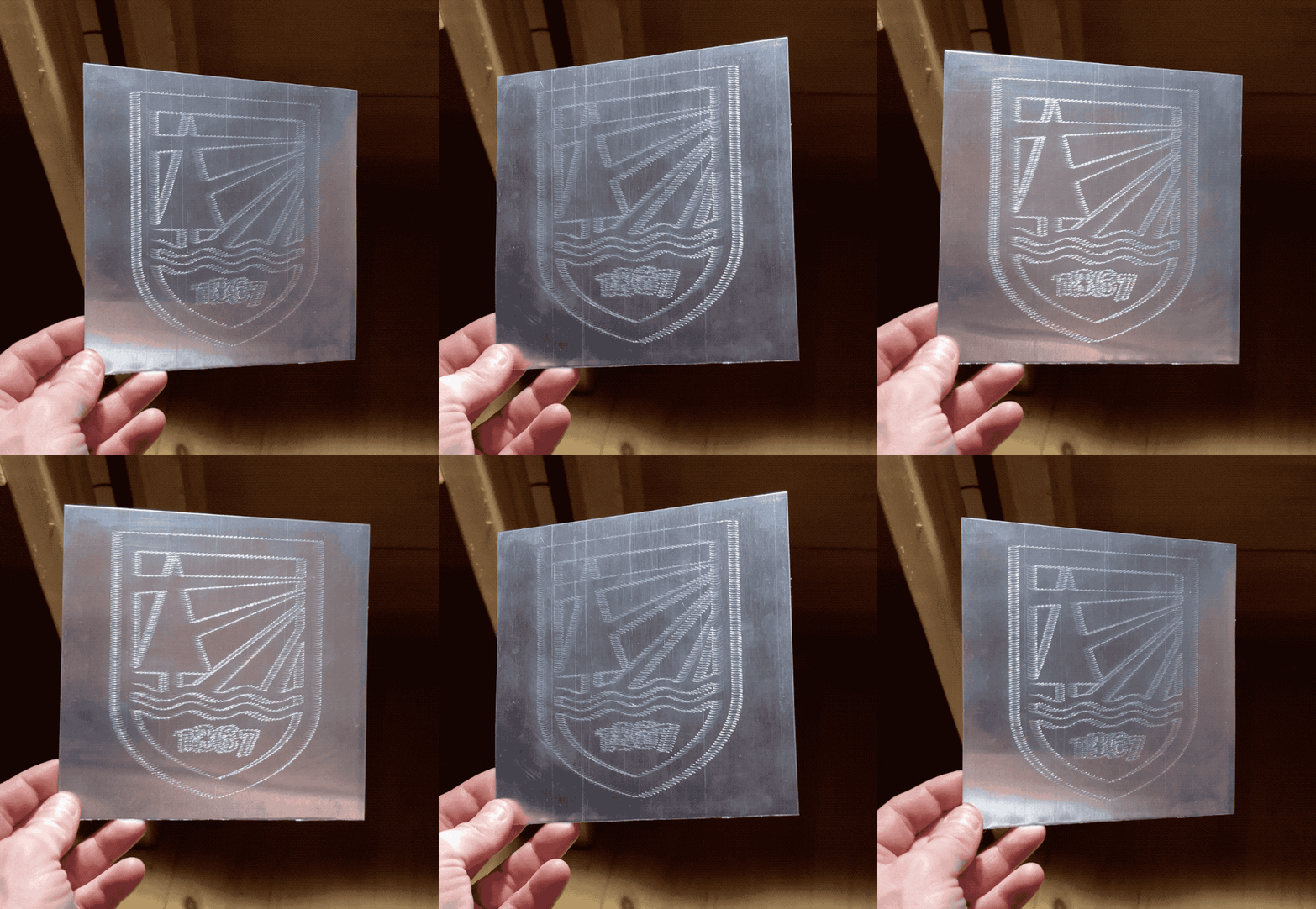
lots of trials, lots of refinements, 4 days on the etcher bed. The load cell addition makes for the most precise etching.
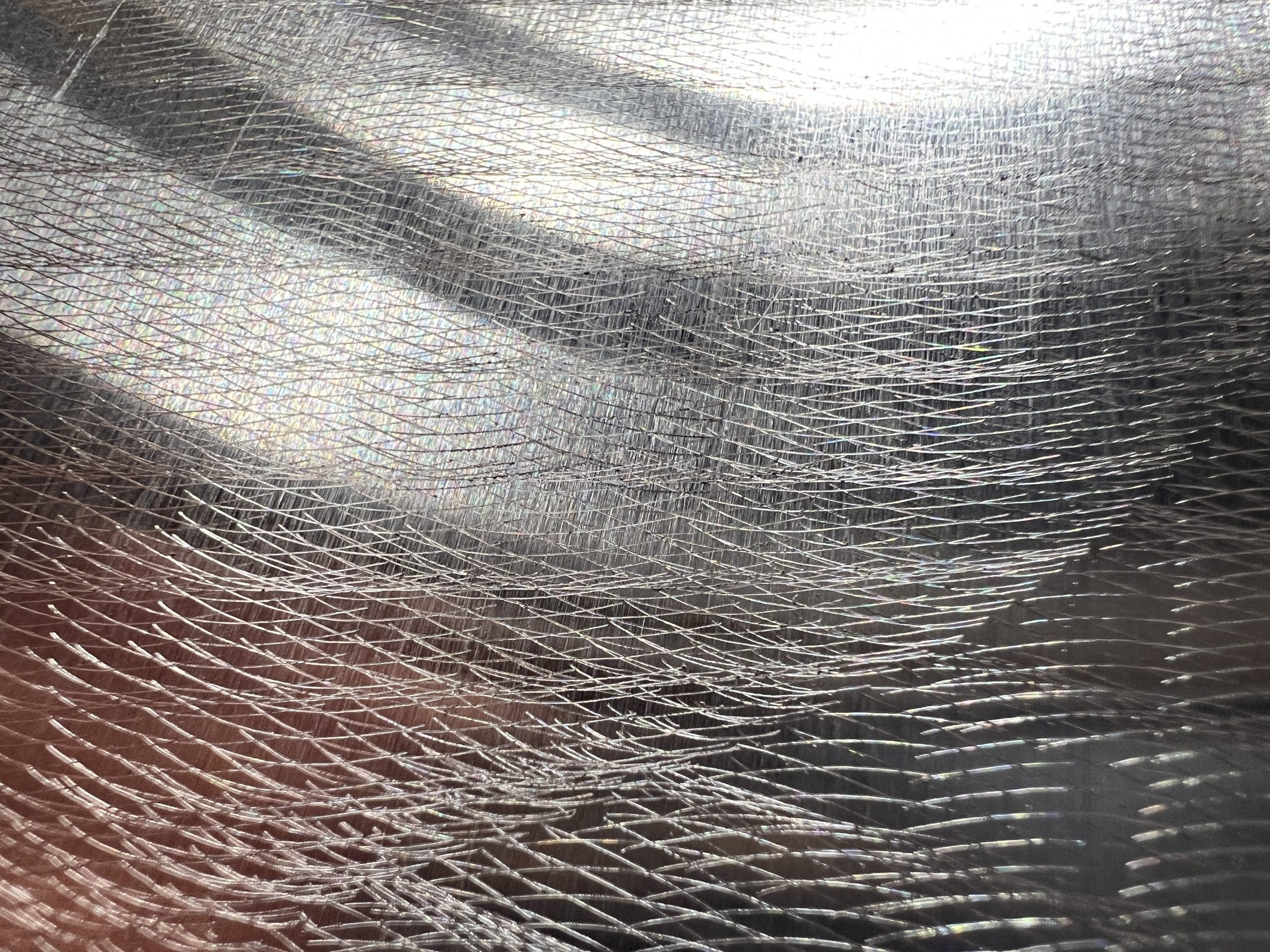
Without light
with light
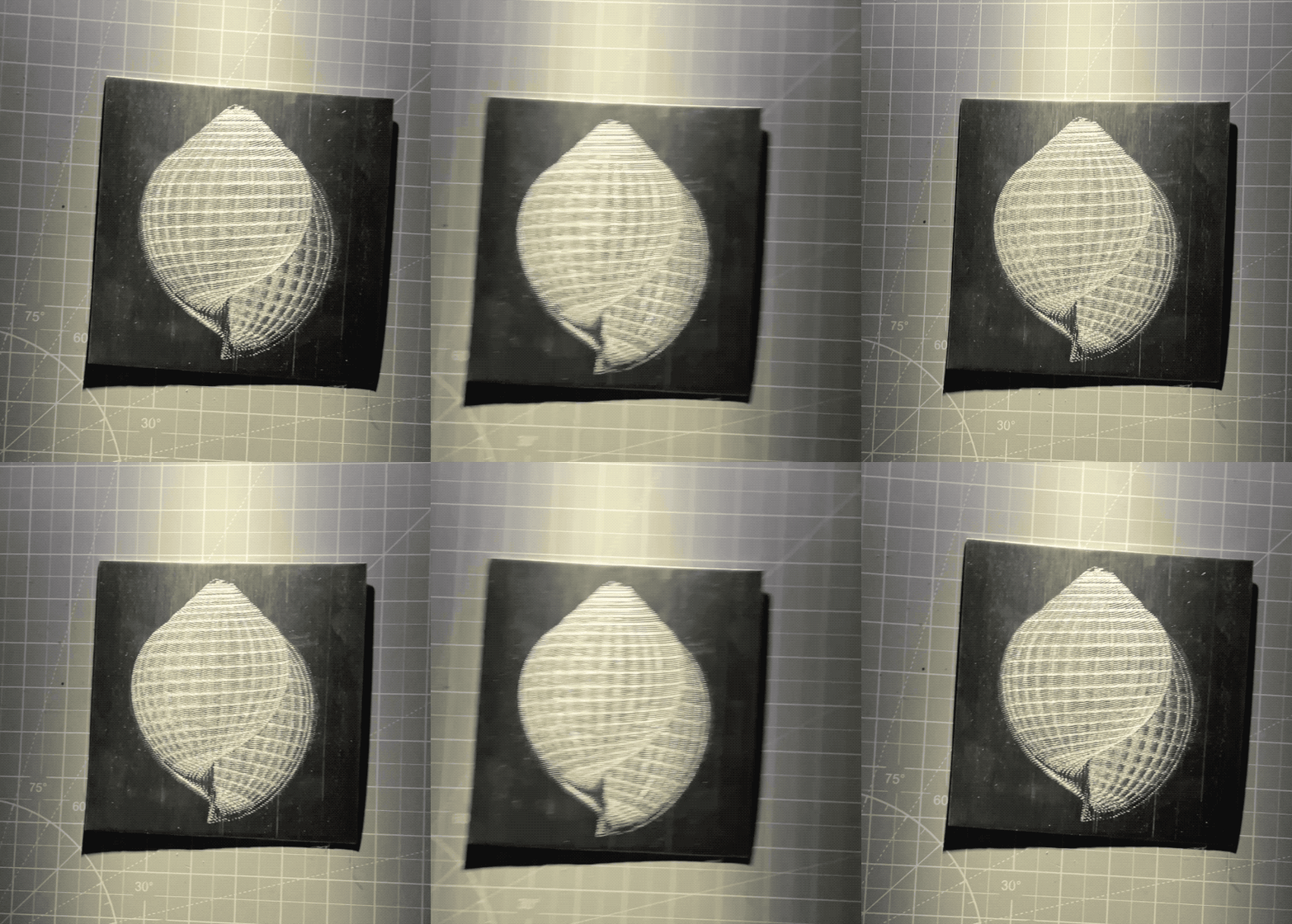
It feels different in person. What’s funny with this specular stuff, is how enthralled I was with it when I didn’t understand how it works. But now I kind of don’t see what the big deal is. I have to remind myself it’s really cool to keep forging ahead.
Since I can control pressure, I’m trying all sort of materials and pressures. I’m literally throwing under the tip any garbage that looks like it could yield a glint, and getting good surprises. I’m of course trying the classics like acrylic and aluminum with various pressures, again to find the best parameters.


Etching Ever So Carefully
I’ve had mitigated results with my specular holographs, I ran several trials, and only one was really worthy so far. I’ve learned a few lessons, but I’ve had enough success that I want to spend time and resources refining. The way the tip action worked so far was very blunt, I rigged a servo on a 3D printer which could instead have 2 steppers driving the pen up & down action. But that was an easier first step for my plotter stack. So the obvious thing to refine first is to replace the servo with the existing steppers, which is more of a programming challenge. And that part wasn’t too bad. What was much harder though, is how to move the tip so that it presses against the medium with defined and reproducible pressure. With the variations I can’t just “count steps”, and some media (acrylic) require very little pressure, unlike aluminum which was more forgiving. So I know I want to experiment with tip pressure, which means getting a load cell. And that on the other hand was a whole can of coding worms. I won’t go into the boring details, what matters is that it’s etching!
I have the tip go very carefully down until it reaches a pressure of 20g, and then it tries to maintain it while moving. Between the incessant taring, and the slow motions, it’s made everything a thousand times slower. I don’t care though, I can do other things while it works.
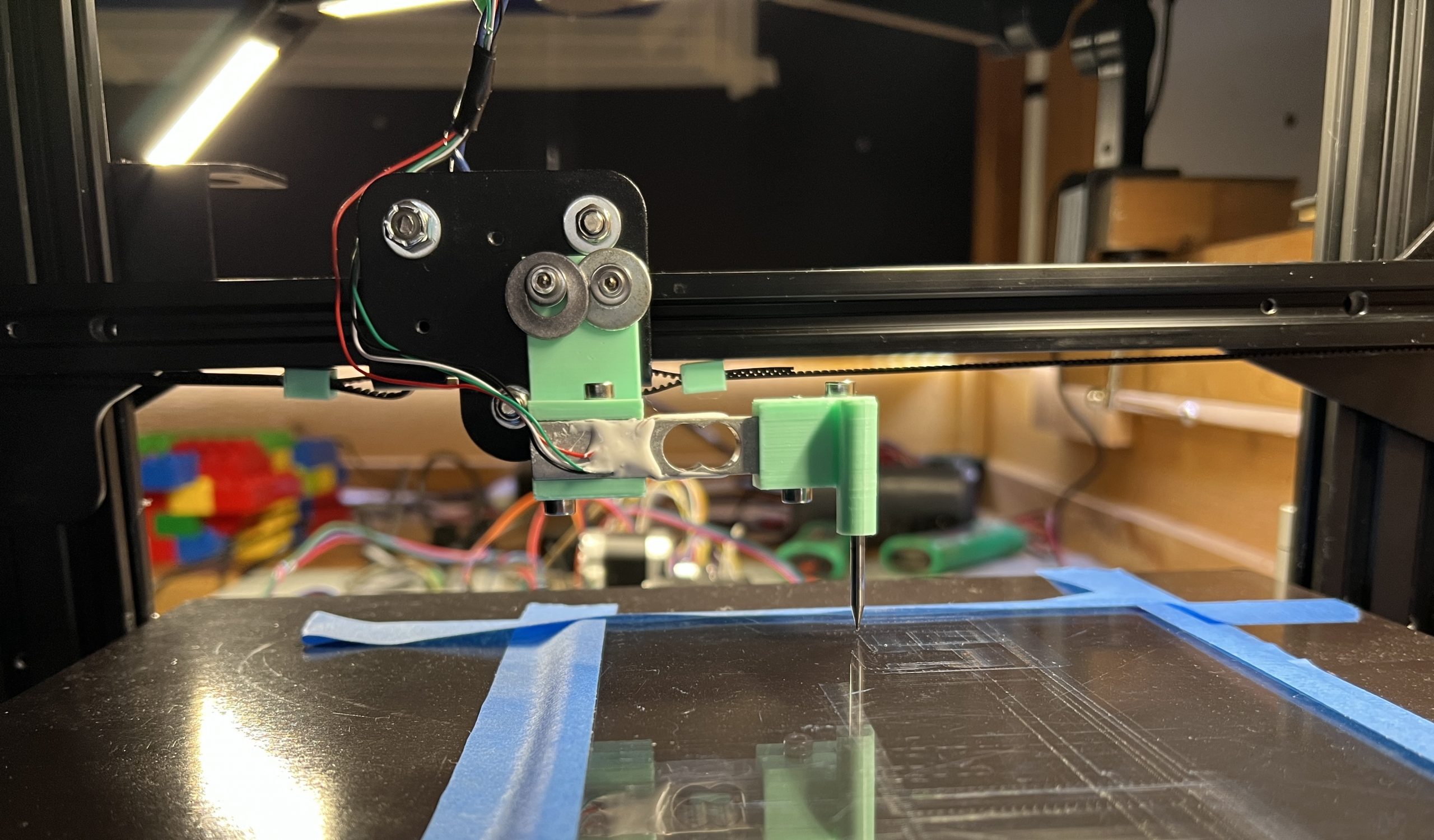
The machine makes really cool noises with all the extra stuff to find the right pressure. Simply keeping an ear out while doing other things has been a great tool to debug and improve algorithms.
Extra Christmas
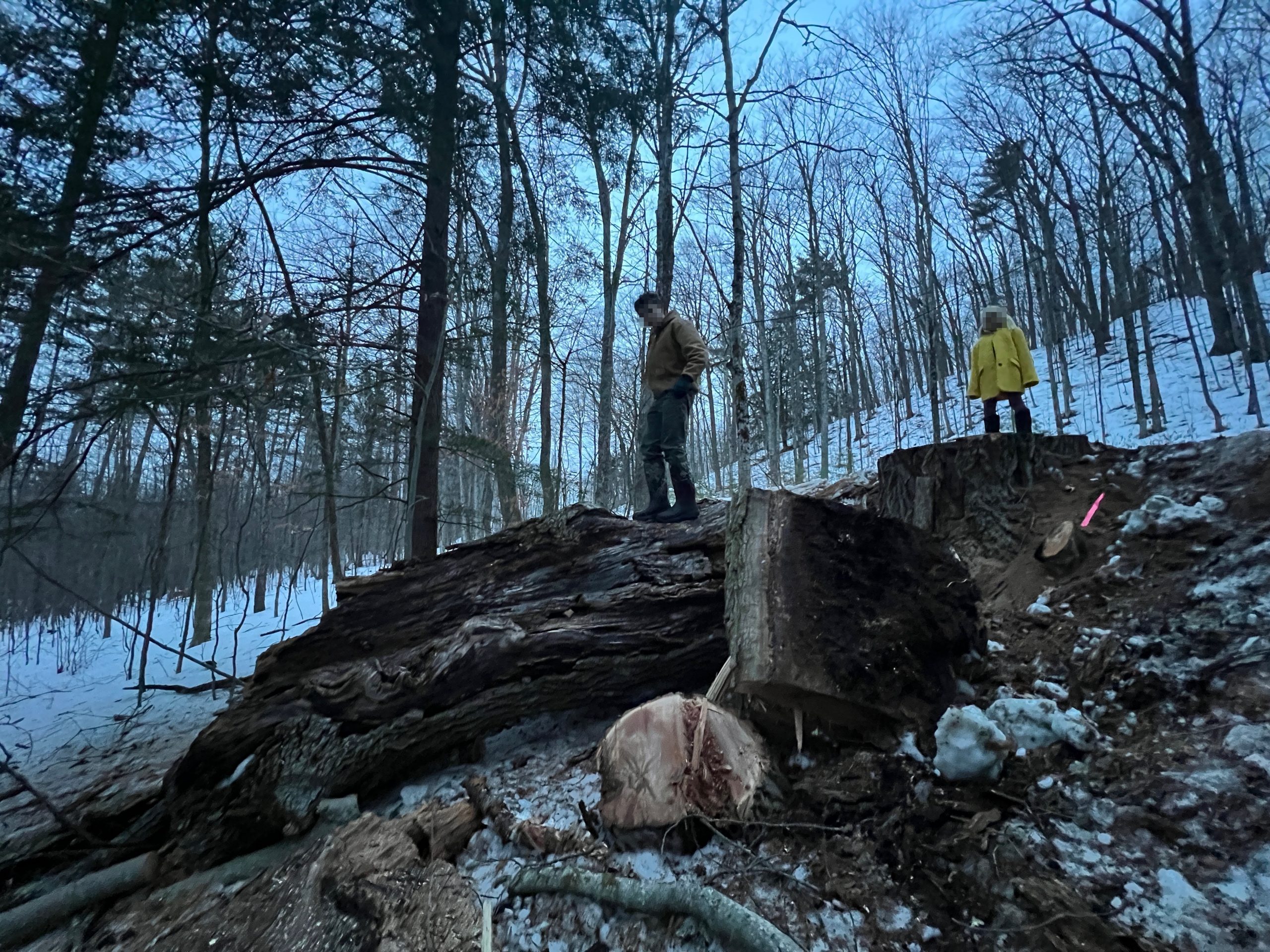
The town’s been wanting to remove an oak that is rotting and is just enough on the road that they hit it with the plow sometimes. It’s a family favorite as it’s on a dirt road we often walk on, and it’s absolutely massive. It has 3 enormous trunks, and each trunk has several branches the size of the trees I usually take. It’s next to a power line, rotted and far bigger than anything I can reasonably tackle. Let’s just say I’ve been excited when I heard about their plan to drop it. In Vermont when a town or utility needs to clear trees, the landowners get to call dibs. That was a year ago and I thought maybe they had forgotten about it. And so one day, I hear some chainsawing in the distance, and when this happens, I usually follow the noise to make sure no one is poaching my trees, and because I like to chat with neighbors. To my surprise a whole crew is there, 7 guys with heavy equipment going at the big oak. In a very typical Vermont interaction I get to meet the road foreman, and I tell him I’m definitely keeping the tree. He was aware, the information wasn’t lost in the year it took for the gears to get in motion.
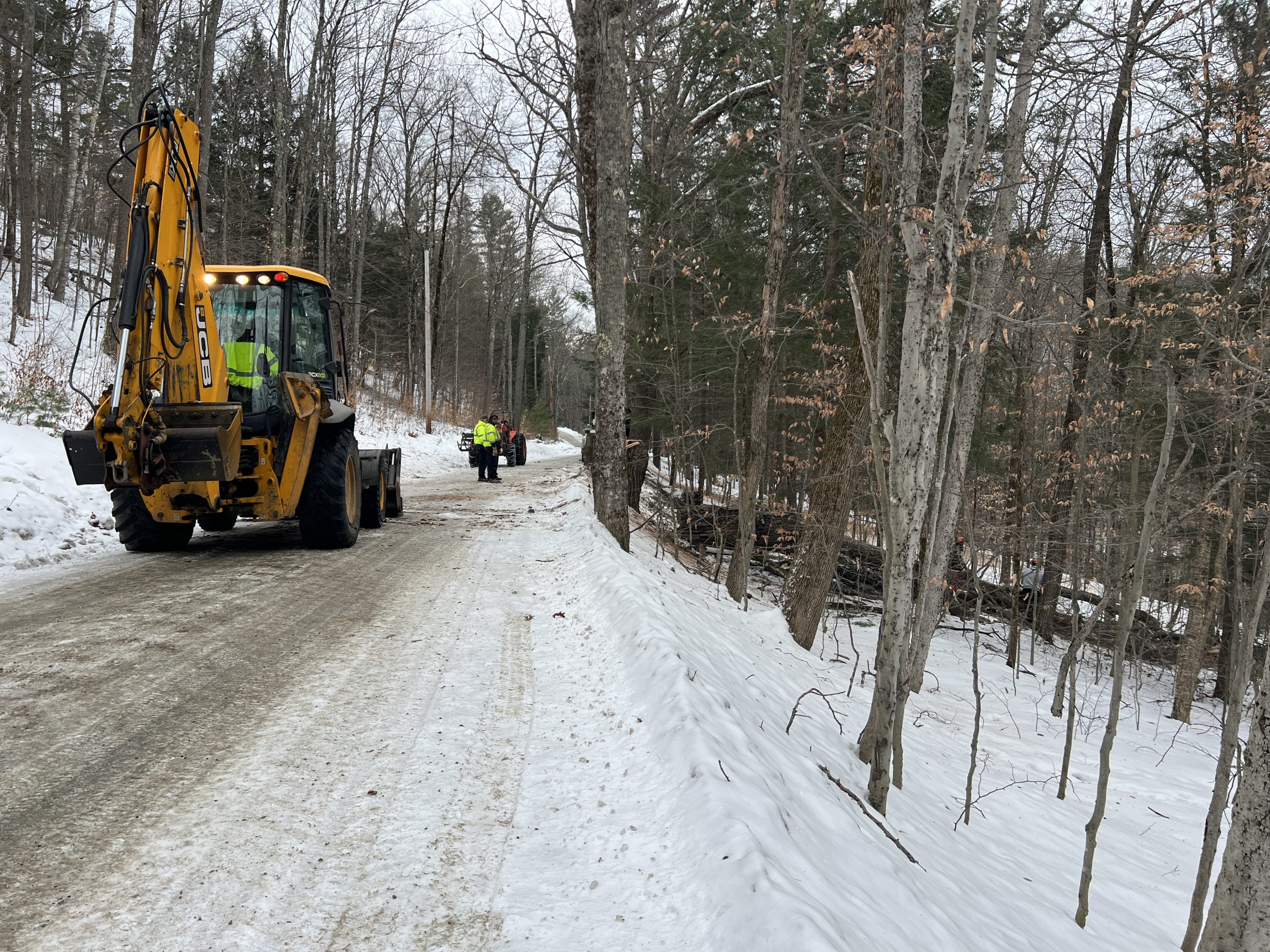
I tell him he’s welcome to leave it over the bank for me to come grab, to which he responds he’ll drop it in my driveway if I prefer… Yes sir, I very much prefer not moving several tons of tree by myself :). And that’s how 31 nice big chunks of oak showed up in my driveway. I didn’t have to lift a finger, and I got to enjoy a good show (watching pros and heavy machinery at work). It’s Christmas all over again.
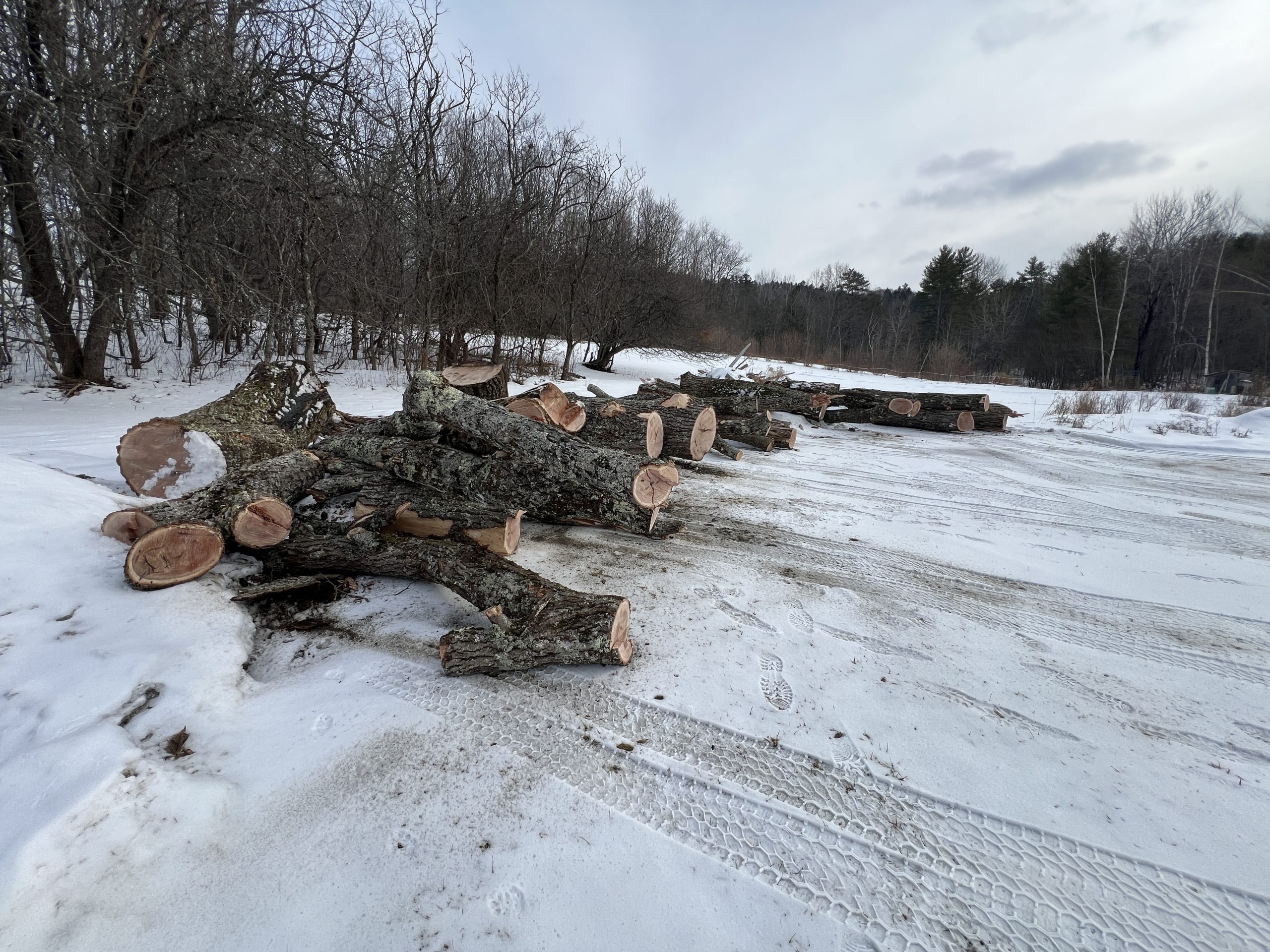
Some chunks are massive, and there is still a very full day’s worth of work left behind in the woods. All in all there’s probably 2 years worth of firewood. But maybe some of it is worth milling, we’ll see.
Figuring out the Process
A few iterations & trips to the hardware store and they’re starting to look decent.
Hallelujah
It has happened, we have a normal shower inside the house, the hot water of which happens through no intervention of our own.
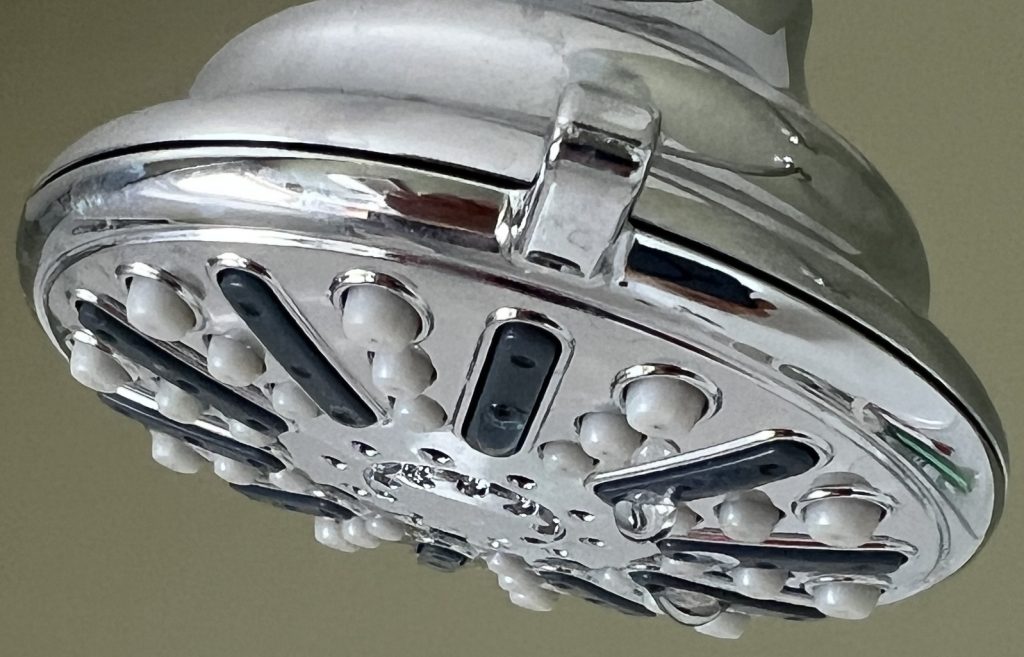
In reality, it’s because of our recent grid tie in that we have enough electricity to keep a hot water heater going. The showers are nicer mostly because they no longer require logistics. I moved buckets of hot water from the stove for years. Now we can just hop in and have a shower in the Winter months. Nothing beats the outside shower the other half of the year. There’s still a lot of things we want to do to be more self sufficient. Playing with an electric hot water heater is interesting, I get to see how much power it draws, and how much heat is preserved via insulation. This will instruct future improvements. For now we’re just enjoying easier showers thanks to the grid.
Xmas Sorcery
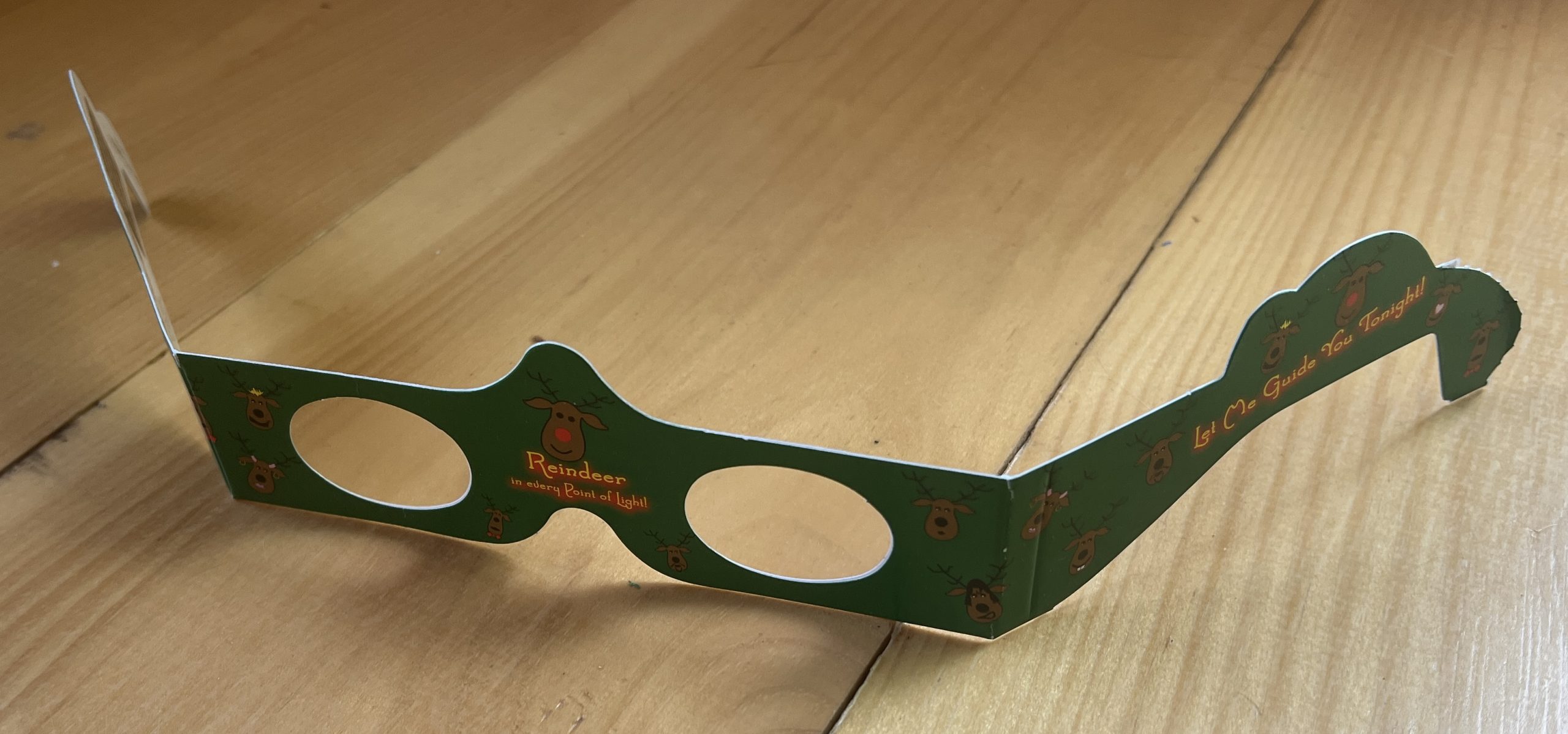
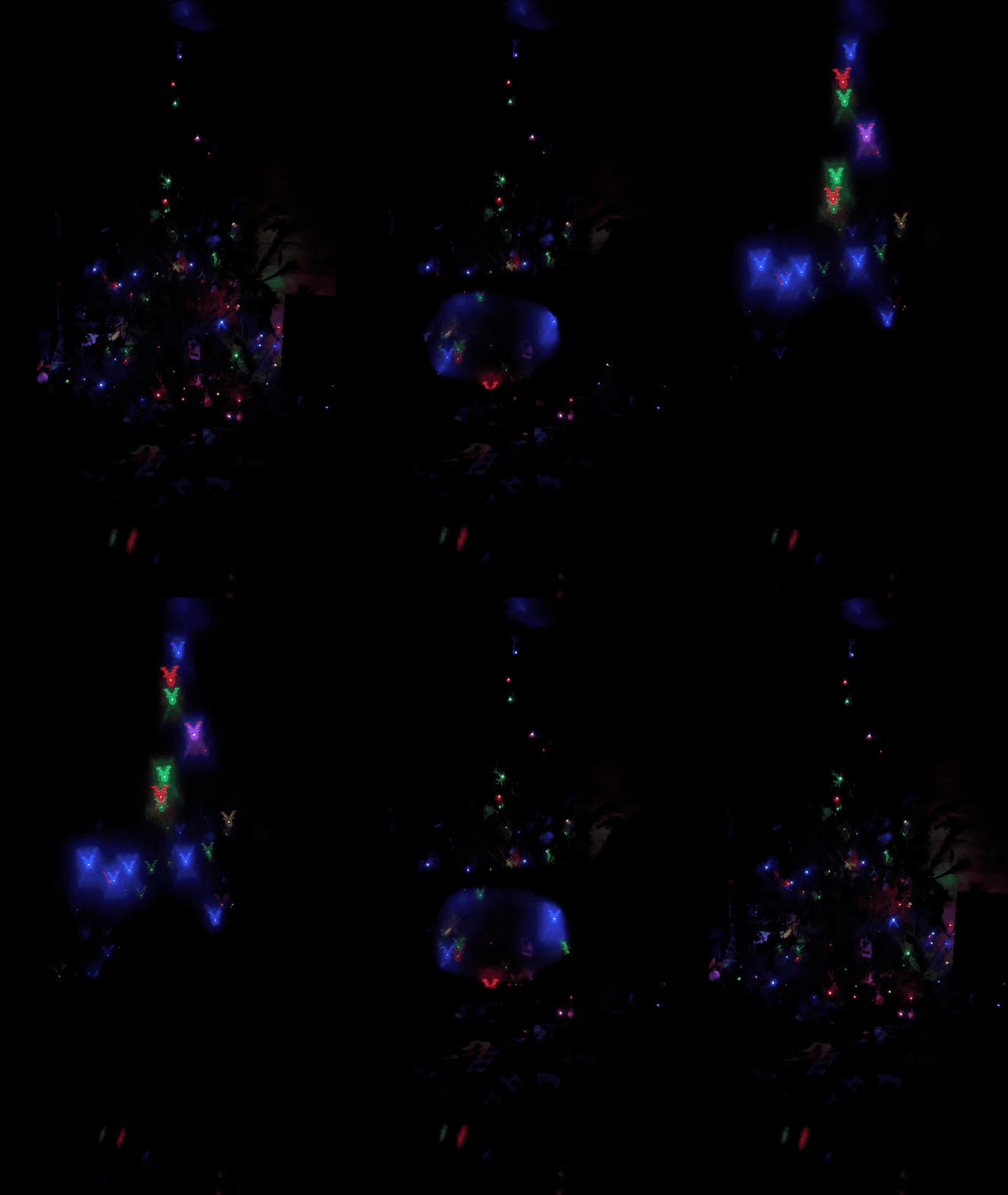
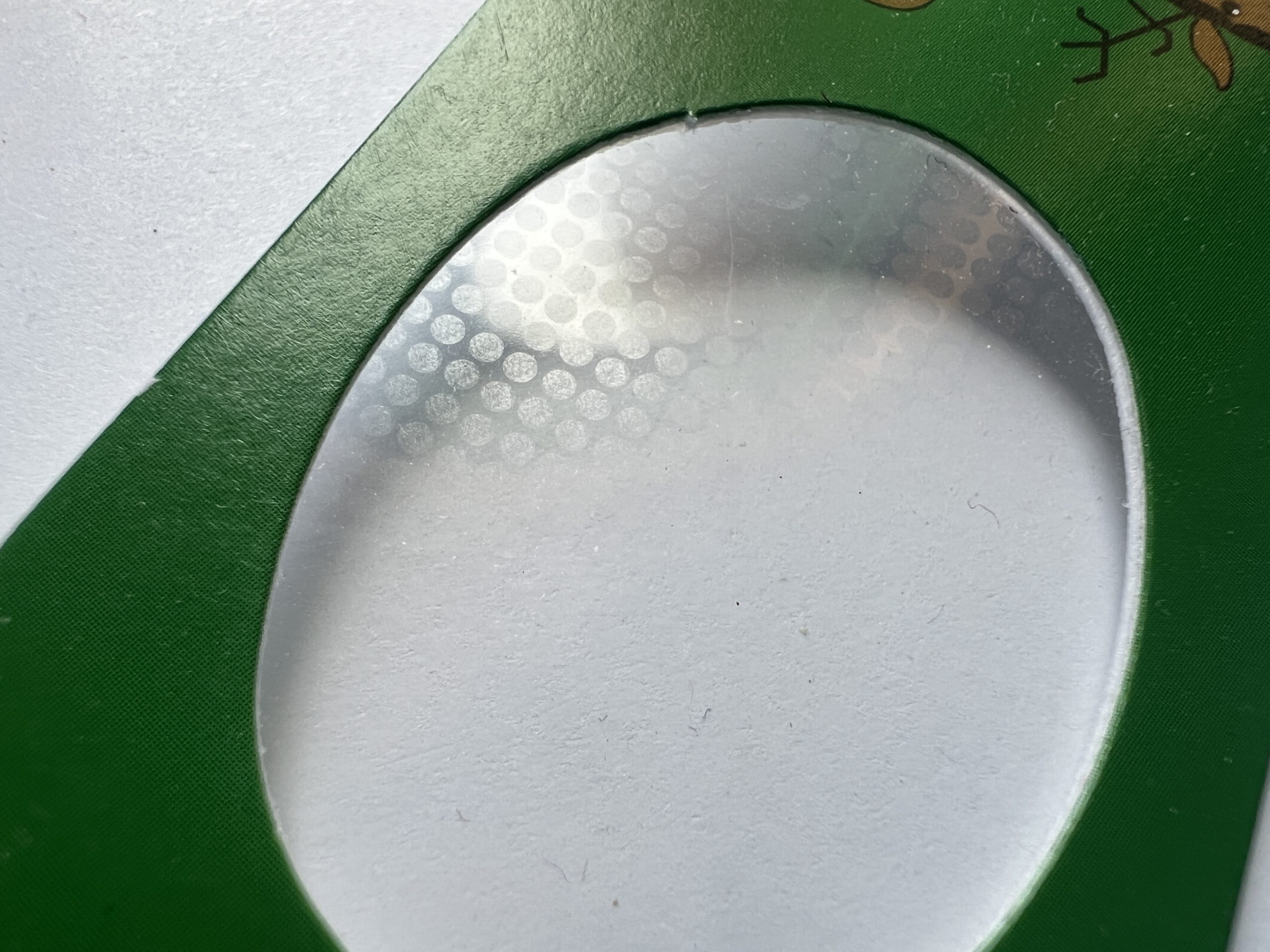
I wish I had a microscope to see how this is achieved, zooming in super close doesn’t reveal any particular reindeer artifact.
Not Spectacular but Definitely Specular
I watched Steve Mould’s video of Specular Holograms a while back, and it wasn’t until a cool student wanted to borrow my tabletop plotter to try it that I realized it was within reach. The plotter approach didn’t work, it really wasn’t designed to take the friction of a carbide tip etching surfaces. But its software stack is easily portable to anything with 2 stepper motors and a “tip” based action. So I thought it’d be a cool Christmas project to turn an old Creality 3D printer into something capable of etching specular designs.
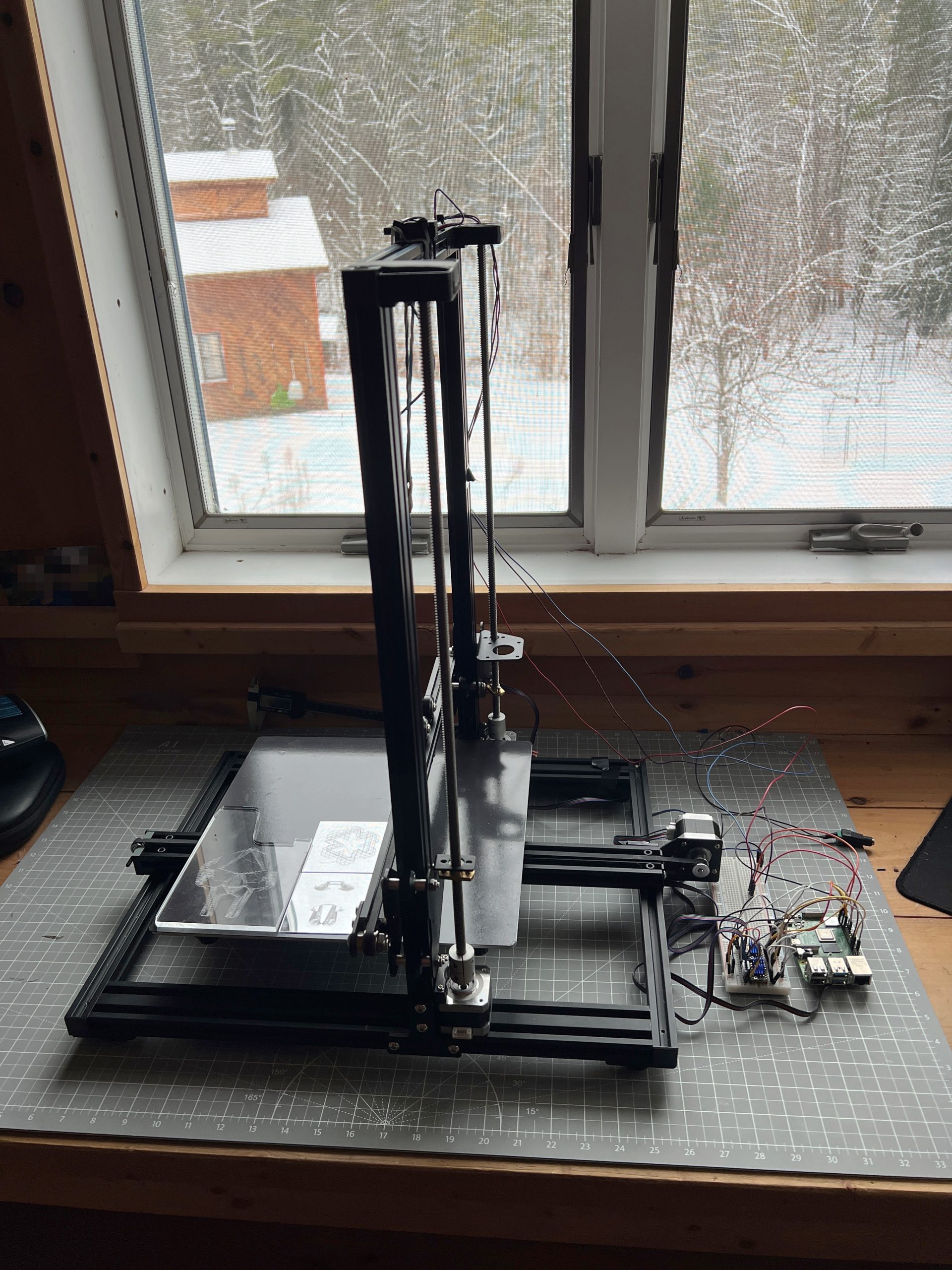
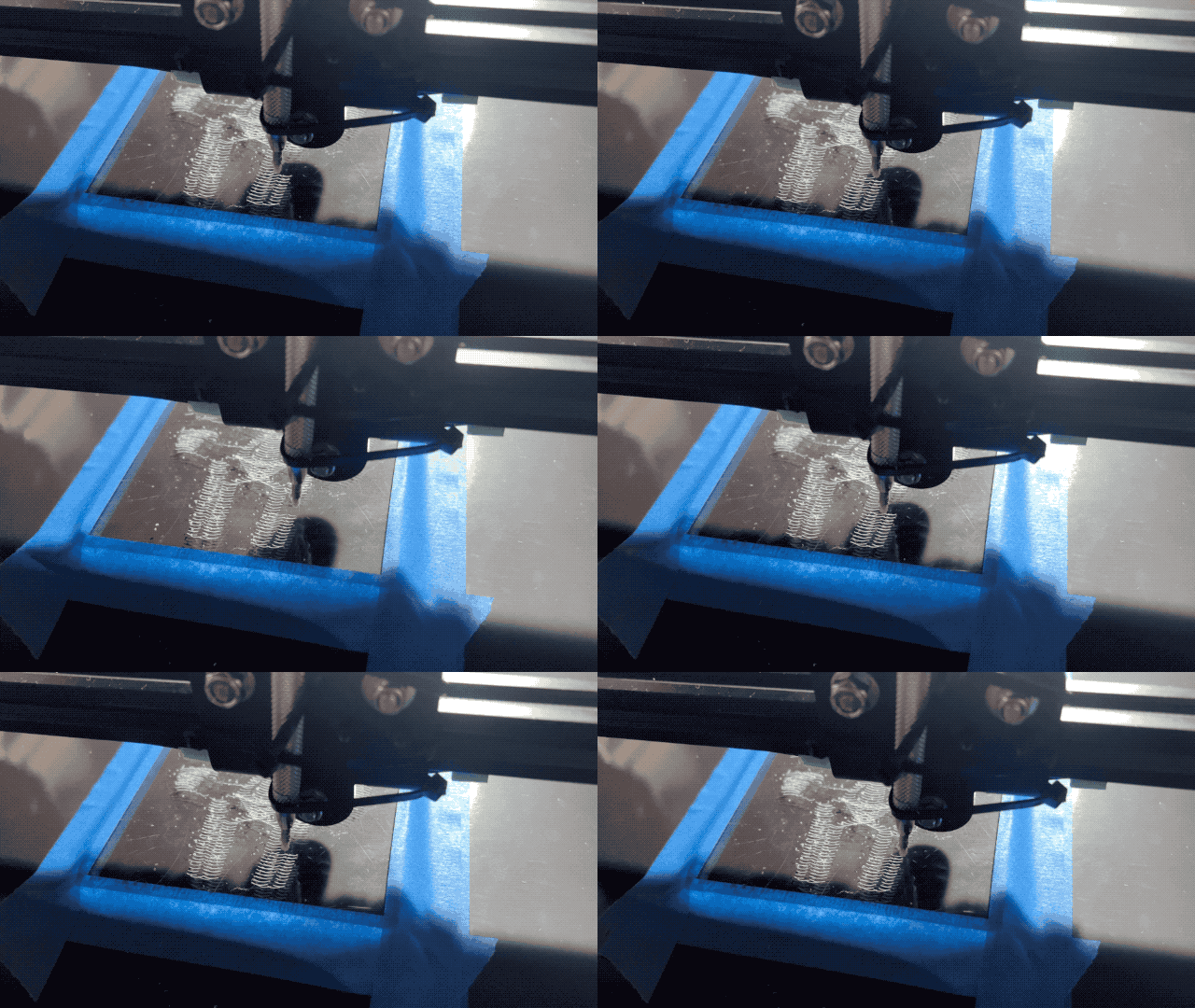
And well, the results are mitigated so far, but I’m getting somewhere with a moving glint effect.
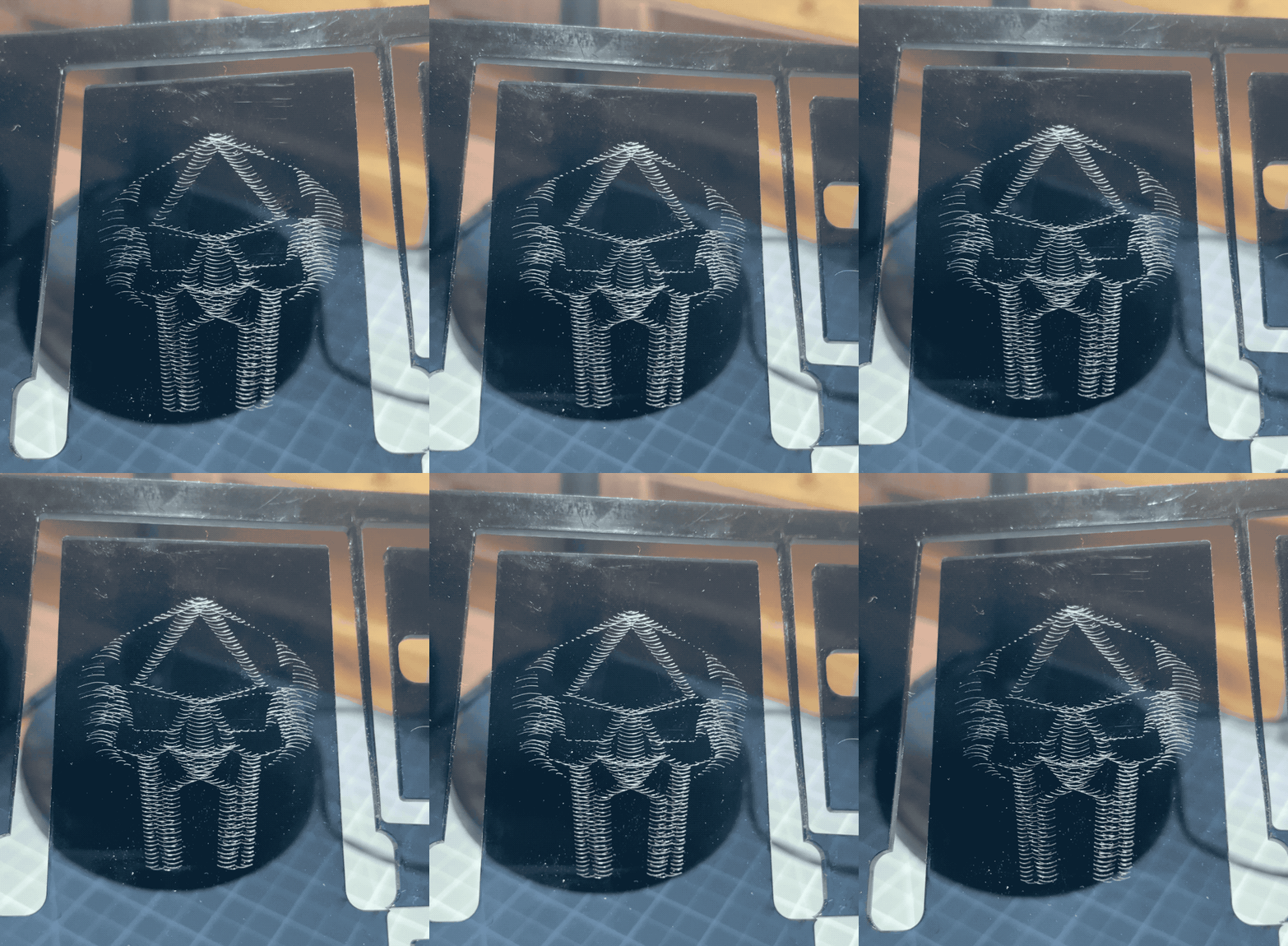
I need to tune the machine to barely touch the medium, and figure out model creation. Moving a tip is easy these days, unsurprisingly though there are a lot more intricacies to uncover to get good results.
Dragon of UV Light
I tried for years, it wasn’t meant for plotters so I had to figure out a way to make it work. Lara‘s usual incredible work. UV ink is definitely the medium for it.

That’s a Wrap
Robotics 2025 concluded with 2 kids having built the small Etch-a-Sketch plotter after 5 sessions, and an extra one to just consolidate and draw. There isn’t much to say other than it went like a charm. I’ve added onto the Inherently Programmable Pi so they could have a basic HTML interface to their machine, I have yet to publish the update. This solution I feel is a bit of a game changer for engaging with robotics. At best it lowers the bar significantly for uninitiated learners; at worst it’s just darn convenient to get to work on your Pi project anywhere. A few years ago I’d promote it on a few online communities, these days I just don’t have the will to do much of anything online, but I really should.


Playing with the RPi Etch-a-Sketch
I’m recreating the small SketchyBot for an electronics/robotics curriculum. It’s a perfect opportunity to let kids play with it.


Just Plots
Mostly tests meant for a larger format, I like to post them for reference.


Works Entirely Too Well
And by this I mean it works as well as any dip pen I’ve ever played with, which is to say not great (but it’s fun at least).
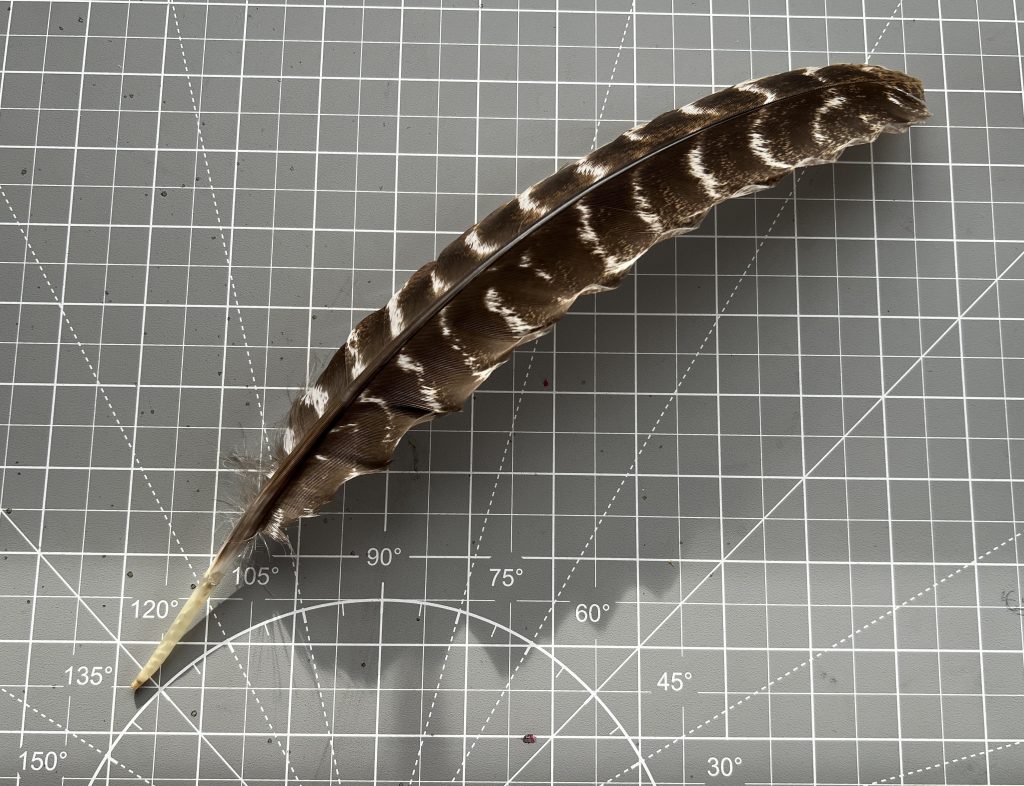
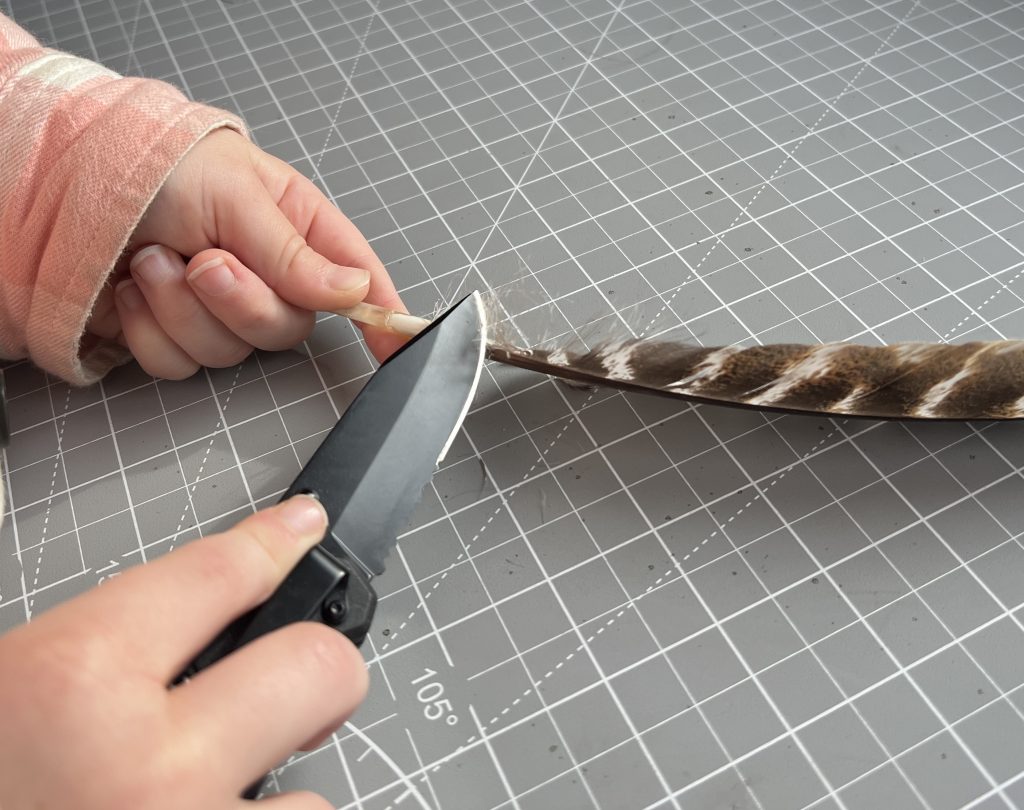
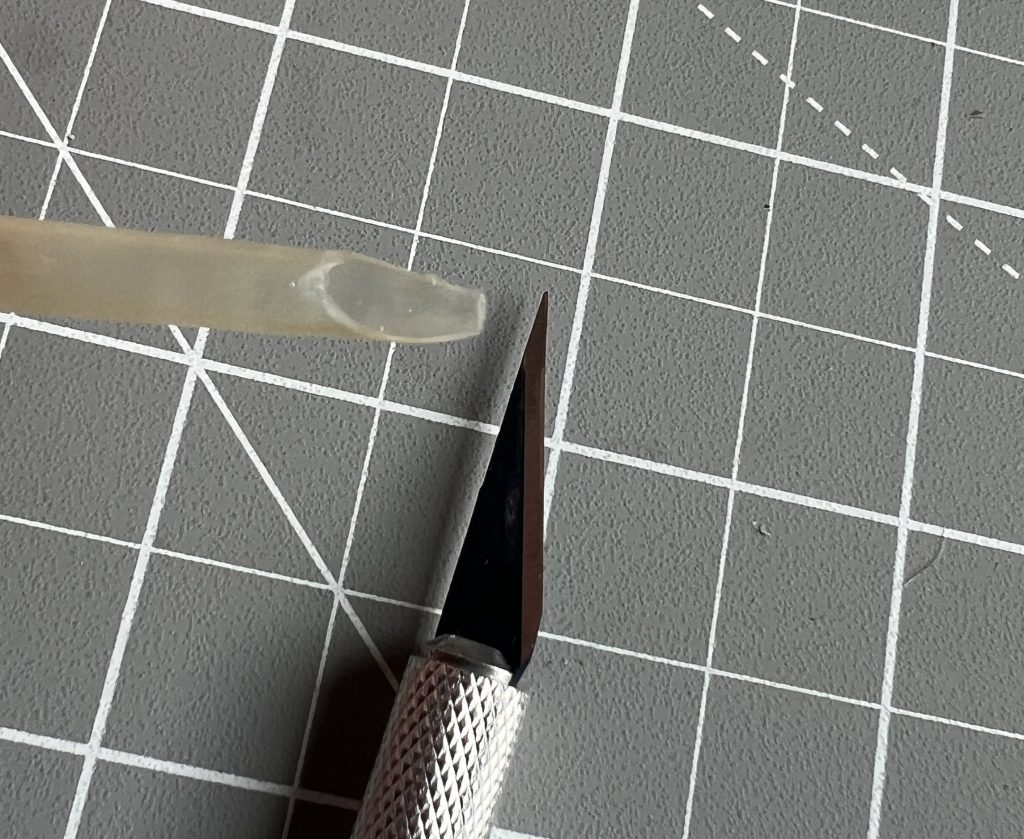
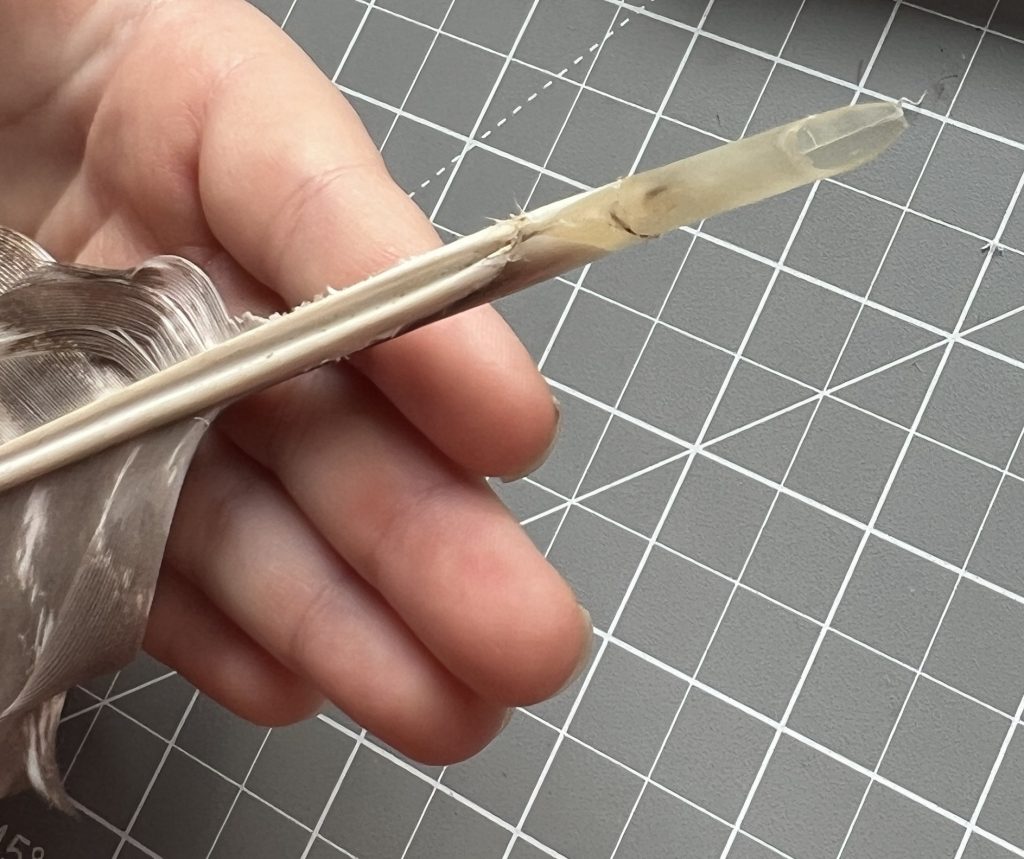
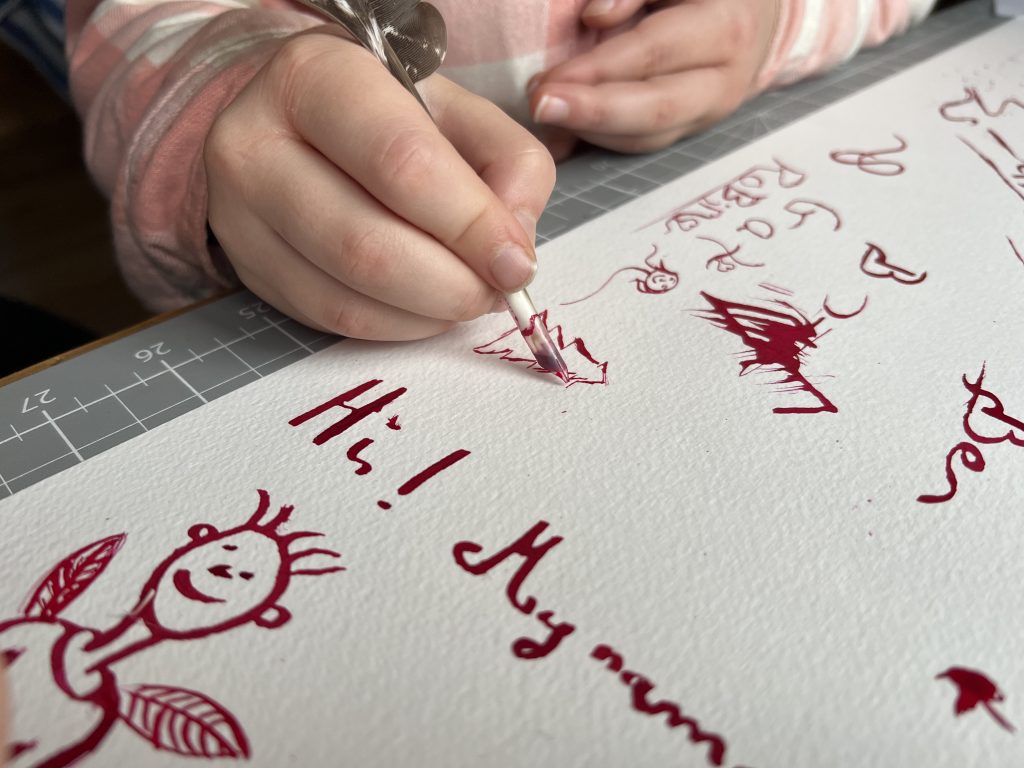
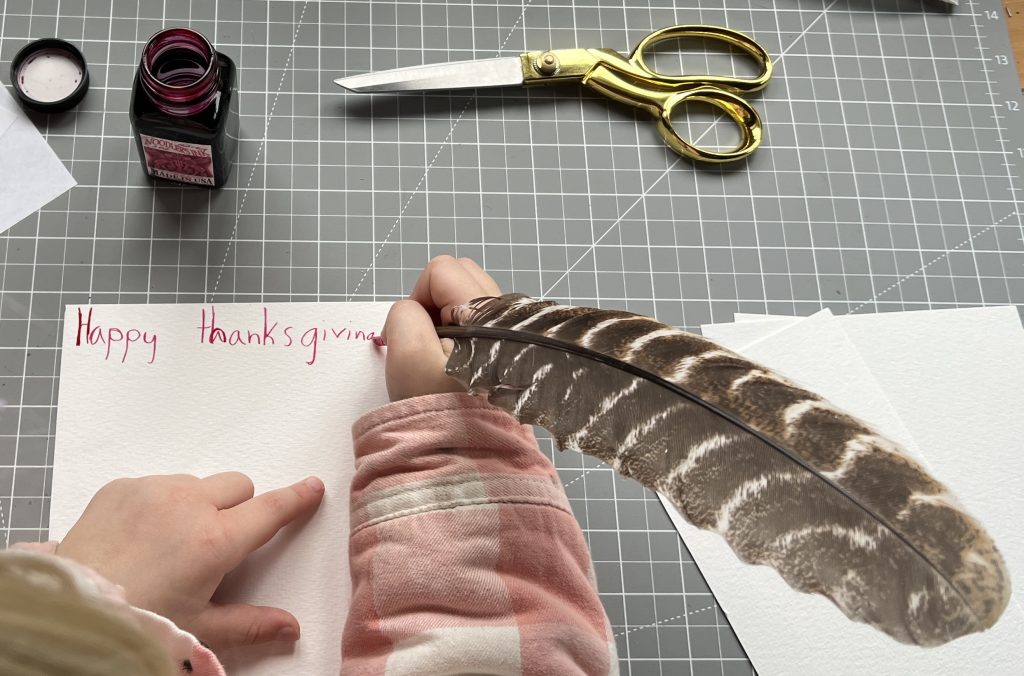
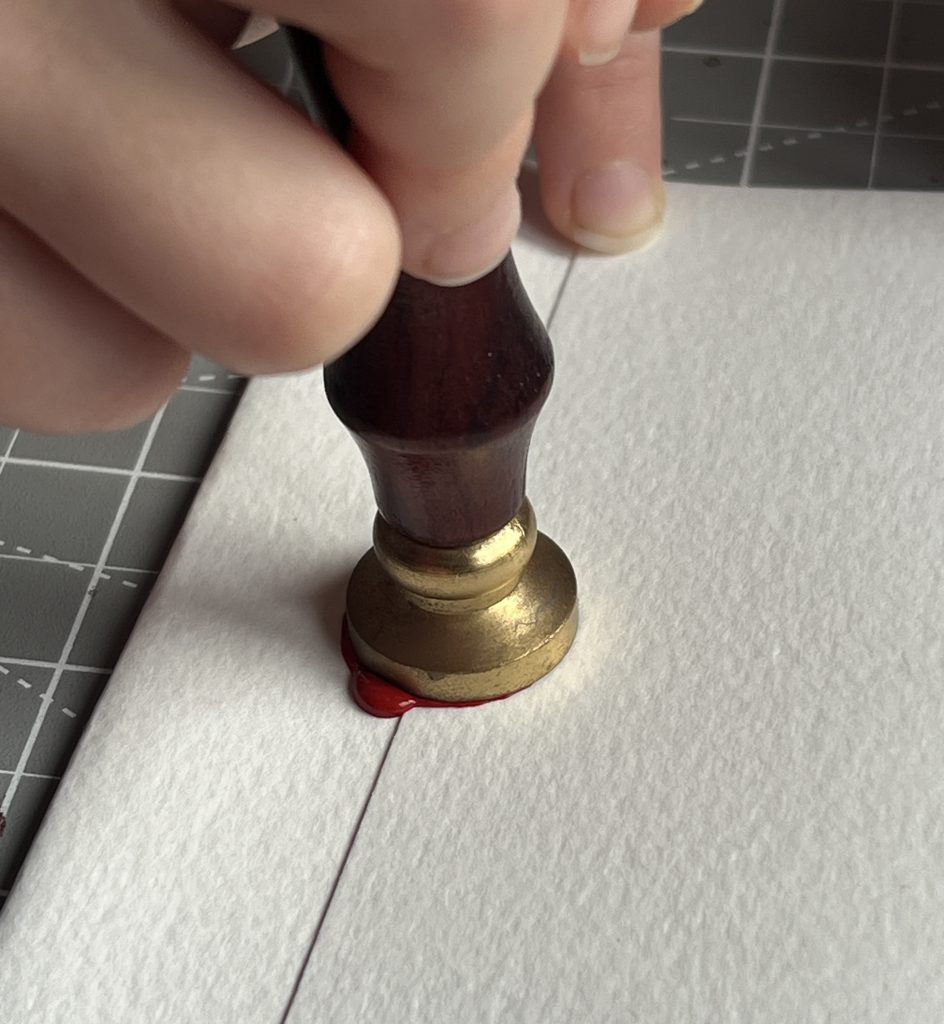
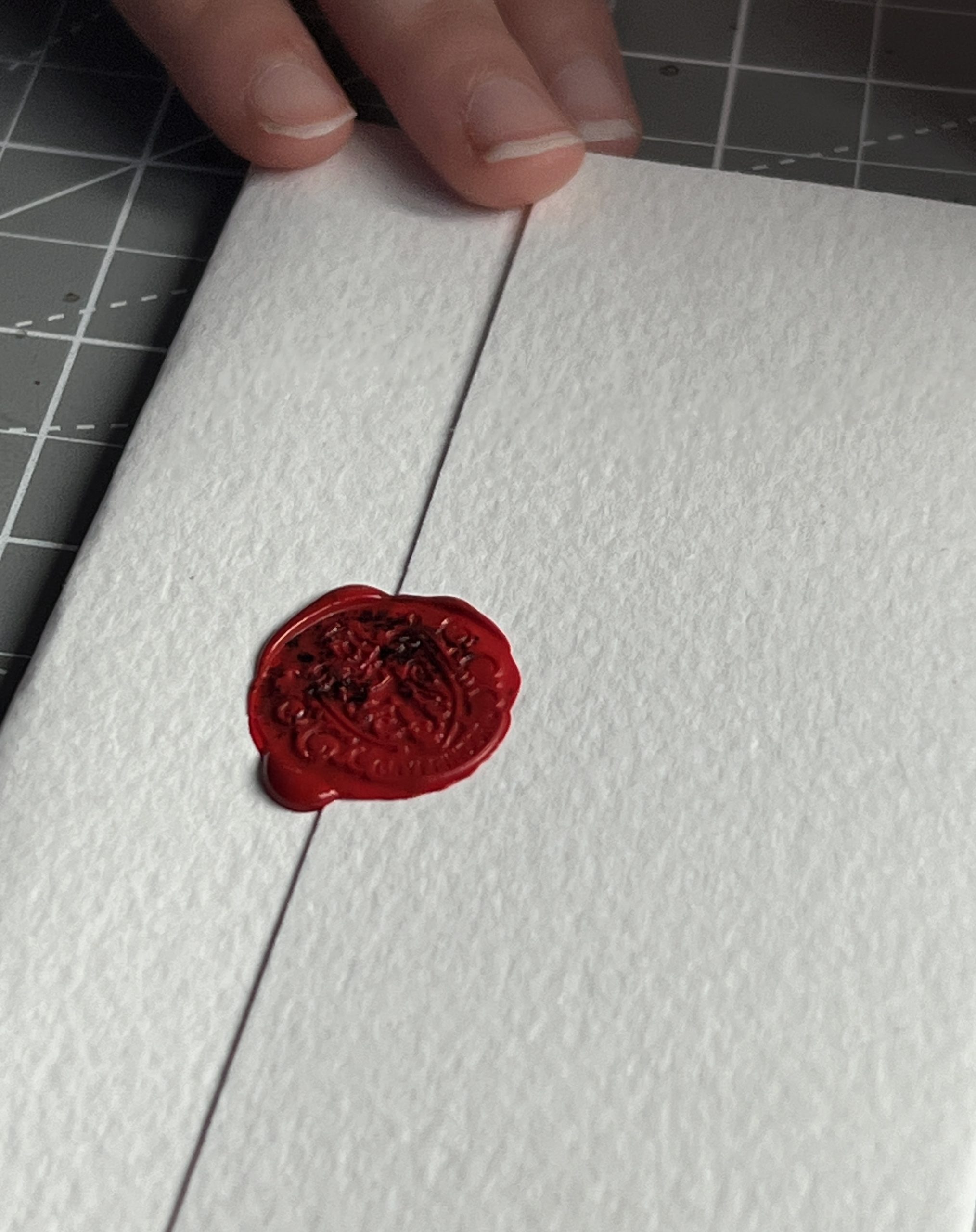
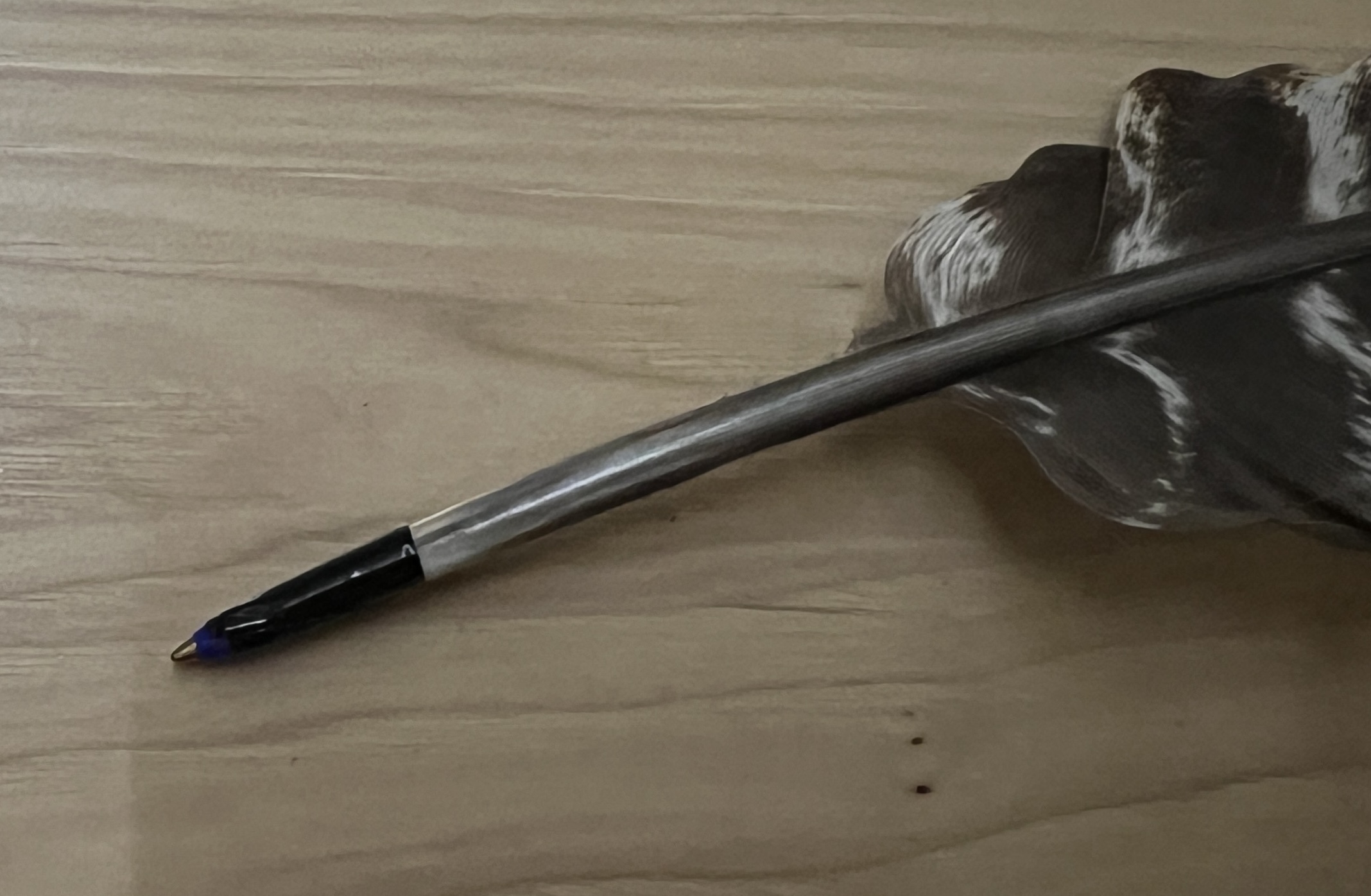
Turns out most ballpoint pens’ tip & ink reservoir fit perfectly inside a turkey feather. So the kids will be able to rock their turkey pen at school.
Massive Stove
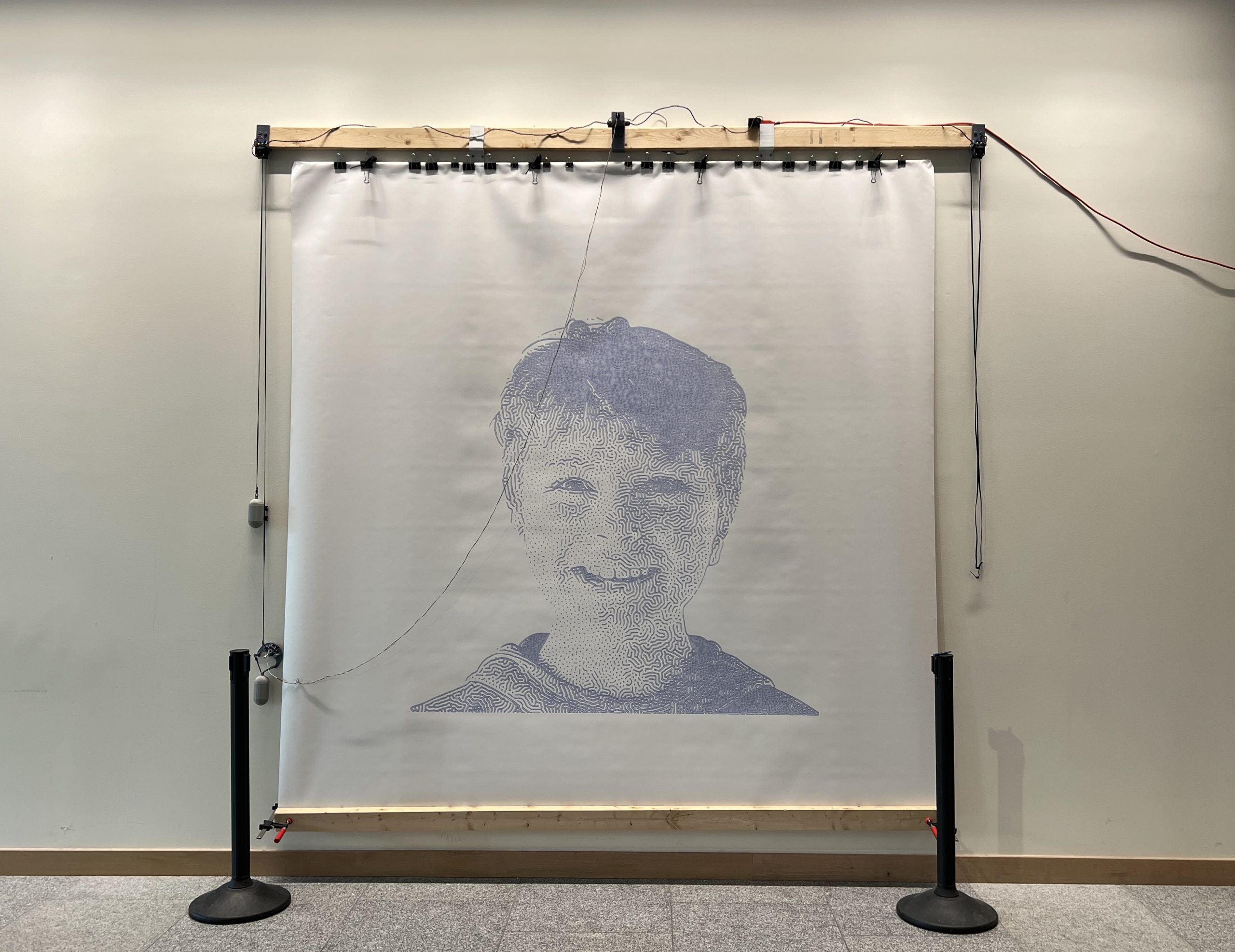
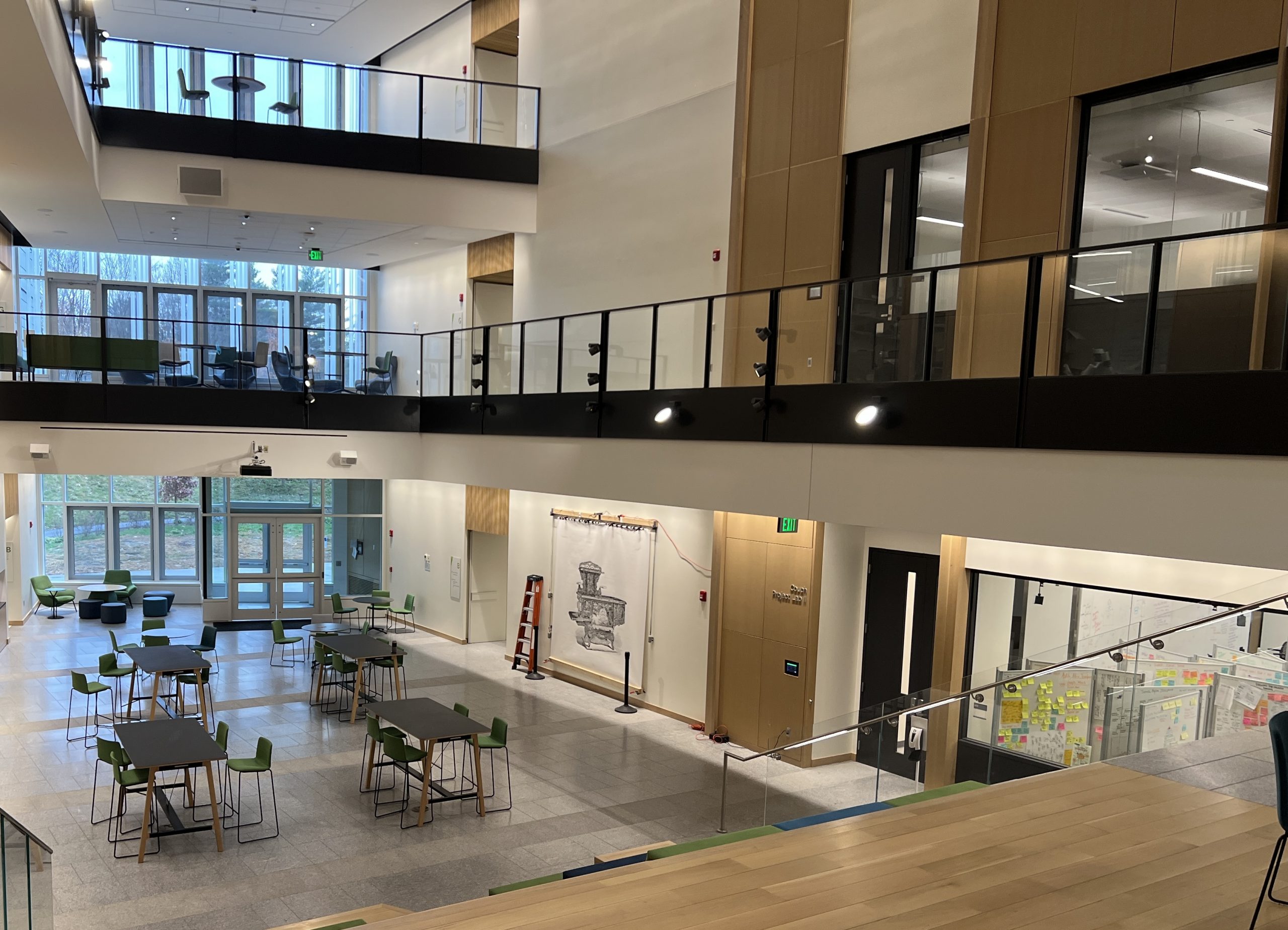
I almost didn’t run this one, it ended up being my magnum opus. It took ~180 hours and 8 pens. Unfortunately, even though I have strict protocols for marking pens which aren’t full, I had it go over the week end with one that had been used before and ran blank for a bit. It’s ok, these monster plots come with imperfections.
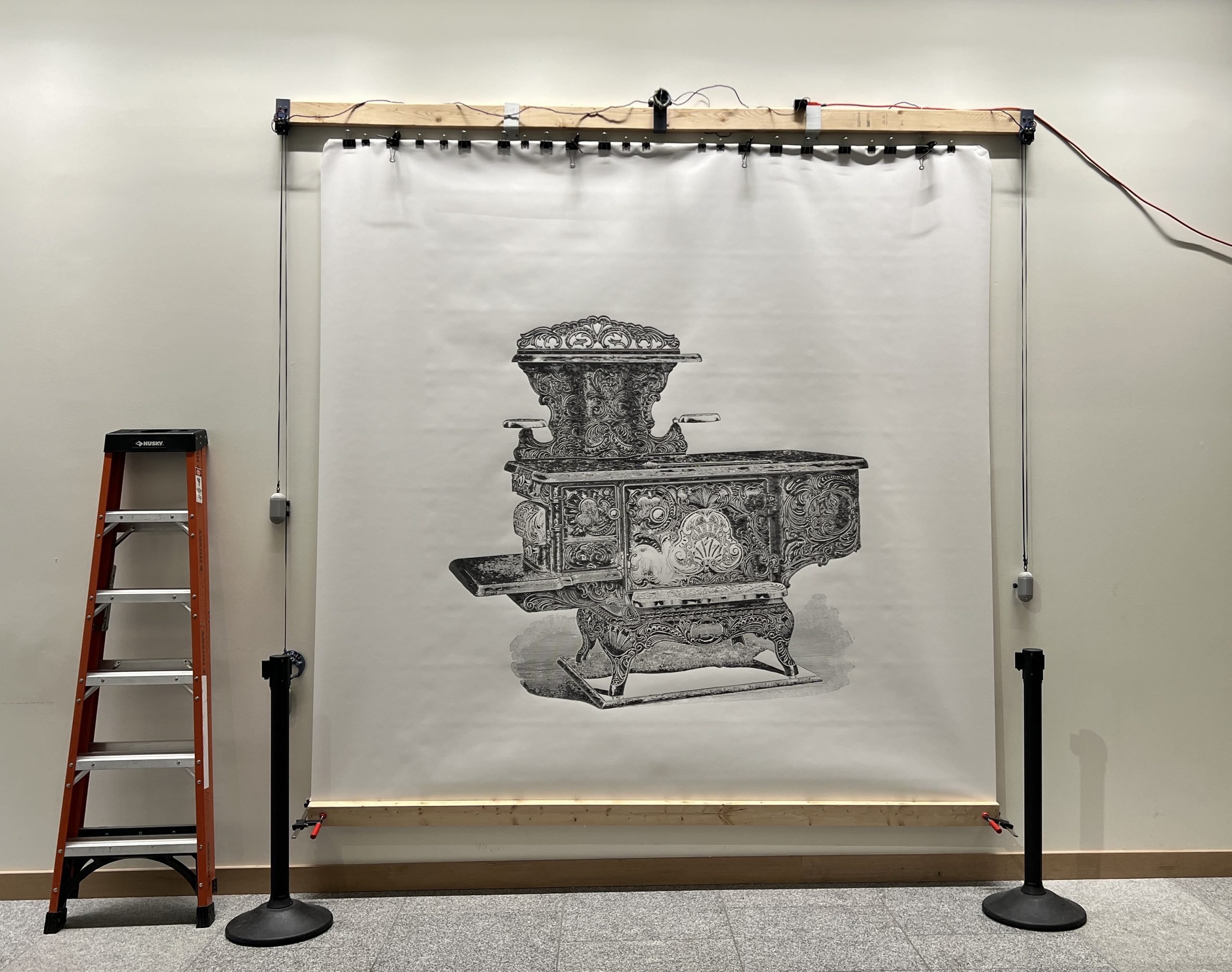
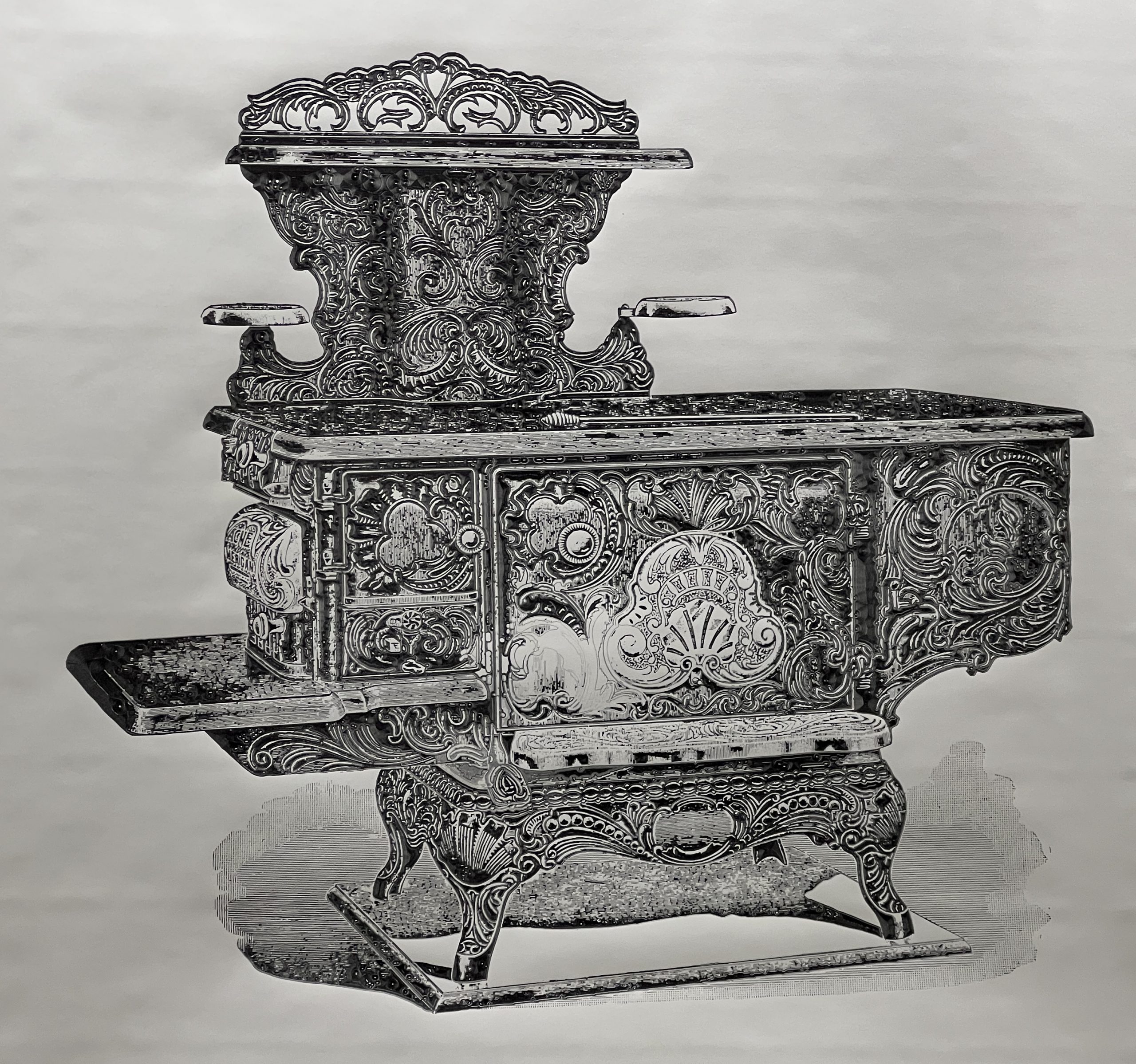
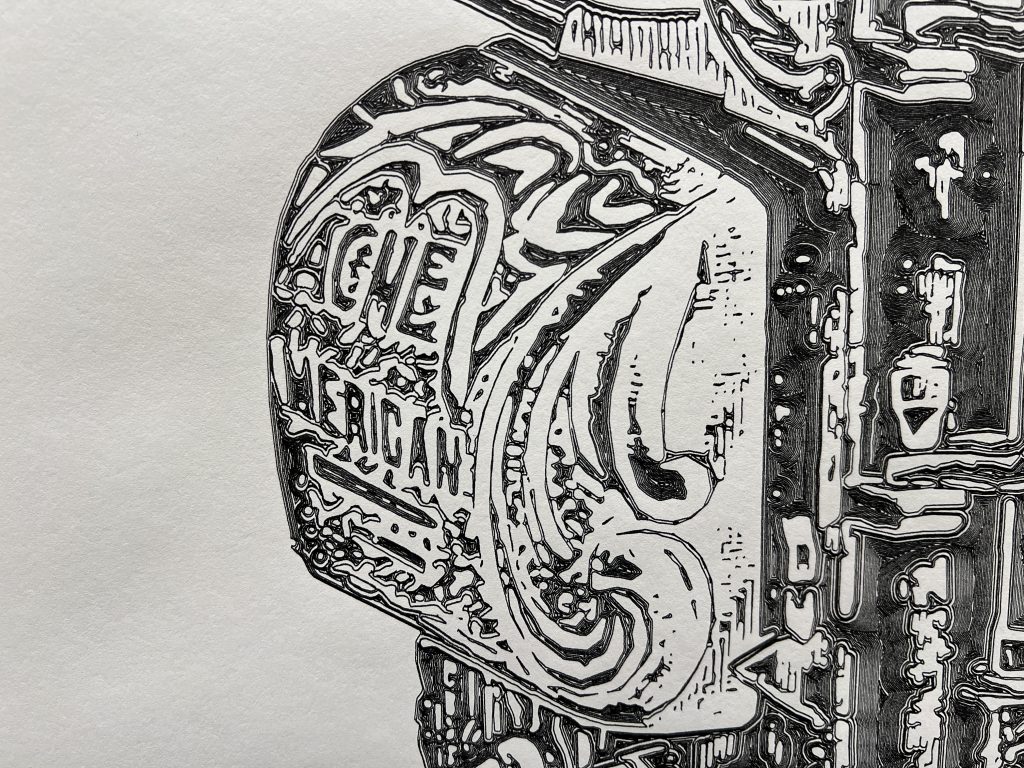
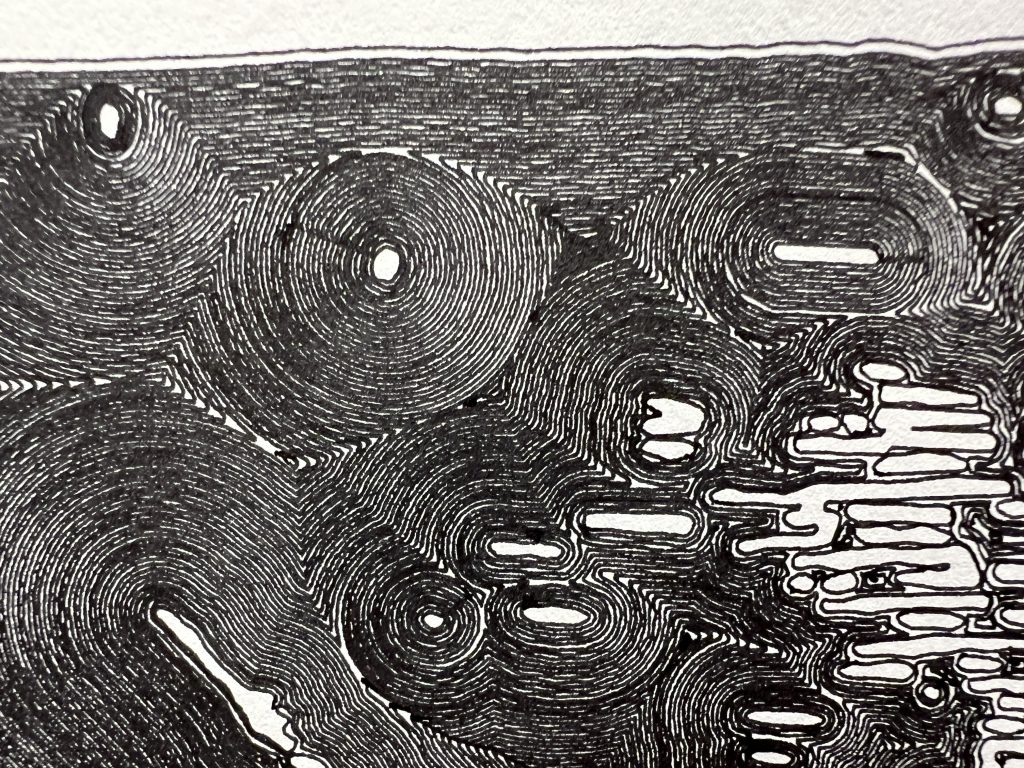
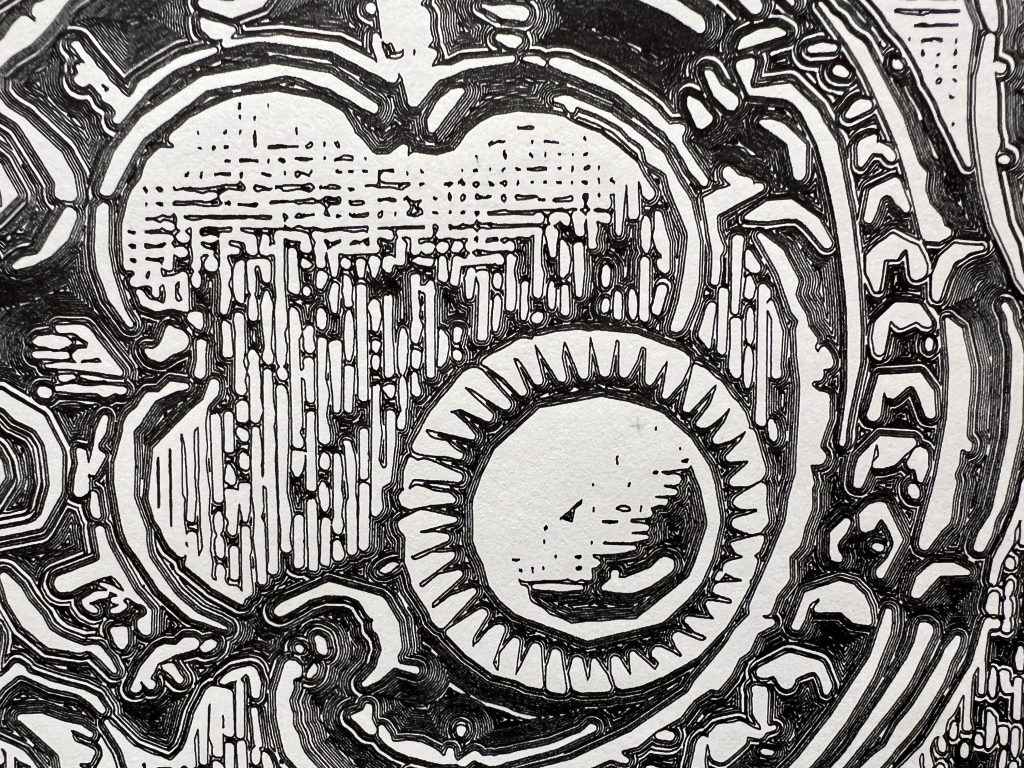
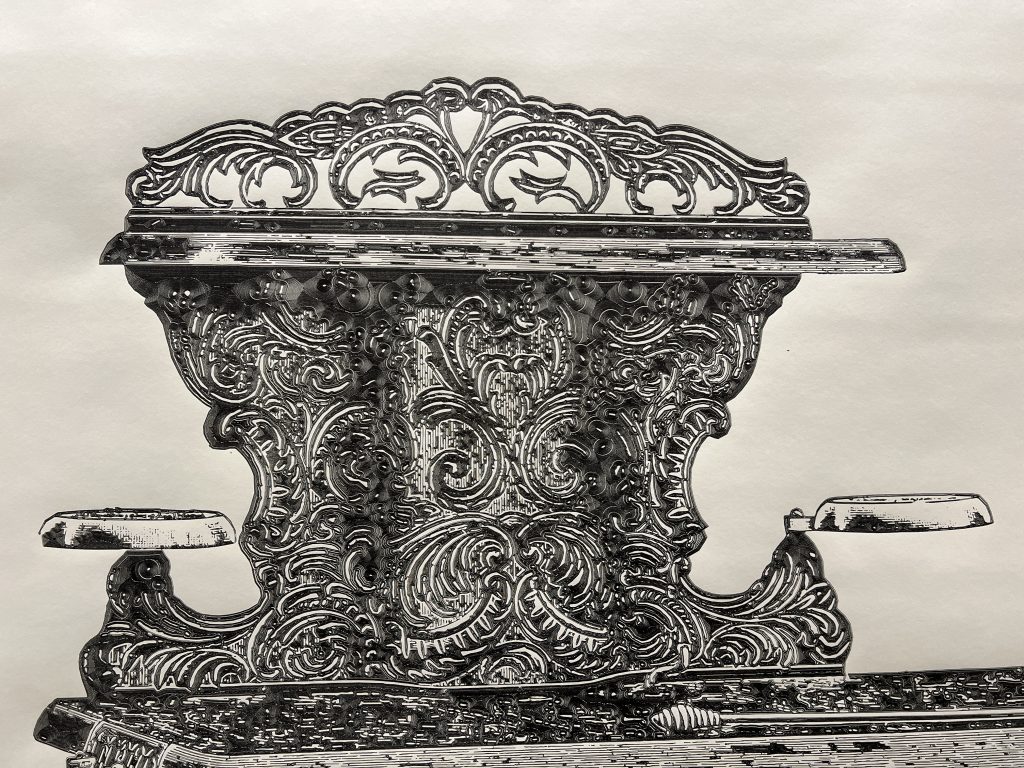
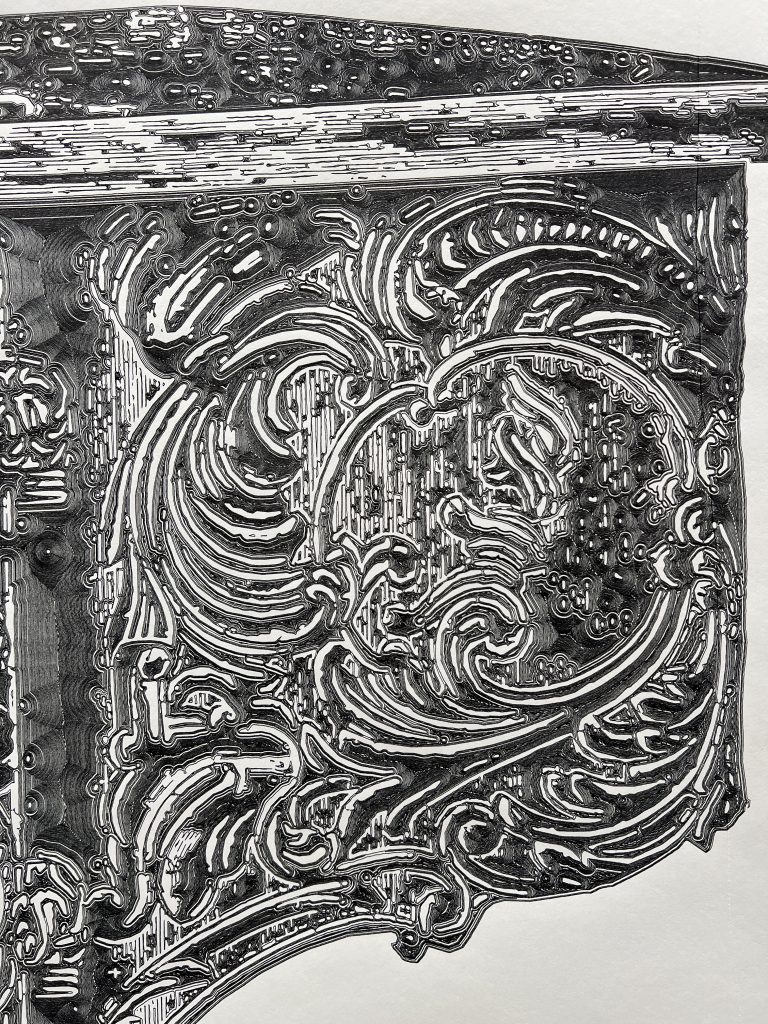
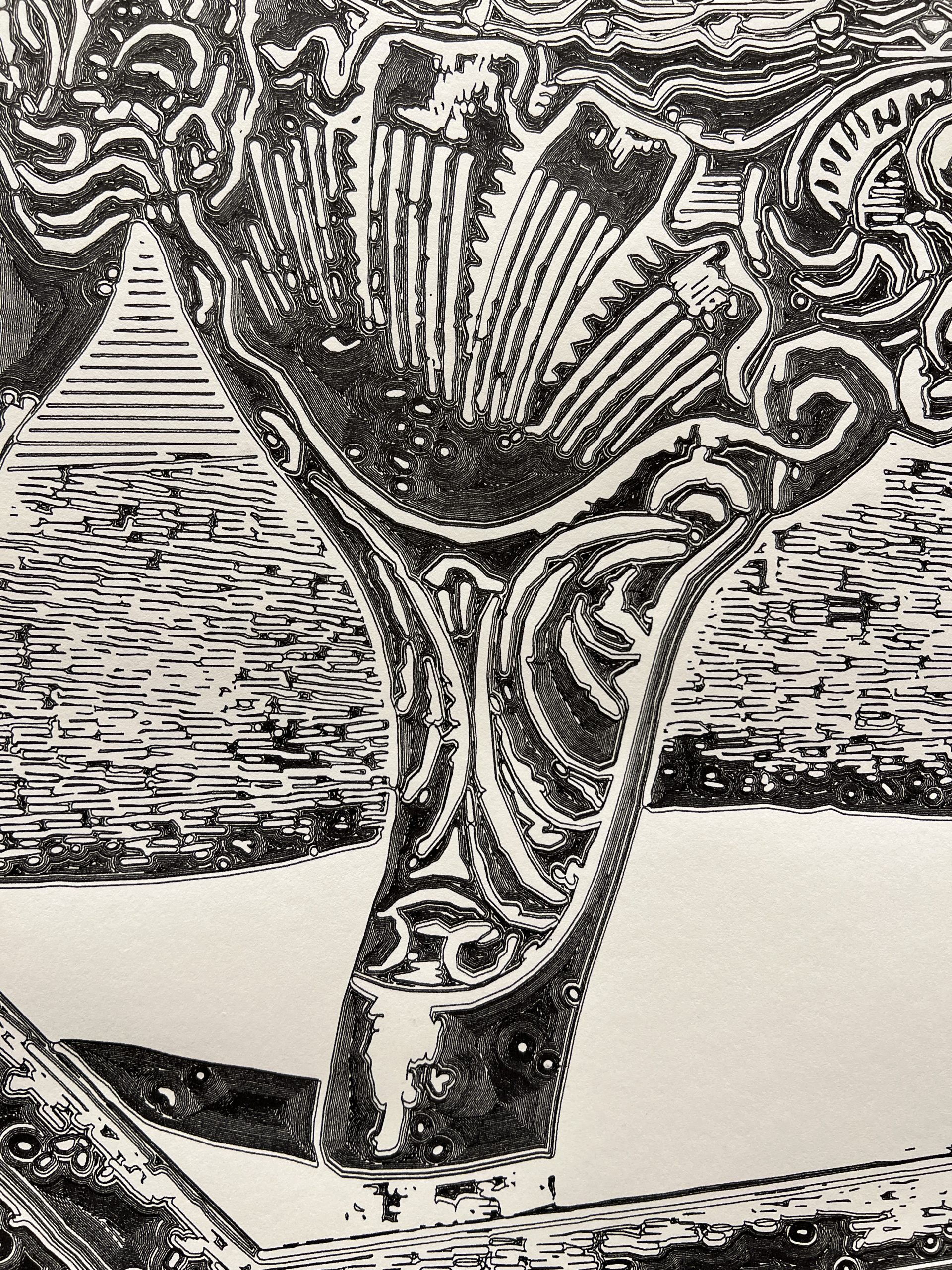
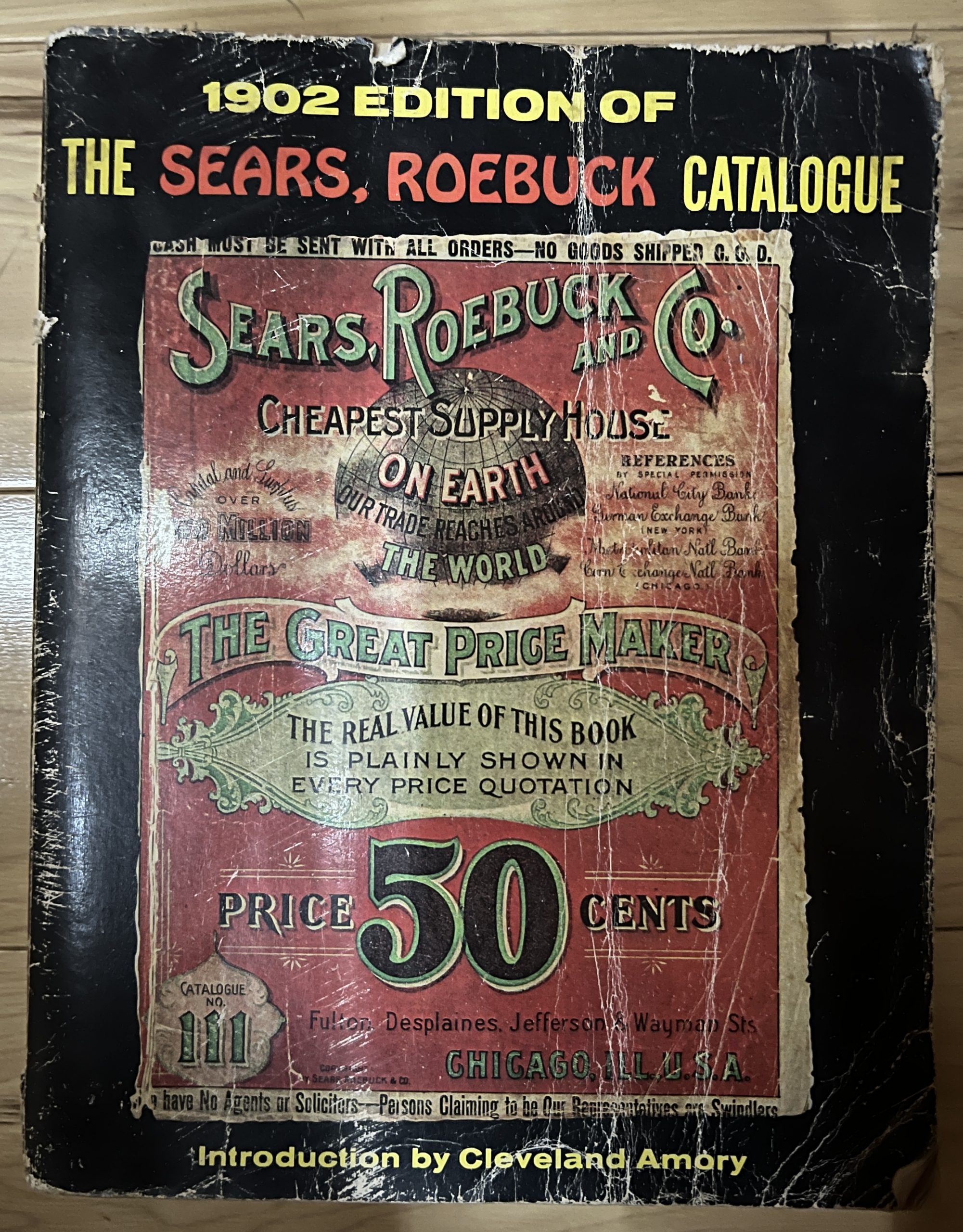
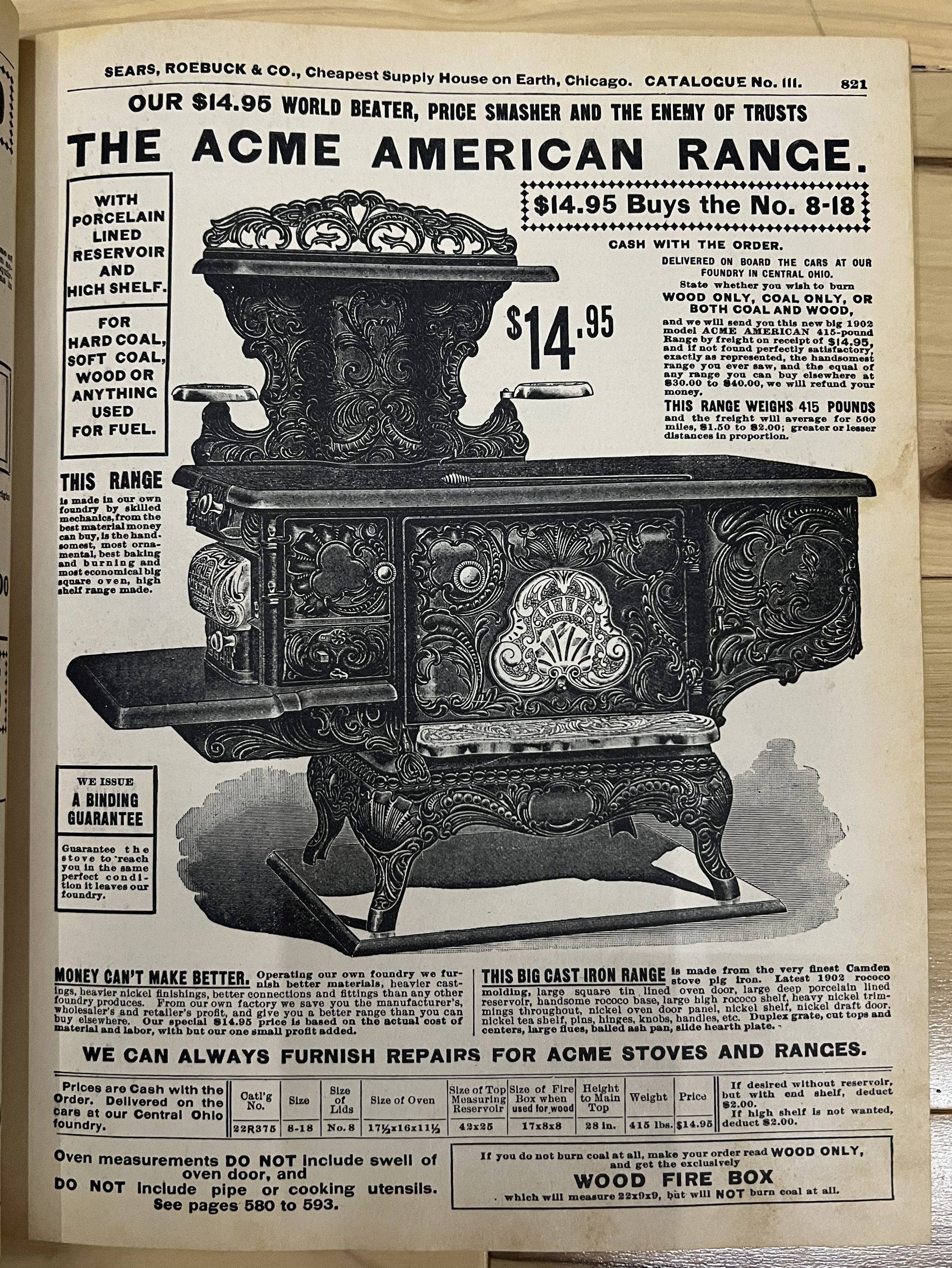
I found the image in a 1902 edition of the Sears catalog where they sold it for $14.95. I consider it an expression of culture, from a time when anything we created came with ornaments. It shines all the more in a modern building with very clean and sanitized architecture.
Created on the Spot
I remember an epiphany I had as a kid downloading mp3s at a friend’s house who had DSL while I was still on dialup. You could download music faster than you could listen to it, and the infinity of it blew my mind. To say that AI is leaving my jaw on the floor on most days is an understatement, but maybe what I’m realizing today is it’s potential for creating faster than you can acquire. It’s not just that I’m having it write programs that replace a ton of apps I’m dragging around for only a thing or 2 they do well. It’s that at the time I need a program, it might be faster to make AI produce it from nothing than to otherwise acquire it.
The family’s been into Solitaire and Minesweeper, tons of sites, tons of ads, looking looking, bleh. Fuck it, I’ll just have AI make me one.