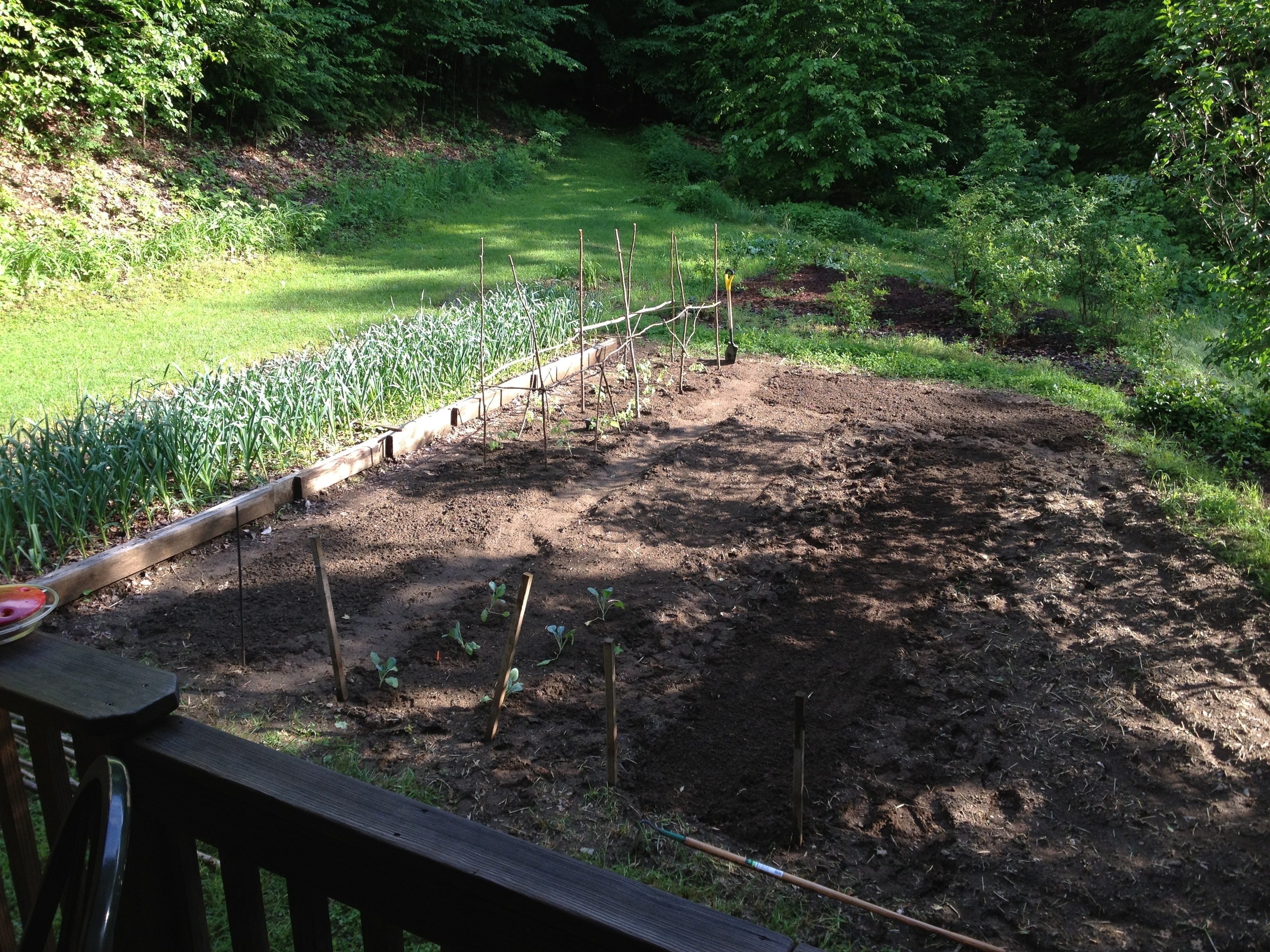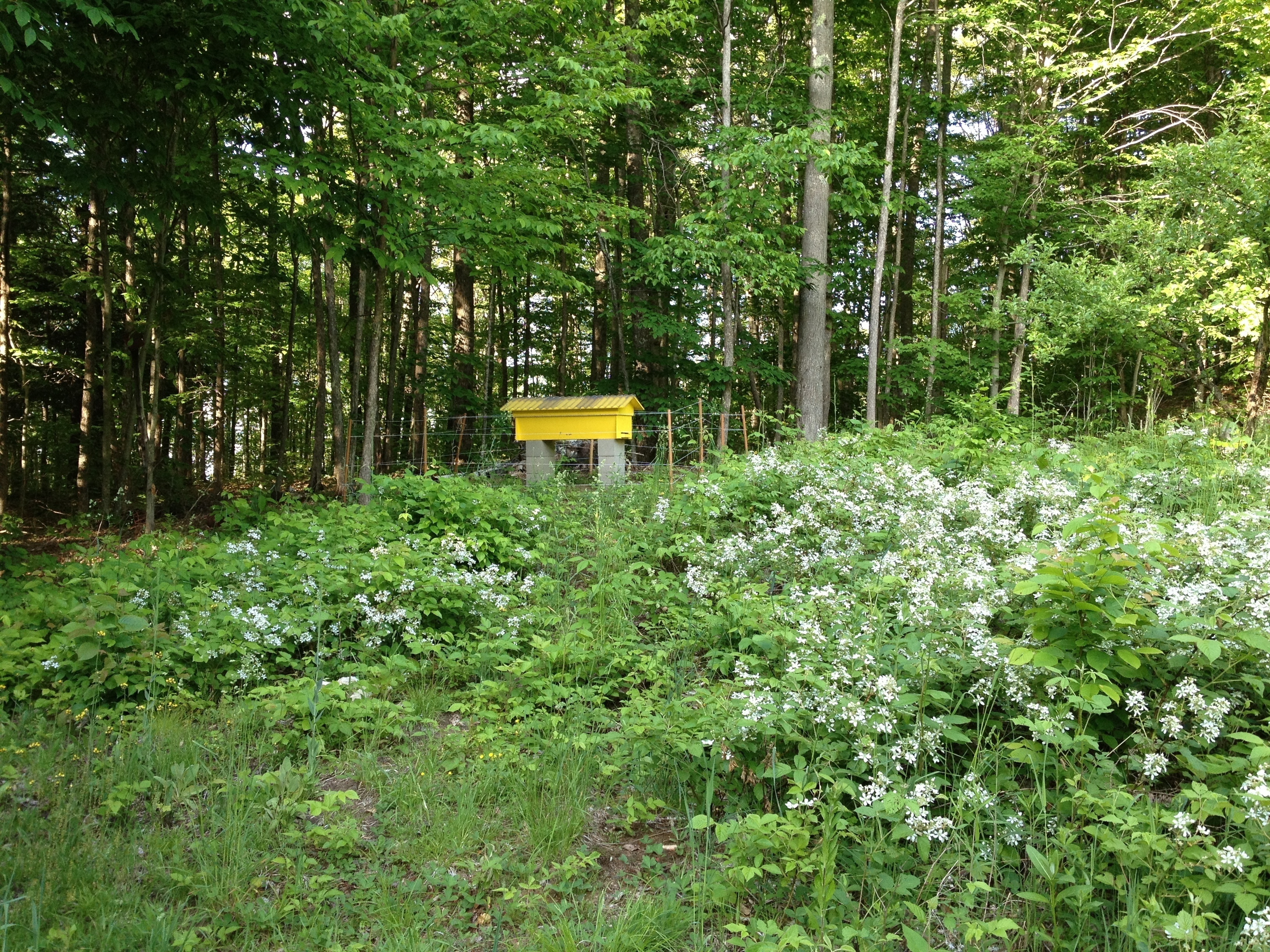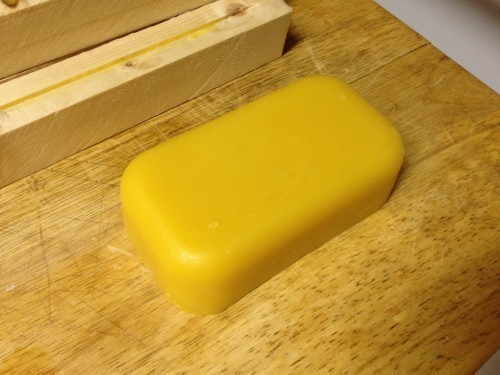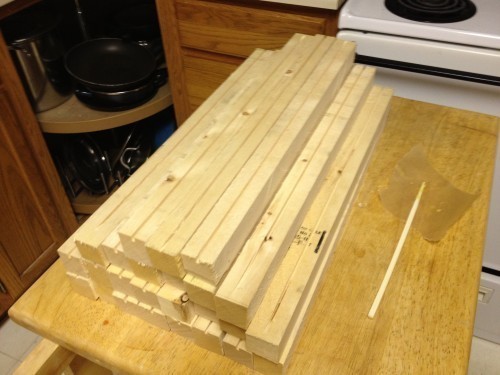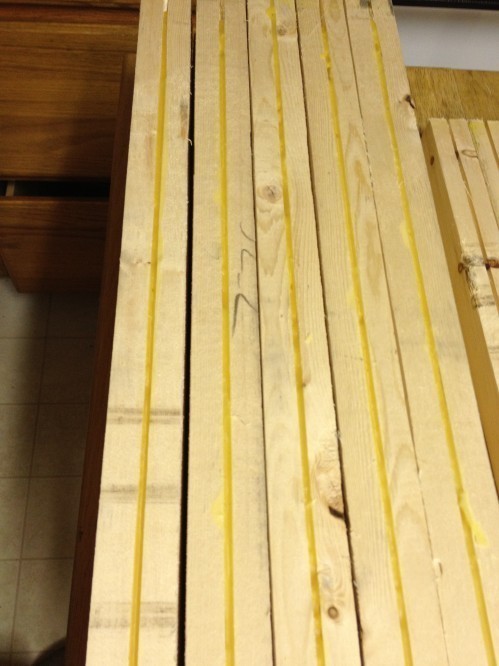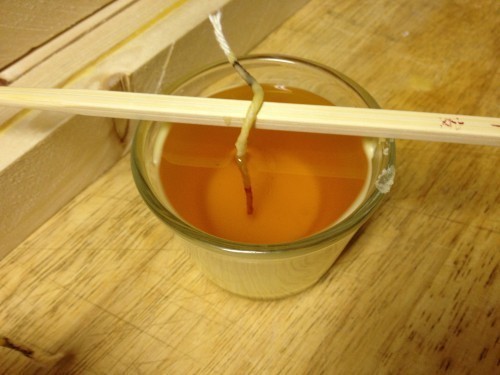

Here is all the comb that was too bad to harvest after the “clean up”. I put it in front of the hive for the bees that were on it to make their way back and hoping the bees would clean it and get the honey back inside. They didn’t take long, it’s almost empty already.

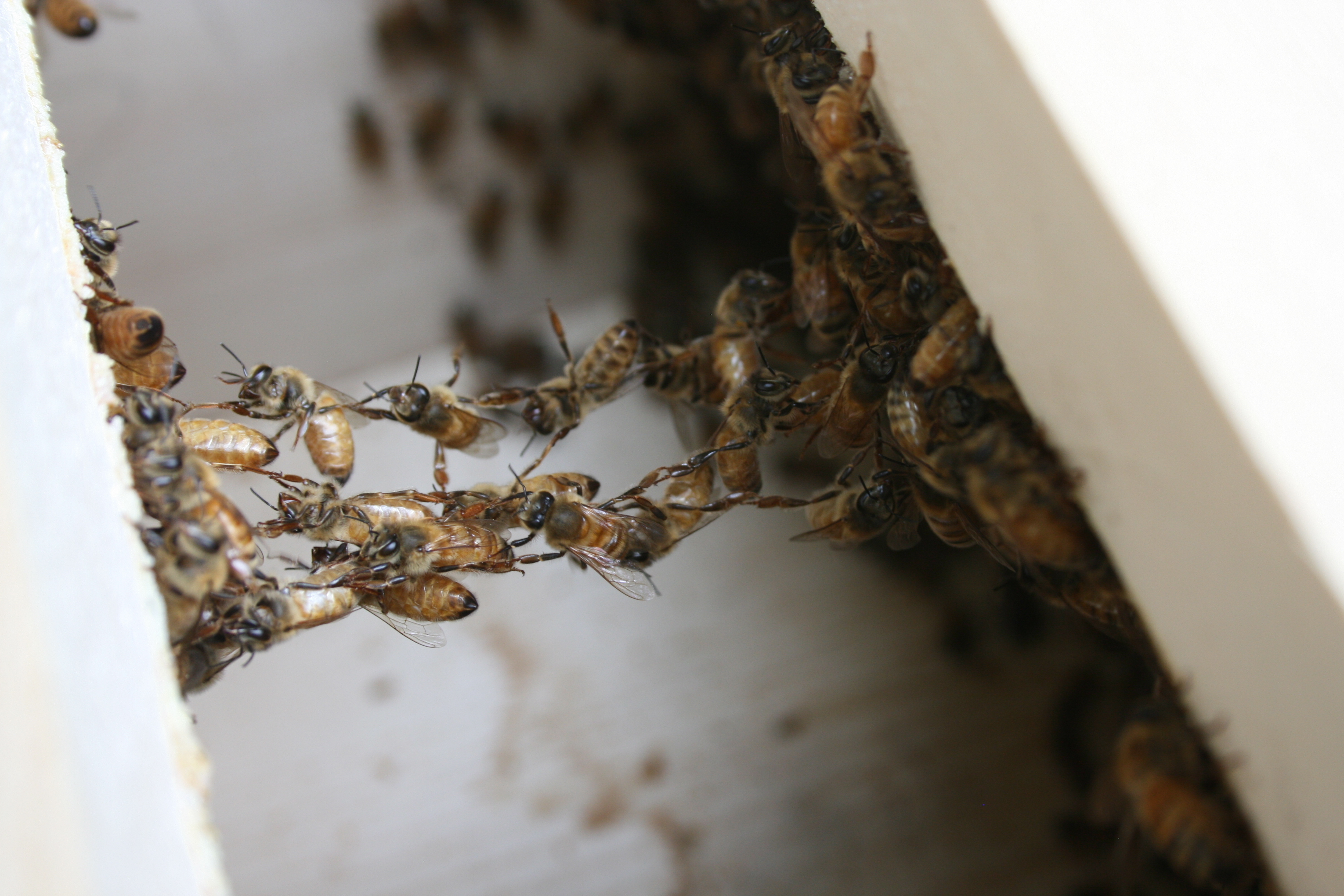
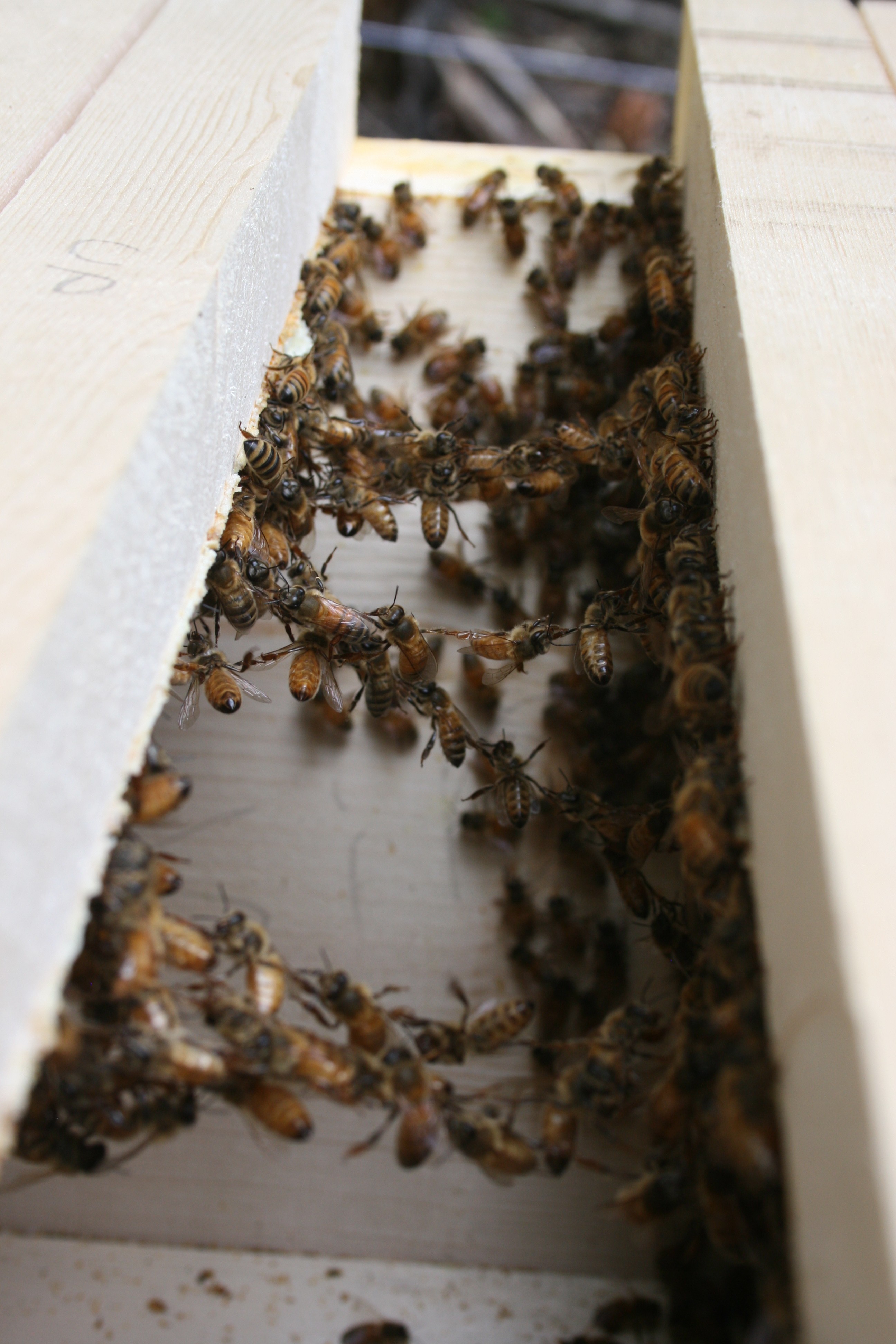
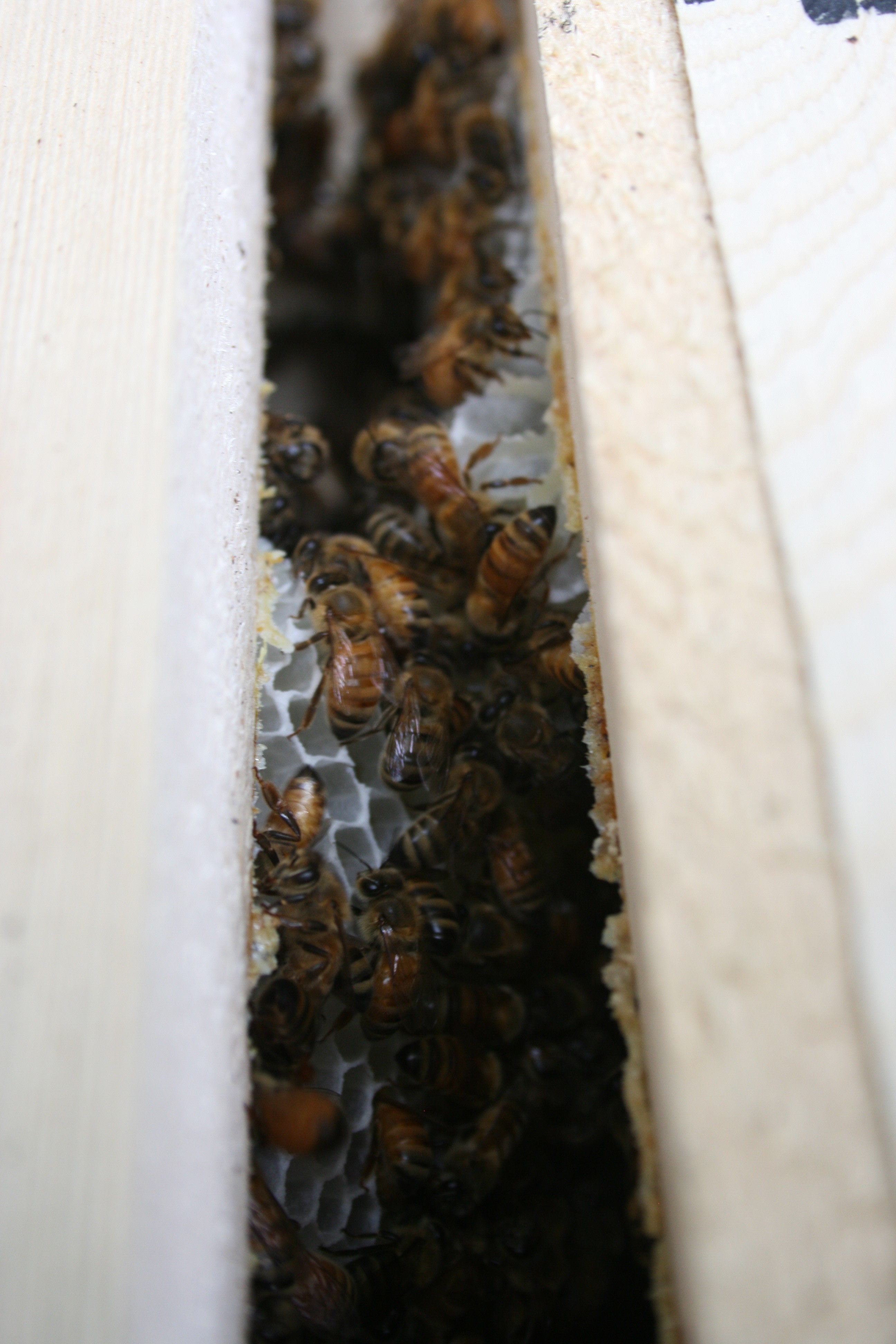
The fact that every comb built since the beginning had been so perfectly straight made me loose the habit of checking every frame. Horrible mistake, what started as a little bump in an early bar became more and more angled resulting in comb crossing bars. When I caught it, it was simply too late and a major operation had to be done to set things straight. Comb fell, deep cutting needed to be done & a ton of bees died in the process. I lost half of my honey production & half of my colony. There was just no easy way to do this.
The lesson learned here is to inspect often and all the bars, especially when the bees lay a lot of comb.
Some crossed comb, when things weren’t ugly enough that I was still taking pictures
Here are some tips to incentivize the bees to build straight:
I’m not sure how these techniques work but I certainly am religiously following them now. Hopefully this will save us from another traumatic experience.
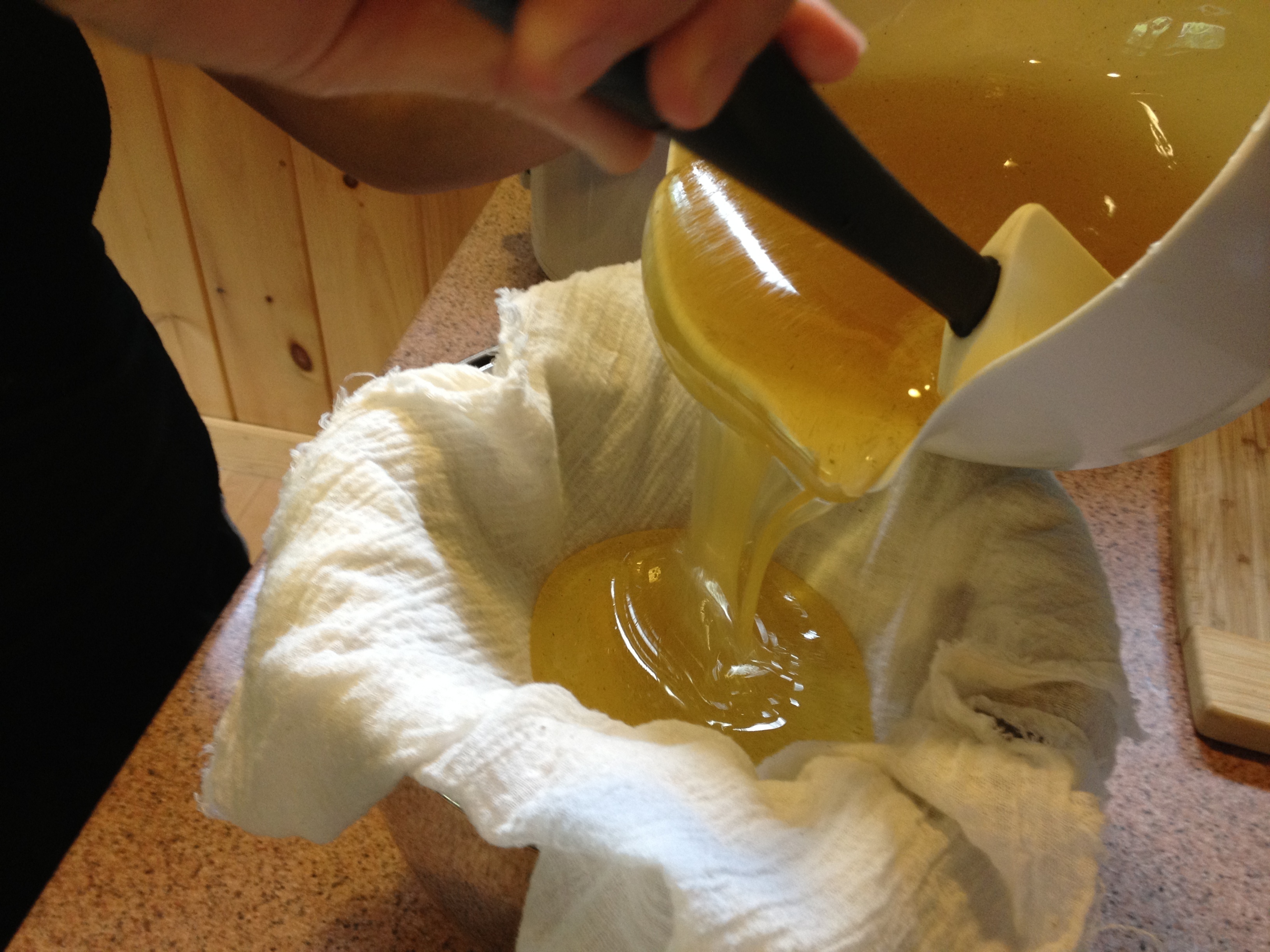
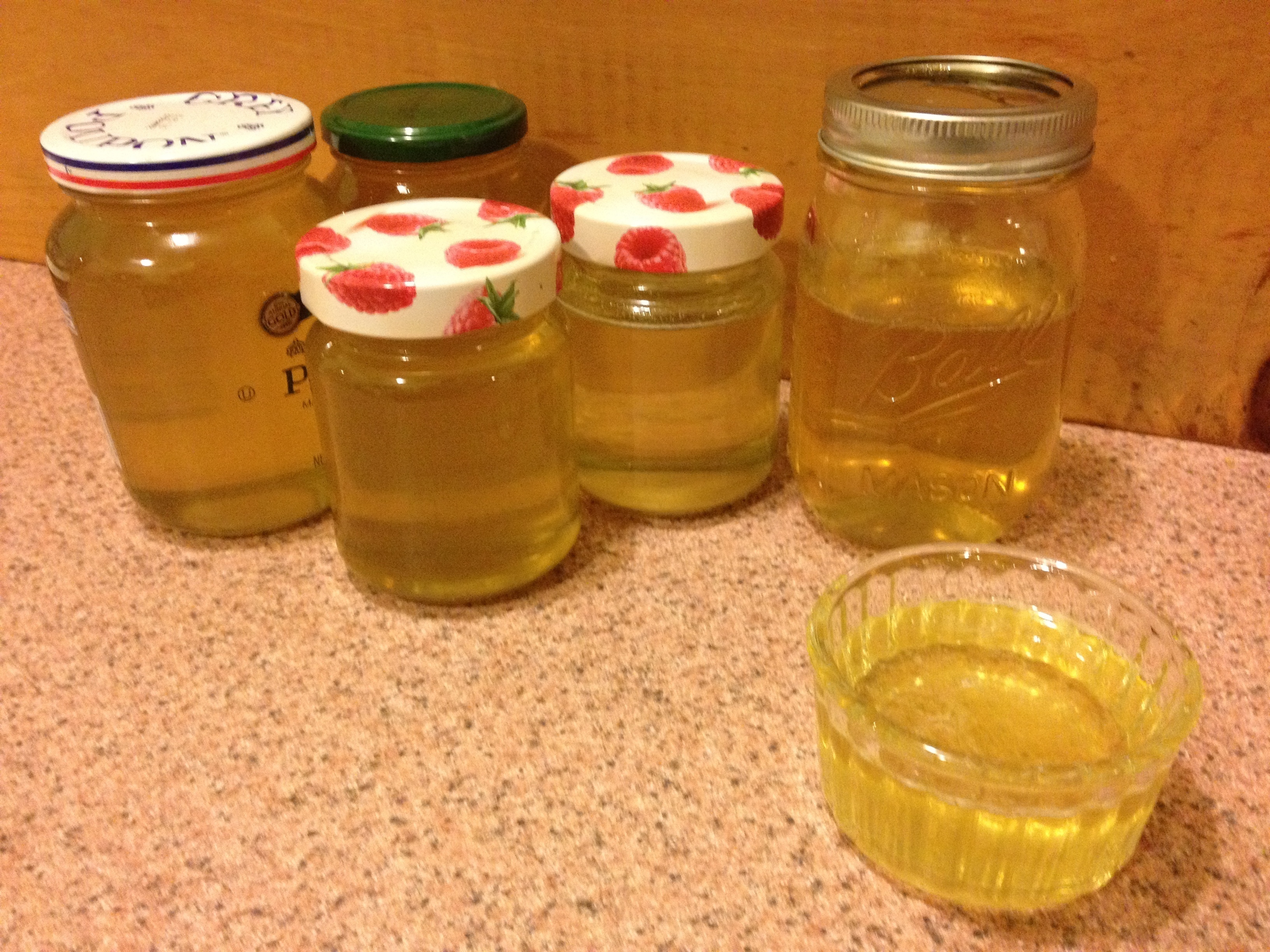
All in all this sucked and I feel really bad for failing my bees. I still got some 6 jars of honey out but I could have gotten a lot more. It’s the most delicious honey I ever had but every time I have some I am reminded of the beepocalypse.
Lesson learned…
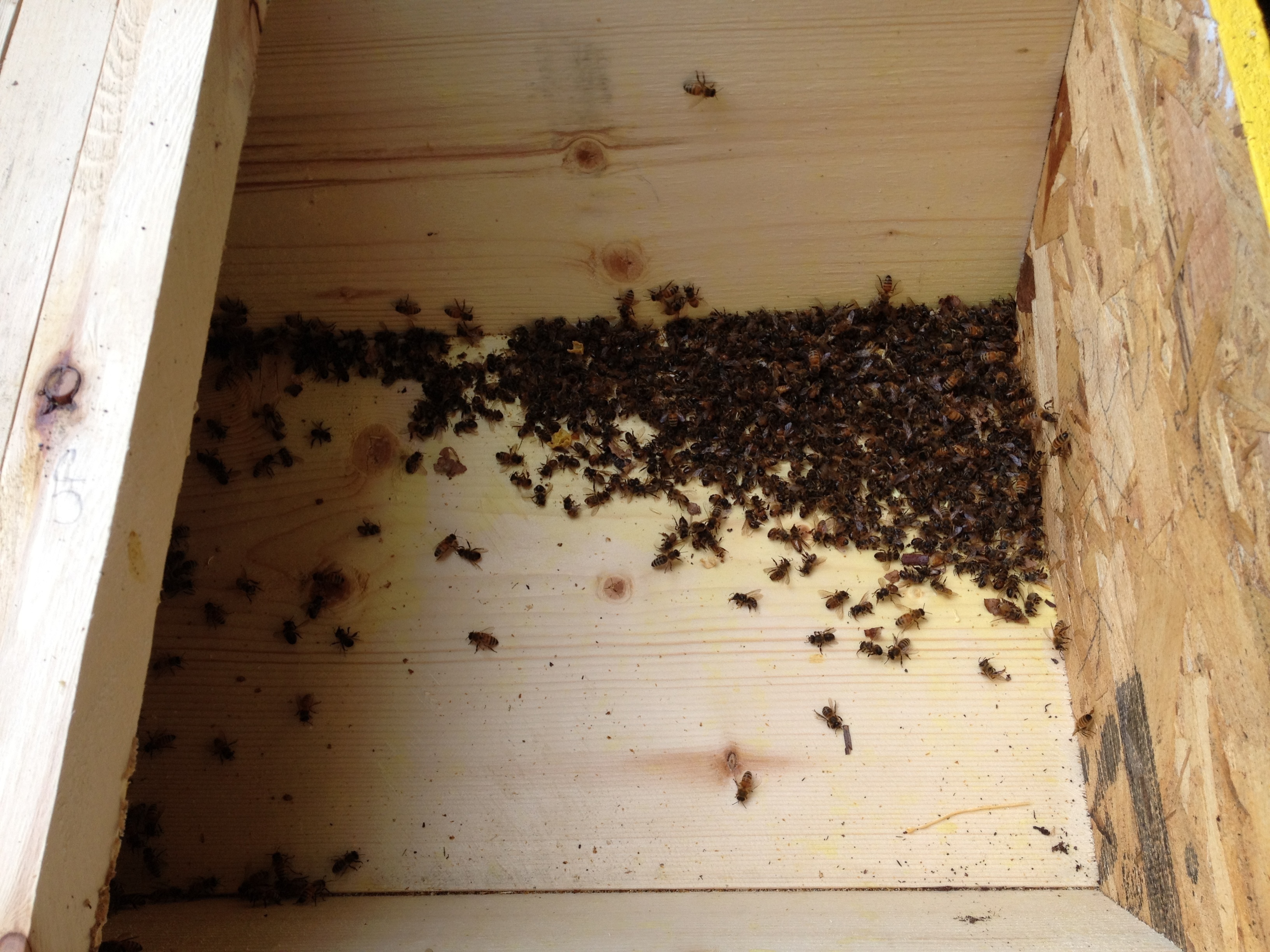
It’s a freaking mass-grave in there
Got some decent comb out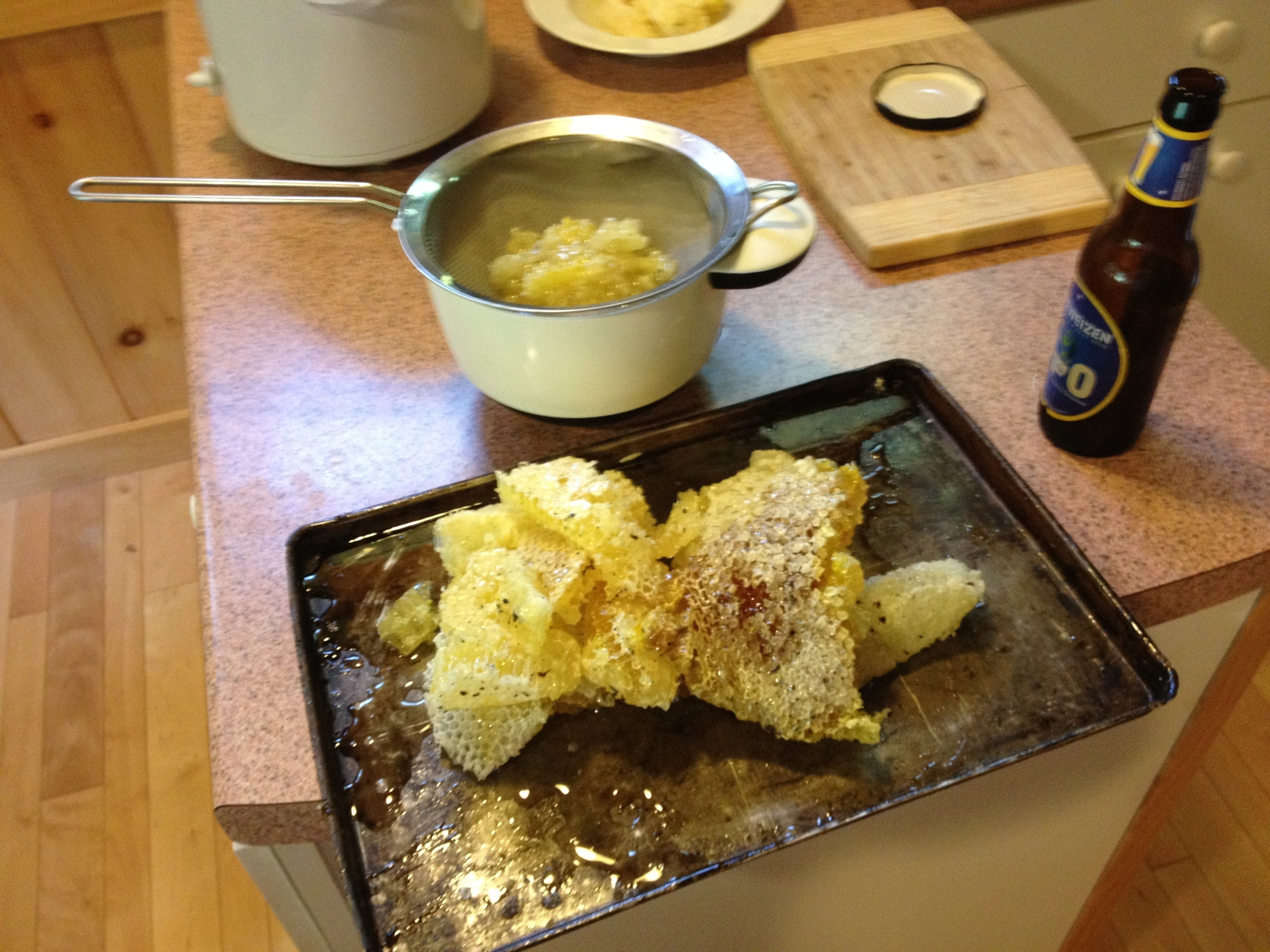
The colony has been growing very dramatically in the past couple of weeks. All the brood I saw finally saw the light of day and the bees are now quickly filling their hive. All in all it took them a while to really get going. This is one of the disadvantages of top-bar beekeeping, the bees have to build everything by themselves so it takes the colony longer to establish itself. I think it’s a good thing, for one because it’s more natural but also because building comb is one less thing I need to do :).
Given that population growth is now in full swing, I gave them quite a few more top-bars to expand on. We are approaching the maximum size the hive will allow though as I would like to keep a few empty bars to have room for shifting and rotating. It may be time to start thinking about a second hive.
Bee population growth is not exponential, only 1 queen does all the laying although she can lay a few thousand eggs a day. So it’s linear and will probably turn asymptotic with older bees dying. I wonder how big a hive could get outside of its habitat limitations.
Turn on the sound and hear the hive’s rumble.
[flv:http://ben.akrin.com/wp-content/uploads/2012/07/IMG_1149.MOV1_.flv http://ben.akrin.com/wp-content/uploads/2012/07/Screen-Shot-2012-07-02-at-11.28.15-AM.png 688 387]
The hive entrance is very busy.
[flv:http://ben.akrin.com/wp-content/uploads/2012/07/IMG_1151.MOV.flv http://ben.akrin.com/wp-content/uploads/2012/07/Screen-Shot-2012-07-02-at-11.30.26-AM.png 688 387]
I wish I had a high speed camera.
[flv:http://ben.akrin.com/wp-content/uploads/2012/07/IMG_1150.MOV.flv http://ben.akrin.com/wp-content/uploads/2012/07/Screen-Shot-2012-07-02-at-11.32.24-AM.png 688 387]
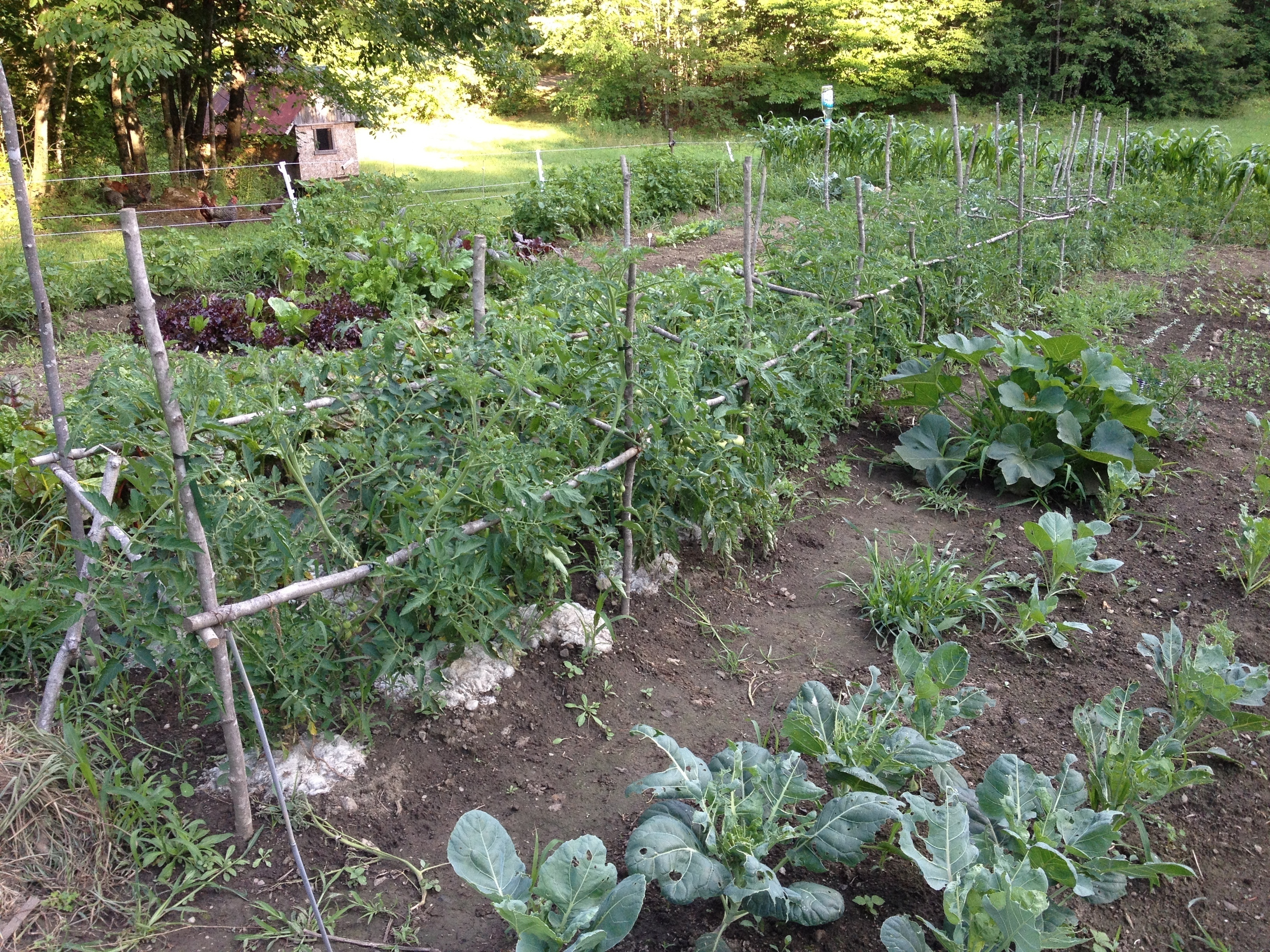
A few pics of all the tomatoes to come. Roughly 100 tomato plants, at 10lbs of tomatoes per plants, this means we’ll be doing some serious canning this year.
More cheapo frames – the tomato super-highway.

Flowers means we’ll be getting some yum-yum soon.
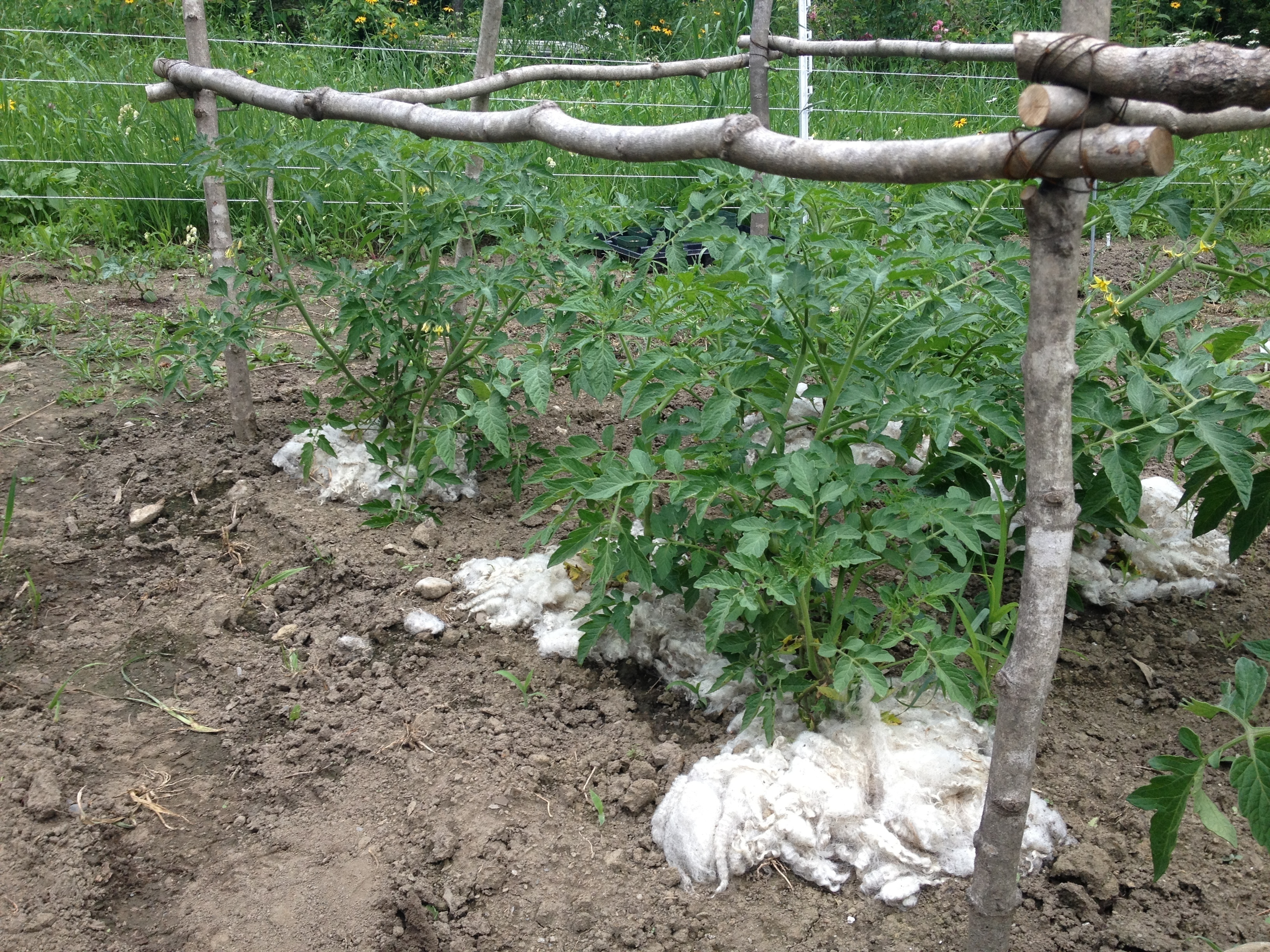
The plants that were planted the earliest of the season were given left-over scraps of wool in order to better retain heat & moisture. They are by far the most sturdy of all tomato plants. Lesson learned.
Look at ’em fancy plants, even I don’t wear such nice fiber.
When we lived in the city, ambient light pollution was such that I could set my CCTV cams to a certain brightness/contrast and the limited auto adjustments they did were enough to cope with day & night. In the middle of the forest, the night gets full on #000000 dark. The poor cams can’t adjust and I need to pick whether I want to record at night and get white frames during the day, or at daytime and get black frames during the night.
I wrote the following script which computes the average brightness of a cam’s current frame and issues more drastic adjustments if needed. It is obviously tailored for my FI8918Ws but the same idea can be used for others.
[php][/php]#!/usr/bin/php
<?php

$img = @imagecreatefromjpeg( 'http://192.168.1.203:8003/snapshot.cgi?user=<username>&pwd=<password>' ) ;
if( $img===false ) {
    die( "Unable to open image" ) ;
}

$w = imagesx( $img ) ;
$h = imagesy( $img ) ;

$total_r = 0 ;
$total_g = 0 ;
$total_b = 0 ;
for( $i=0 ; $i<$w ; $i++ ) {
    for( $j=0 ; $j<$h ; $j++ ) {
        $rgb = imagecolorat( $img, $i, $j ) ;
        $total_r += ($rgb >> 16) & 0xFF;
        $total_g += ($rgb >> 8) & 0xFF;
        $total_b += $rgb & 0xFF;
    }
}

$average_brightness = round( ( $total_r / ($w*$h) + $total_g / ($w*$h) + $total_b / ($w*$h) ) / 3 ) ;
echo $average_brightness, "n" ;

if( $average_brightness<30 ) {
    echo "night time!n" ;
    echo "moden" ;
    $result = file_get_contents( 'http://192.168.1.203:8003/camera_control.cgi?param=3&value=0&user=<username>&pwd=<password>' ) ;
    sleep( 10 ) ;
    echo "contrastn" ;
    $result = file_get_contents( 'http://192.168.1.203:8003/camera_control.cgi?param=2&value=6&user=<username>&pwd=<password>' ) ;
    sleep( 10 ) ;
    echo "brightnessn" ;
    $result = file_get_contents( 'http://192.168.1.203:8003/camera_control.cgi?param=1&value=240&user=<username>&pwd=<password>' ) ;
} else if( $average_brightness>170 ) {
    echo "day time!n" ;
    echo "moden" ;
    $result = file_get_contents( 'http://192.168.1.203:8003/camera_control.cgi?param=3&value=2&user=<username>&pwd=<password>' ) ;
    sleep( 10 ) ;
    echo "contrastn" ;
    $result = file_get_contents( 'http://192.168.1.203:8003/camera_control.cgi?param=2&value=4&user=<username>&pwd=<password>' ) ;
    sleep( 10 ) ;
    echo "brightnessn" ;
    $result = file_get_contents( 'http://192.168.1.203:8003/camera_control.cgi?param=1&value=64&user=<username>&pwd=password>' ) ;
}

?>[/code]
The neighbor’s vegetable garden has been ravaged recently by what he thought was a woodchuck. Now our garden is doing just fine but just in case I started reviving the old CCTV system. Bare in mind I have never had an encounter with one and only know what they look like based on the label of some mighty delicious cider.
Pictured bellow, said mighty delicious cider in action.

A casual look out the window and I see a fat cat inside my fenced garden. Thanks the the neighbor’s heads up & the power of delicious cider I know exactly what is going on: woodchuck, inside my fenced garden, having an all you can eat buffet…
I run upstairs to get a pellet rifle thinking it’s not worth alarming the neighbors with gunfire and that it will probably be enough to give it the scare of its life. Turns out the rifle it much more powerful than I had imagined and just drops the poor thing dead.
Sorry woodchuck…
Devastation
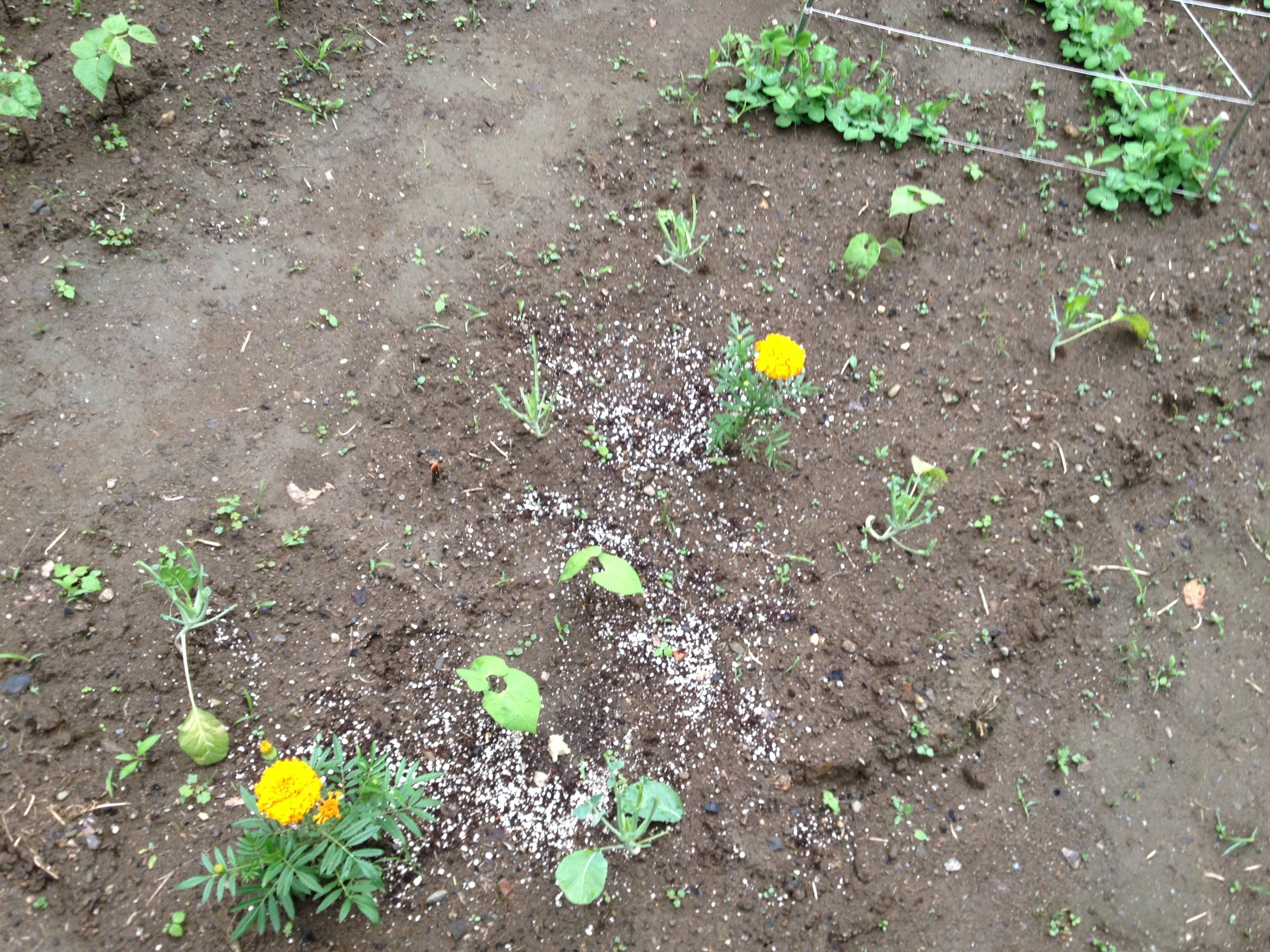
My family recently moved to a fairly remote area, the question of internet access has been a major one for the couple of months leading to the move. Besides satellite & dial-up, our only option was Verizon’s MiFi (3G or 4g if you’re lucky) in the form of a hotspot device: the 4620L.
I was afraid that the 4620L would try to be too smart and not let you tinker with it very much, very few decent reviews are available online and the official documentation is seriously lacking. Fortunately this couldn’t be further from the truth, it is a great little device that performs well and lets you turn all its knobs.
When using “USB tethered mode” I was afraid I’d need specific drivers and a software suite running but lo and behold, it actually just pretends to be an ethernet device over USB. Absolutely perfect to put a Linux router in front of it!
One thing that did not get properly QA’d is the “Enable DCHP Server” checkbox which simply doesn’t work. But guess what, I want to do my own routing and I’d like to avoid NATing from the 4620L to the Linux router. One way to circumvent this is to use the “Config File Download” and “Config File Upload” options which are meant as a way to backup & restore configuration but since the file is all intuitively labeled XML it’s easy to disable the DHCP server from there.
While you’re in there, you can also override the maximum number of “Available Wi-fi Connections” (5 when using 3G). They probably have this restriction so regular Joe user doesn’t hook a gazillion device and complain about speed over 3G. Reaching this limit is very easy nowadays.
Verizon’s plan is pretty pricy and very metered… All we get is 5GB per month, each additional 1GB will cost us $10. Ouch… I need to configure the network to consume as few bytes as possible. Netflix is out, AdBlock is in, automatic updates of various types are out. Above all, my home server will now be doing some serious routing, the goal of which is to allow devices to be on the home intranet while minimizing their use of the internet.
That’s right, the IP you get from Verizon is in the private range (RFC 1918), this means they are doing some NATing of their own. You can forward ports all you want on your 4620L this will have no effect. Your only option is some cumbersome hole punching.
We’ll be talking routing in a next post, I would have liked to find this information about the device & Verizon’s setup so I wanted to put it out there sooner rather than later.
Bicycle
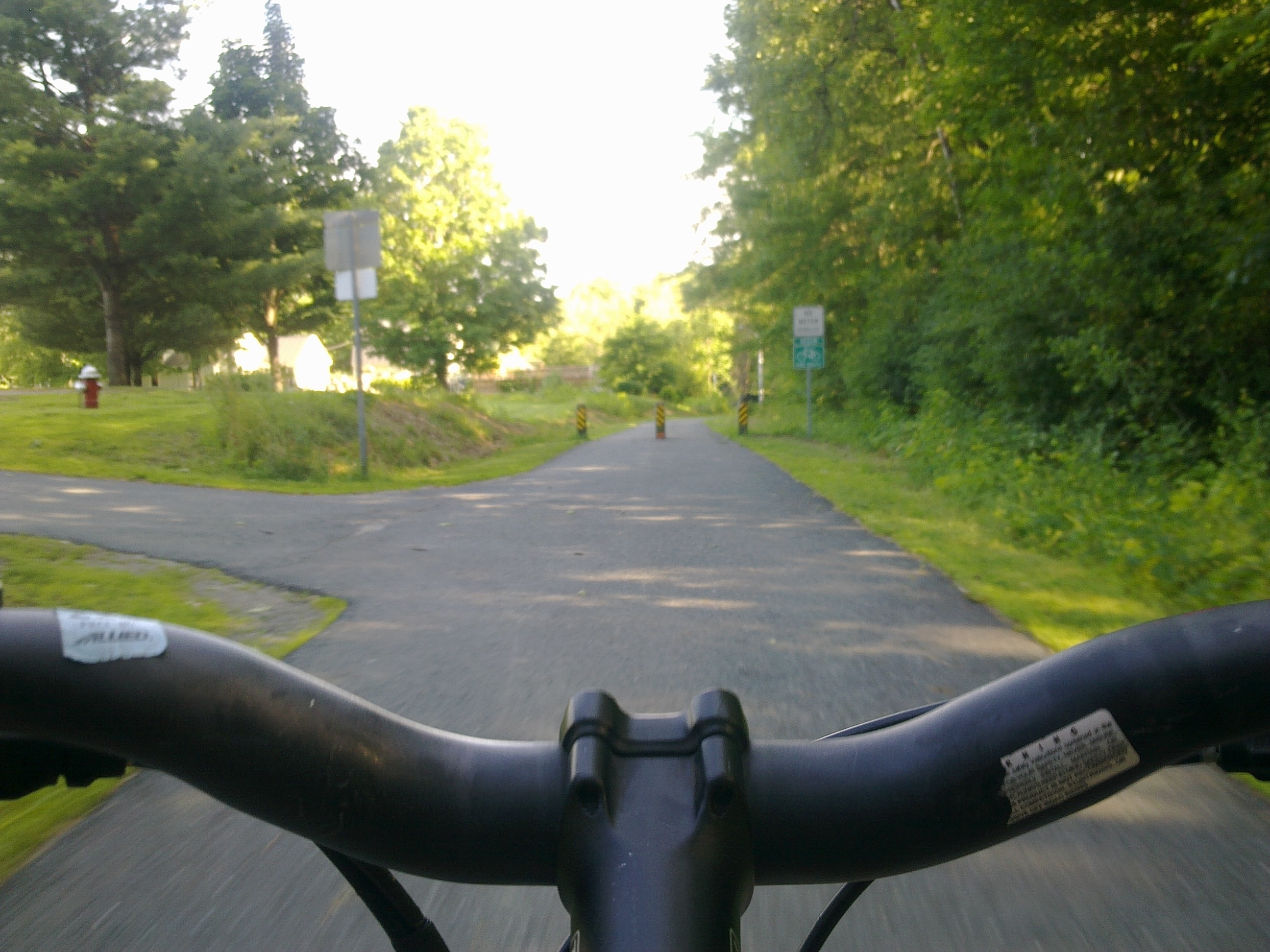
kayak


free bus without hobos

And of course, car
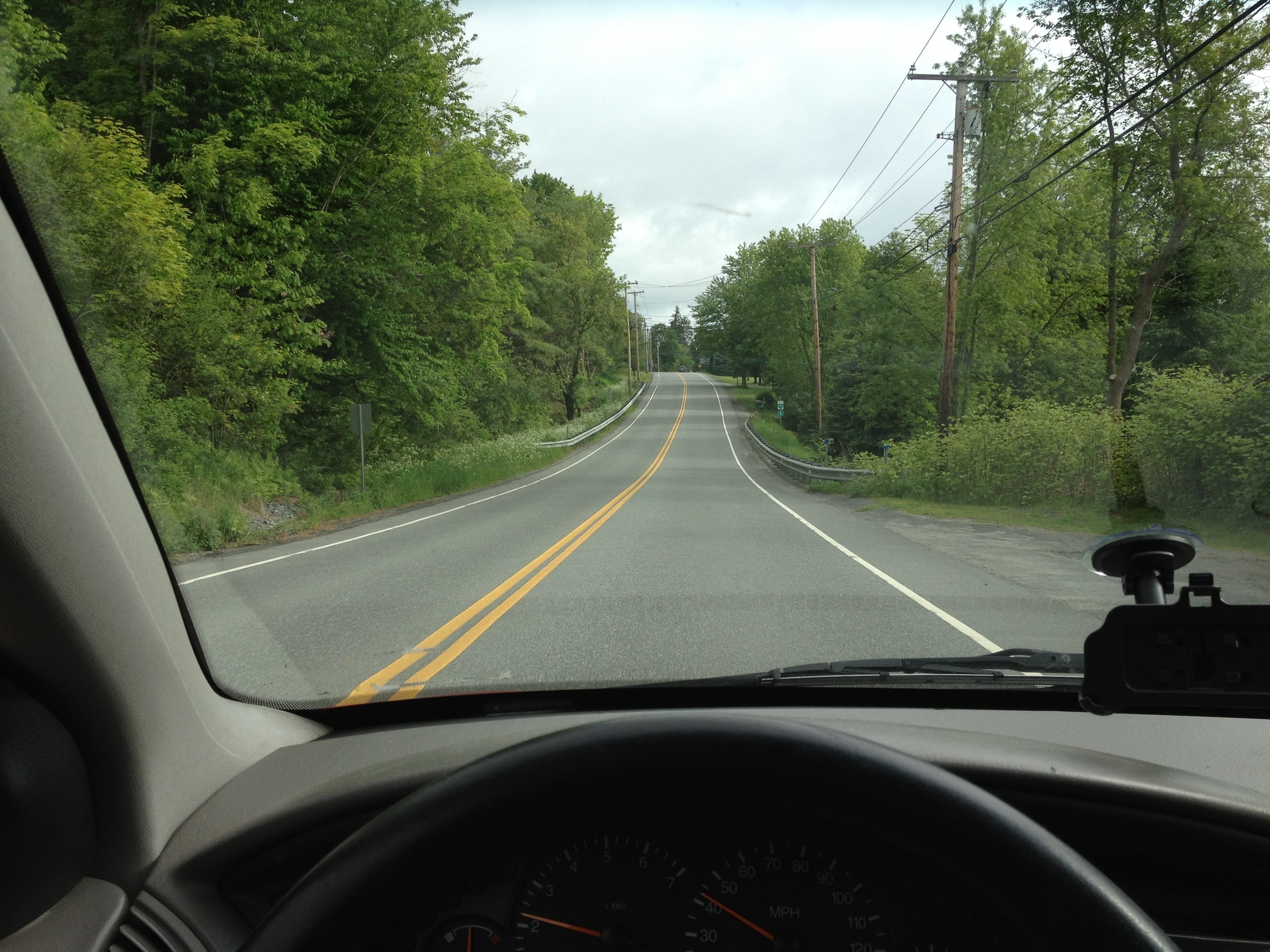
More to come…
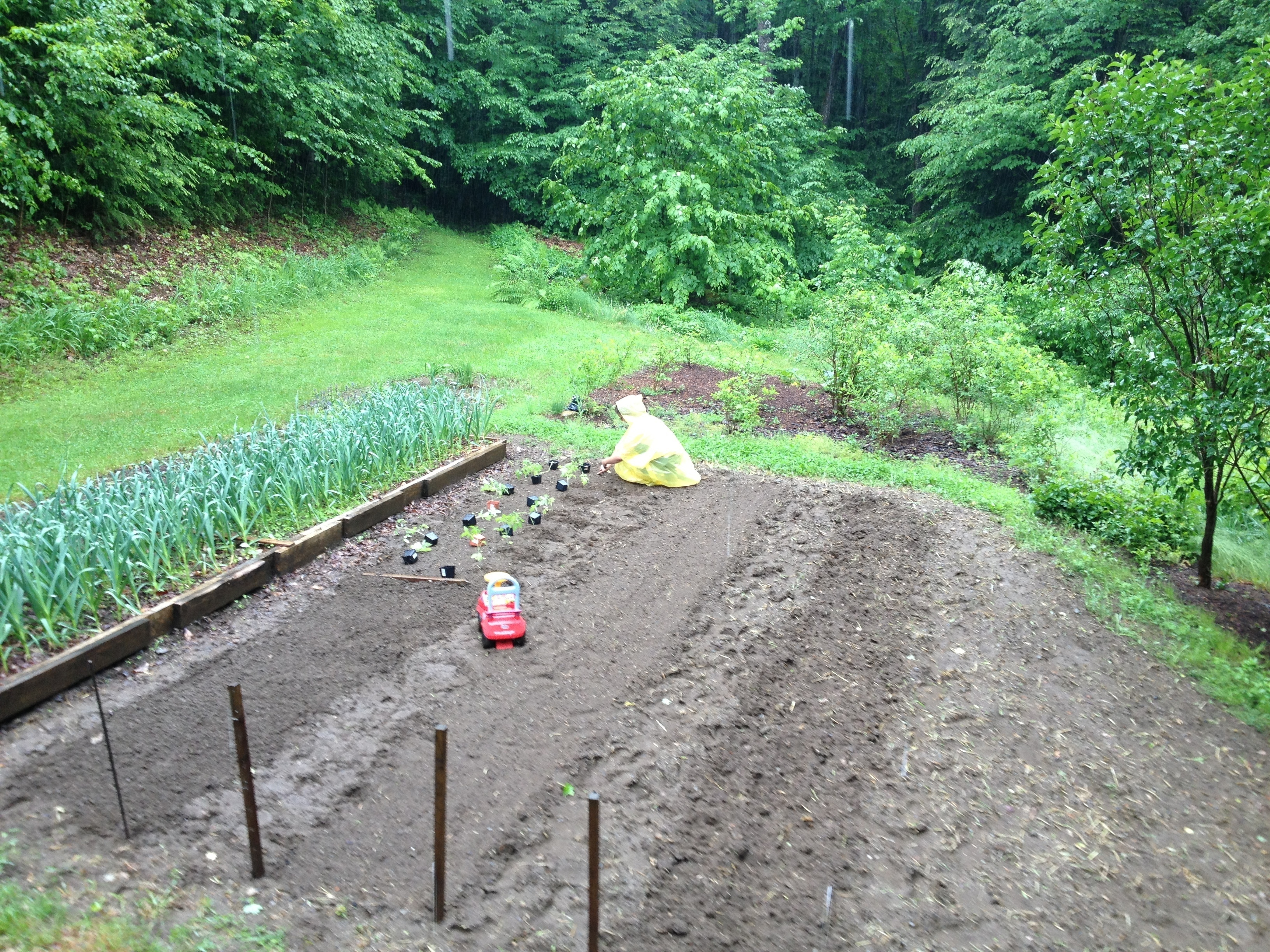
My beautiful wife having more balls than me.
Further inspection showed that the comb on the floor was most likely a mis-attached comb that fell from a top-bar. The bees weren’t exactly expanding on it but they weren’t removing it either, it was time to give them some help. Doing so was like playing a game of Operation but it went very smoothly and the bees were very docile even though I was digging pretty deep in their hive.
Not much in this wreck of a comb but the bees were still tending to some brood in there.

Going at it very carefully.
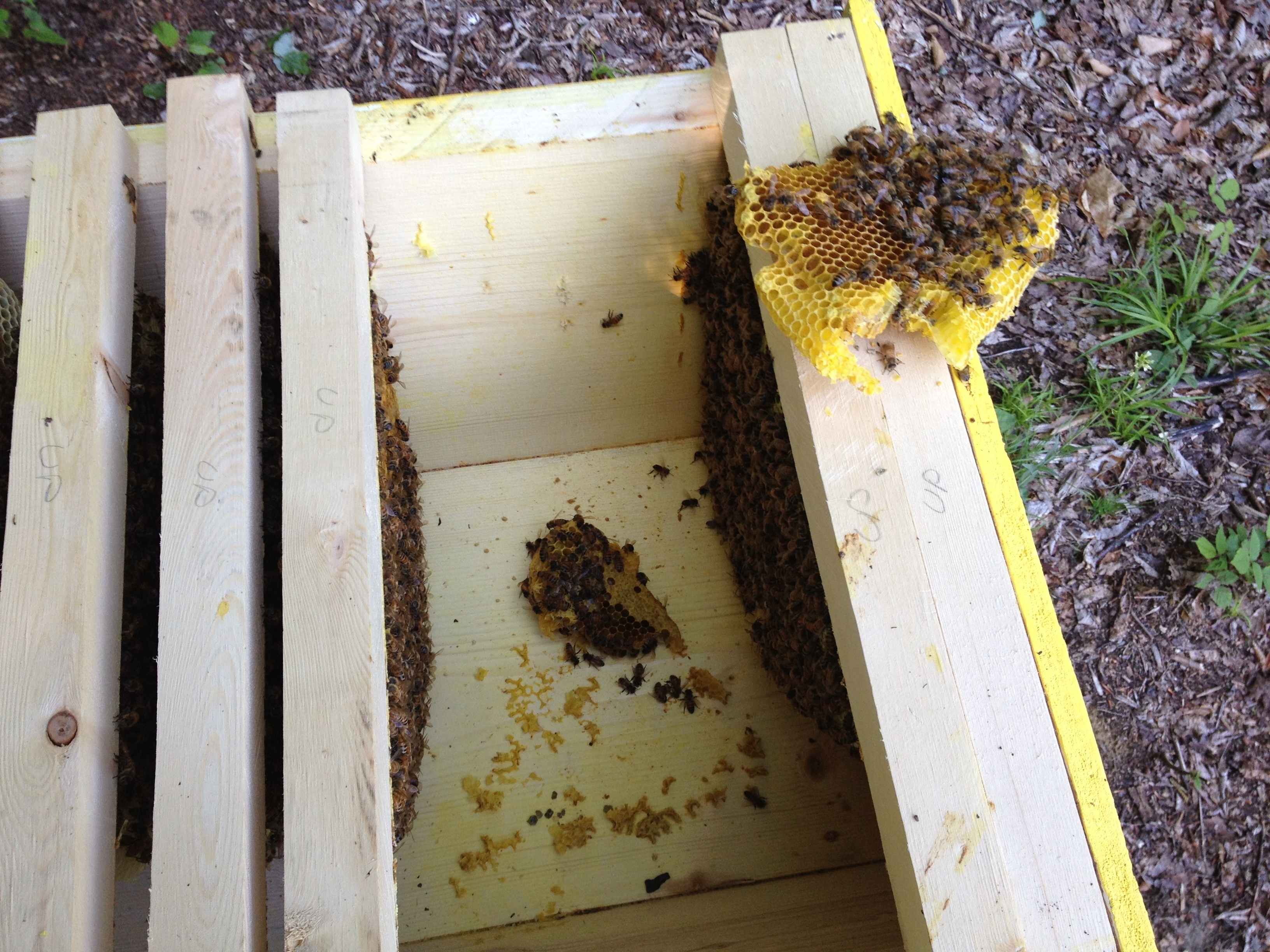
I’ll leave them to clean the remaining pieces.

Eventually one of the back bars that I had set aside was abandoned of all bees so… I just took it! Not necessarily the best thing to do but I was very eager to taste what the bees were up to. And it was delicious.
From comb,
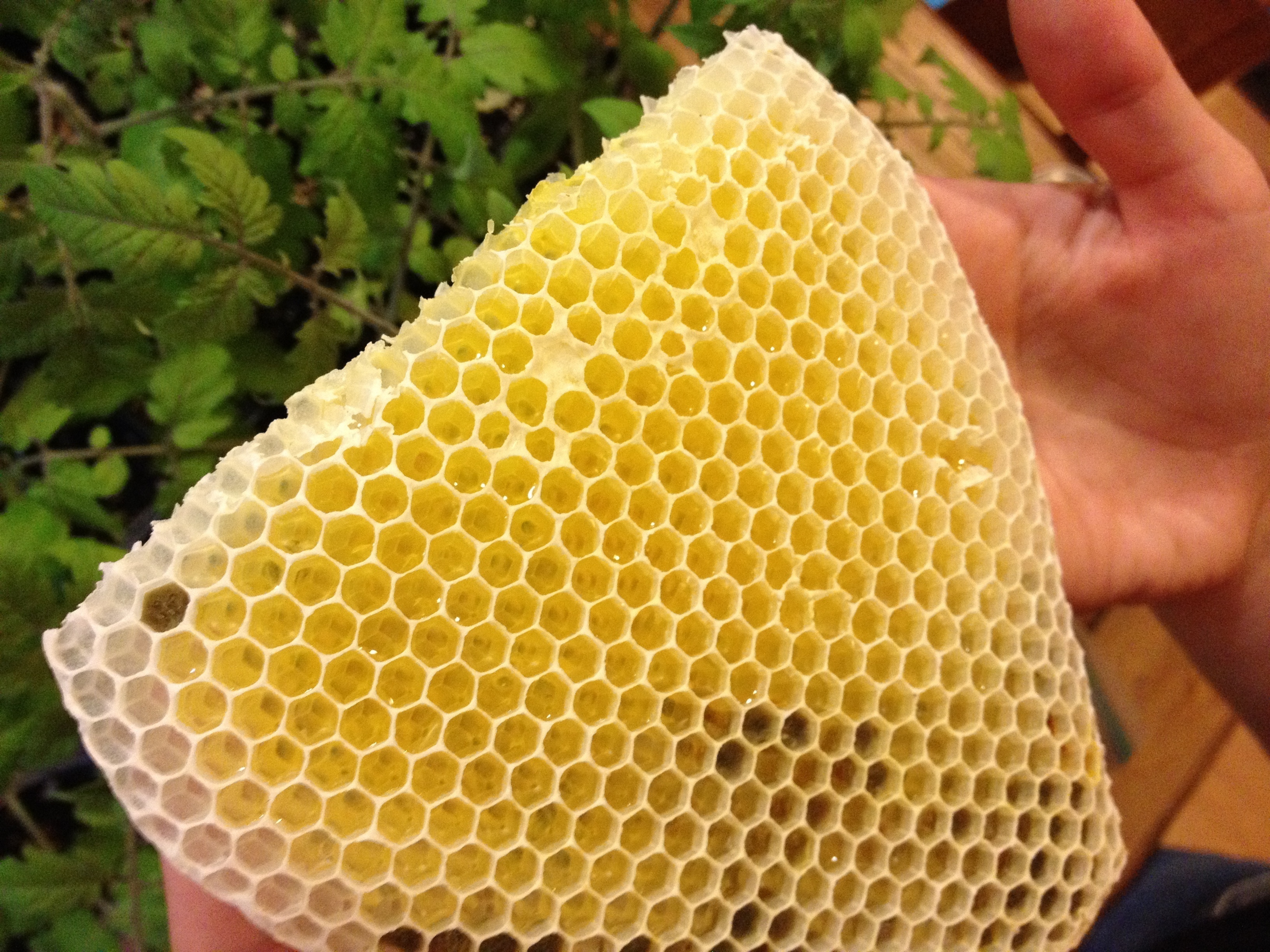
To sweet nectar.
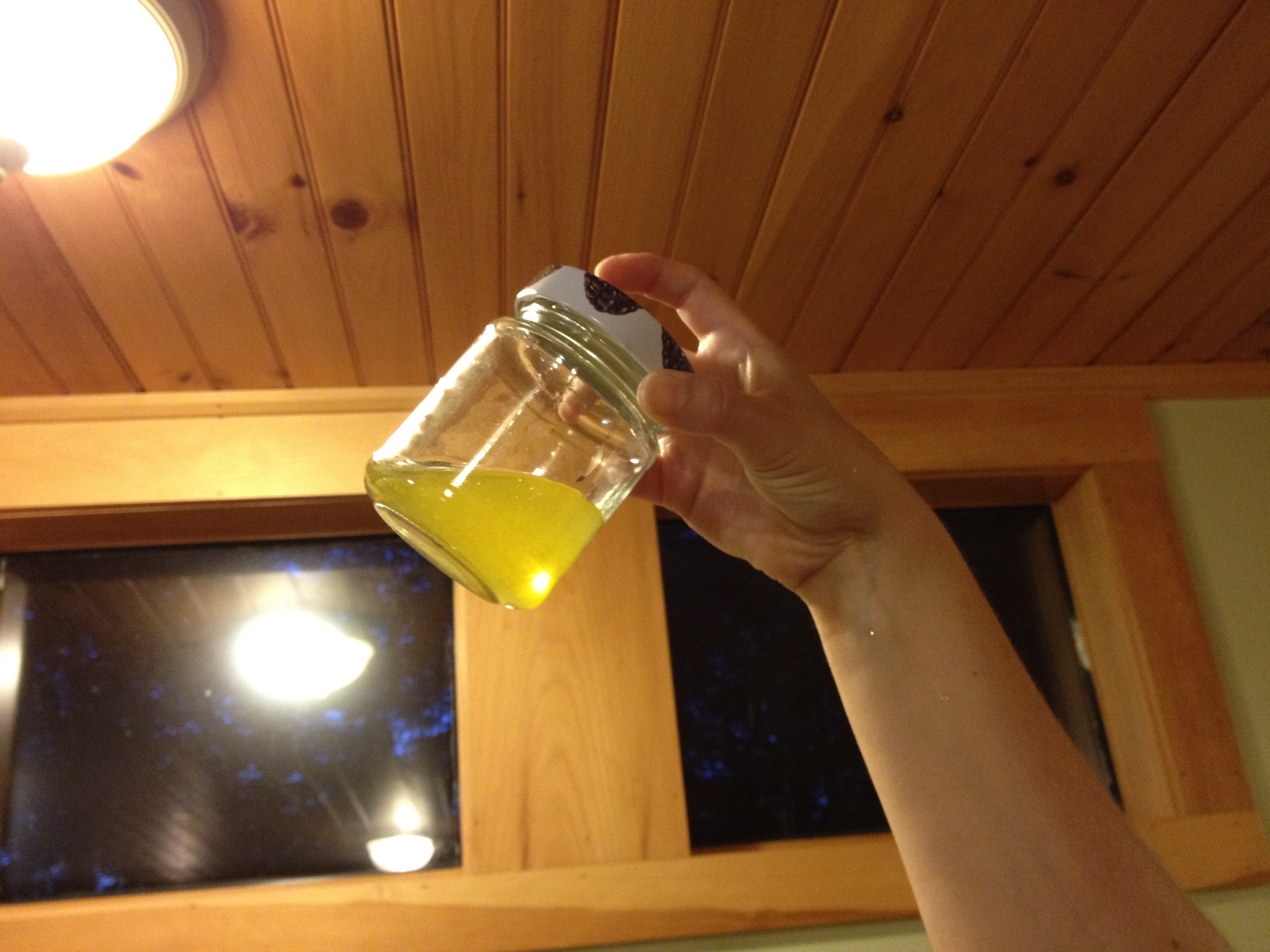
It tasted very much like a mix between sap & honey, super good.
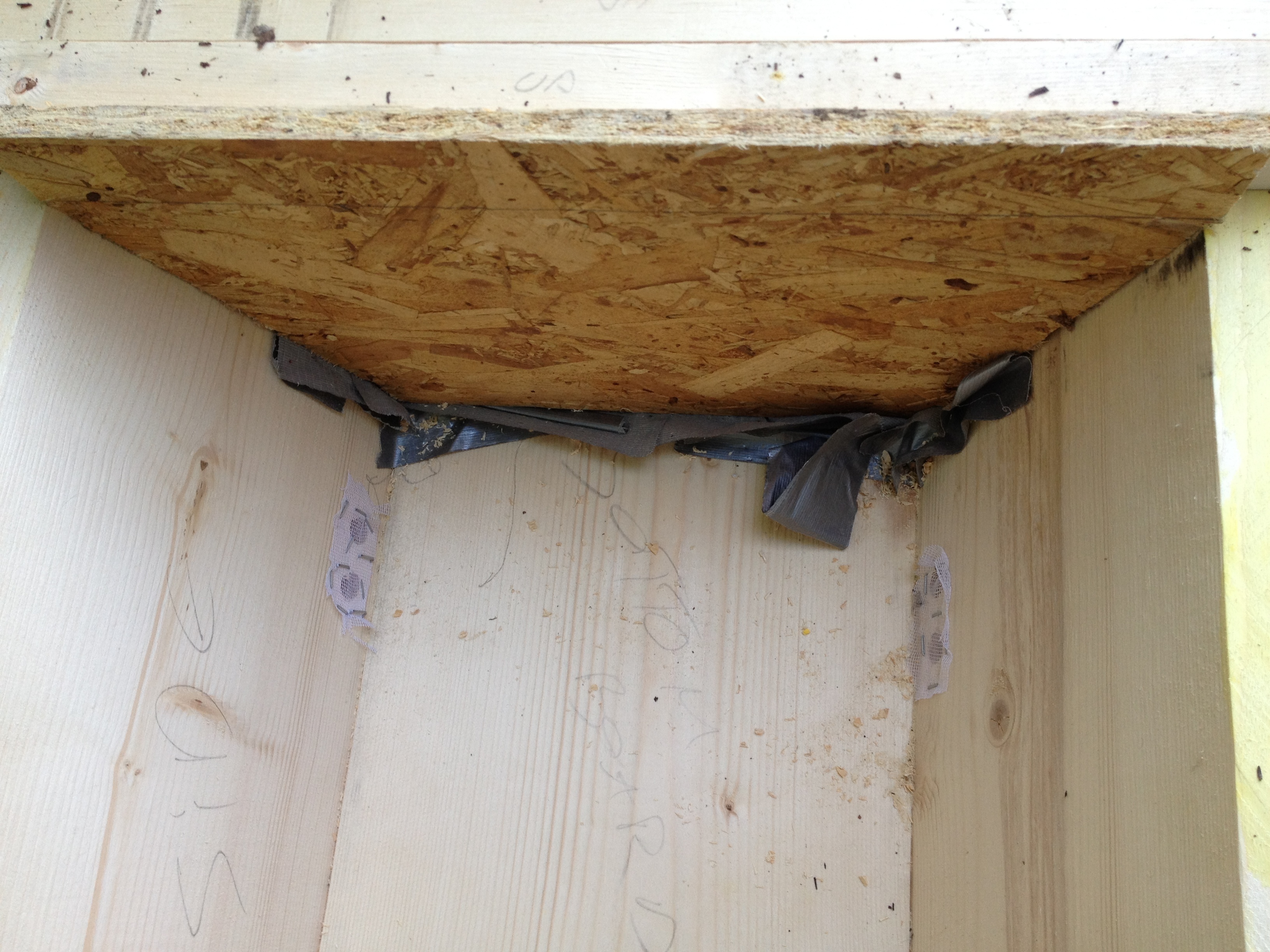
I inspected my hive today and it’s doing great. I drilled a few holes in the part that is currently uninhabited to give the bees some air. I did it early in the morning to lock them inside for the drilling, they took it really well and didn’t care a bit about the ruckus, even after I released them. I continued on merrily with the inspection as if nothing happened.
A few holes for aeration in the middle of the hive, I stapled netting to prevent robbing and to make sure they don’t become an entrance.
Honey!
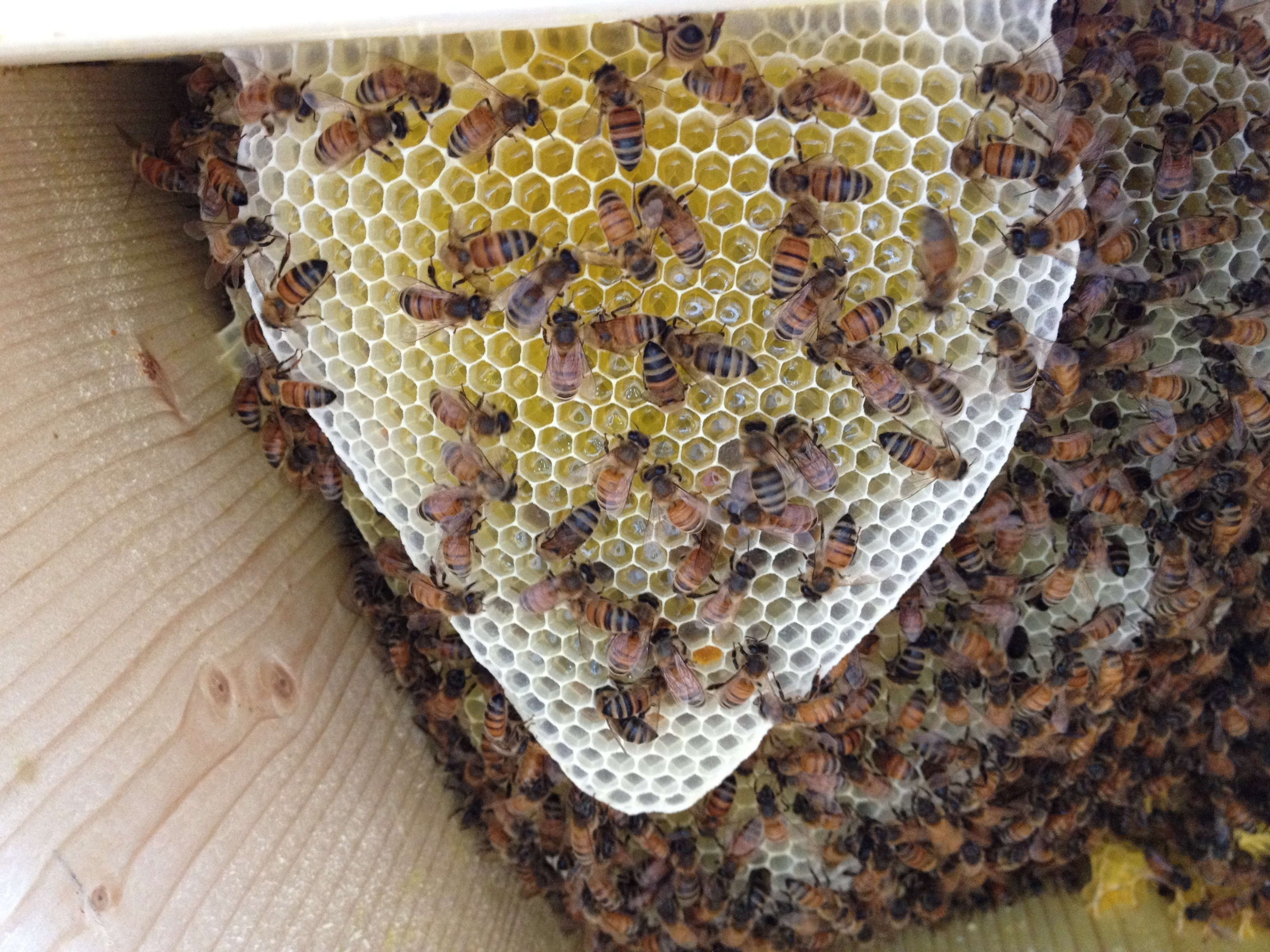
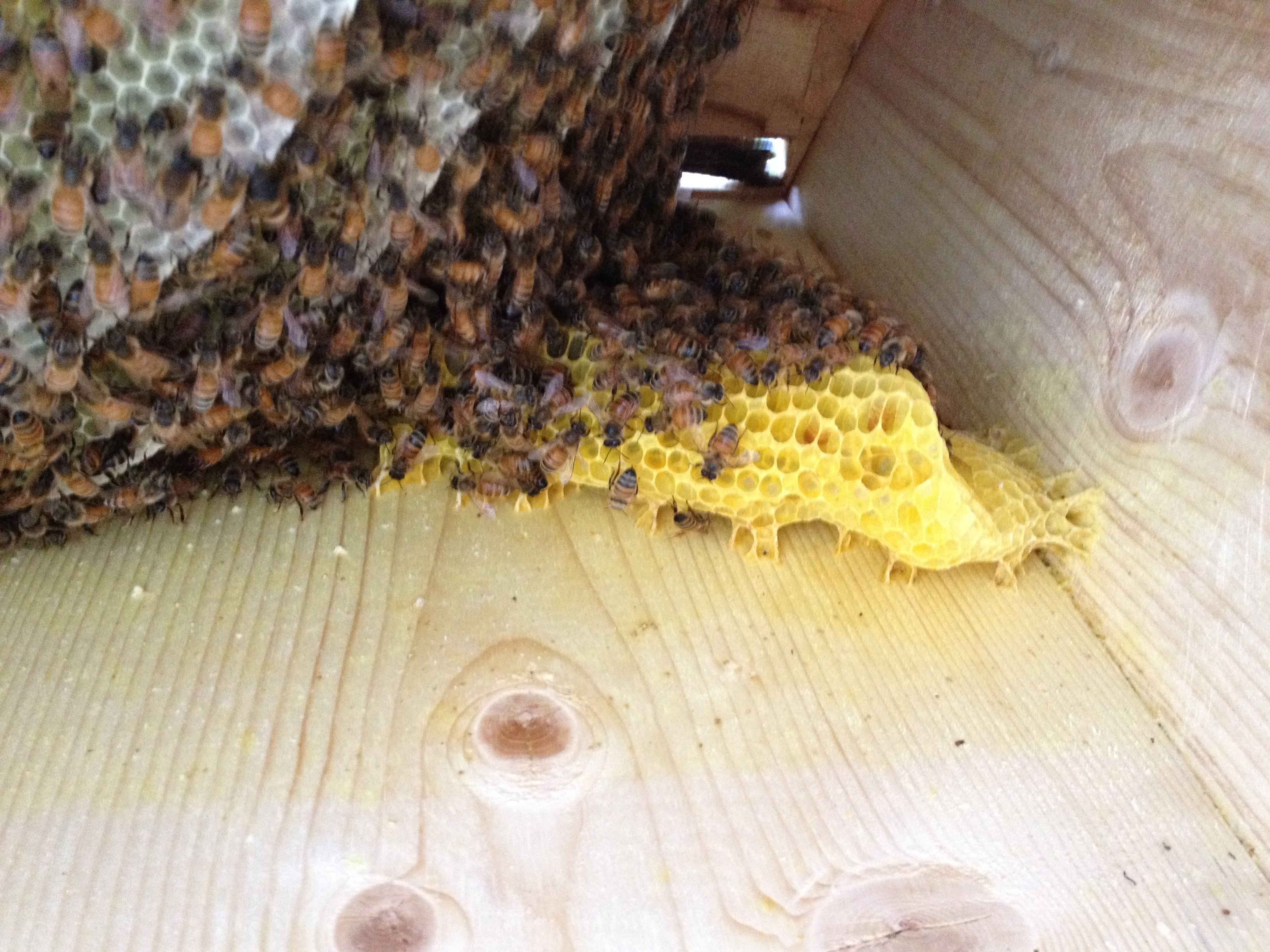
Today’s surprise though, came with the presence of comb on the floor. I’m not sure if this fell from one of the top bars but I doubt it. I don’t know what to do with it right now, I’ll monitor the situation and decide later whether to remove it or not.
The mess
Because we don’t necessarily want the home lens to be the default one in Unity, and unlike other lenses it is hardcoded left & right. Here’s a little trick that will let you pick a different lens as the default for when you click on Dash.
edit the file: /usr/share/unity-2d/shell/dash/Dash.qml
replace line 79 “onDashActivateHome: activateHome()” by “onDashActivateHome: activateLens(X)” where X is the index of the lens you want to load (count from left to right starting from 0).
You’ll want to restart Unity for this to take effect.
Done!
[flv:http://ben.akrin.com/wp-content/uploads/2012/05/IMG_0937.MOV.flv 640 480]
So here we are, 2012 and physical media are going away really fast. We won’t even talk about CDs which have been relegated to the role of plastic dust collectors; hard drives even are being abstracted by a myriad of cloud based solutions. Their purpose is shifting towards a container for the OS and nothing else. Filesystems & their hierarchies become hidden in a bid to remove any need to organize files, rather, you are supposed to throw it all up in the cloud and search on metadata.
While moving away from physical media is convenient and inevitable, I like the hierarchical organization that directories provide. What’s more intuitive than a labeled container with stuff in it?
How can we detach our hard drives from their physical shells, move them around in an omnipresent cloud and keep them secure?
By creating a file, attaching it to loopback & creating an encrypted partition in it!
[bash]dd if=/dev/zero of=/tmp/ffs bs=1024 count=524288[/bash]
This will create a 512MB file (524288/1024).
[bash]losetup /dev/loop0[/bash]
You should see something telling you that there is “No such device or address”.
[bash]sudo losetup /dev/loop0 /tmp/ffs[/bash]
[bash]losetup /dev/loop0[/bash]
[bash]sudo cryptsetup –verify-passphrase luksFormat /dev/loop0 -c aes -s 256 -h sha256[/bash]
[bash]sudo cryptsetup luksOpen /dev/loop0 ffs[/bash]
[bash]sudo mkfs.ext3 -m 1 /dev/mapper/ffs[/bash]
[bash]sudo mount /dev/mapper/ffs /mnt[/bash]
[bash]sudo umount /mnt[/bash]
[bash]sudo cryptsetup luksClose ffs[/bash]
[bash]losetup -d /dev/loop0[/bash]
These steps can be automated of course. As a quick reminder, using the drive goes “loopback attach -> crypt open -> mount” and when you’re done it’s “umount -> crypt close -> loopback detach”.
That’s it! media-less & secure storage.
Tested on: Ubuntu 12.04 64b
Previous versions:
[bash]sudo apt-get install build-essential libopenmpi-dev openmpi-bin libssl-dev[/bash]
[bash]mpicc -O3 crackzor.c -o crackzor -lm -lssl -lcrypto[/bash]
[code]machine00.domain.com
machine01.domain.com
machine02.domain.com
machine03.domain.com
machine04.domain.com[/code]
[bash]ssh-copy-id machine0X.domain.com[/bash]
where X E [0,4] (yes, machine00 needs to be able to SSH to itself).
[bash]for machine in `cat machines`; do scp crackzor $machine:~; done[/bash]
Pro-tip: having network storage attached to all the machines makes this step unnecessary.
[bash]mpirun -npernode Y -machinefile machines crackzor fbade9e36a3f36d3d676c1b808451dd7 abcdefghijklmnopqrstuvwxzy 1 1[/bash]
where Y is the number of cores each machine in your cluster has. If you are running this on machines with 2 CPUs with 8 cores each, Y = 8 * 2 = 16.
Tested on Ubuntu 10.04 64b / Ubuntu 12.04 64b / Ubuntu 14.04 64b
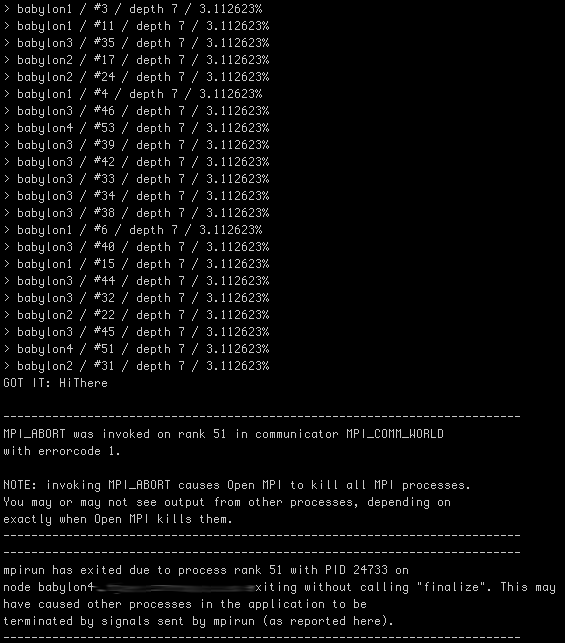
[bash]mpirun -npernode 16 -machinefile machines ./crackzor 7ca4793dcdff46ecda38e48d65b6c913 abcdefghijklmnopqrstuvwxzyABCDEFGHIJKLMNOPQRSTUVWXYZ 1 7[/bash]
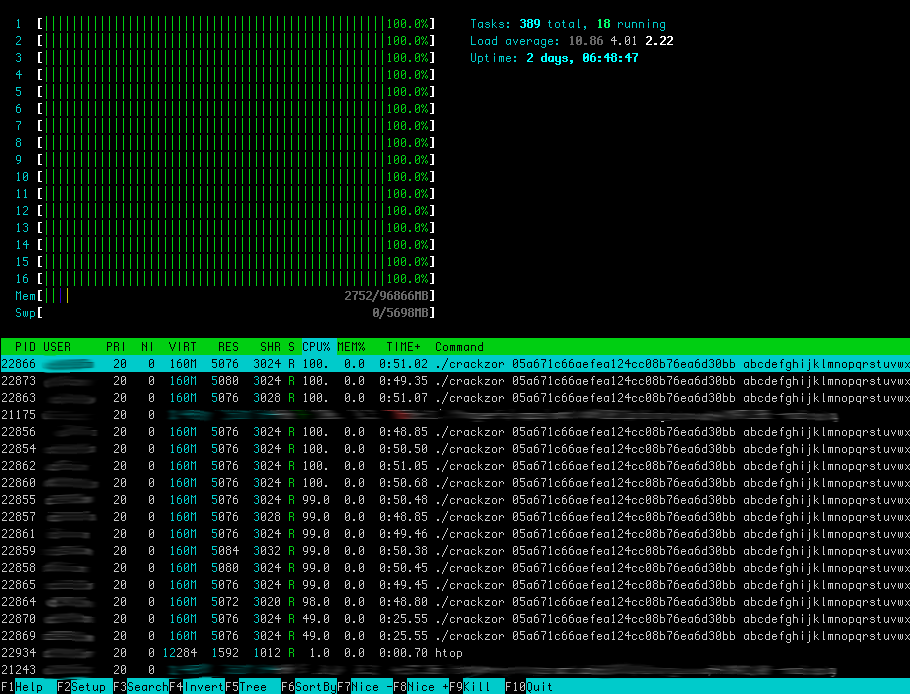
This is what “htop” looks like with a bunch of processes spawned & hammering every core:
For the purpose of testing crackzor, we give it the md5 hash of an 8 character word and tell it to bruteforce it up to 7 characters. This insures that we will compute every permutation up to 7 character longs. The characters I asked it to permute are “abcdefghijklmnopqrstuvwxzyABCDEFGHIJKLMNOPQRSTUVWXYZ”, our sample space size is thus 52^7 + 52^6 + 52^5 + 52^4 + 52^3 + 52^2 + 52^1 = 1,048,229,971,204.
Here is the raw data, and here it is graphed:
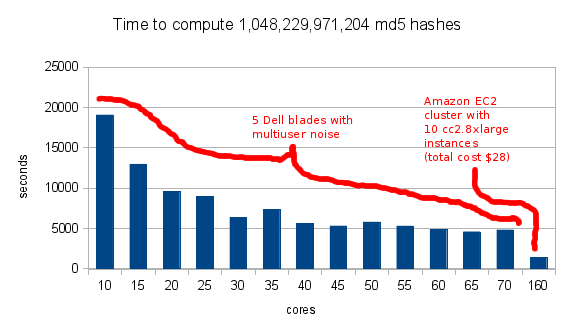
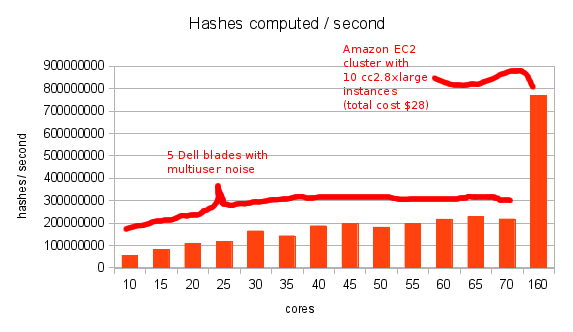 I wish it would show the linear progression more but 3 things got in the way:
Ideally I would run through a few iterations of EC2 to observe its progression but hey, it’s expensive :).
Well, this is it. After much prep work I have finally released my first package of bees in the hive. Everything did not go according to plan, the candy separating the queen from the rest of the colony had already been eaten. As a result the queen did not get a chance to be released by the workers. I managed to keep her in there while I was releasing the remaining 3lbs of bees. Things went well other than this and I am hopeful that she’ll be accepted by the others as they had been traveling together for a while. I’ll try and locate her in a couple of days and if I can’t find her, I will rush order another queen. It’s nice that I get another shot if needed.
All the extensive information I gathered online (various blogs, Youtube videos) prepared me pretty well for what to do. Nothing however can prepare you for the experience of handling a liquid-like swarm of buzzing bees. It was very impressive & I was definitely glad I got a full suit. Not that they were even really pissed at me for shaking them in their new hive. But it felt like a wrong move could change everything for the worse very fast. I eventually learned to trust my suit.
I went back to install an electric fence with a friend the next morning (bears & skunks are an issue in the area), no buzzing was to be heard. Nothing at all, I opened a couple of bars and couldn’t see a thing. Finally I found them on a few bars and disturbing them made the whole swarm start the day. It was super cool to see them do their thing.
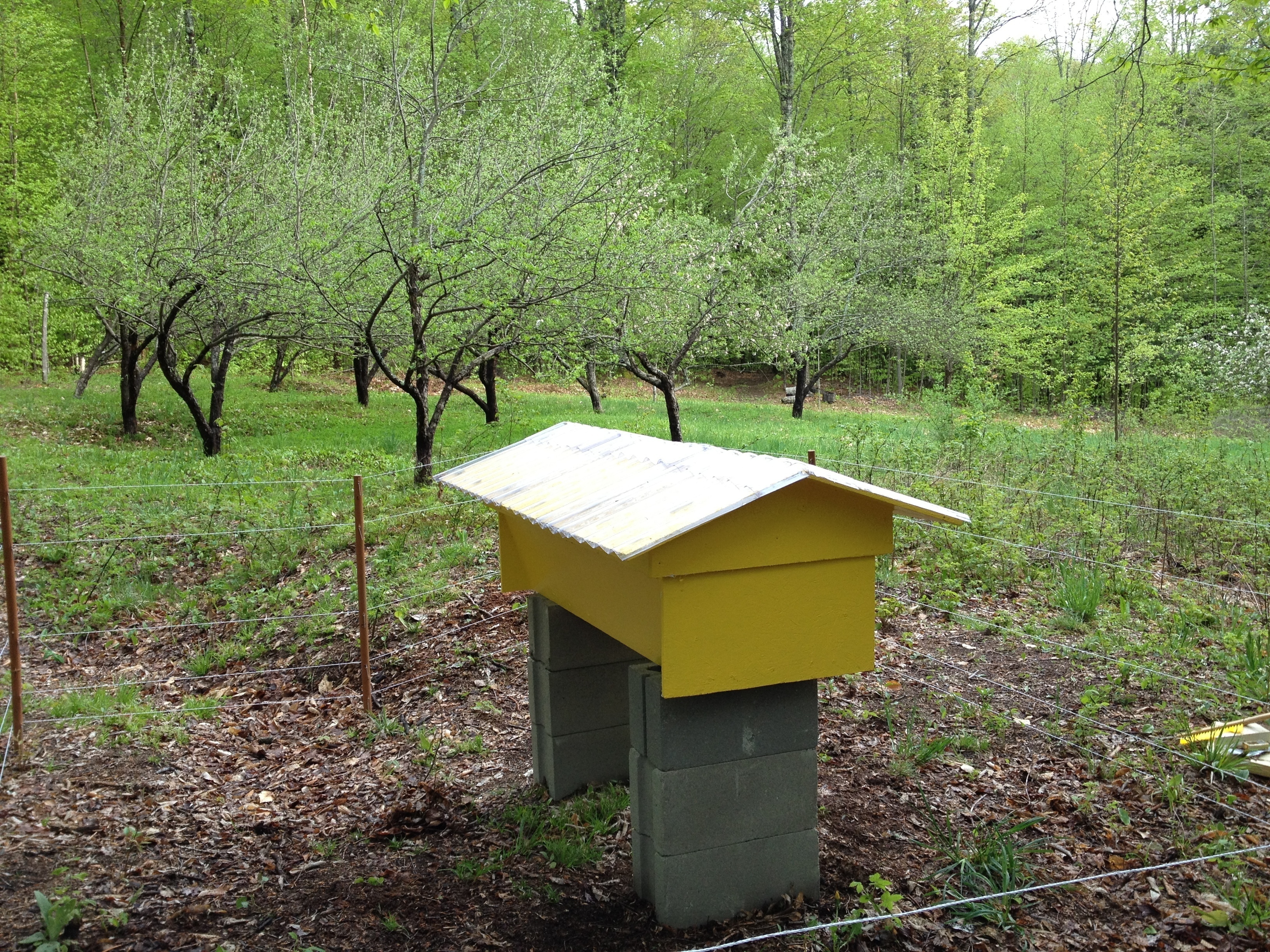
The hive in its final location, with a new roof & fenced in to withstand the local wildlife
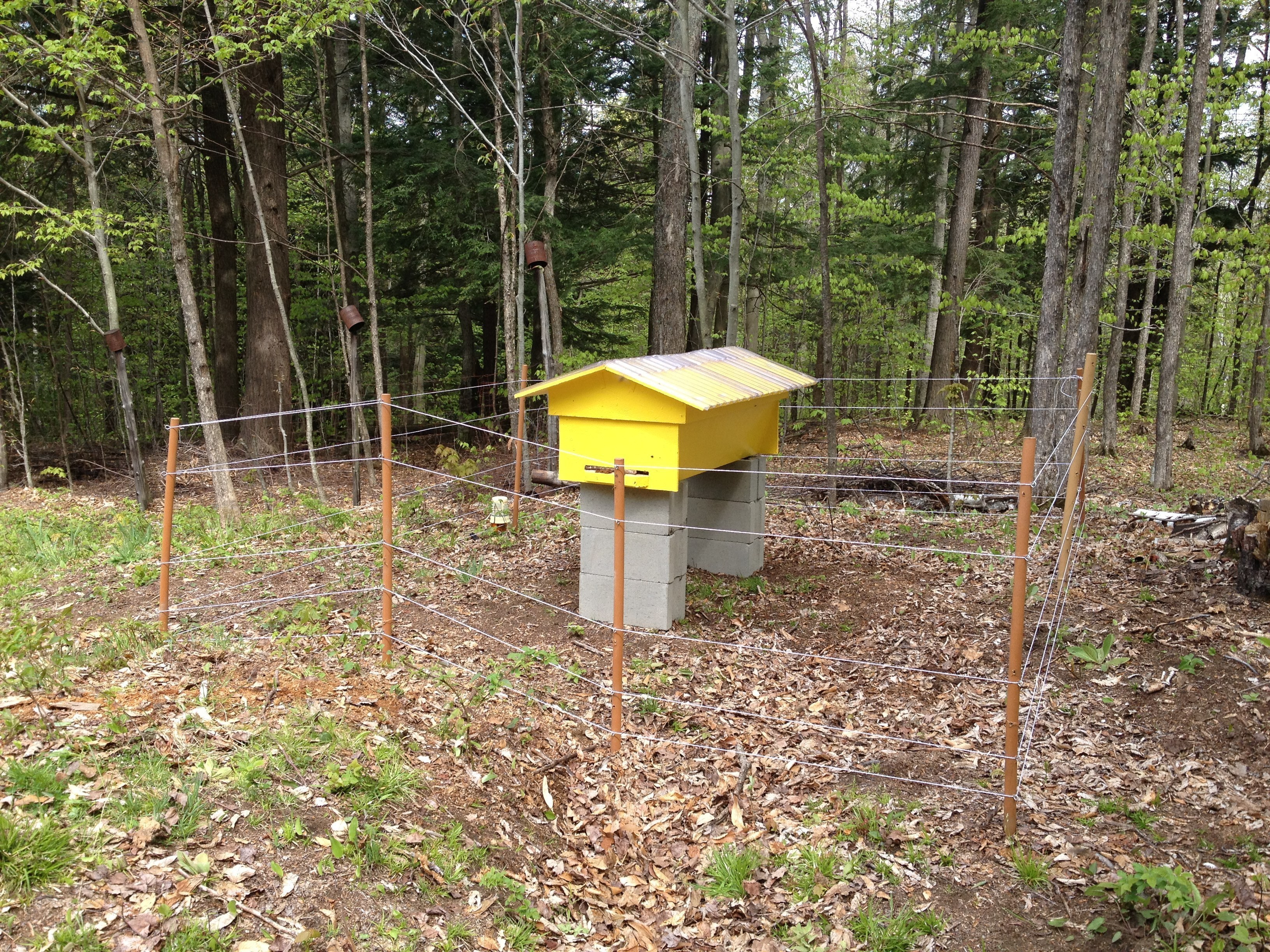
The hive actually faces an orchard which is starting to bloom, perfect timing for some pollination help. I intend on taking more pictures in a few days.
Because I always end up wasting 20 minutes looking it up.
[bash]tcpdump -i ethX -s 0 -w traffic.pcap[/bash]